

Print Profile(1)
Description
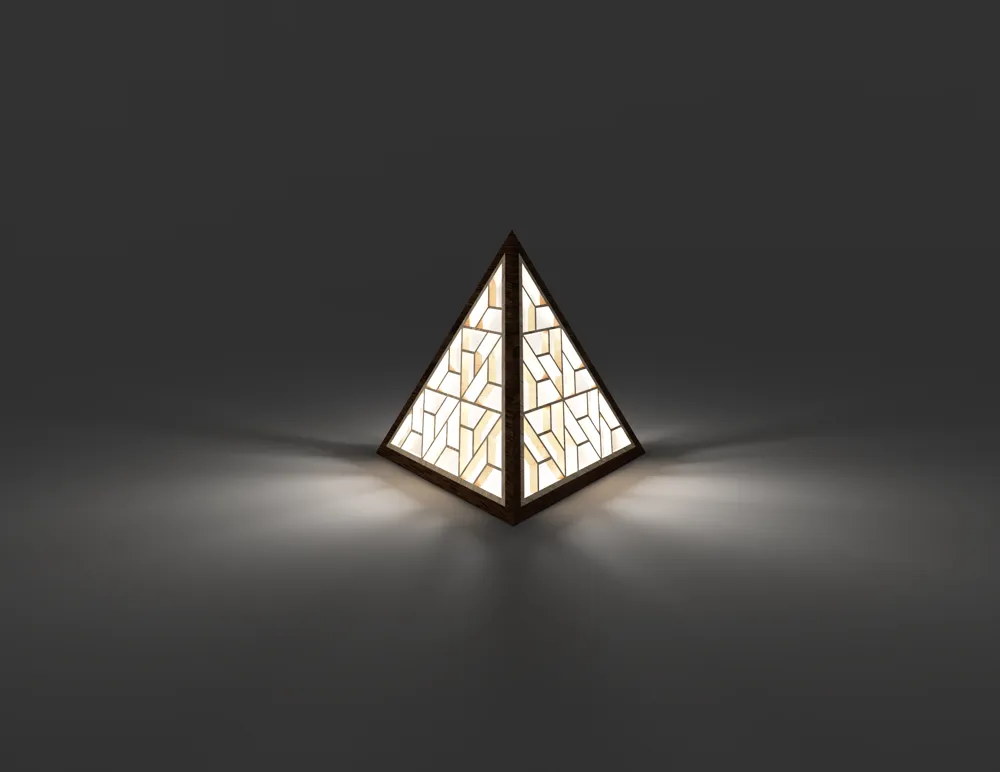
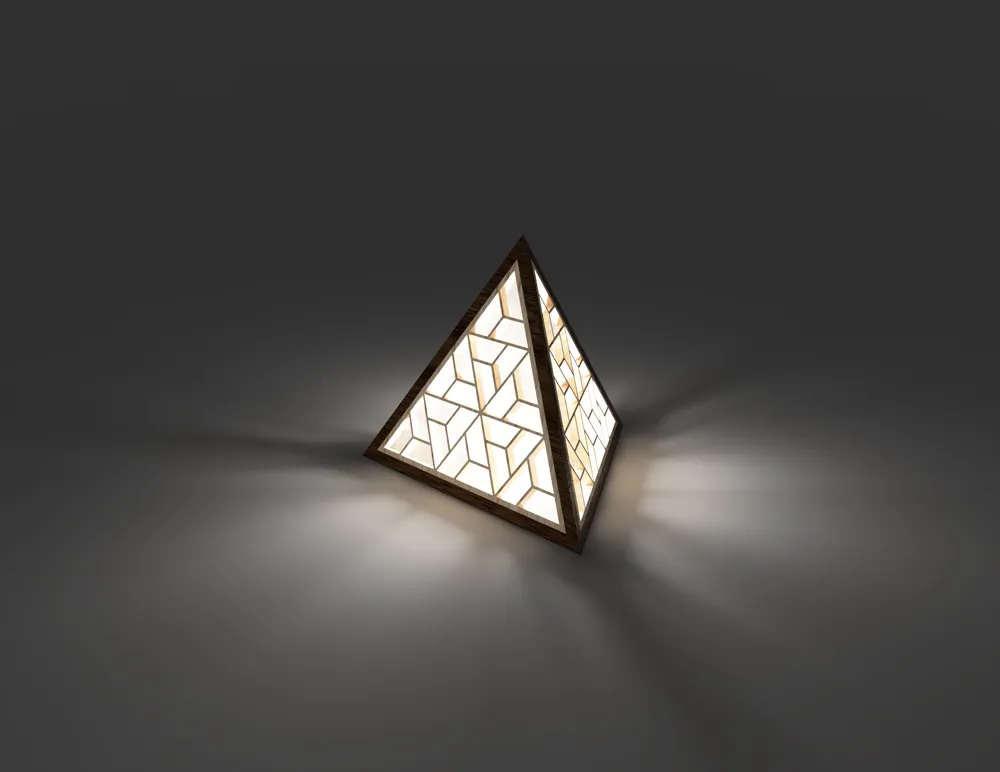
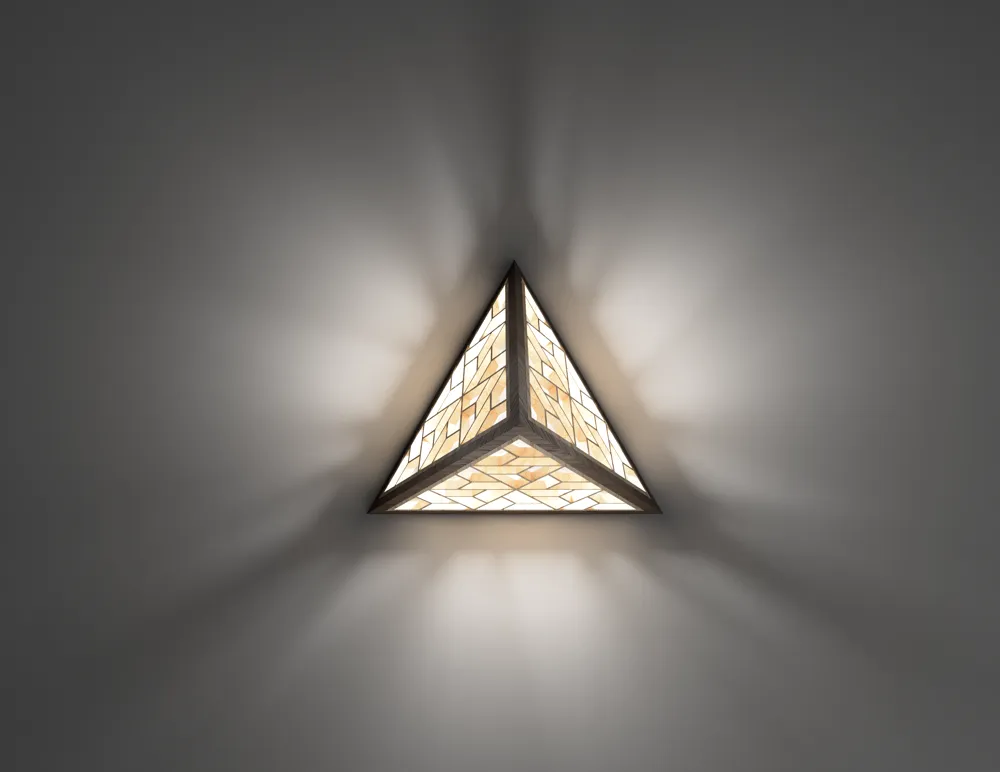
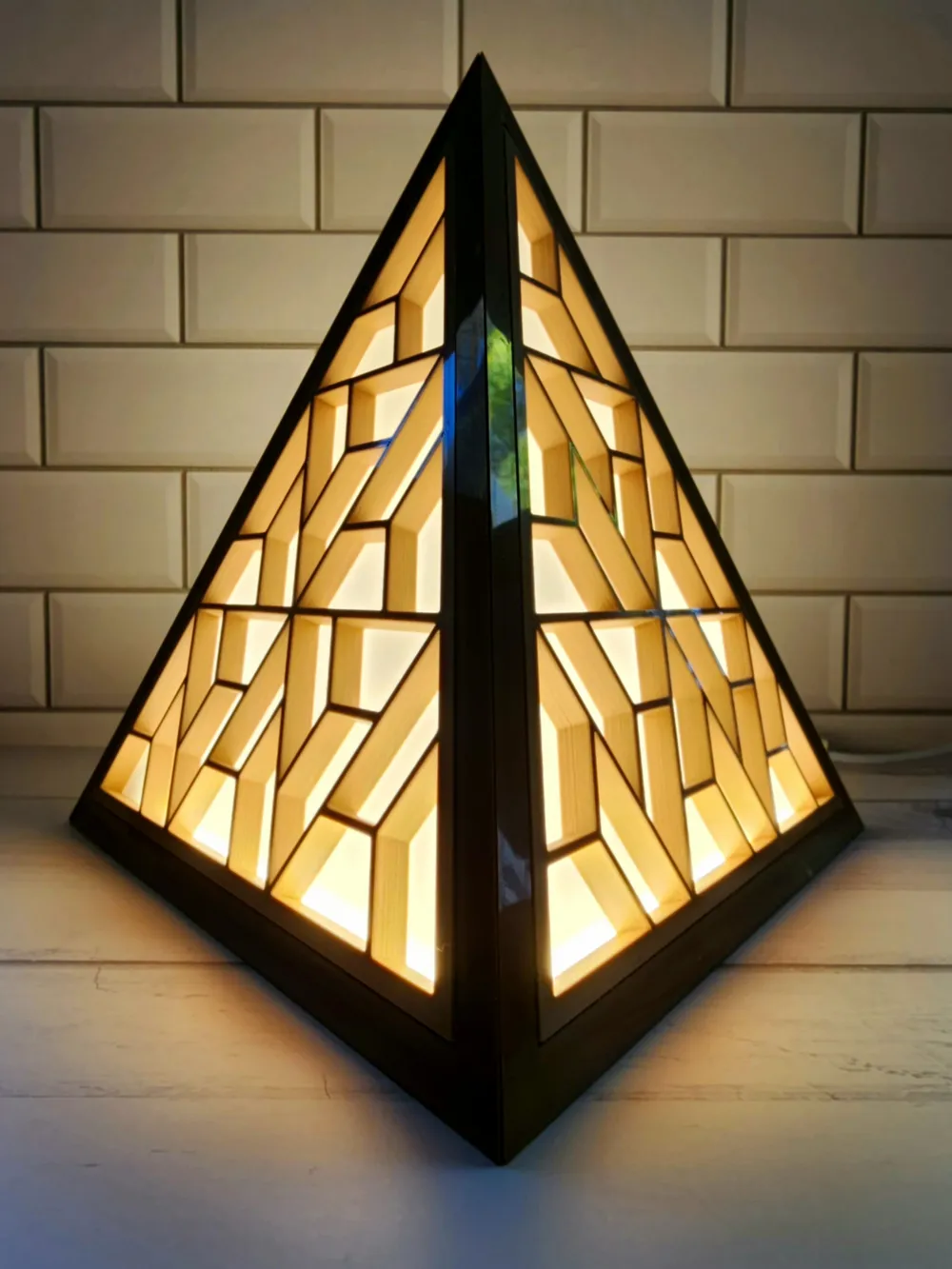
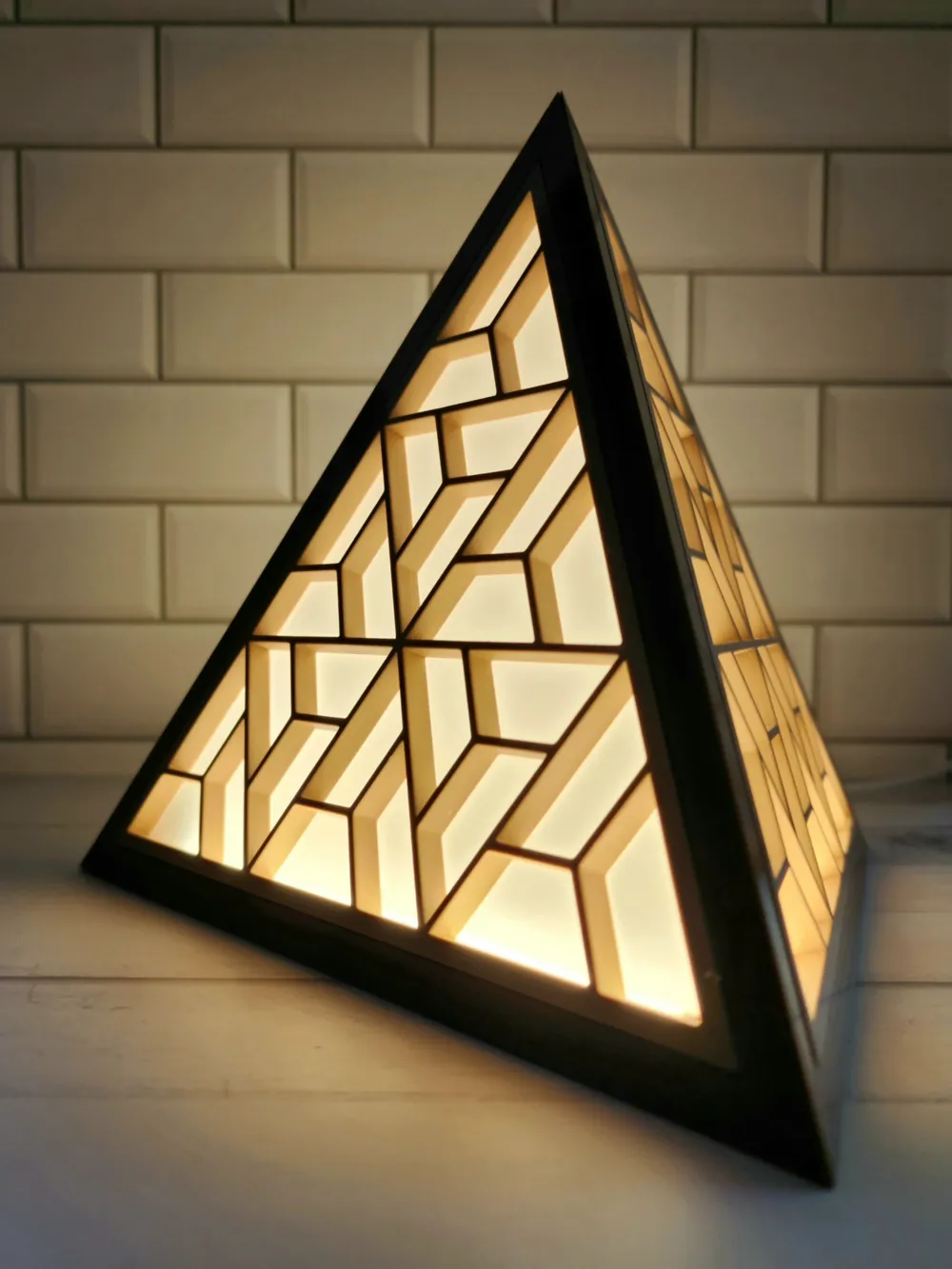
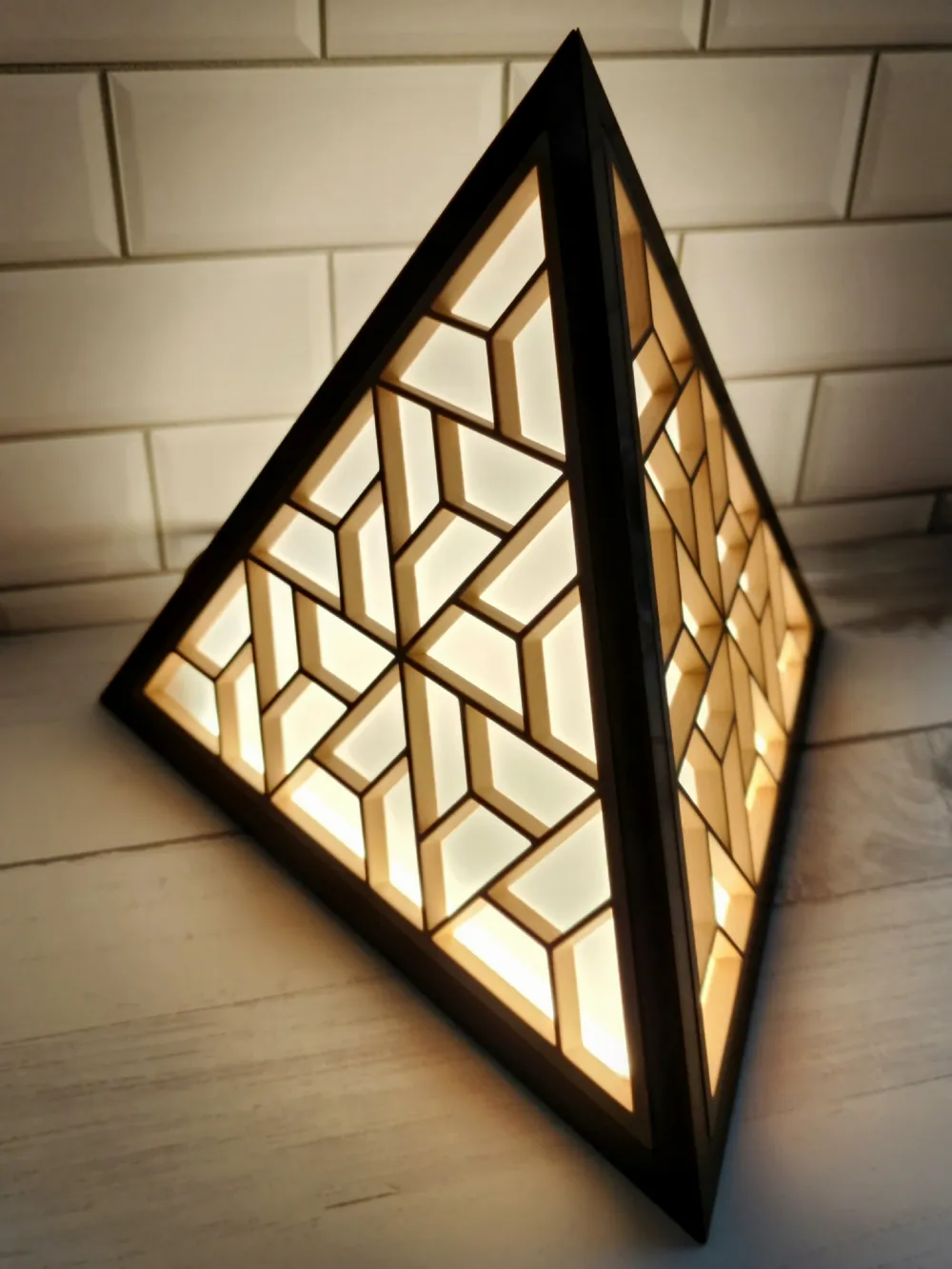
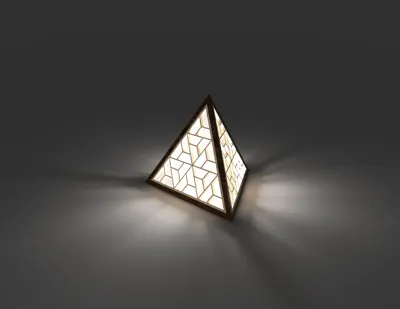
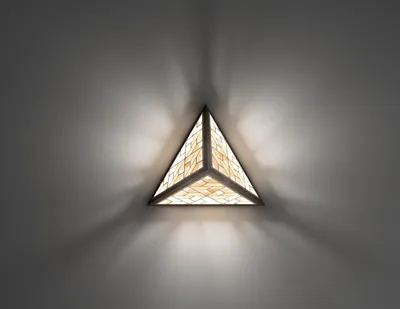
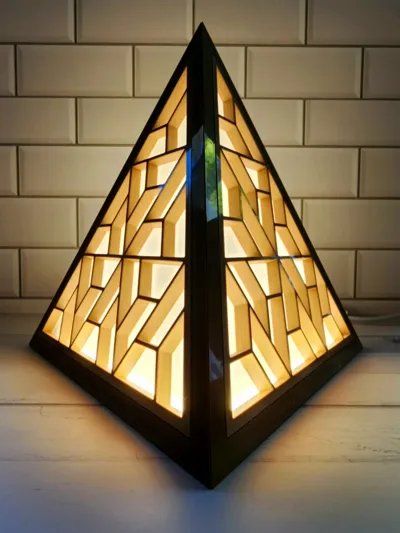
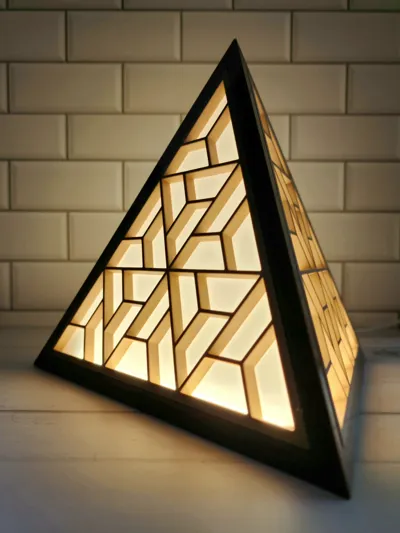
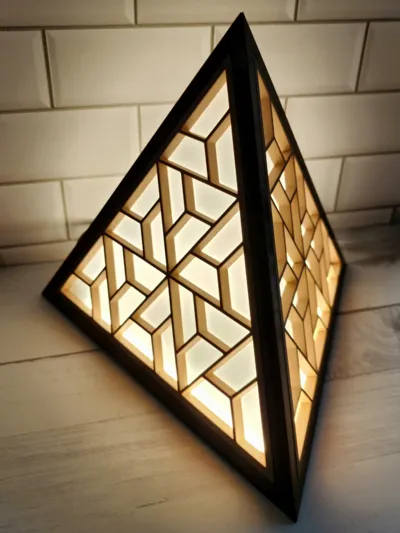
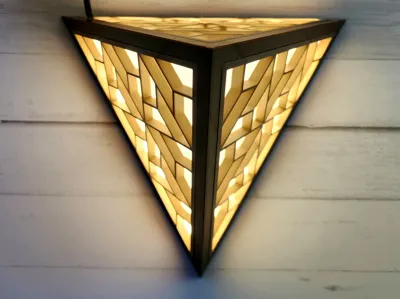
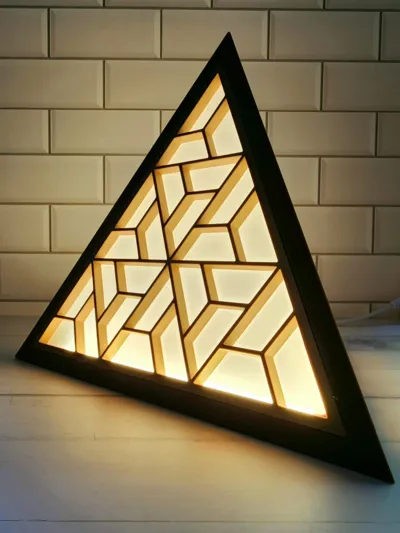
I recently got quite interested in polyhedrons and geometry for some reason. While I was watching some interesting videos, I also came across Japanese Kumiko (woodworking) technique for assembling wooden lamps. With this inspiration, I just designed a simple lamp in fusion 360.
Update (April 11, 2023):
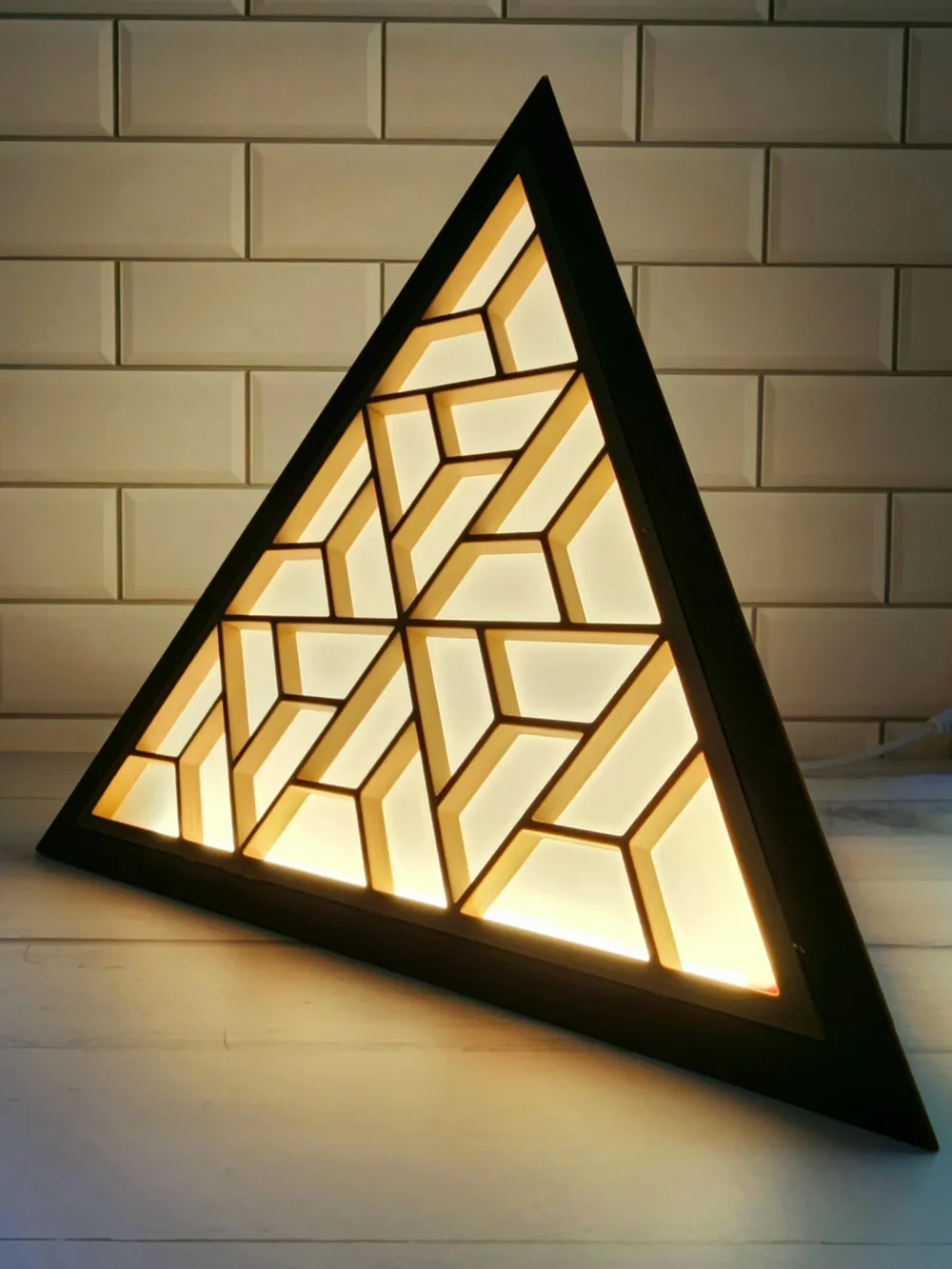
Based on some nice suggestions, I have added “Insert Film” file which is simply a triangle with same size as the insert but only 0.2mm high which can be printed and used as backing film instead of Vellum Paper.
Additionally, I have also uploaded 3 new files “Frame with Hole”, “Insert with Hole” and “Insert Film with Hole”. You can choose to print one copy of these files to have a predesigned hole for LED wire at the bottom. Just make sure to print 1 less copy of regular files if you go with this option.
Printing
You will need 3 copies of Frame and 4 copies of Insert piece.
I used iSanmate Wood Filament for the Insert pieces and Amolen Walnut Wood Filament for the Frame pieces.
I also found that having bottom and top layer Concentric was more visually appealing to me.
Assembly
- Glue \ Press fit 3 inserts into 3 frames.
- I used Vellum paper as the inside backing to diffuse the light.
- Use the last remaining insert to cut 4 pieces of Vellum paper and stick them to the inside of the frames.
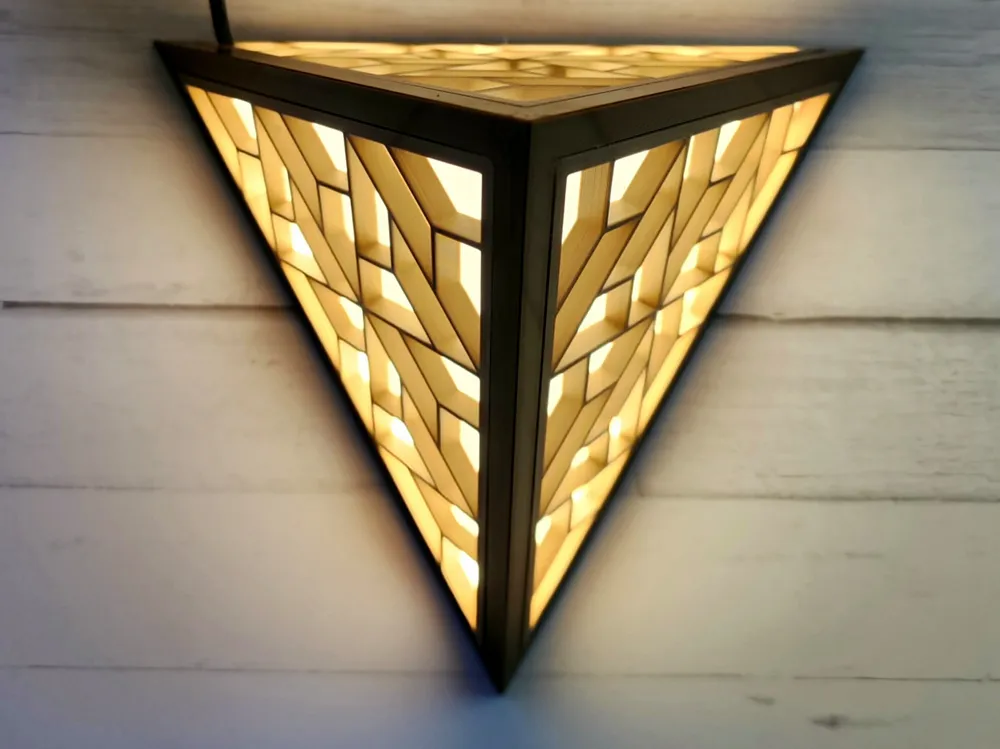
- Glue all 3 frames together keeping the bottom side open.
- Finish led work before inserting the bottom insert.
- Lastly finish gluing the vellum paper to last insert and attach it on the bottom side.
License



Comment & Rating (17)