
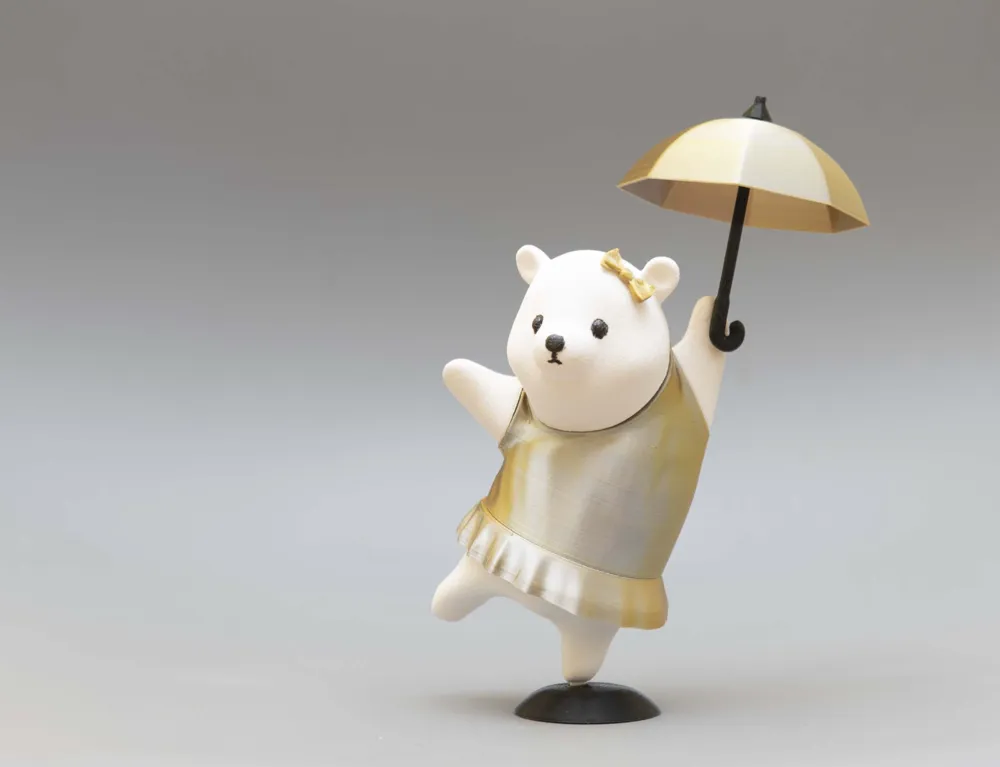

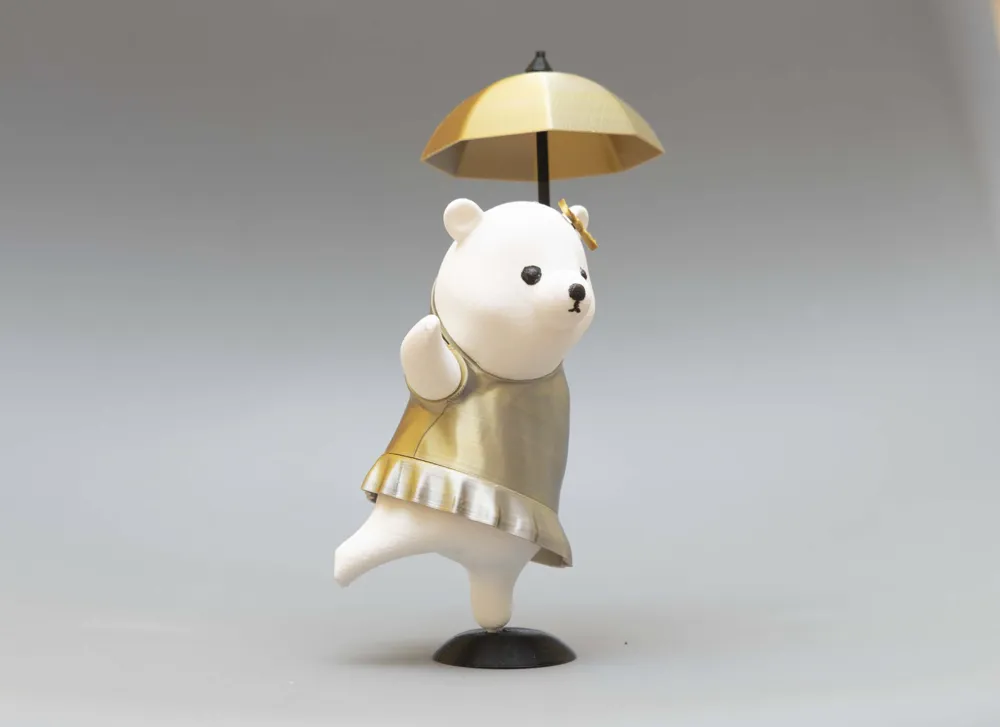
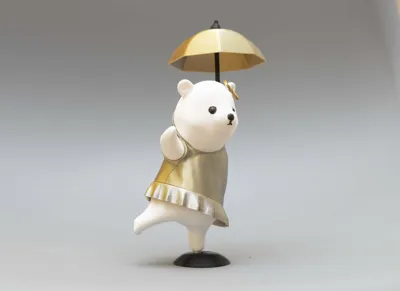
Cute figure of bear girl dancing with umbrella

Print Profile(11)


Description
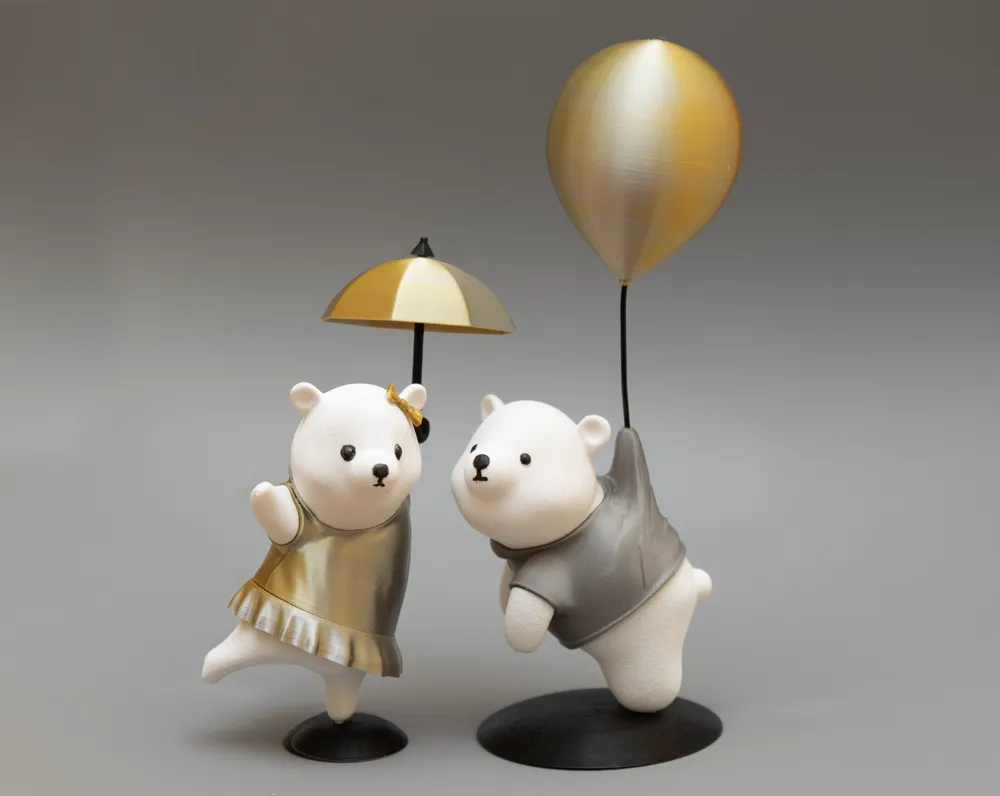
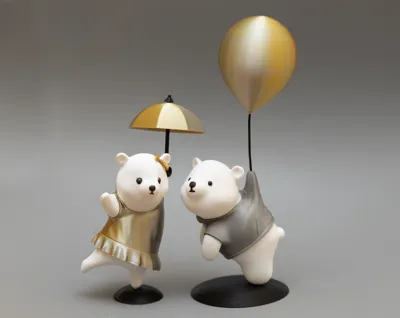
My daughters always used to ask me why Benny was so lonely. Not anymore. Meet Binny.
She's still afraid of flying but loves fashion, dancing, and making new friends wherever she goes.
I add some fuzzy skin to Binny's body I think she looking cool with some fur
You don't need supports to any parts
If you dont know who is Benny :) you can find him here
Print Settings
1. Tolerance Test for Connectors:
- Begin by printing the "Tolerance test for connectors.3mf" to adjust your printer’s tolerance for the connectors. Focus on adjusting the connectors, not the cylinders, which are designed with a 0.2mm spacing. Tune this setting to your printer for a snug fit.
2. Arms connectors and accessories:
- You’ll need 2 large and 3 small connectors for assembly. Print these immediately after your tolerance adjustments to ensure compatibility, or adjust directly in the "arms connectors accessories.3mf" file if needed.
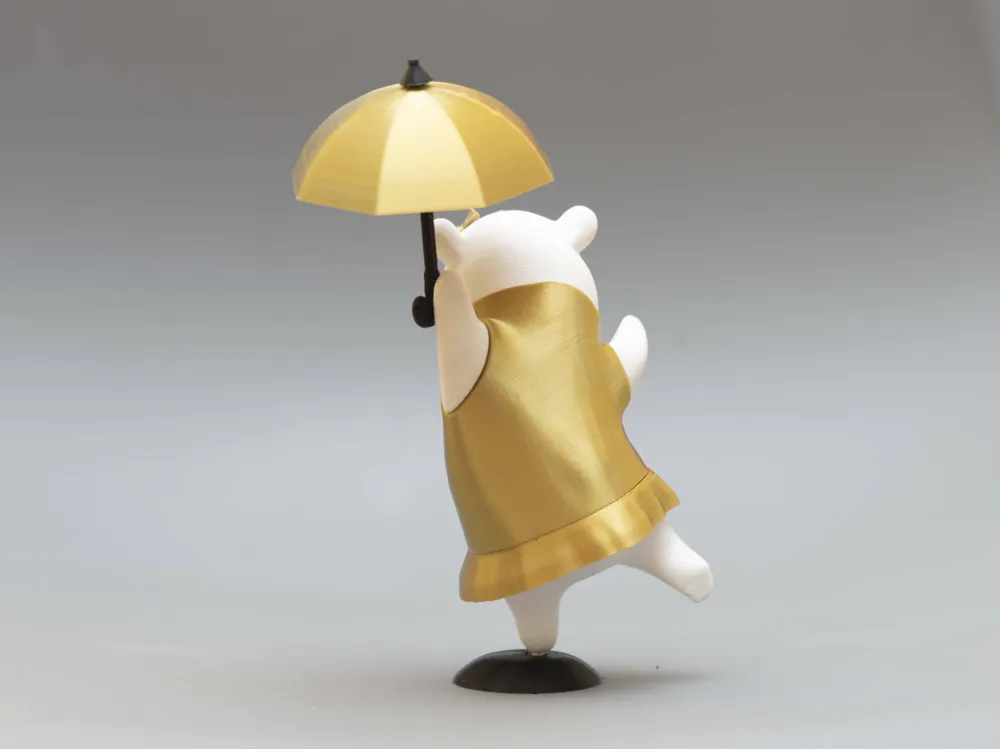
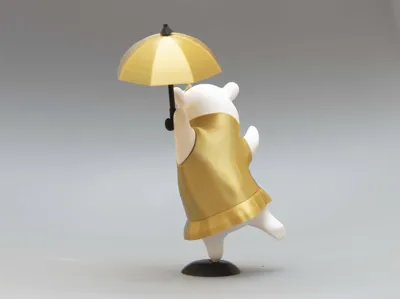
- The left arm has hole for the umbrella. Attach umbrella handle to arm with 8.5 mm piece of filament
- You might need brim for the bow. Attach bow with small amount of glue
3. Base:
- You a 30% infill when printing the base. This increases the weight and stability of the assembled figure, helping Binny stay upright.
4. Legs:
- Legs has fuzzy skin if you don't like it just disable it.
5. Skirt:
- I prefer to print at 0.12-0.1 layers to make it smooth
- Look for a dot. you need to align dots at skirt and legs. This feature is designed to help you distinguish right orientation of skirt.
6. Body:
- I prefer to print at 0.12-0.1 layers to make it smooth
6. Head:
- Head has fuzzy skin if you don't like it just disable it.
- If your printer supports multicolor printing, use the "head multicolor.3mf" file , but better alternative (less waste of filament) is to paint the face details manually to bring Benny's expressive face to life.
7. Umbrella:
- You need brim at least 3mm
Have fun and enjoy!
License

You shall not share, sub-license, sell, rent, host, transfer, or distribute in any way the digital or 3D printed versions of this object, nor any other derivative work of this object in its digital or physical format (including - but not limited to - remixes of this object, and hosting on other digital platforms). The objects may not be used without permission in any way whatsoever in which you charge money, or collect fees.


Comment & Rating (84)