Search models, users, collections, and posts


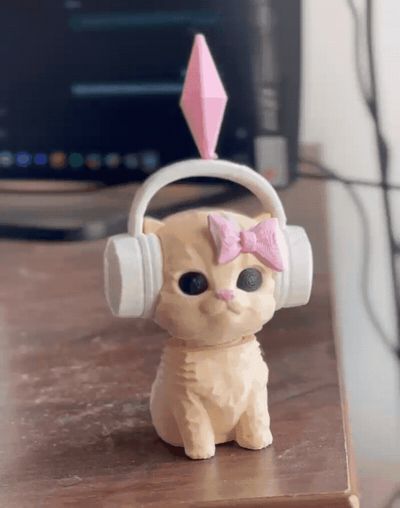
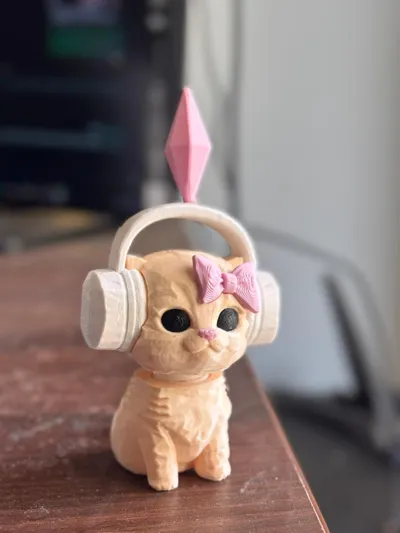
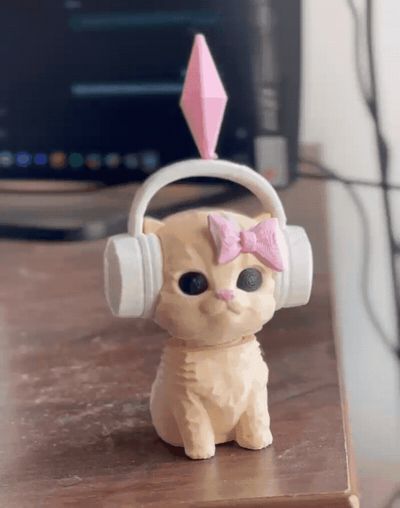

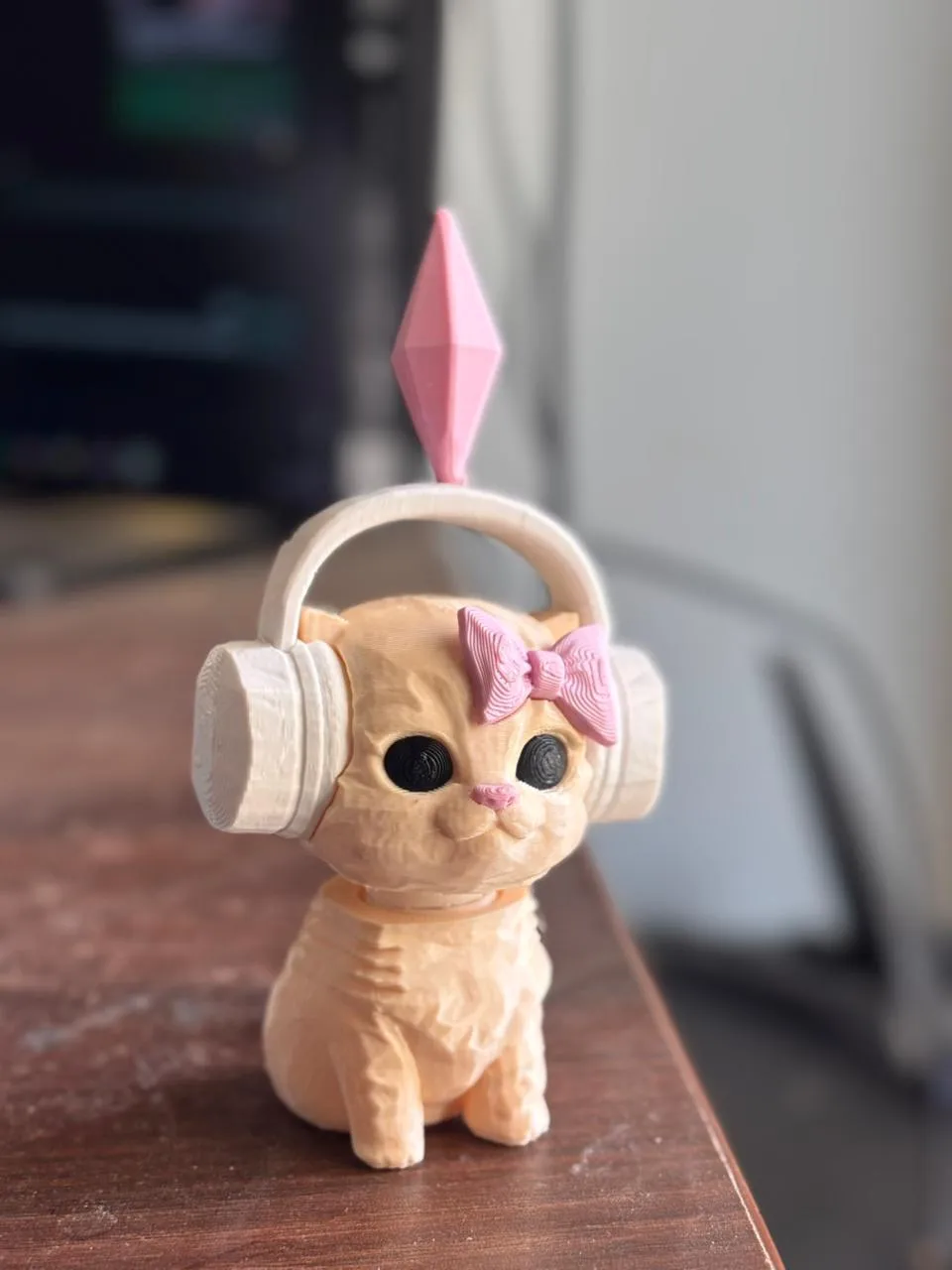
Sims Dancing Cat Bobble Head with 3D spring
Remixed by
GIF
GIF

Print Profile(5)

All
A1
H2S
H2C
P2S
X1E
X1 Carbon
P1S
H2D Pro
H2D
A1 mini
P1P
X1
X2D
A2L

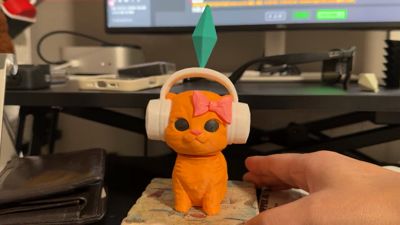
Dancing Cat Bobble Head with 3D Spring
Designer
2.5 h
2 plates
4.9(36)

Updated Clean Profile - Print By Layer
Designer
2.6 h
4 plates
4.6(71)

Updated Single Plate Print | AMS needed
Designer
2 h
1 plate
4.9(10)

Updated Clean Profile - Print by Object
Designer
2.4 h
2 plates
4.9(7)
Click to see more

Open in Bambu Studio
Boost
2246
4611
183
74
6.1 k
3.6 k
Released 

Description

Boost Me (for free)

Consider Boosting if you liked the print!

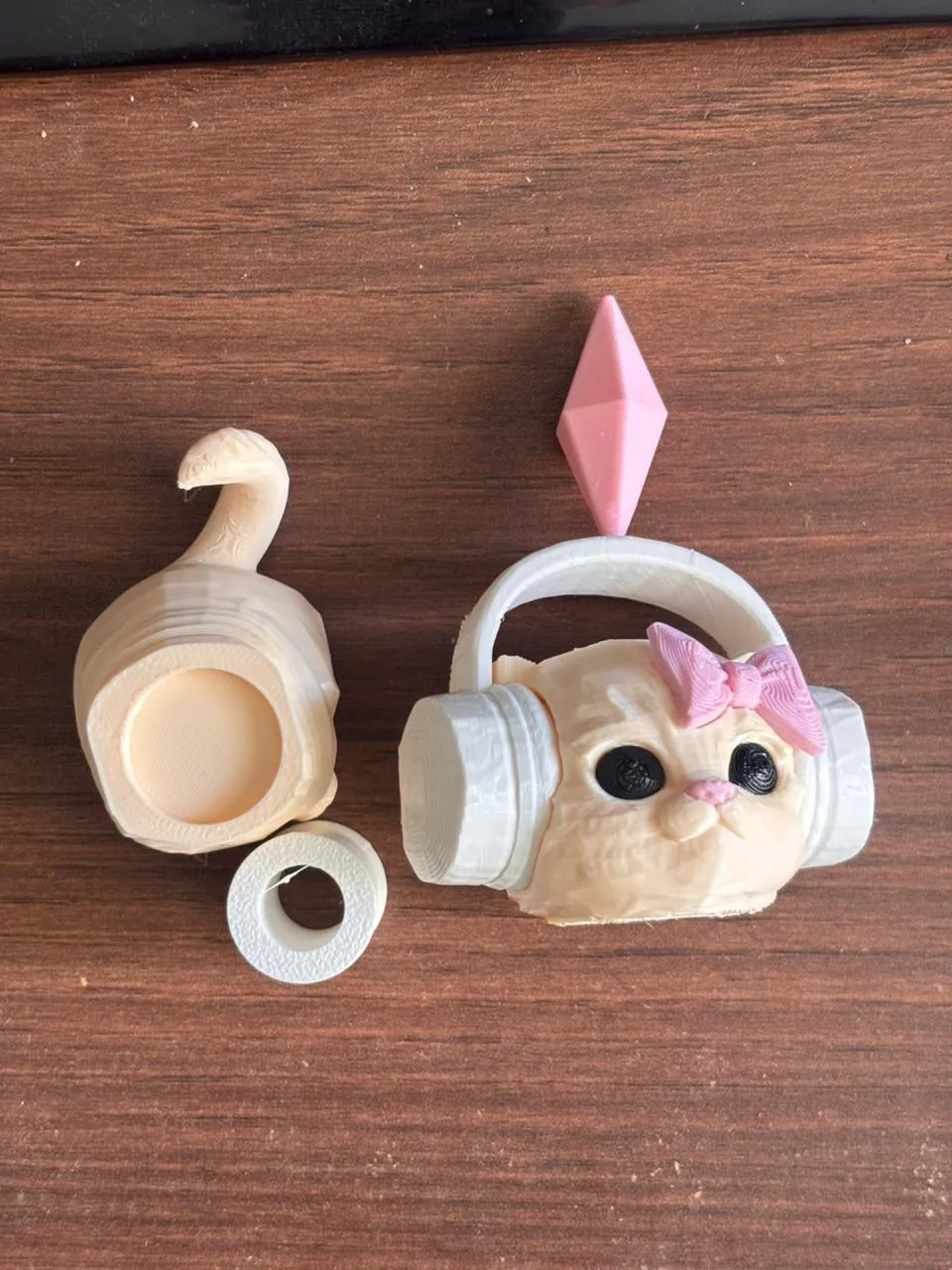
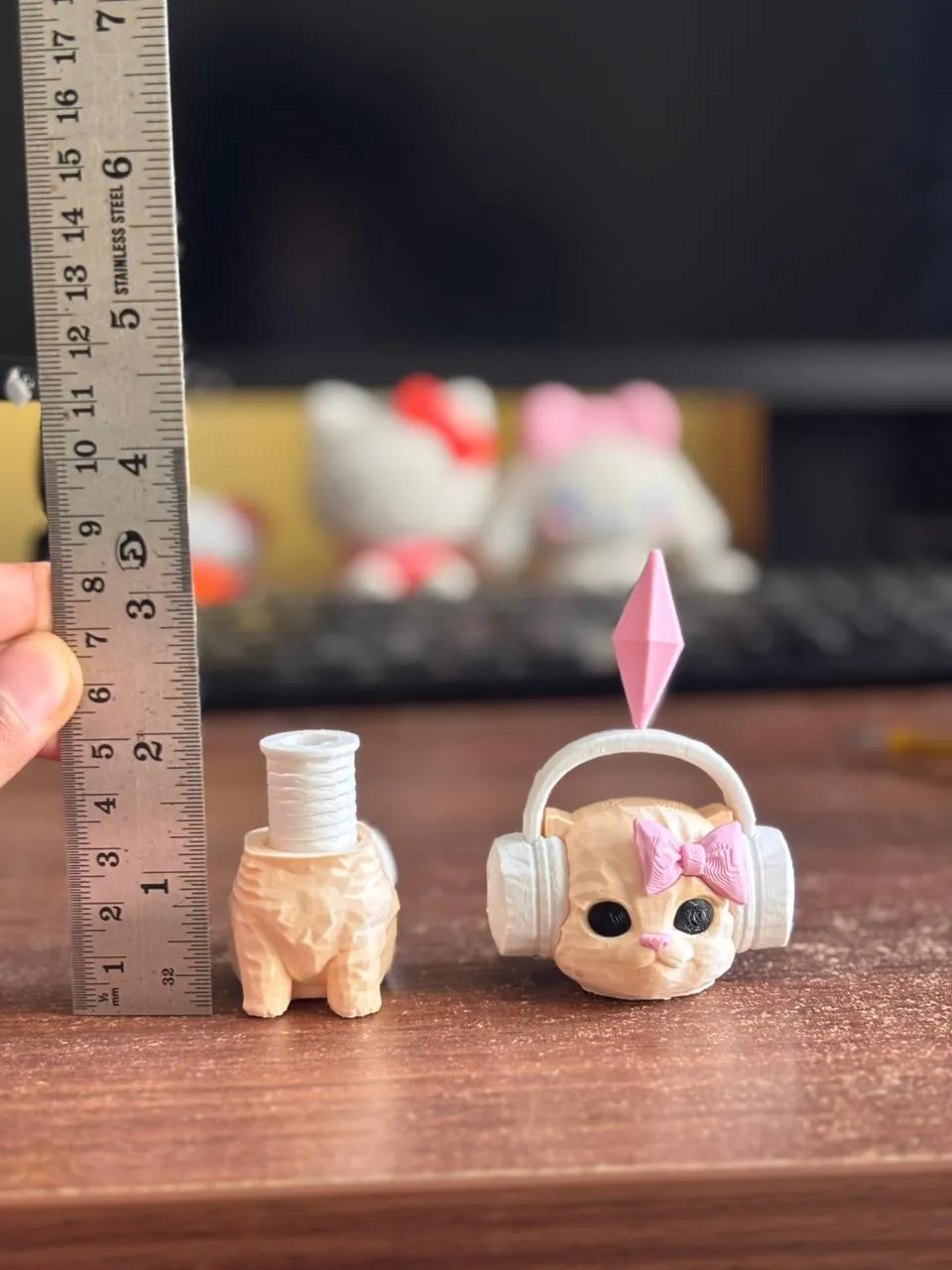
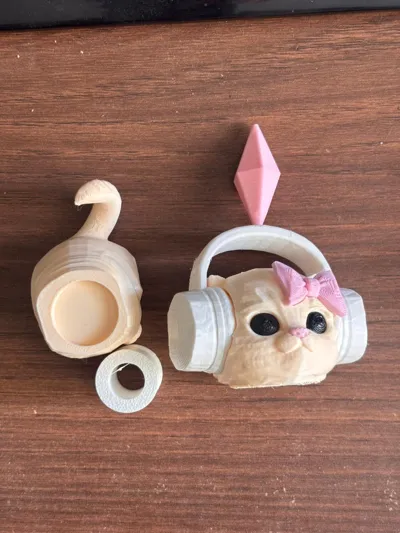
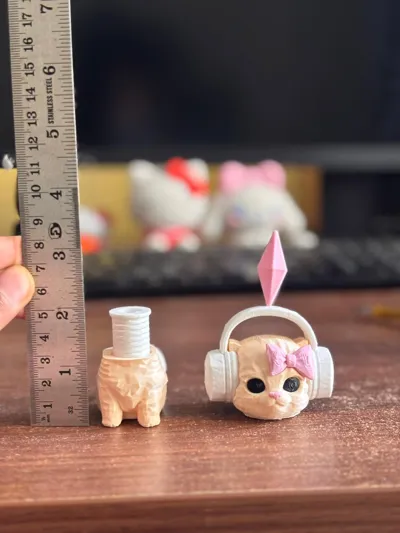
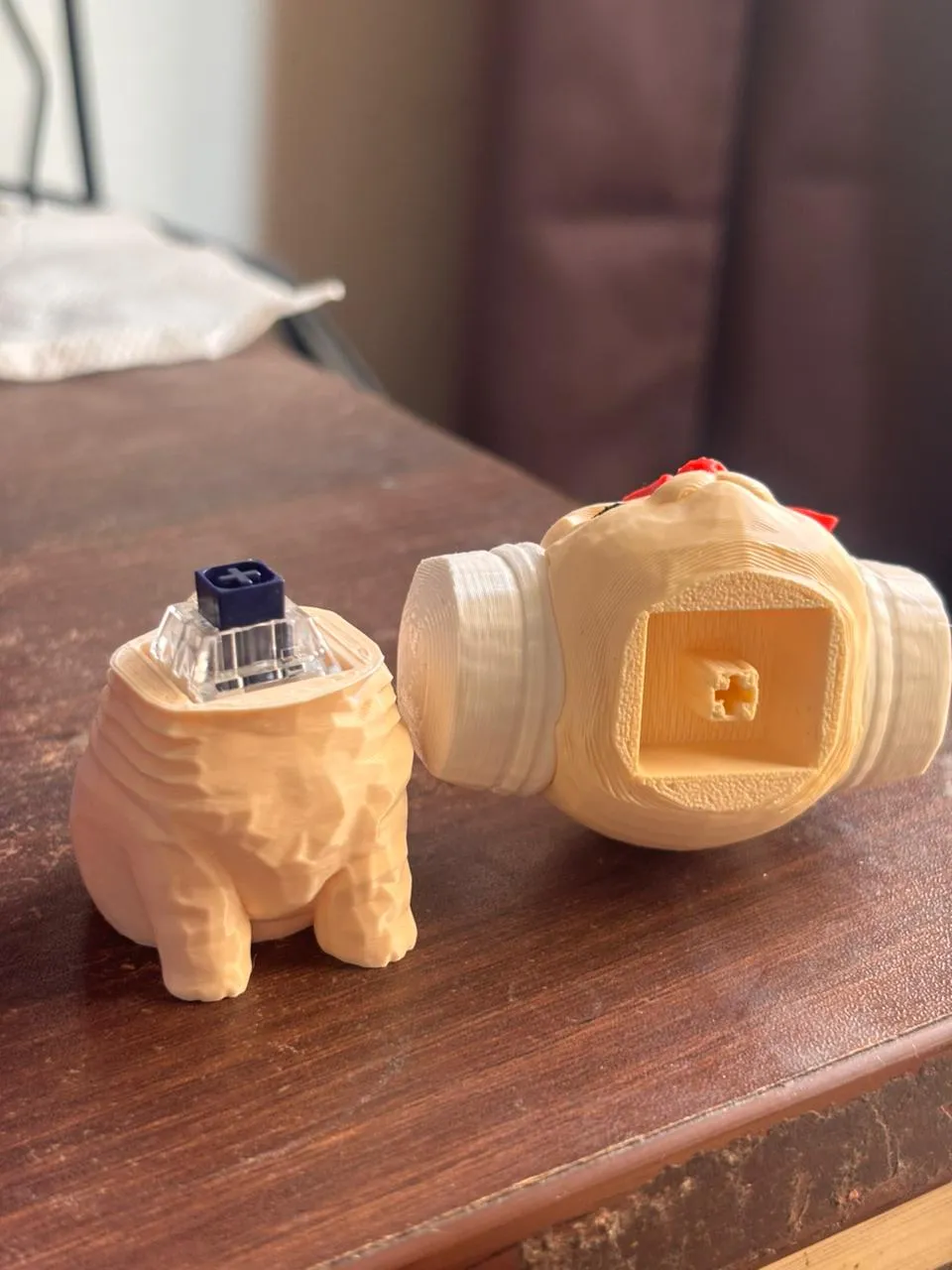
Hi, the model is remix of this model. Spring was missing so I used a 3D printed spring from this pikachu model and made some changes to fit the spring in the cat body. 
Currently the spring fits fine but you can glue it too. The spring is easy to stretch once printed, can either use your nail or a sharp object.

Note - The file only works properly in BambuStudio as bambu studio software tools are used to make holes for the body.


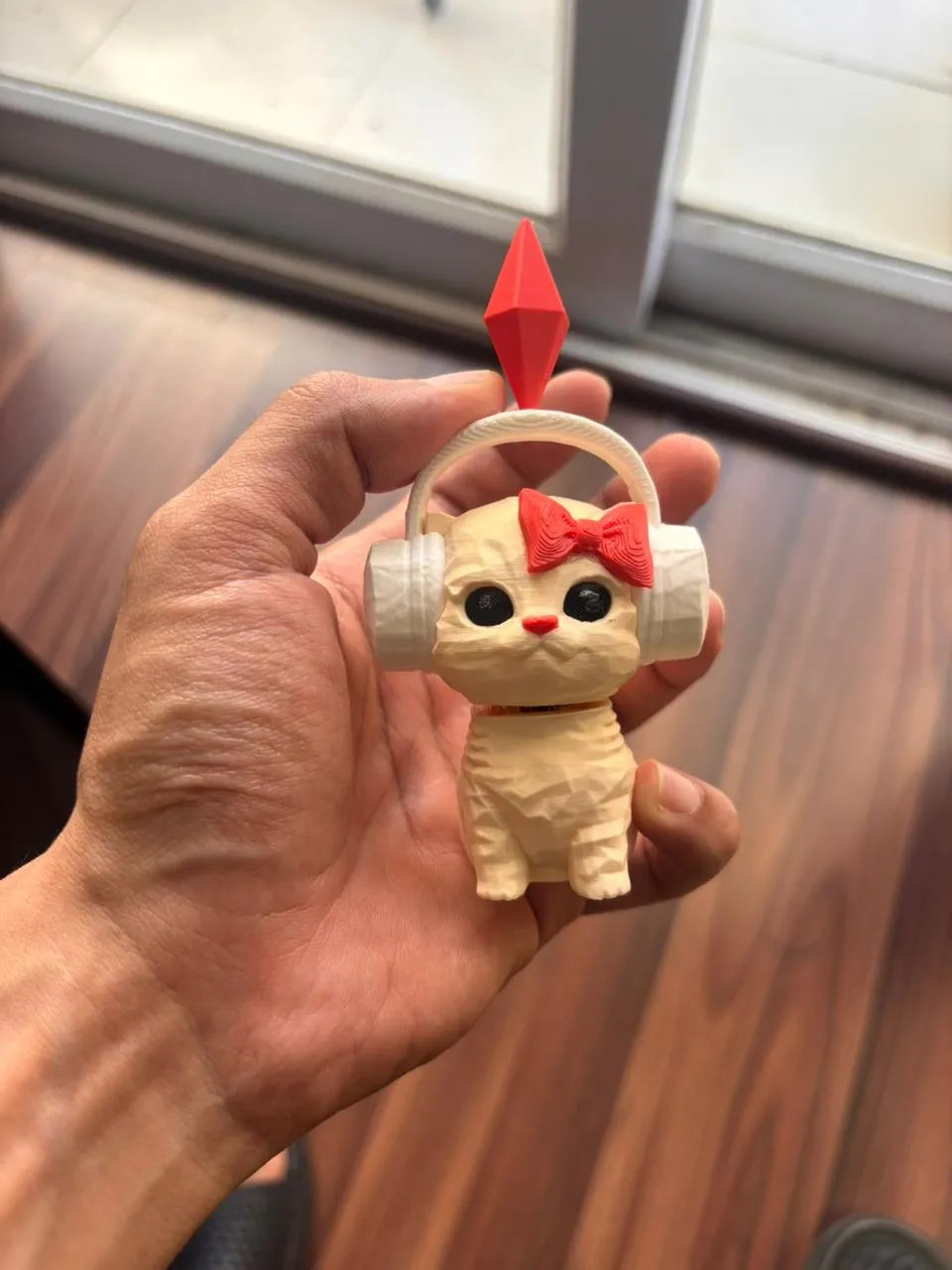
 If you liked this consider checking out the clicky fidget version as well HERE or click the below picture


Comment & Rating (183)

(0/1000)

Pinned by Designer
Print Profile
Dancing Cat Bobble Head with 3D Spring
very cute. daughter loves it👍🏻
profile
2
Reply
does she really though?
0
Reply
Very bad quality model (
The designer has replied
12
Reply
I checked this and have updated cleaner profiles
0
Reply
I’m going to print it out and see how it turns out
0
Reply
From
Show original
0
Reply
Hi. How can I delete these circles?
The designer has replied
2
Reply
Hi, I think you're using a1 mini, right click on the plate and click arrange
0
Reply
A1, is not mini
0
Reply
Replying to @Meet_Meet :
I can arrange them, but how can I delete them? I want to print 2 pcs cats for example, but cannot do it because of these circles. They do not noy allow me.
(Edited)
0
Reply
Second time the same problem :( Bambu Pla Matte
0
Reply
probably u need to buy a glue so it will stick better or u can increase temperature and lower speed for better layer adhesion
0
Reply
Replying to @Logsaria :
But adhesion doesn't matter here - the print sticks perfectly to the substrate and nothing comes off. This element "hangs in the air" and this is why problems occur. I put this item horizontally on the table and everything works.
0
Reply
Boosted
Print Profile
Updated Single Plate Print | AMS needed
Great. Super print. Thank you
Show original
profile
2
Reply
Everything is great, I cut a little from the bottom for a tight fit
Show original
1
Reply
slicer and Anycubic printer, everything is perfectly configurable
0
Reply
sooo cute 🥰
1
Reply
Print Profile
Updated Single Plate Print | AMS needed
Beautiful the hand-colored
Show original
0
Reply
Print Profile
Updated Clean Profile - Print By Layer
perfekt
0
Reply
Print Profile
Updated Clean Profile - Print by Object
Already printed it twice
0
Reply
Super 👍👍👍
0
Reply

This remix is based on


License

This user content is licensed under the MakerWorld Exclusive License.

You may create derivative works based on this object, provided that all such derivative works are published exclusively on the MakerWorld platform and include proper attribution to the original creator. You may not share, upload, host, distribute, or publish this object—or any derivative work of this object—on any other digital platform, marketplace, or distribution channel. Commercial use of this object and any derivative works is strictly prohibited. This includes, but is not limited to, selling, renting, sublicensing, or using the object in any context in which you receive monetary compensation or other financial benefits.