
Flooring & Tile Spacer Generator |Installation aid
Print Profile(1)

Description
Parametric Flooring Spacer Generator V1
One generator for every flooring job - laminate, vinyl, hardwood and tiles. Set the gap, pick your options, batch-print a full set.
Why I made this
I recently laid several different floors - laminate, vinyl, engineered hardwood, and every single one required a different expansion gap. I went through bags of plastic wedges, stacked shims, and still ended up eyeballing half the time. Getting a precise 6 mm gap with a pile of random wedges is more science experiment than flooring work. So I designed a spacer I can generate at exactly the width I need, print twenty of them in one go, and never think about it again. Now that I am about to start tiling, I added the cross block option for grout line spacers and the two-wing version for placing between tiles. One generator, every floor.
Boost Me (for free)
If you like my parametric models, consider boosting them so i can create more of them. Thank you!
How it works
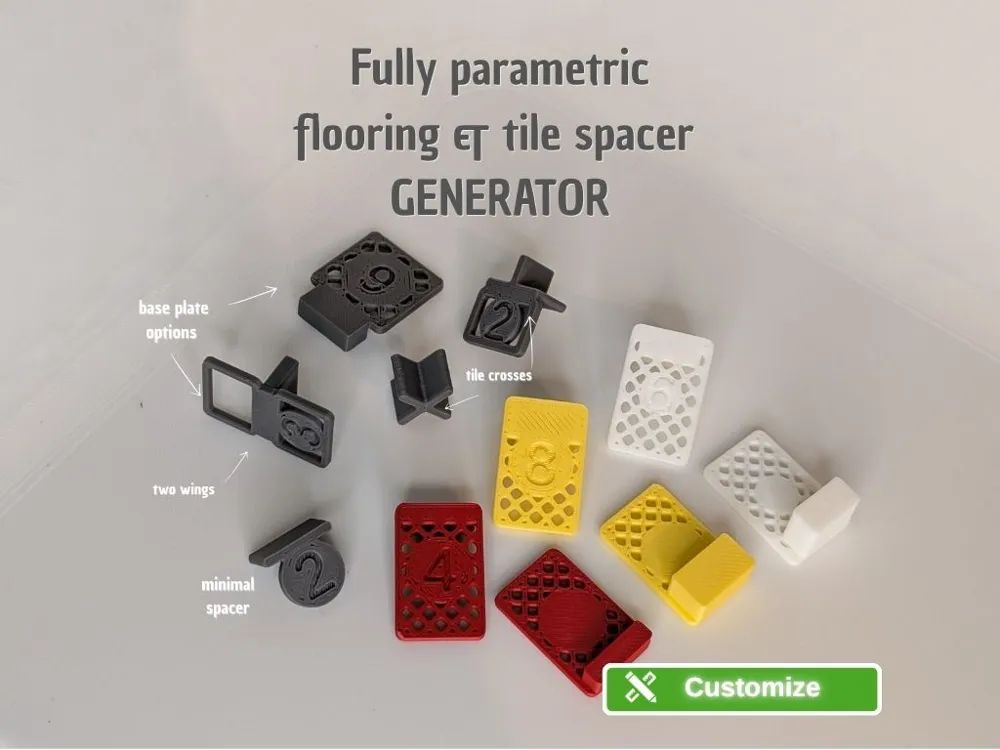
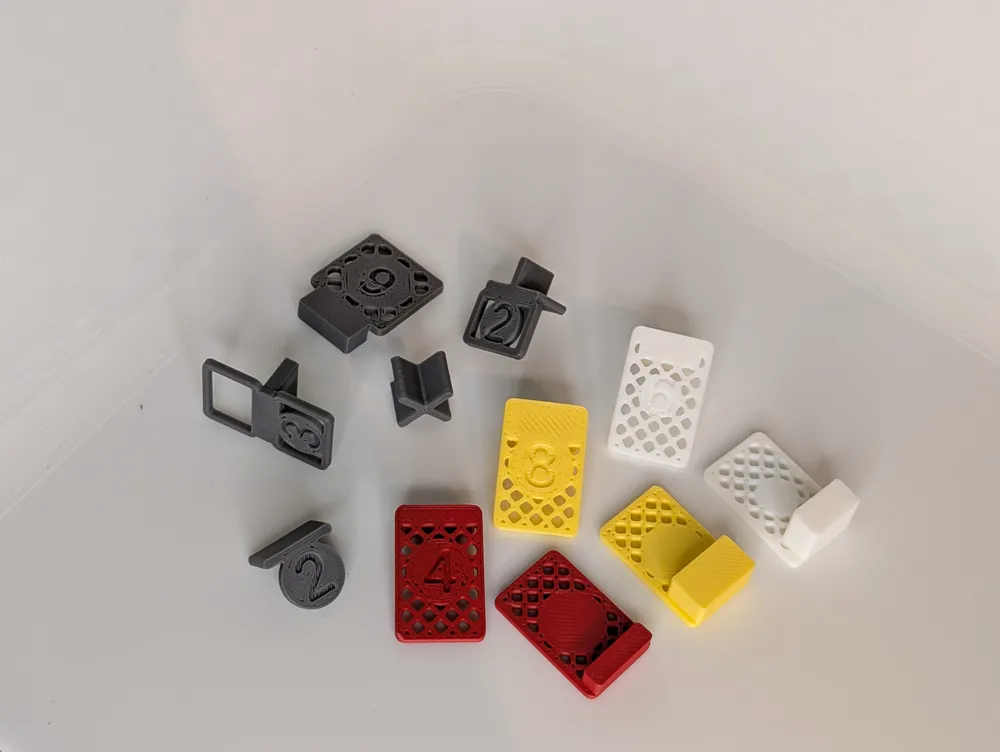
The block defines the expansion gap. It hangs down between the wall and plank edge (or between two tiles). The wing is a thin plate that rests on the surface, holding the spacer in position. The gap width is embossed into the wing, always visible while you work.
Two block height strategies
Set the block height to roughly half your plank thickness and the spacer sits flat on the surface – stable and easy to place. Or choose a taller block and the spacer clamps between wall and plank edge like a flag, the wing lifts off the surface as a visual marker that is easy to spot and remove once the row is fixed.
Options
Second wing - mirrors the wing to the opposite side of the block. The spacer rests on both adjacent surfaces at once perfect for setting consistent gaps between two planks or tiles. Only the primary wing carries the number.
Cross block -adds a second block perpendicular through the center, forming a + shape. Combined with one or two wings, this creates a proper tile cross spacer for uniform grout lines at every intersection.
Rim - adds a solid frame around the wing edge. For small wings (default), the round medallion fills the entire plate, so no rim is needed. Enable it for larger wings or for extra stiffness. When the wing grows beyond 25 mm, a diagonal grid automatically fills the space between medallion and rim.
Ultra-light design
The wing is built from a solid medallion that overlaps into the block for a strong bond - no wasted material. All structural dimensions (grid lines, rim) derive from the nozzle diameter for clean single-pass slicing.
Key features
Gap from 0.5 to 25 mm in half-millimeter steps, including values like 8.5. Number auto-scales for decimal values. Nozzle-aware geometry. Batch printing with square grid layout – set the count, parts auto-arrange for your build plate. All dimensions auto-clamped.
Print tips
PLA or PETG, no supports, 0.2 mm layer height.
Designed in OpenSCAD – fully parametric via the MakerWorld Customizer.
License

You may create derivative works based on this object, provided that all such derivative works are published exclusively on the MakerWorld platform and include proper attribution to the original creator. You may not share, upload, host, distribute, or publish this object—or any derivative work of this object—on any other digital platform, marketplace, or distribution channel. Commercial use of this object and any derivative works is strictly prohibited. This includes, but is not limited to, selling, renting, sublicensing, or using the object in any context in which you receive monetary compensation or other financial benefits.


Comment & Rating (0)