
Customizable Airplane Door Sign / Wall Name Plate
Print Profile(1)
Description
Boost Me (for free)
Thank you. Hope you like it!
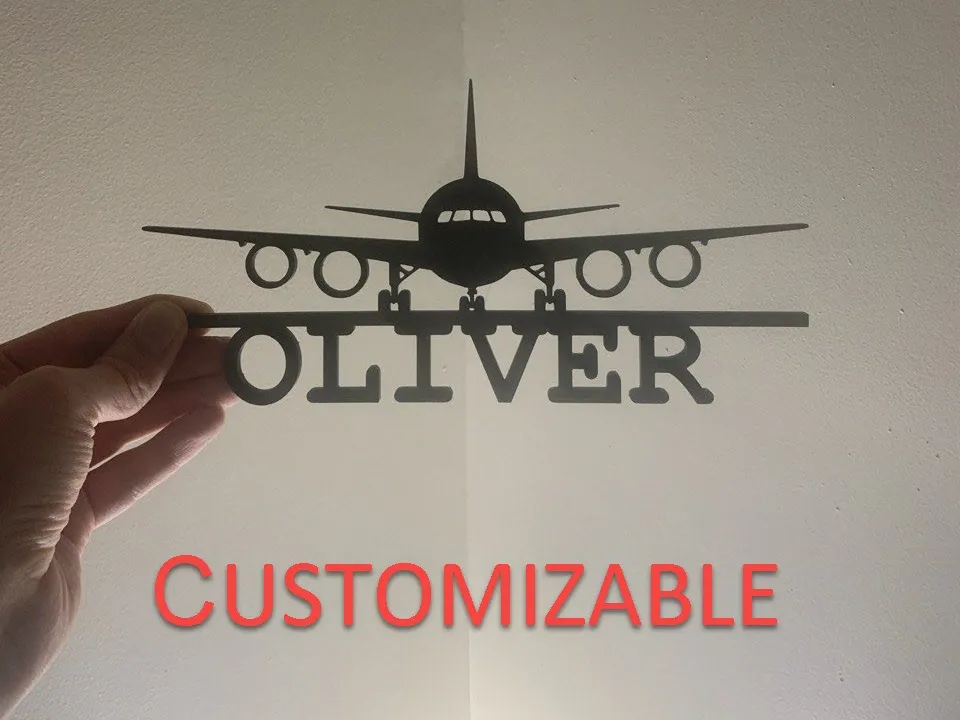
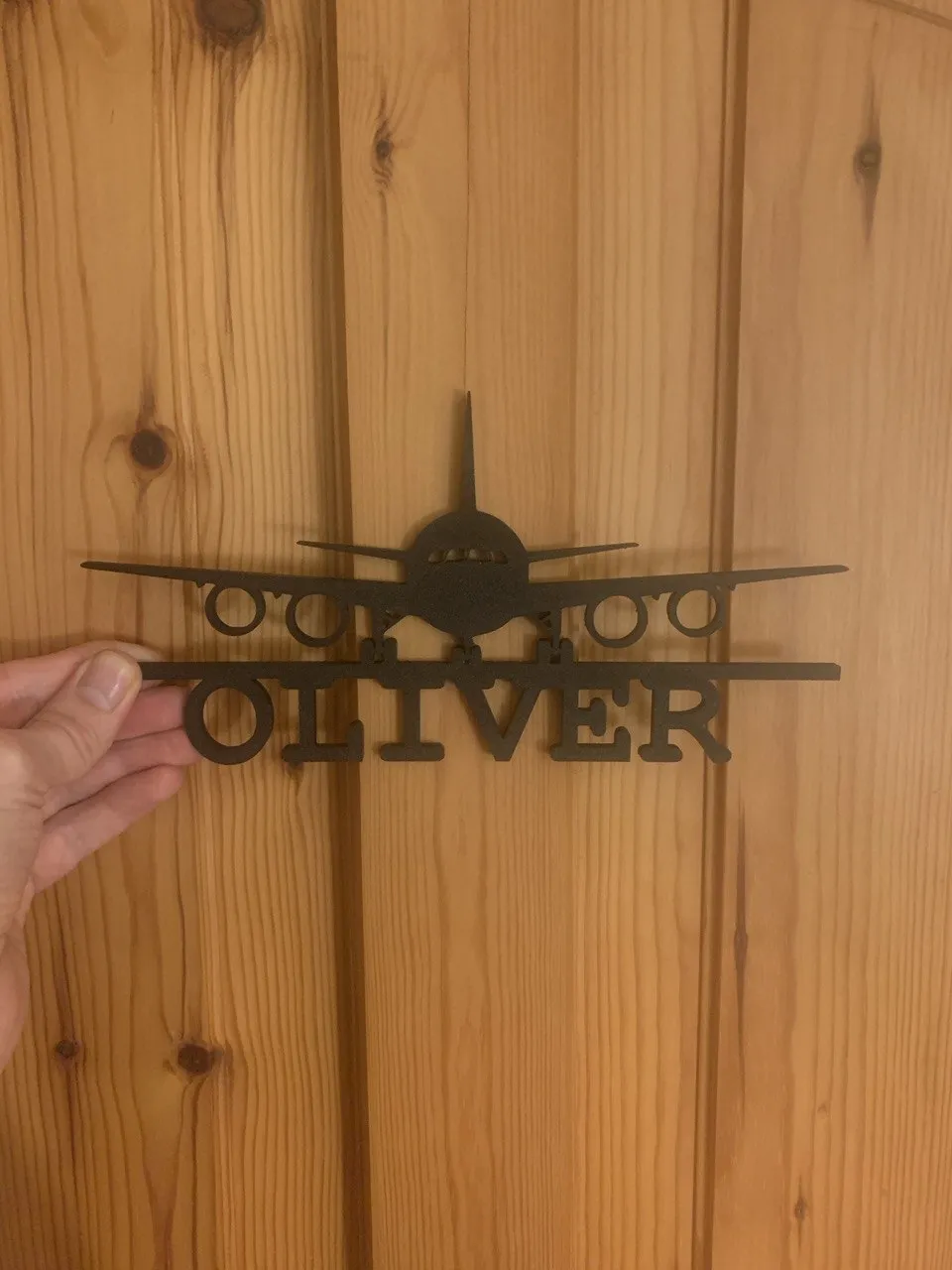
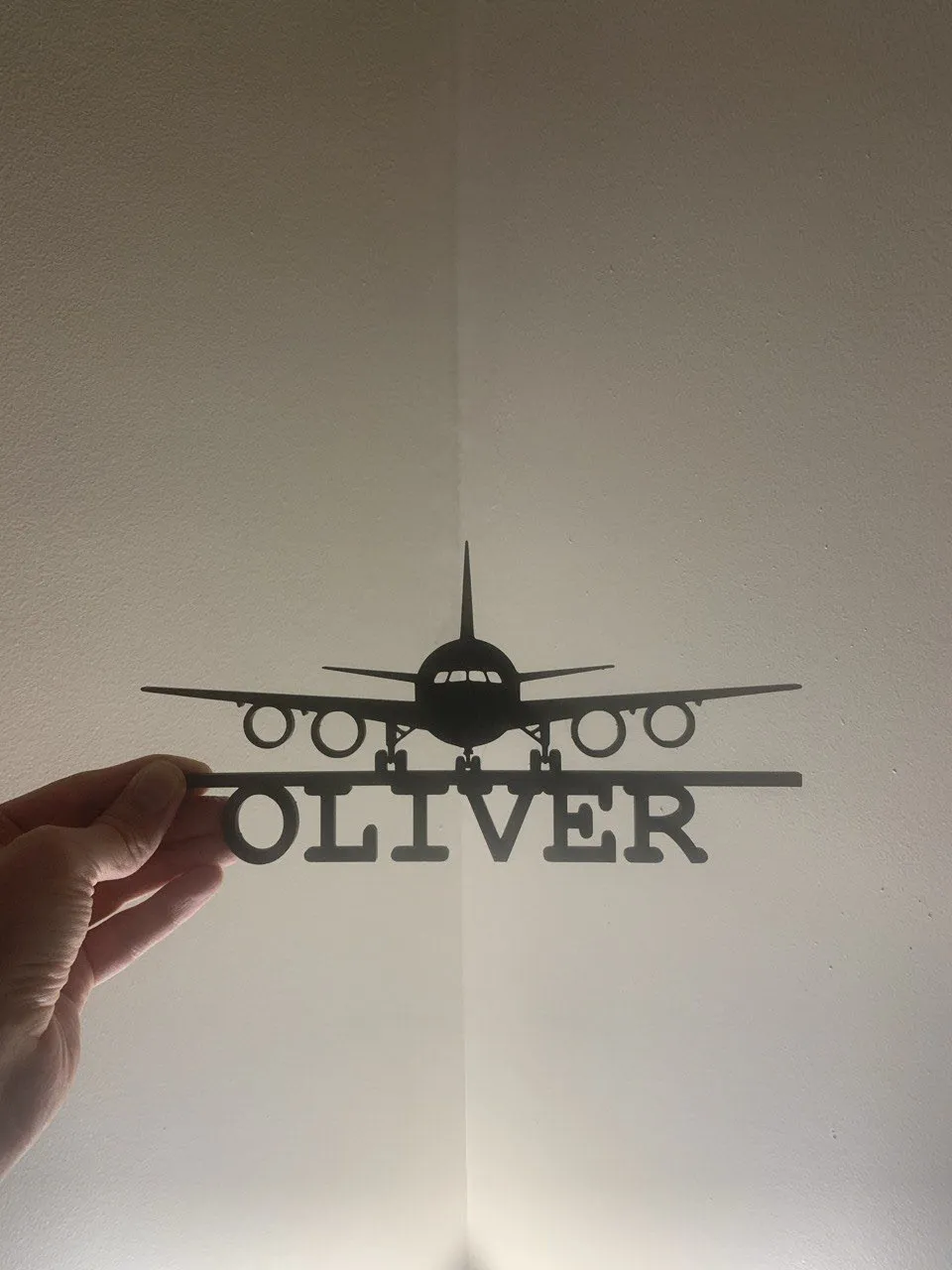
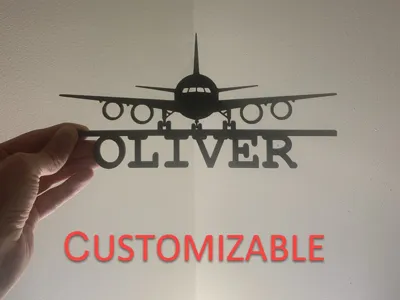
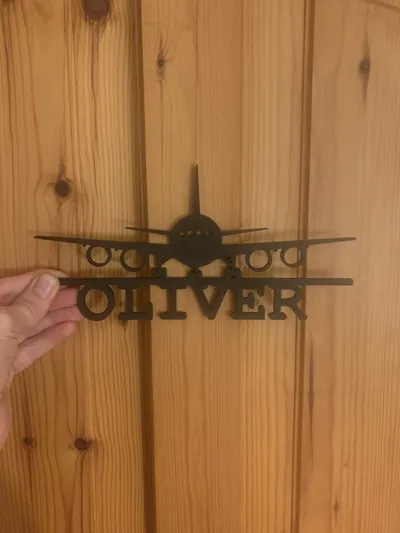
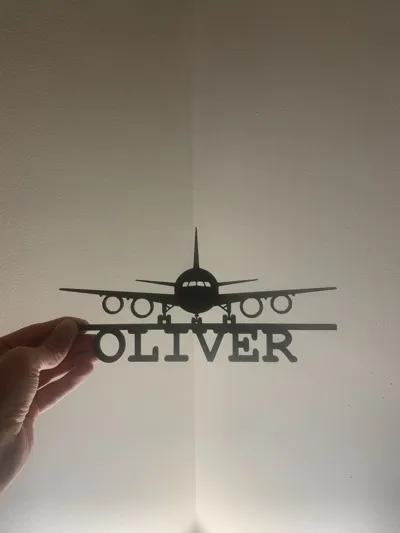
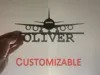
A stylish airplane sign for doors or walls. Perfect for kids' rooms or plane enthusiasts. The name is customizable, and you can easily add name to the base plate. You can attach it to the door or wall using double-sided tape.
Attention:
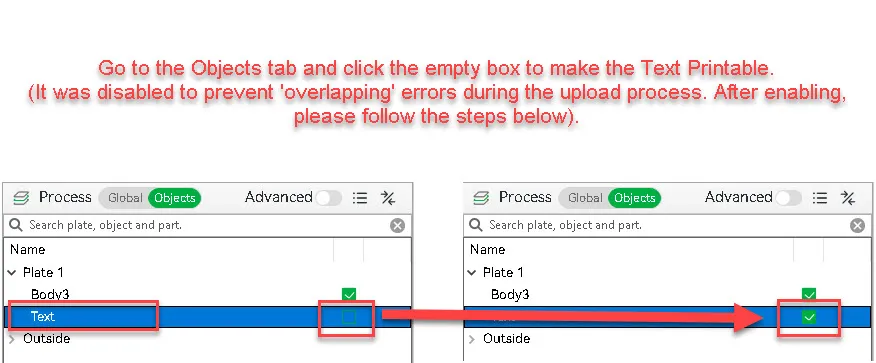
The Name Text Printable function was disabled to prevent 'overlapping' errors during the upload process.
Go to the Objects tab and click the empty box for Text object to make the Text Printable.
After enabling, please follow the steps below
Why I Chose This Customization Method
Unlike standard online customizers that limit you to few basic fonts, I designed this model to be personalized directly in Bambu Studio.
This allows you to use any font installed on your computer.
Info:
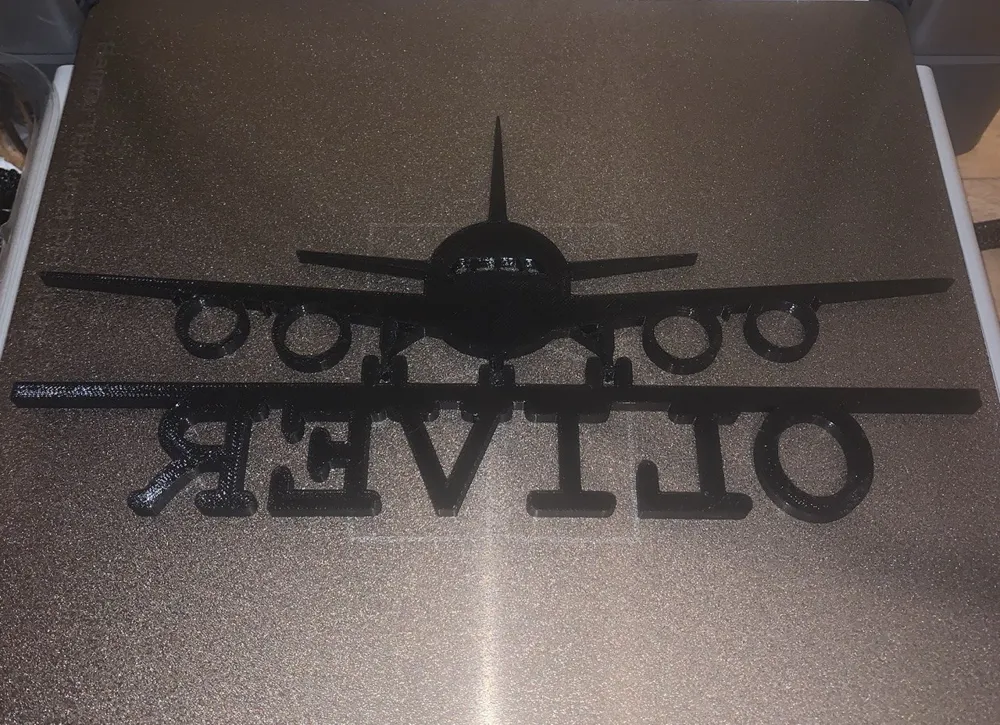
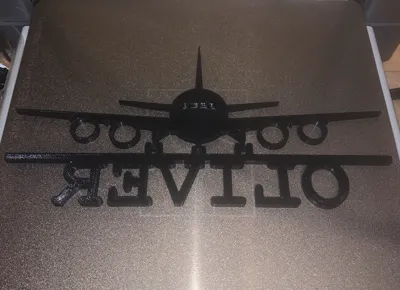
Smooth surface: To get a smooth surface on the front of the name, the print profile is set to print the name face-down on the build plate using mirror function.
3 Simple Steps to Customize Your Airplane Sign in Bambu Studio
To create your own personalized sign, follow these steps in Bambu Studio:
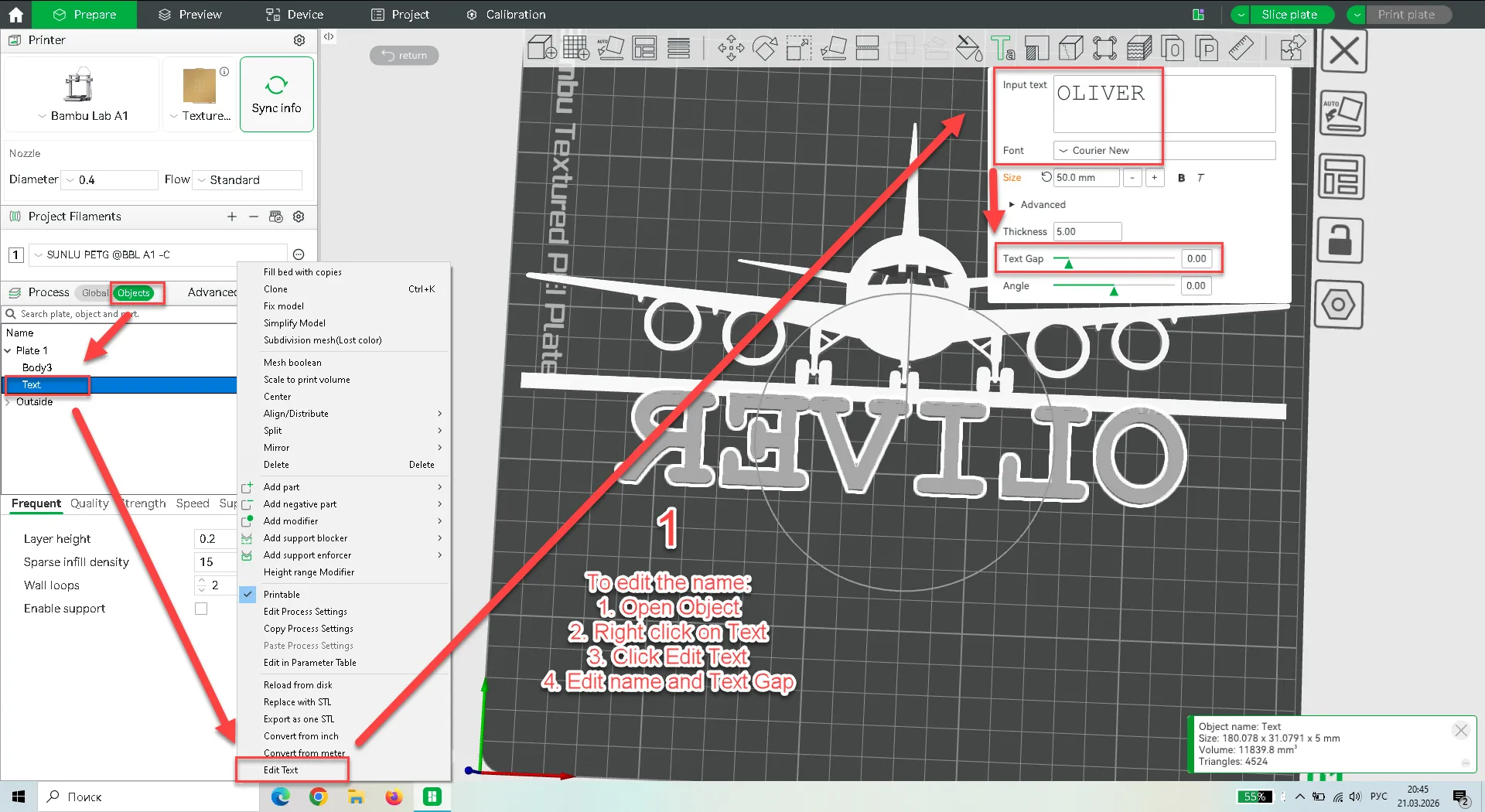
Step 1: Edit the Name
- Go to the Objects tab on the left.
- Right-click on the Text object.
- Select Edit Text.
- In the pop-up window, type your name, adjust the font, and use Text Gap to make sure the letters are spaced perfectly.
Step 2: Alignment (Center)
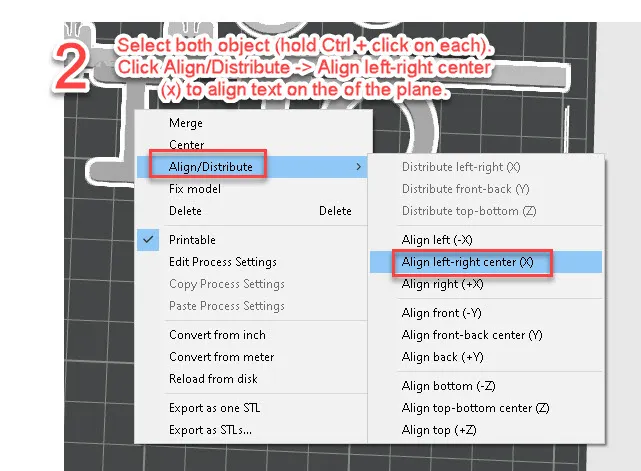
- Select both objects (hold Ctrl and click on the airplane and the text).
- Right-click and choose Align/Distribute -> Align left-right center (X).
- Result: Your name will be perfectly centered under the airplane.
Step 3: Position
- The name is already slightly overlaps with the airplane's base bar, but if you move it by yourself pls make sure that the parts are overlapped.
- The provided name will be displayed face down and mirrored on the printer plate just check that everything is fine.
- If you play with size and font pls make sure that the parts are overlapped.
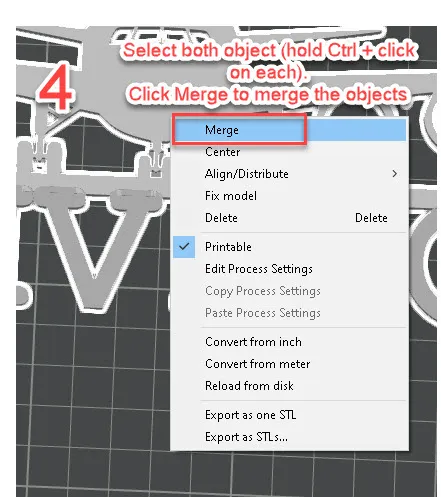
Step 4: Merge
- Hold Ctrl and click on both the airplane body and your text.
- Right-click and select Merge.
Step 5: Final check
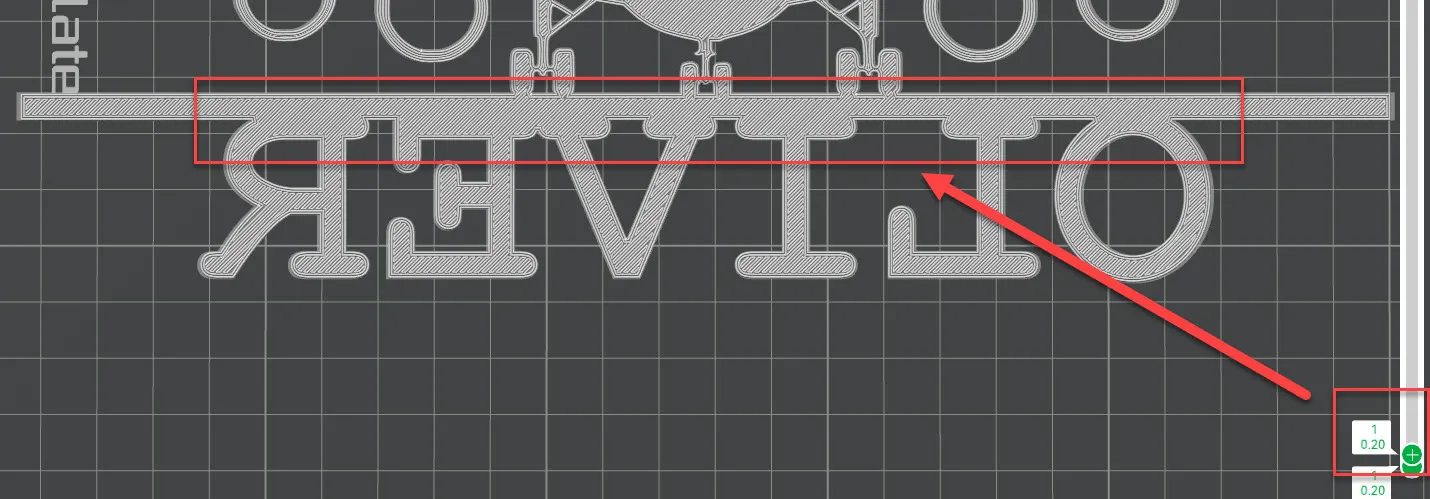
- Hit Slice Plate and go to the first layer.
- The name and airplane bar should be one solid piece!
- If everything looks fine you are ready to Print.
Print Info
I printed this using Sunlu PETG and slowed down the speed to achieve optimal adhesion.
I also set the Bottom Shell Layers to 5 because the model is printed mirrored (face-down), and the bottom layer will become the visible front face.
You should not have any issues printing this with PLA or other types of filament.
License

You shall not share, sub-license, sell, rent, host, transfer, or distribute in any way the digital or 3D printed versions of this object, nor any other derivative work of this object in its digital or physical format (including - but not limited to - remixes of this object, and hosting on other digital platforms). The objects may not be used without permission in any way whatsoever in which you charge money, or collect fees.


Comment & Rating (9)