
TPU Dual Color Print Profile for H2C
Print Profile(1)
Description
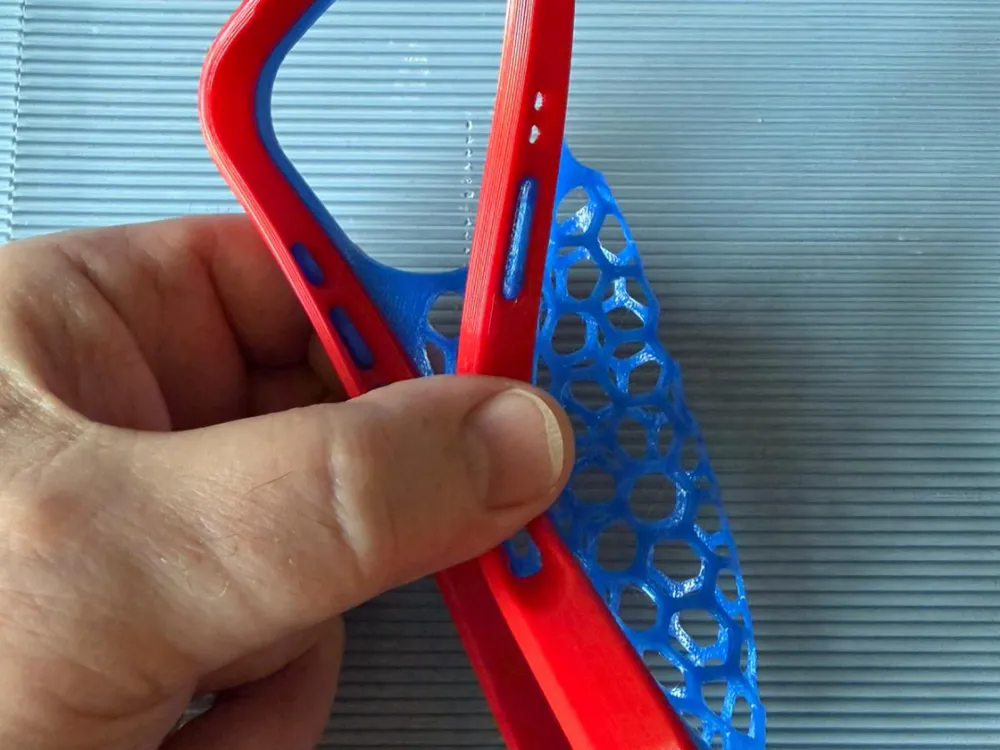
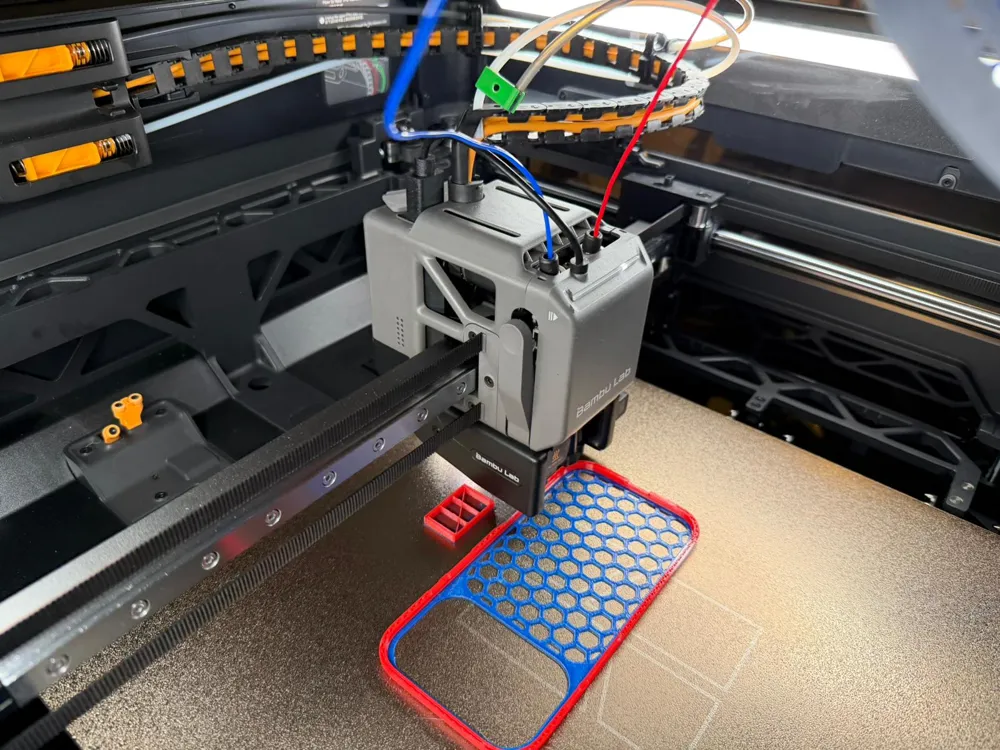
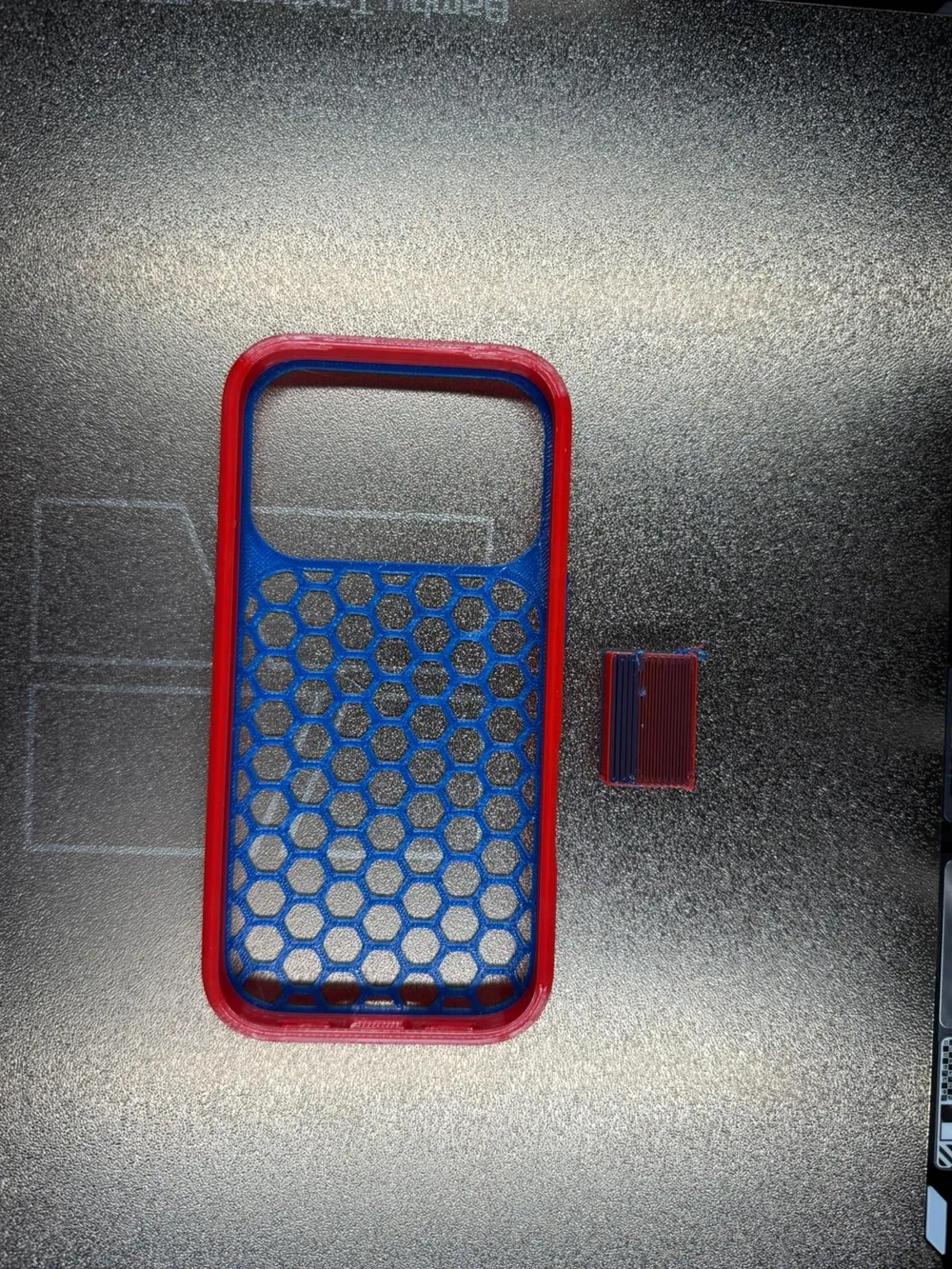
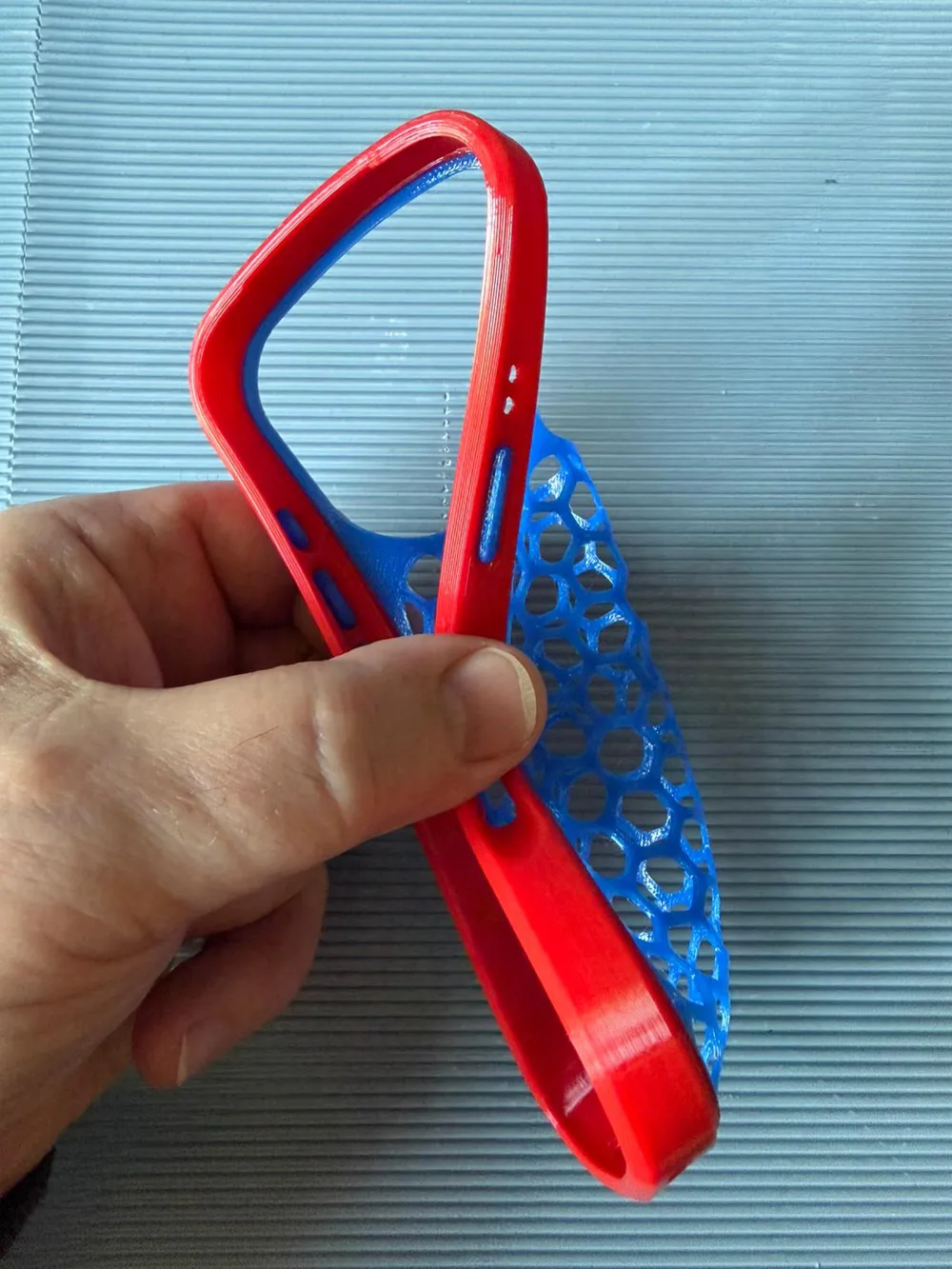
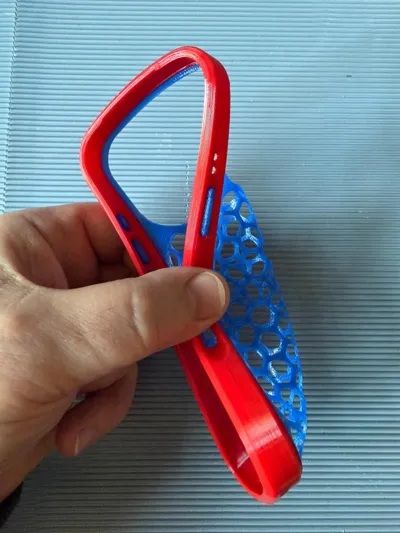
Dual Color TPU prints are also possible on the H2C.
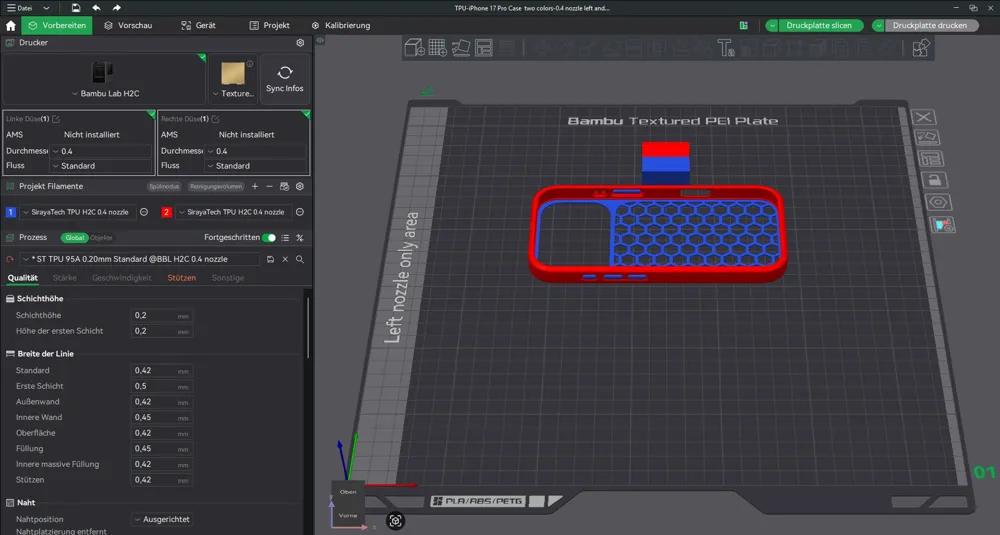
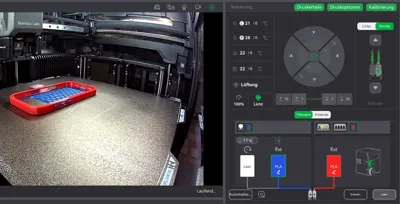
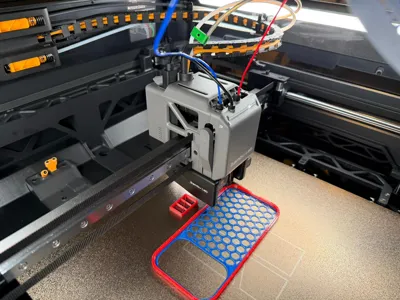
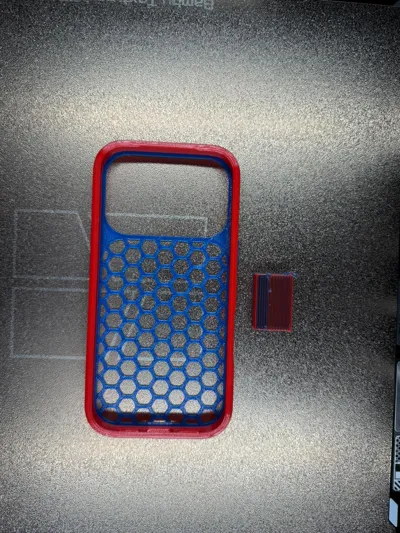
Two-color TPU 95A printing using the left and right nozzles.
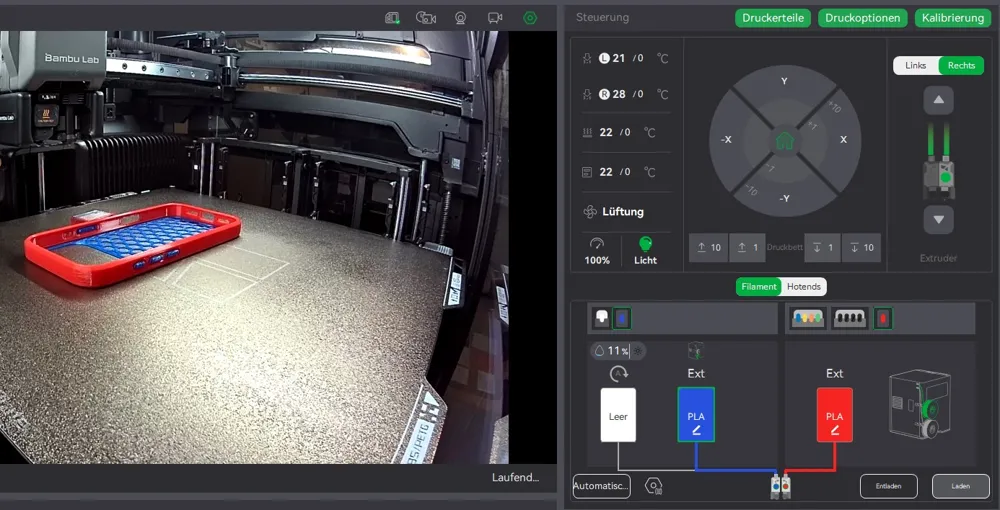
Caution Do not use AMS or PTFE cable!
Load TPU filament via the printer menu without the PTFE cable.
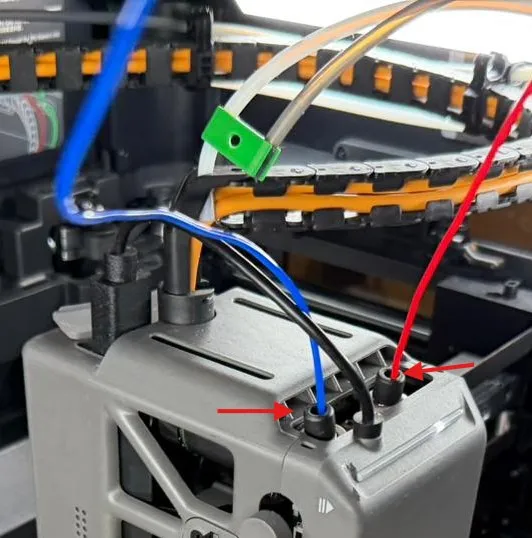
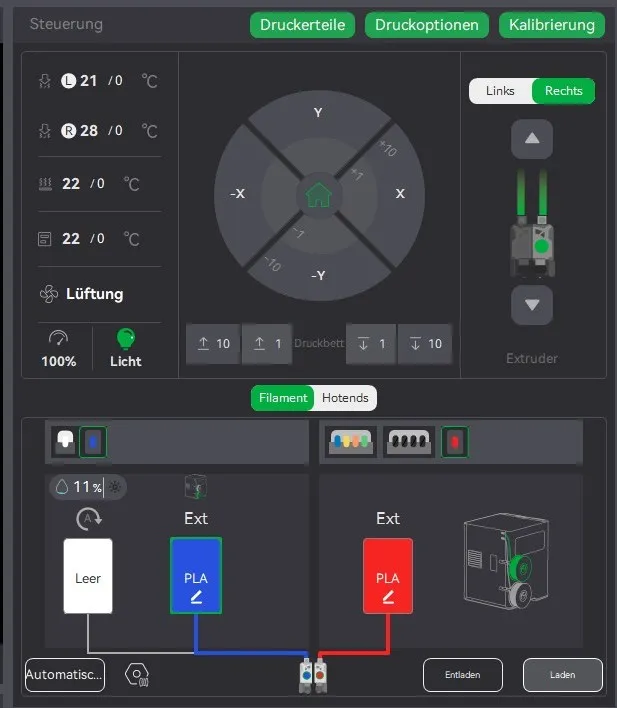
So, you select PLA on the printer when you want to load filament. The printer will then think
that you have loaded PLA on the left nozzle even if it is regular TPU. You do the same with the right nozzle.
Import print profile in Bambu Studio.

The print settings file for TPU 95A filament is from SIRAYA Tech.
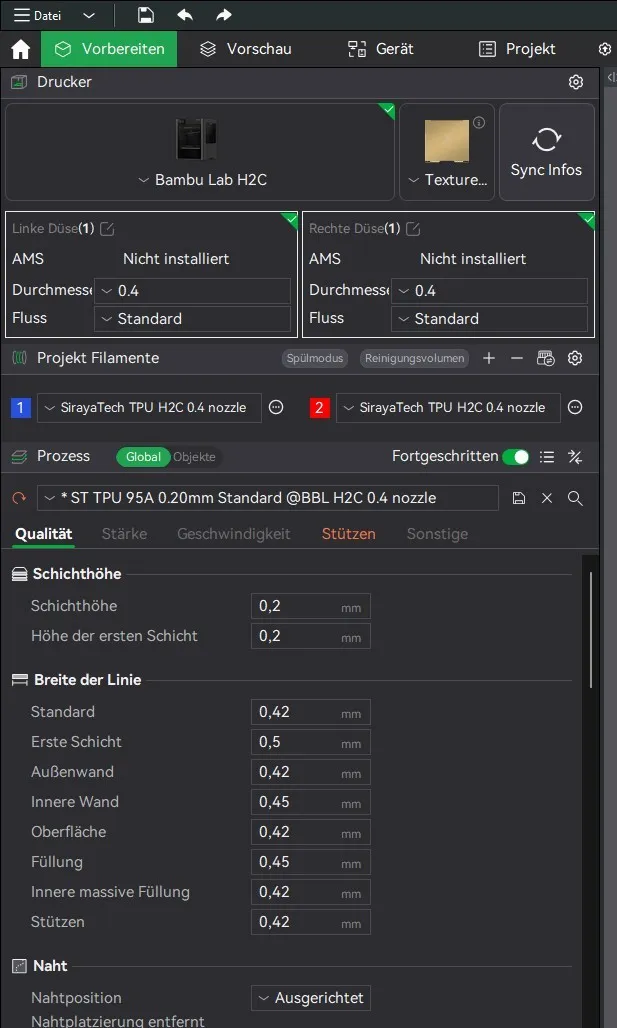
These are the original Bambu Lab H2D parameters that I used. The SIRAYA Tech parameters are also compatible with H2C. I printed the test smartphone case with SUNLU TPU 95A filament and it worked great. You don't necessarily have to use the original SIRAYA Tech TPU filament.
(I recommend reducing the speed in the printer menu from Standard (100%) to
Silent (50%) to further improve the print.)
Please also share your prints so I can see how the profile works for you!
Happy printing.
Boost Me (for free)
I would appreciate a review and a boost.
License

You shall not share, sub-license, sell, rent, host, transfer, or distribute in any way the digital or 3D printed versions of this object, nor any other derivative work of this object in its digital or physical format (including - but not limited to - remixes of this object, and hosting on other digital platforms). The objects may not be used without permission in any way whatsoever in which you charge money, or collect fees.


Comment & Rating (2)