
Gridfinity for citrus juicer
Print Profile(1)
Description

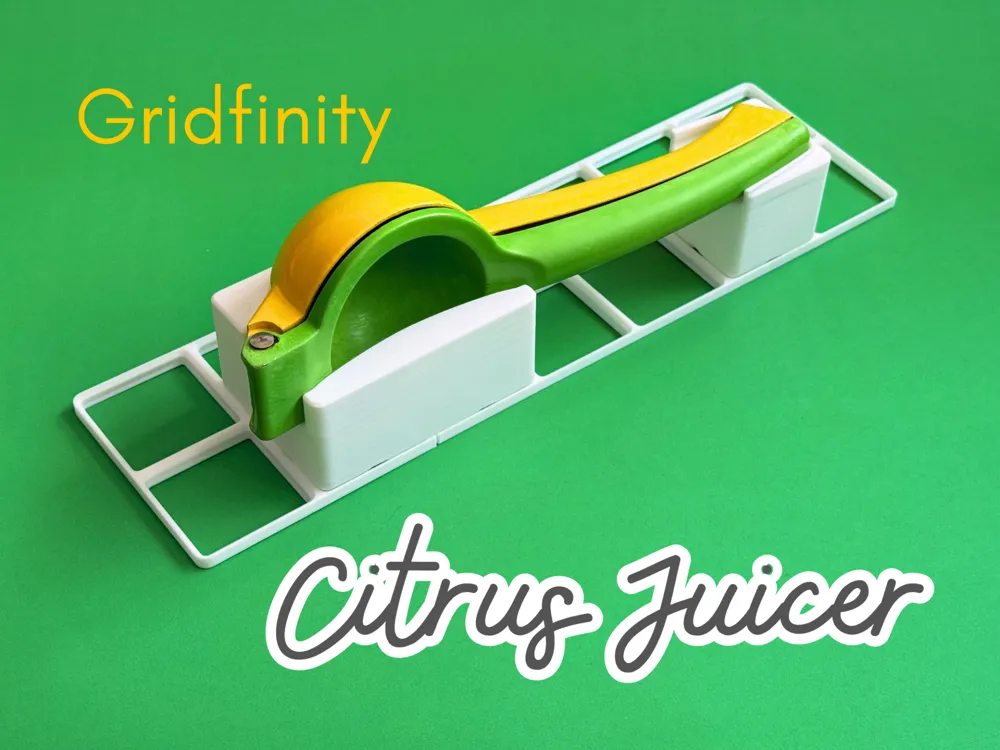
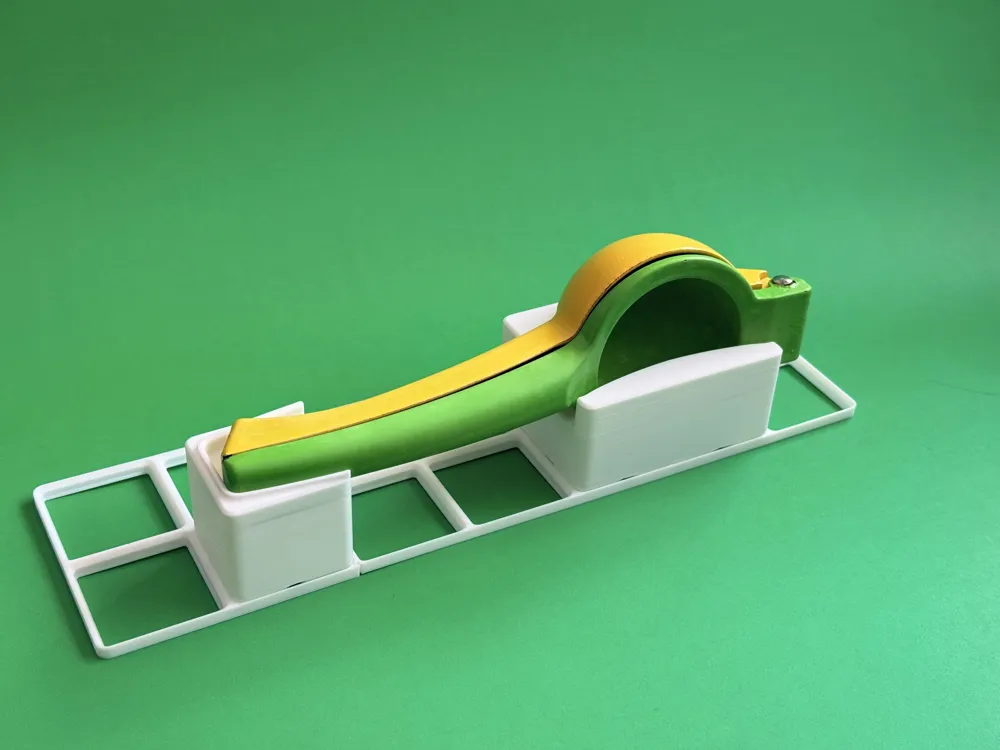
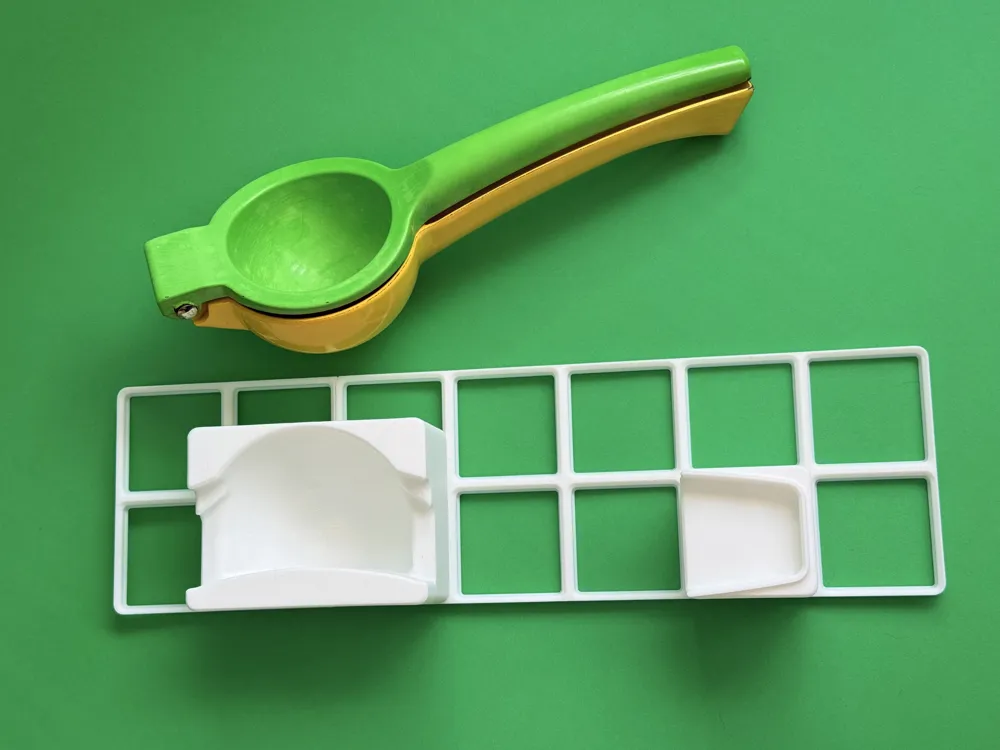
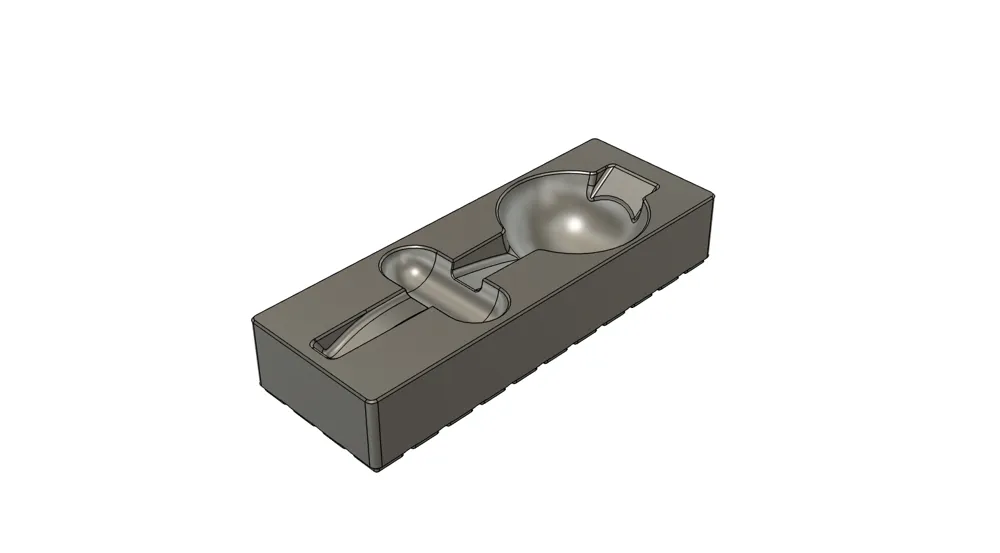
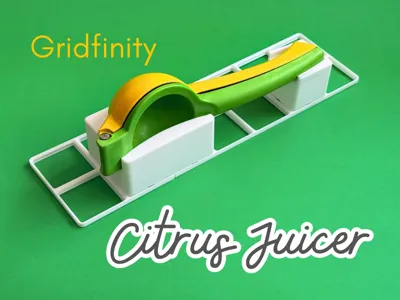
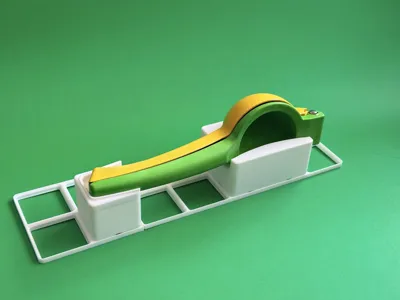
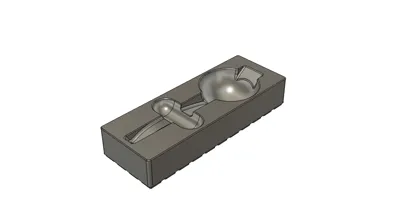
This space-saving model stores a generic citrus juicer on its side, fitting it into the smallest footprint possible, and using less filament. If you're not concerned about saving space and filament there's also an option for storing it flat.
This model has a half grid base for more granular positioning, but is fully compatible with a standard Gridfinity base.
Options
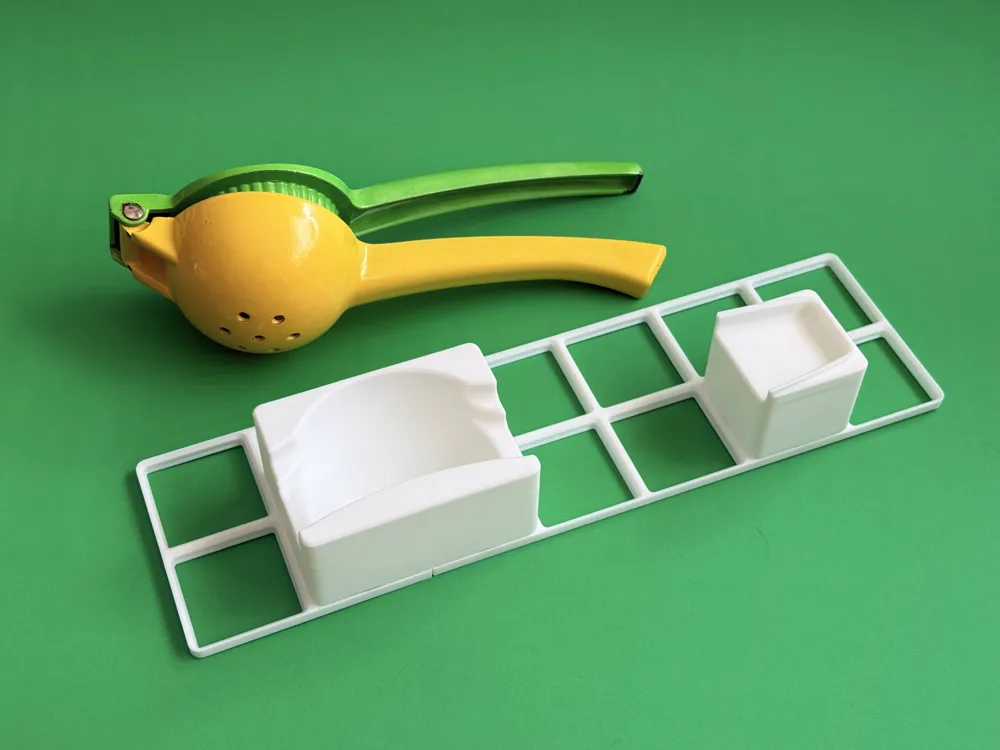
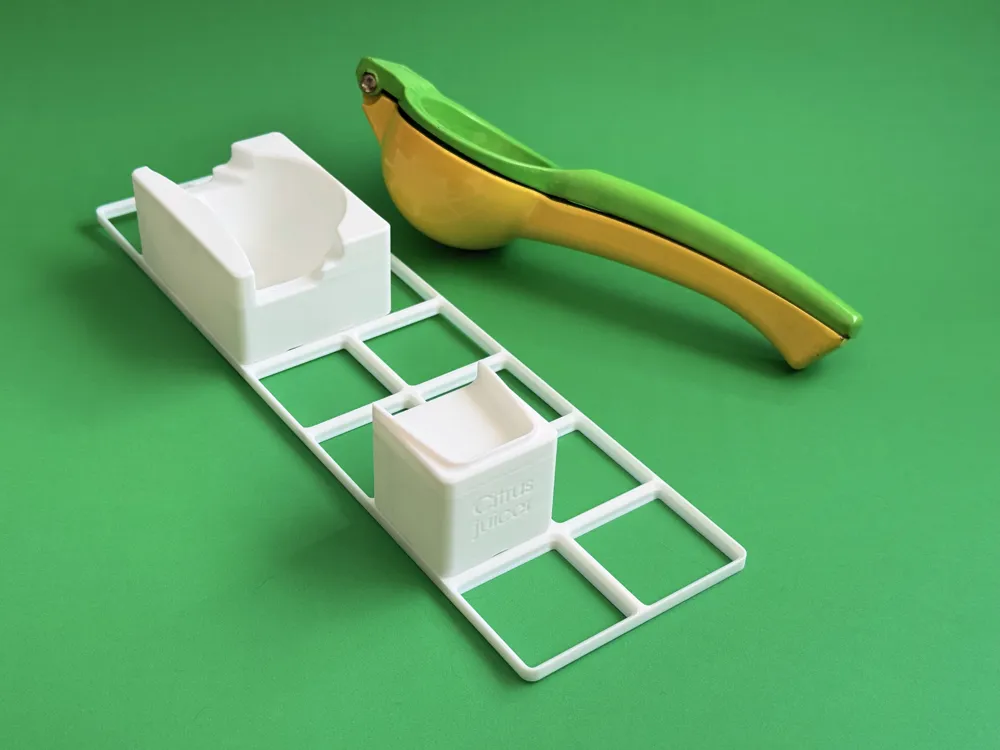
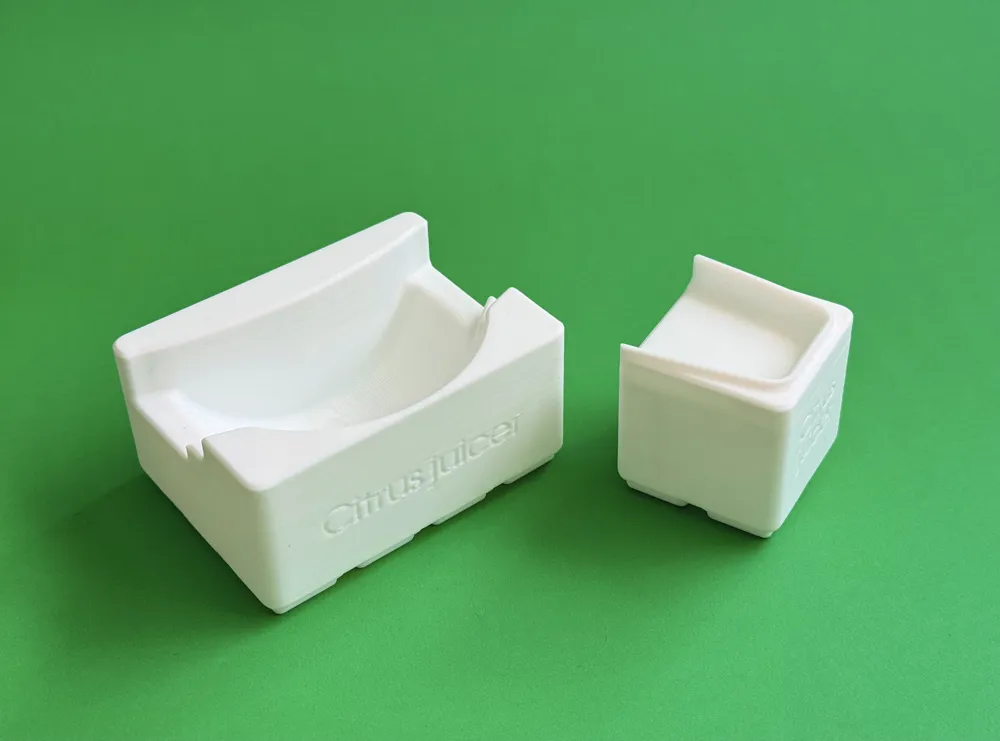
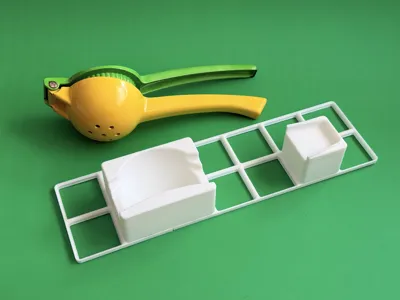
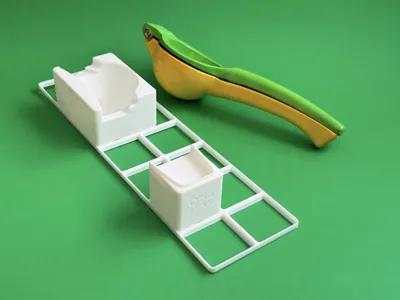
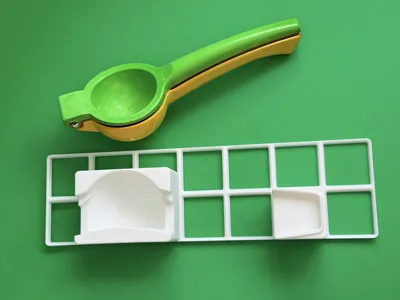
This model has four options available, size and shape testers to ensure your juicer will fit properly before printing the full model.
Store on side
- On side, symmetrical - the most flexible option - orient your juicer on either side and reconfigure your drawer as needed.
- On side, handle to the left
- On side, handle to the right
For the models which store the juicer on its side there are also filler plates for the grids occupied by the juicer.
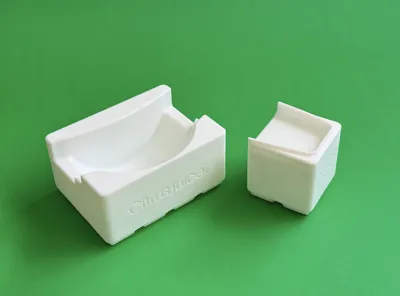
The juicer should fully pass through the tester.
Store flat
The juicer handle should pass through the tester, but the hinge and bowl should rest on the edge of the tester.
Dimensions
These models are 6 Gridfinity units tall.
The store-on-side model requires 5.5 Gridfinity units for the length of the juicer, 2 units for the width of the bowl-section, and 1 unit for the width of the handle.
The store-flat model is 5.5 x 2 units.
Juicer
The dimensions of my juicer are roughly:
- Length 219 mm
From above:
- Bowl width 74 mm
- Bowl lenth 66 mm
- Hinge width 31 mm
- Hinge length 20 mm
- Handle width ~20 mm tapering to 15 mm
From the side:
- Bowl depth 45 mm
- Handle depth ~ 32 mm to 25 mm to 29 mm
Printing
I recommend you print in PLA, which is the only filament I have tested.
Recommended print settings
These are the print settings is use for all my Gridfinity bins:
- Layer height and initial layer height: 0.3
- Use Variable layer heights
- Line width
- Initial layer: 0.56
- All others: 0.5
- Seam position: back
- Wall generator: Arachne
- Bridge flow: 1.5
- Top solid layers: 4
- Sparse infill
- Density: 10%
- Pattern: Lightning

I welcome your comments and feedback! I'm new to 3d printing and modelling. Your input helps me improve.
If you print it and find it useful, please rate! I would also love to see your photos!
Boost Me (for free)
If you found this well constructed and it solved a problem for you, you can Boost me for free! Boosts are a great motivation to keep sharing functional prints to make your life a little easier and contribute to the community. Thanks!

Check out my collections of other models:
License

You may create derivative works based on this object, provided that all such derivative works are published exclusively on the MakerWorld platform and include proper attribution to the original creator. You may not share, upload, host, distribute, or publish this object—or any derivative work of this object—on any other digital platform, marketplace, or distribution channel. Commercial use of this object and any derivative works is strictly prohibited. This includes, but is not limited to, selling, renting, sublicensing, or using the object in any context in which you receive monetary compensation or other financial benefits.


Comment & Rating (3)