
Print Profile(4)
Description
Boost Me (for free)
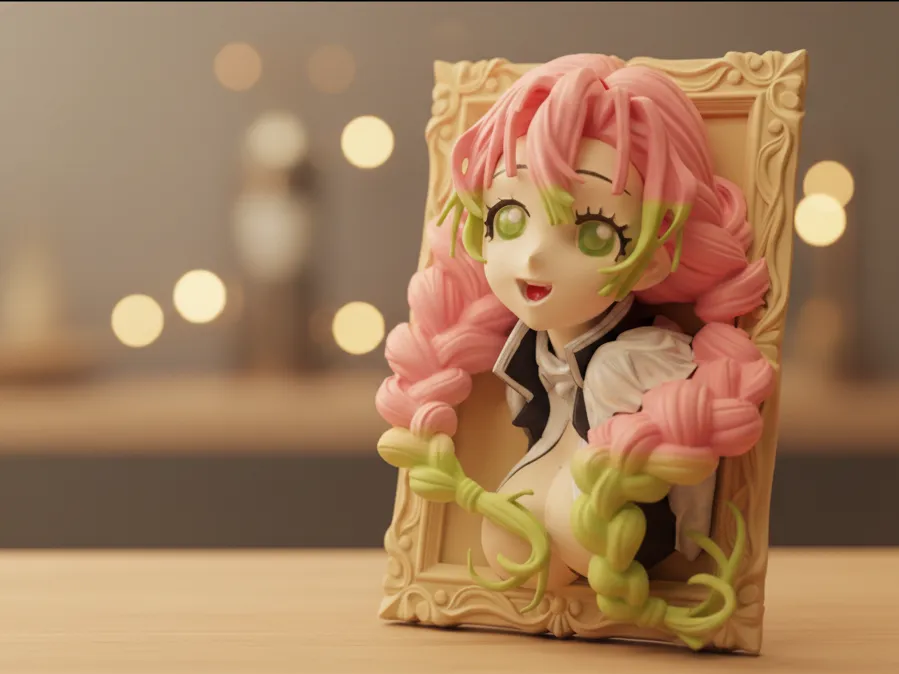
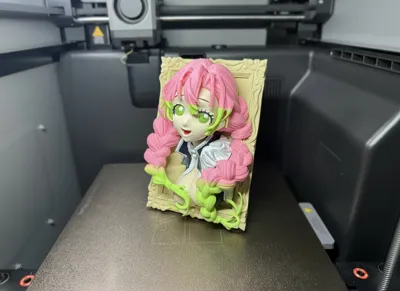
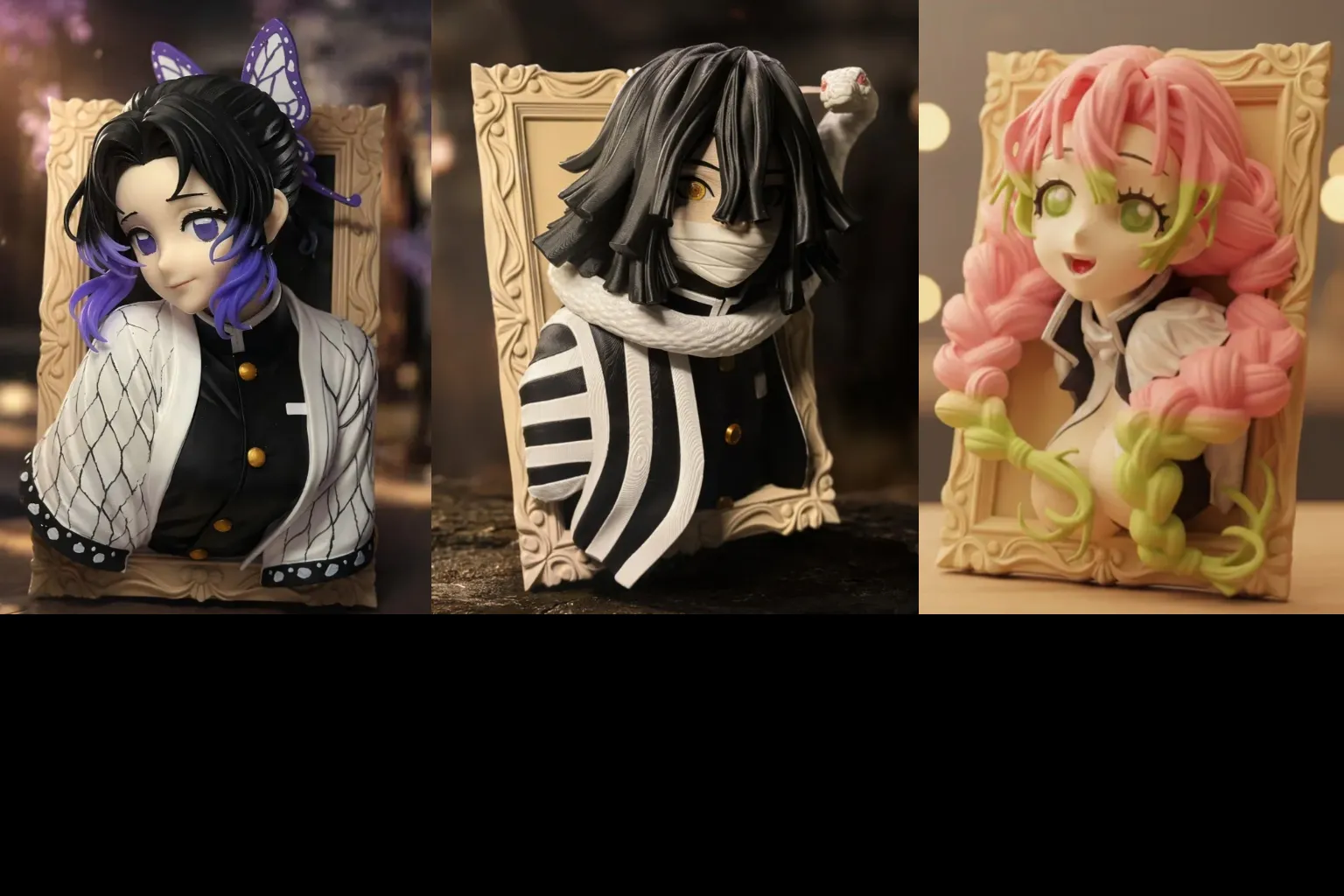
3D photo frame. If you like it, follow me! Creating is not easy, so please show your support!
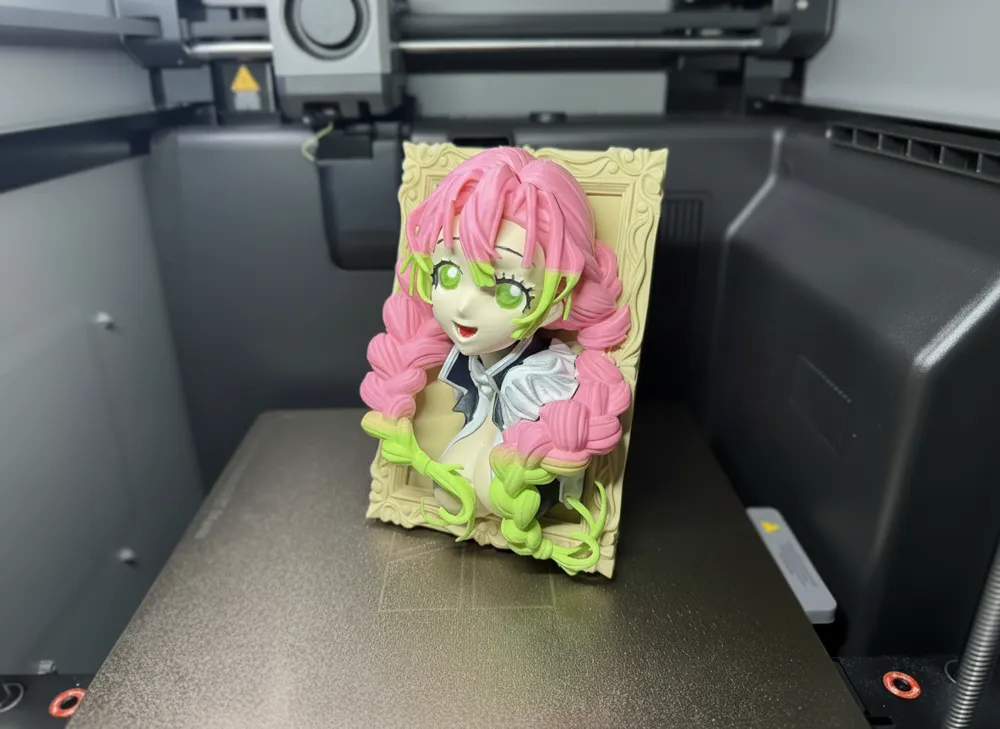
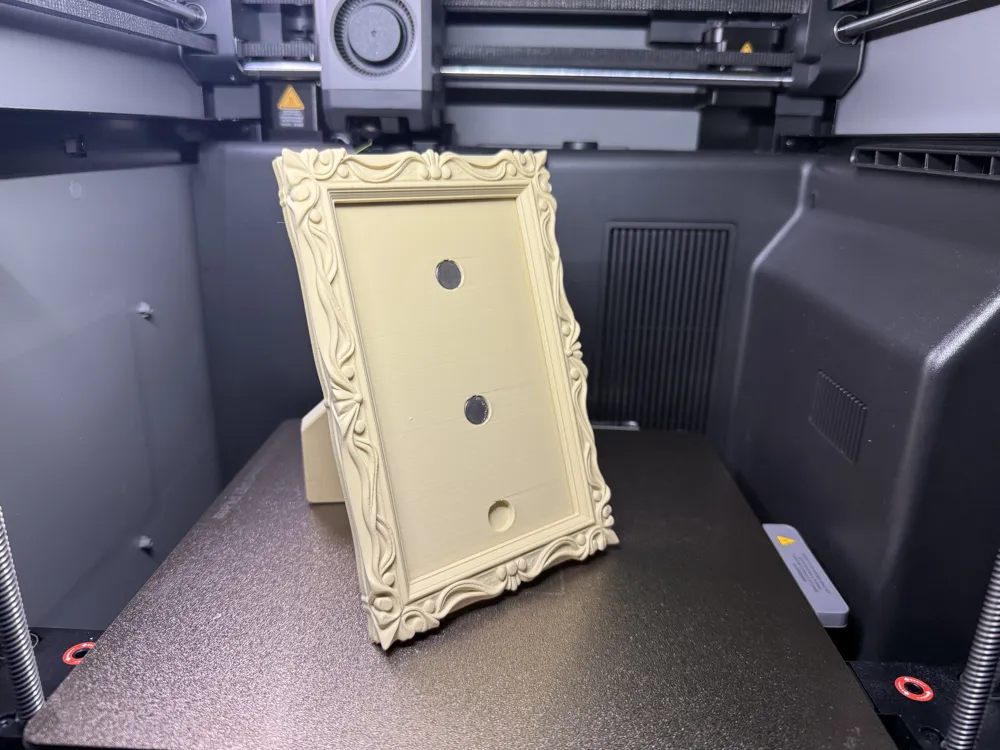
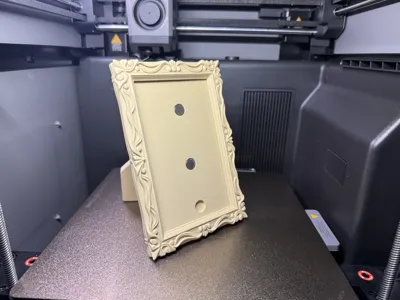
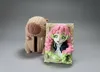
The work consists of two parts: a **magnetic base (photo frame)** and a **3D figure (core)**
- **As an 'Everyday Photo Frame'**: When the 3D figure is removed, the base reverts to its pure photo frame function. Users can insert real photos or flat-printed Mitsuri illustrations, at which point the piece serves as a warm home accent, emphasizing a sense of 'companionship'
- **As a '3D Diorama'**: When the 3D figure is magnetically attached to the base's preset position using built-in magnets, the photo frame's back panel becomes the character's 'stage backdrop'. The character 'breaks out of the frame' from the flat surface
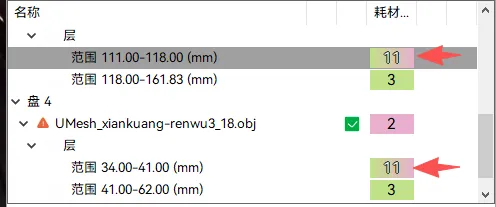
Regarding the gradient color for Mitsuri's hair in the multi-part version, it's achieved by setting the flush volume to 0 and not using a prime tower for color mixing, then attaining the hair color gradient through incrementally changing layer colors (as shown in the figures)
20260710 The multi-part version updated the hair color gradient effect. However, during upload, the system indicated this feature is still experimental and cannot be uploaded. Therefore, everyone can only manually add gradient colors according to the configuration I uploaded. Simply switch the arrowed section in the image below to gradient color. Friends who don't know how to add gradient colors can find instructions in the details of my Shinobu Kocho 3D photo frame model
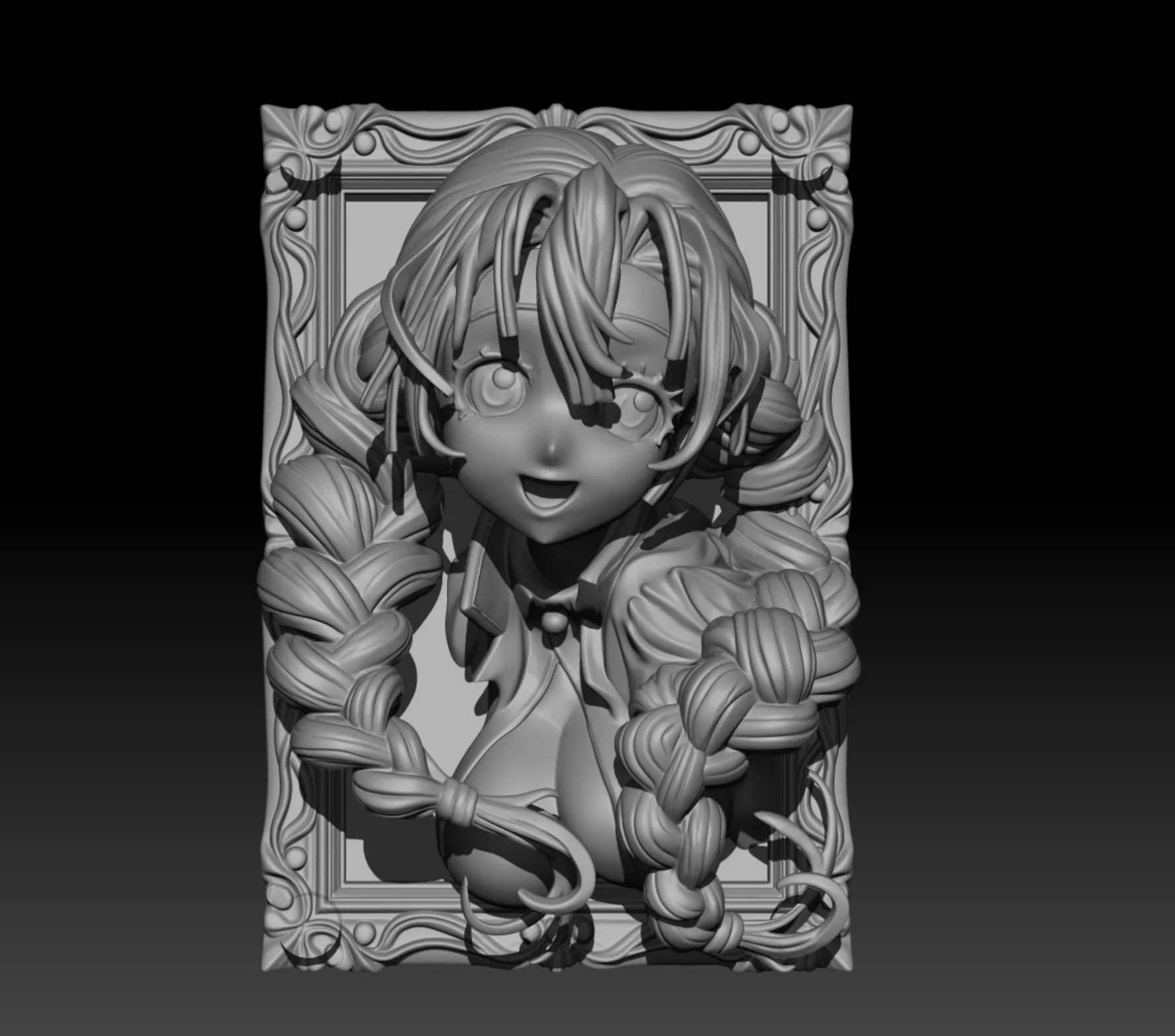
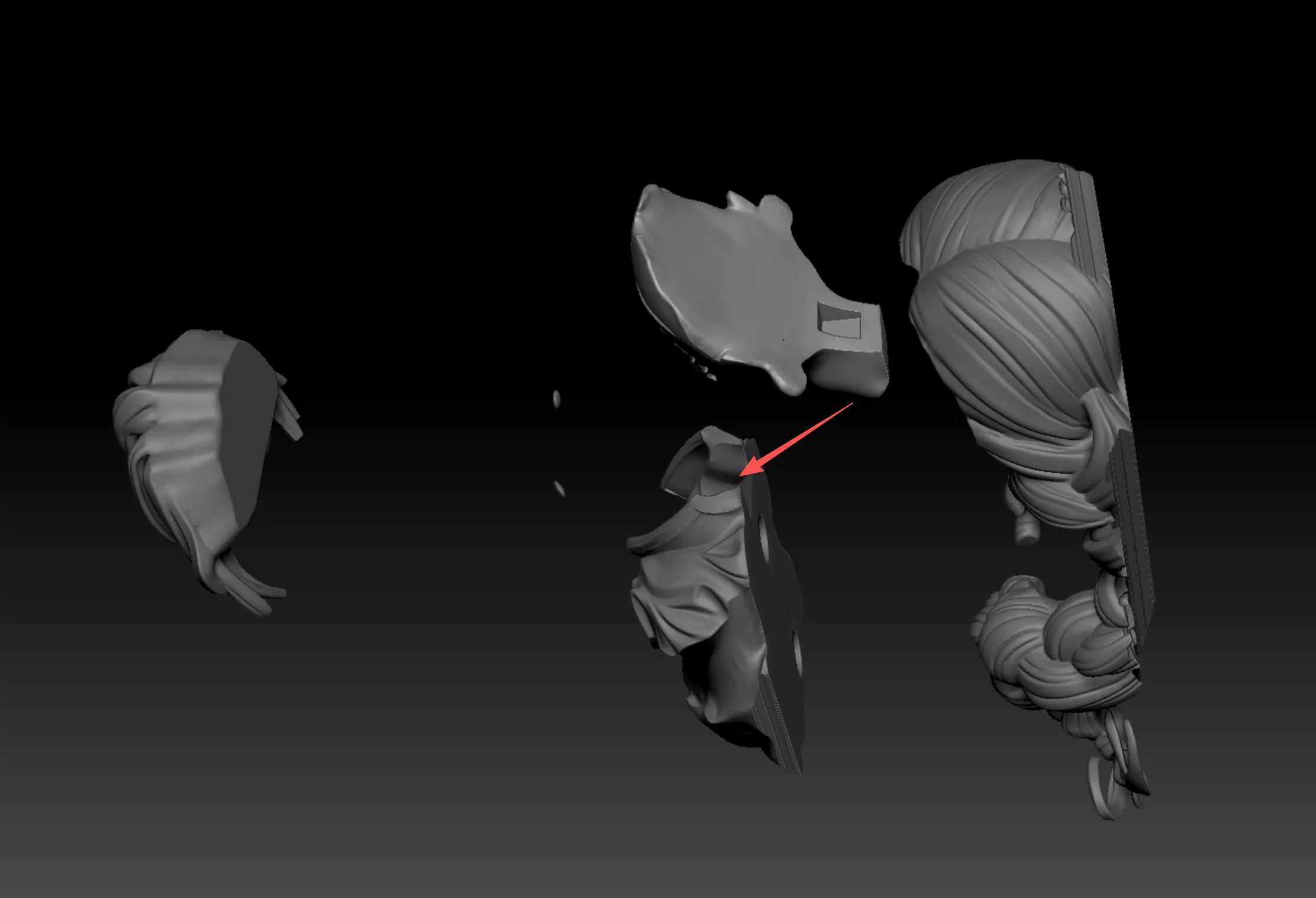
When installing the head, pay close attention (the neck is inserted from behind the collar). Additionally, 14 magnets with a diameter of 12mm and a thickness of 3mm are required
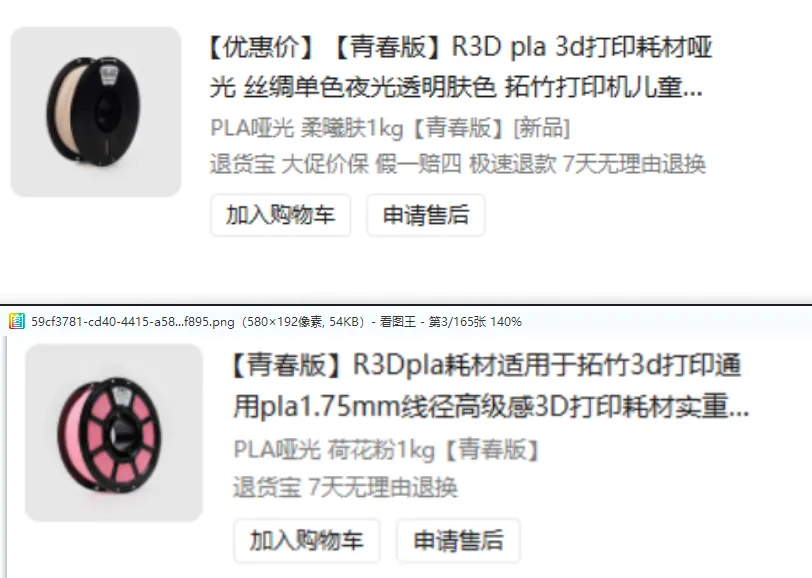
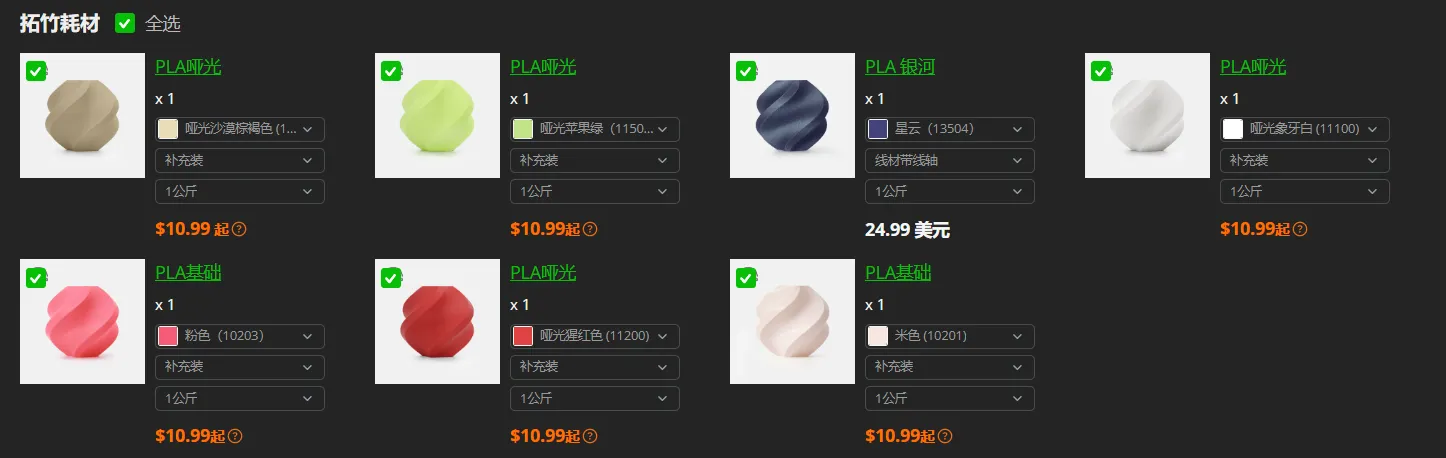
For pink, I used R3D Lotus Pink, for skin tone, R3D Soft Sunlight Skin Tone. For the black of the clothes, I used PLA Galactic Nebula, which is a bit more expensive but gives the clothing color more luster and variation. You can also choose black (please select based on your own situation)
License

You shall not share, sub-license, sell, rent, host, transfer, or distribute in any way the digital or 3D printed versions of this object, nor any other derivative work of this object in its digital or physical format (including - but not limited to - remixes of this object, and hosting on other digital platforms). The objects may not be used without permission in any way whatsoever in which you charge money, or collect fees.


Comment & Rating (16)