
Print Profile(1)
Bill of Materials



Description
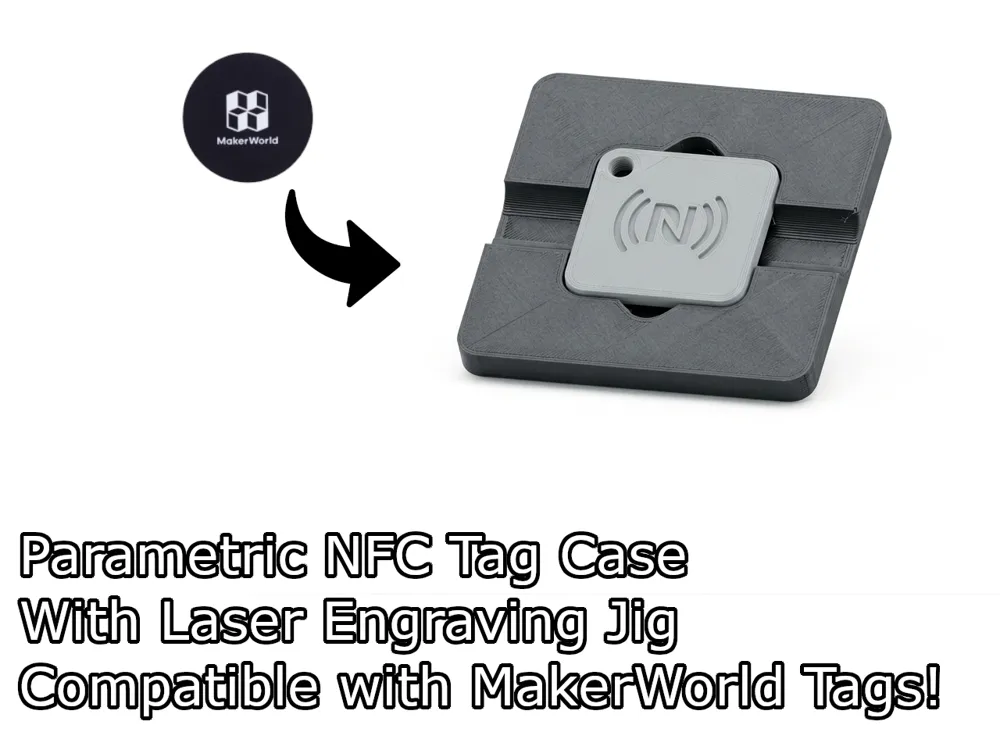
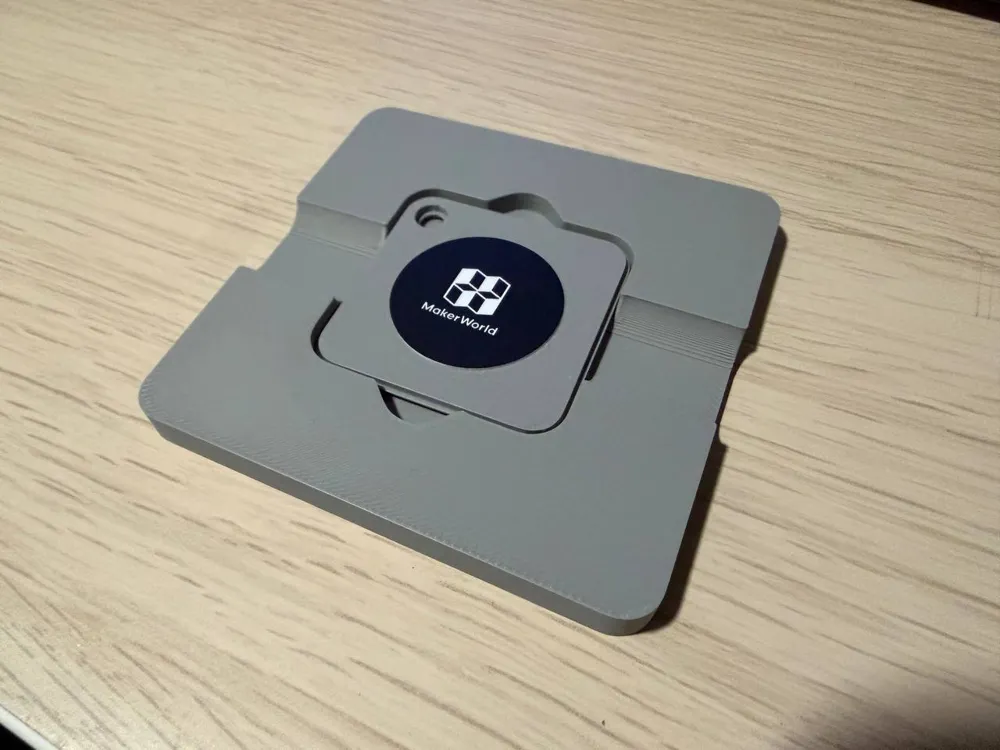
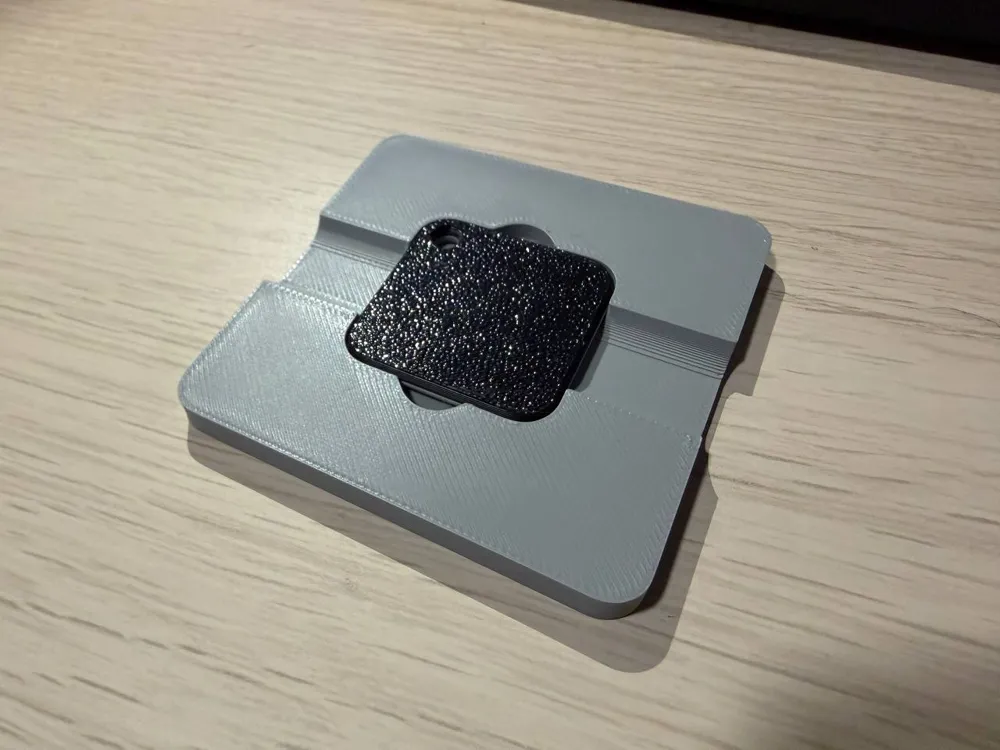
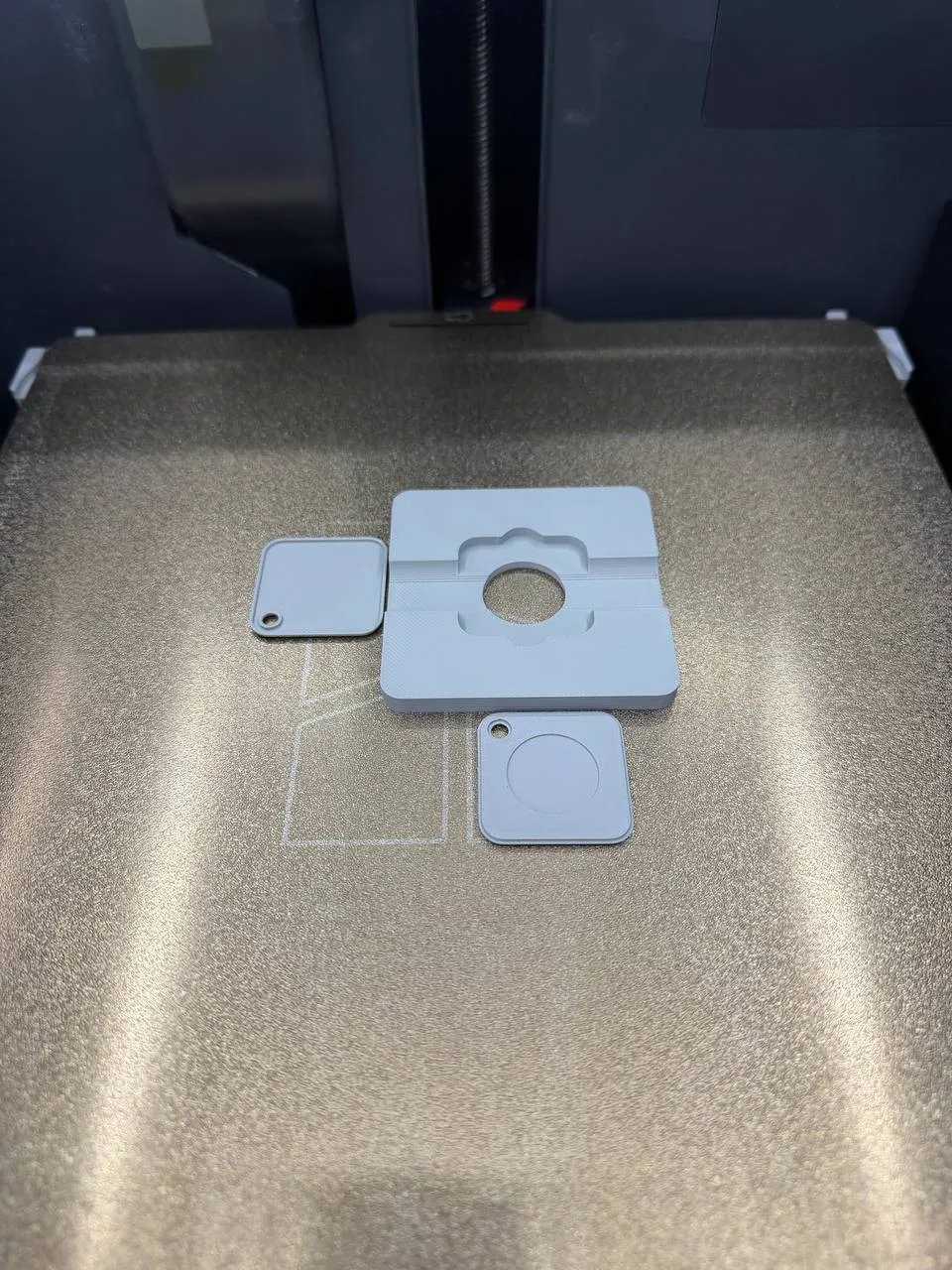
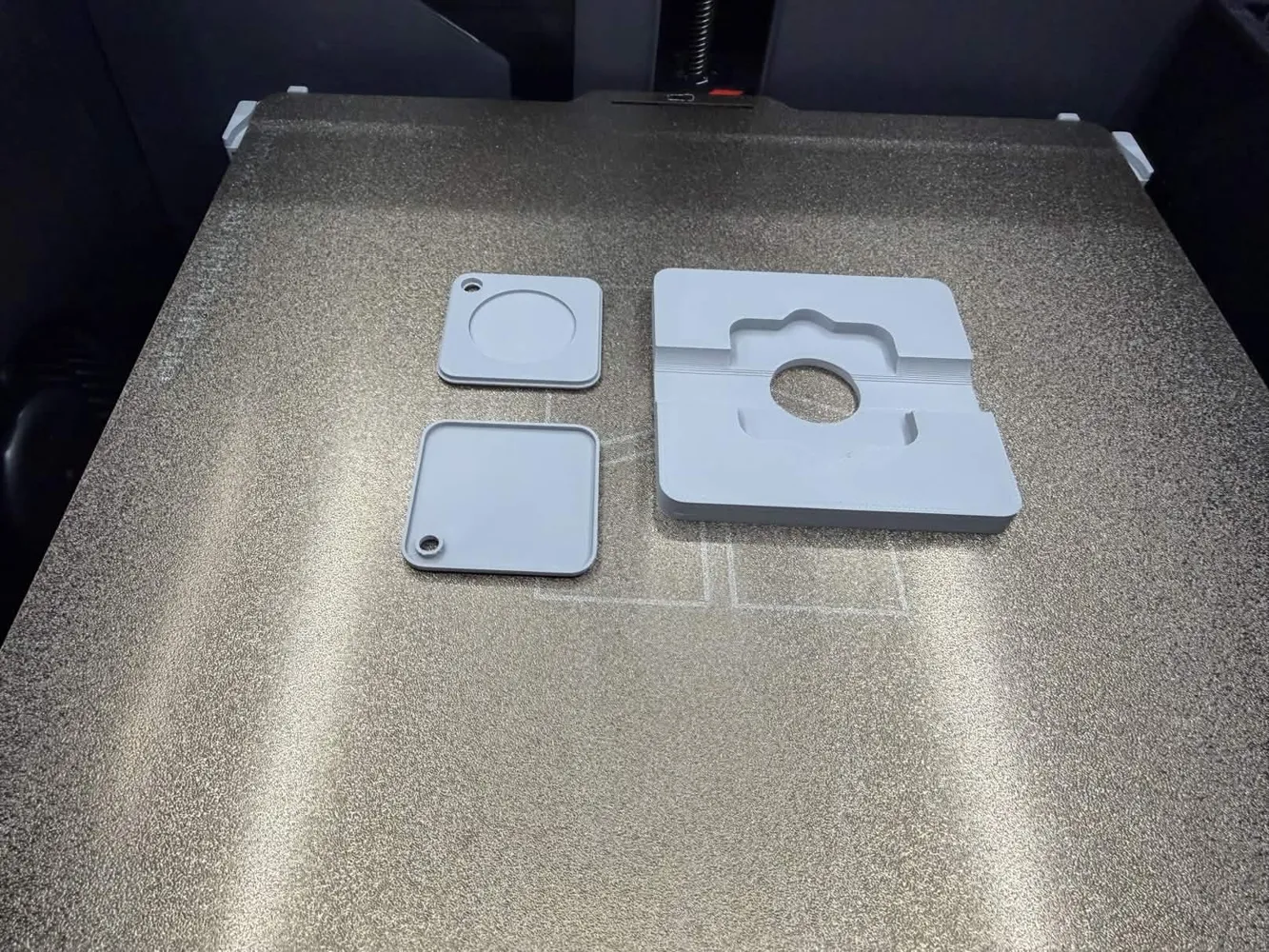
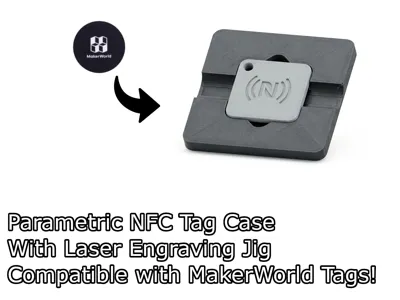
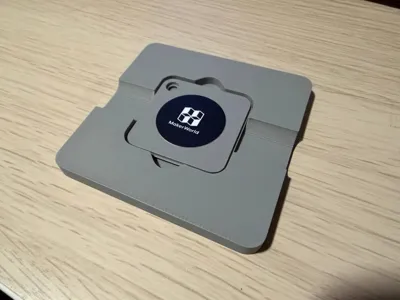
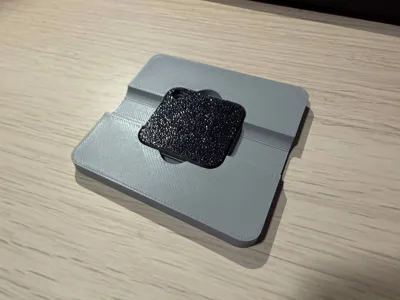
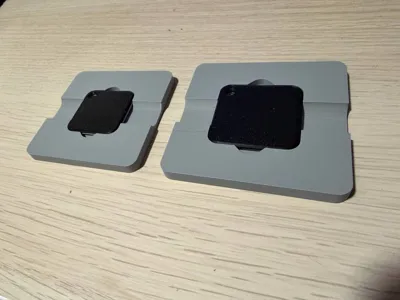
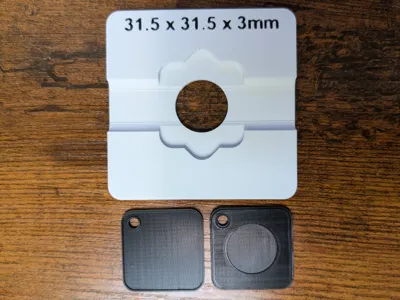
This fully parametric NFC tag case fits virtually any circular NFC tag. Just tweak the inner diameter and thickness to enclose it perfectly. It features a customizable key-chain hole (adjust the diameter as needed) and a dedicated fixture jig to hold the case steady for precise laser engraving. Great for personalizing key-chains, access tokens, or inventory tags with custom logos and text.
This case was made to be a press fit, but you can also apply a little bit of glue to make it permanent.
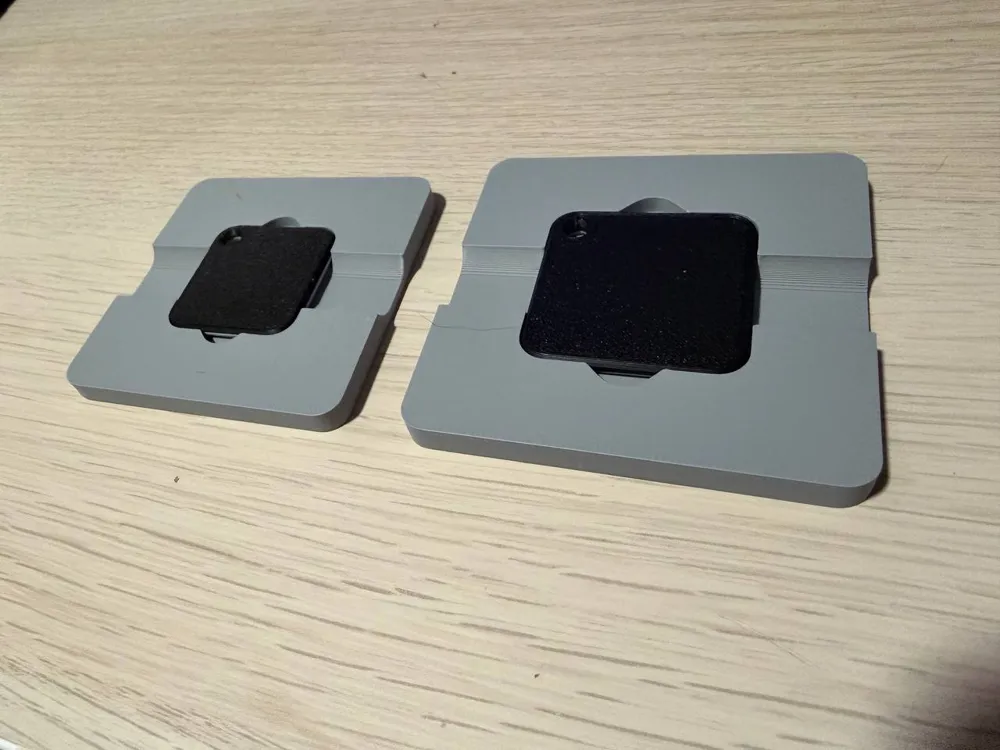
I have included two ready-to-print variants:
- One optimized for MakerWorld NFC tags;
- And another for standard 18 mm wide, 0.4 mm thick NFC paper/plastic tags.
This model is based on the YouFind.us enclosure. Make sure to check their work!
Boost Me (for free)
I make these models for free, and it takes time and material to test them out. Your boost will help me keep releasing new models! Thank you!
Membership
Want to support me further? Or sell my prints? Please consider one of my membership tiers. Thank you!
Do you like my projects? Then please consider donating a coffee ;)

Customizing the model
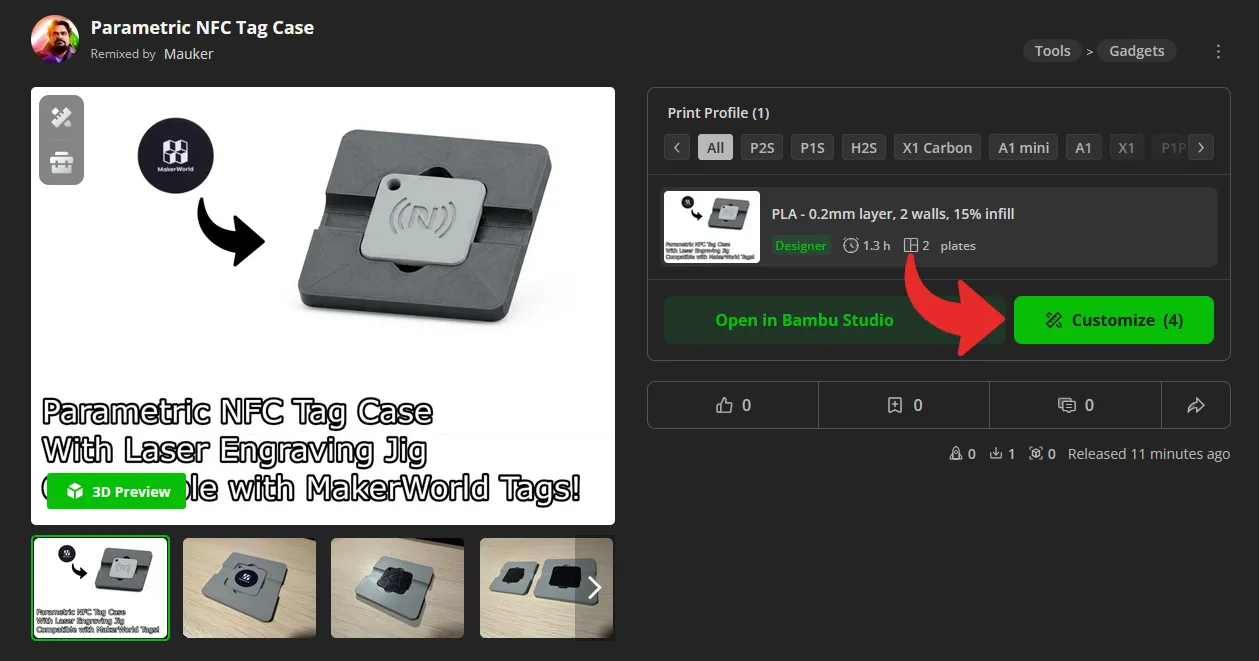
To print your own custom case, click on the “customize” button.
Then, edit the parameters to your liking. But bear in mind that this generator has a few restrictions.
- The width and height of the case will always accommodate for the size of the tag and the key-chain hole, so if you input a smaller size, it will use a minimum size instead;
- The chamfer angle is limited between 45-60º. If you input something higher or lower, it will use the closest value to that range.
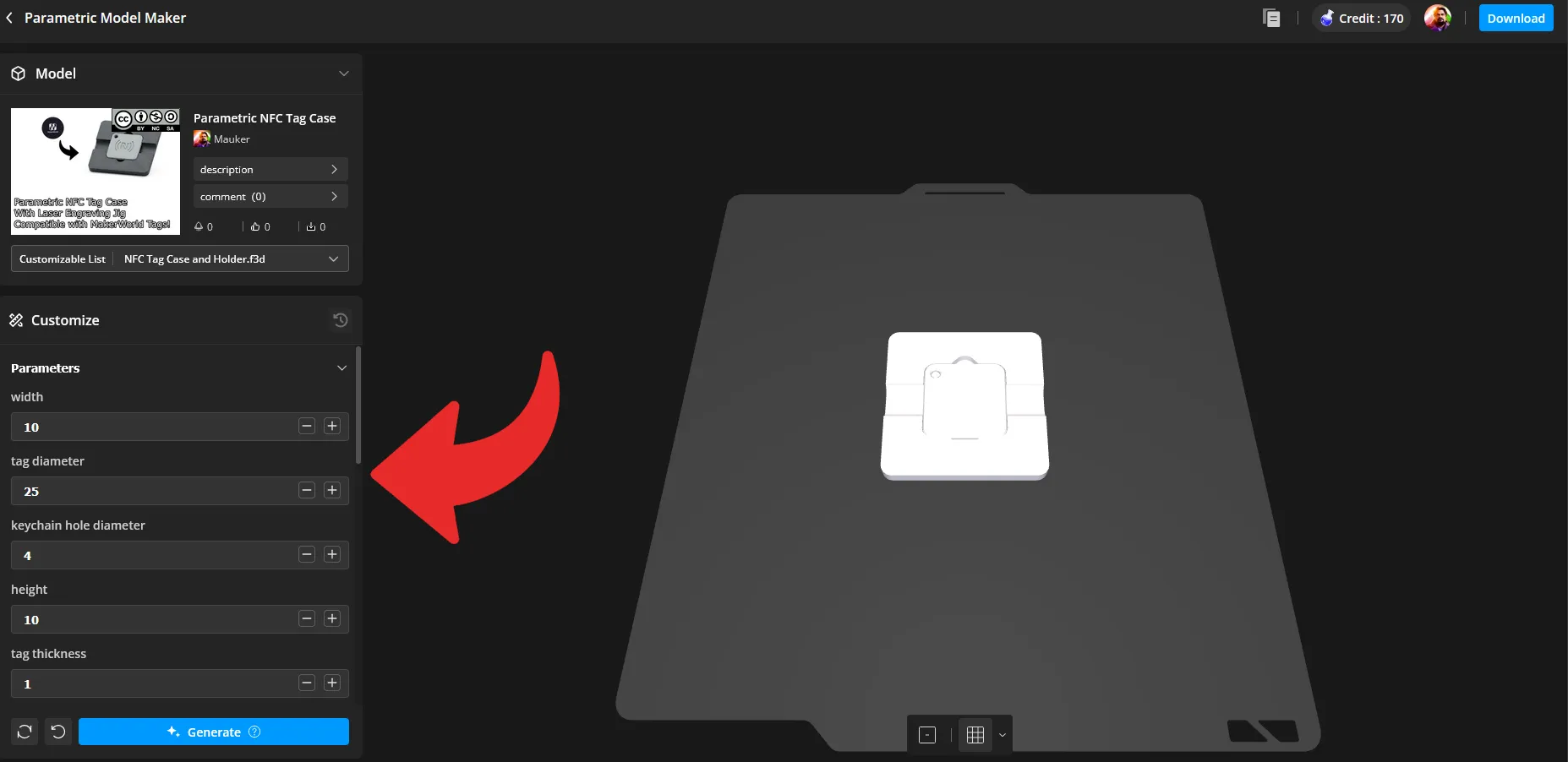
After you're happy with your settings, click on “Generate” and then download your model.
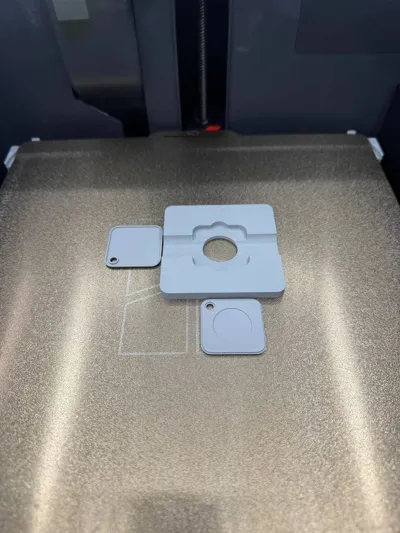
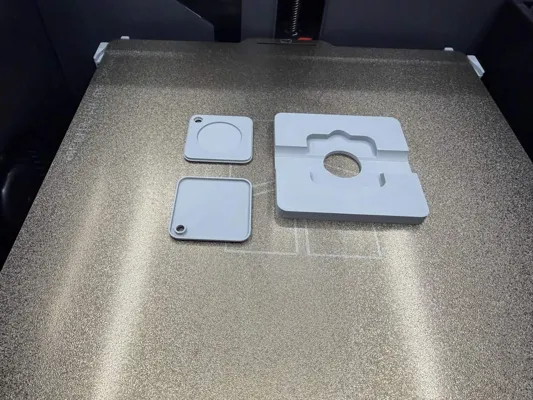
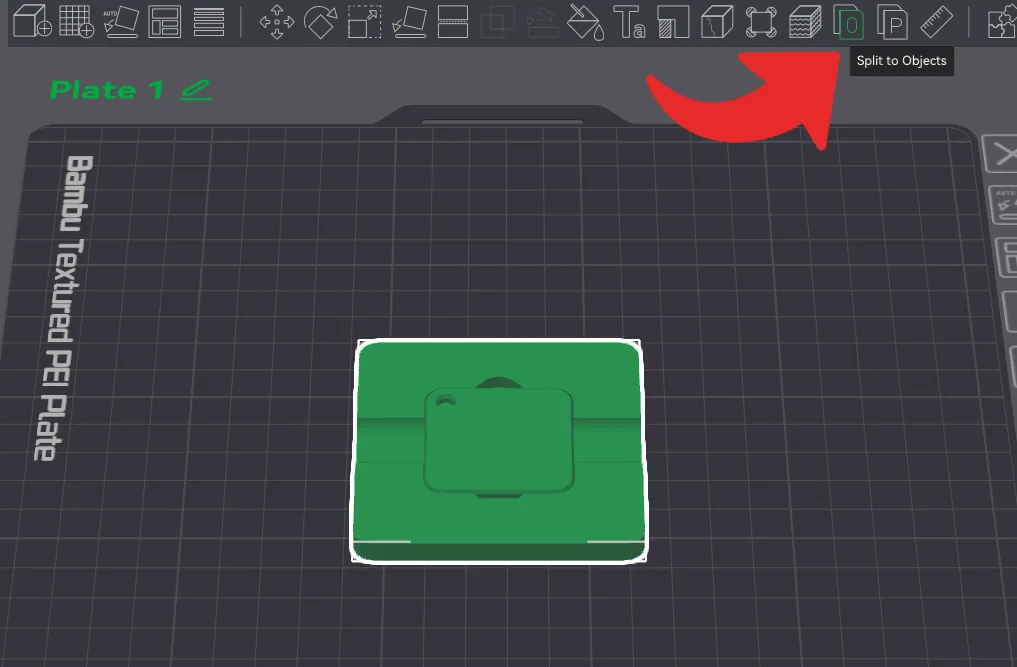
Once you have the model in your slicer, select it and click on “Split to objects”.
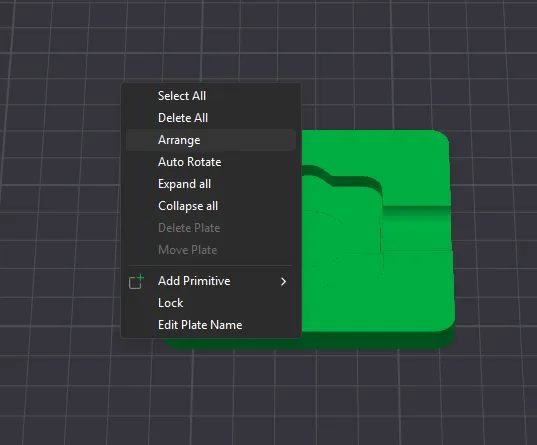
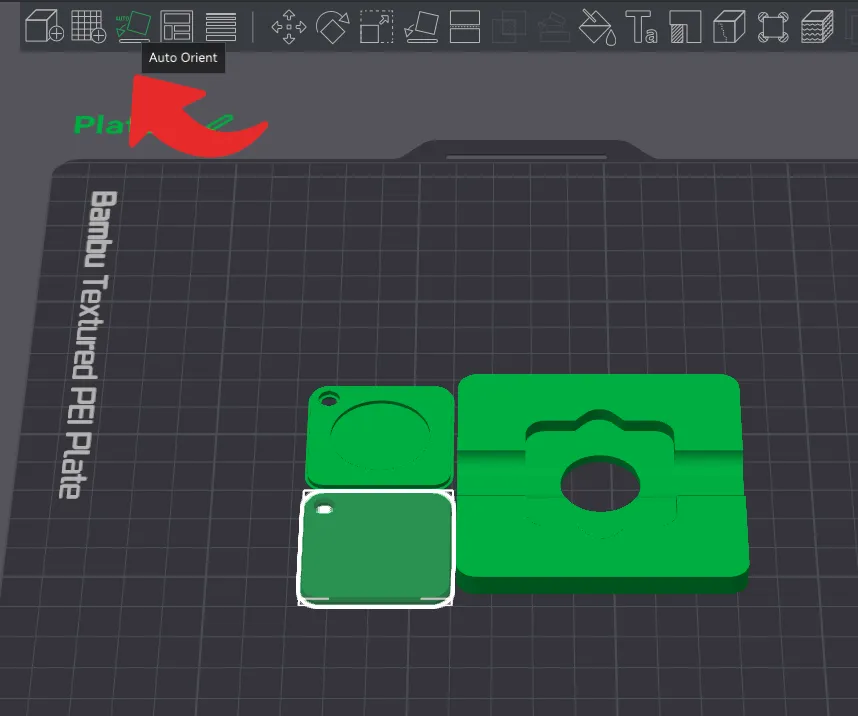
Then, right click on your build plate area, and select “Arrange”. And finally, select the lid object and click on “Auto orient”. After that, adjust your printing parameters to your liking and your project will be ready to print.
Print Settings
Supports:
No.
Resolution:
0.2
Walls/Perimeters:
At least 2.
Infill:
15% or more.
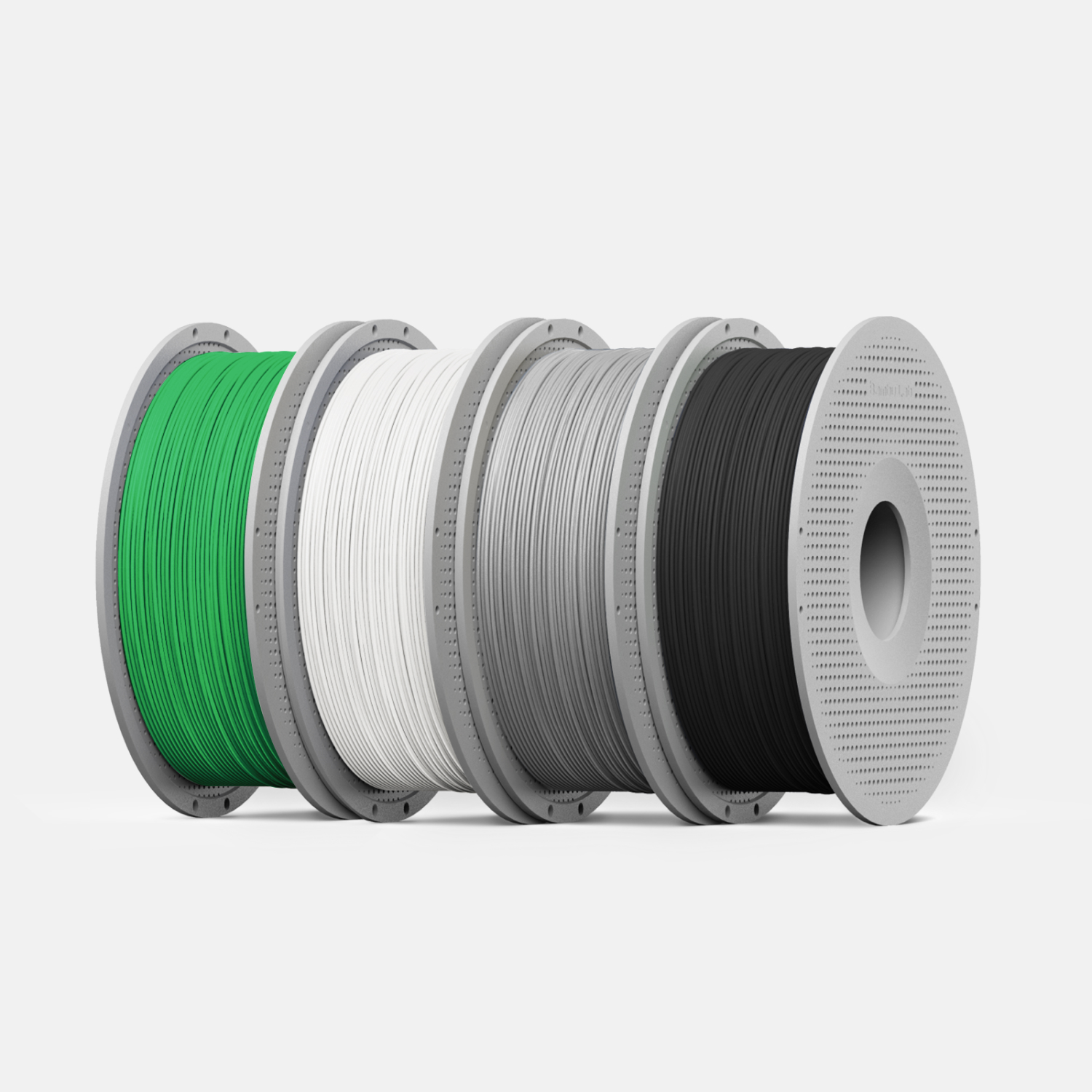
Filament:
Any.
This remix is based on

License



Comment & Rating (7)