
Filament Storage Labels
Print Profile(26)
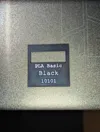
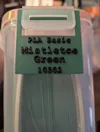
Description
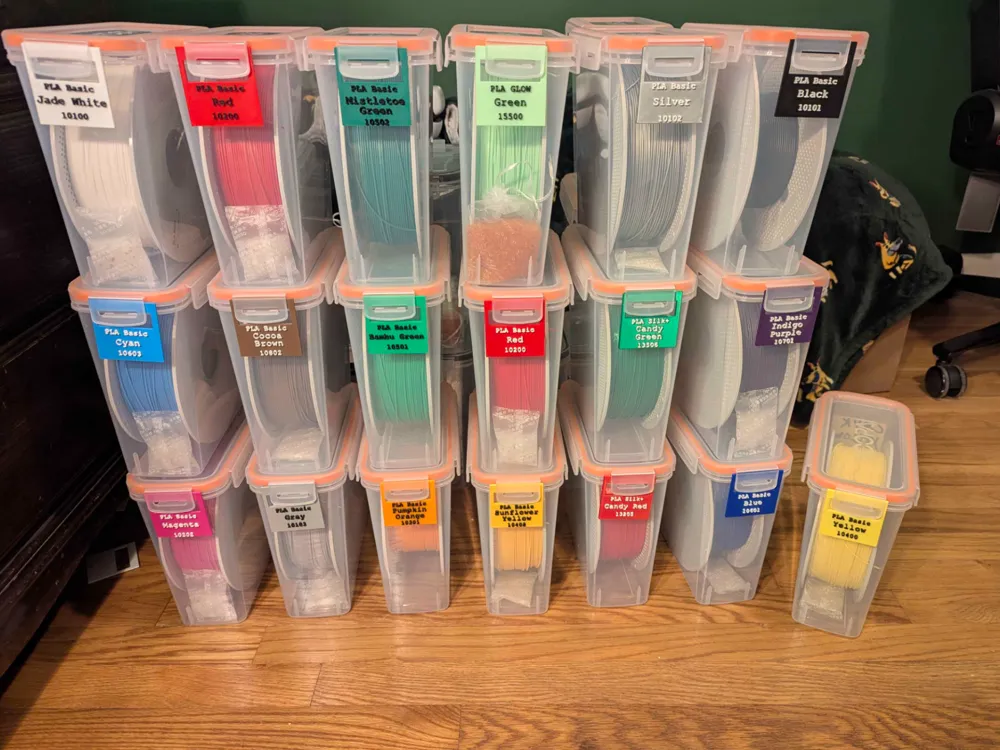
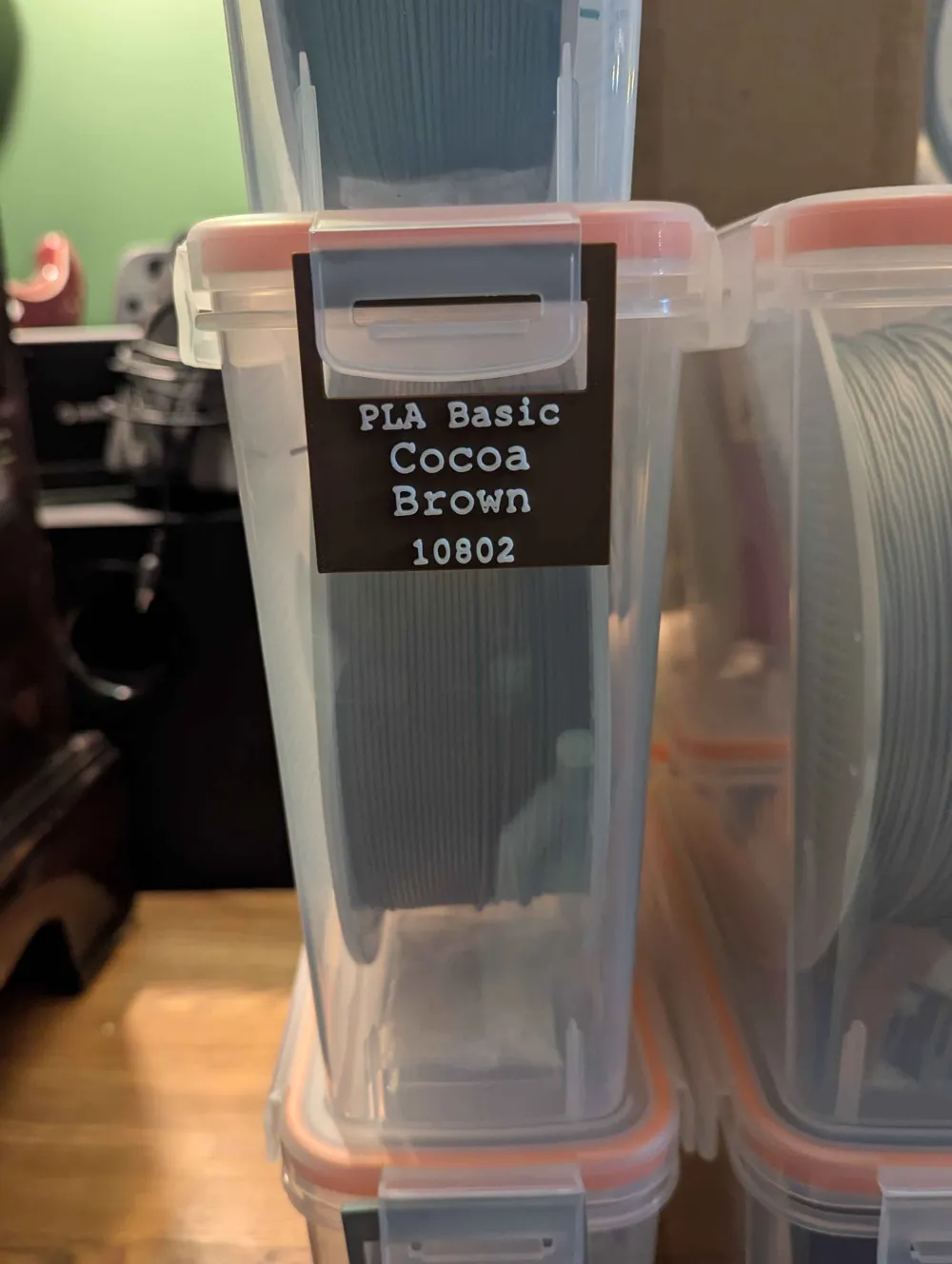
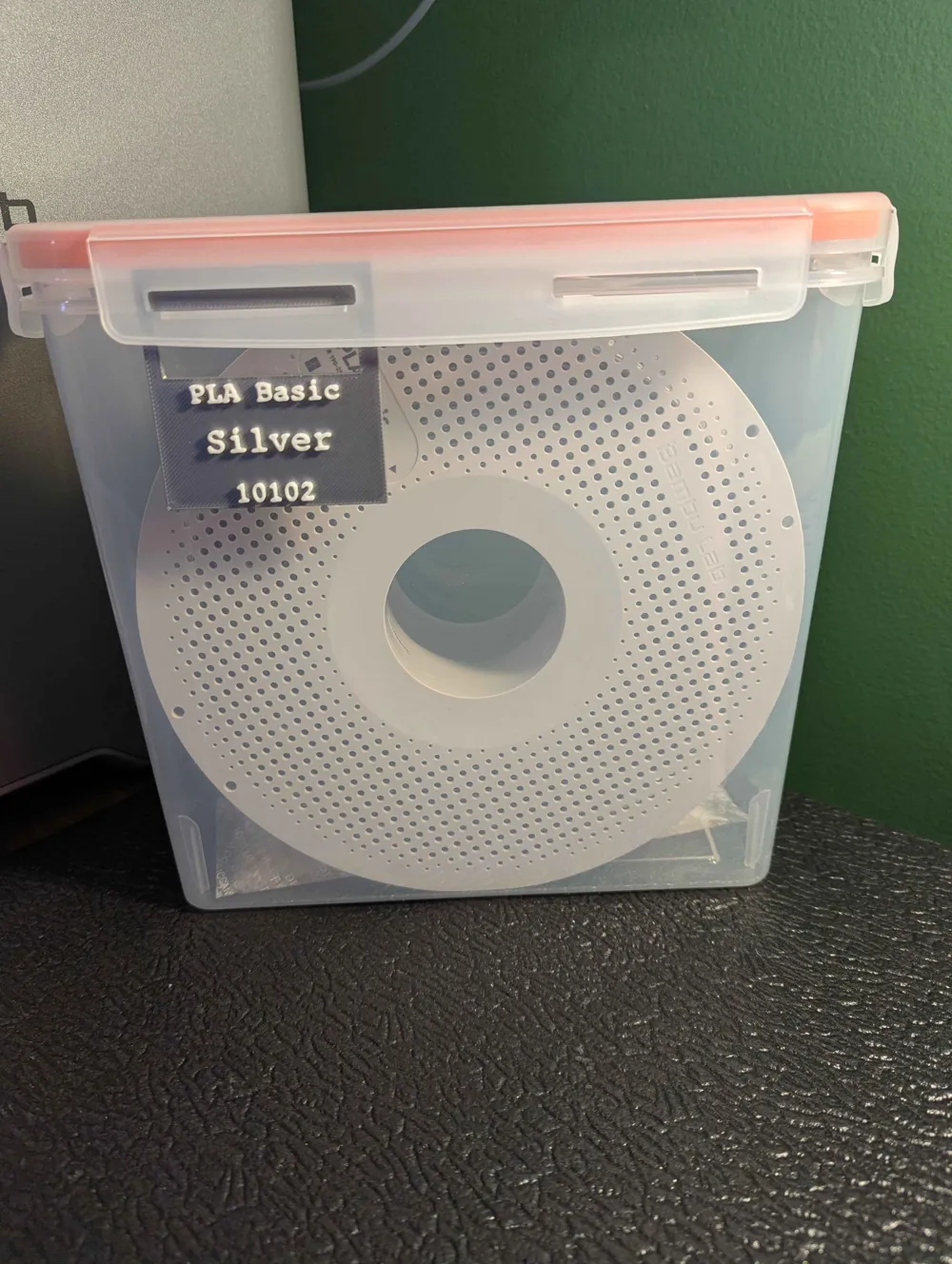
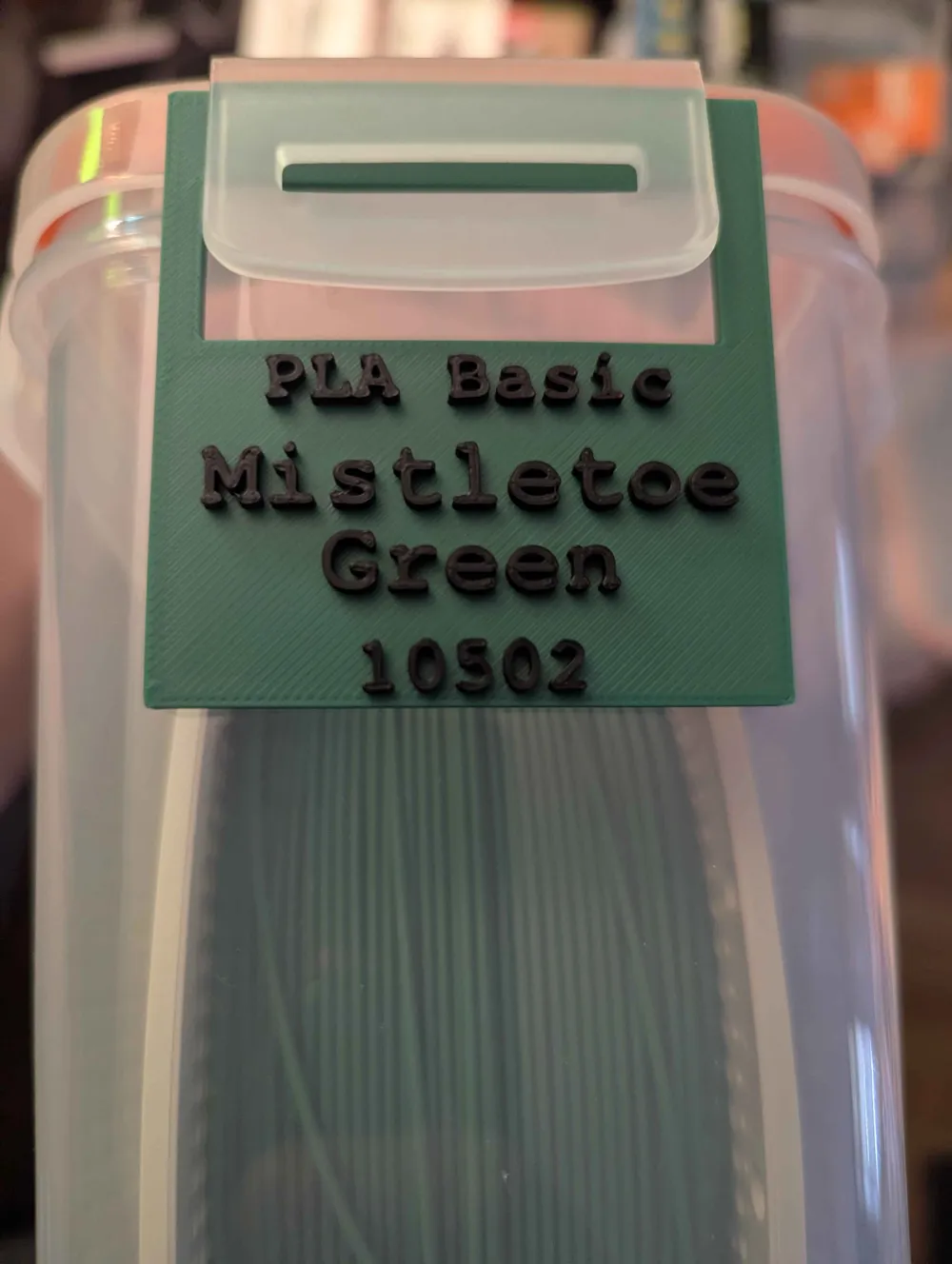
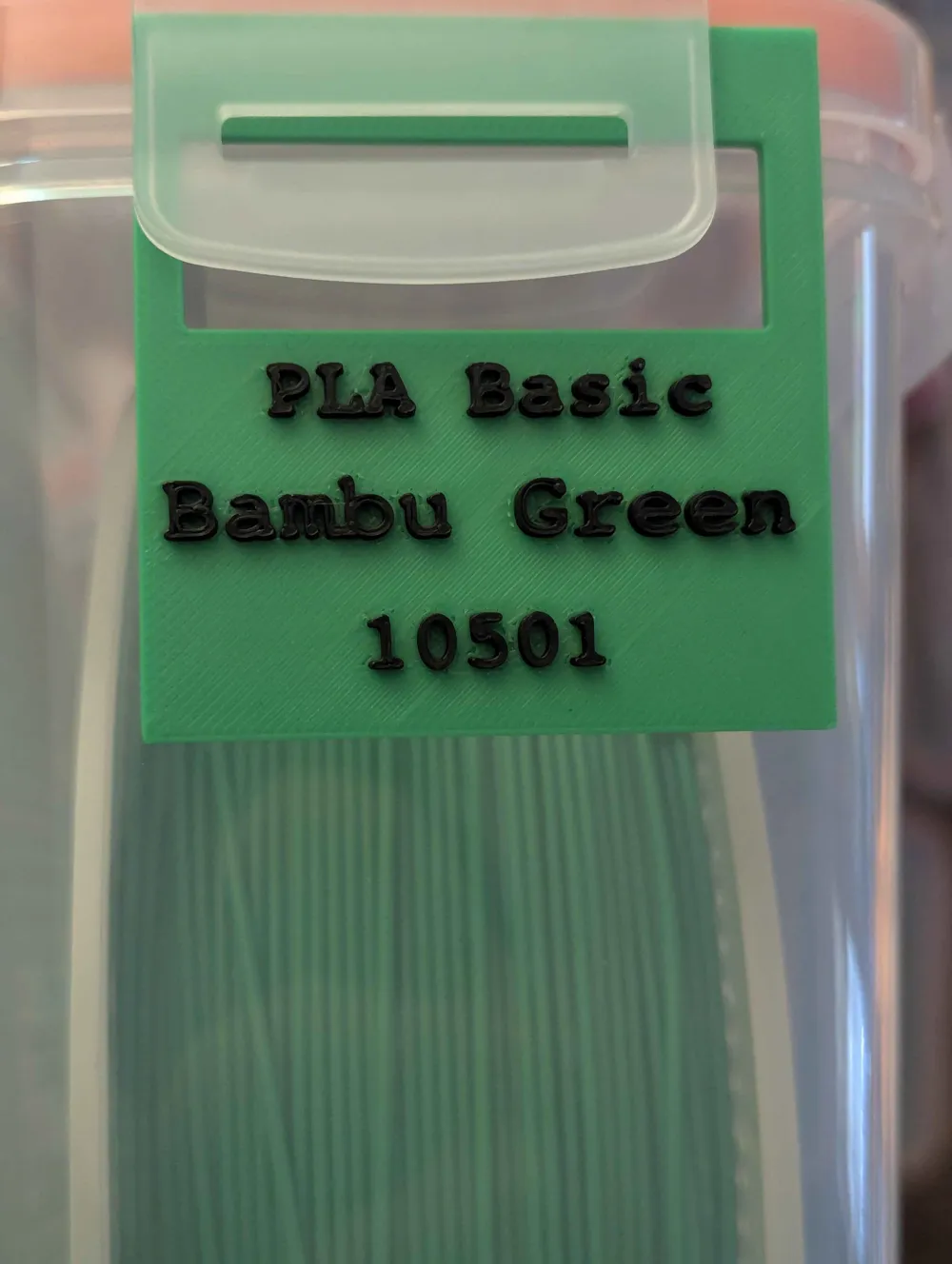
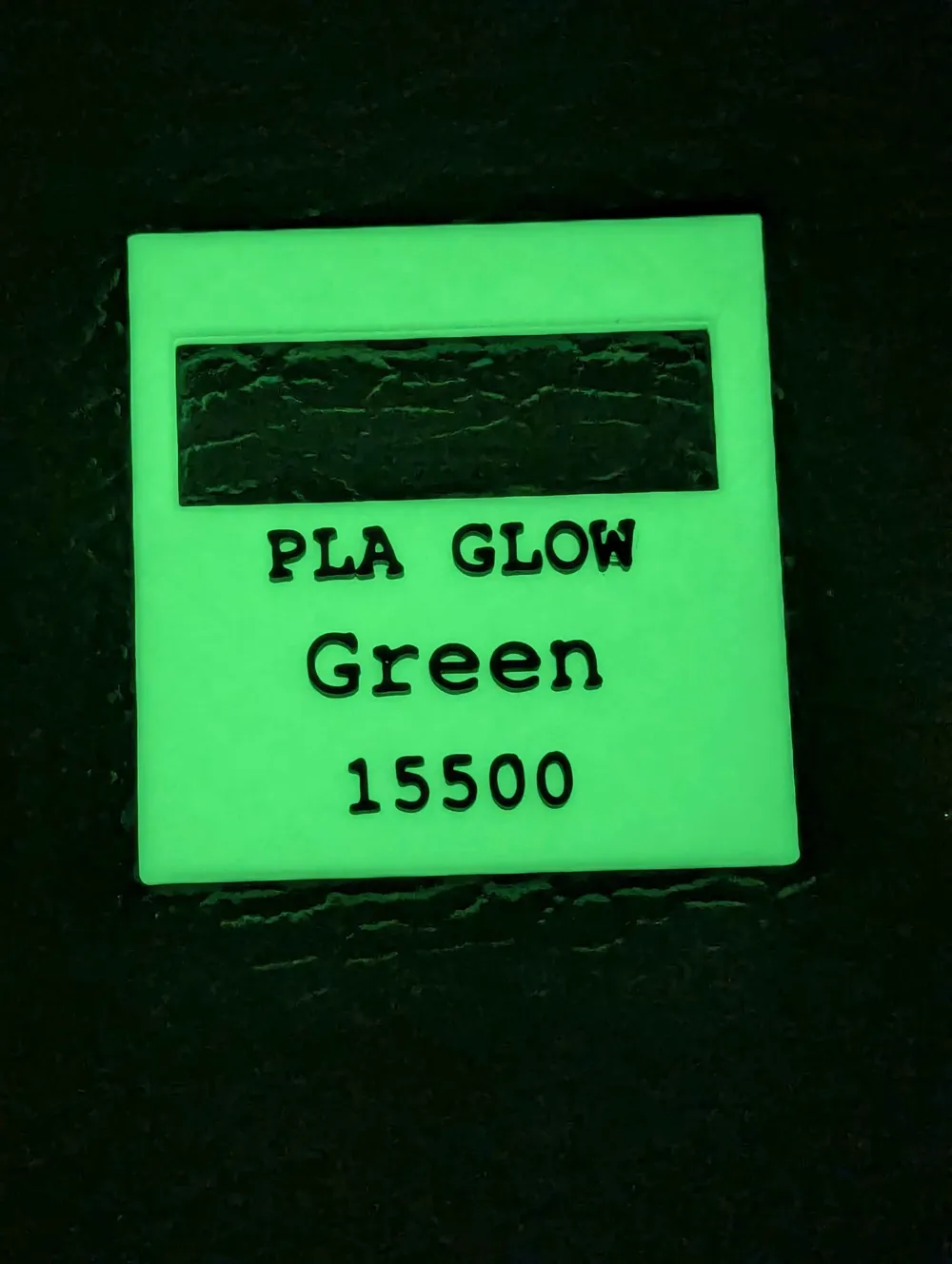
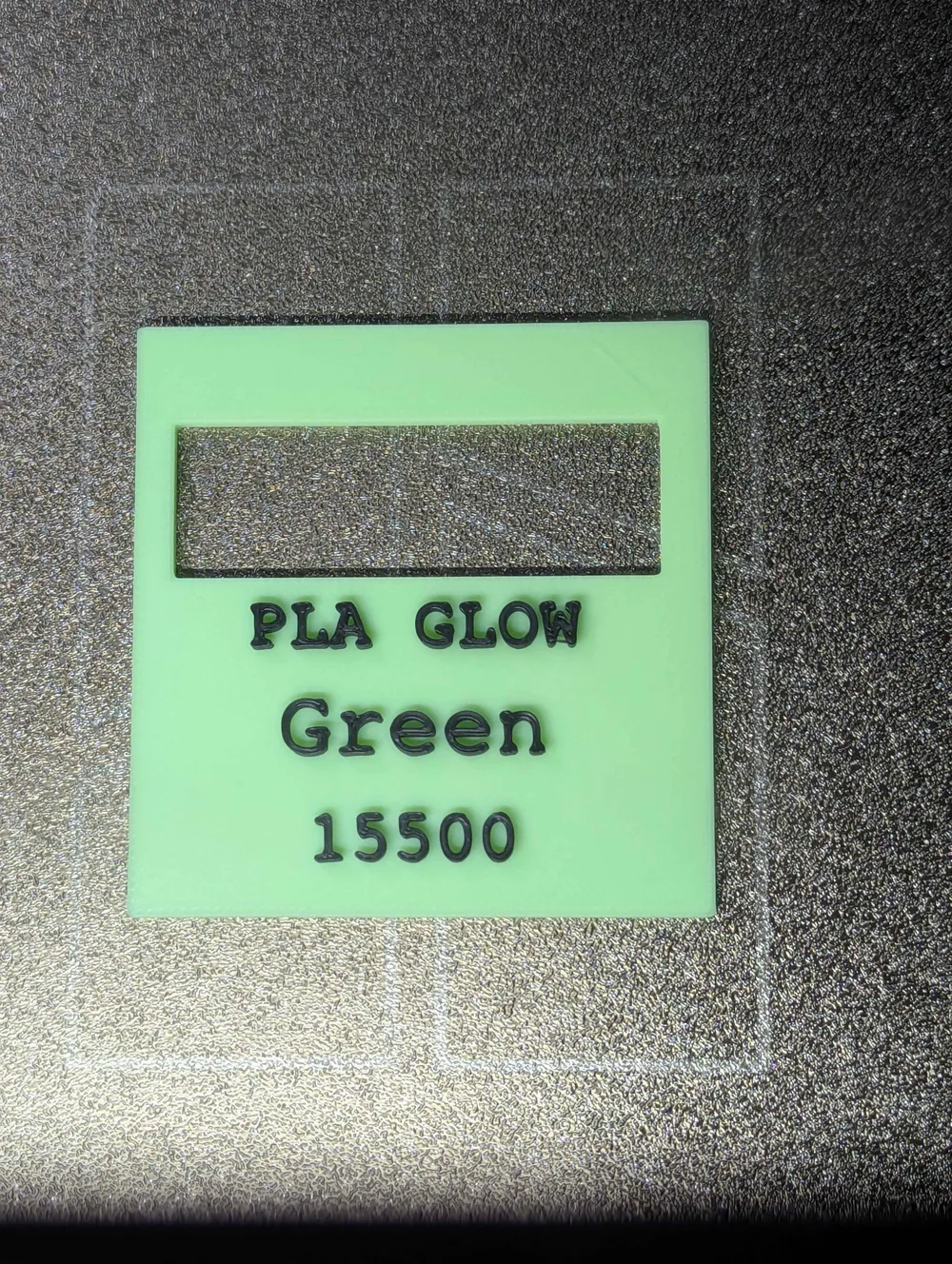
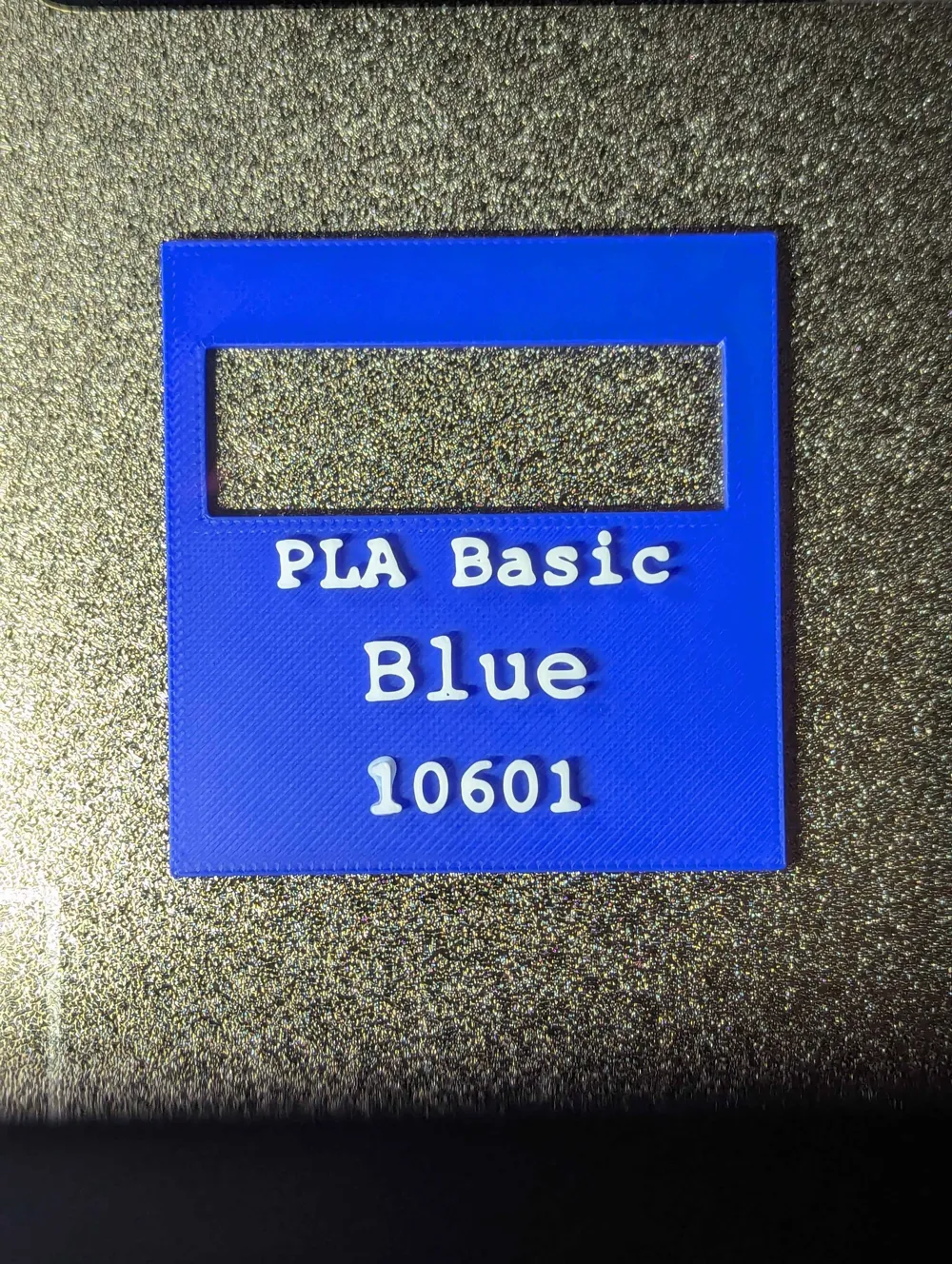
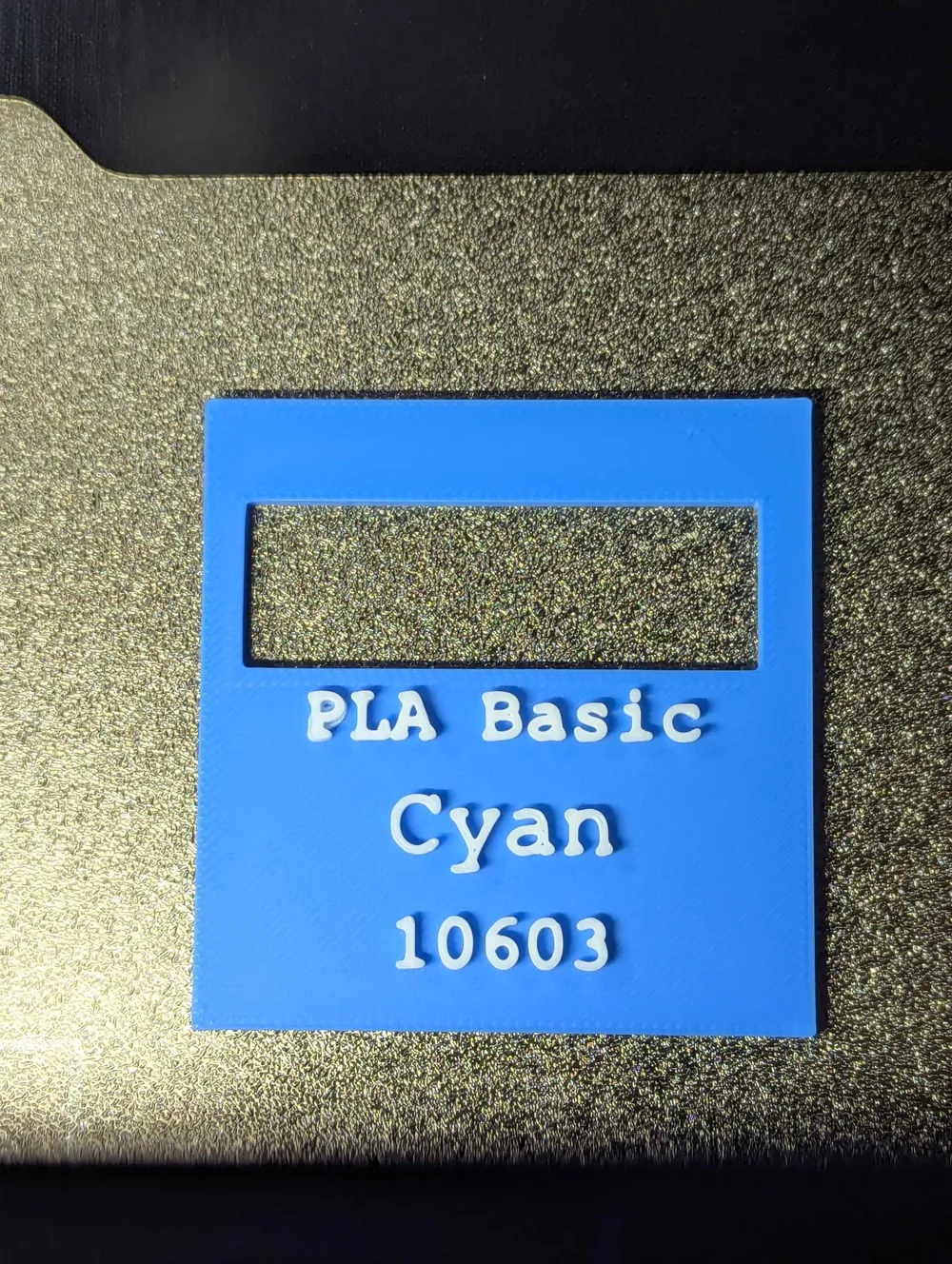
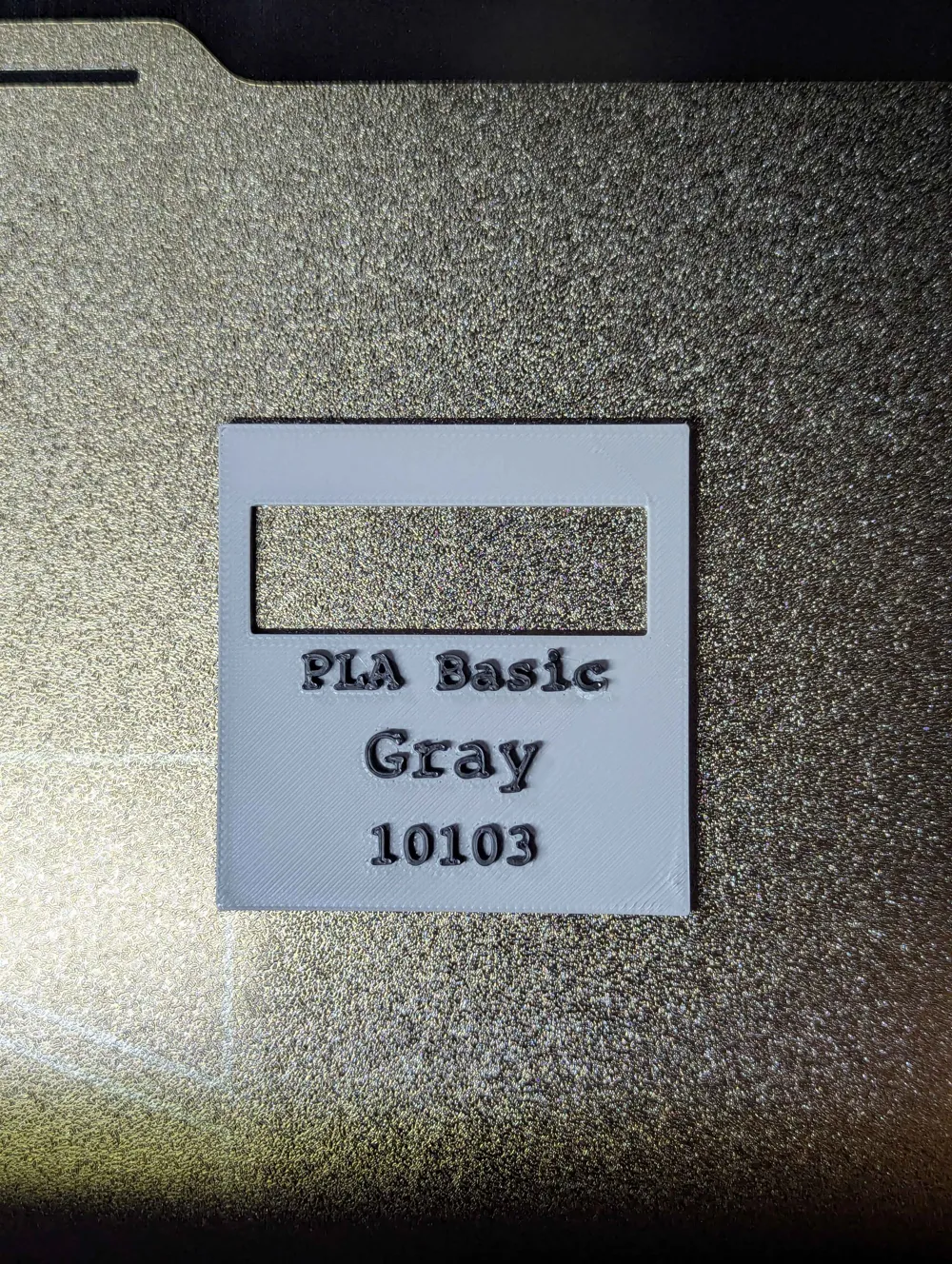
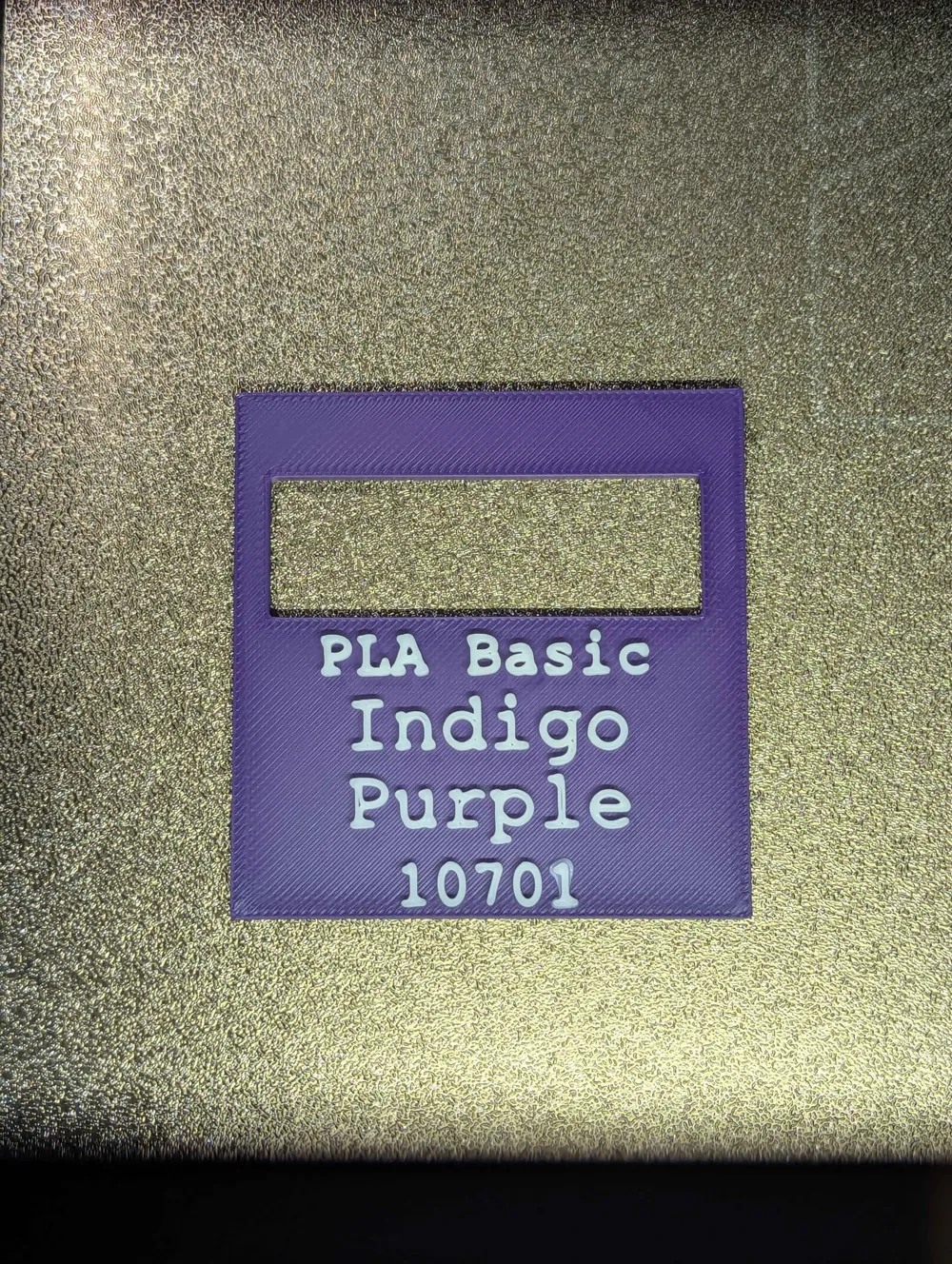
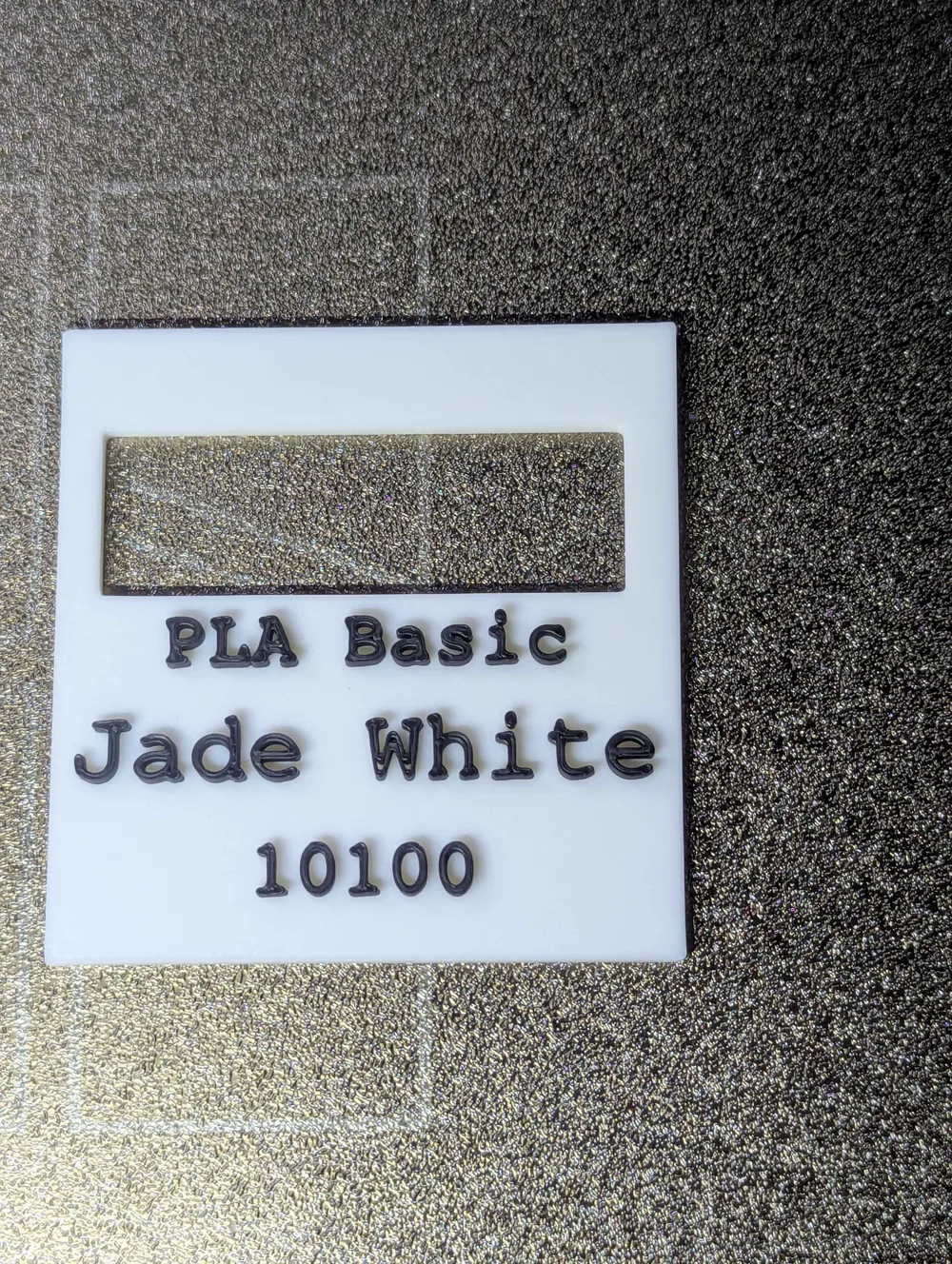
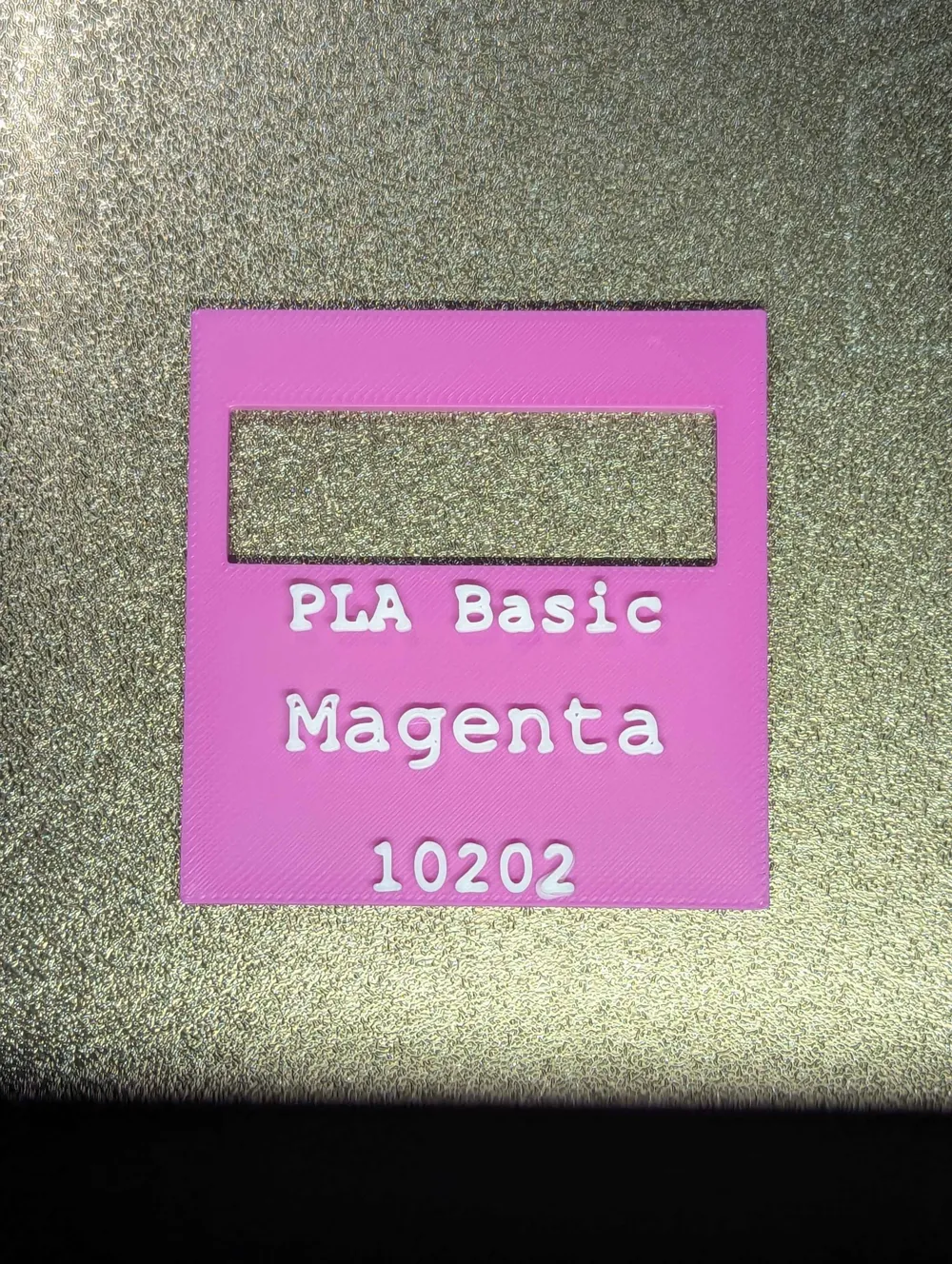
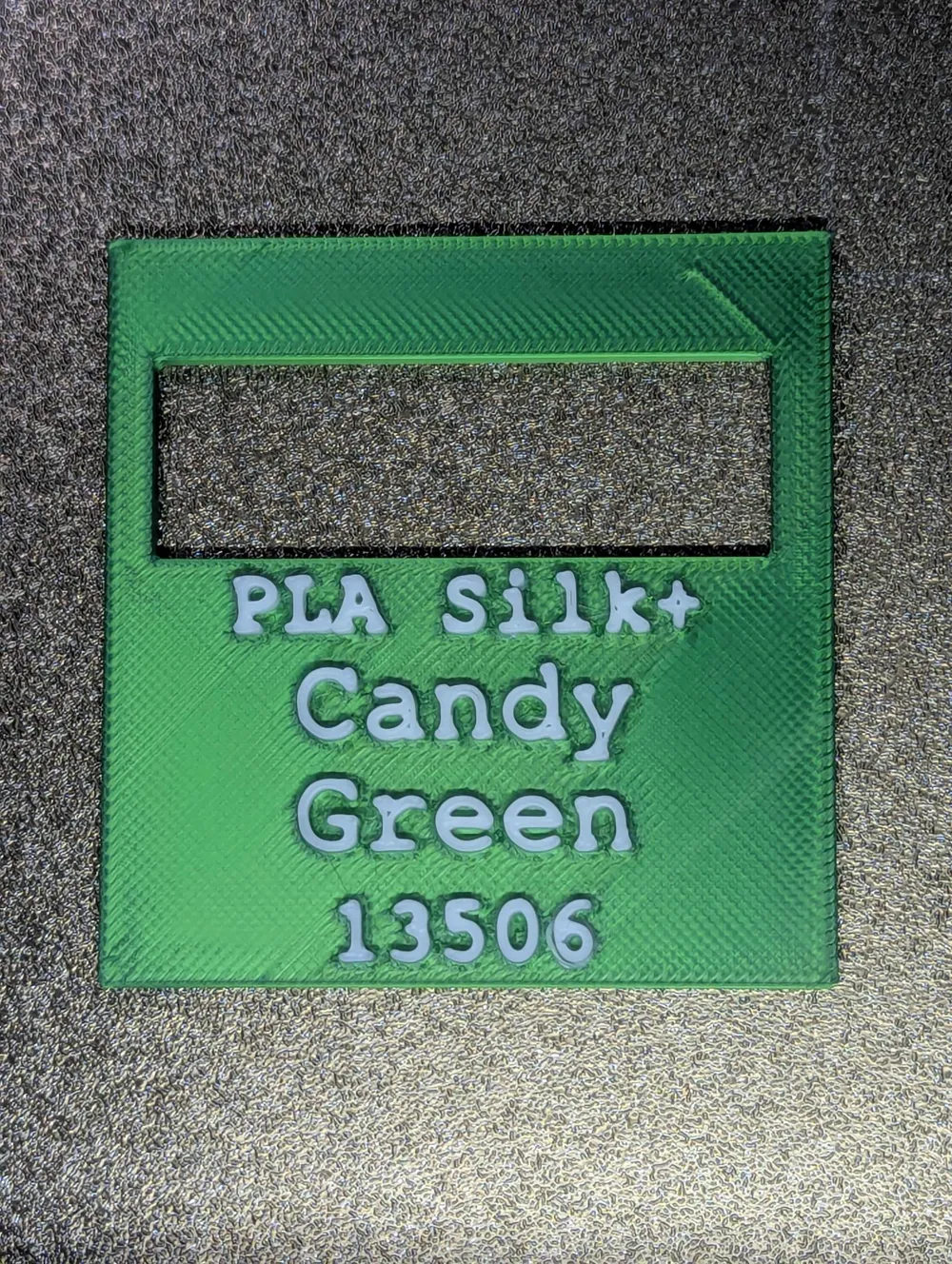
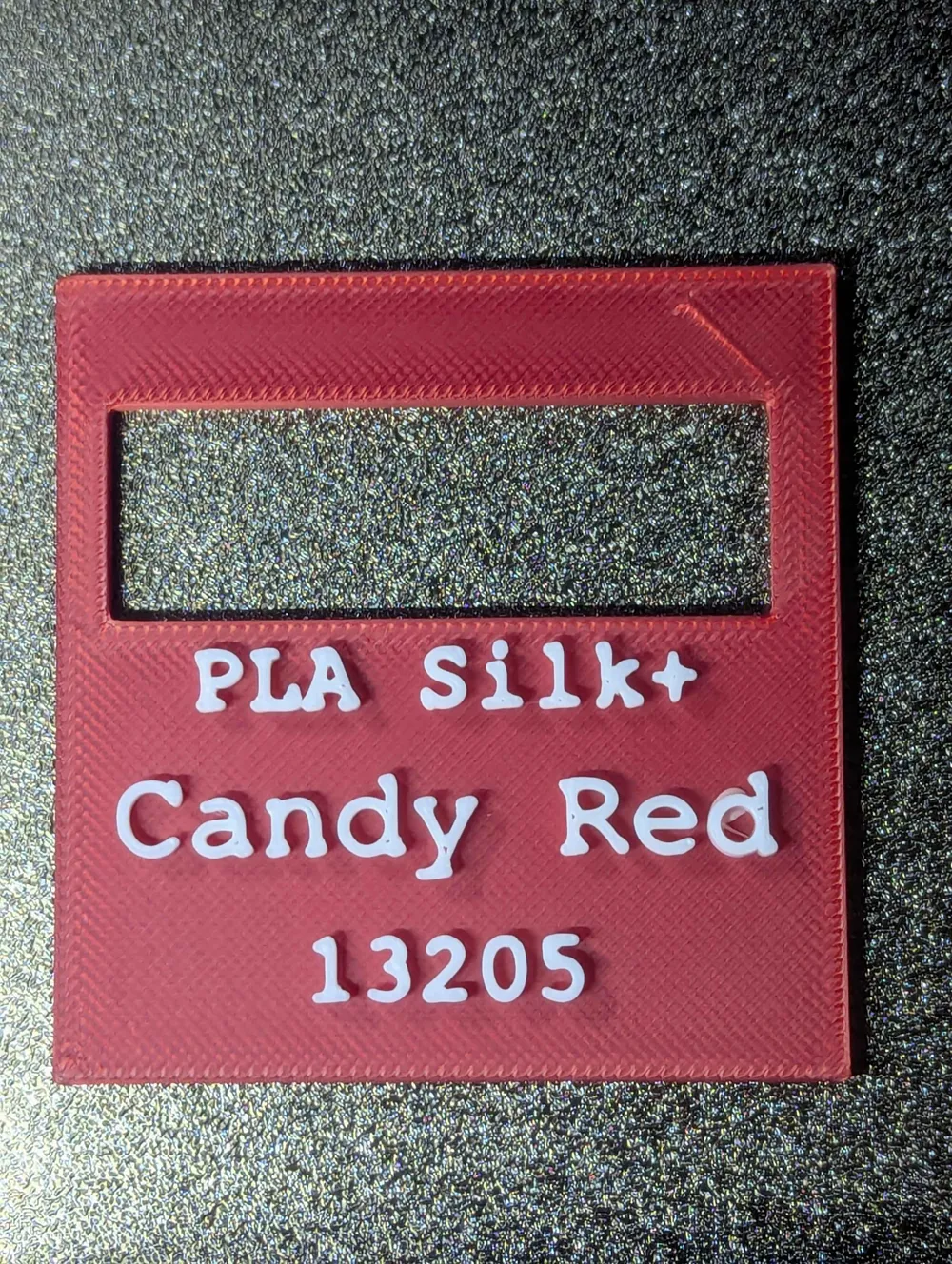
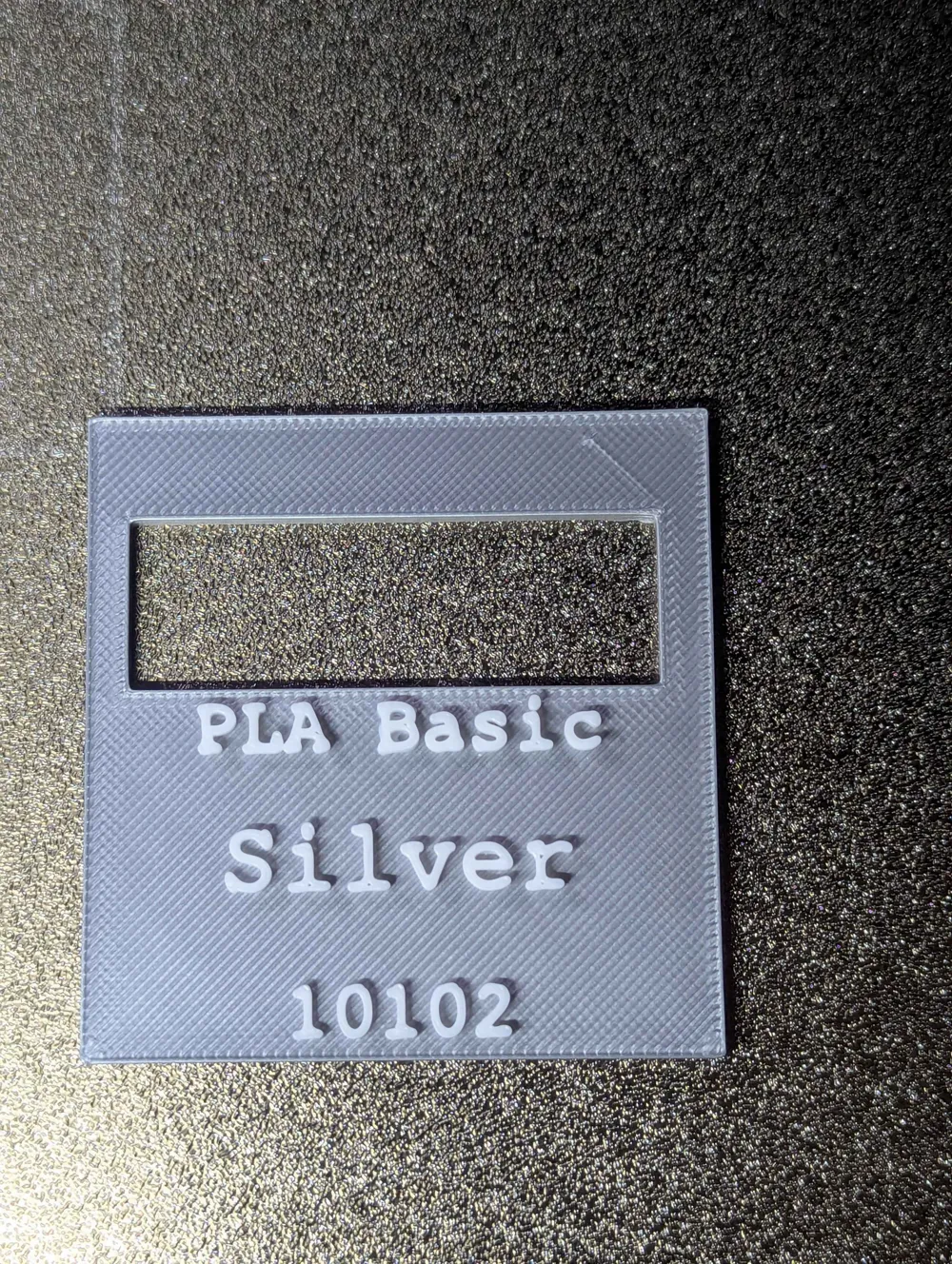
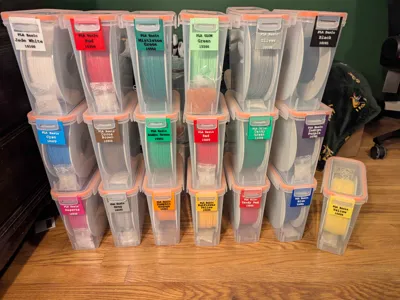
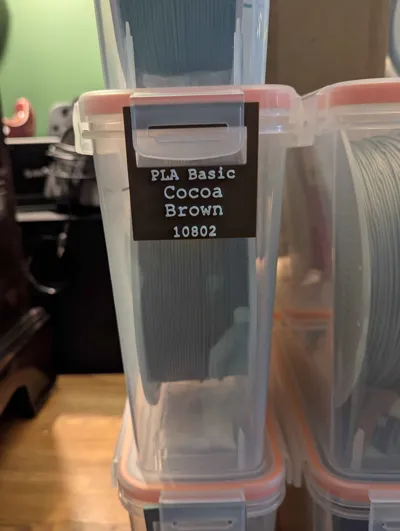
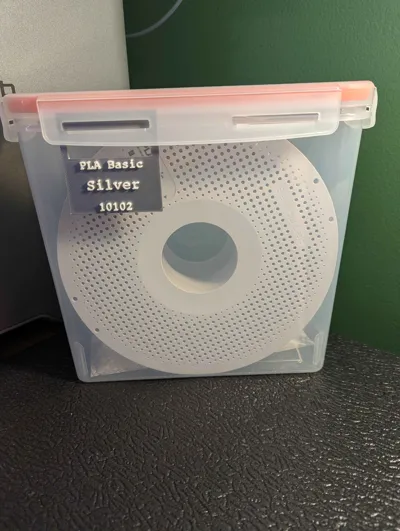
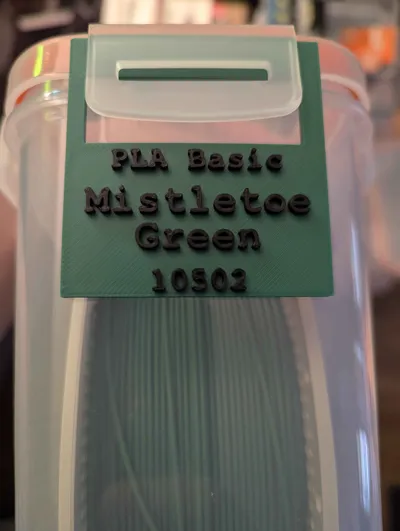
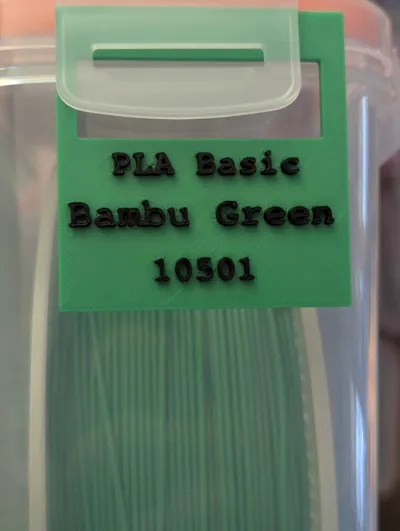
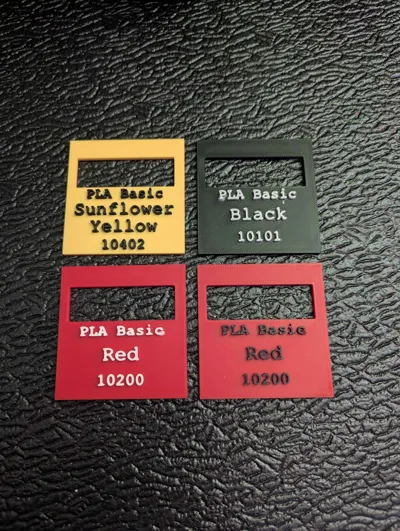
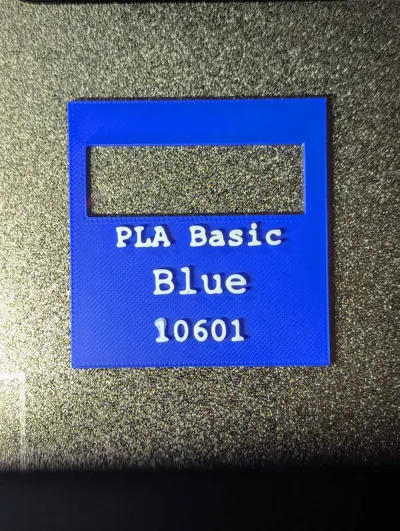
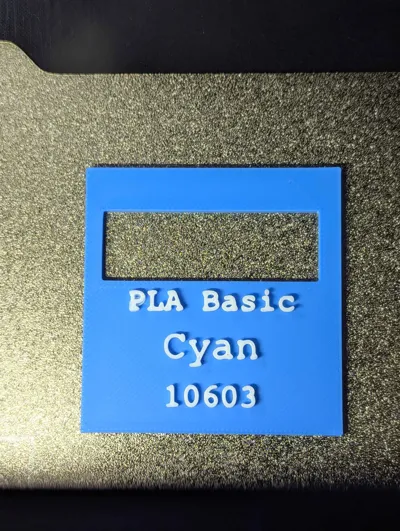
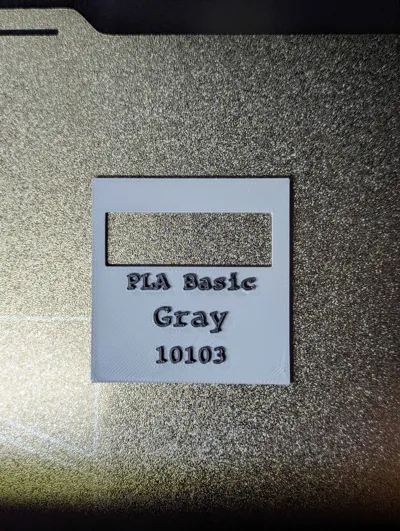
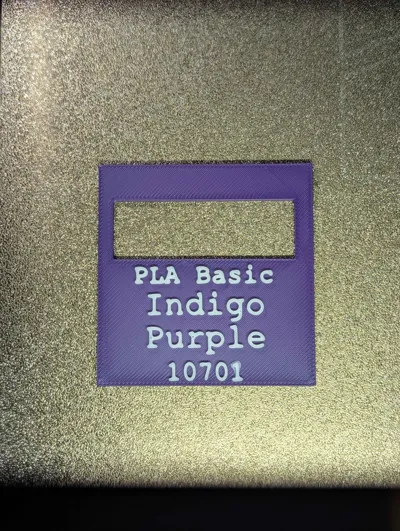
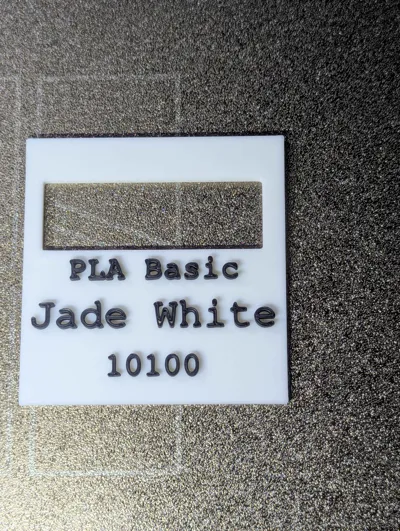
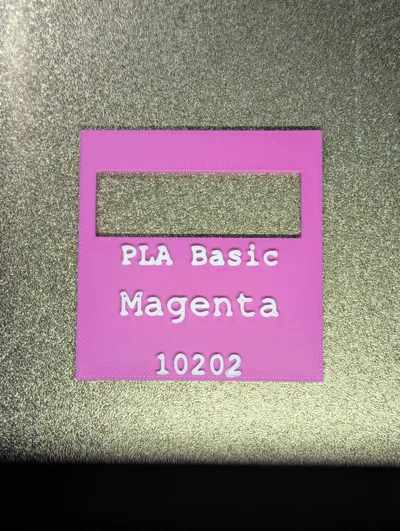
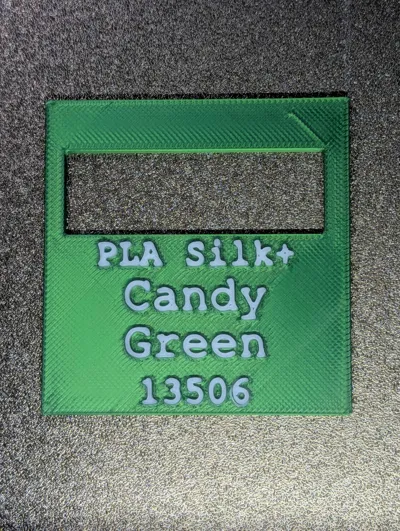
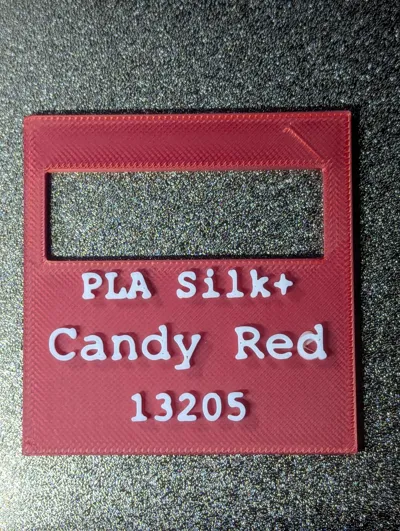
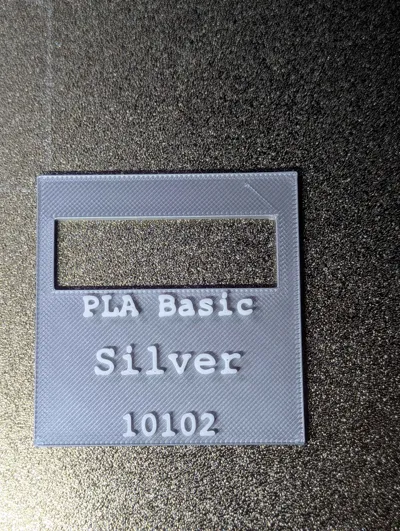
I recently purchased a lot of these YOOPAI filament drybox storage containers from amazon (https://a.co/d/09KXjyqe) and they are absolutely fantastic! I wanted a way to show which filament was in which container without having to put stickers/tape/labels on the bins and created these customizable swatches that have all of the relevant info printed on the front. The label swatches are held in place by the lid clasp on the front of the container as shown in a few of the pictures - I left a little extra clearance in the hopes that they will fit other brands of filament storage bins as well.
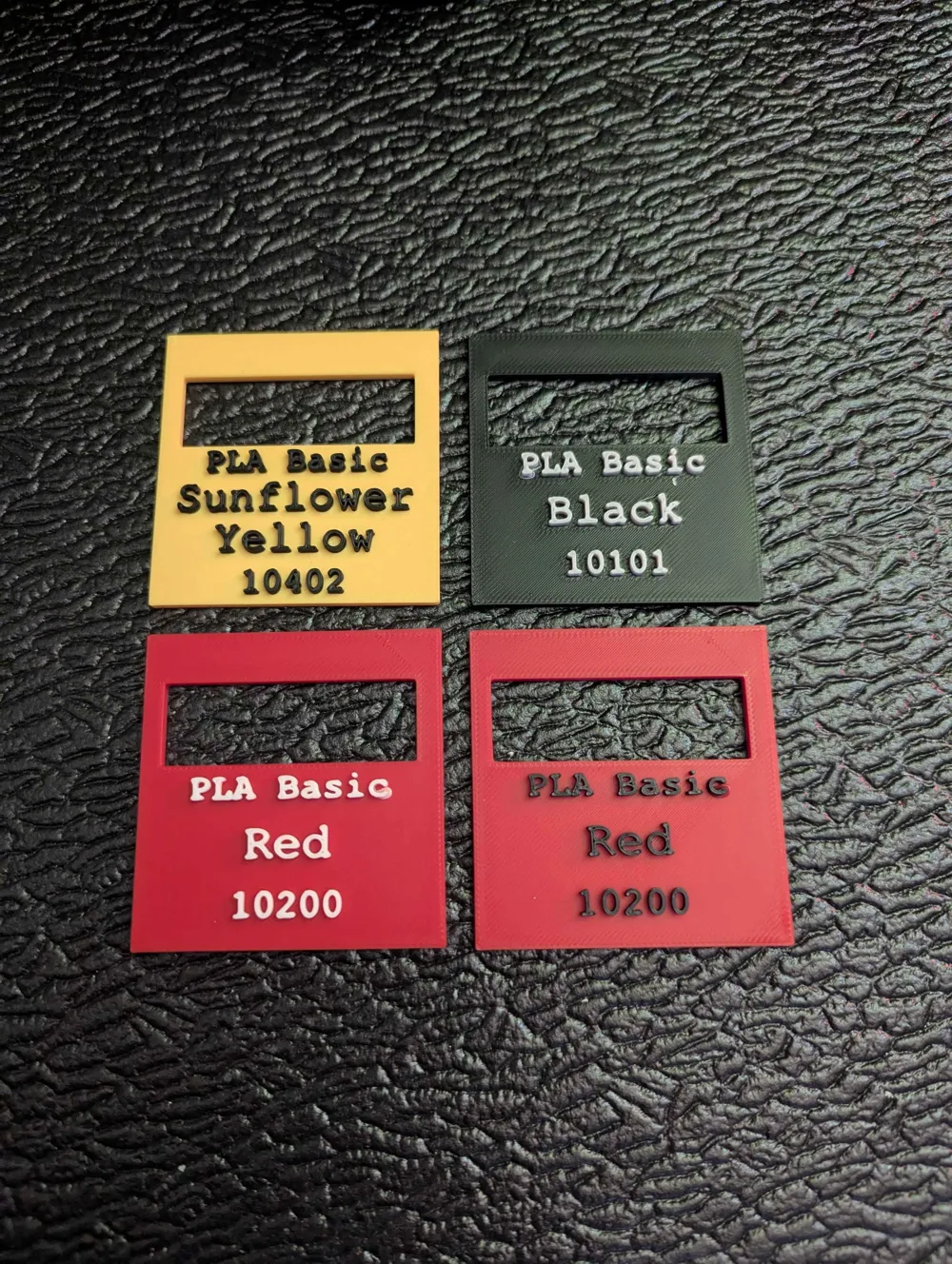
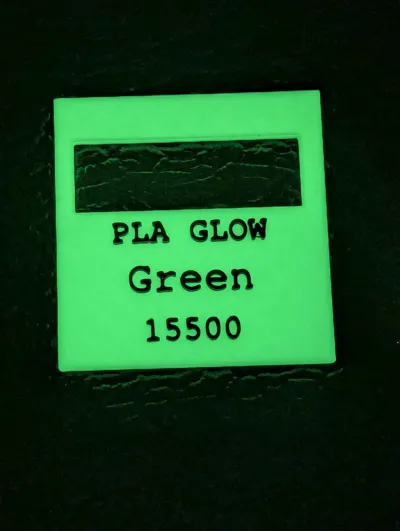
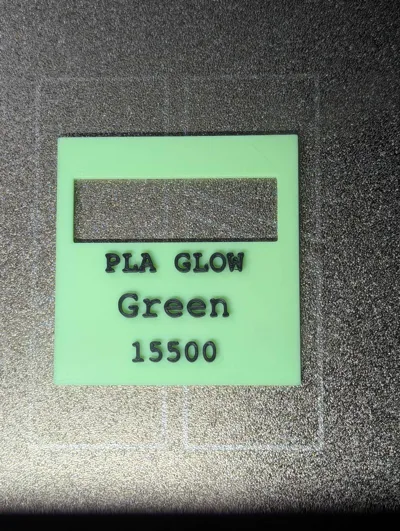
I created one .3mf per label and you can choose which one you want individually or download the one that has all of them and remove the ones you don't need.
Please note that if you opt to use the version that has ALL of the filaments you must ensure that the ones you are trying to print have the correct colors selected when you go to print. For most of these I ended up picking a single color > clone to have 2 or three swatches per plate > updated the text to reflect the correct info > use the Move tool to ensure that the text is centered > ensure that everything looks good via the Process OBJECTS tab (it's easier to select the text_shape there by clicking the filament color listed and selecting the correct color for the entire block of text instead of trying to update each letter individually)
Pro Tips: because we're printing multiple colors here we can change some settings to our advantage to save on filament waste / save time
if you are trying to print several of the same color go into the Process Tab > Objects view > select the PLATE and underneath in plate settings ensure that Print sequence = By layer
if you are trying to print several with different colors go into the Process Tab > Objects view > select the PLATE and underneath in plate settings ensure that Print sequence = By object
Boost Me (for free)
If you like the print Boost me for free!
License



Comment & Rating (18)