
Print Profile(2)
Description
Boost Me (for free)
⭐ Love this project? Show your support! If this creation made you smile, hit that like — it's completely FREE and helps me keep bringing new and fun designs to life! Thank you for supporting independent makers!
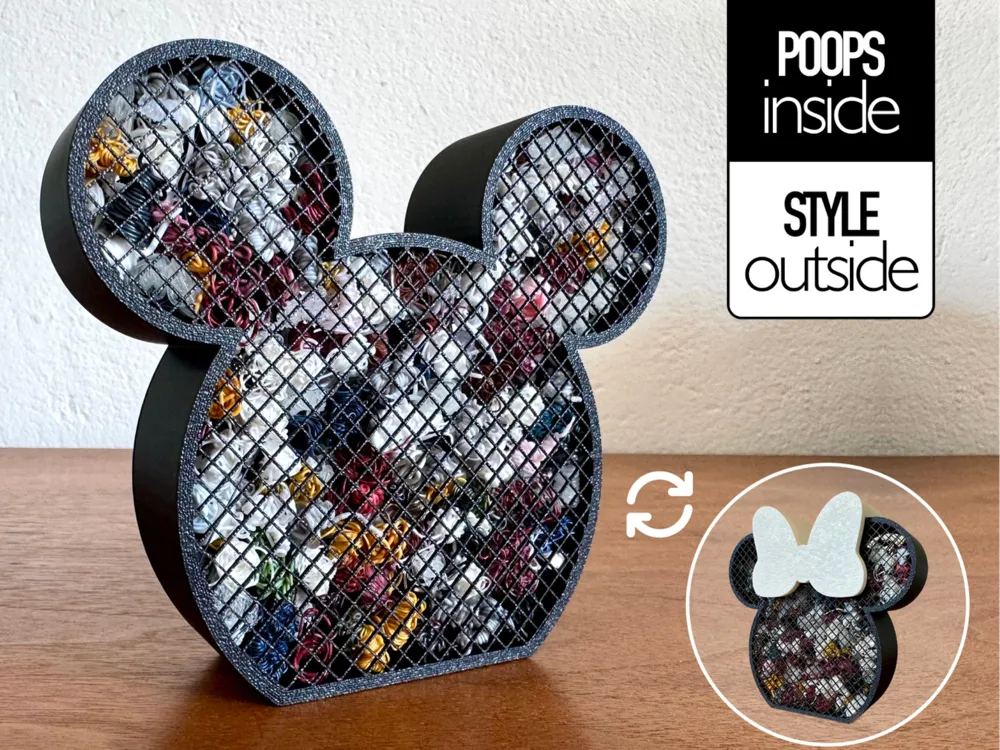
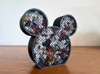
Mickey Mouse & Minnie inspired poop bin – Waste Container
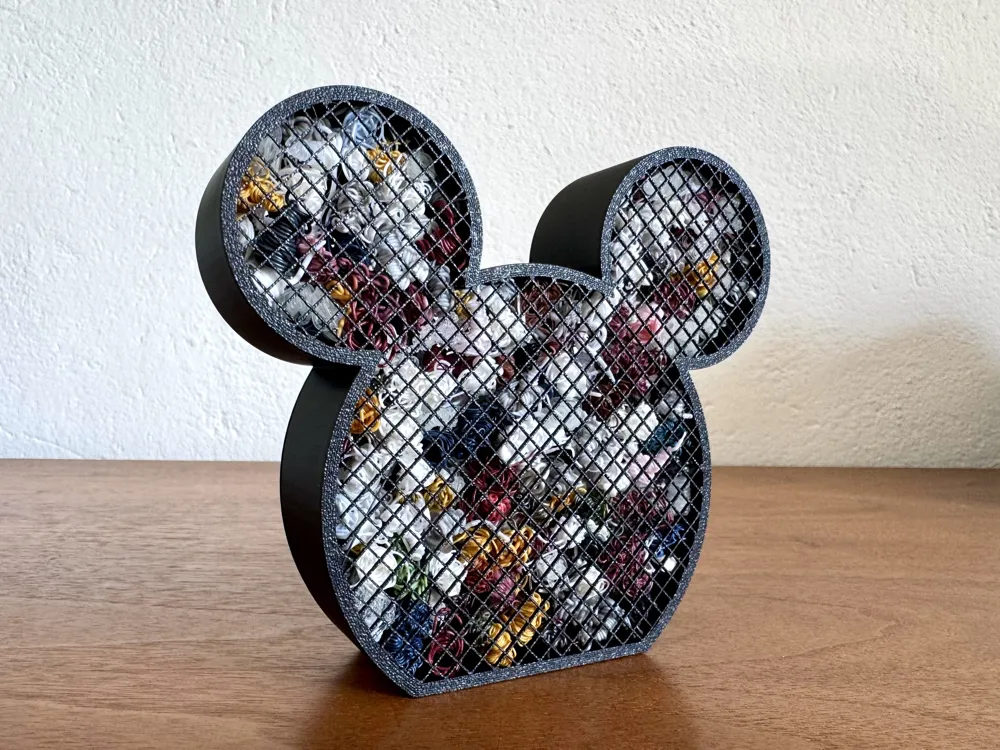
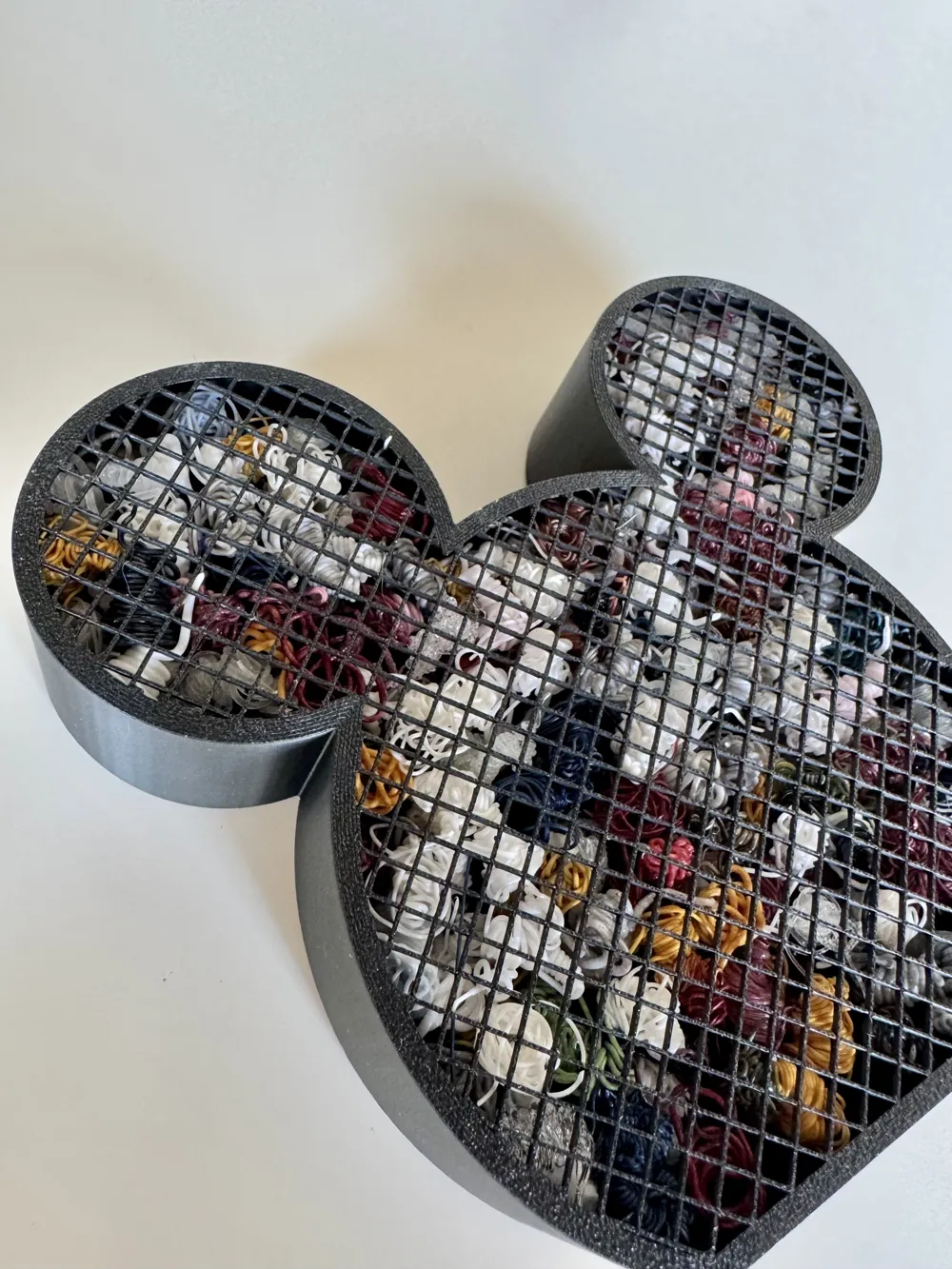
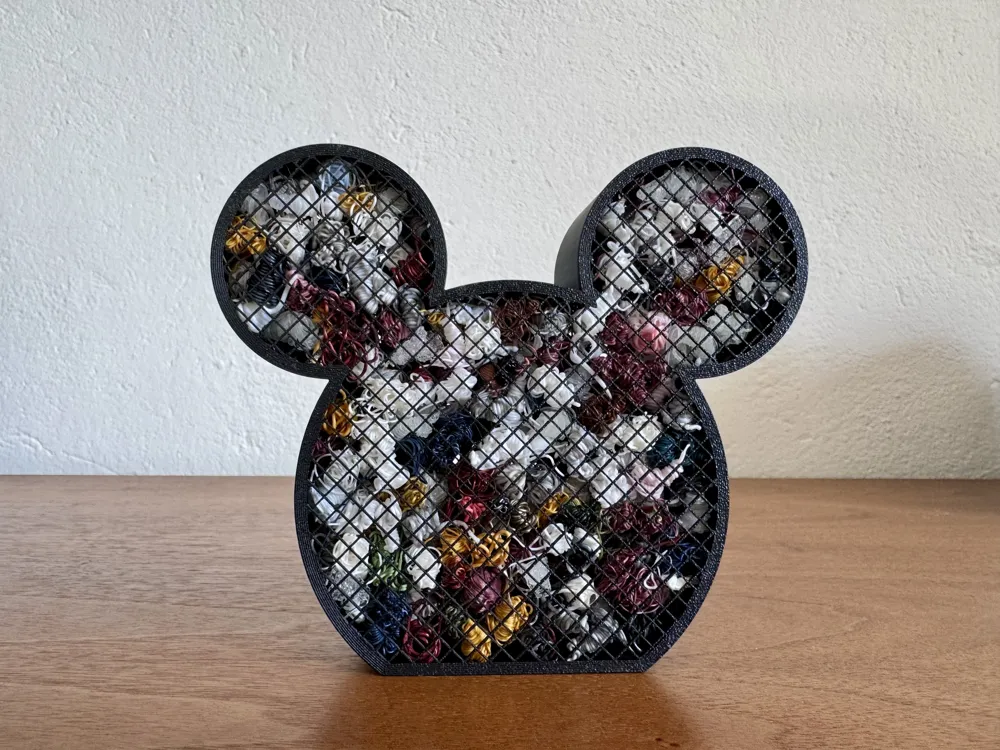
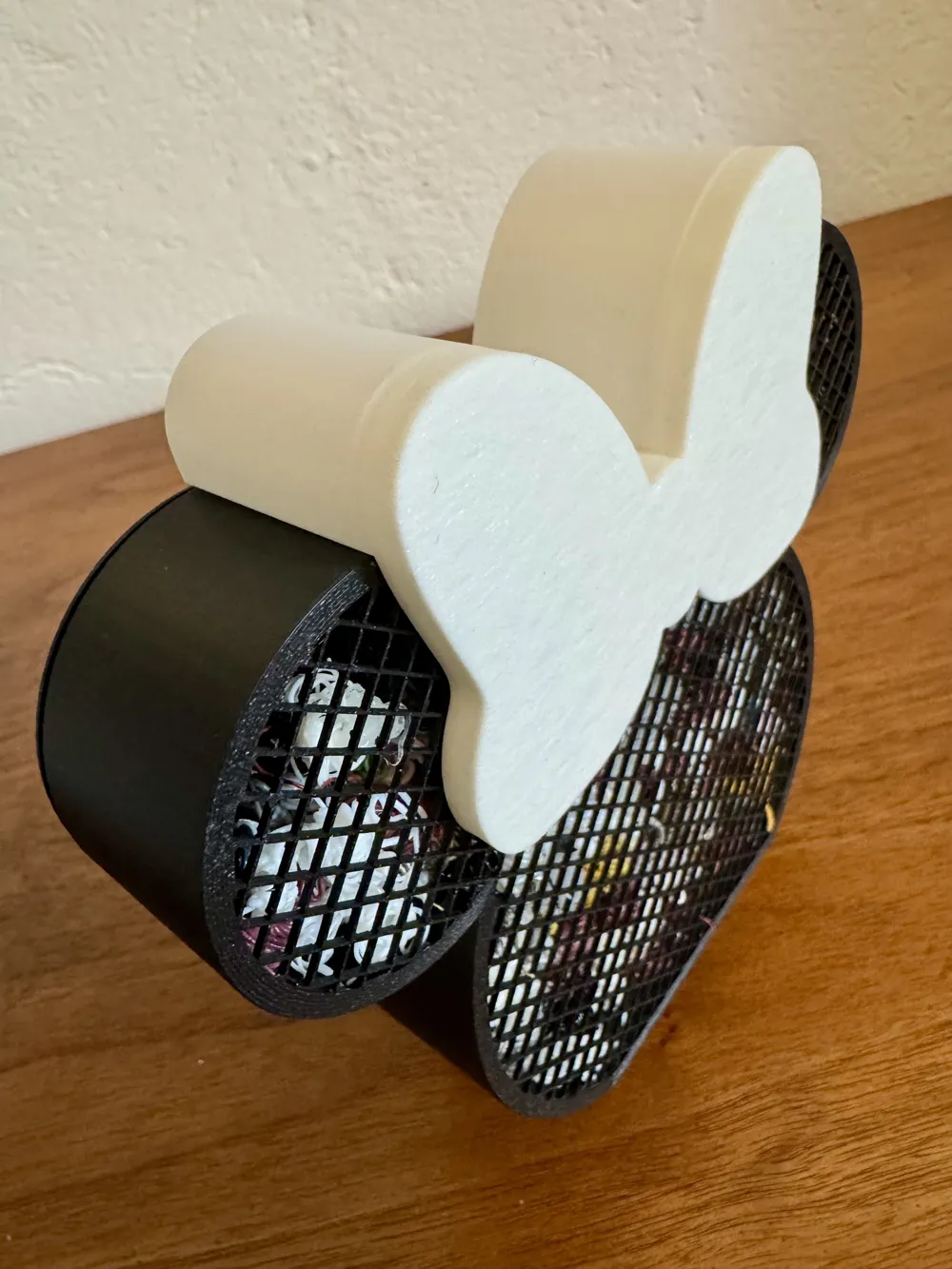
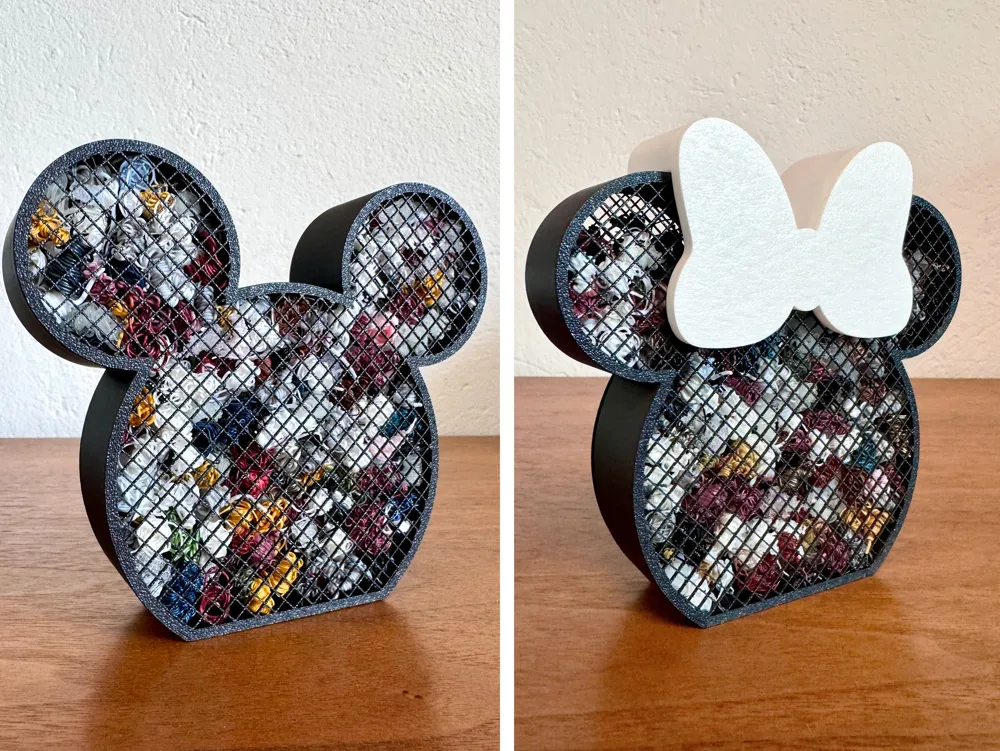
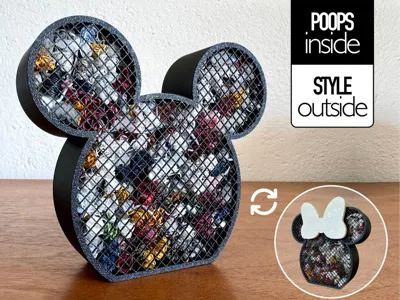
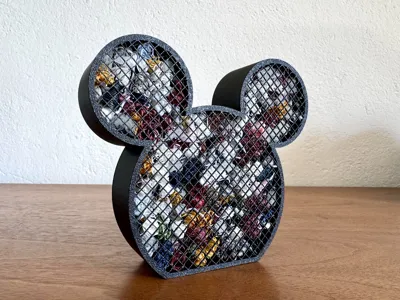
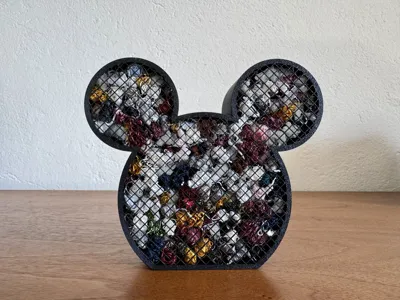
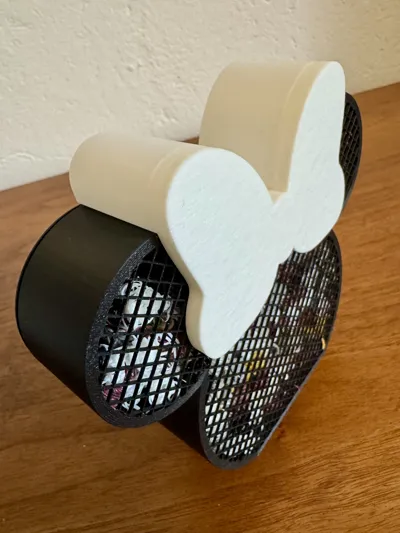
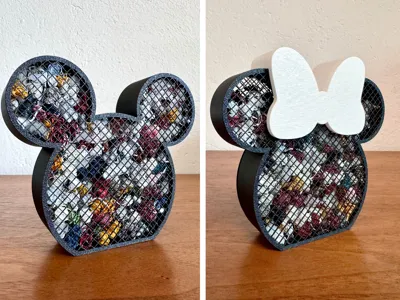
Add a touch of magic to your 3D printing setup with this fun poop bin inspired by the iconic silhouette of Walt Disney Mickey Mouse & Minnie 🖤
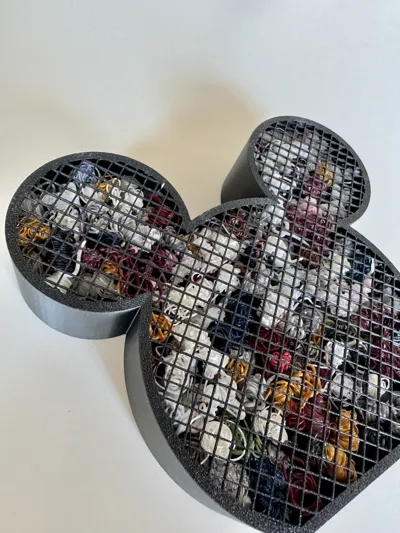
This container is designed to collect your 3D printing waste (poops, purge lines, and small scraps) while keeping your workspace clean and stylish.

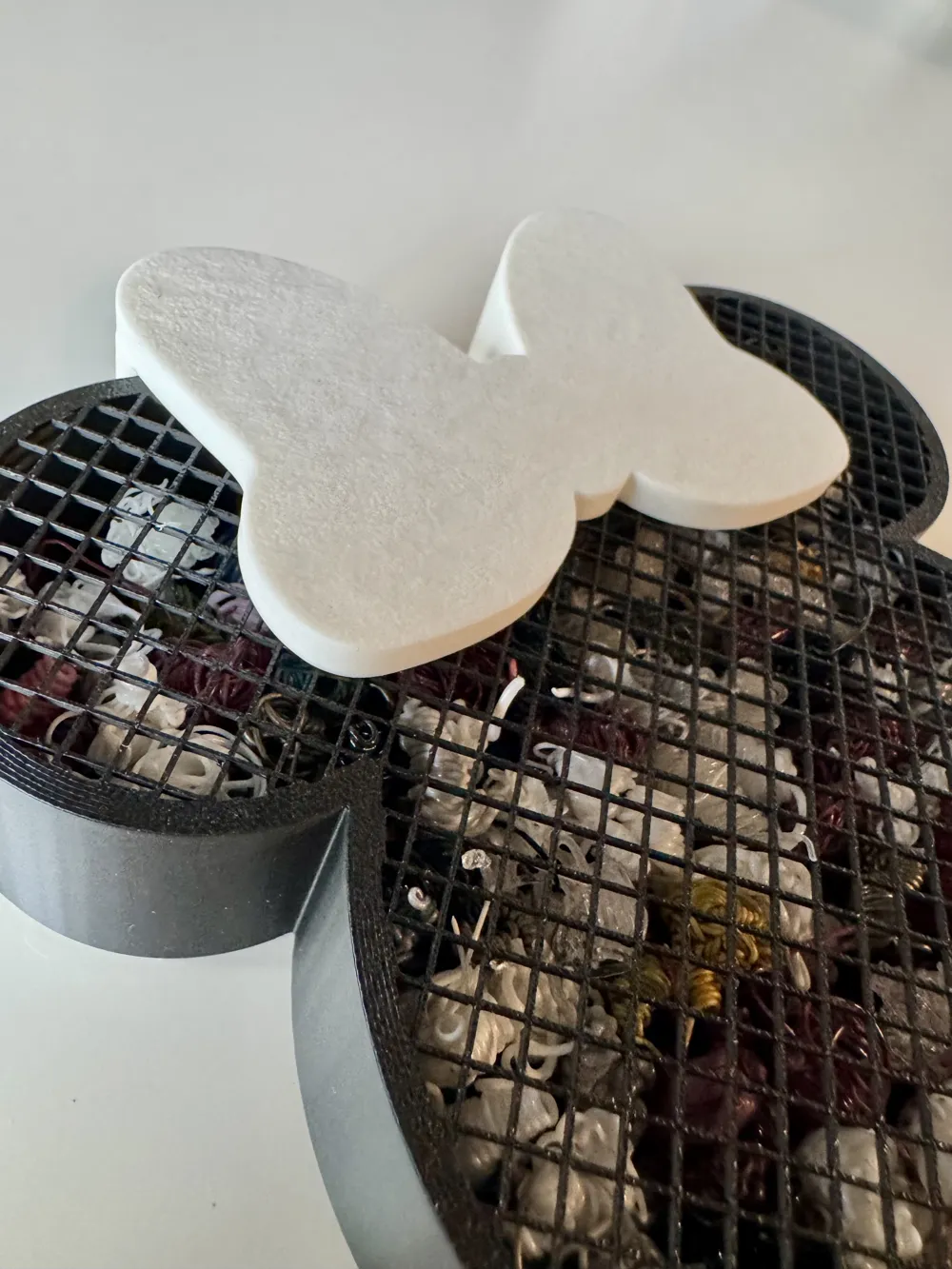
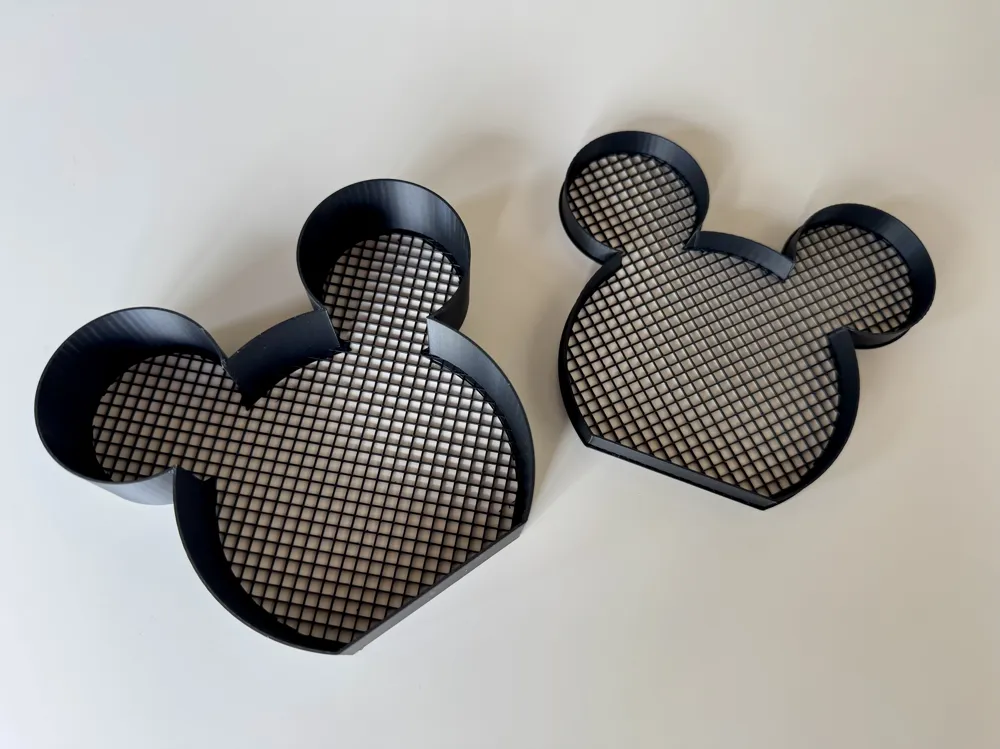
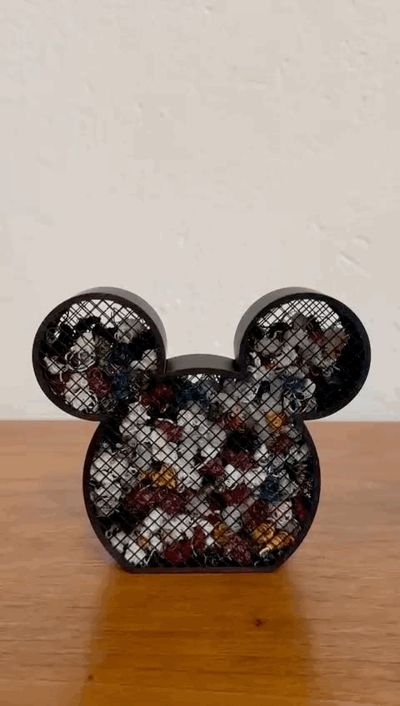
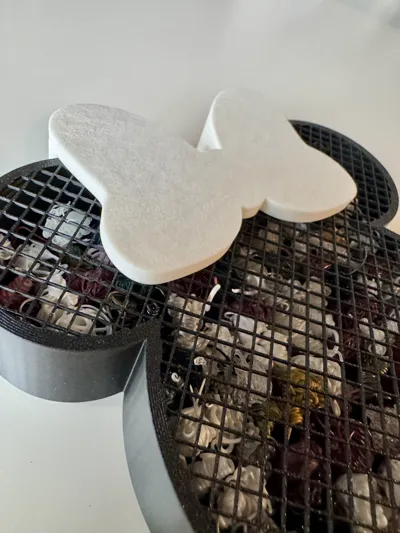
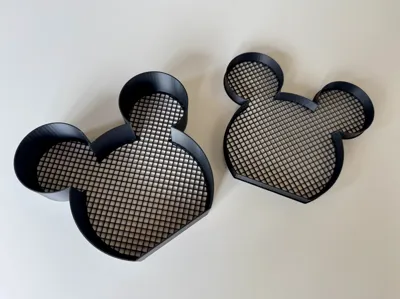
The structure is sturdy and spacious, and the front mesh gives it a unique look while letting you see what’s inside. Perfect to place next to your printer or on your desk as both a practical tool and a decorative piece.
Minnie Version (Optional)
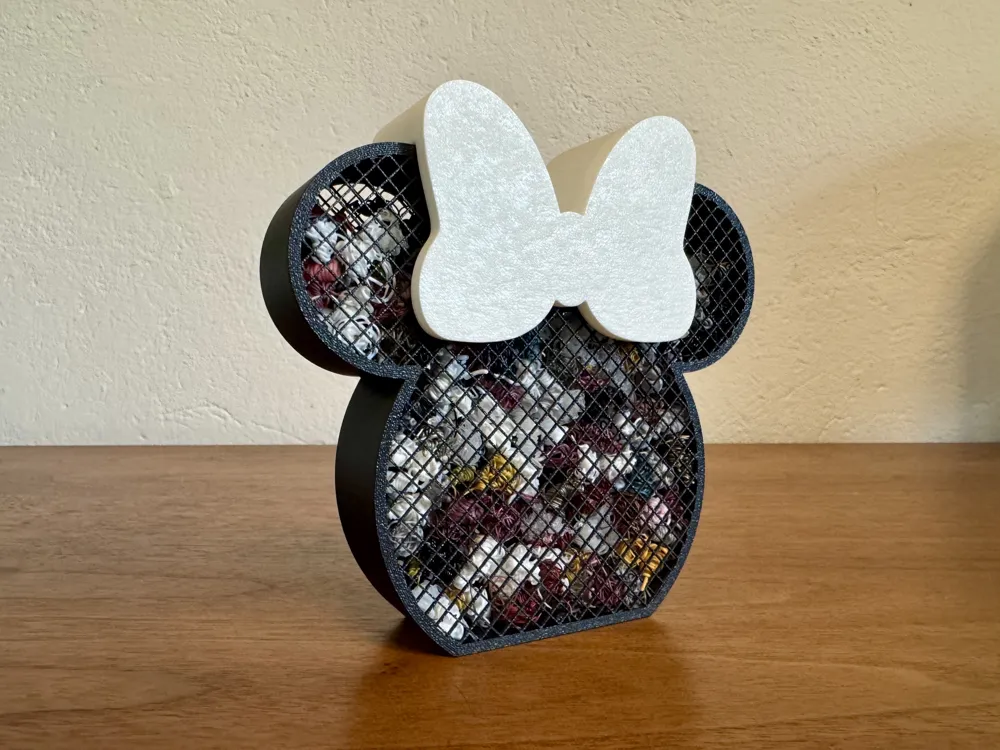
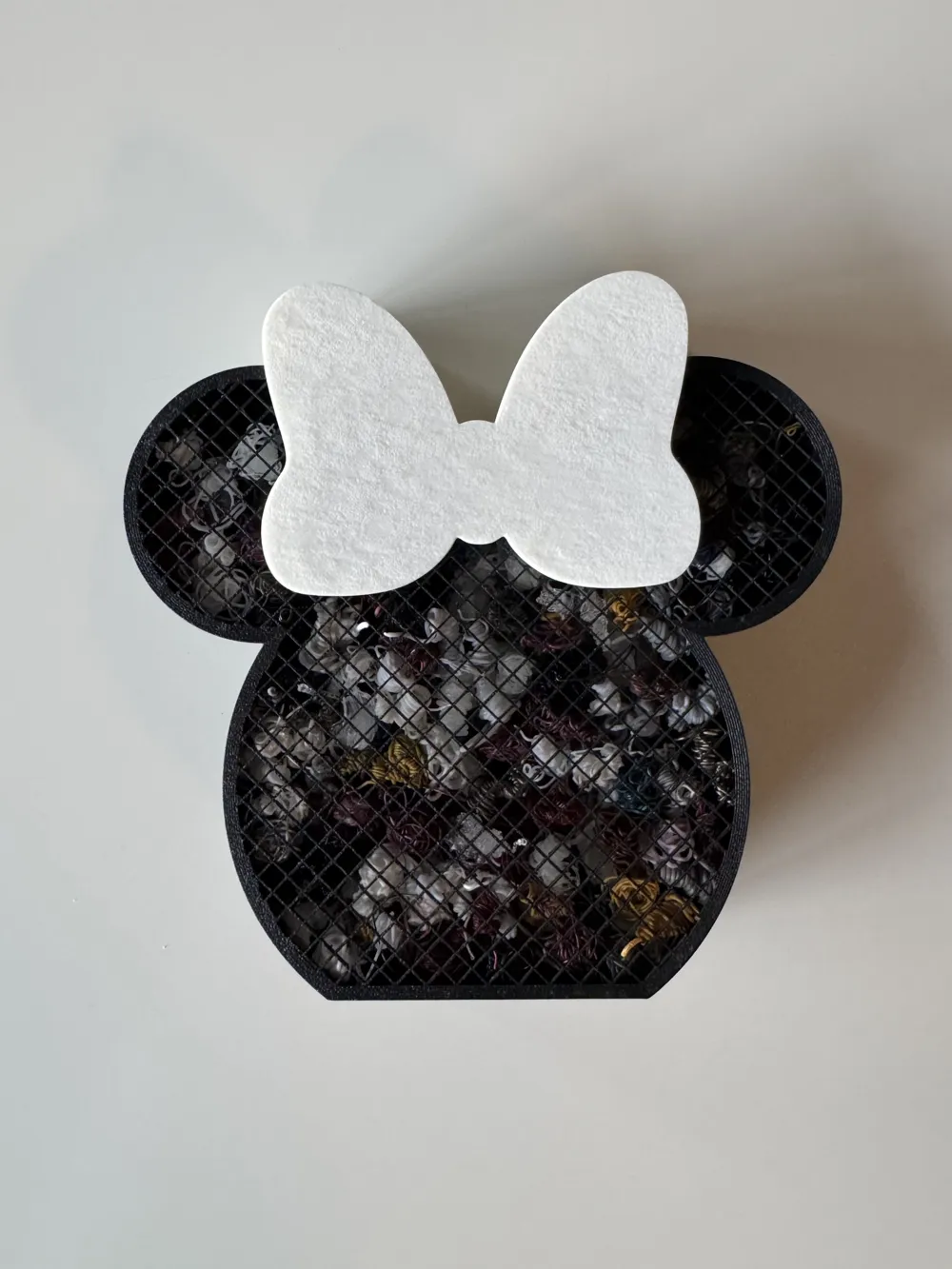
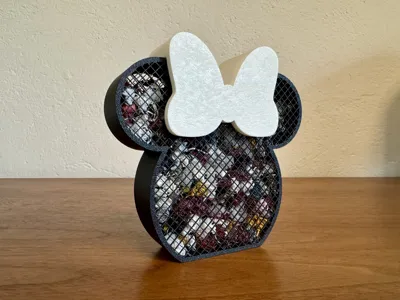
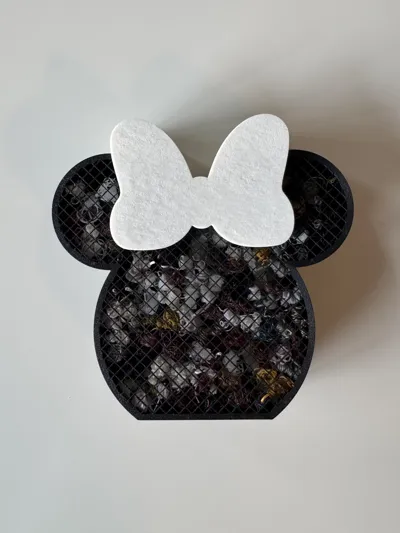
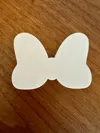
Turn your Mickey poop holder into a Minnie in seconds! 🎀
Choose your setup:
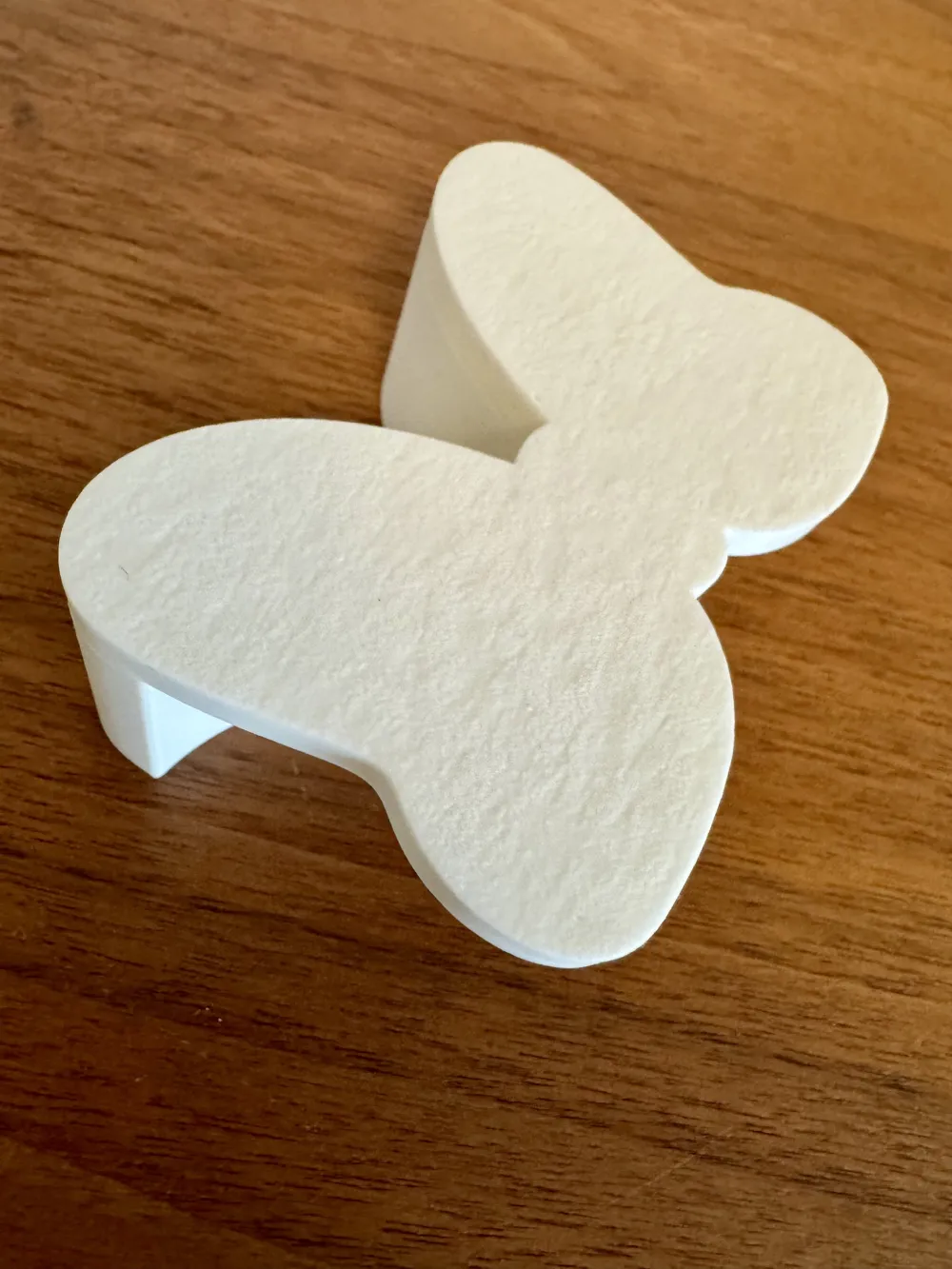
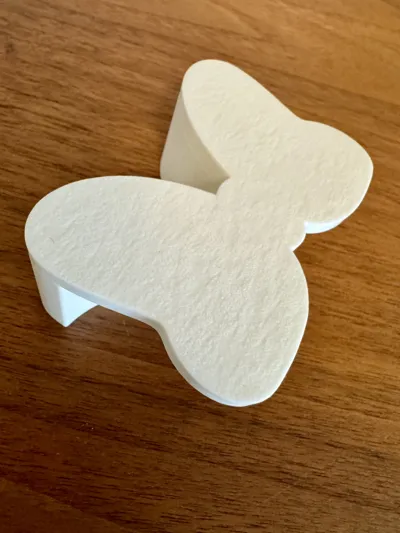
- 🎀 Minnie version: print the bow (available in the print profiles) and snap it onto the Mickey model
- 🐭🎀 Full set: print a second Mickey + the bow to display both characters
The bow features a removable snap-fit design, making it easy to attach or remove anytime, no glue needed.
Key Features:
- Iconic mouse & minnie head inspired design
- Perfect for collecting 3D printing waste
- Easy-to-print structure
- Decorative and functional front mesh
- Great as a desk accessory for makers
- No AMS
- No support
- 31gr, <1h
Also a fun and original gift idea!
Notes only for STL file
Only the 3MF print profile has the grid configured.
With the STL file, you’ll get a closed box. To achieve the grid effect from this file, set the following in your slicer:
- Wall loops: 6
- Top shell layers: 0
- Bottom shell layers: 0
- Sparse infill density: 20
- sparse infill pattern: grid
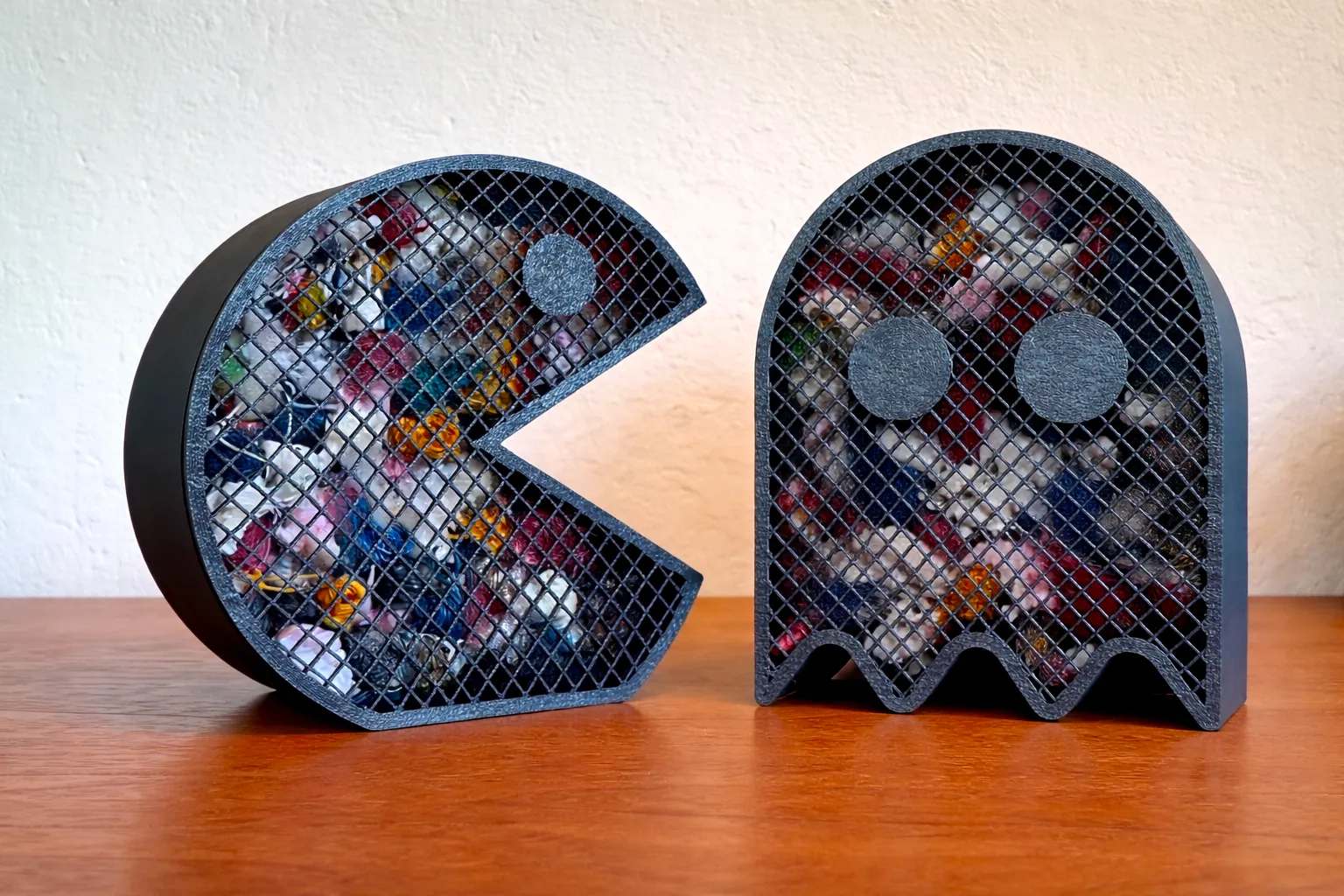
Available also:
→ Pac-Man
________________
You can find more designs here: https://makerworld.com/it/@mary83
License

You may create derivative works based on this object, provided that all such derivative works are published exclusively on the MakerWorld platform and include proper attribution to the original creator. You may not share, upload, host, distribute, or publish this object—or any derivative work of this object—on any other digital platform, marketplace, or distribution channel. Commercial use of this object and any derivative works is strictly prohibited. This includes, but is not limited to, selling, renting, sublicensing, or using the object in any context in which you receive monetary compensation or other financial benefits.


Comment & Rating (194)