
BEYBLADE X | AERO PEGASUS | AVATAR - EMBLEM
Print Profile(1)
Description
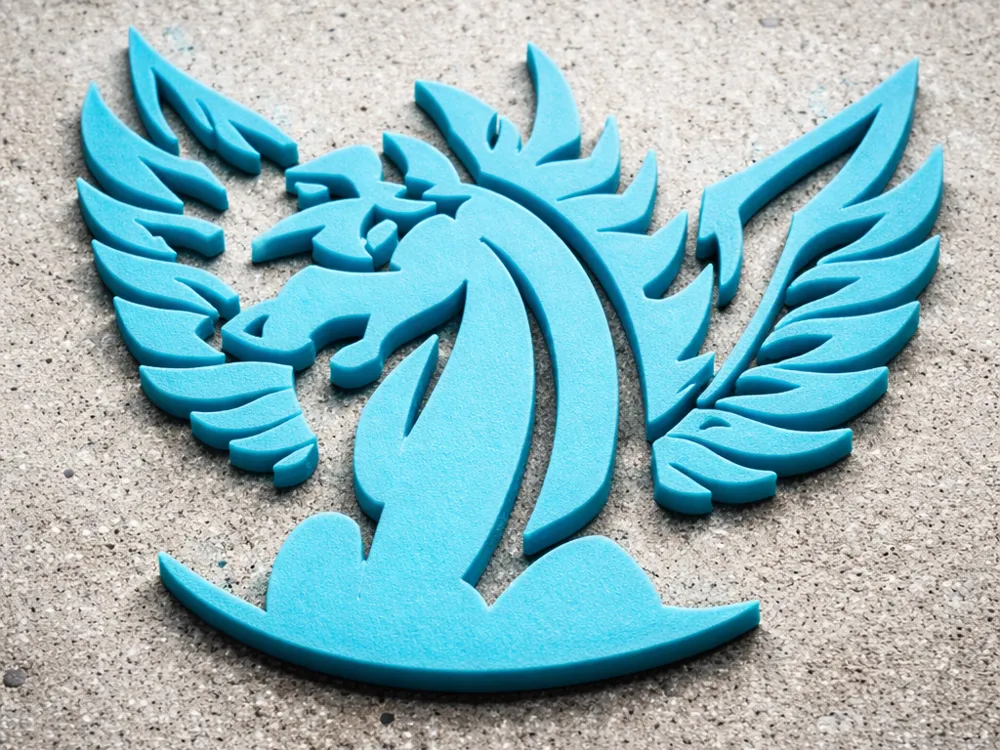
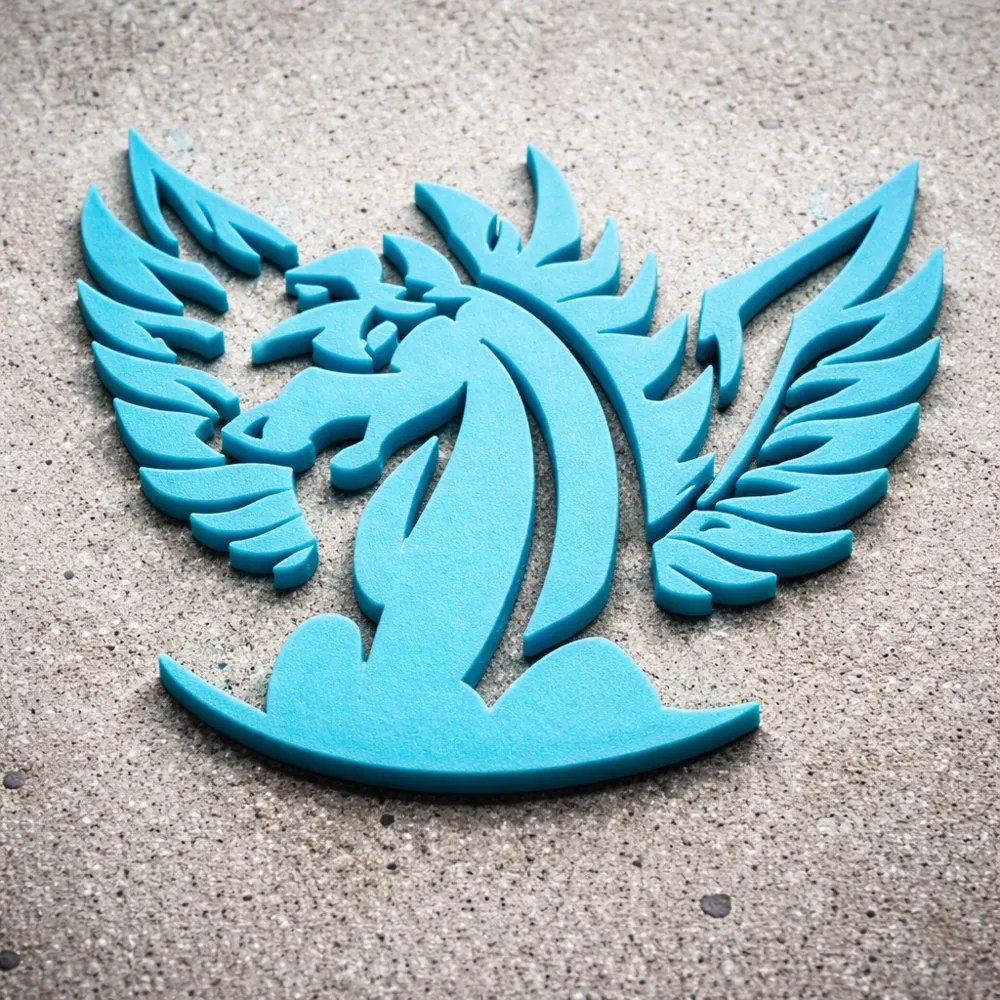
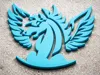
A high-detail emblem designed for Beyblade X customs - perfect for printing logos directly onto custom storage cases, parts, grips, launchers, or display stands!
-Scales easily for use as an emblem, badge, or logo!
-Ideal for multicolor prints or painting!
🔧 Step-by-Step Instructions:
1. Import Both Models
Open Bambu Studio.
Drag in or click File > Import to load:
Your base model (launcher/lid/etc)
Your logo ("Aero Pegasus" STL)
2. Position the Logo
Select the logo STL.
Move, scale, and rotate it into position on your base object:
The logo should align with the surface of the object while clipping inside.
3. Merge the Two Models
Ctrl+Click to select both the base and the logo.
Right-click > Merge
⚠️ If you skip this, the Boolean tools won’t show up.
4. Access the Boolean Tools
With the merged object selected, select the Mesh Boolean [B] option at the top toolbar.
Select the 'Subtraction' menu.
(Make sure the Avatar/Logo is on right in the B Section)
Check 'Keep original models'
Click the green 'Execute' option.
The logo will now be cut into the base model & you’ll immediately see the logo recessed into the surface.
(You can now move the assembly on plate freely and logo will stay in place)
5. Optional: Set Color Changes for Printing
If using multi-color AMS: assign the logo area a different color.
If single-extruder: add a pause where the logo starts and manually swap filament.
6. Slice and Print
Slice the model as usual.
You’re done! The print will have a logo like in the example!
License

You shall not share, sub-license, sell, rent, host, transfer, or distribute in any way the digital or 3D printed versions of this object, nor any other derivative work of this object in its digital or physical format (including - but not limited to - remixes of this object, and hosting on other digital platforms). The objects may not be used without permission in any way whatsoever in which you charge money, or collect fees.


Comment & Rating (1)