
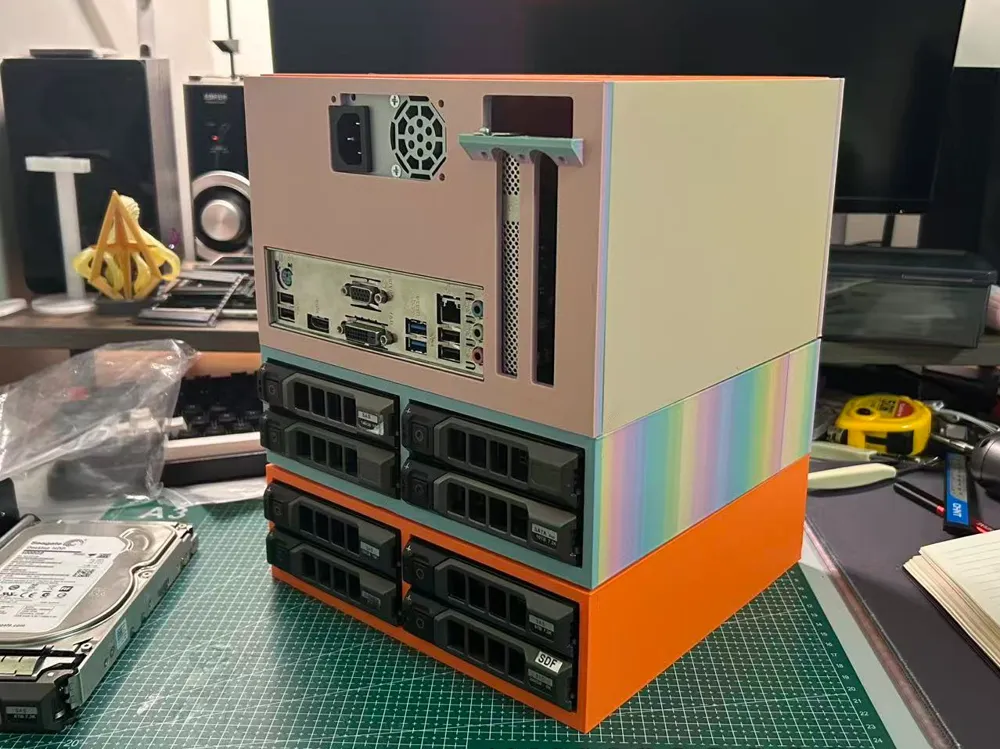
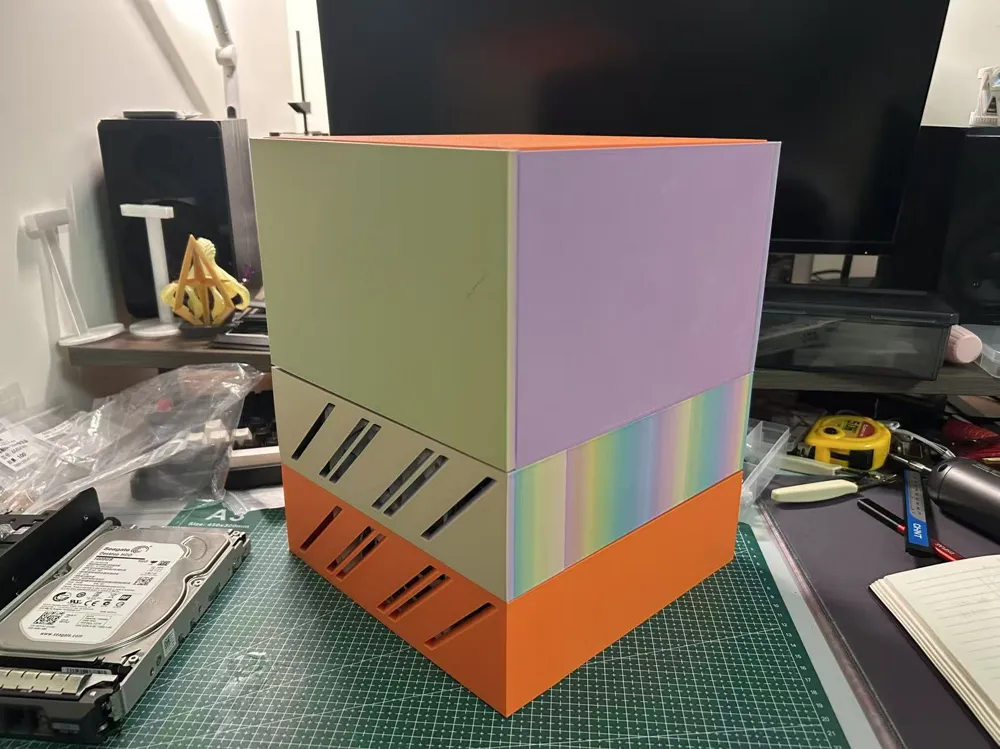
ITX motherboard wirelessly stackable hard drive bay NAS case motherboard supports up to 17*19
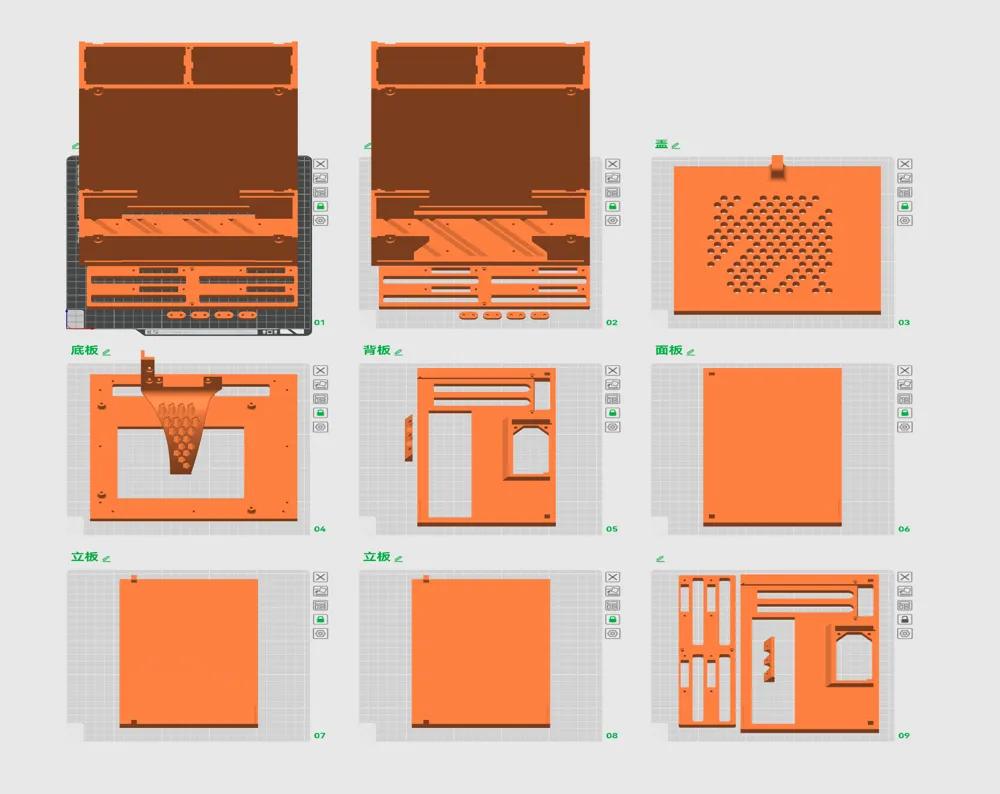
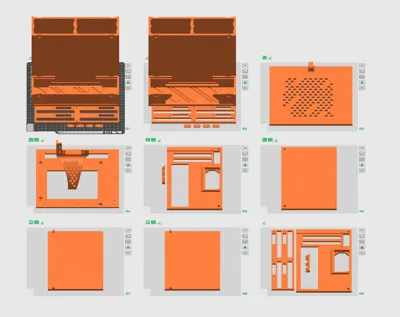
Print Profile(1)
Description
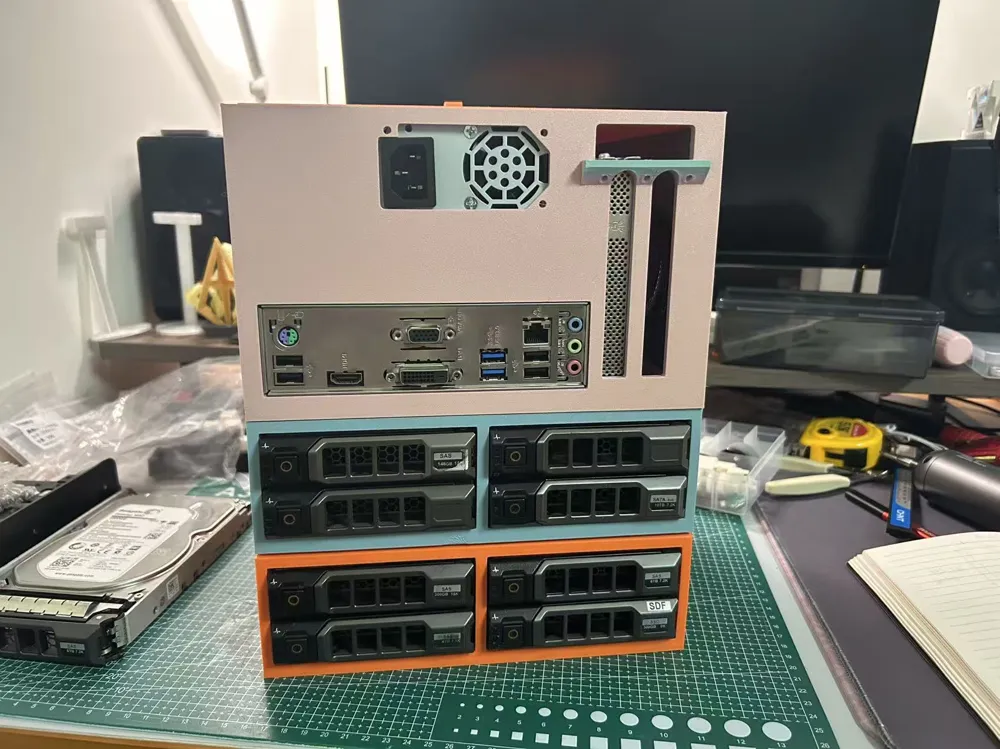
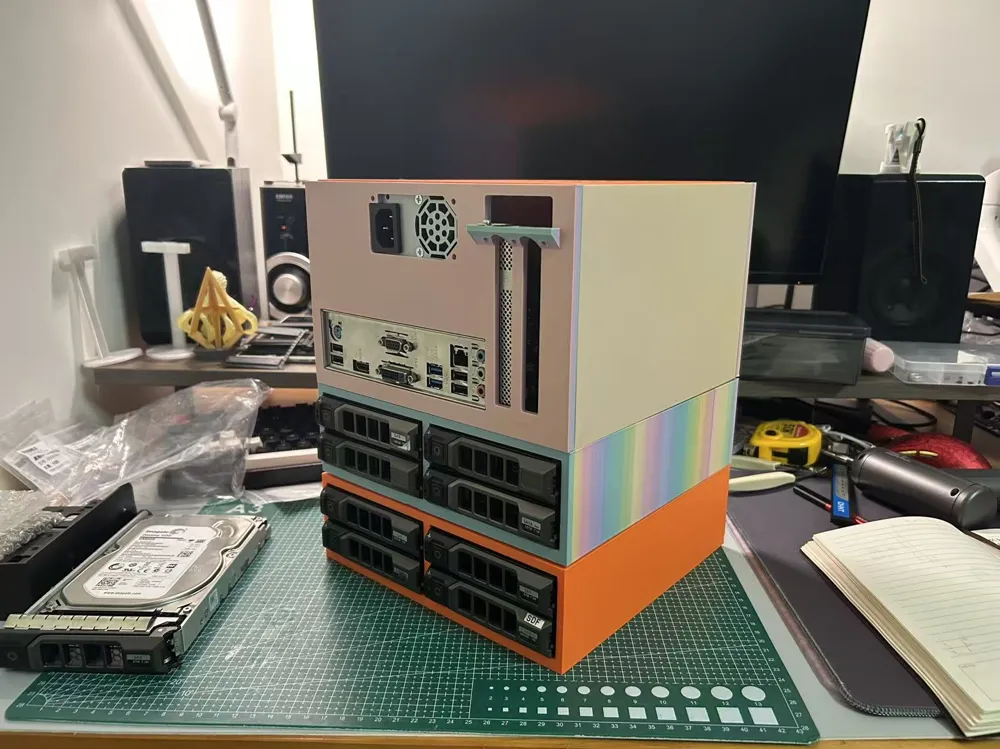
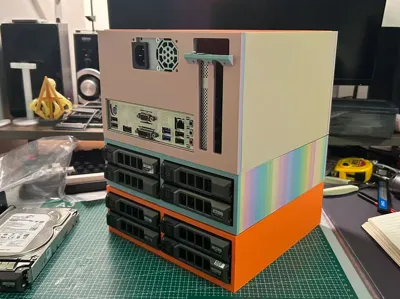
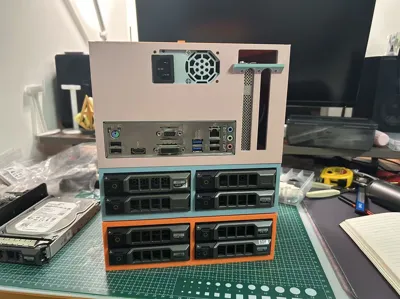
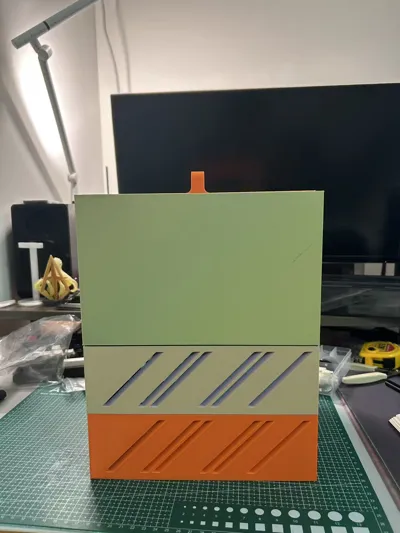
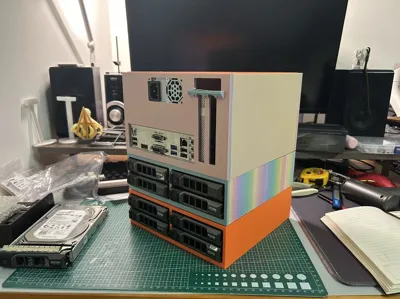
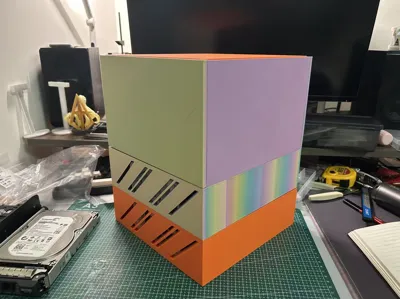
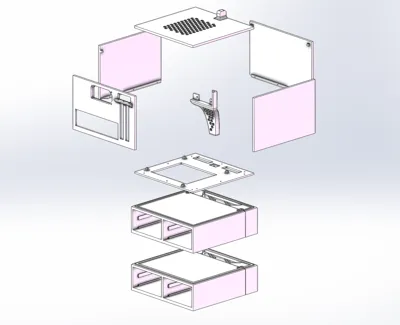
- Stackable hard drive bay NAS host (4 bays per stackable group)
- Uses Dell 11th/12th/13th gen 3.5-inch server drive caddies
- Motherboard maximum size 17*19cm (2 PCIe slots)
- FLEX power supply (small 1U power supply)
- Hard drive bays are stackable
- DIY SAS hard drive backplane
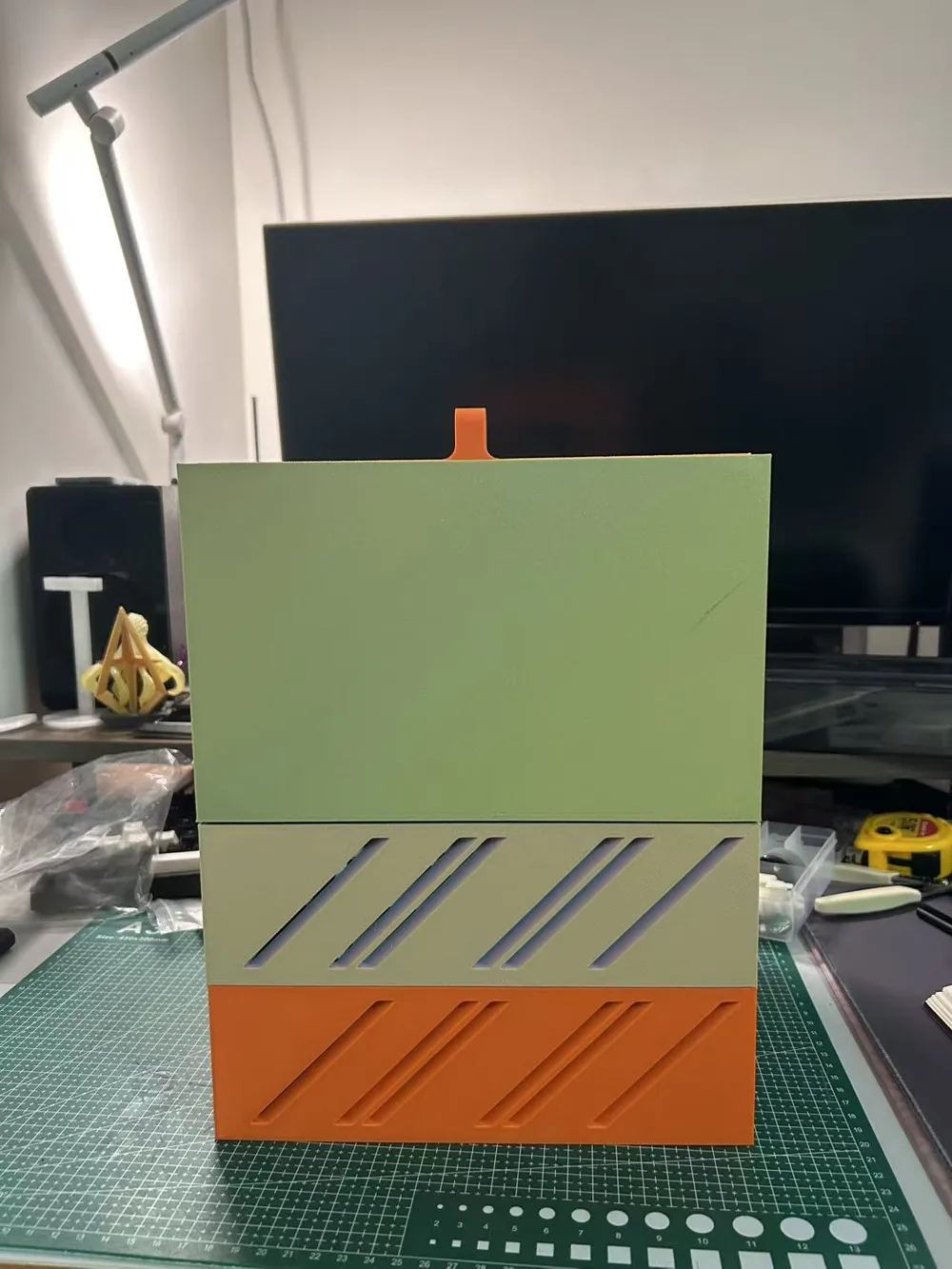
- Fan thickness limited to 15mm
Boost Me (for free)
If you think it's good, please give me a boost!
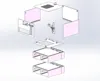
Installation steps
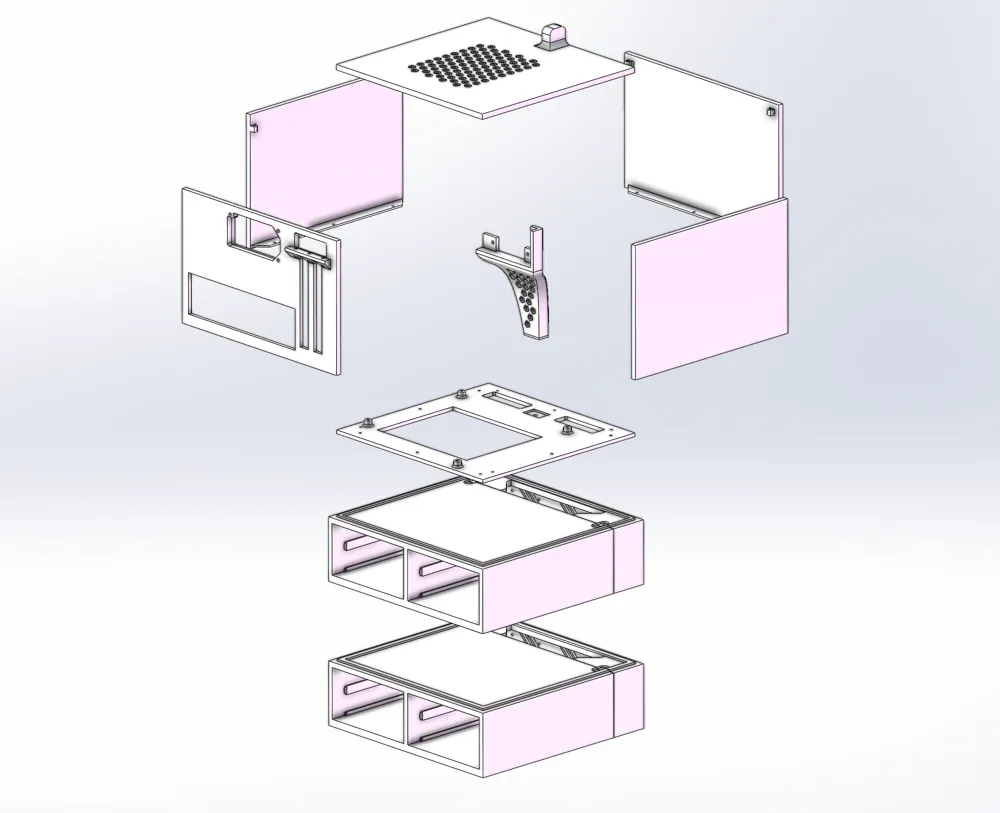
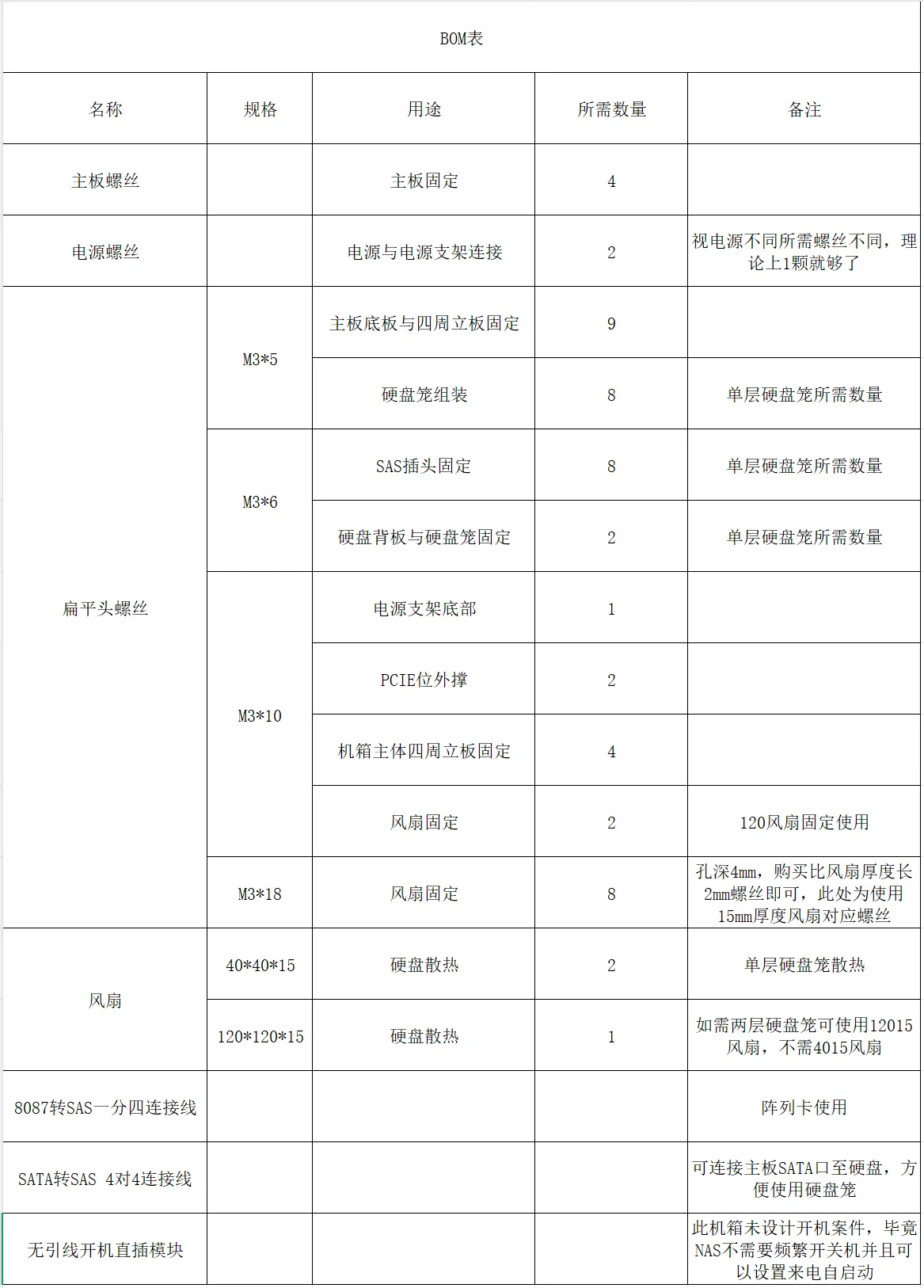
1 Install the backplane PCIe outer support (2 M3*10 screws)
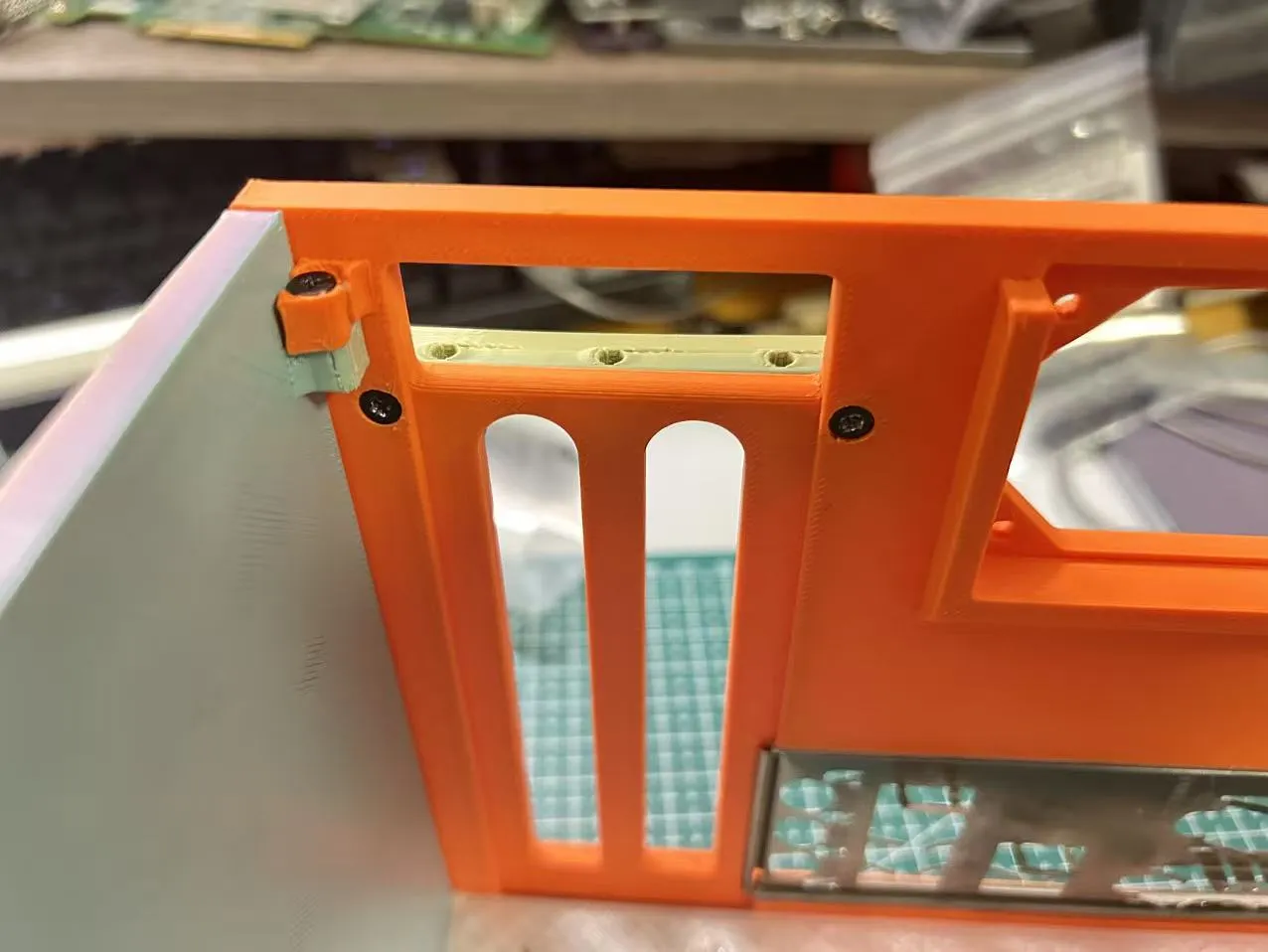
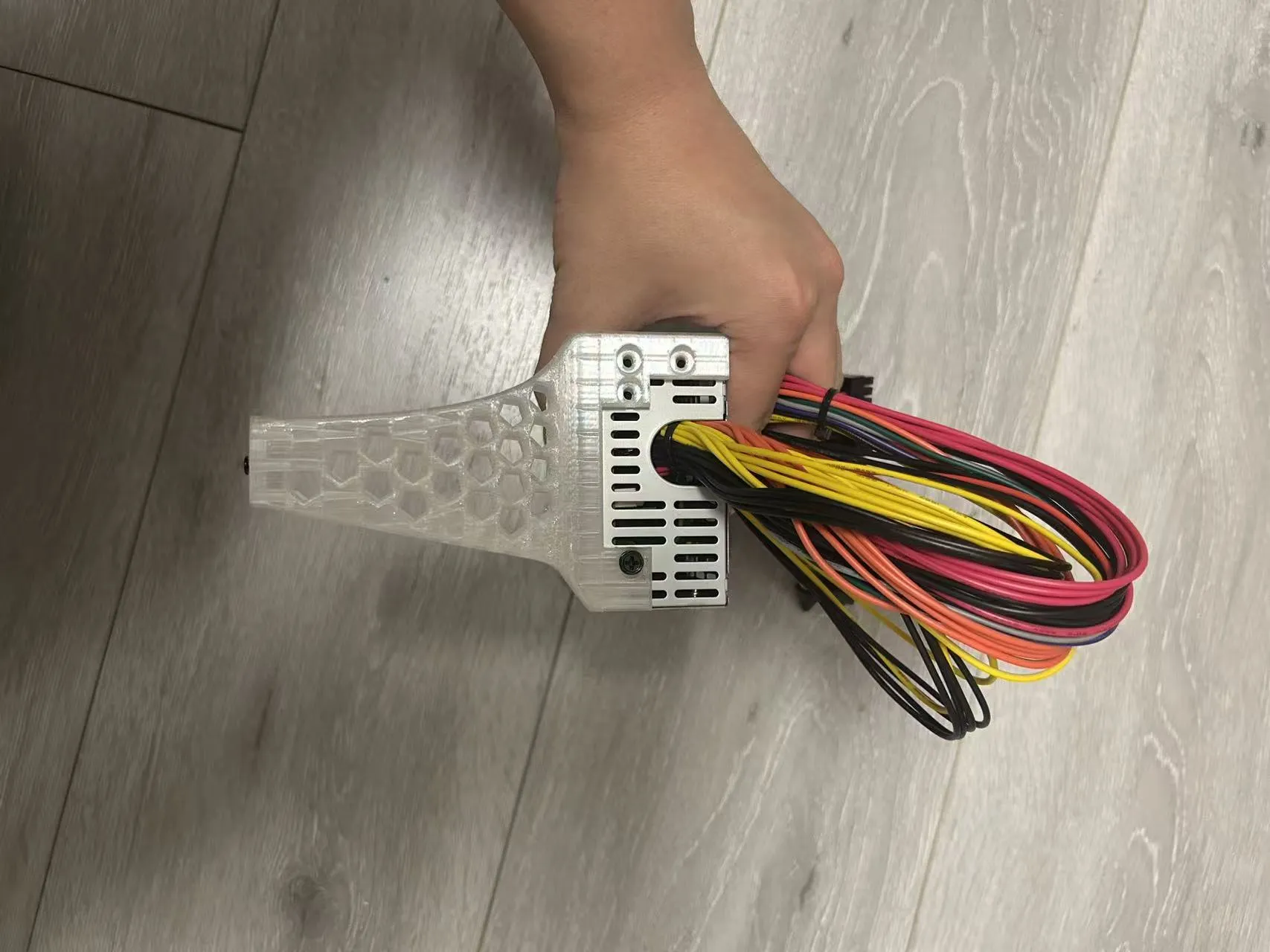
2 Connect the FLEX power supply to the power supply bracket (using power supply screws) (tighten one M3*10 screw at the bottom of the power supply bracket, do not tighten all the way, leave a little gap)
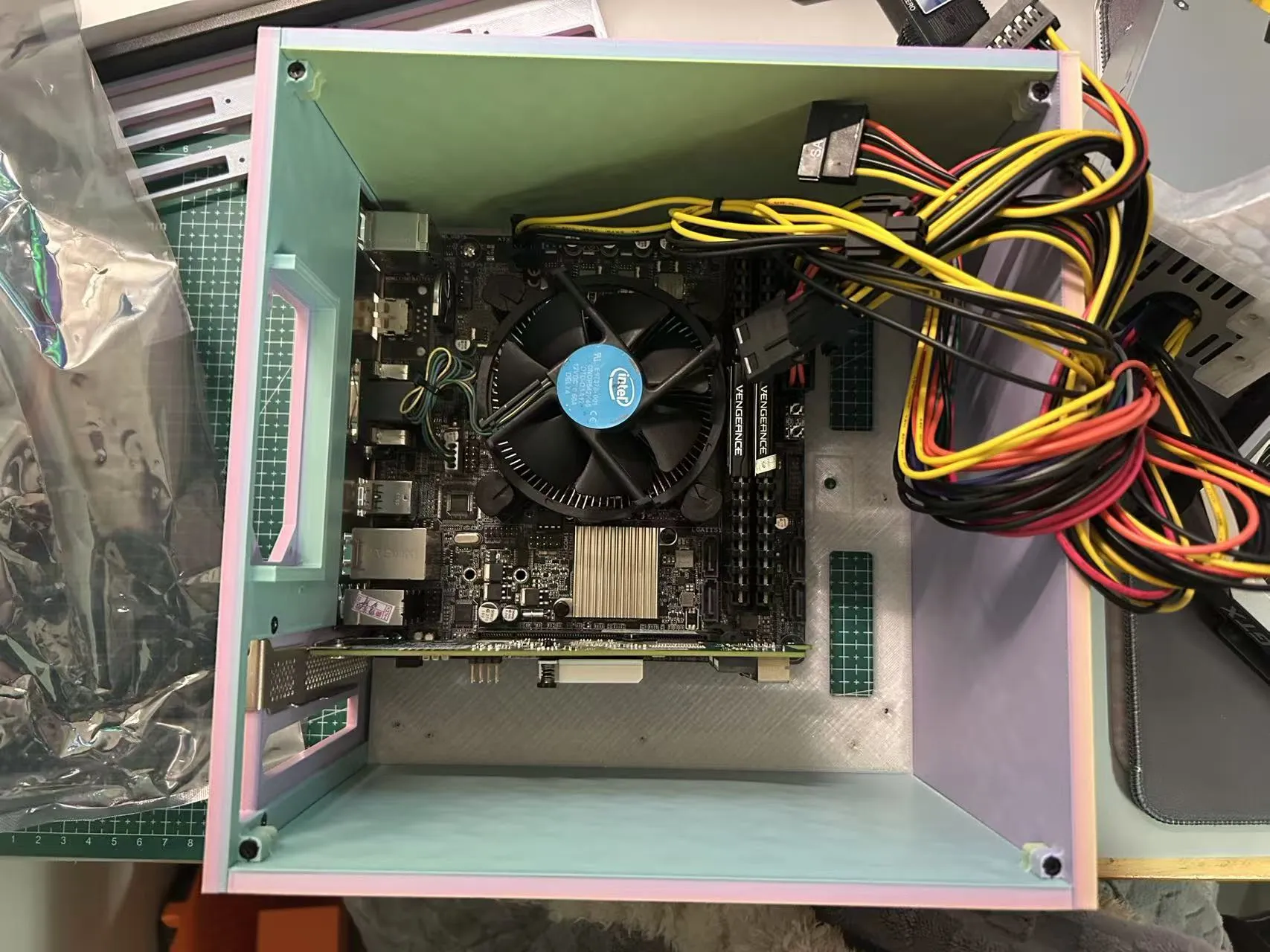
3 Install the base plate, backplane, front panel, and vertical panel; insert the motherboard baffle; connect the power socket and CPU power socket on the motherboard
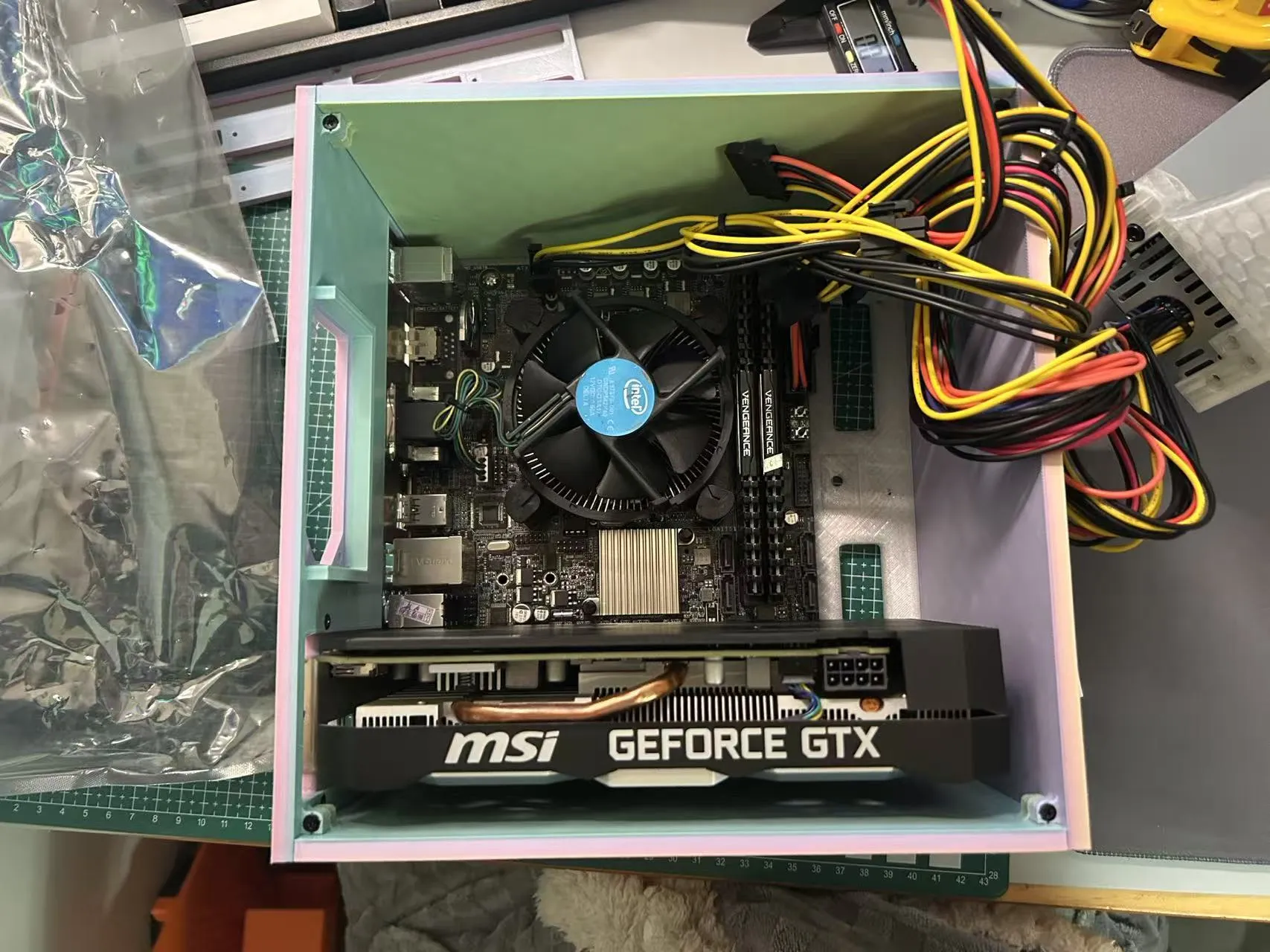
4 Hard drive cage installation, 8 bays are shown here, using 120*120*15 fans, fan thickness limited to 15mm, fans must be purchased with a gap between the front and rear screw holes, otherwise they cannot be used (4040 fans also limited to 15mm thickness)
Backplane installation (using 16 M3*6 screws)
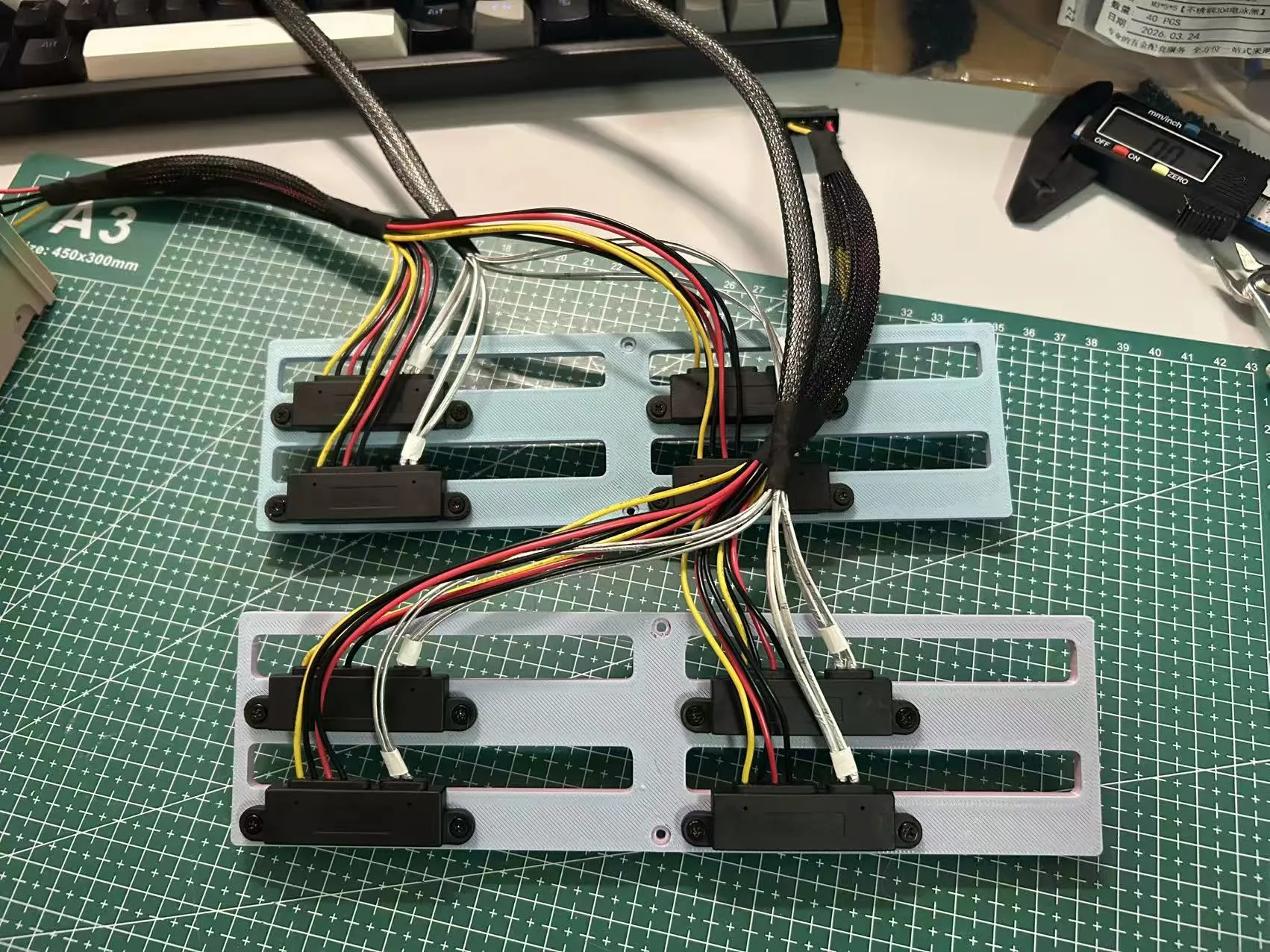
5 Secure the hard drive backplane to the hard drive cage (using 2 M3*6 screws)
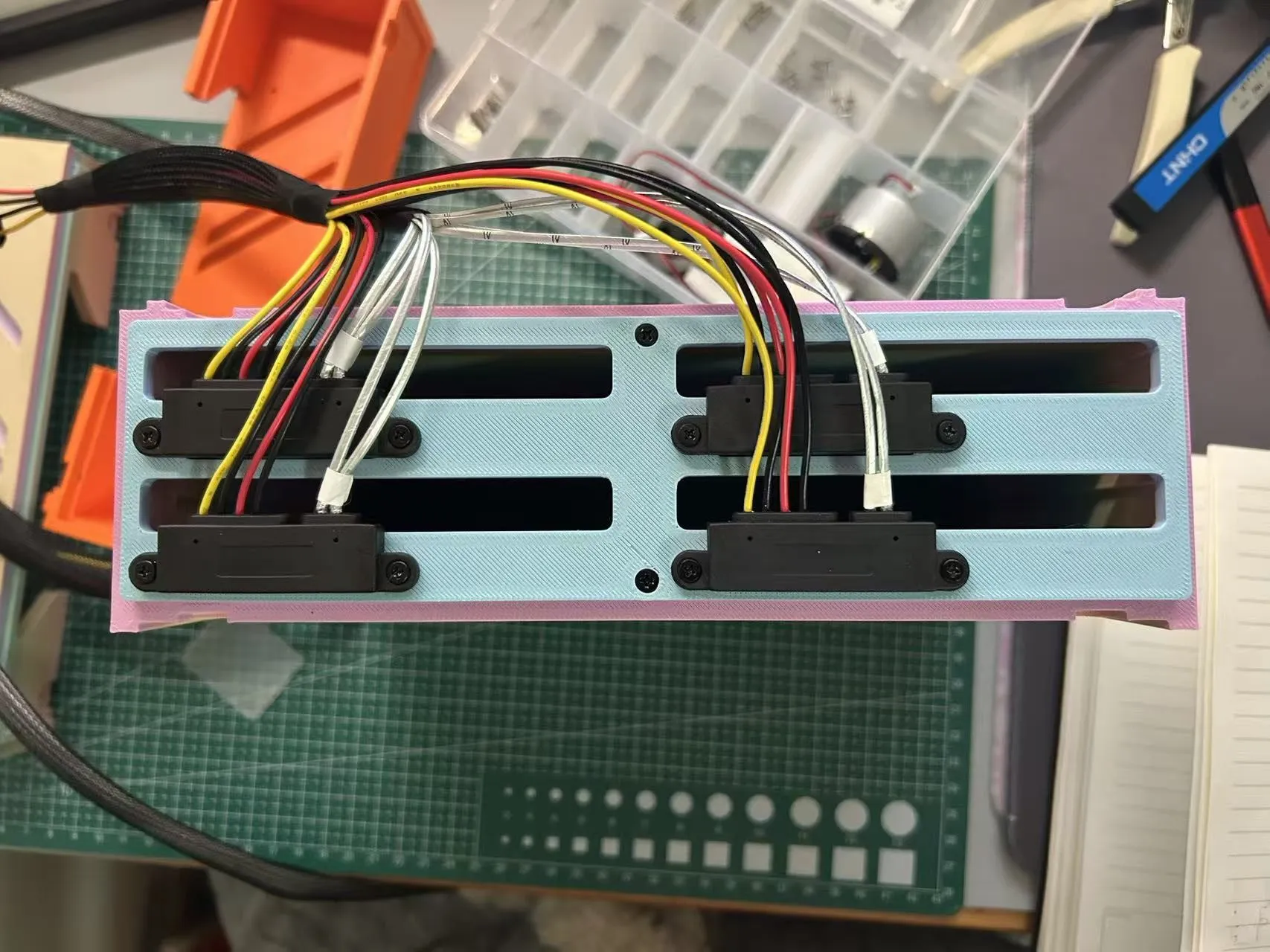
6 Fan installation (2 M3*10 screws)
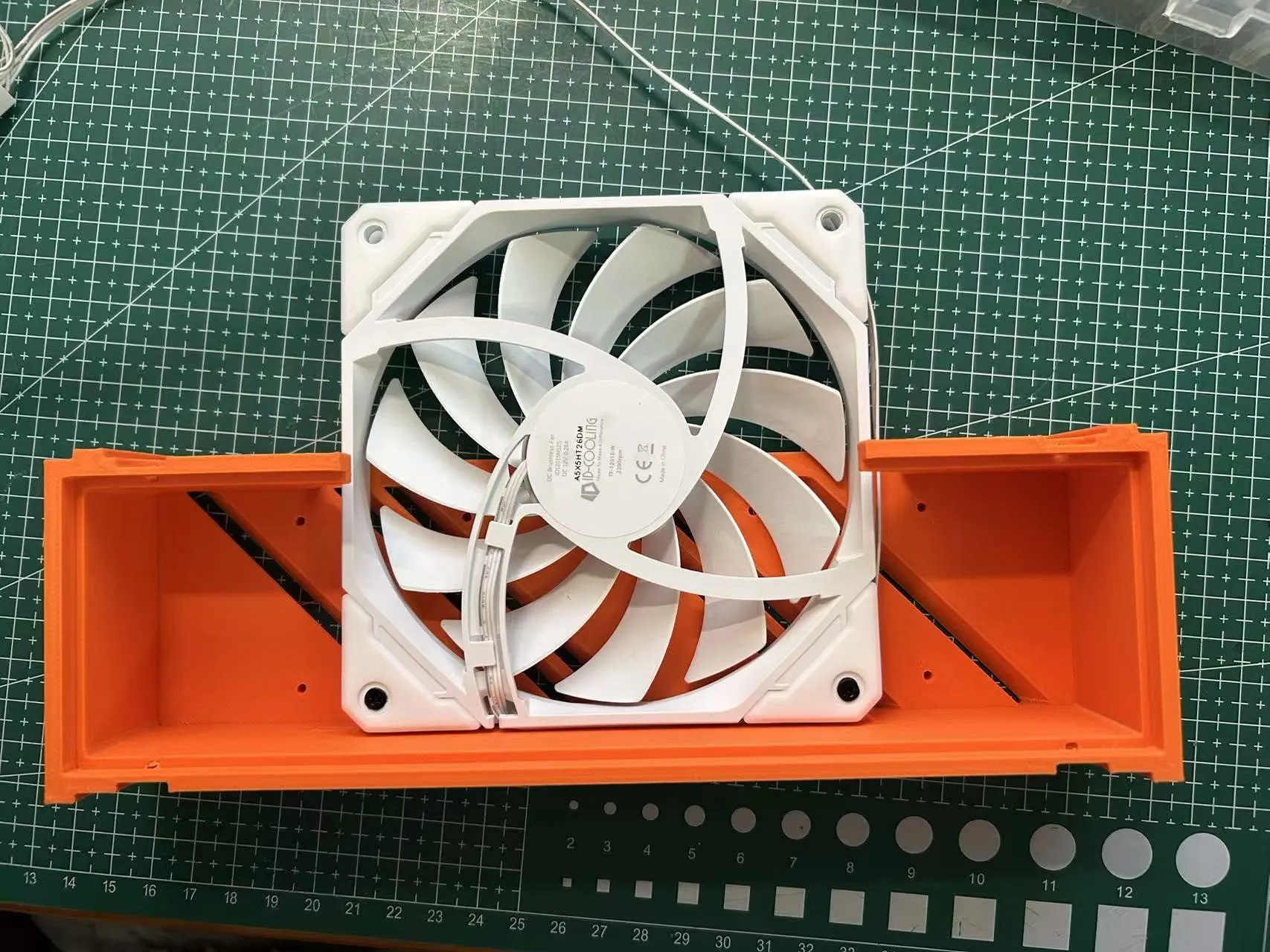
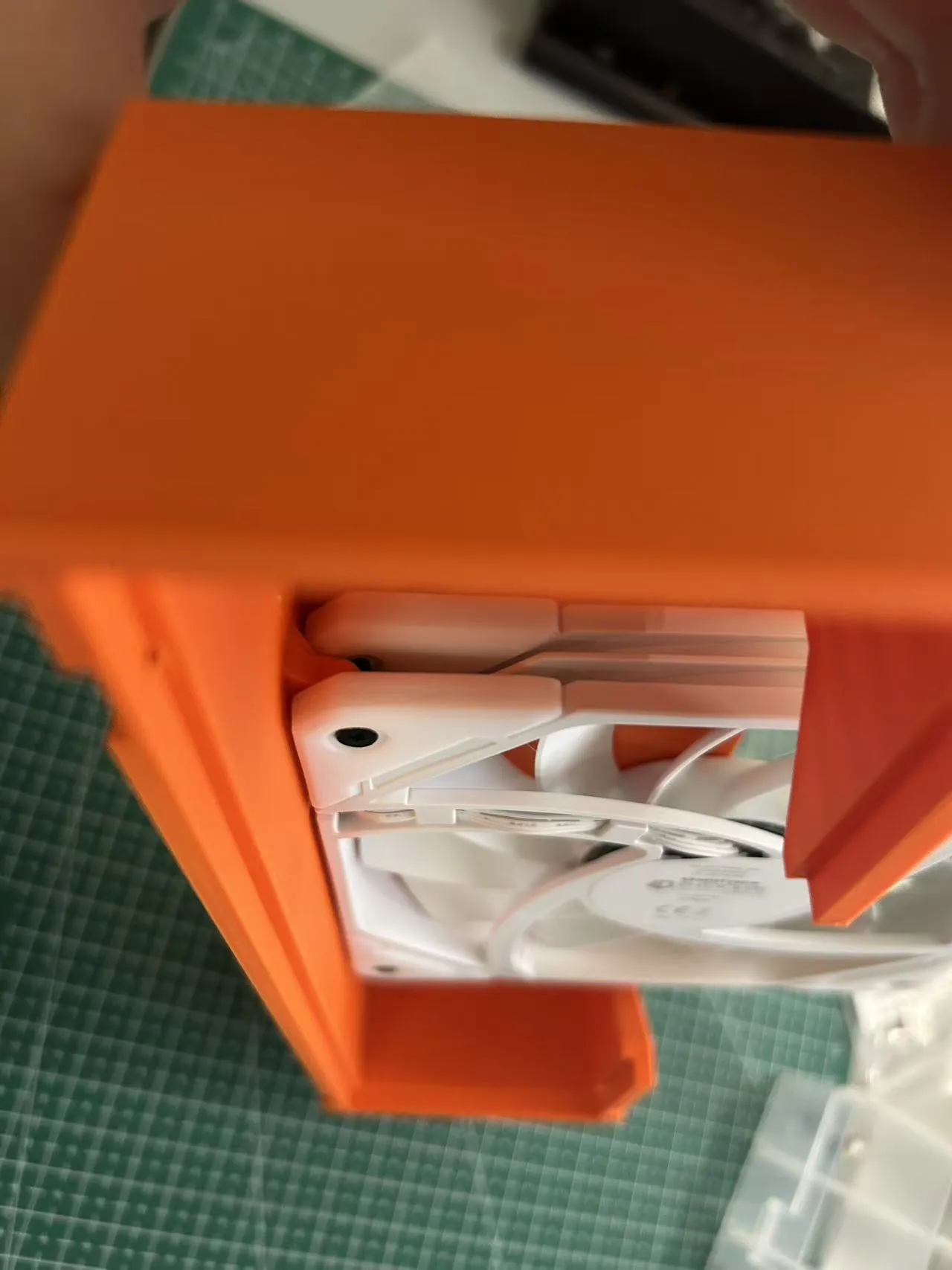
7 Hard drive cage assembly (16 M3*5 screws)
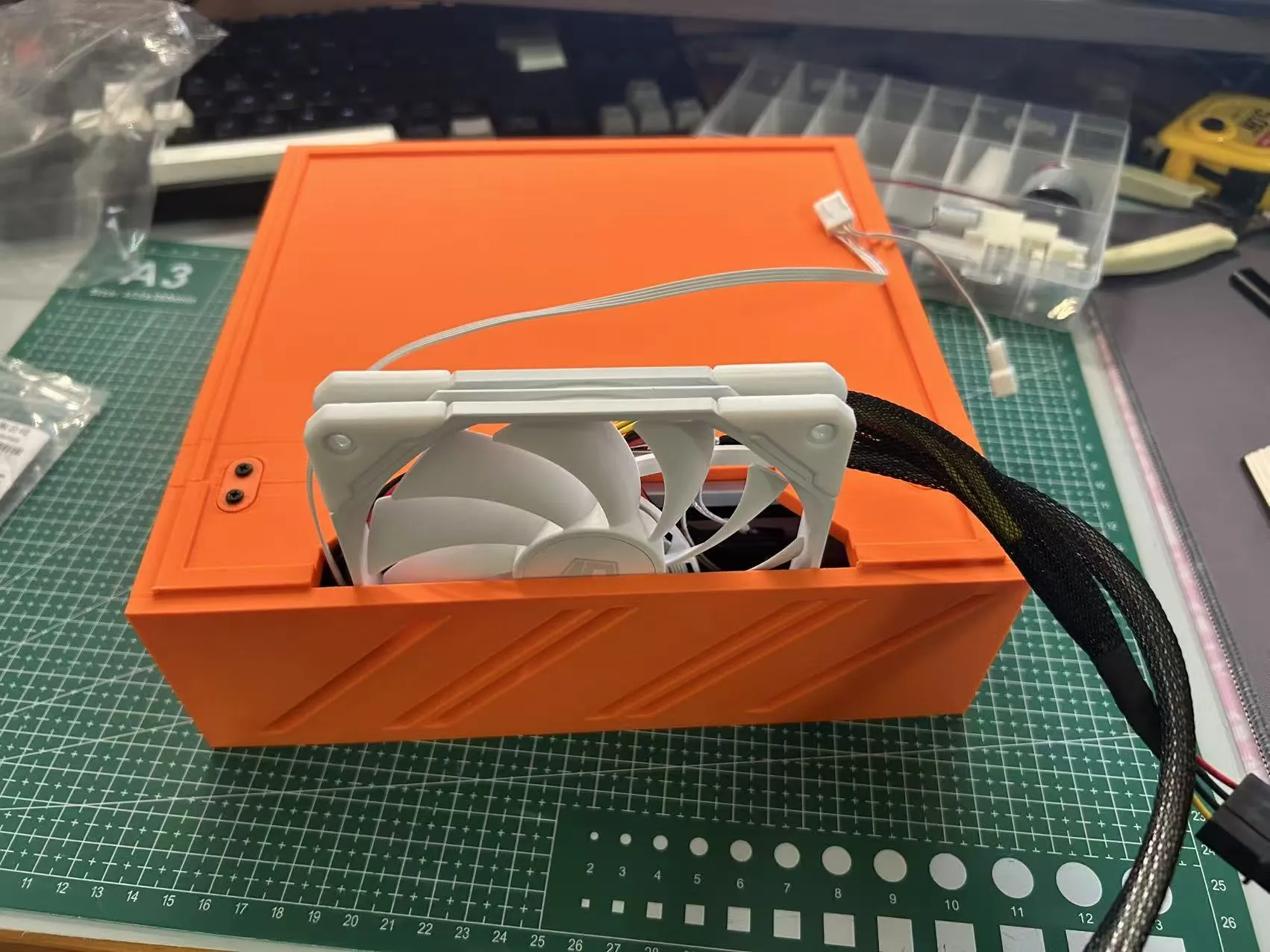
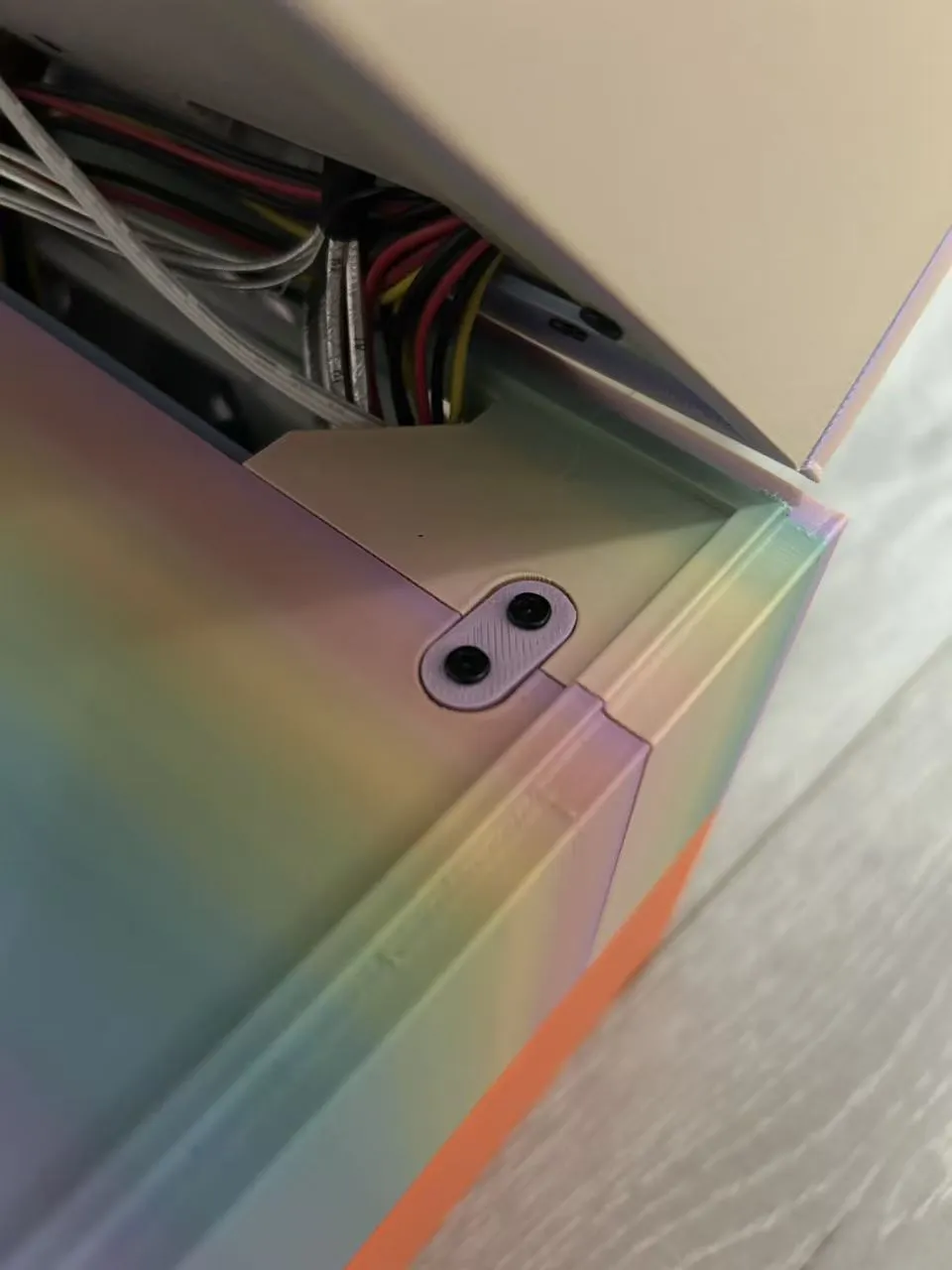
8 Stacking 2 hard drive cages
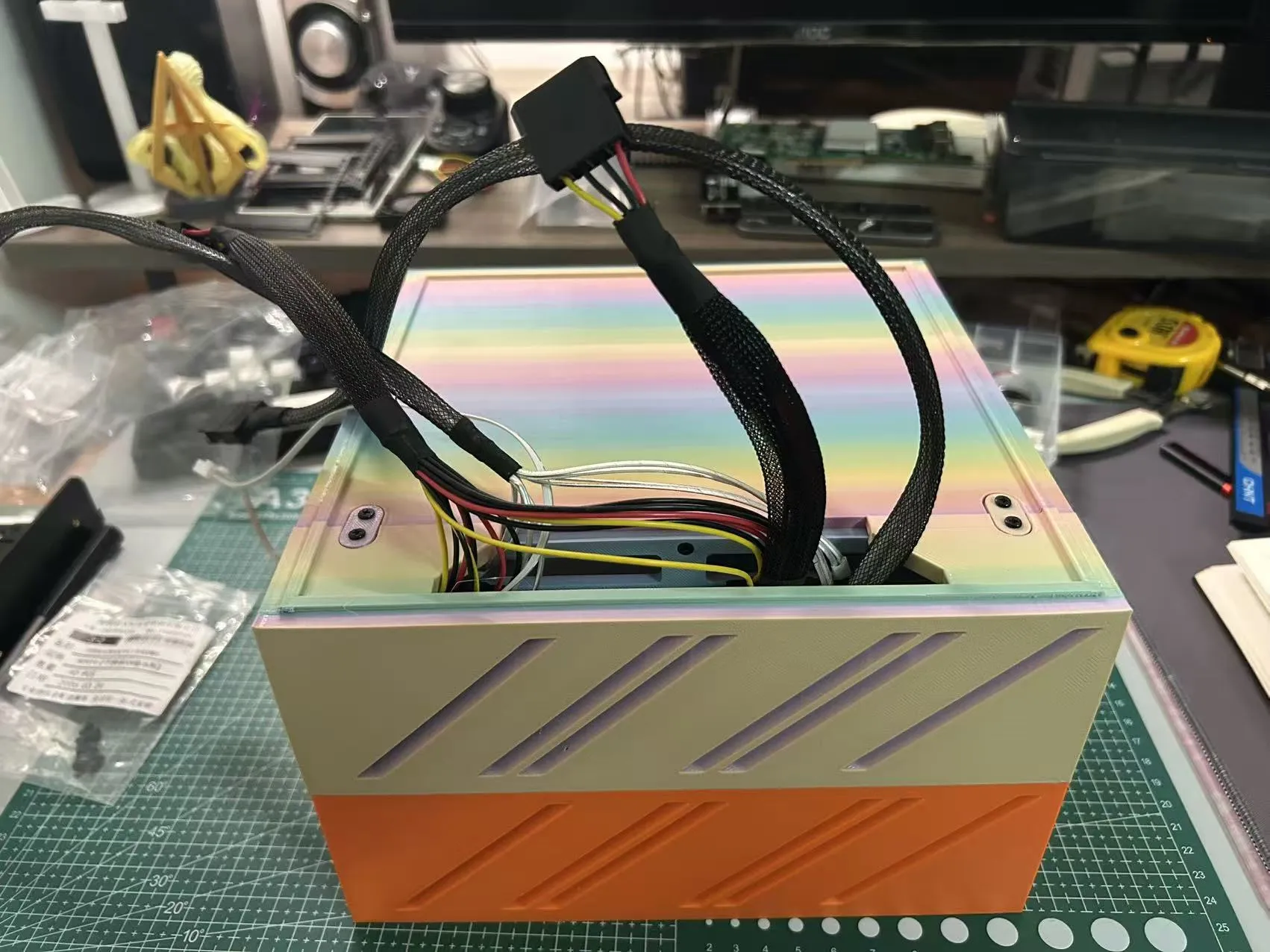
9 Stack the main bodies, connect all power supplies, SATA cables, 8087 or 8643 interfaces, etc
10 Insert hard drives
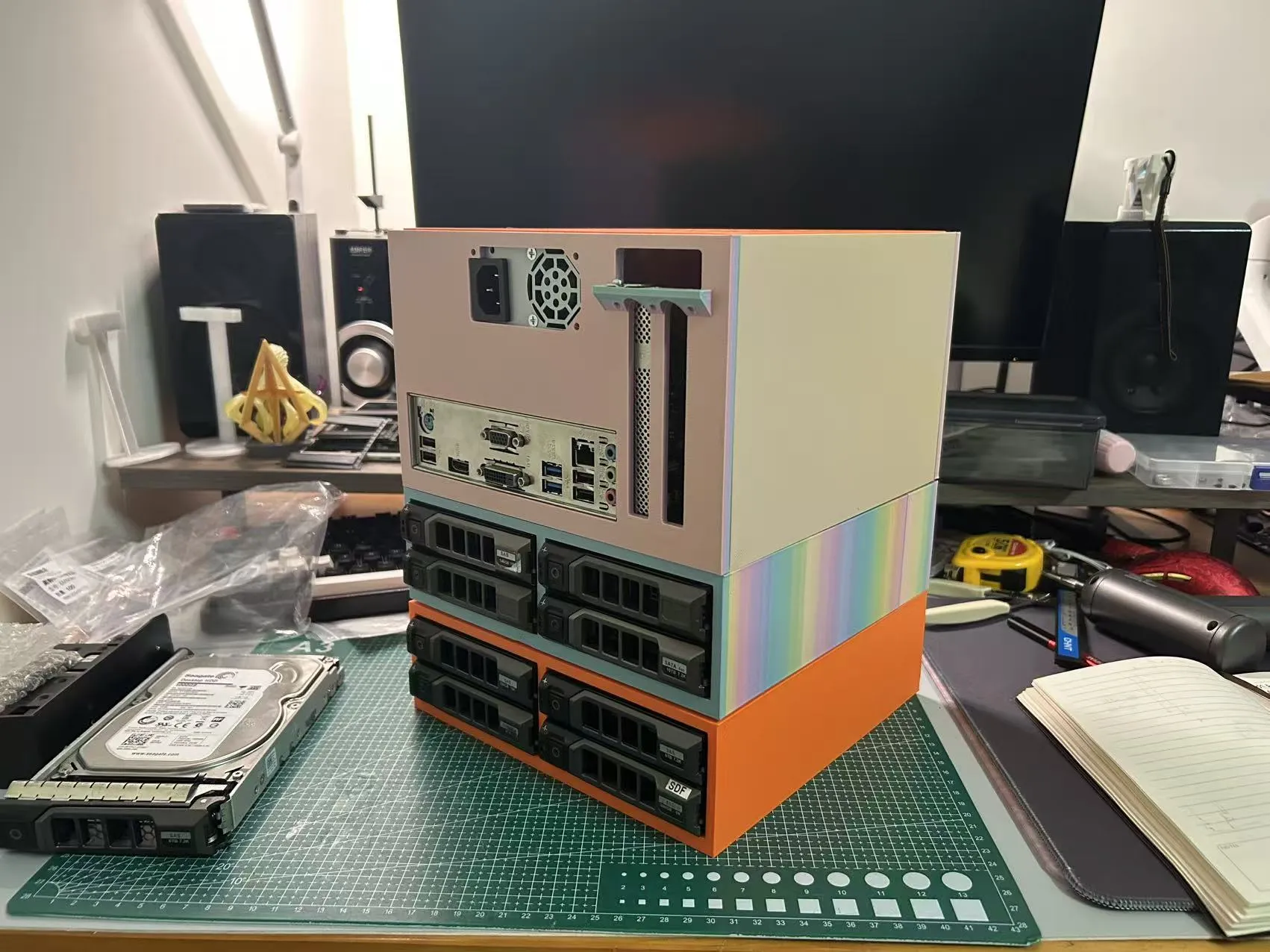
11 Finished product display
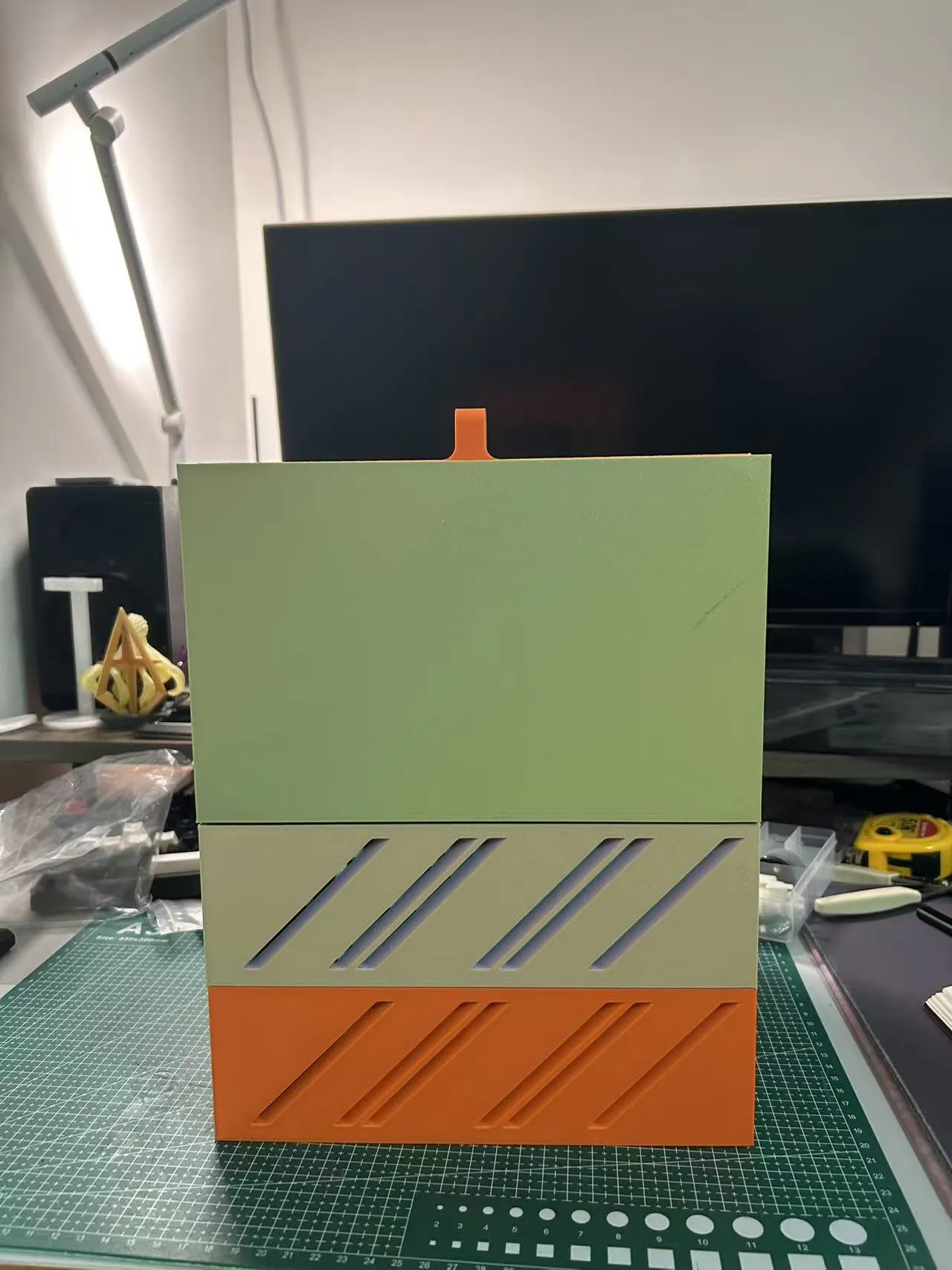
Material links
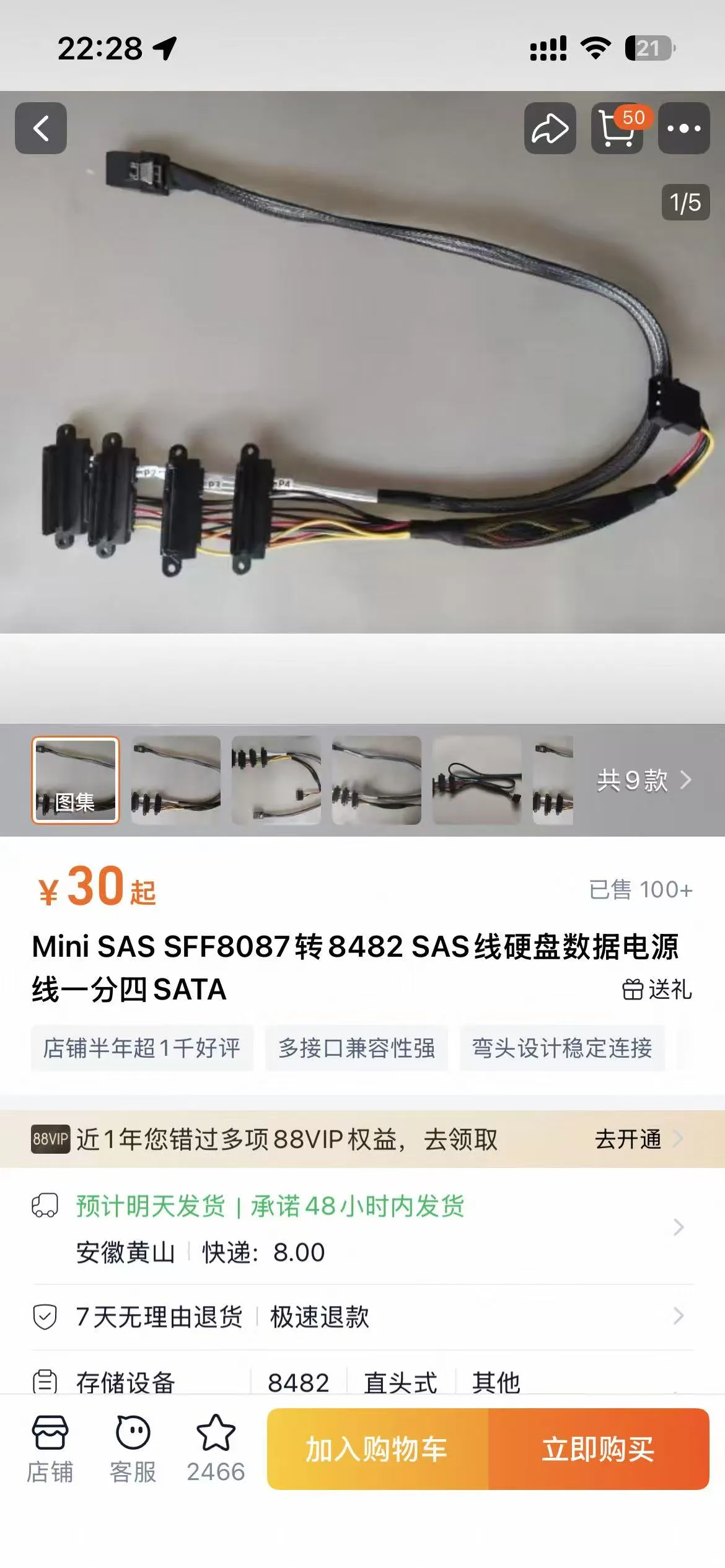
Cables
https://e.tb.cn/h.i9ccLuz3yuMFOui?tk=xKcO526RXLU MF287 「Mini SAS SFF8087 to 8482 SAS Cable Hard Drive Data Power Cable One-to-Four SATA」
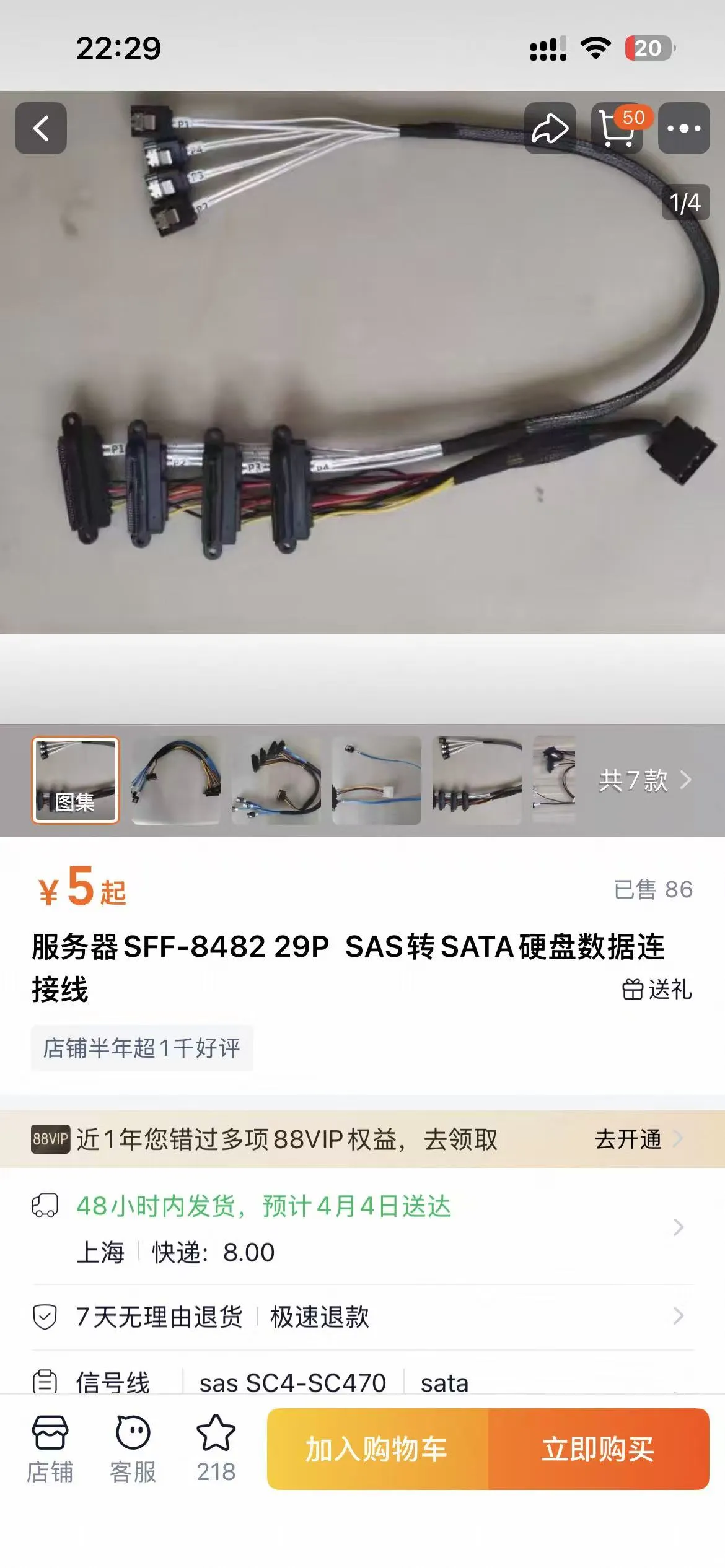
https://e.tb.cn/h.i9c57QjUlLgqThV?tk=tFcT526MWgx CZ057 「Server SFF-8482 29P SAS to SATA Hard Drive Data Connection Cable」
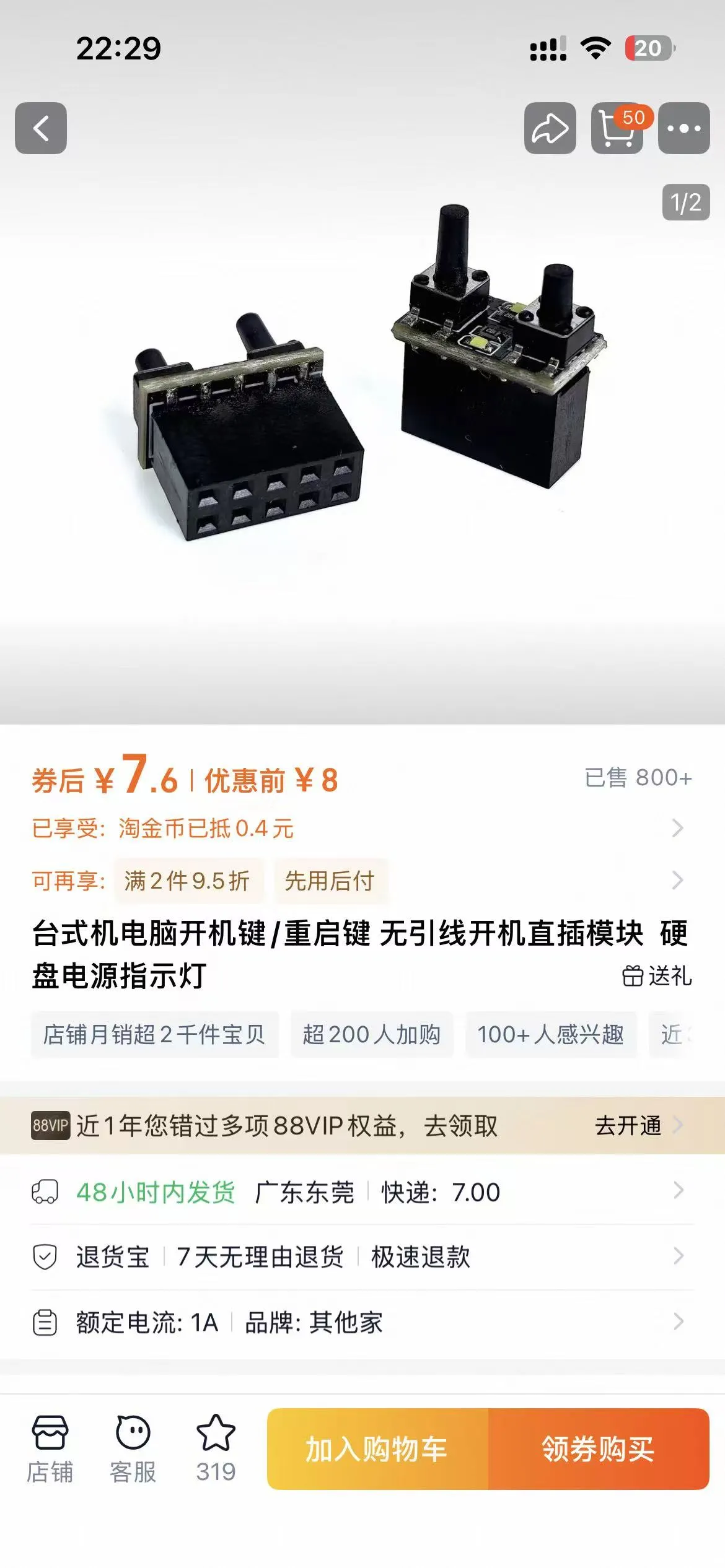
https://e.tb.cn/h.ijDF1ntvd5CVo6y?tk=XRPN526M3ZB HU926 「Desktop PC Power Button/Reset Button Lead-Free Direct Plug Module Hard Drive Power Indicator Light」
Let's happily raise lobsters!
Boost Me (for free)
You've read this far, so I'll ask for another one!
Documentation (2)
License

You may create derivative works based on this object, provided that all such derivative works are published exclusively on the MakerWorld platform and include proper attribution to the original creator. You may not share, upload, host, distribute, or publish this object—or any derivative work of this object—on any other digital platform, marketplace, or distribution channel. Commercial use of this object and any derivative works is strictly prohibited. This includes, but is not limited to, selling, renting, sublicensing, or using the object in any context in which you receive monetary compensation or other financial benefits.


Comment & Rating (0)