
Custom 3D Monogram Maker - Personalized Nameplate
Print Profile(2)



Description
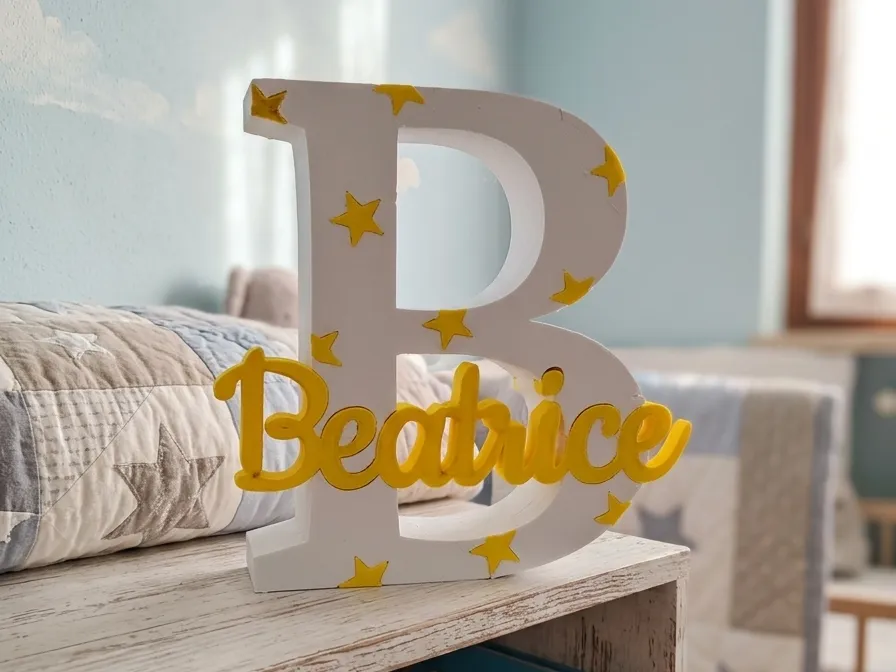
Finding a truly unique gift or a decorative item that doesn't look "déjà vu" is difficult. Often, we settle for standard fonts or static designs that don't convey the right warmth. Whether it's for a child's bedroom, a place card for an event, or an office plaque, a simple 3D printed name often lacks that aesthetic depth that transforms an object into a design piece
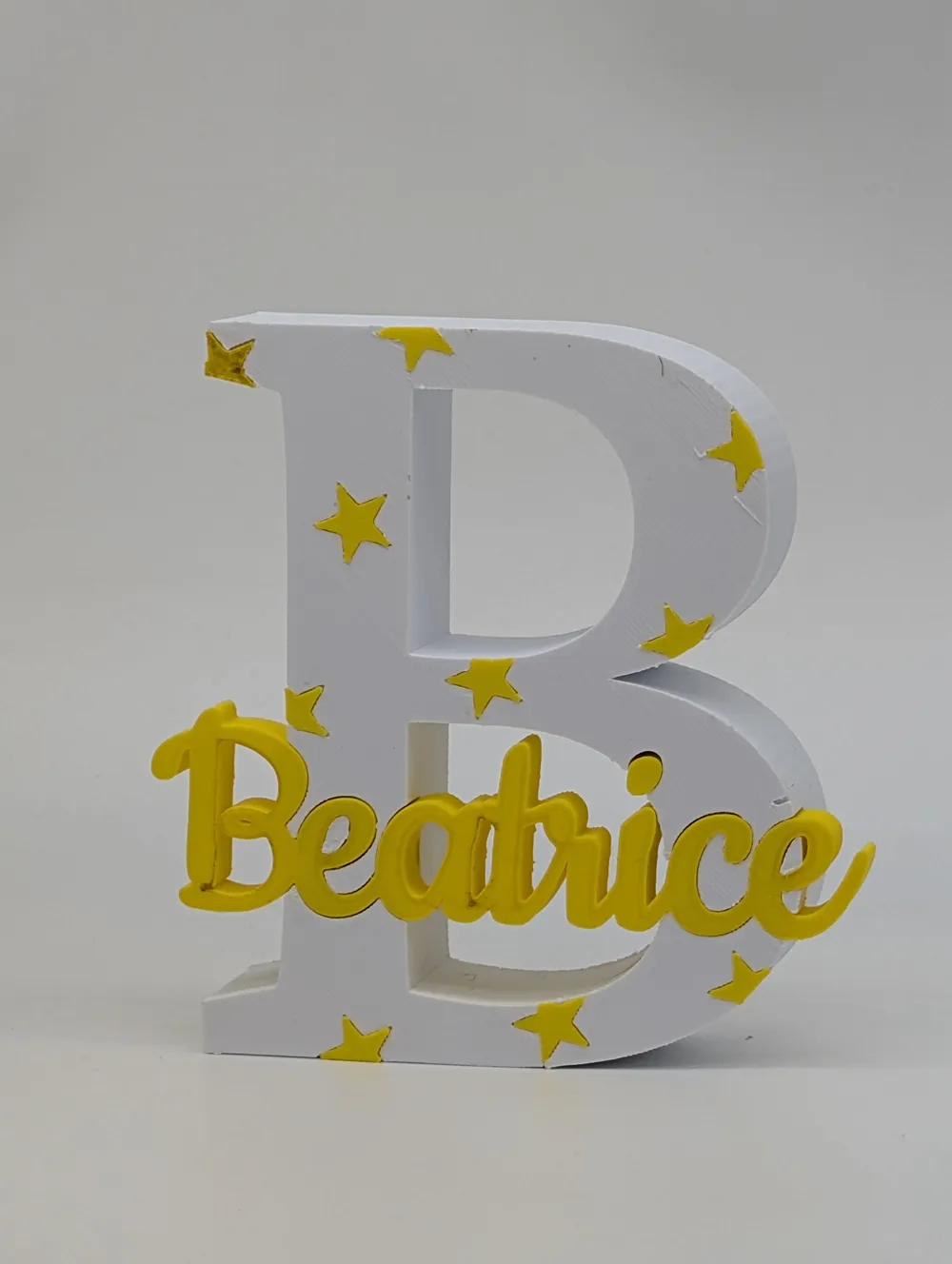
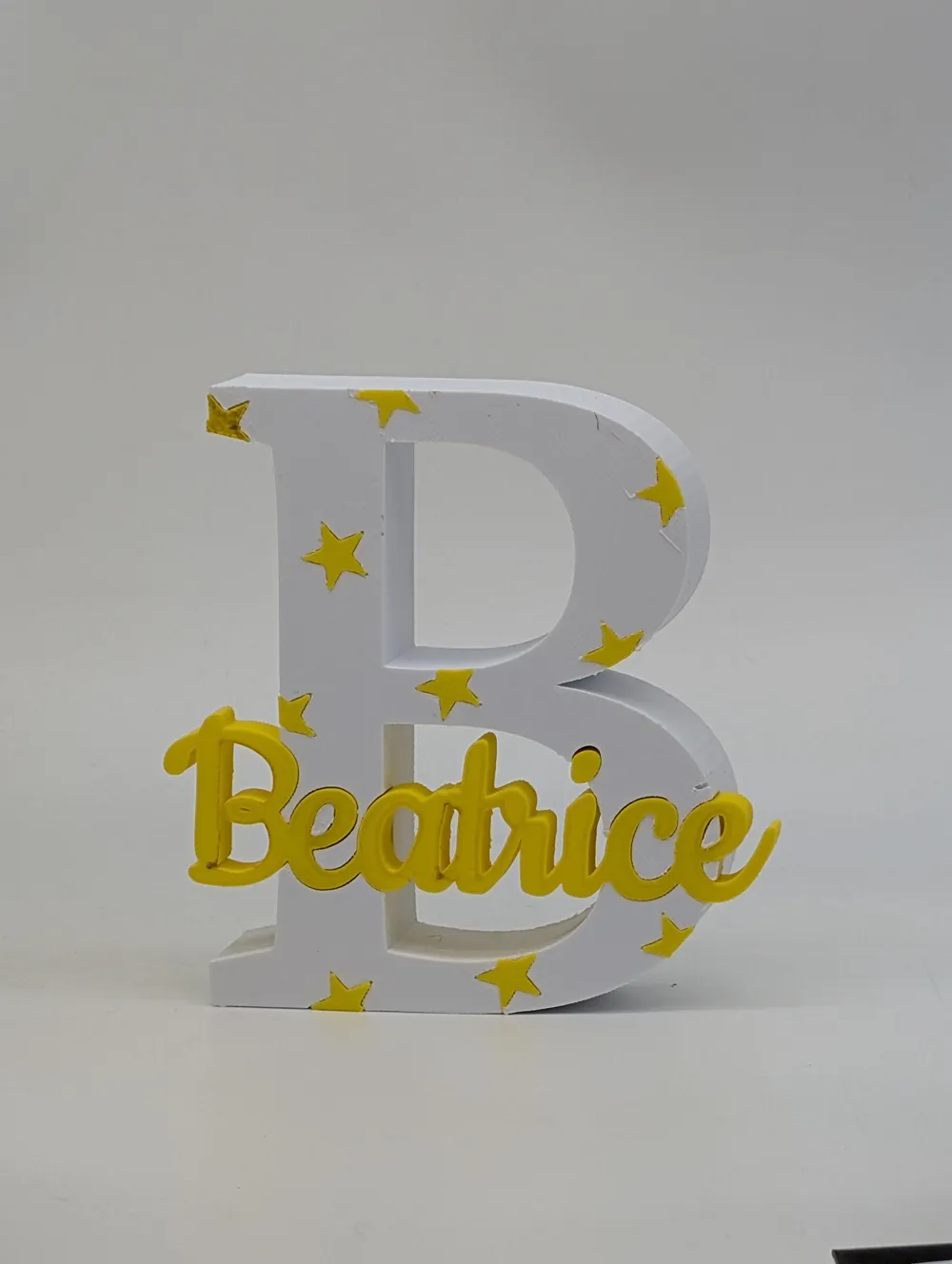
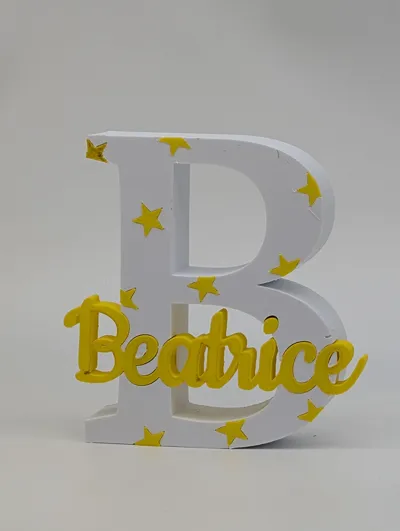
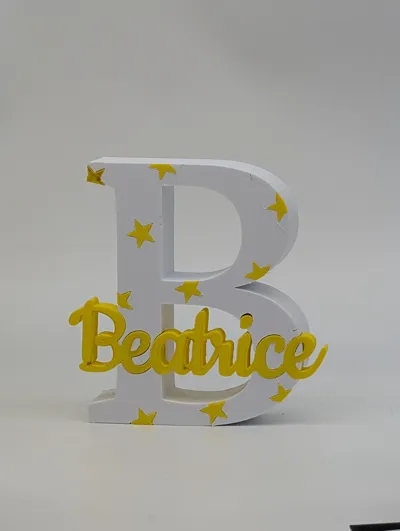
This parametric OpenSCAD generator was created to offer you maximum creative control. The system allows you to overlay an elegant name (even on two lines) onto a large structural initial. The code engineering automatically handles subtractions and intersections: you can choose from various decorative patterns like stars, flowers, or teddy bears that adapt to the letter's shape without ever covering the main name. Thanks to the management of fit tolerances, you can decide whether to print everything in a single block or create separate pieces to assemble
The model is optimized for multi-color printing (AMS/MMU). The code logic includes a millimetric "micro-offset" that allows the slicer to instantly identify the different parts, making coloring a breeze. It's the perfect balance between visual complexity and printing simplicity, ensuring a professional result even for those new to the customizer
🛠️ Configuration Parameters Guide
1. Text and Font Management
This section defines the soul of the monogram. The code is designed to manage the visual hierarchy between the initial and the superimposed name
- Main Letter (lettera_principale): The "background" character that acts as a frame. Usually an initial, but the system also supports numbers or symbols
- Name Line 1 and 2 (nome_riga_1/2): You can enter a single name or text on two lines (e.g., "Anna" and "Maria"). If you leave the second line blank, the system automatically centers the first
- Font Selection: You have included calligraphic fonts (like Pacifico) for the name and structural fonts (like Crimson Pro) for the letter. The contrast between a solid "serif" font and a fluid "script" font is the secret to a professional result
2. Dimensions and Geometry
Here the user decides the physical dimensions and robustness of the object
- Letter Size and Thickness: These control the overall scale. A thickness of 5mm ensures excellent structural rigidity
- Name Thickness: Determines how much the name "protrudes" or "sinks" into the letter. Using a value less than the letter's thickness (e.g., 1.5mm) creates an elegant bas-relief effect
- Thicken Name (ingrossa_nome): A vital parameter. In cursive fonts, letters often only touch at thin points. Increasing this value (offset) merges the letters into a single solid block, facilitating printing and removal from the build plate
3. Spacing and Fits
These parameters solve technical printing problems
- Letter Spacing (spaziatura_lettere_percentuale): Allows you to bring the letters of the name closer to intentionally overlap them, creating a stronger single body
- Fit Tolerance (tolleranza_incastro): If the user wants to print the name in a different color and press-fit it, this value (e.g., 0.2mm) creates the necessary clearance for the pieces to fit into each other without excessive force
4. Decorations and Patterns
This is the "wow" feature of your script that adds texture to the main letter
- Decoration Type: A dropdown menu that allows you to choose between geometric icons (Stars, Flowers, Fish, Teddy Bears)
- Anti-Collision Logic (margine_sicurezza_nome): This is a touch of class in your code. It prevents decorations from appearing too close to the name, creating a clean area ("buffer") around the text to keep it legible
- Pattern Rotation: Allows you to angle the decorative grid (e.g., 15° or 45°) to break orthogonal monotony and add dynamism to the design
🎨 Slicer Strategy (Multi-Color)
Your "Part to generate" parameter is key for expert users:
- "All": Ideal for those with the Bambu Lab AMS system. The 0.01mm micro-offset in the code "tricks" the slicer into seeing separate but perfectly nested objects, allowing them to be colored with a click
- Separate Parts: Ideal for those with single-color printers who want to glue the pieces after printing, perhaps using different materials (e.g., Wood-PLA letter and Silk-PLA name)
Printing Recommendations:
- Material: PLA is perfect for aesthetic rendering and color variety
- Supports: Generally not needed. If you print the interlocking version, ensure the first layer is well calibrated
License

You shall not share, sub-license, sell, rent, host, transfer, or distribute in any way the digital or 3D printed versions of this object, nor any other derivative work of this object in its digital or physical format (including - but not limited to - remixes of this object, and hosting on other digital platforms). The objects may not be used without permission in any way whatsoever in which you charge money, or collect fees.


Comment & Rating (0)