
Gas Meter -REED - ESPHome -Wemos D1
Print Profile(1)
Description
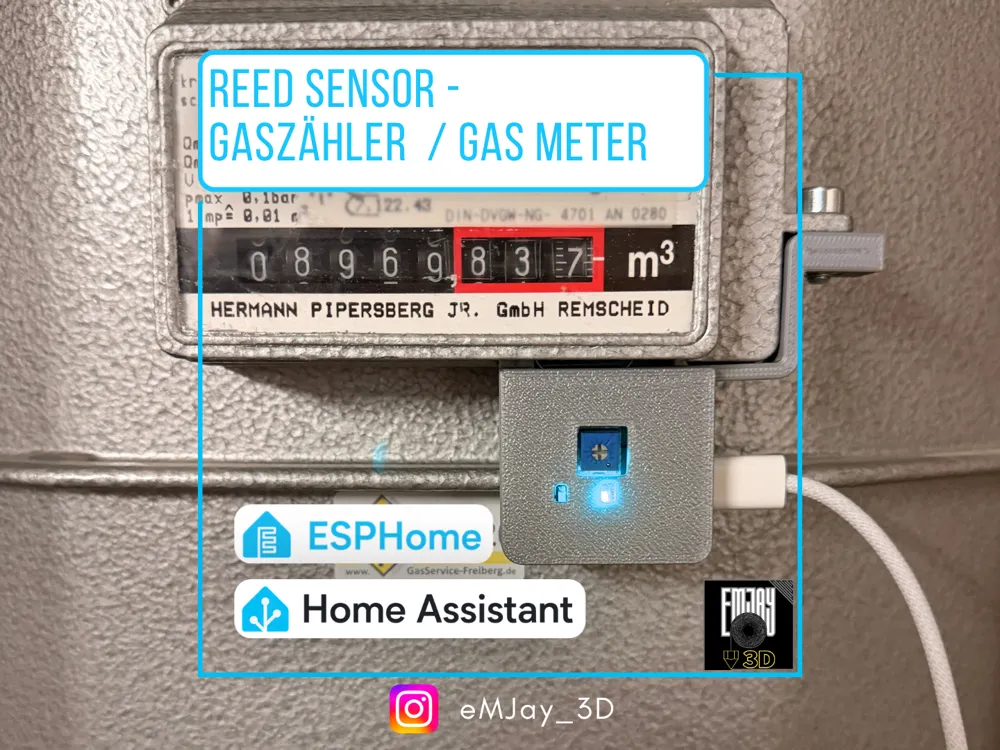
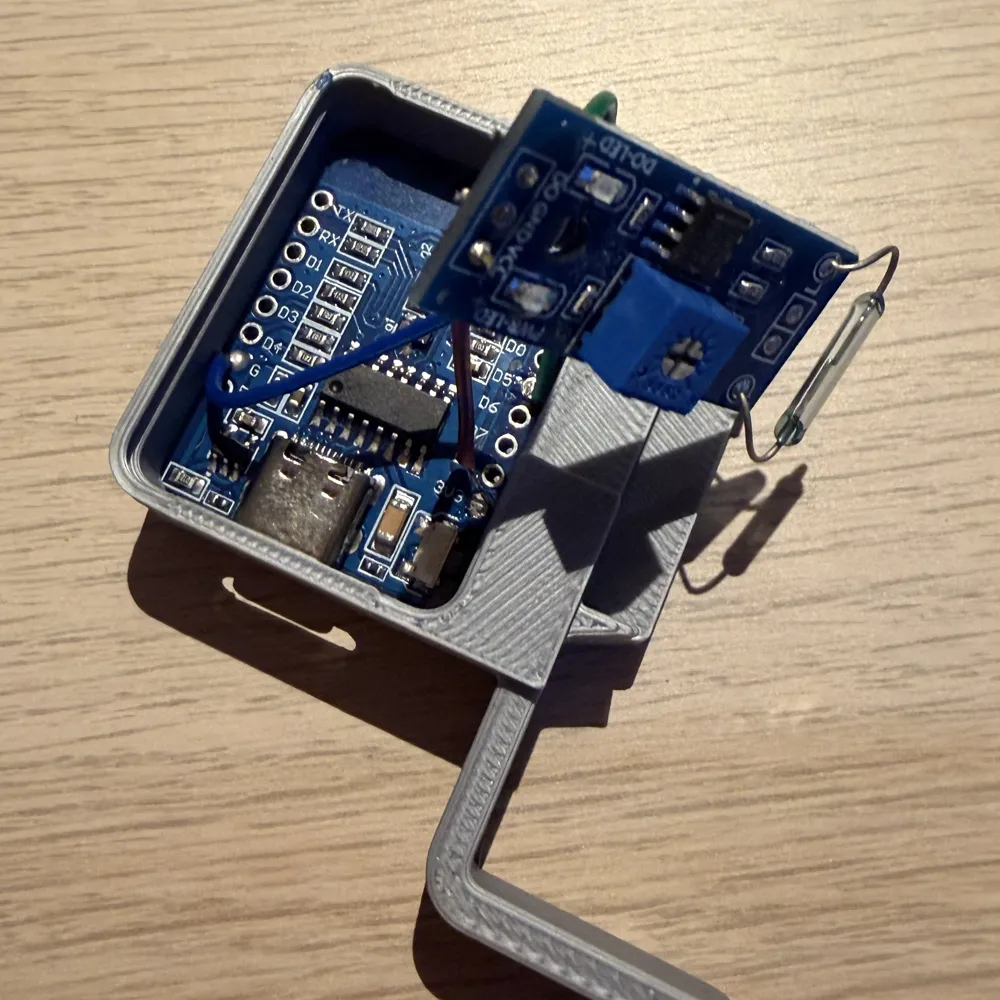
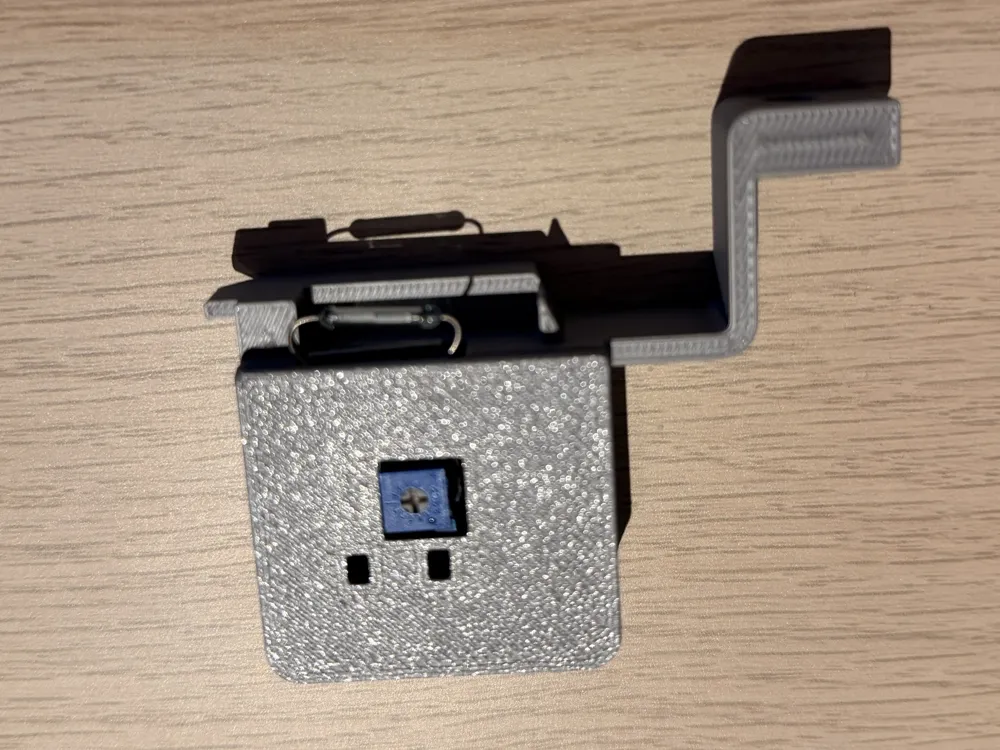
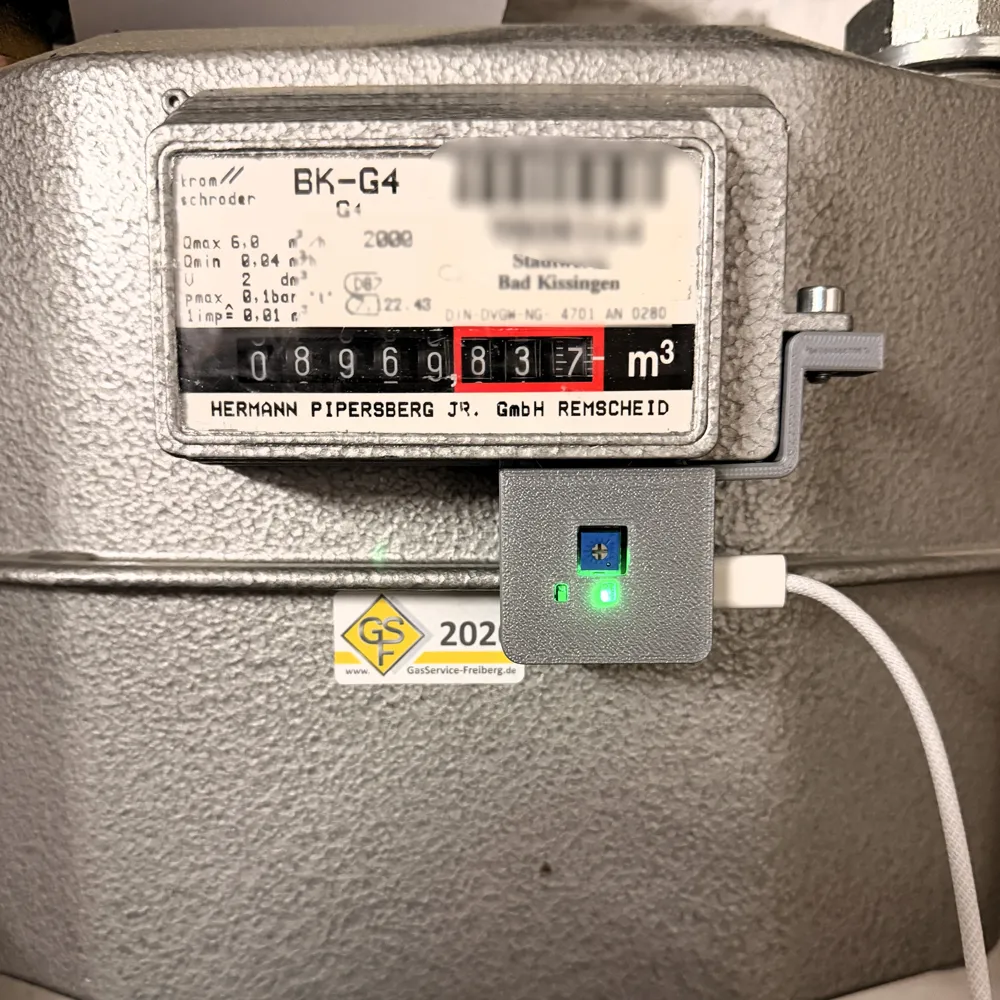
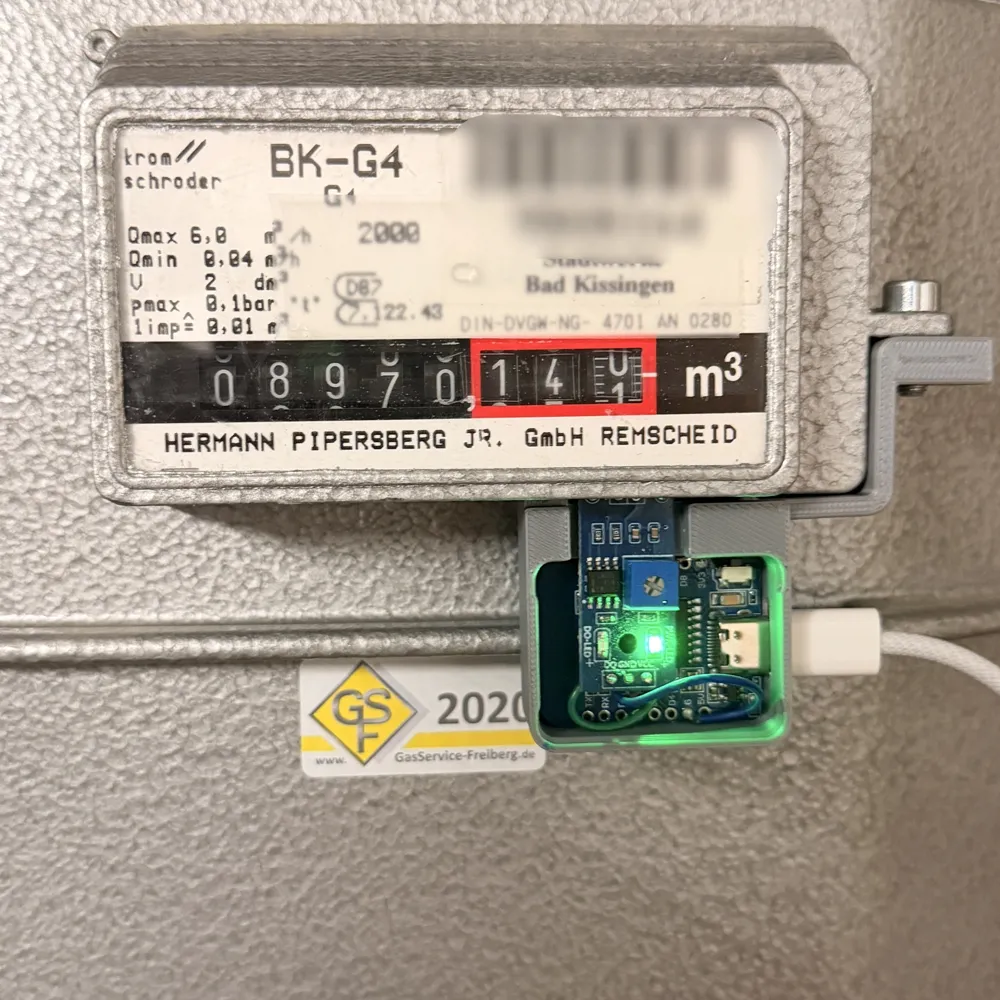
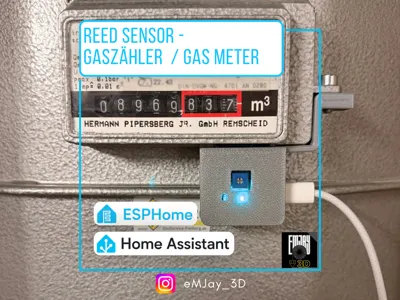
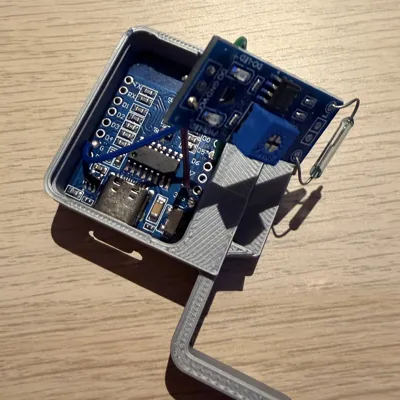
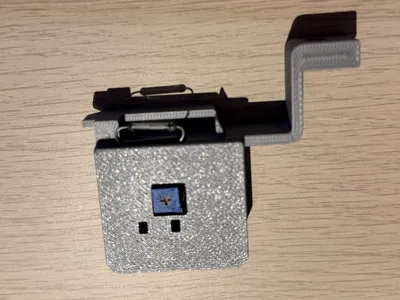
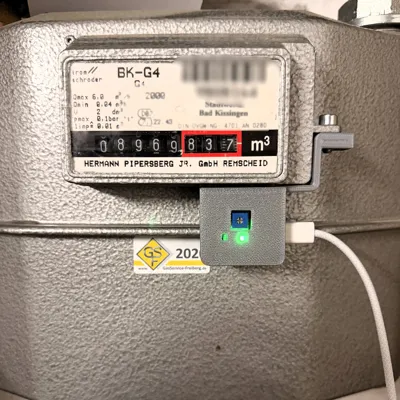
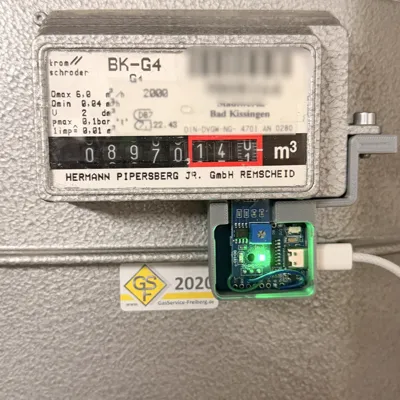
Compact Gas Meter Sensor based on a G123-08 Reed Sensor Module, a Wemos D1 Mini, and the 3D-printed enclosure
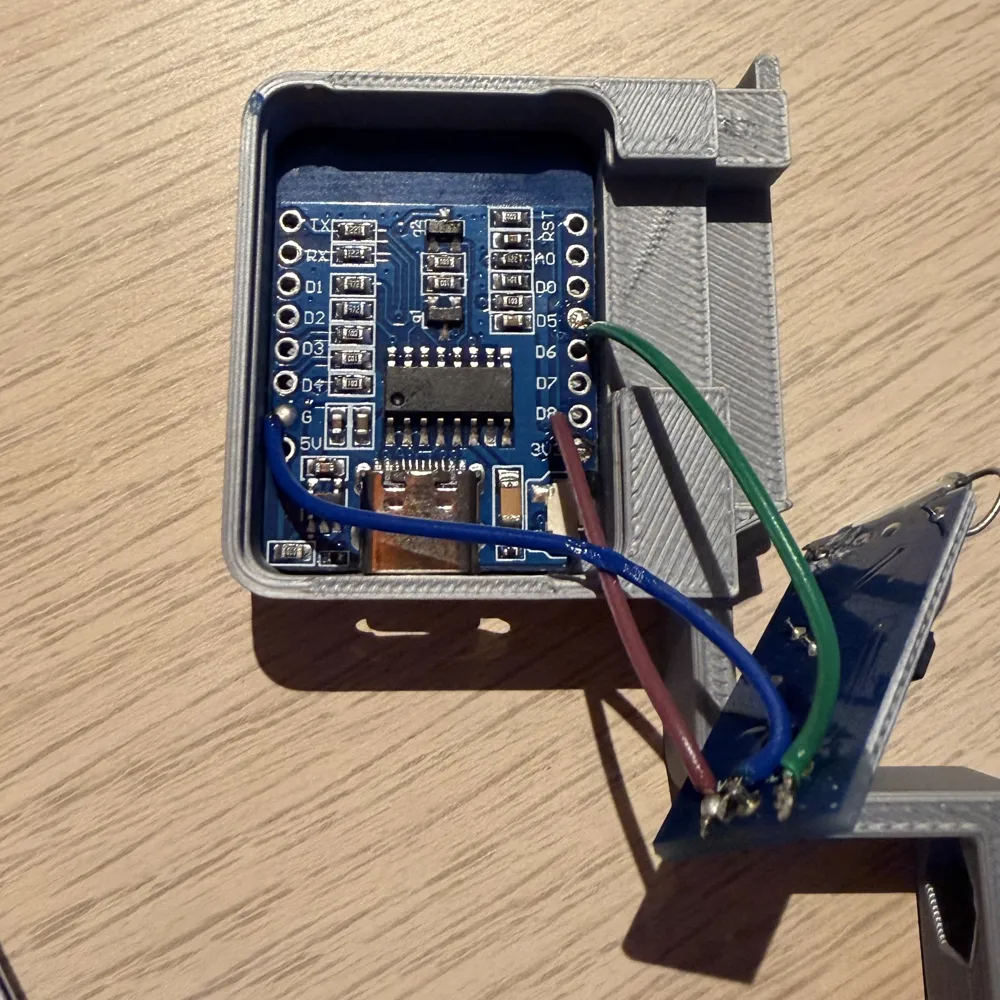
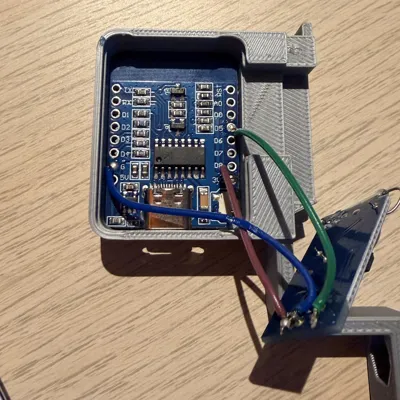
For wiring, three 3–5 cm cables are needed
Boost Me (for free)
Did you like this model? Feel free to leave a free boost! This helps make the design more visible and gives me motivation to create more creative projects
Wiring:
For the G123-08 Reed sensor module, the pins must be desoldered to fit it into the enclosure
- VCC → 3.3 V
- GND → G
- D0 → D5 (or GPIO14)
The included ESPHome code can be directly inserted into the ESPHome Device Builder after adjusting the Wi-Fi name and password
Optionally, a static IP can be assigned
The consumption value per pulse (standard: 0.01 m³) can be adjusted in the last line of the code
esphome:
name: gas_meter
friendly_name: Gas Meter
esp8266:
board: d1_mini
wifi:
ssid: "WIFI-NAME"
password: "PASSWORD"
min_auth_mode: WPA2
# ---------------------------------------------------# manual_ip:
# static_ip: 192.168.1.56
# gateway: 192.168.1.1
# subnet: 255.255.255.0
# dns1: 192.168.1.11
logger:
api:
services:
- service: set_gas_counter
variables:
value: int
then:
- lambda: |-
id(gas_impulse_counter) = value;
ota:
platform: esphome
# ---------------------------------------------------
# Global variable for gas impulses (persistent counter)
# ---------------------------------------------------
globals:
- id: gas_impulse_counter
type: uint32_t
restore_value: yes
initial_value: '0'
# ---------------------------------------------------
# Reed contact on D5 (GPIO14)
# ---------------------------------------------------
binary_sensor:
- platform: gpio
pin:
number: GPIO14
mode: INPUT_PULLUP
inverted: true
id: gas_impuls
name: "Gas Pulse"
filters:
- delayed_on: 20ms
- delayed_off: 200ms
on_press:
then:
- lambda: |-
id(gas_impulse_counter) += 1;
# ---------------------------------------------------
# Gas consumption in m³ (0.01 m³ per pulse)
# ---------------------------------------------------
sensor:
- platform: template
id: gas_m3
name: "Gas Consumption (m³)"
unit_of_measurement: "m³"
device_class: gas
state_class: total_increasing
accuracy_decimals: 3
lambda: |-
return id(gas_impulse_counter) * 0.01;
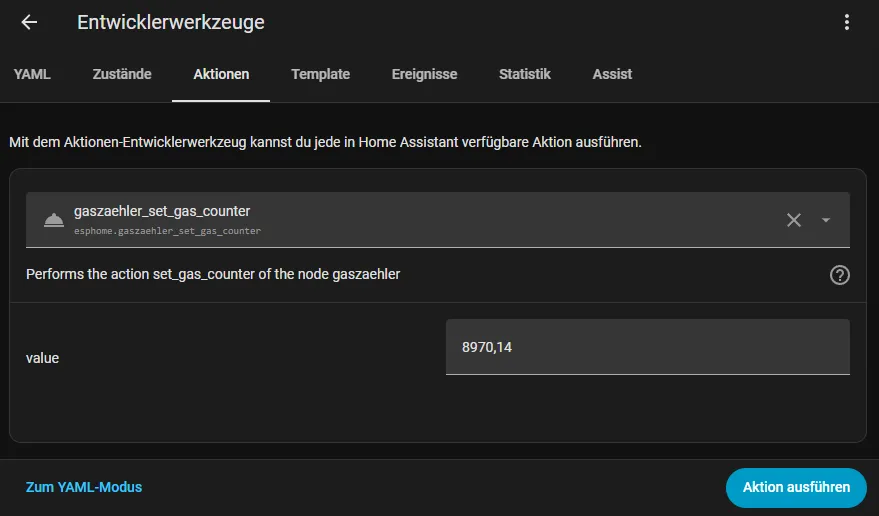
In Home Assistant, you can enter your current meter reading
License

You may create derivative works based on this object, provided that all such derivative works are published exclusively on the MakerWorld platform and include proper attribution to the original creator. You may not share, upload, host, distribute, or publish this object—or any derivative work of this object—on any other digital platform, marketplace, or distribution channel. Commercial use of this object and any derivative works is strictly prohibited. This includes, but is not limited to, selling, renting, sublicensing, or using the object in any context in which you receive monetary compensation or other financial benefits.


Comment & Rating (0)