Search models, users, collections, and posts

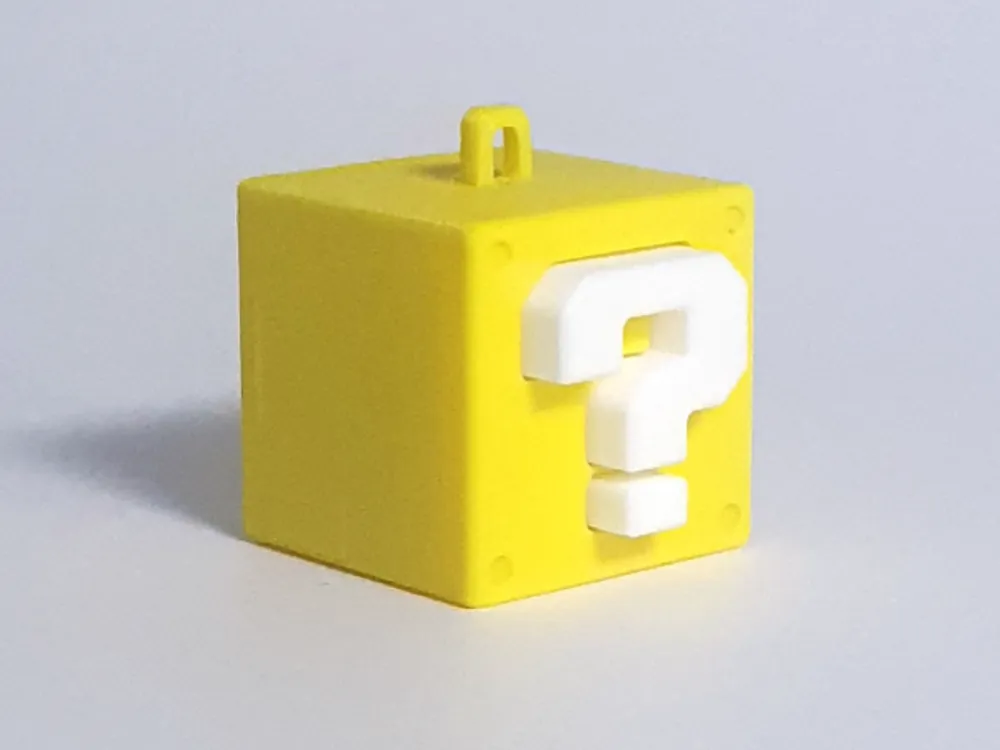
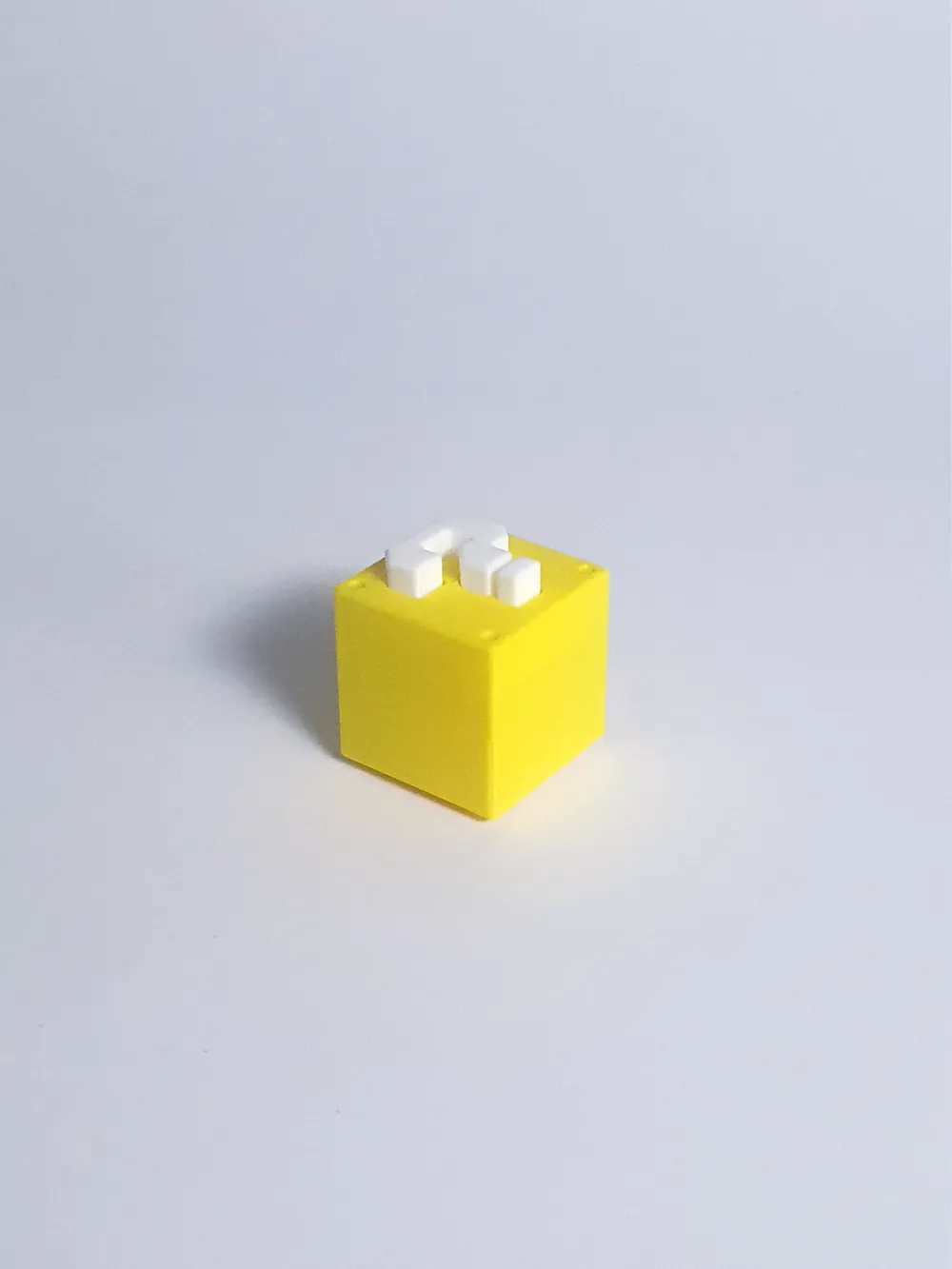
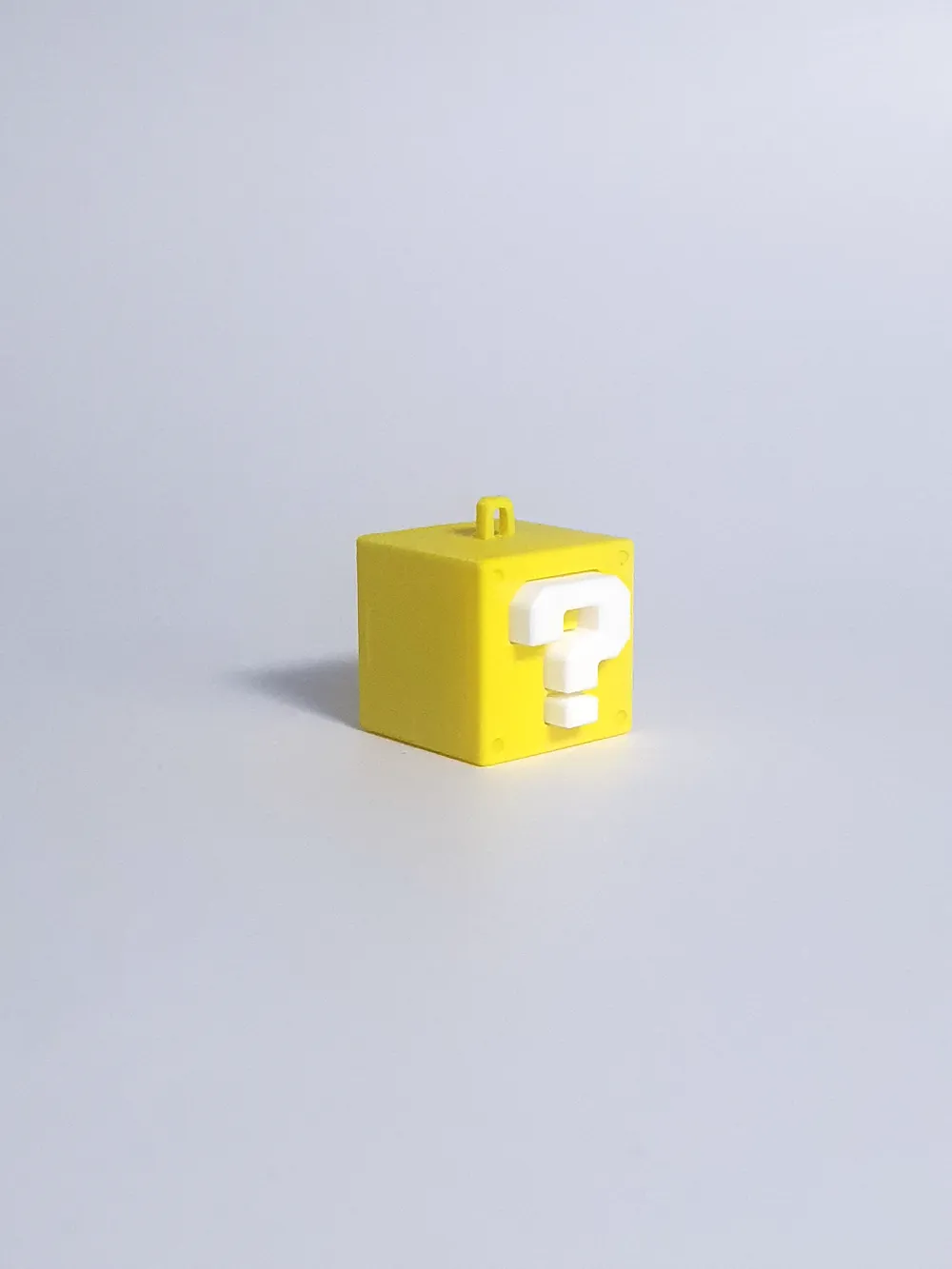
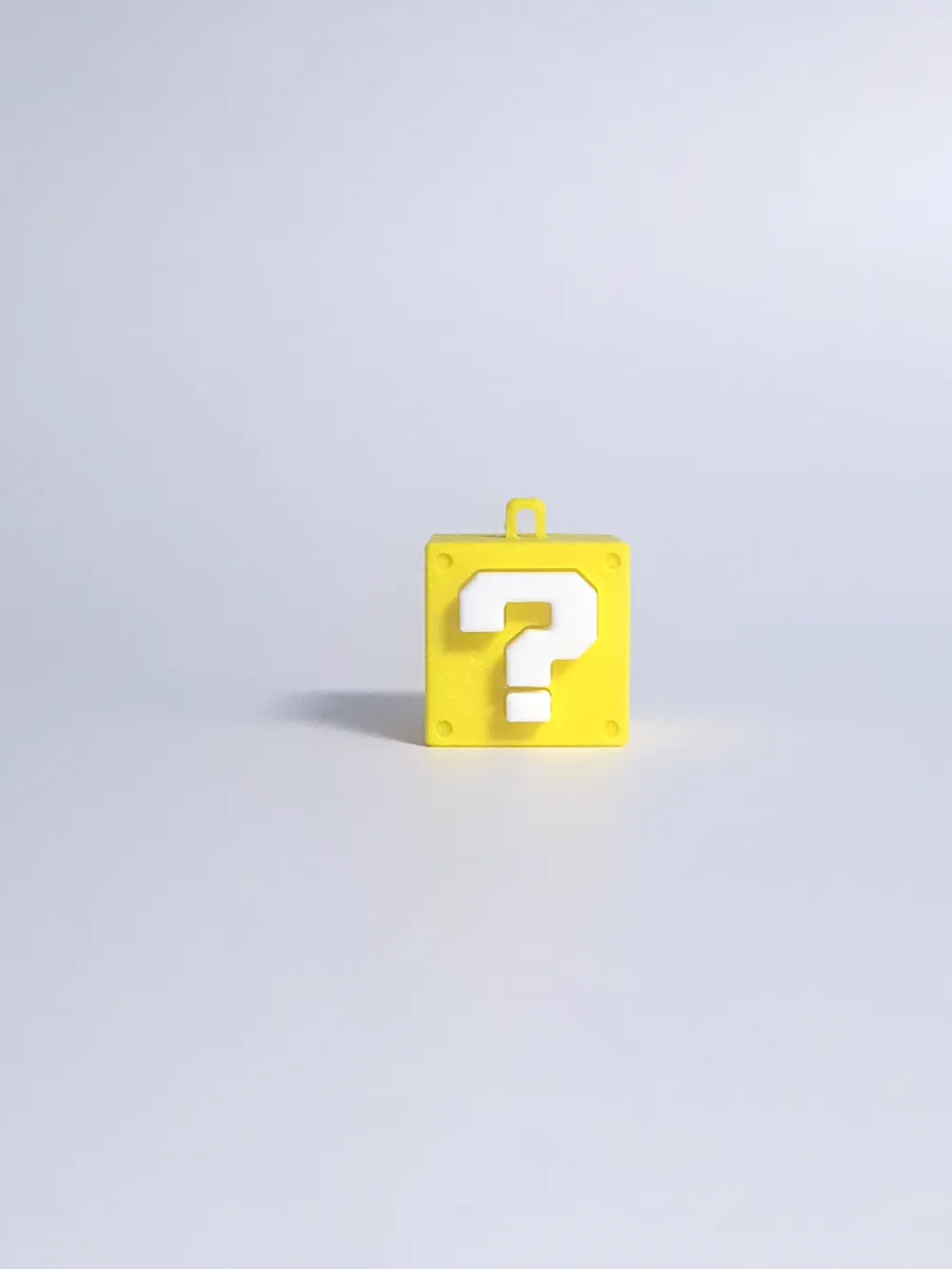
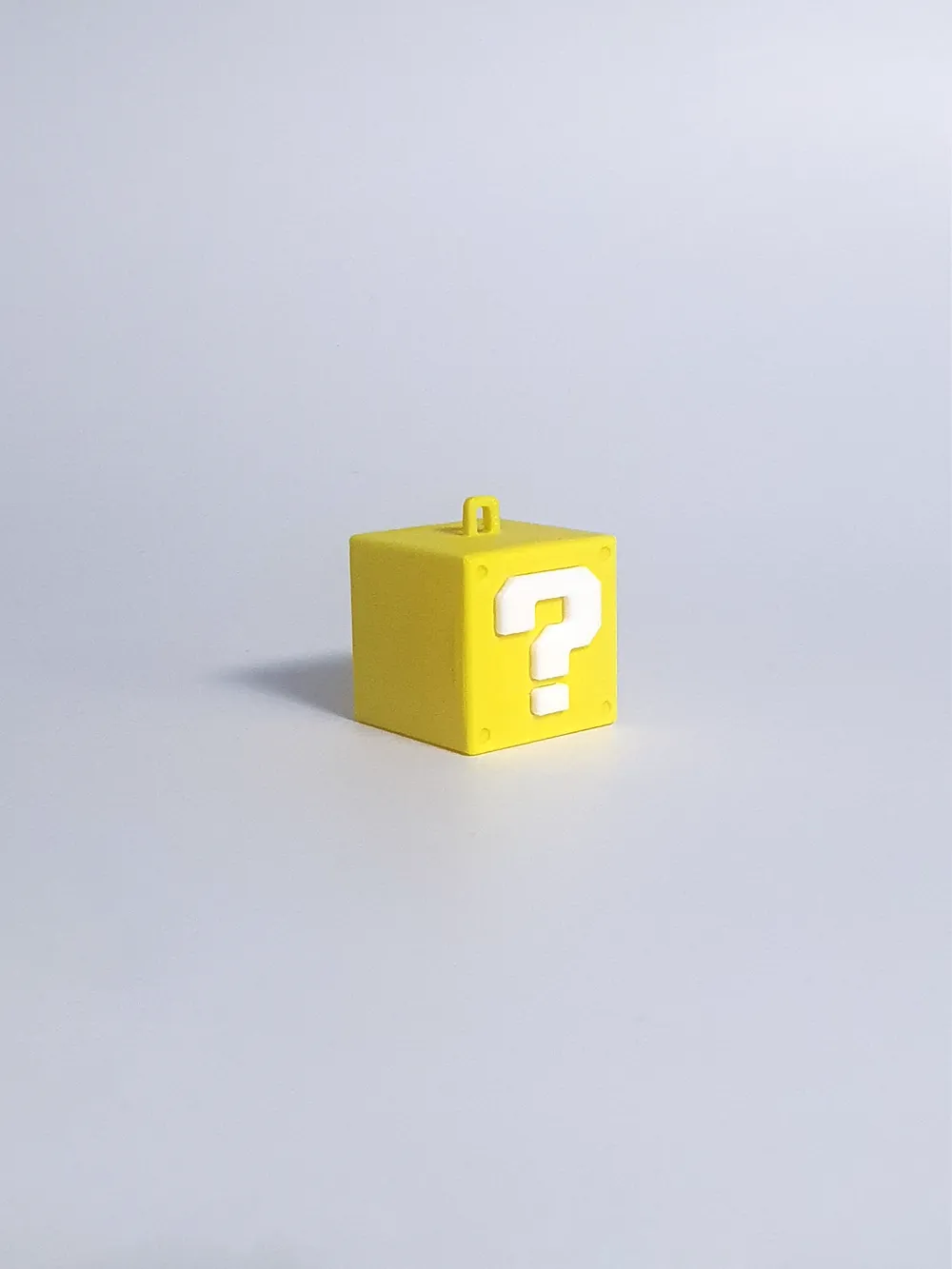
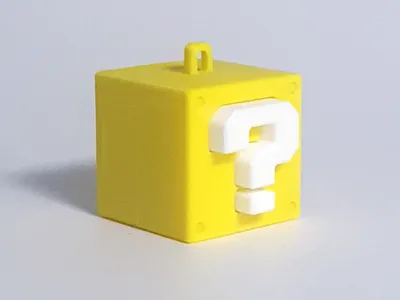
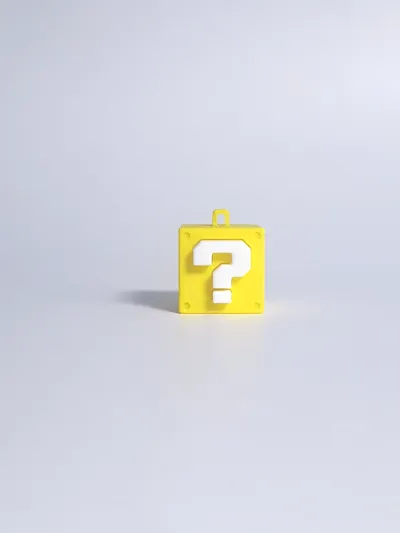
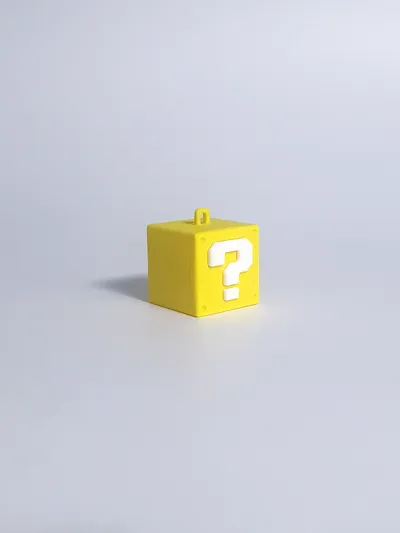
Super Mario Question Block Clicker
IP Report
Print Profile(1)

0.2mm layer, 2 walls, 15% infill
Designer
46 min
2 plates
Open in Bambu Studio
Boost
5
36
2
1
28
22
Released
Description
Components Needed
- Switch: 1x OUTEMU Blue Switch (or any MX-compatible 3-pin clicky switch).
- Filament: Yellow PLA (Block Body) and White PLA (Question Marks).
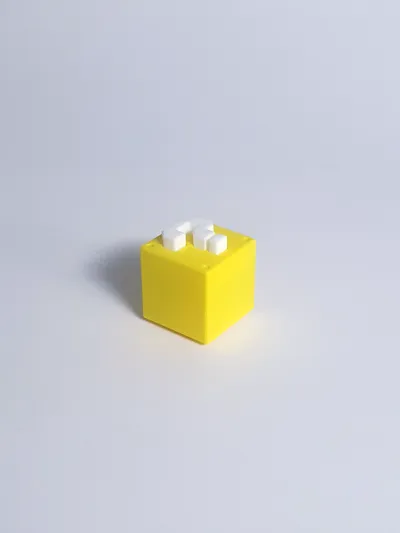
- Adhesive: Glue is required to attach the question mark pieces to the back of the block.
- Optional: The example photos were colored using acrylic markers.
- Note: This design does not require AMS. Parts are printed separately by color.
Assembly Instructions
- Switch: Snap your OUTEMU switch into the center of the yellow block base.
- Question Marks: Apply a small drop of glue to the recessed areas on the back of the block and attach the white question mark pieces.
- Finish: Press the top cover onto the switch stem until it is firmly seated.
Follow me on Instagram for more designs: @frogmin_97
License

This user content is licensed under a Standard Digital File License.
You shall not share, sub-license, sell, rent, host, transfer, or distribute in any way the digital or 3D printed versions of this object, nor any other derivative work of this object in its digital or physical format (including - but not limited to - remixes of this object, and hosting on other digital platforms). The objects may not be used without permission in any way whatsoever in which you charge money, or collect fees.


Comment & Rating (2)