
Vortex fidget - Get instructions for fusion
Print Profile(1)
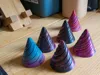
Description
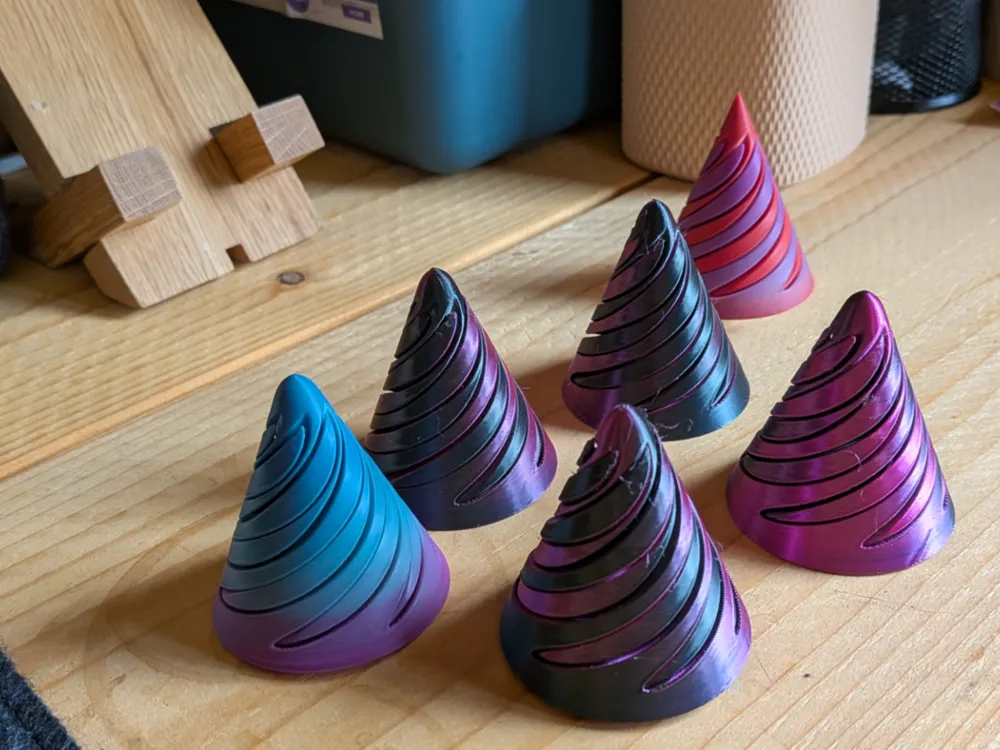
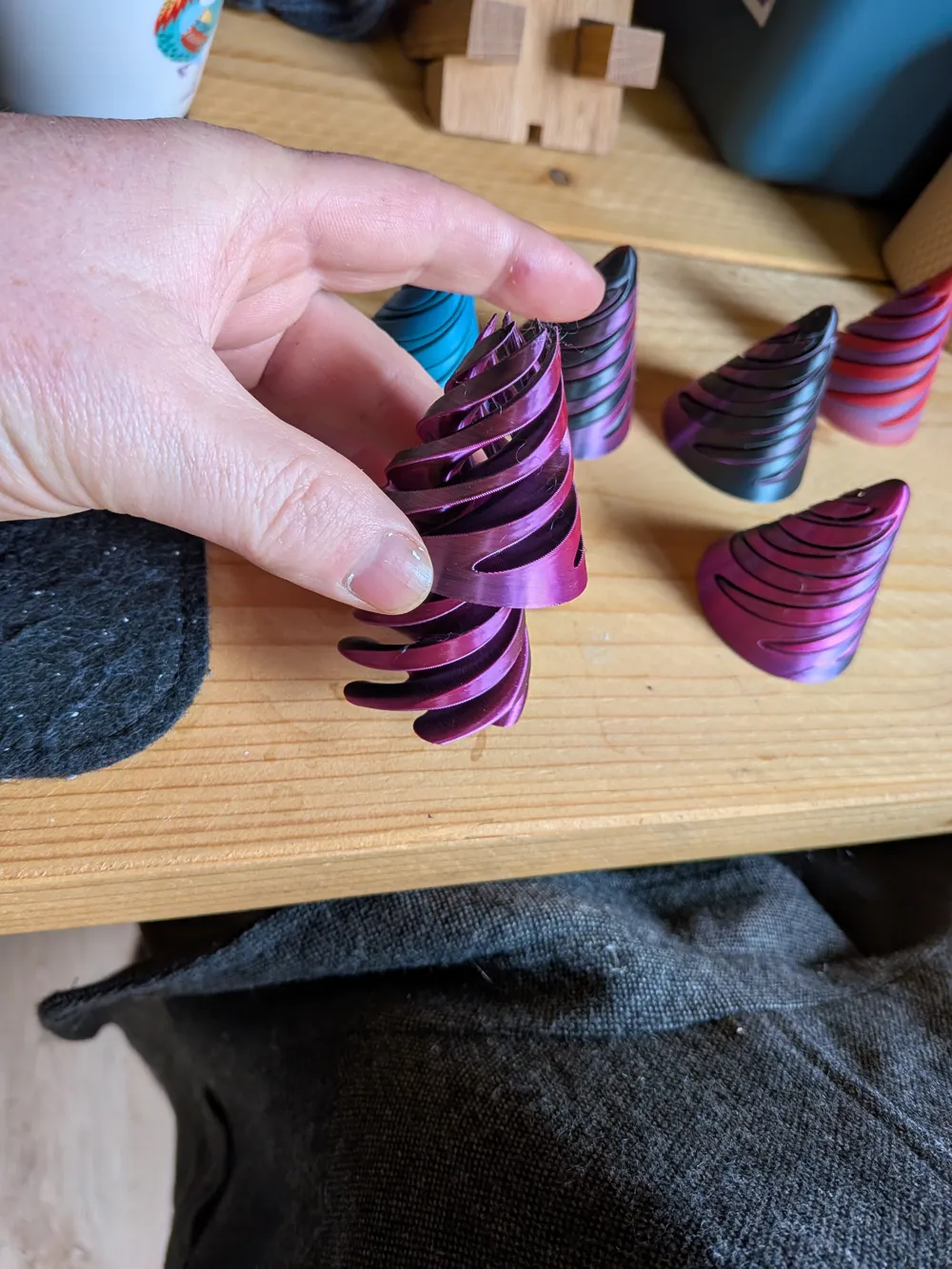
Vortex Fidget: 3D Printing & CAD Training Project
Get the Autodesk Fusion build instructions here https://www.cadclub.co.uk/shop-1/p/vortex-fidget-spiral-up-or-down
Master the Art of the "Spiral" in Autodesk Fusion
"Are you spiraling up or down?"
Take your CAD skills to the next level with this comprehensive, step-by-step training resource for the Vortex Fidget. This isn’t just a 3D model—it’s a complete learning journey designed to teach you the foundational and intermediate techniques required to create complex, functional 3D printable designs in Autodesk Fusion.
Why This Project?
This is an ideal starter-to-intermediate project (Skill Level 3-4/10) that walks you through the professional workflow of a "Hybrid Design". By the end of this tutorial, you won't just have a satisfying, kinetic desk toy; you’ll have the skills to design your own interlocking, "print-in-place" style mechanisms.
What You Will Learn:
Advanced Sketching: Master tools like the 3-Point Arc, Offset, and Mirroring to create complex geometric patterns.
Complex Solids: Learn to use Revolve and Sweep commands with specific "Twist Angles" to create the iconic vortex effect.
Functional Engineering: Discover how to use the Combine (Cut) tool and Offset Face commands to create the perfect "wiggle room" (0.2mm tolerances) so your fidget pieces slide smoothly.
- Prototyping for 3D Printing: Learn the correct way to assign physical materials (like ABS Plastic) and export your final model as a high-quality .3mf file for your slicer.
What’s Included in the Download:
Full Step-by-Step PDF Guide: 17 pages of clear, high-resolution screenshots and instructions.
Keyboard Shortcut Mastery: Learn the professional way to work using "D" for dimensions, "L" for lines, and "P" for projections.
Learning Objectives: Includes a set of "Learning Questions" at the end to test your knowledge and ensure you've mastered the techniques.
Perfect For:
- Students & Hobbyists: Looking to move beyond basic shapes.
- Educators: A ready-to-go classroom resource for STEM and Design & Technology.
- Makers: Who want to understand how these satisfying toys are actually engineered.
Build the evolution. Start your Vortex project today!
License

You shall not share, sub-license, sell, rent, host, transfer, or distribute in any way the digital or 3D printed versions of this object, nor any other derivative work of this object in its digital or physical format (including - but not limited to - remixes of this object, and hosting on other digital platforms). The objects may not be used without permission in any way whatsoever in which you charge money, or collect fees.


Comment & Rating (0)