
Card Box Adrenalyn XL 2026
Print Profile(2)


Description
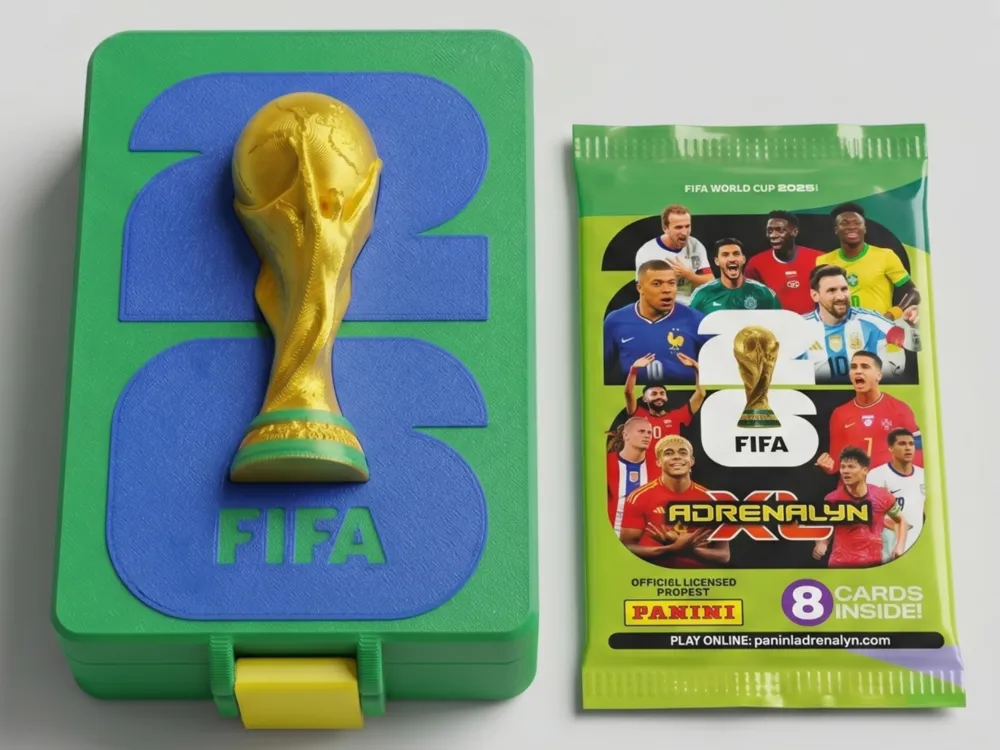
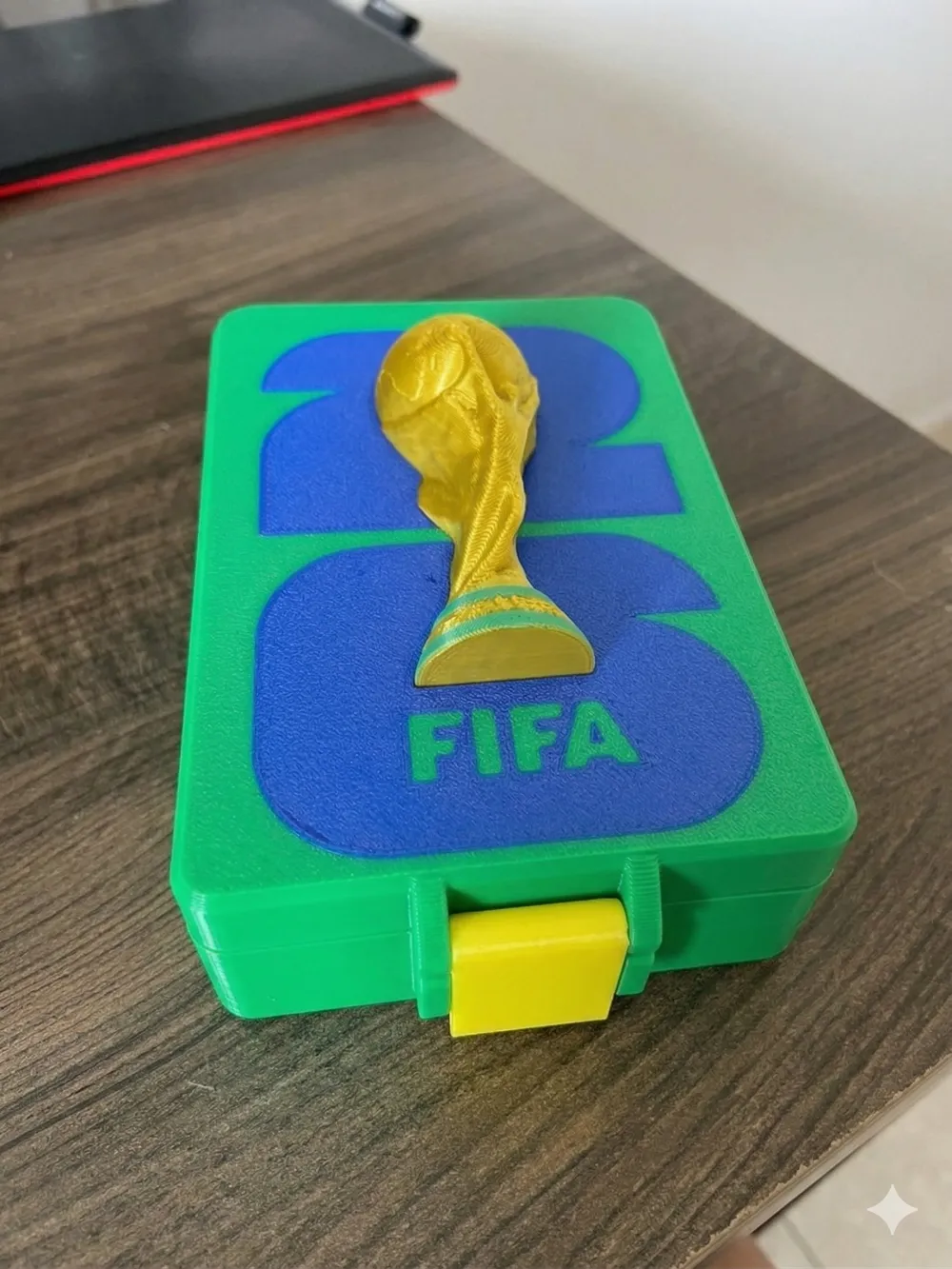
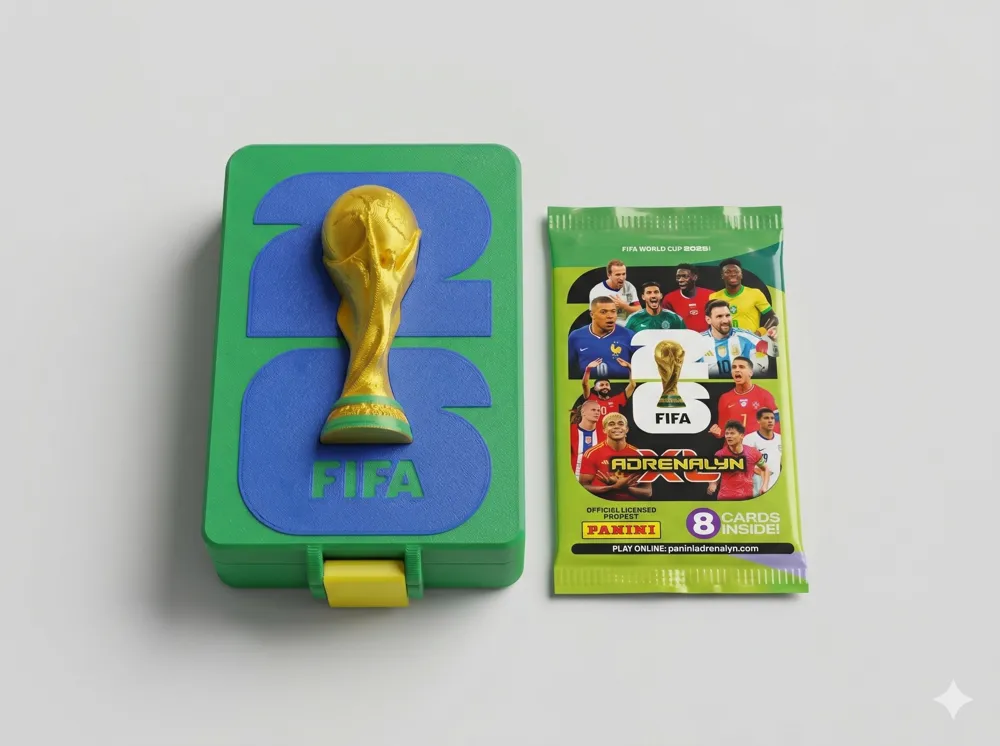
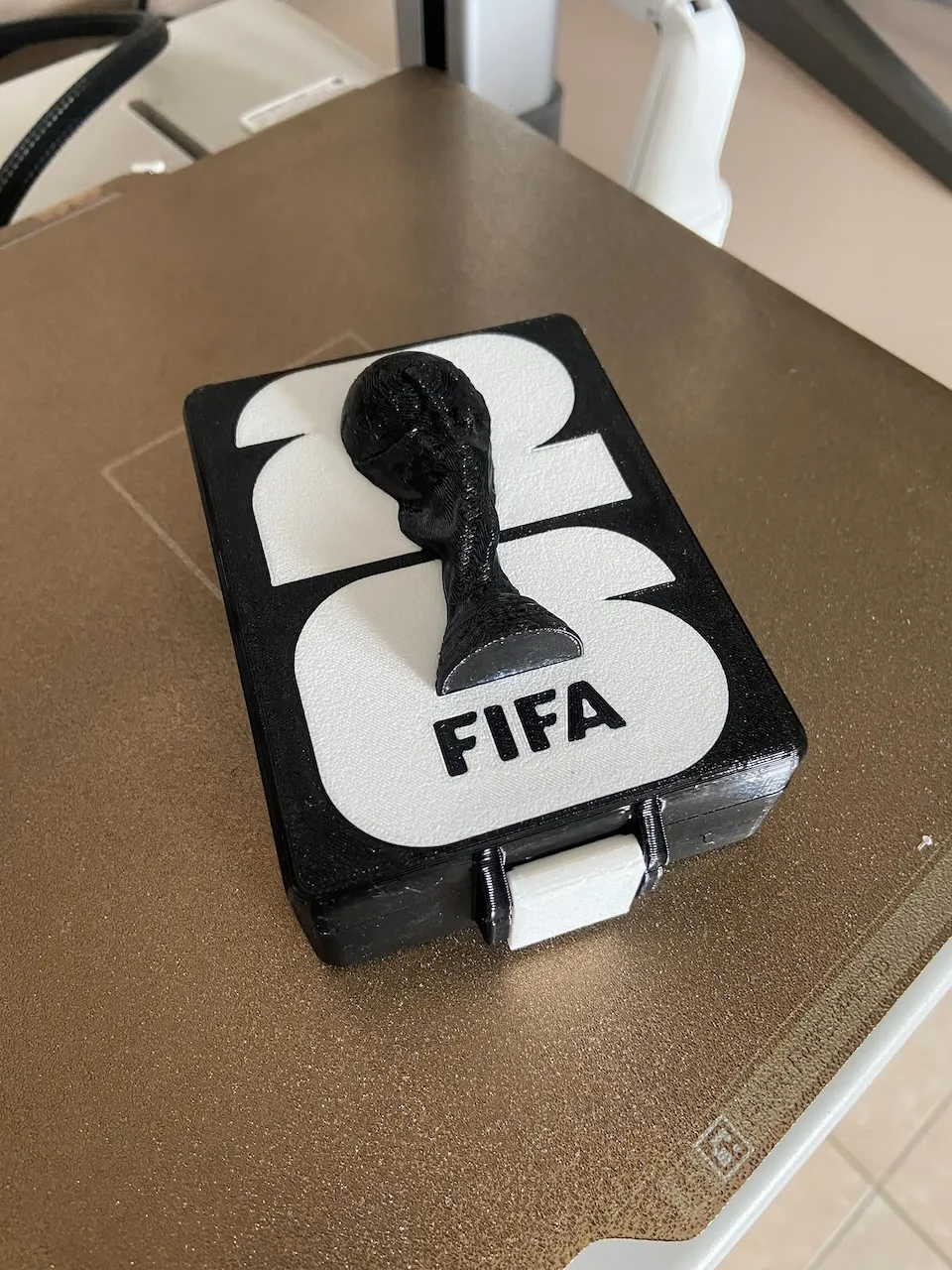
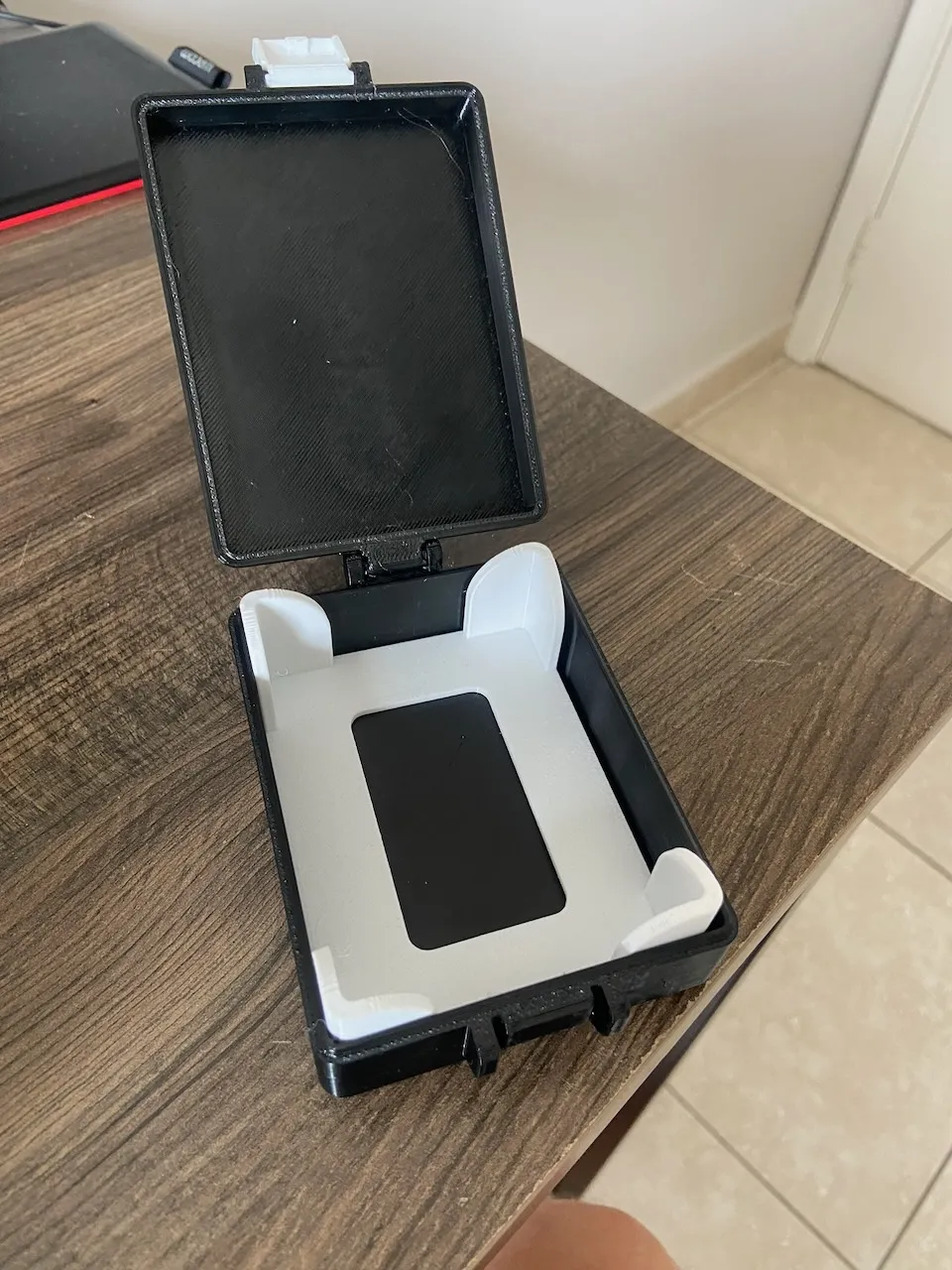
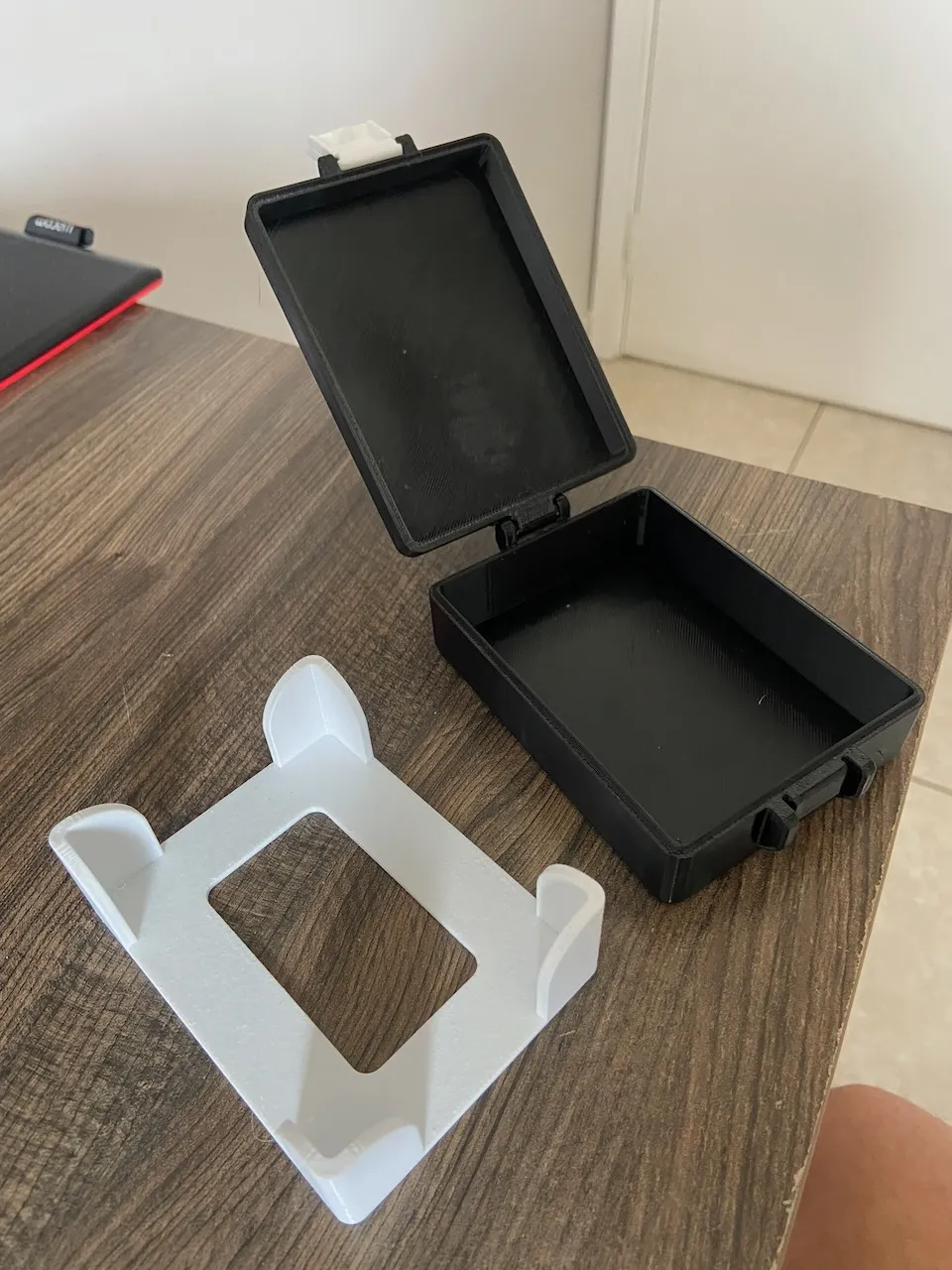
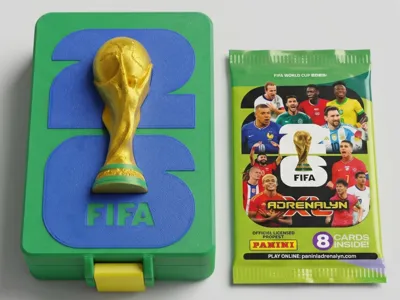
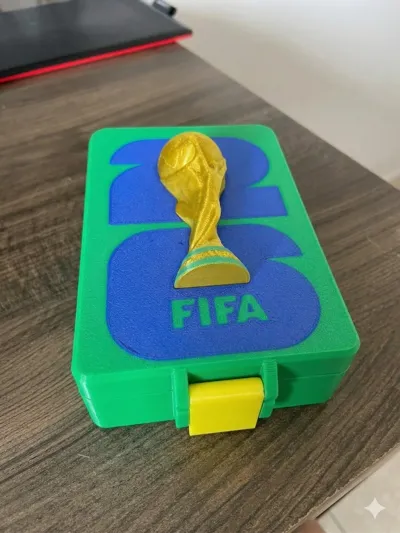
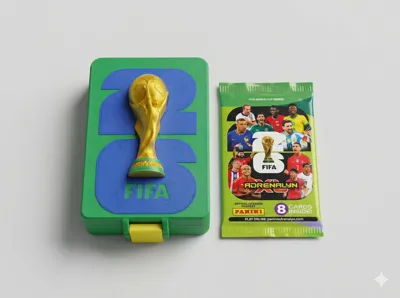
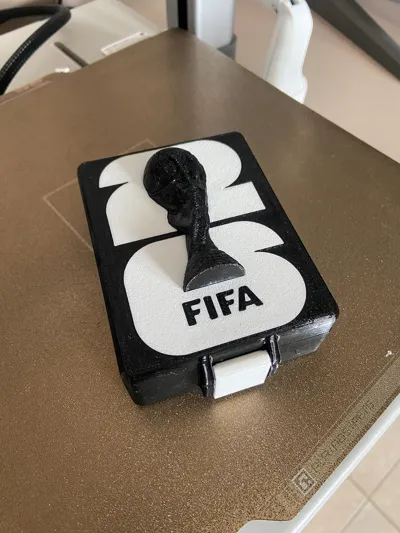
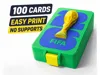
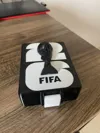
📦 Card Organizer Box – Adrenalyn XL
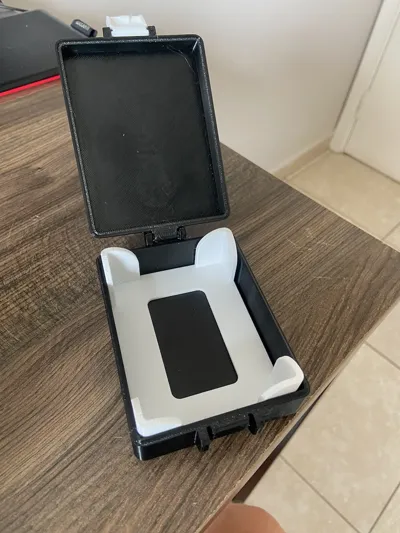
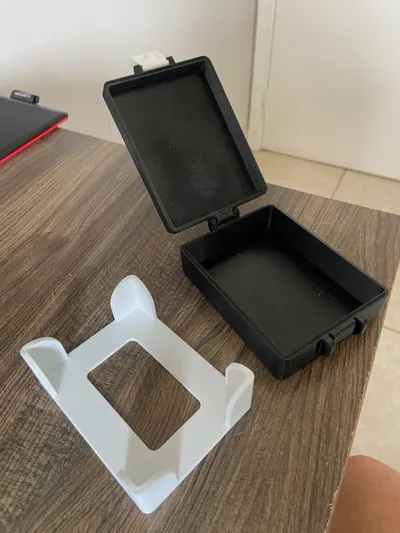
Organizer box designed to store Adrenalyn XL cards, focusing on practicality, printing efficiency, and material saving
This is the first version (up to 100 cards). Soon, new files with larger capacities will be available
The design follows the same technical concept as previous versions, but with adjustments to improve the printing experience and daily use
Boost Me (for free)
If you are going to use it or are already using it, please consider boosting the project, this will encourage me to continue publishing new projects! Thank you!
🎯 Project Concept
The purpose of this model is to offer a simple, functional, and efficient solution:
- Optimized structure for printing
- Reduction of unnecessary supports
- Shorter print time
- Low filament consumption
- Easy assembly and use
⚙️ Print Optimizations
- Main body in a single piece (simple and fast printing)
- Lid with multi-color customization option (AMS)
- Visual elements designed for the first layer
- Geometry adjusted to reduce failures and rework
📐 Versions
📁 Current version:
- Up to 100 cards
📌 Coming soon:
- Versions with larger capacity (200+, 400+, etc)
🧩 Assembly
- Print the main body
- Print the lid (with or without AMS)
- Fit the lid
⚠️ Important Notice – First Layer (CRITICAL)
Some users of the previous version reported first layer adhesion issues, especially with the details (numbers, “FIFA” and lid elements)
👉 To avoid failures, it is MANDATORY to review the color sequence in the slicer
🛠️ First Layer Configuration
In Bambu Studio or OrcaSlicer:
- Go to the Others tab
- Find First Layer Filament Sequence
- Change from Automatic to Custom
✔️ Correct Order
- First: detail colors (numbers, logos, texts)
- Last: lid background color
👉 This ensures that the details stick directly to the bed and are “sealed” by the background color afterward
🔍 Verification Before Printing
After slicing:
- Go to the preview
- Navigate to Layer 1
- Confirm that
- Numbers and texts are printed first
- The lid background comes next
🧪 Tips for Best Results
- 🧼 Clean the bed with isopropyl alcohol
- 🐢 Reduce first layer speed (~15 mm/s)
- 🔥 Ensure good bed temperature
- 👀 Pay attention to the first minutes of printing
⚠️ Usage and Rights
- Exclusive use for hobby
- No license for commercialization
- This model references known visual elements:
- I do not own rights to brands like FIFA
💡 Final Considerations
Ideal project for those looking for:
- Practical card organization
- Easy printing even on basic setups
- Low production cost
- Thematic and functional look
Powered by MakerWorld-Parametric Model Maker (https://makerworld.com/makerlab/parametricModelMaker)
License

You may create derivative works based on this object, provided that all such derivative works are published exclusively on the MakerWorld platform and include proper attribution to the original creator. You may not share, upload, host, distribute, or publish this object—or any derivative work of this object—on any other digital platform, marketplace, or distribution channel. Commercial use of this object and any derivative works is strictly prohibited. This includes, but is not limited to, selling, renting, sublicensing, or using the object in any context in which you receive monetary compensation or other financial benefits.


Comment & Rating (207)