Search models, users, collections, and posts

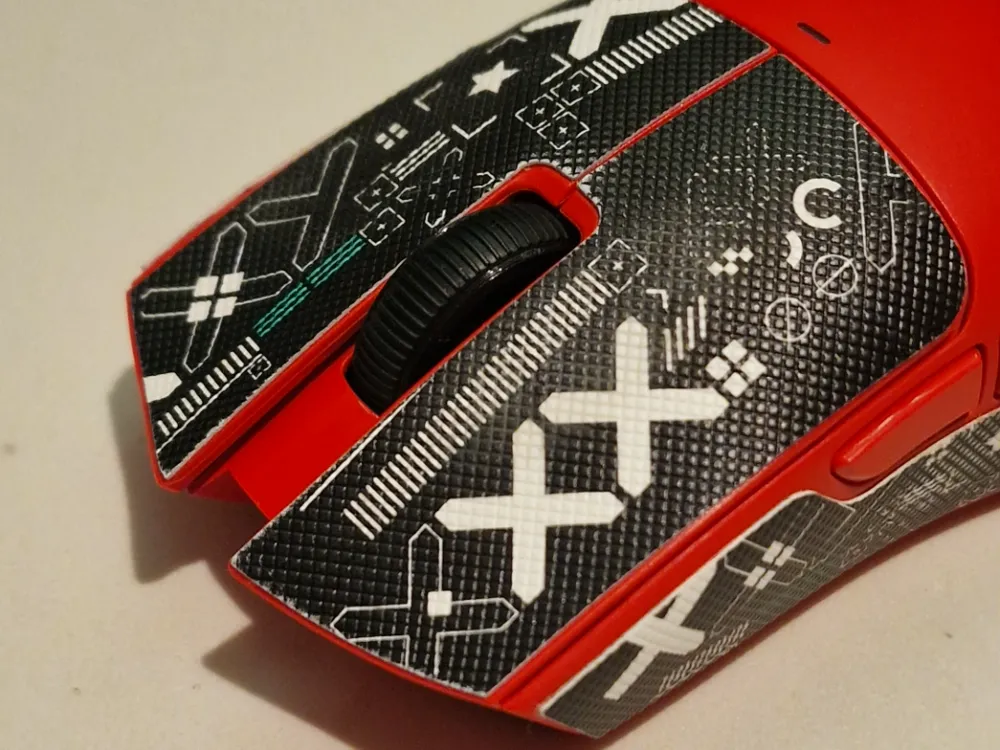
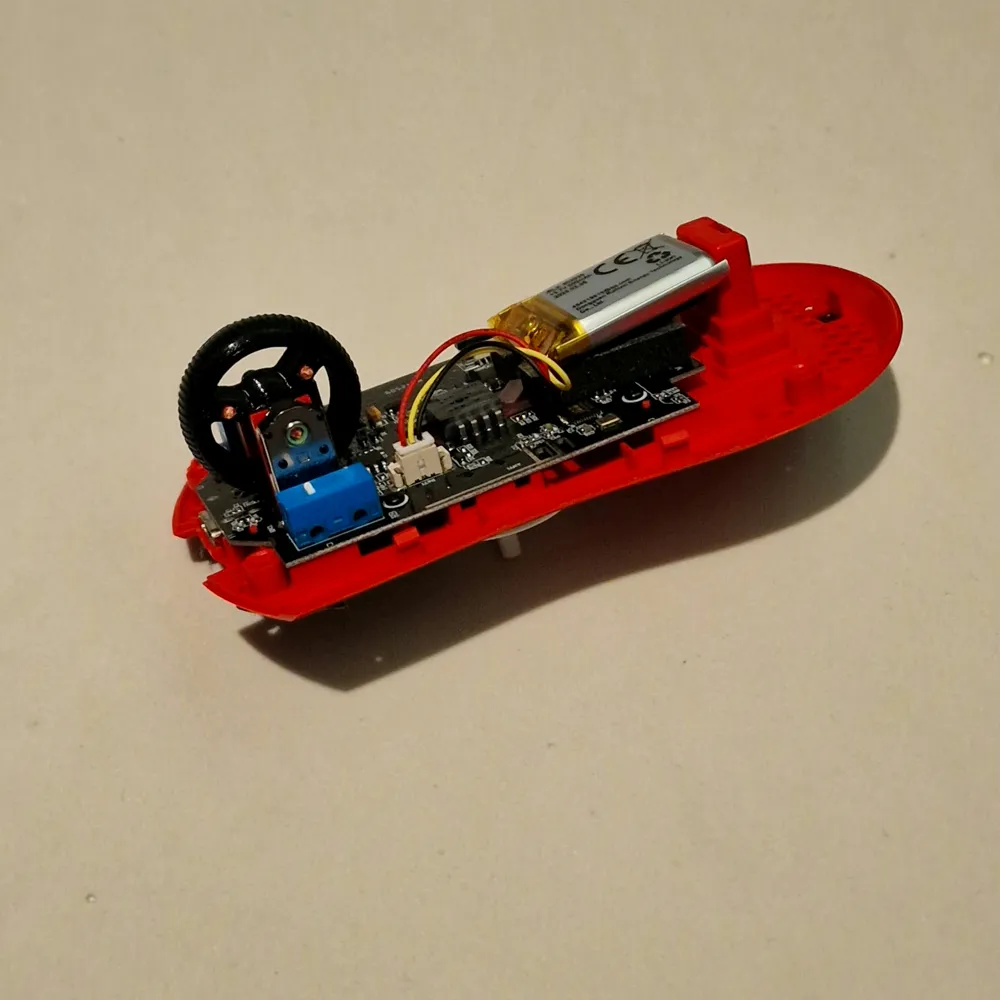
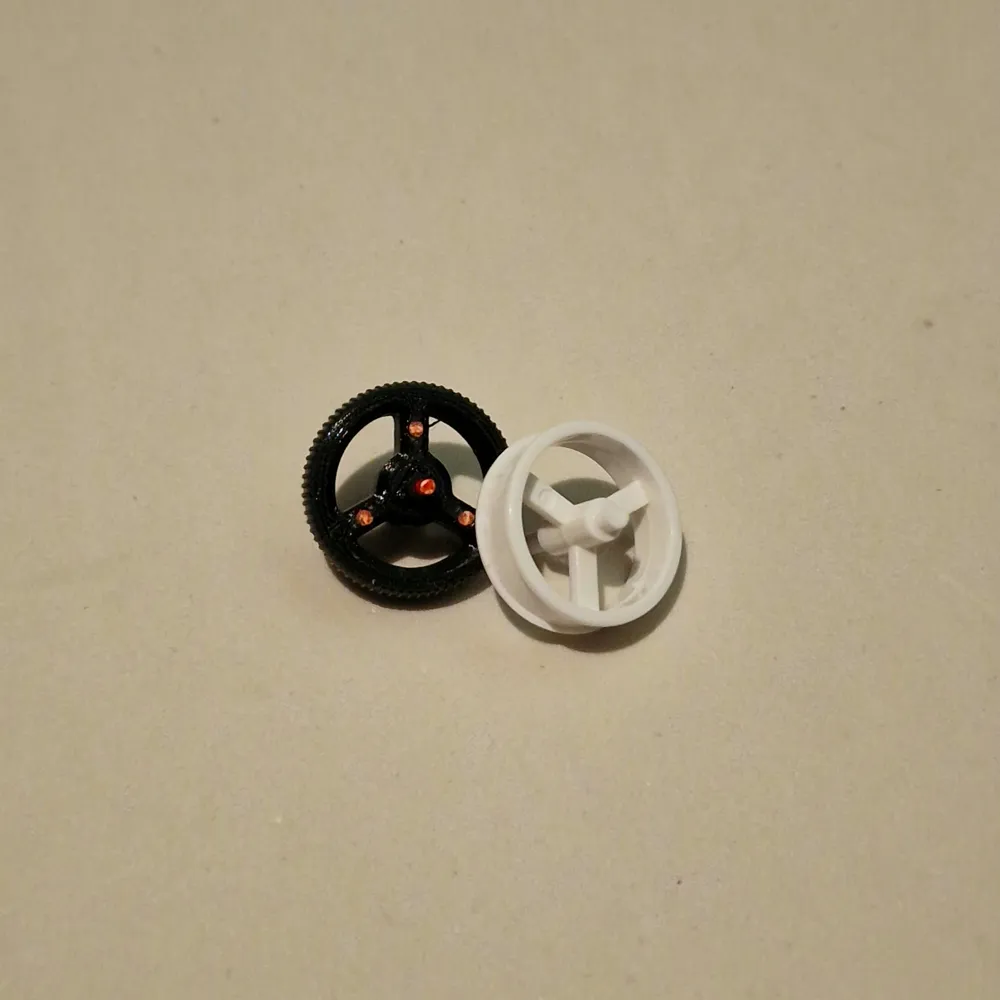
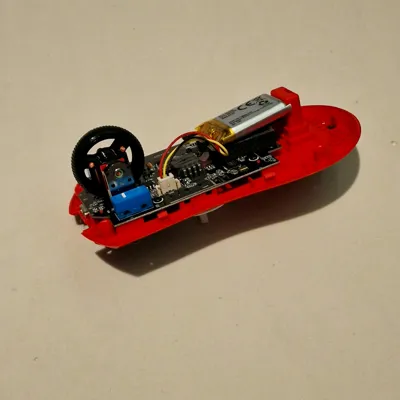
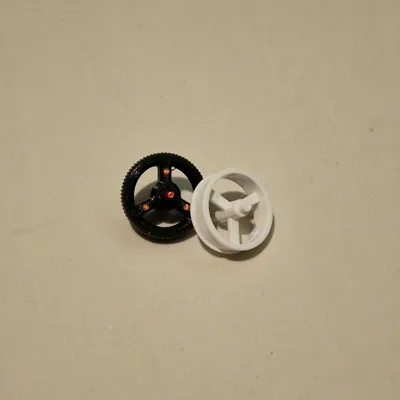
ATTACK SHARK X11 Mouse Wheel
IP Report
Print Profile(1)
0.16mm layer, 2 walls, 15% infill
Designer
29 min
1 plate
Open in Bambu Studio
Boost
11
11
4
0
42
20
Released
Description
Boost Me (for free)
🖱️🐭
You will need:
- a pair of pliers
- a piece of 1.75mm raw filament
- super glue
- pliers to press the filament into the holes.
- Superglue for the hole in the mouse wheel of the rotation sensor.
- Use the pliers to squeeze the piece of the rotary sensor just enough so that it rubs against it and triggers it.
- end.
License

This user content is licensed under a Standard Digital File License.
You shall not share, sub-license, sell, rent, host, transfer, or distribute in any way the digital or 3D printed versions of this object, nor any other derivative work of this object in its digital or physical format (including - but not limited to - remixes of this object, and hosting on other digital platforms). The objects may not be used without permission in any way whatsoever in which you charge money, or collect fees.


Comment & Rating (4)