
Print Profile(3)
Description
Description
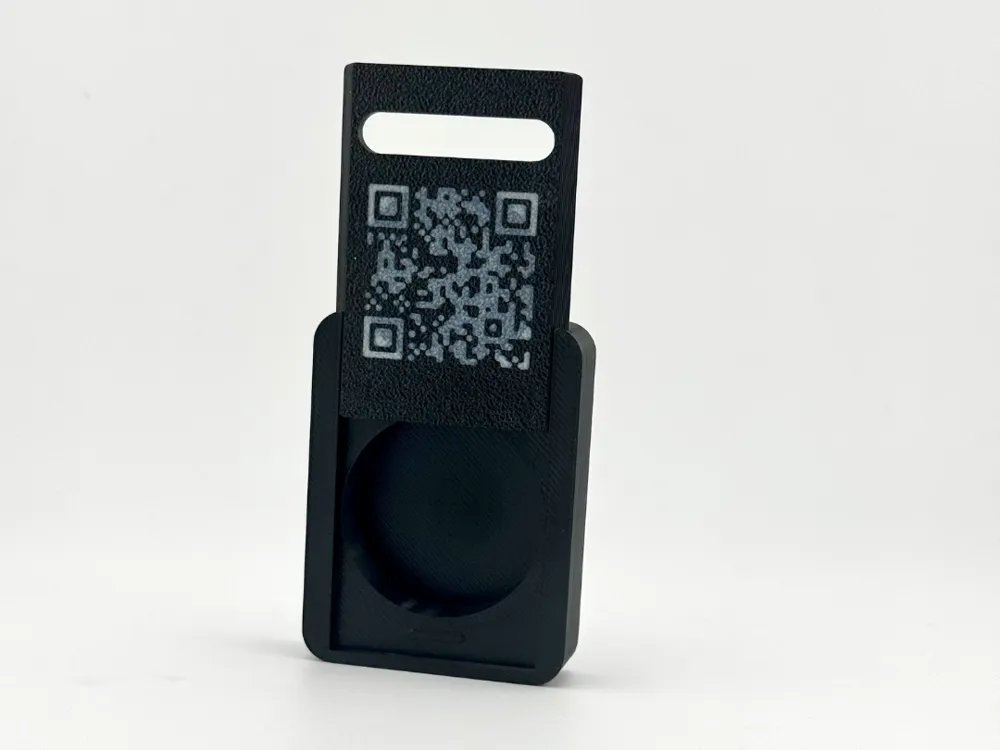
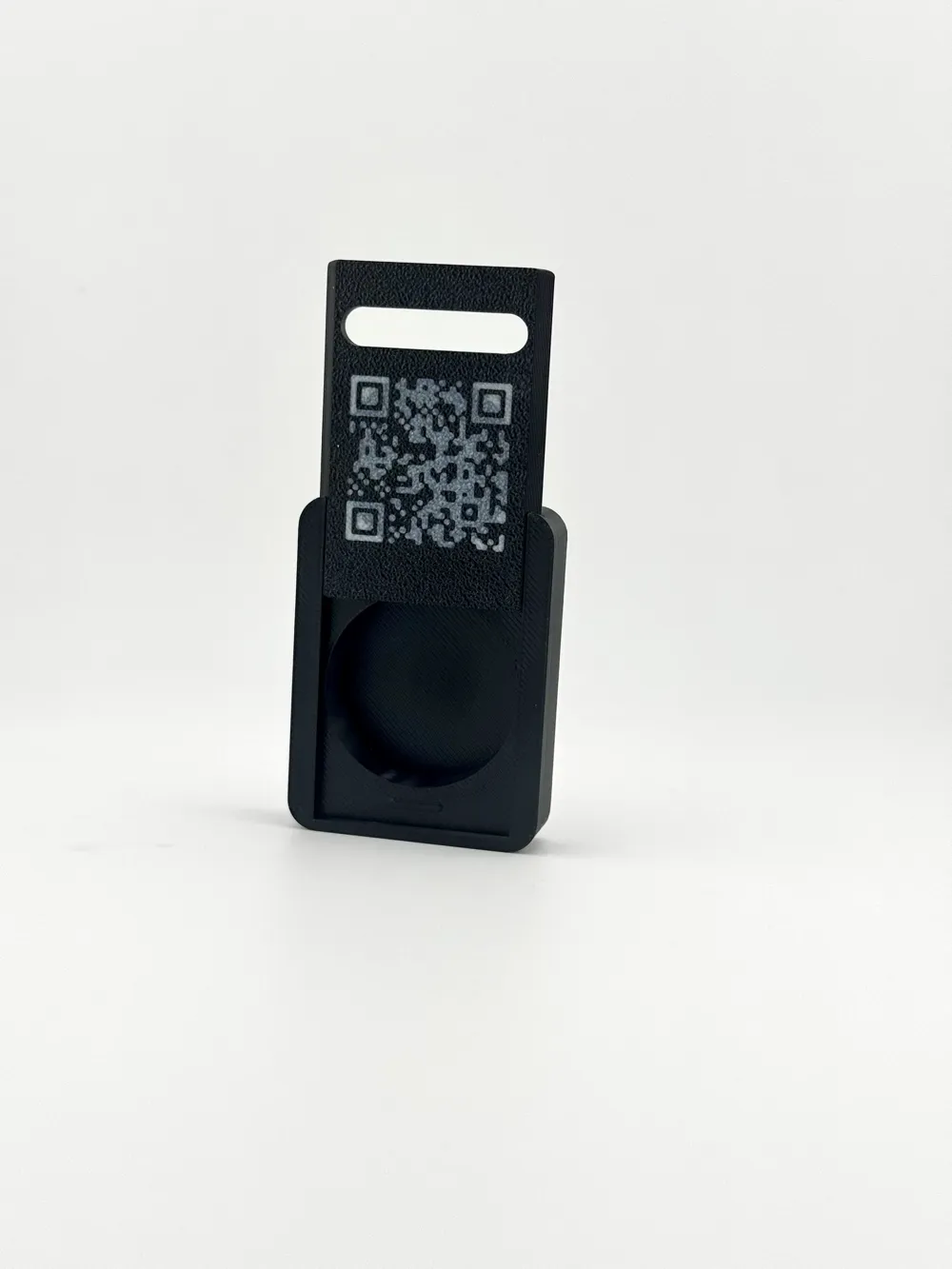
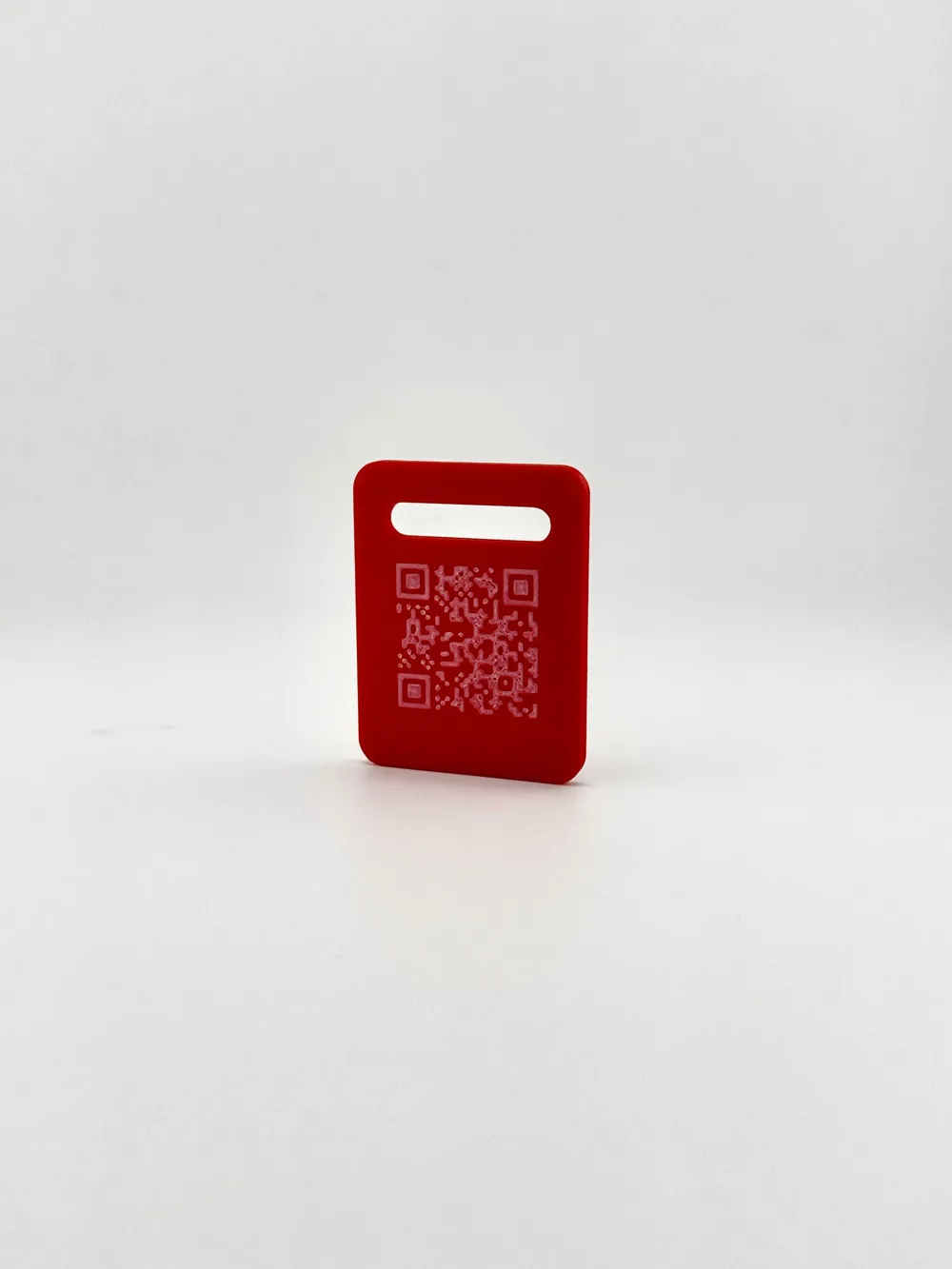
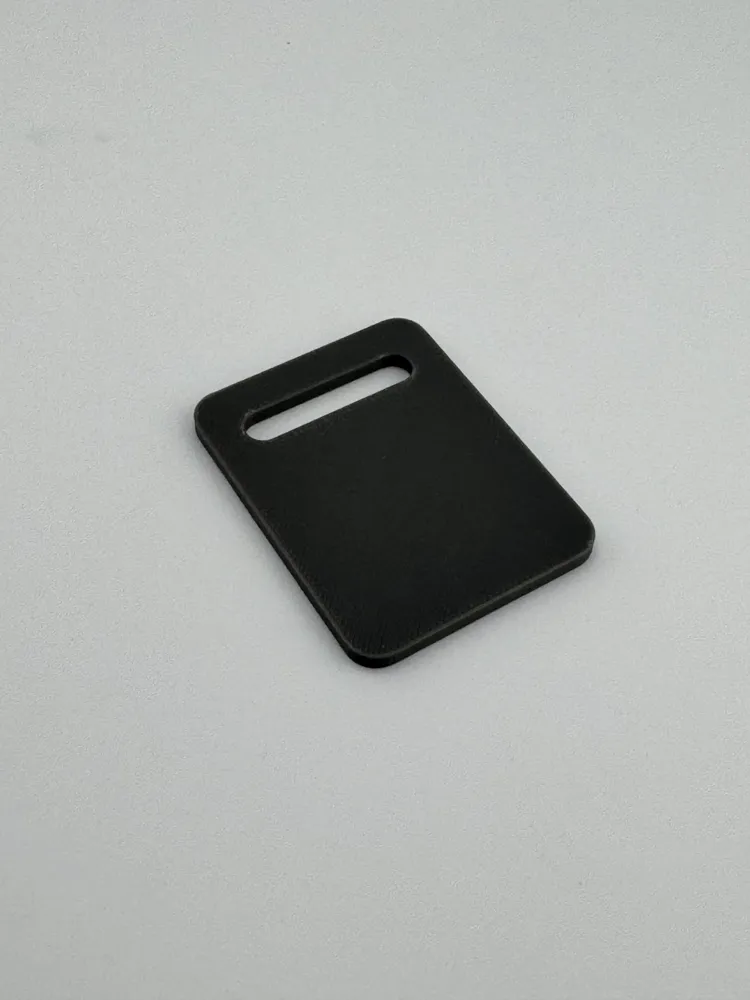
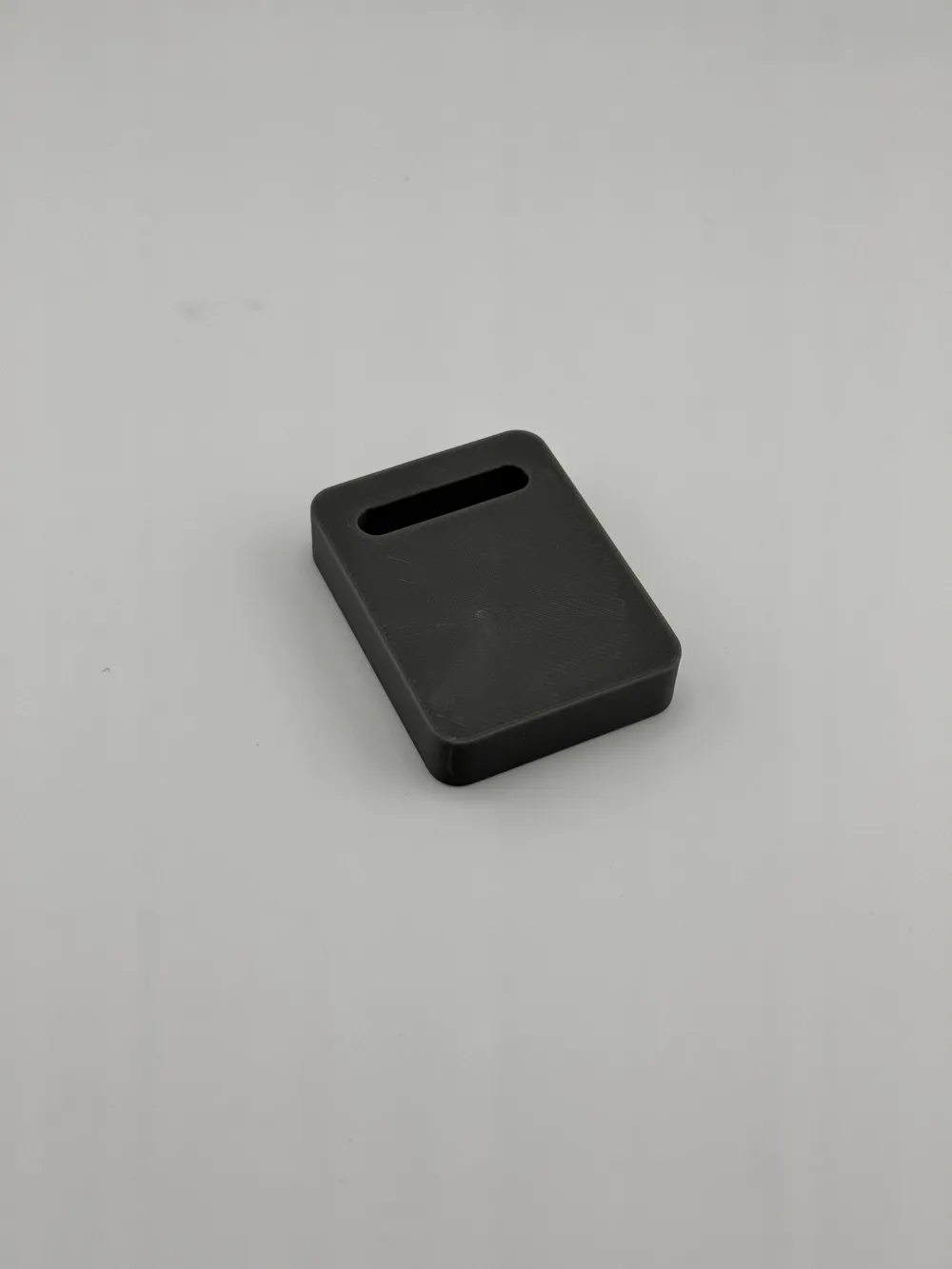
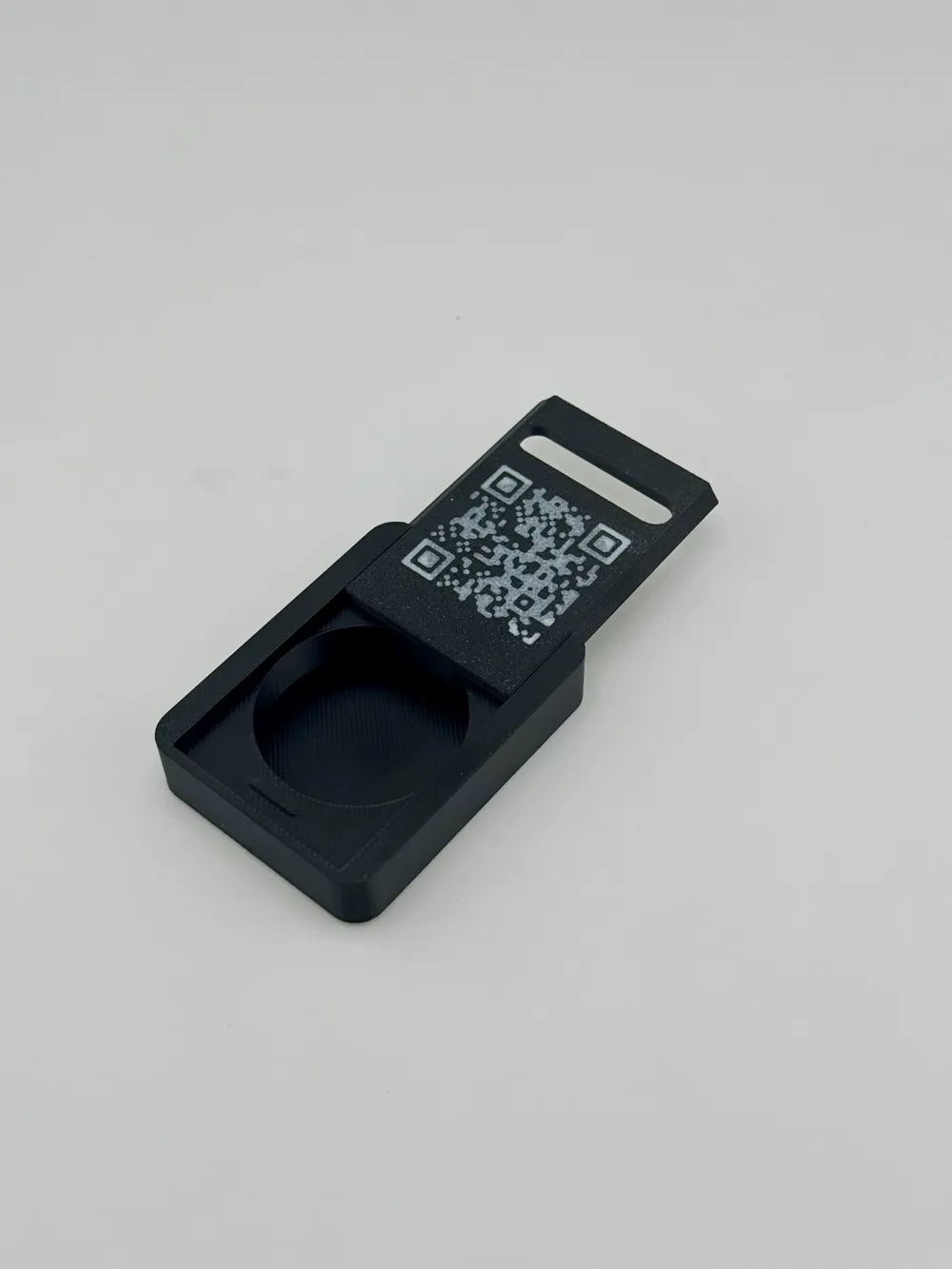
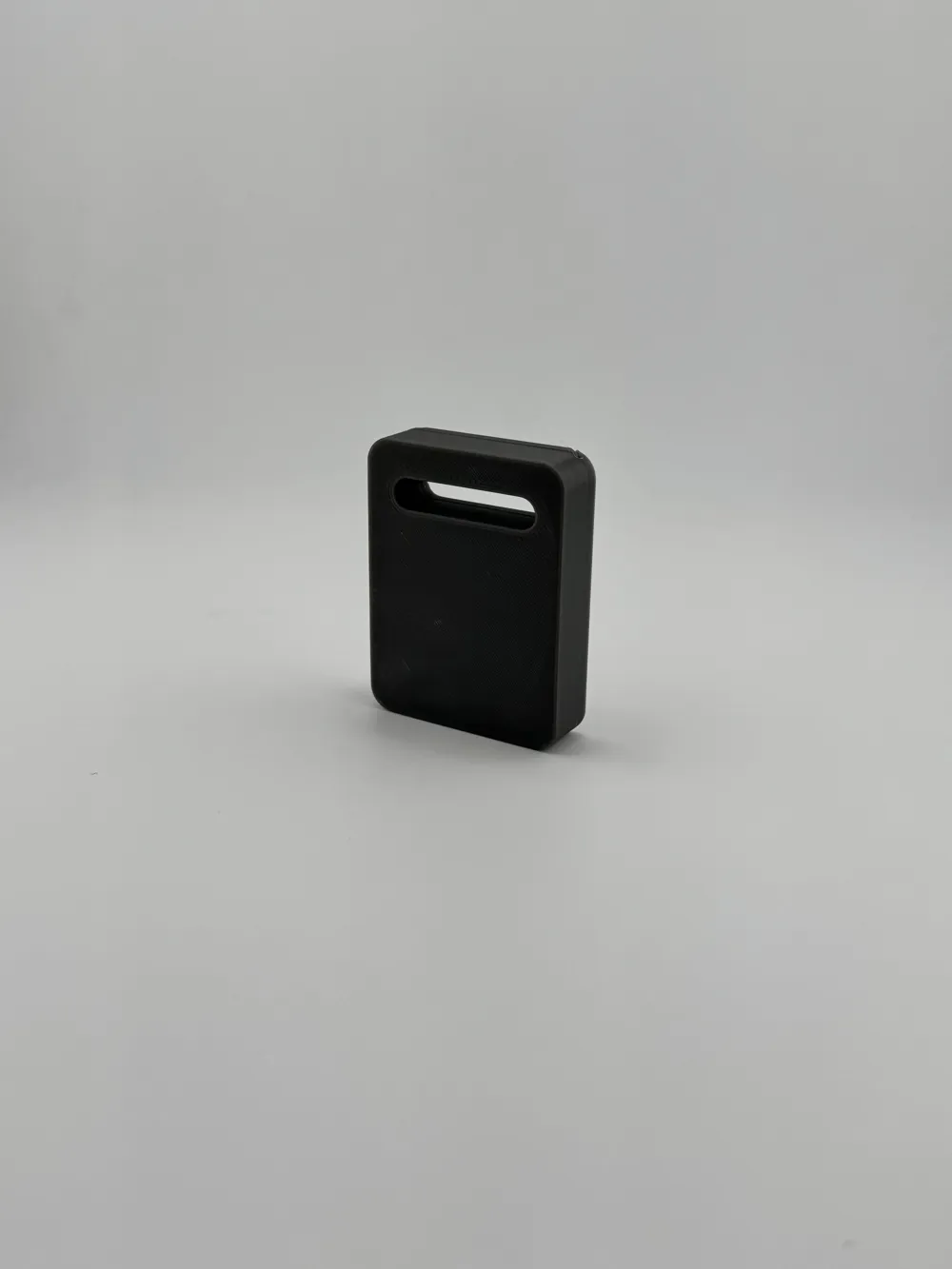
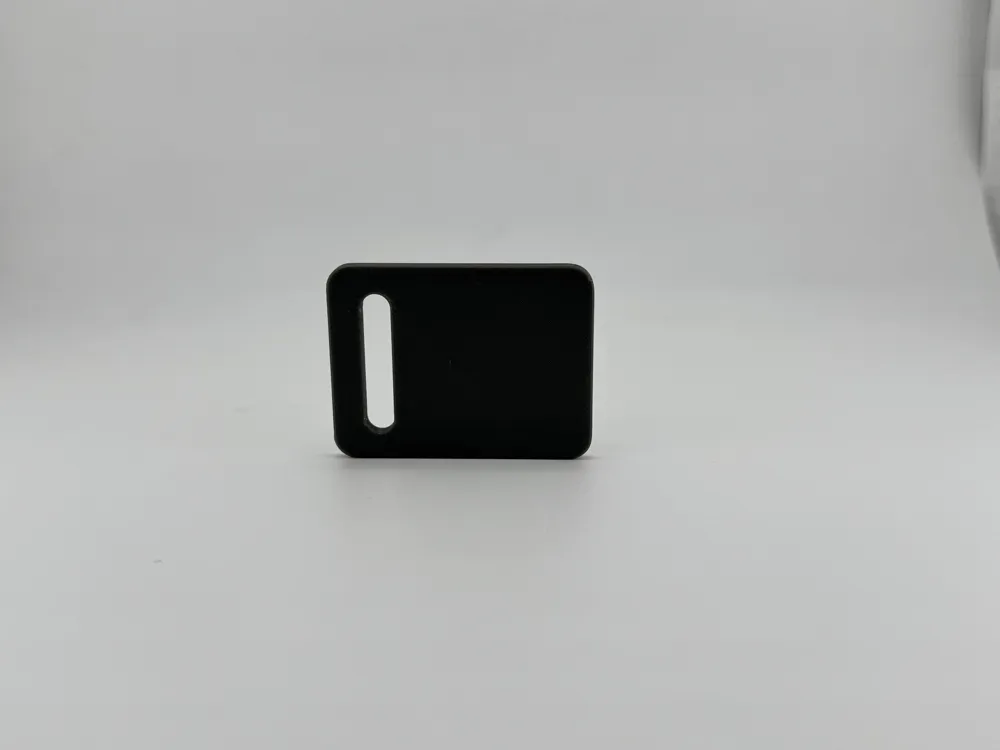
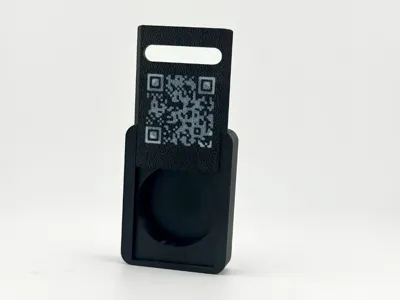
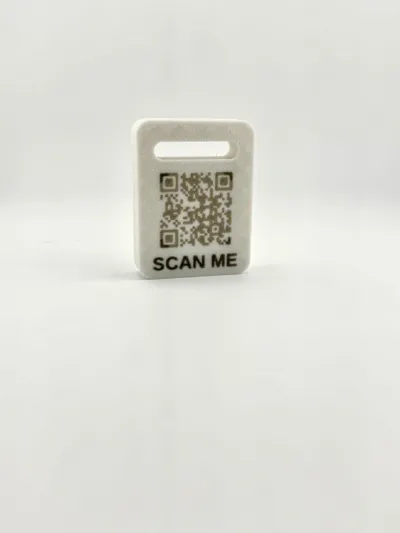
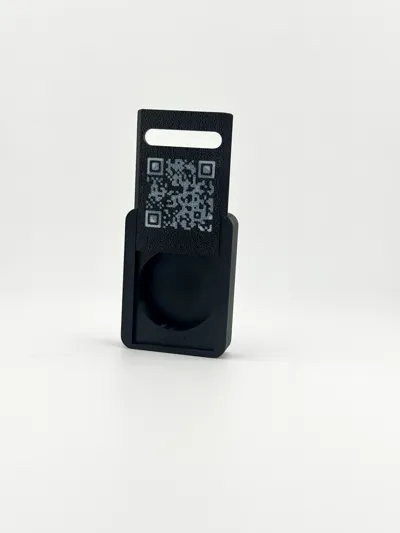
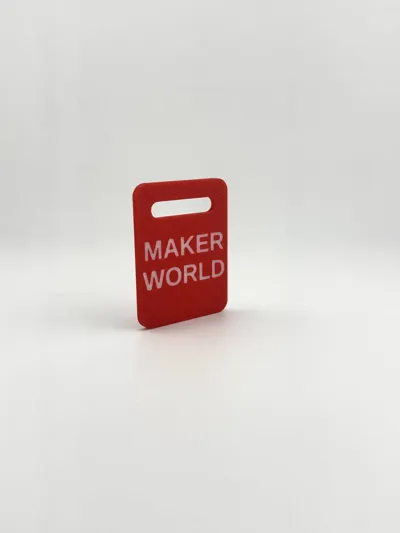
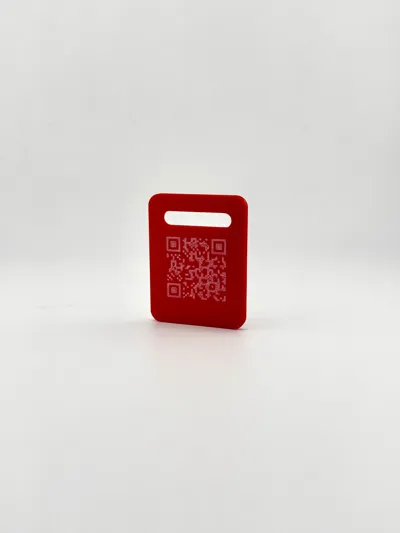
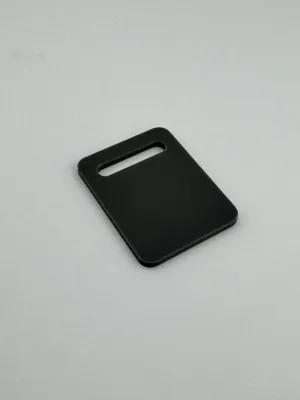
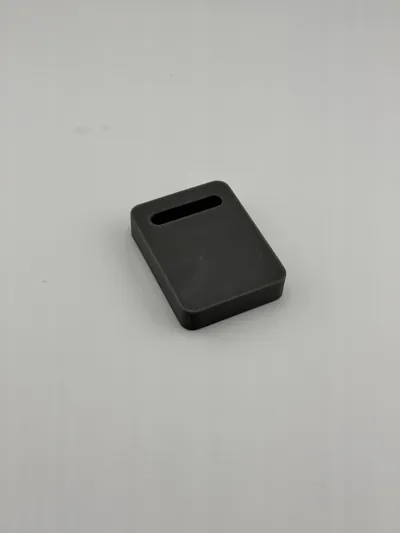
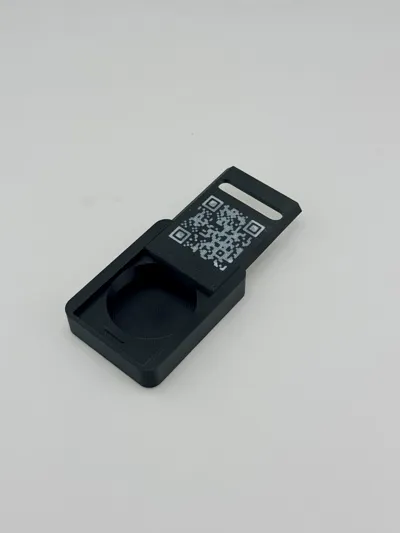
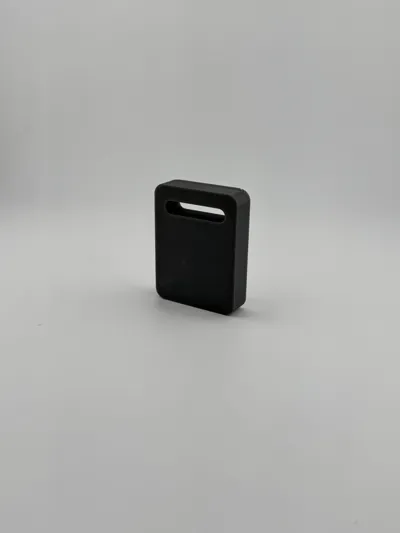
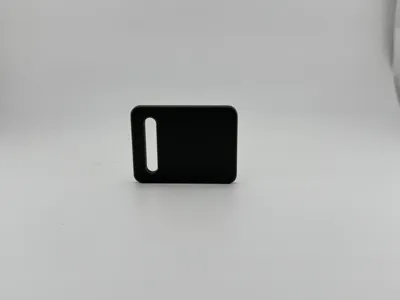
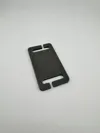
This is a parametric OpenSCAD design for a customizable luggage tag. The model is specifically optimized for multi-color printing. You can use this model to create a sliding tag that securely hides an Apple AirTag, or a simple solid tag.
Key Features
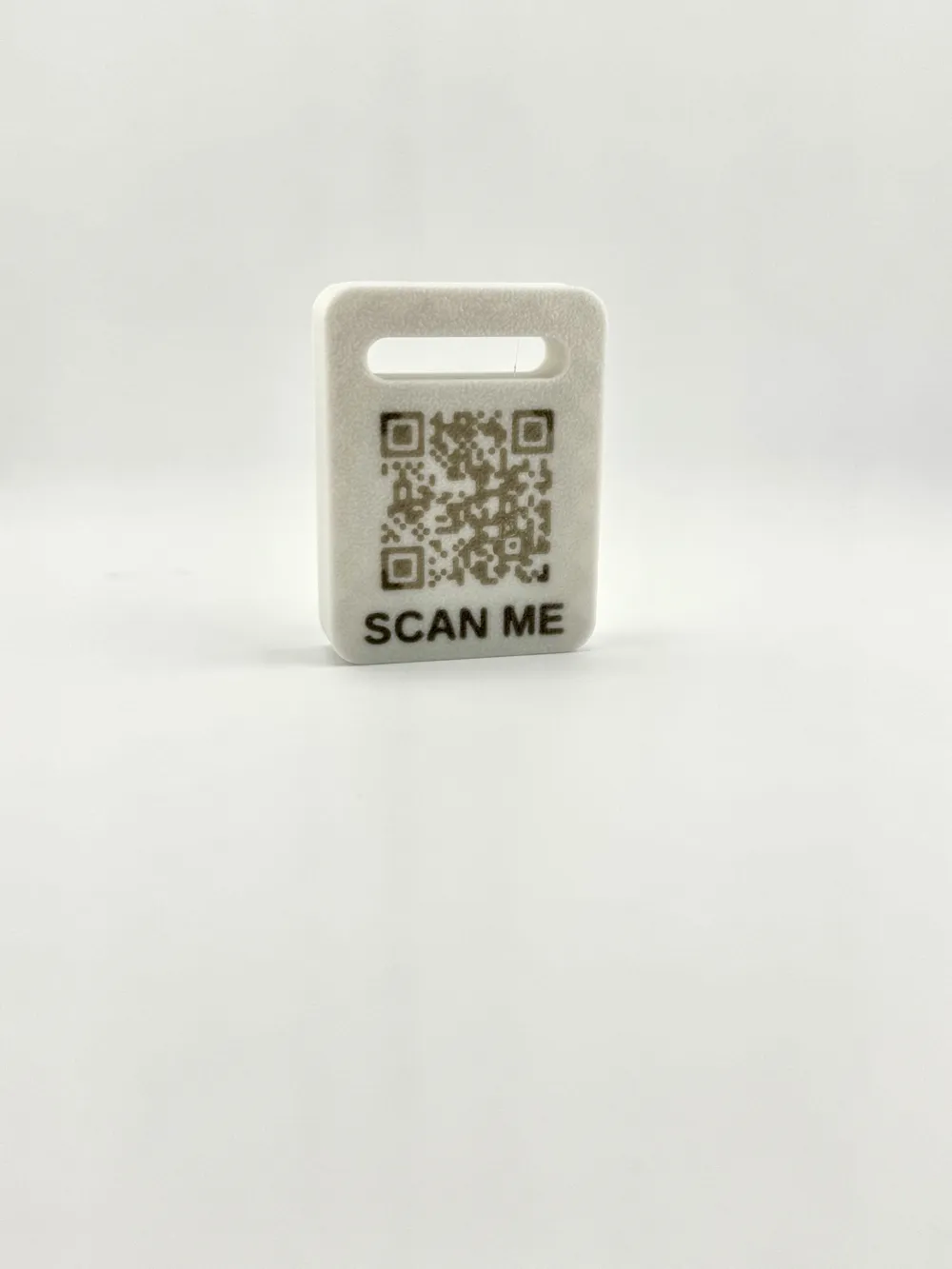
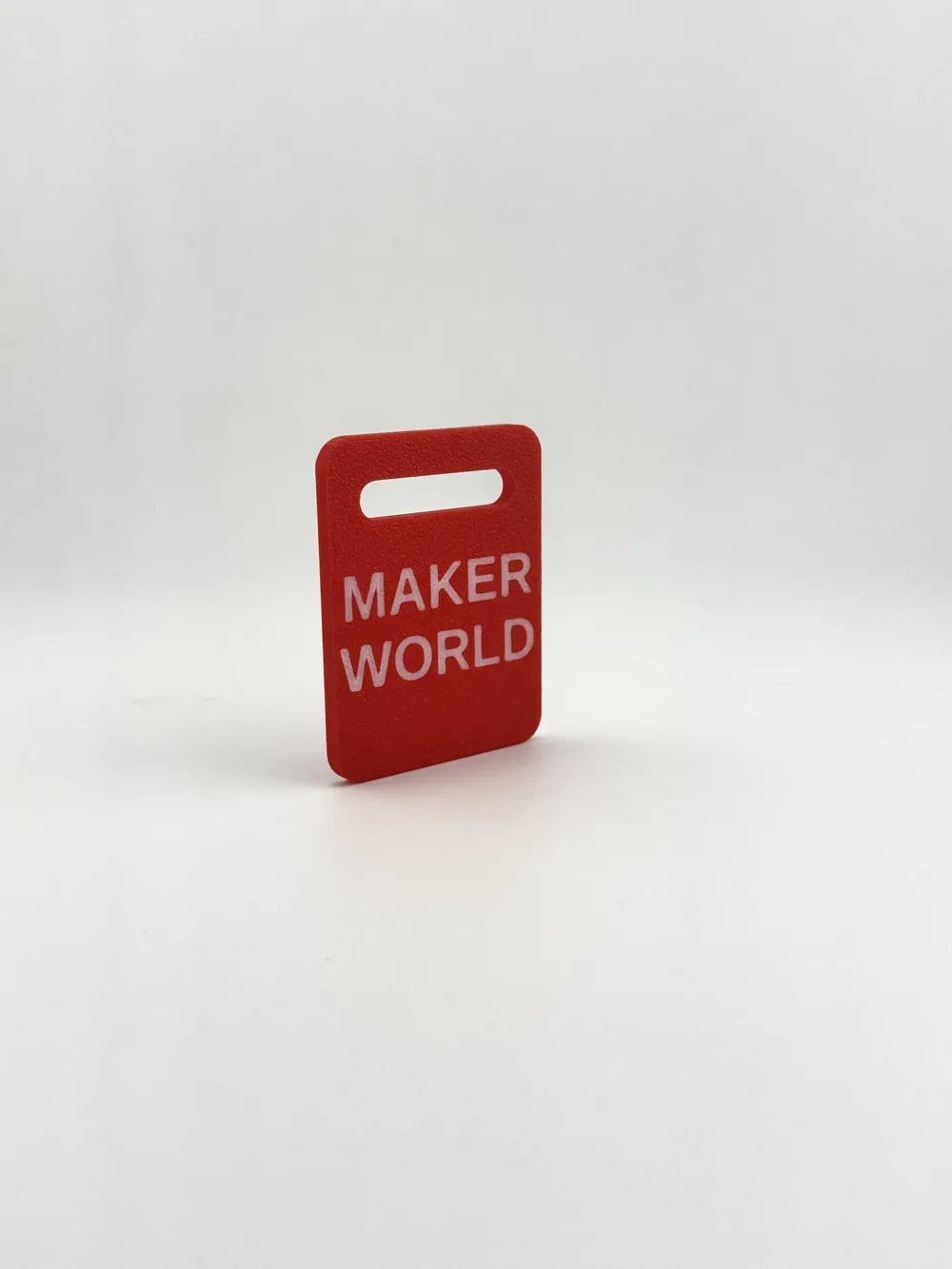
- Two Tag Styles: Generate an "AirTag Sliding Tag" or a "Simple Solid Tag".
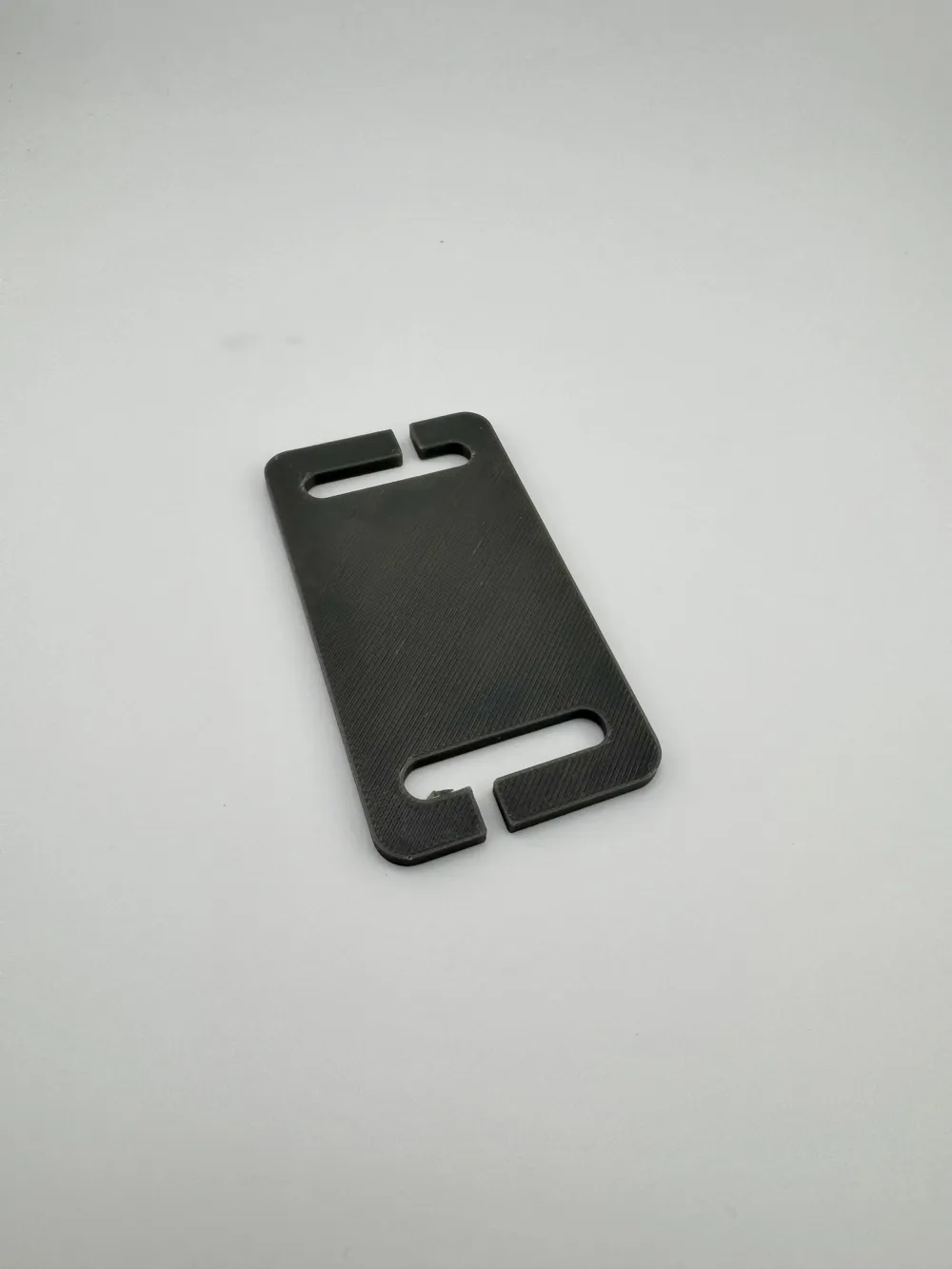
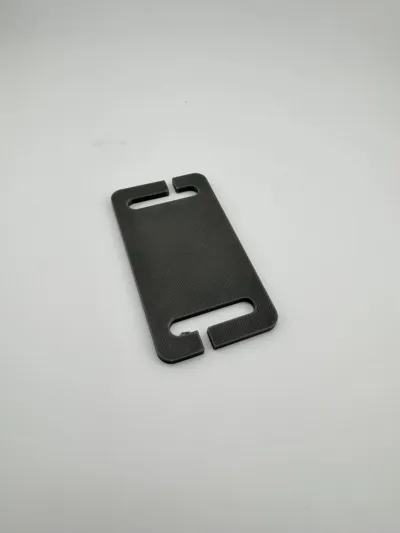
- NEW! MOLLE / Tactical Split-Bar Integration: You can now slip the tag directly over webbing without having to unthread the strap from your backpack or vest. The model features a tactical "slick clip" design with 3mm wide cutouts that open into the strap holes.
- Alternating Safety Slits: To prevent the tag from accidentally slipping off, the top slit is placed on the right side and the bottom slit is on the left. The webbing would have to slide in two opposite directions at the same time to release.
- Built-in QR Code Generator: Embed a physical QR code onto the front lid, the back base, or both. The QR code action can open a Website, display Text, open WhatsApp, send an Email, send an SMS, or make a Phone Call.
- Custom Text Inlay: The tag features physical text cut into the model below the QR code (such as "SCAN ME" or your custom phrase).
- Dynamic Auto-Scaling: The QR code and text scale dynamically based on the tag's dimensions so they never overlap the edges or the strap slots. OpenSCAD automatically shrinks the code to fit safely within the available space.
Strap Configurations: Select a Single Top Hole or a Double Hole Pass-through strap style.
Printing & Customization Instructions
- Parts Generation: Export the "Complete Set" (which lays the lid and base flat for easy printing), or export the "Base Only" or "Lid Only".
- Dimensions: Completely adjust the total width, total height, corner rounding radius, and strap slot dimensions to fit your exact luggage hardware.
- Multi-Color Optimized: The code defines a body color and a QR/text inlay color. Simply assign your preferred contrasting filaments in your slicer (like Bambu Studio) for a clean, highly scannable QR tag.
License

You shall not share, sub-license, sell, rent, host, transfer, or distribute in any way the digital or 3D printed versions of this object, nor any other derivative work of this object in its digital or physical format (including - but not limited to - remixes of this object, and hosting on other digital platforms). The objects may not be used without permission in any way whatsoever in which you charge money, or collect fees.


Comment & Rating (0)