
Luffy Gear 2 Shadow Lamp
Print Profile(1)
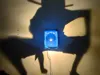
Description
Hello!
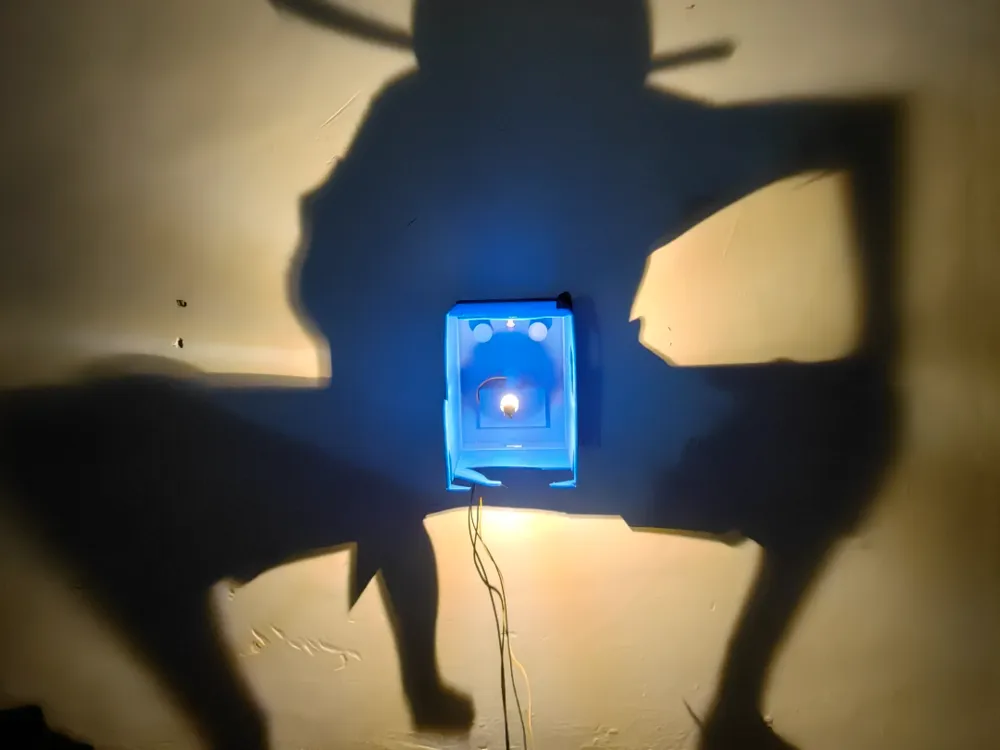
I present to you a new shadow lamp.
In this new version, it can be used with a USB cable like the previous ones, but I also designed it for a battery holder, to place a switch, and it has a hole for hanging it.
If you want a lamp of another character, leave it in the comments.
Boost Me (for free)
You can also support me
In my case, I have used an E10 type bulb from Amazon, but to prevent the light from the double LED from generating a double shadow, you have to use a printed socket that covers the upper line of the LEDs. I will attach the file in the coming days when I adjust it better.
The bulb used:
https://www.amazon.es/gp/aw/d/B0DQL3GBKW?psc=1&ref=ppx_pop_mob_b_asin_title
This same model is cheaper on AliExpress. To use it with a USB cable, the 6V version should be used; to use it with batteries, the same model but 3V should be used.
the battery connection would look like the following image:
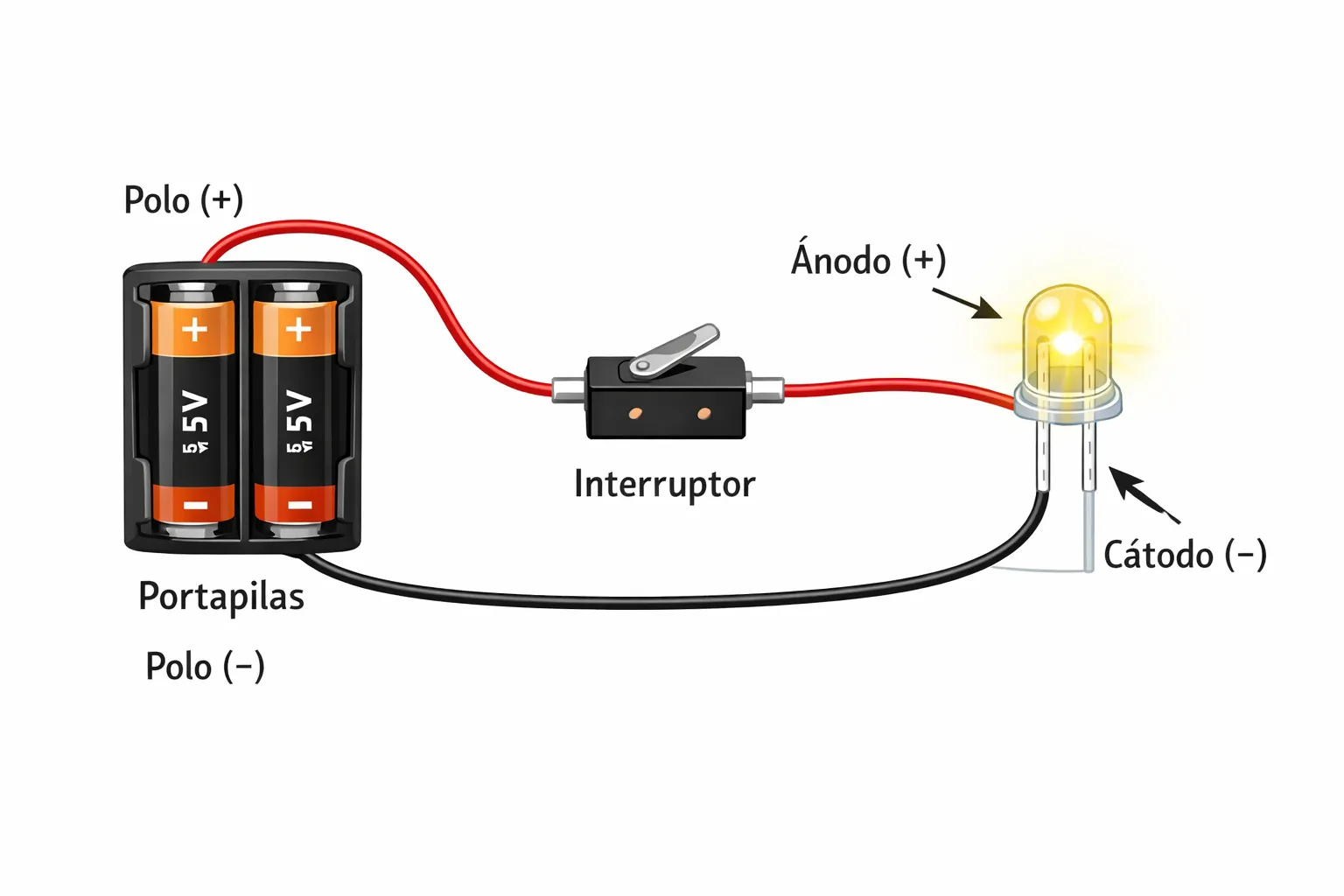
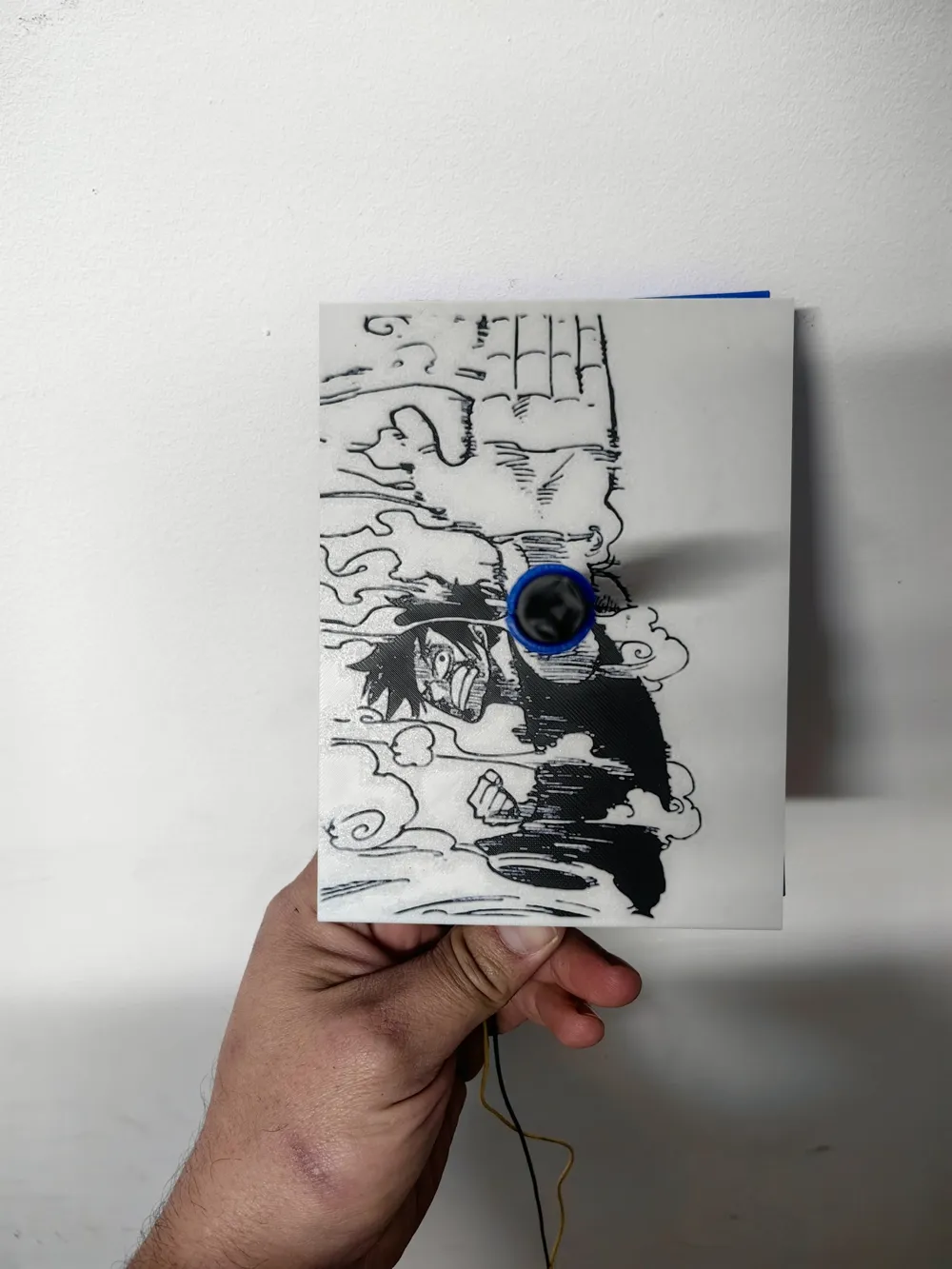
In the case of doing it by USB, the cable is passed through the pillar and taken out through the hole in the battery holder.
I directly cut an old USB cable and soldered the red on the tip and the black on the thread. The bulb is 6V, so with a USB cable that supplies 5V, connected to any external battery or mobile charger, it will work perfectly.
Hello!
I present to you a new shadow lamp.
In this new version, it can be used with a USB cable like the previous ones, but I also designed it to work with a battery holder, include a switch, and it has a slot for hanging it.
If you’d like a lamp of any other character, let me know in the comments.
Boost Me (for free)
You can also support me.
In my case, I used an E10-type bulb from Amazon, but to prevent the double LED from creating a double shadow, you need to use a printed socket that covers the top line of the LEDs. I’ll upload the file in the coming days once I fine-tune it.
The bulb used:
https://www.amazon.es/gp/aw/d/B0DQL3GBKW?psc=1&ref=ppx_pop_mob_b_asin_title
This same model is cheaper on AliExpress. To use it with a USB cable, you should use the 6V version; to use it with batteries, you should use the same model but in 3V.
The battery connection would look like the following image:
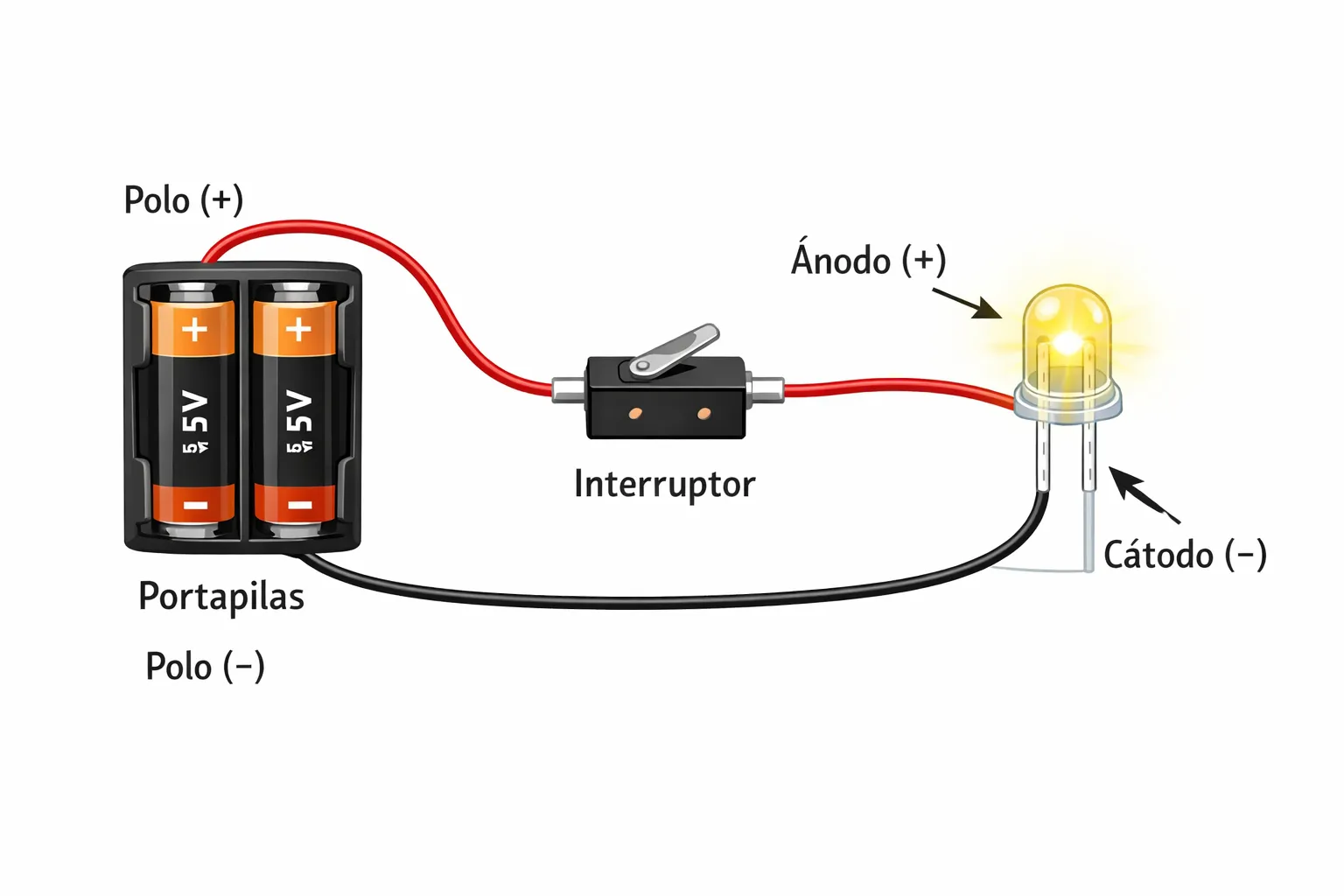
In the case of using USB, the cable is passed through the pillar and taken out through the hole in the battery holder.
I simply cut an old USB cable and soldered the red wire to the tip and the black wire to the thread. The bulb is 6V, so with a USB cable supplying 5V, connected to any power bank or phone charger, it works perfectly.
License

You shall not share, sub-license, sell, rent, host, transfer, or distribute in any way the digital or 3D printed versions of this object, nor any other derivative work of this object in its digital or physical format (including - but not limited to - remixes of this object, and hosting on other digital platforms). The objects may not be used without permission in any way whatsoever in which you charge money, or collect fees.


Comment & Rating (1)