
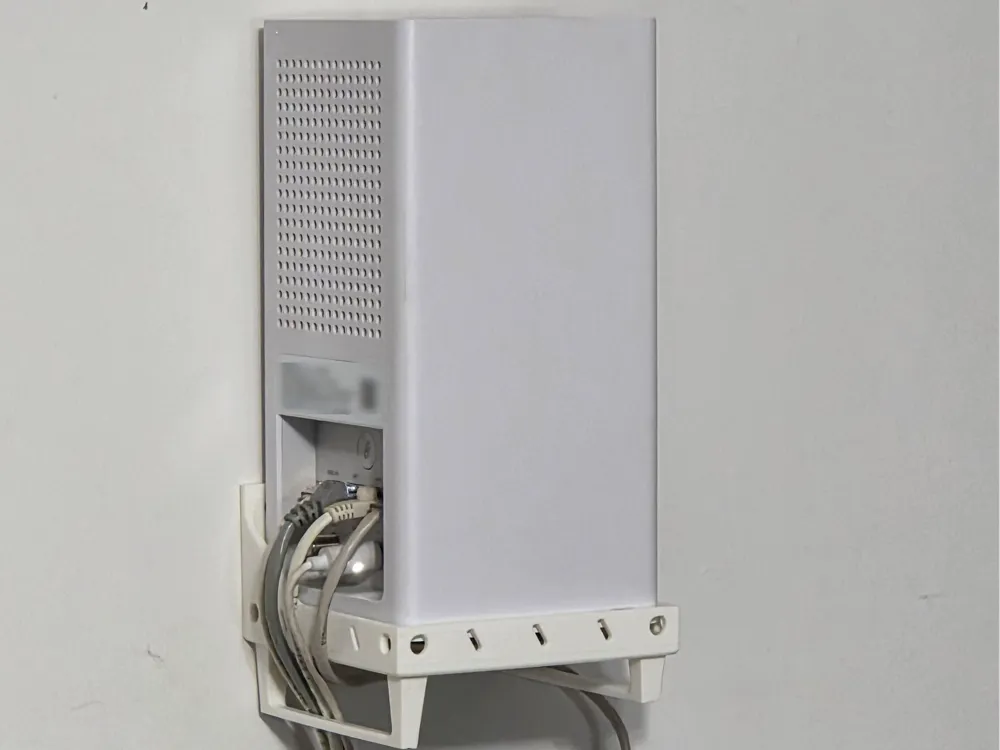
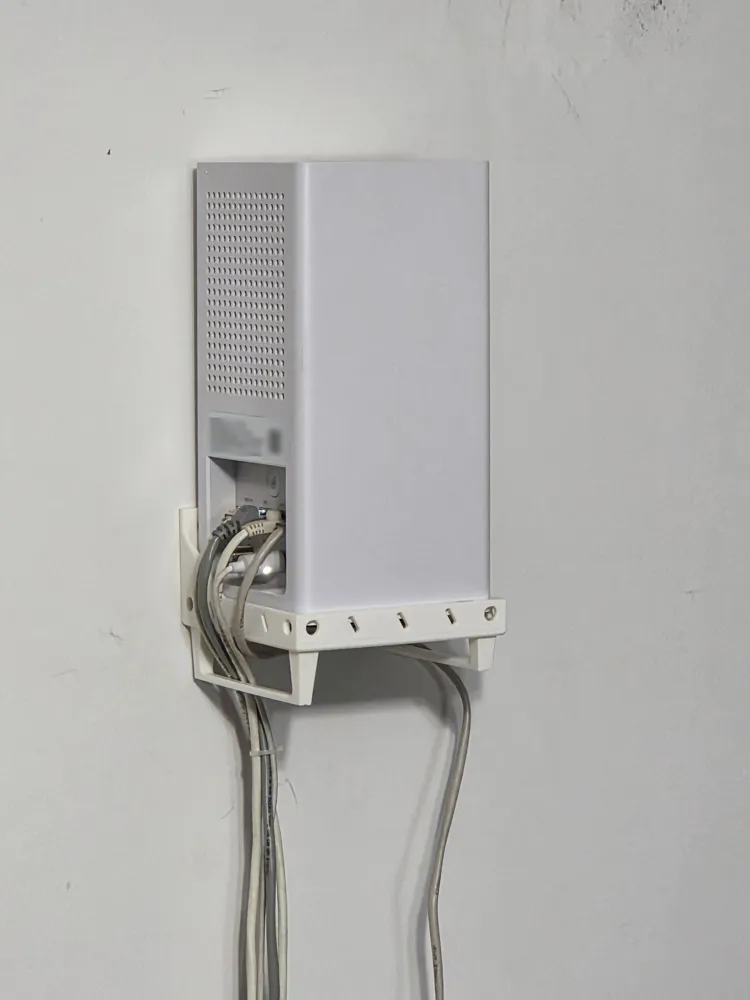
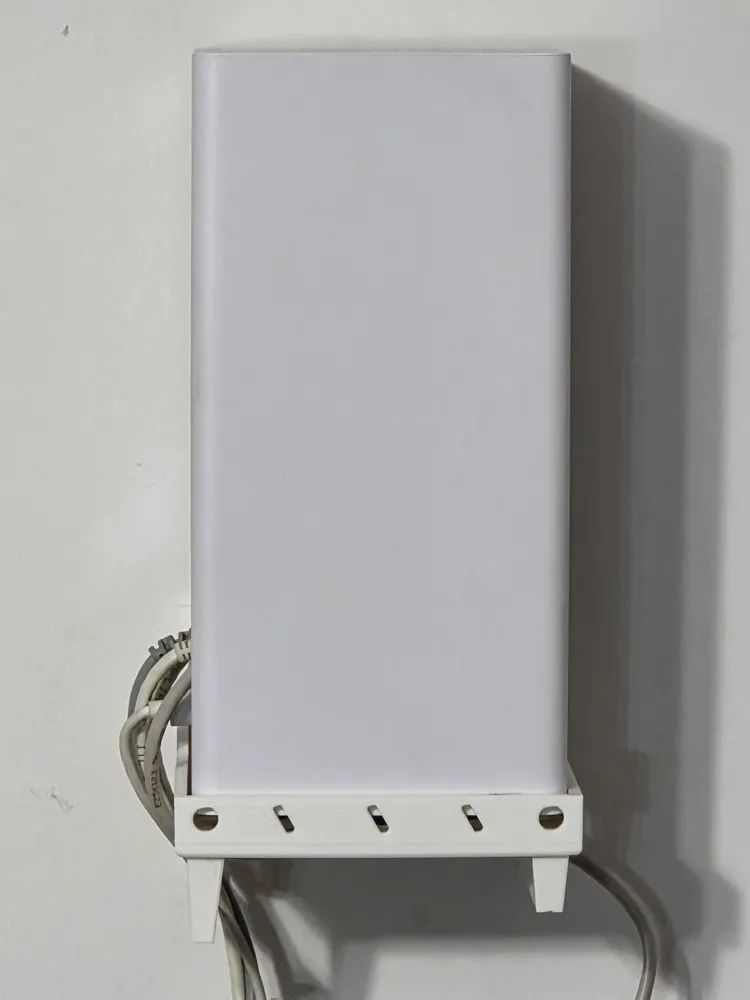
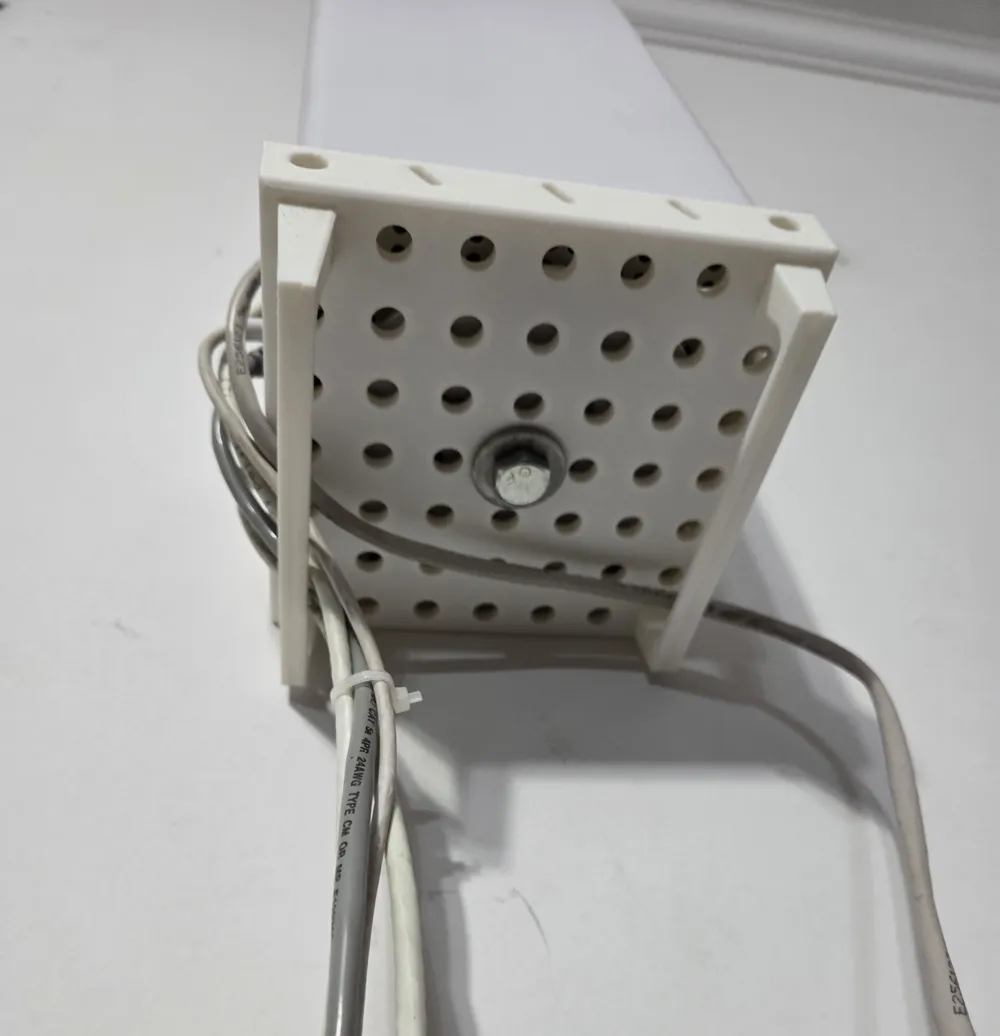
Print Profile(1)
Description
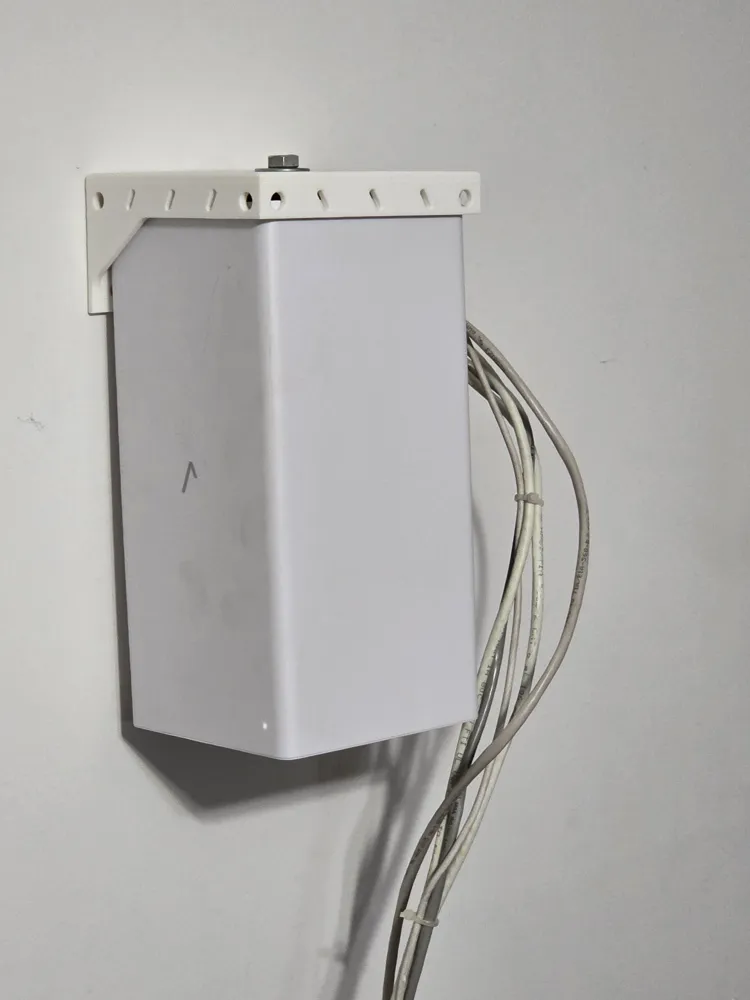
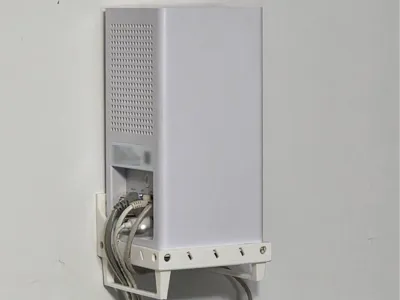
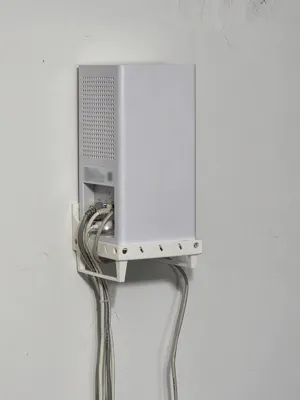
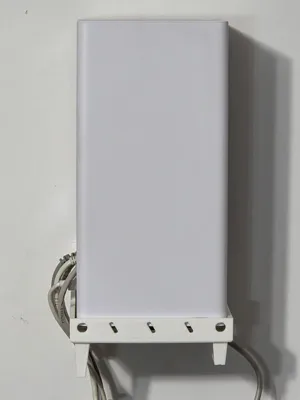
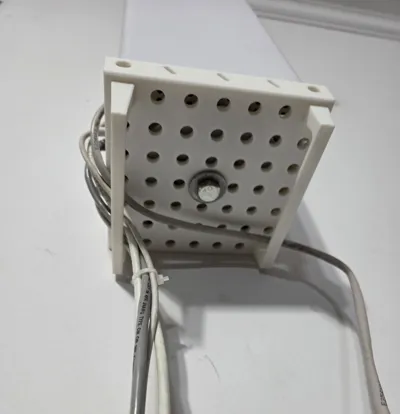
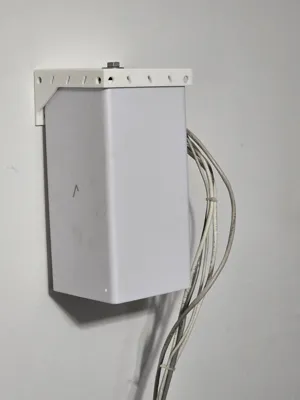
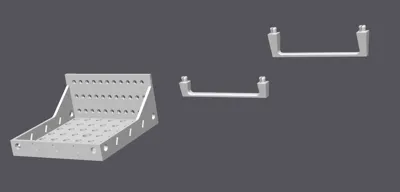
Compatible with Verizon CR1000B, E3200, and similar tower-style routers using a center mounting bolt and fitting a ~120 mm base.
6/12/2026
V2 - Increased the size of the tray so the guides fit better and added clearance for screws with larger heads
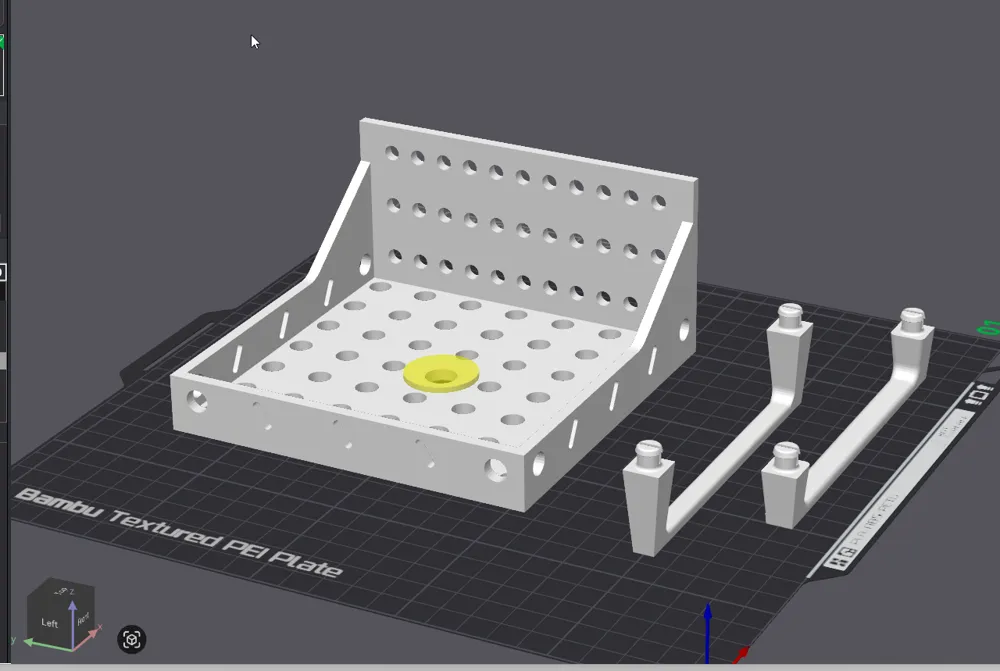
- 🧲 Secure center mount
Reinforced boss with clearance for a 3/8" mounting screw - 🔌 Modular snap-in cable guides
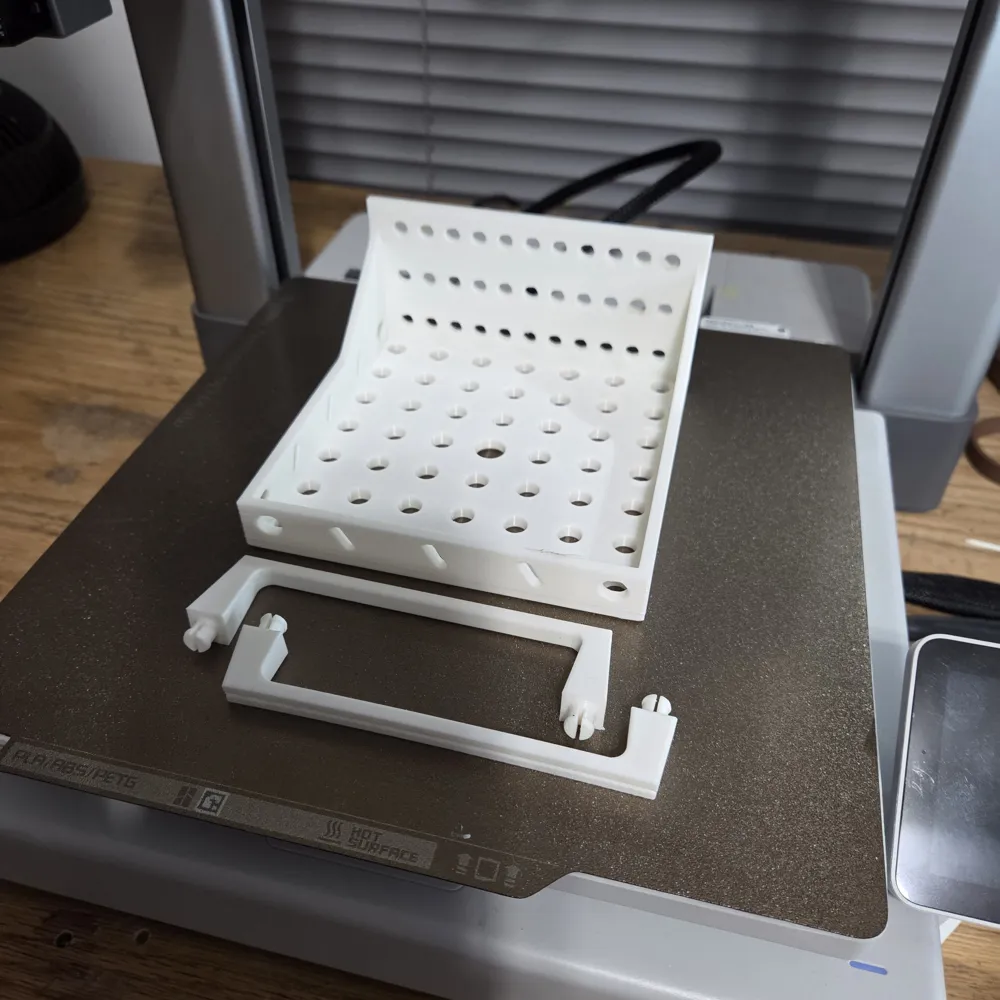
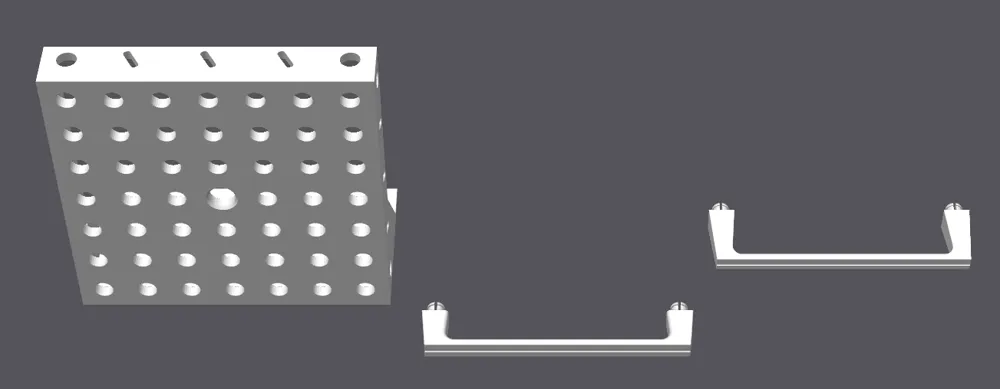
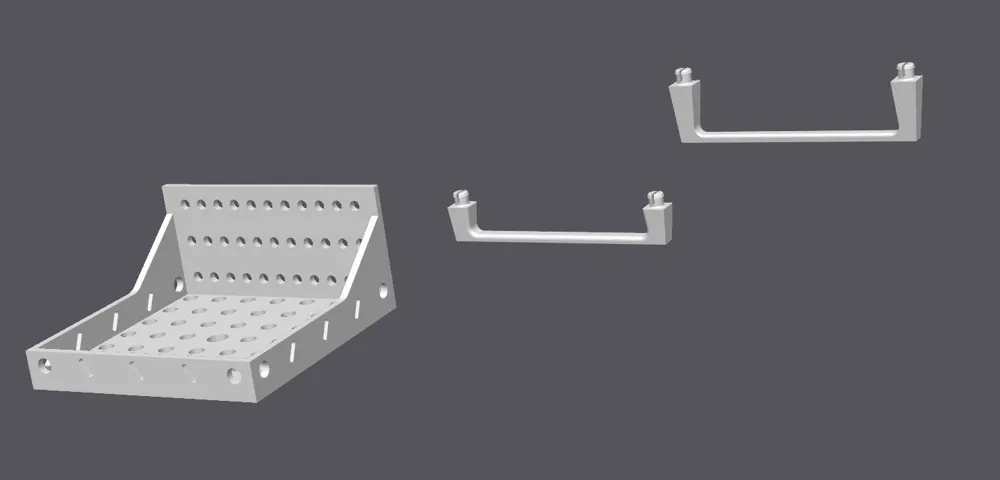
Guides snap into the tray holes — place only where needed - 🧰 Easy cable routing
Designed to minimize cable bending and stress
🔹 Cable Guide System
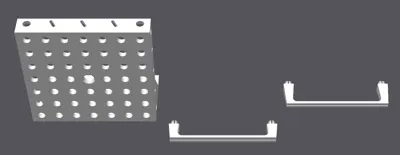
The included clip uses a flex-slot snap design:
- Press-fit into tray holes
- Removable and repositionable
- Designed for common cable sizes
Additional variants can be easily created.
🔹 Print Notes
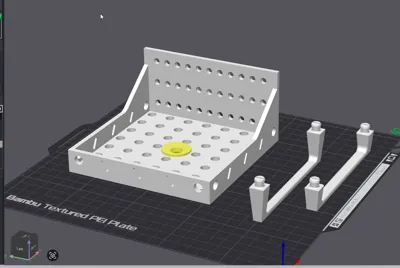
- Tested in PLA (PETG also recommended for flexibility)
- Circular perforations chosen for consistent print quality
- Center hole includes chamfer/taper for clean bridging
🔹 Installation Notes
- Designed around 3/8" mounting hardware
- Slight clearance built into snap features for easy installation
- Cable clearance and routing space included behind tray
Note: Compatibility depends on both mounting method and base size. Check dimensions before printing.
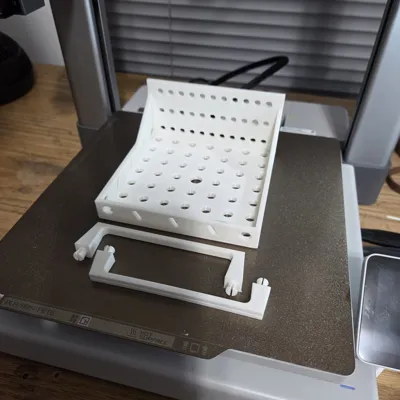
0.20mm / PLA / 4 walls / 10–15% infill / no supports
Final version I am currently using is printed in PLA
Added a modifier to the mounting hole and set infill to 75%
PLA is recommended for best print quality and clean bridging.
PETG optional for added durability (may show more stringing/overhang artifacts).
Used the Bambu PLA Basic Filament Profile
License



Comment & Rating (1)