
Organizer [Customizable Size] [Hollow Style] [50%+ Material Saving] [50%+ Time Saving] [Stackable]
Print Profile(1)
Description
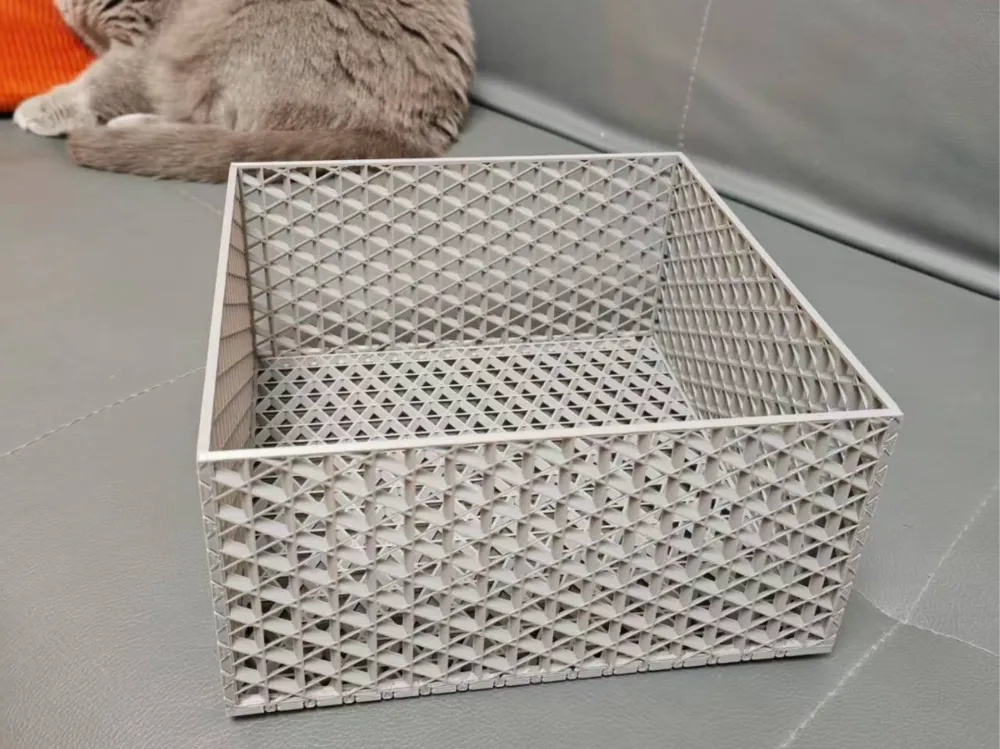
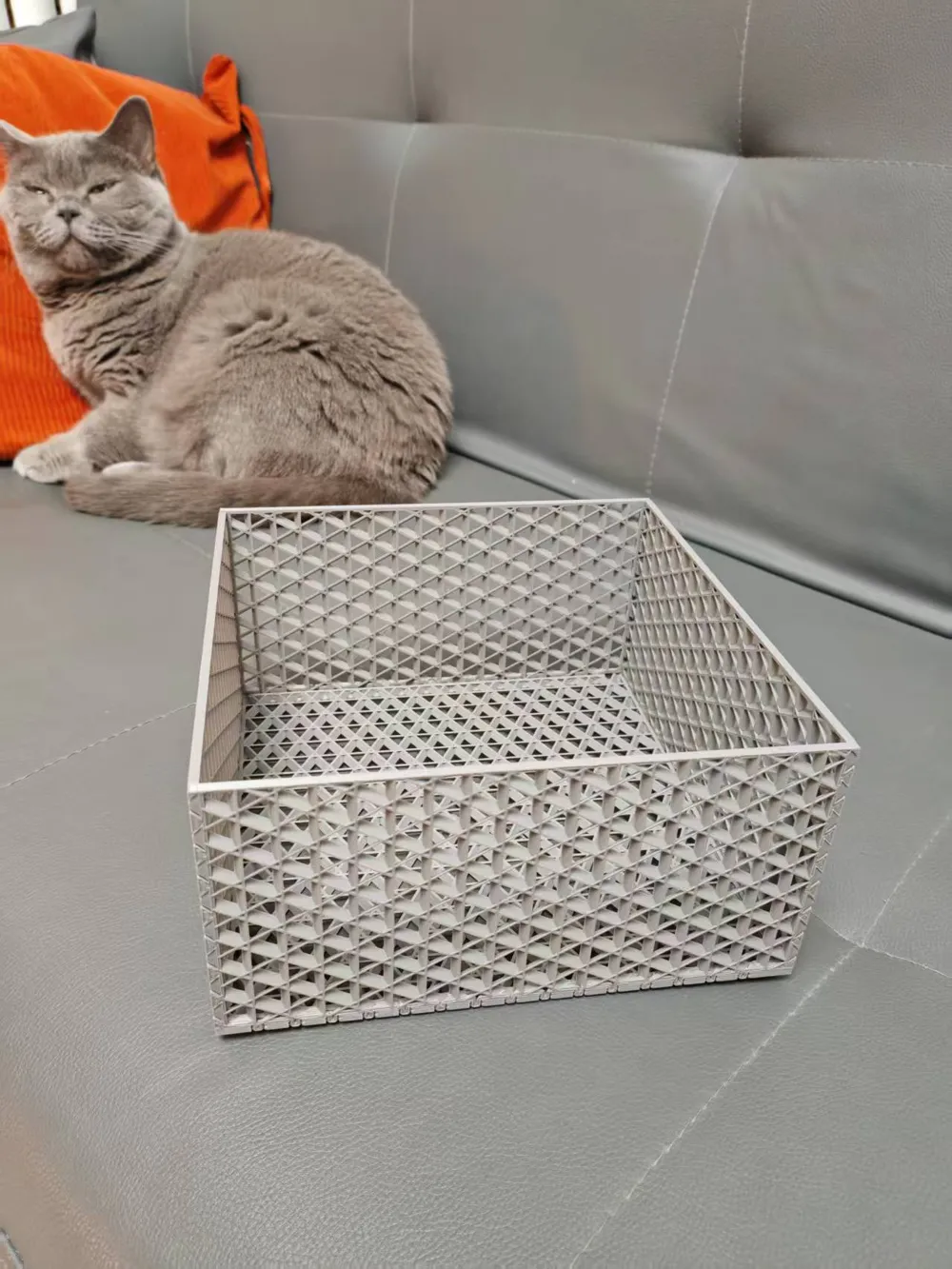
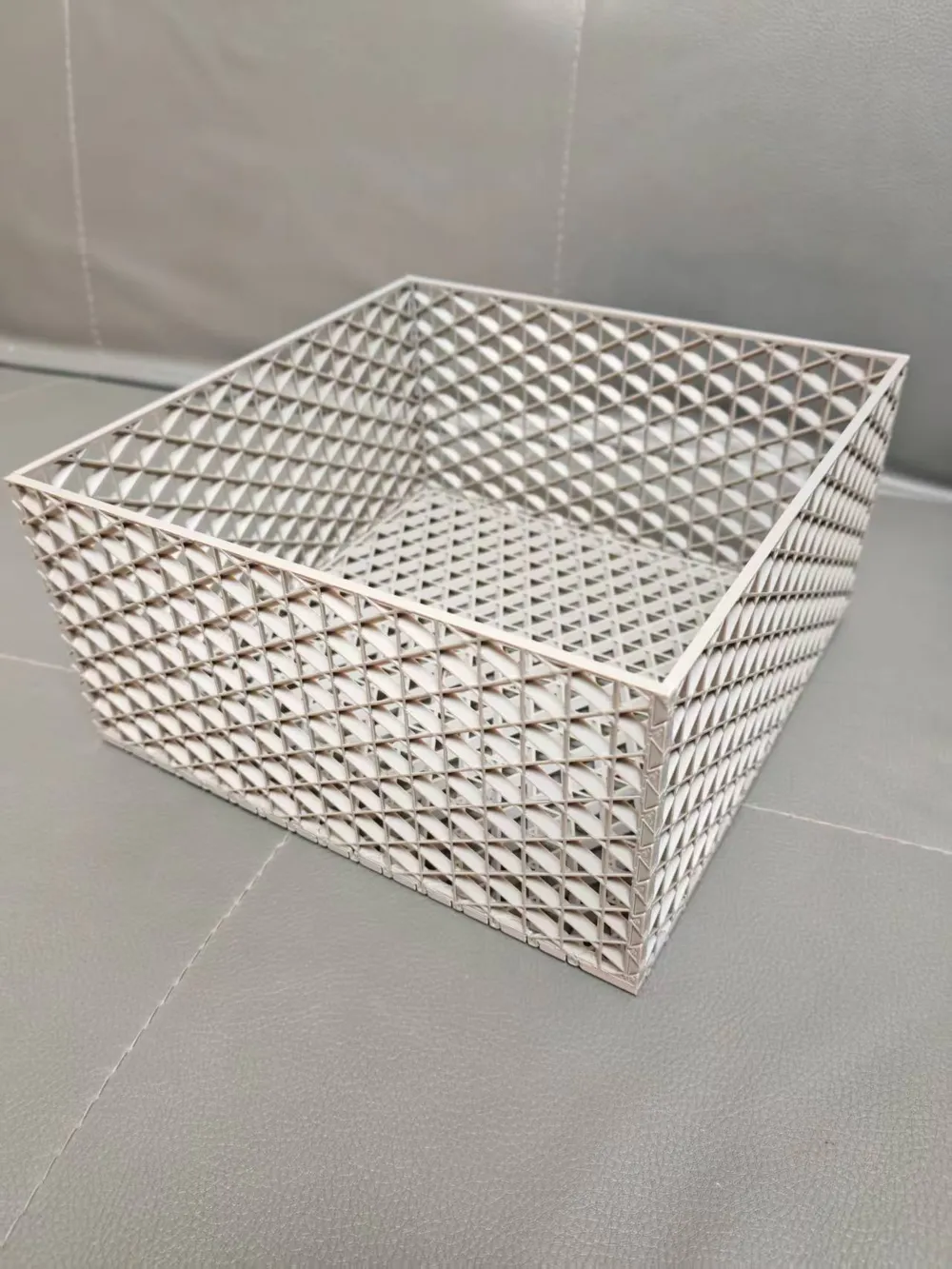
I've been thinking, is there an organizer that can have its size set arbitrarily, be stacked indefinitely, save time and material, and have a varied hollow style
I looked for a lot of suitable models online but couldn't find any, and since I recently printed many perler bead tools that need organizing, I decided to make one myself
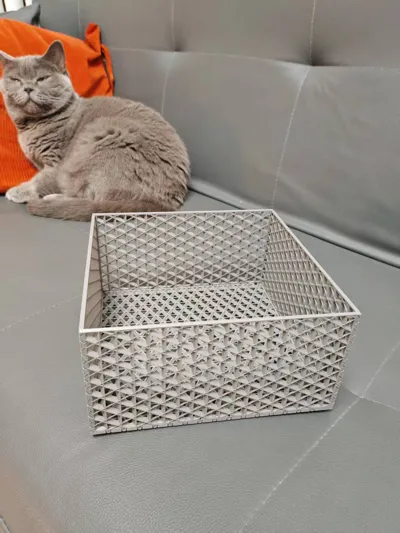
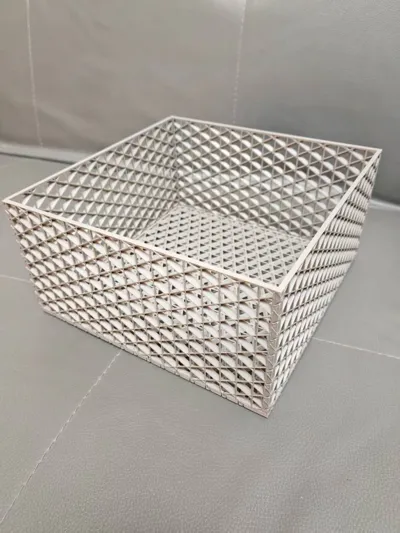
This organizer features a hollow style, with up to 22 different hollow styles, and the size and quantity of the hollows are fully adjustable (Theoretically, there are as many hollow styles as there are sparse infill patterns in Bambu Studio, experienced users should know how this is printed~!)
This organizer uses parametric custom configuration, click and enter the outer length, outer width, and outer height dimensions to automatically generate the model in your desired size (To prevent errors, I have set maximum and minimum size limits)
This organizer can be stacked indefinitely, with the top and bottom layers perfectly overlapping, greatly increasing space utilization
Most importantly, this organizer achieves a perfect balance between saving time and material! The 20cm*20cm*10cm organizer I'm showcasing uses 115g of material and takes 3.5h to print (A1 default speed), I challenge anyone to beat that
Now that I've said so much, here are the detailed instructions for use:
1.On the desktop version of the website platform, next to the normal print button, there's a 'Customize' option, open it and enter the relevant parameters, be careful not to directly select 'Open in Bambu Studio'
2.After generating and downloading the model and importing it into your Bambu Studio, right-click the model - Split - to objects
3.Click 'Auto Orientation' and 'Global arrange' in the quick menu bar above, then select 'Auto arrange'
4.Set print parameters, select left - Global - Strength, change walls to 3, top shell layers to 0, bottom shell layers to 0, set sparse infill density to 15, change infill line count to 2, choose your favorite hollow style for sparse infill pattern, be careful to choose a structurally stable one, set the infill direction yourself. Among the above parameters, the number of walls, top shell layers, and bottom shell layers must follow the parameters I provided, for the rest, you can slice and check the effect, choosing according to your preference
5.The rest is printing, assemble the four side fences, insert the base plate, and it's done
May 4th Update: As requested by the comments section, I have updated the lid for the organizer, it is also customizable, I won't update the pictures, I hope friends like it
Boost Me (for free)
Model design is not easy, friends are welcome to give more boosts, likes, good reviews, share makes, collections, and follows
License

You shall not share, sub-license, sell, rent, host, transfer, or distribute in any way the digital or 3D printed versions of this object, nor any other derivative work of this object in its digital or physical format (including - but not limited to - remixes of this object, and hosting on other digital platforms). The objects may not be used without permission in any way whatsoever in which you charge money, or collect fees.


Comment & Rating (1)