
Harry Potter Time Turner - Print in Place


Print Profile(4)





Description
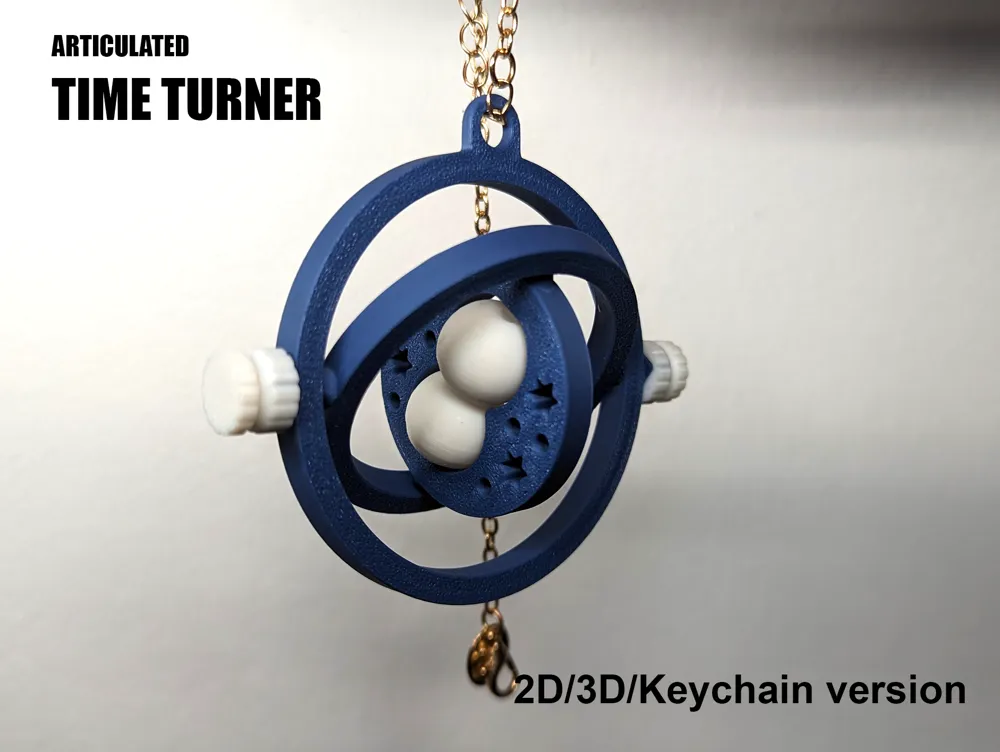
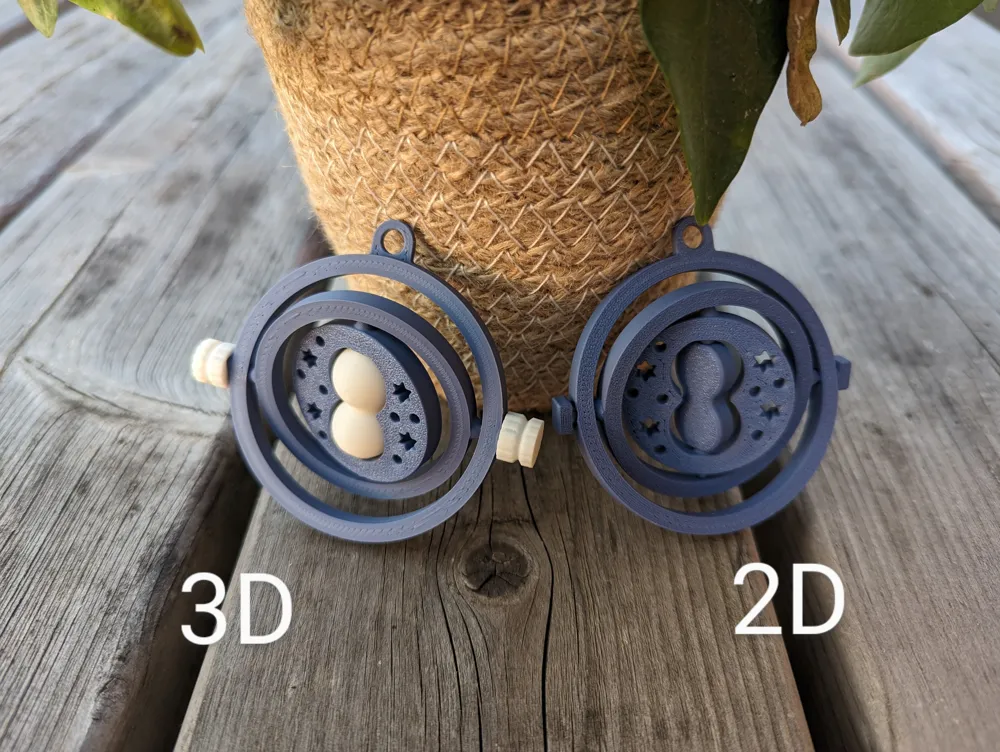
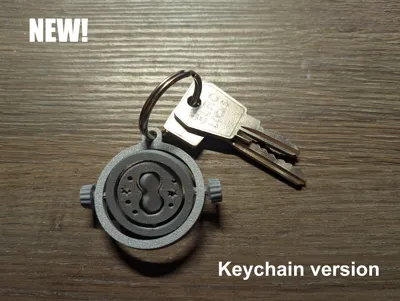
A moving, print-in-place version of your favourite magical McGuffin: the Timer Turner! Both a 3D version (minimal assembly required) and a 2D version (fully print-in-place) are available. Prints quick and requires minimal filament (around 12g).
Printing instructions
The model is not very hard to print, but does contain some small overhangs and needs proper part cooling. To ensure smooth movement the following settings are strongly recommended.
- Layer height 0.12mm
- First layer height 0.16mm
- Outer wall thickness 0.50mm
- No cooling for first 1 layer
- Cooling overhang threshold 10%
- Supports OFF
Two versions are provided low tolerance (0.25mm) and high tolerance (0.4mm). The former will result in a more snug fit, but movement may be too stiff, depending on your printer. The high tolerance version is a bit more lenient. Print the files as they are oriented in the .stl files. For AMS/MMU users who want to make a multi-colour print: .3mf files are included. If these are opened you will get a collision error: this can be ignored.
Assembly instruction
- KNOB
Can be used with both the 2D and 3D version, to cover the rotating knob of the model. Designed to be a snap fit, however this will depend on your printer. You can play around with hole XY compensation, or be lazy and use some super glue.
- HOURGLASS
Only for the 3D version. Can be pushed into place, which is easiest to do from the side of the model that faced the print bed.
Happy printing!
Boost Me (for free)
I spend a lot of time making these models. Do you like them? Please consider boosting me (it's free)!
License

You shall not share, sub-license, sell, rent, host, transfer, or distribute in any way the digital or 3D printed versions of this object, nor any other derivative work of this object in its digital or physical format (including - but not limited to - remixes of this object, and hosting on other digital platforms). The objects may not be used without permission in any way whatsoever in which you charge money, or collect fees.


Comment & Rating (78)