
X2D AMS nozzle label
Print Profile(1)
Description
Description
What is this Print for?
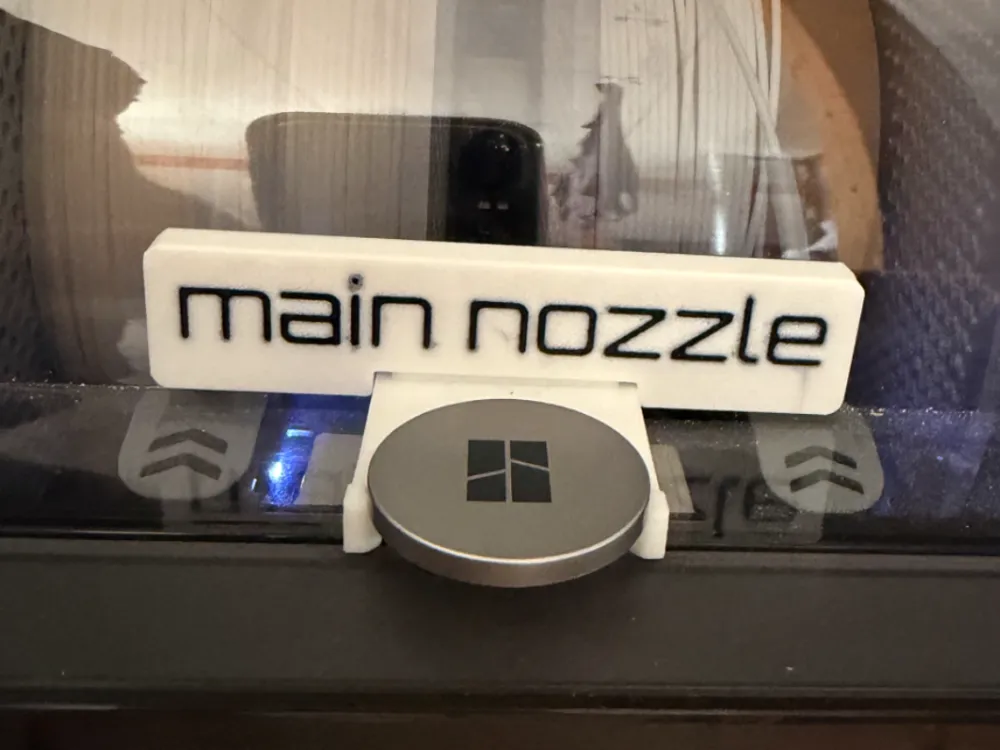
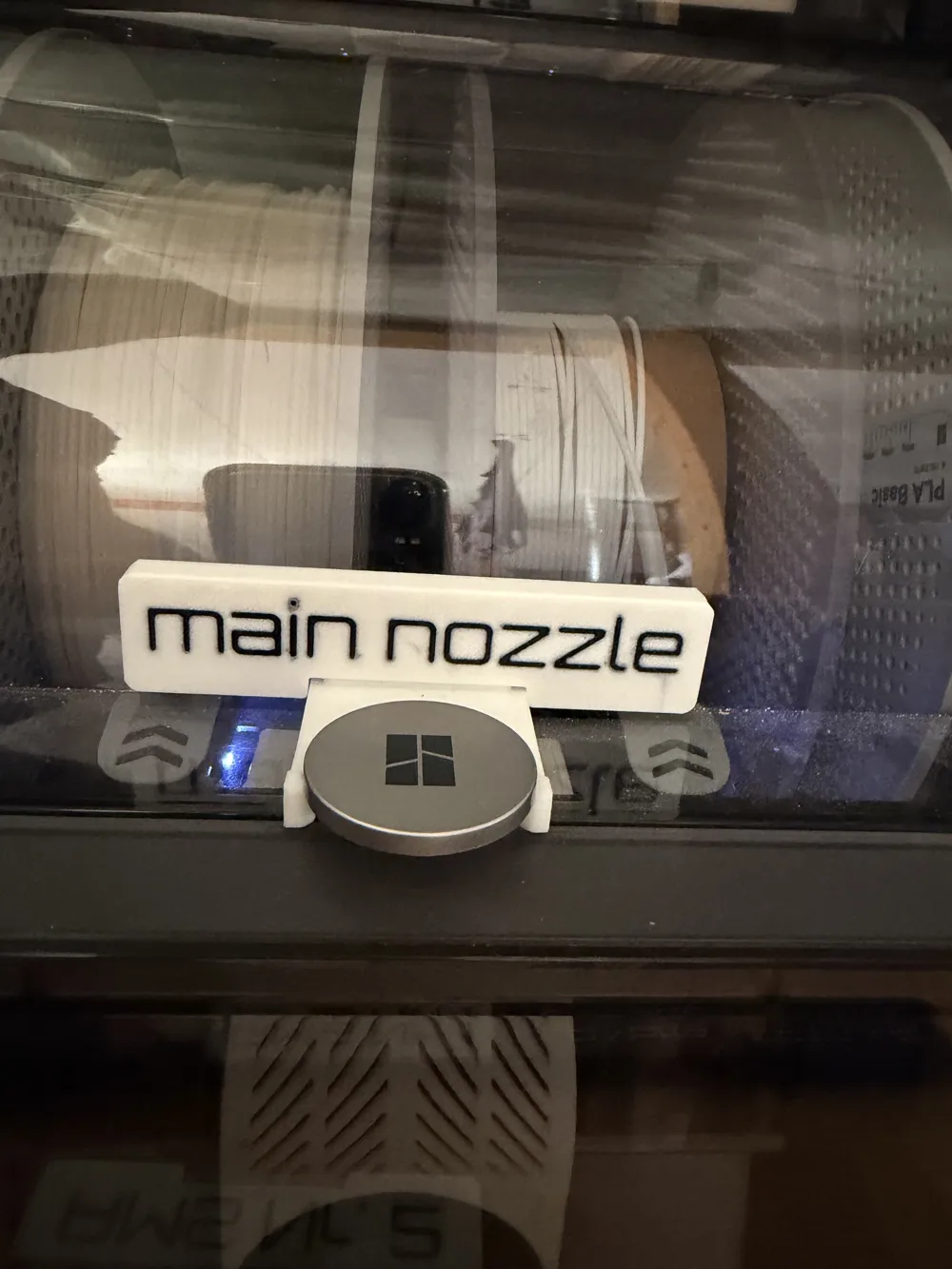
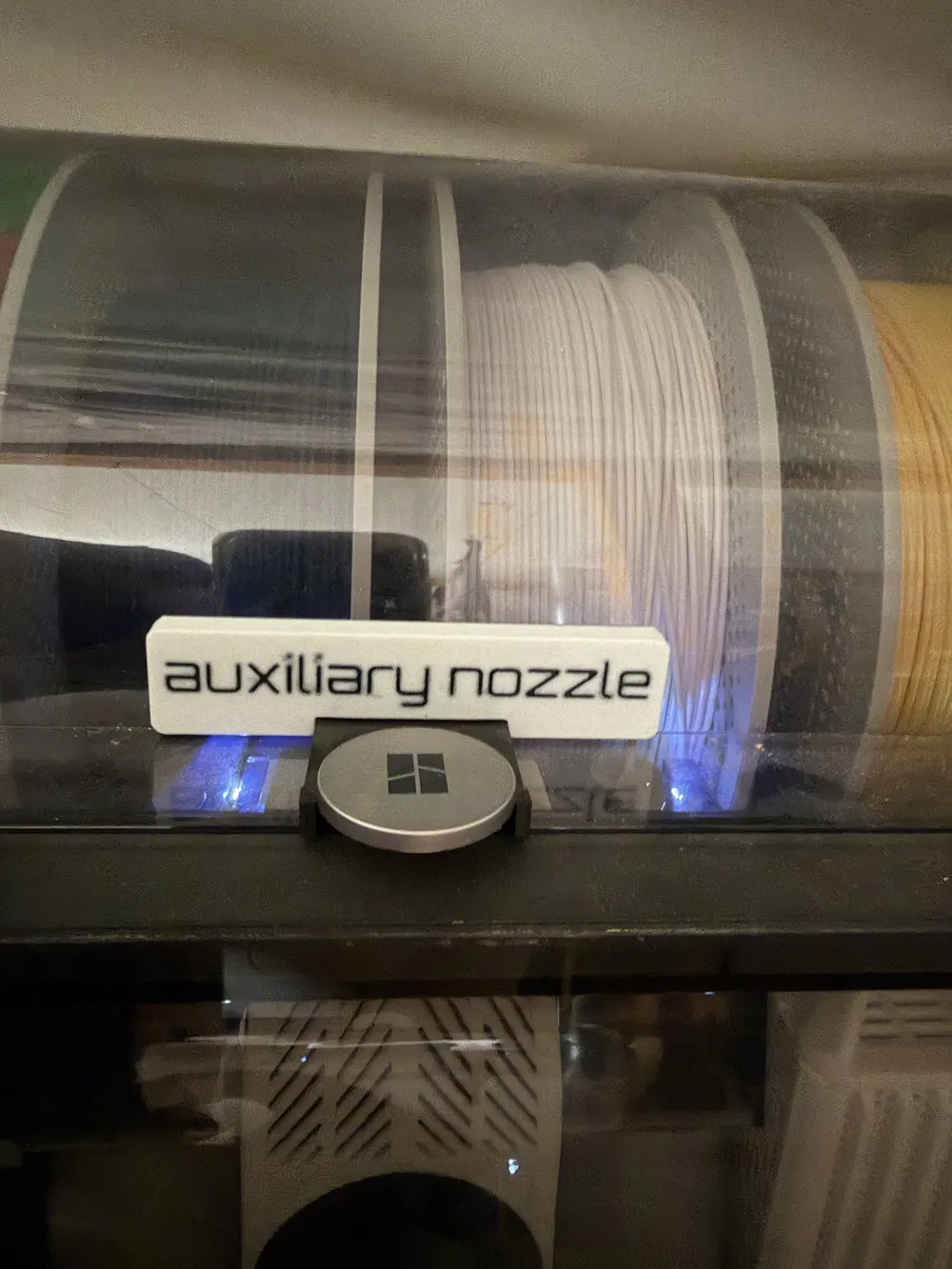
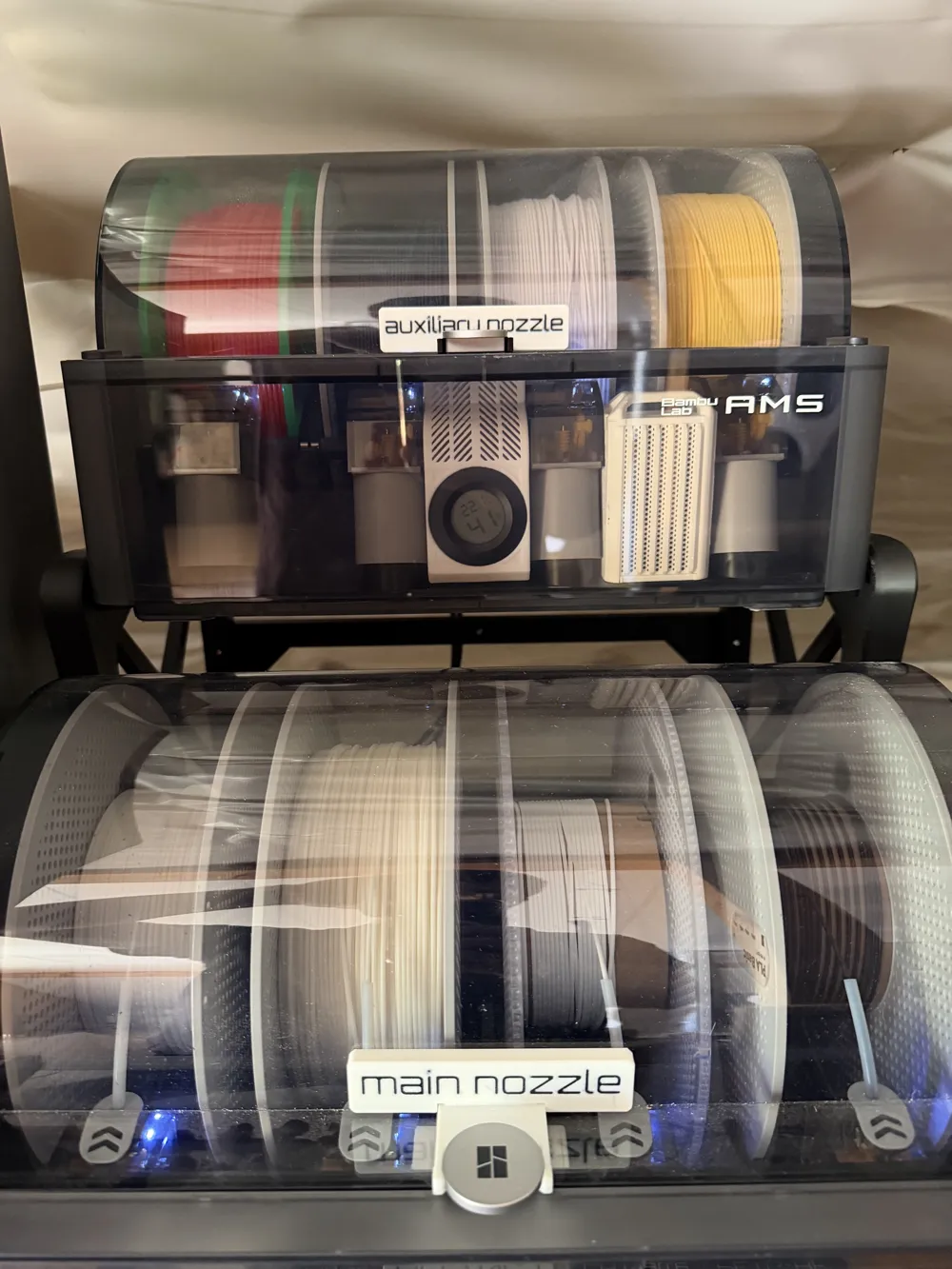


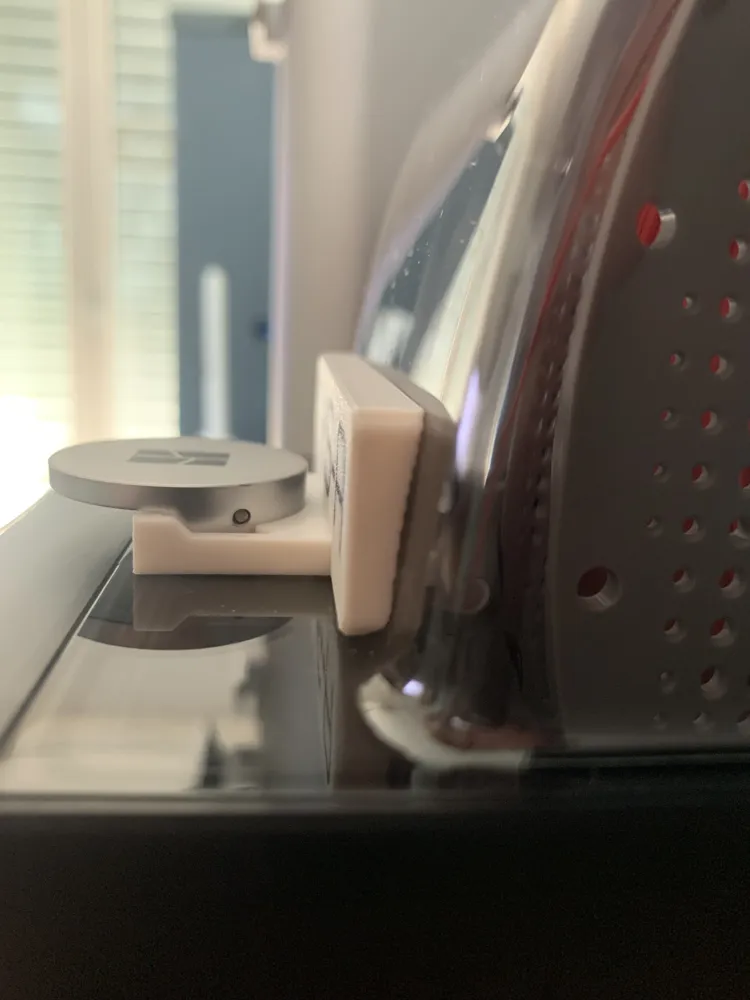
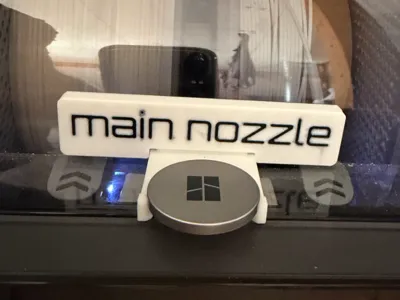
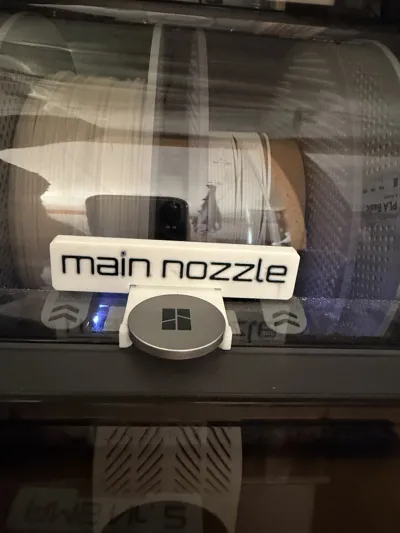
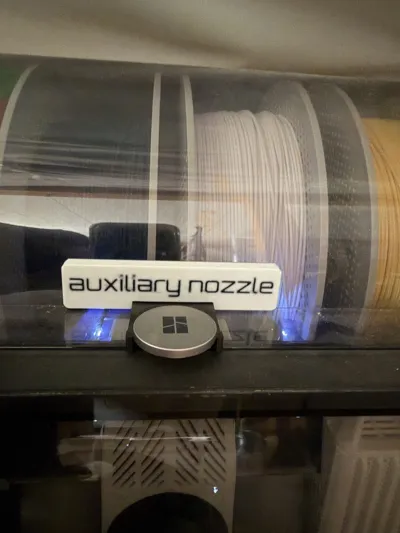
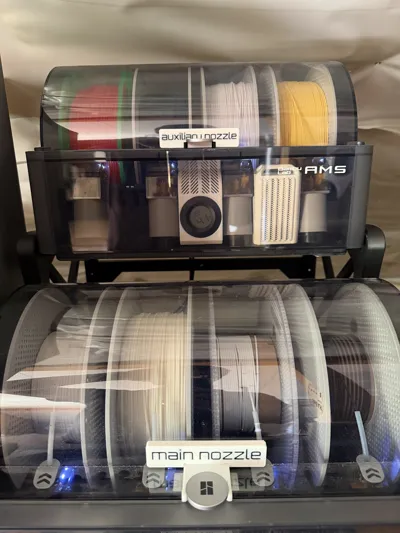
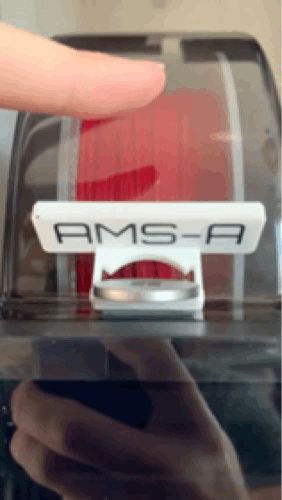
With the new dual nozzle system of the Bambu lab X2D printer, you have the ability to connect the AMS to the main or auxiliary nozzle. If you have more than one AMS or AMS HT you may sometimes not know which AMS goes to which nozzle. With this print you can label your AMS / AMS 2 Pro an AMS HT. So you can easily see, wich AMS goes to which nozzle.
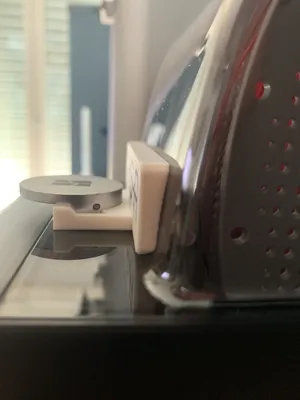
The label is simply snaped on the AMS handle.
In the files you can find the following labels:
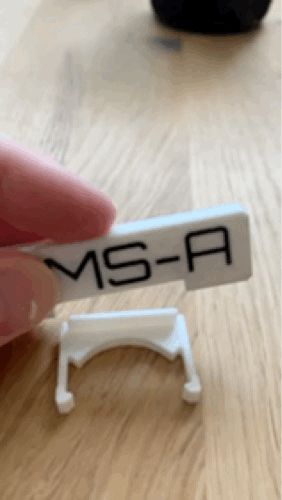
- clamp (the part that clamps on the AMS handle)
- main nozzle
- auxiliary nozzle
Printing Information:
- The print works without any supports
- text schould face downwards on the building plate so it does not give a lot of poop
- The two parts can be pressed together after printing and schould hold together without glue
I hope you find usage for this file and enjoy printig it :)
License

You shall not share, sub-license, sell, rent, host, transfer, or distribute in any way the digital or 3D printed versions of this object, nor any other derivative work of this object in its digital or physical format (including - but not limited to - remixes of this object, and hosting on other digital platforms). The objects may not be used without permission in any way whatsoever in which you charge money, or collect fees.


Comment & Rating (2)