
TPU Master Profile - Artistic & Technical
Print Profile(1)
Description
Boost Me (for free)
If this profile improved your prints and saved you time, please consider giving it a Boost! Your support allows me to continue testing and expanding this professional profile series for the community.
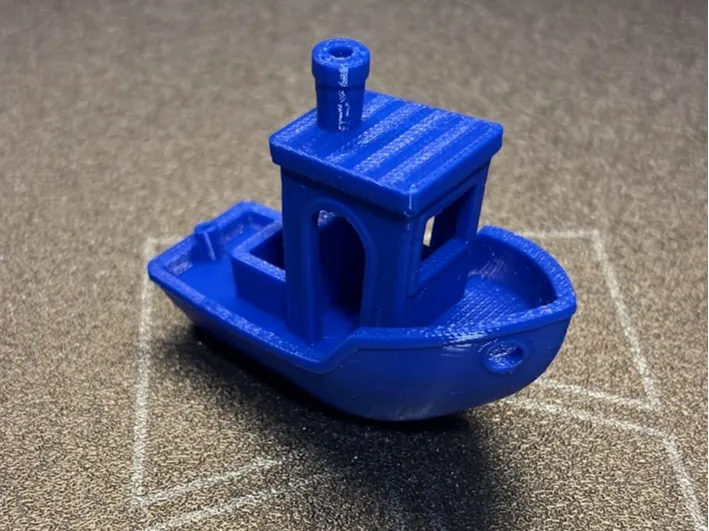
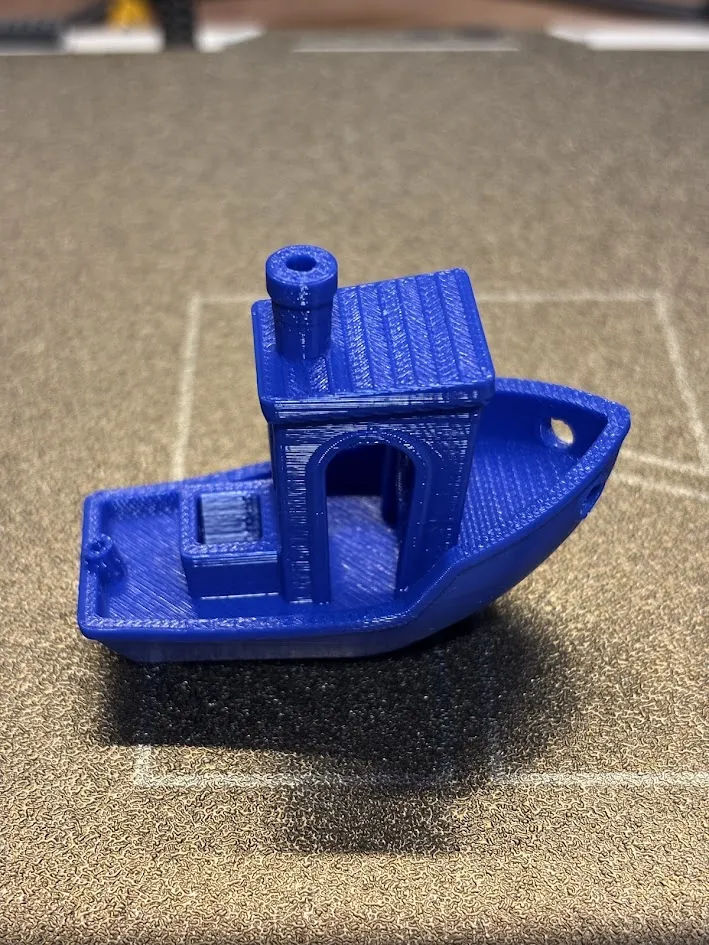
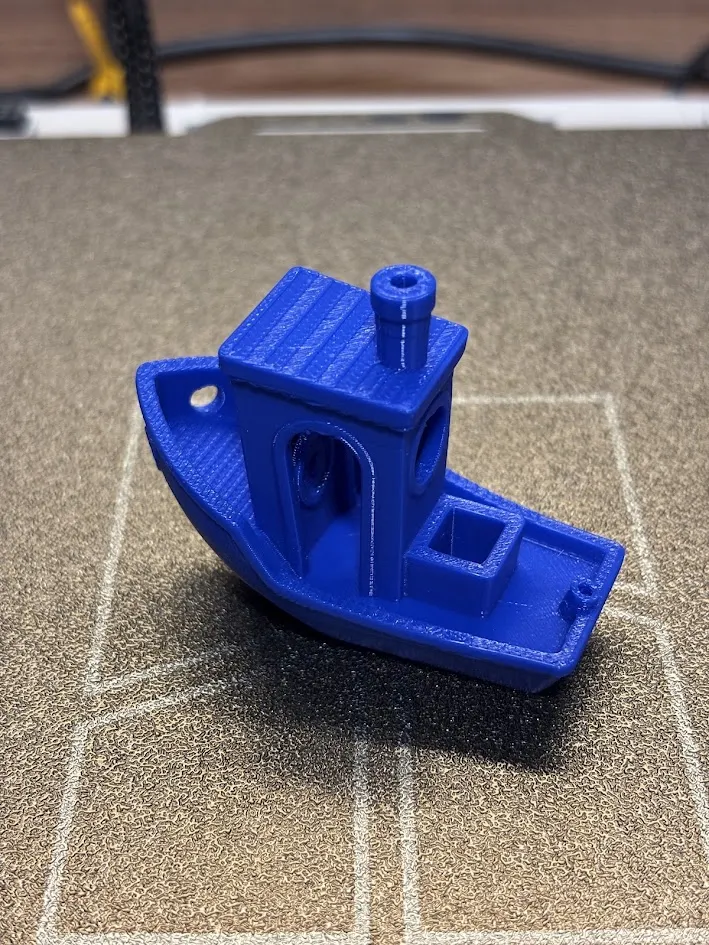
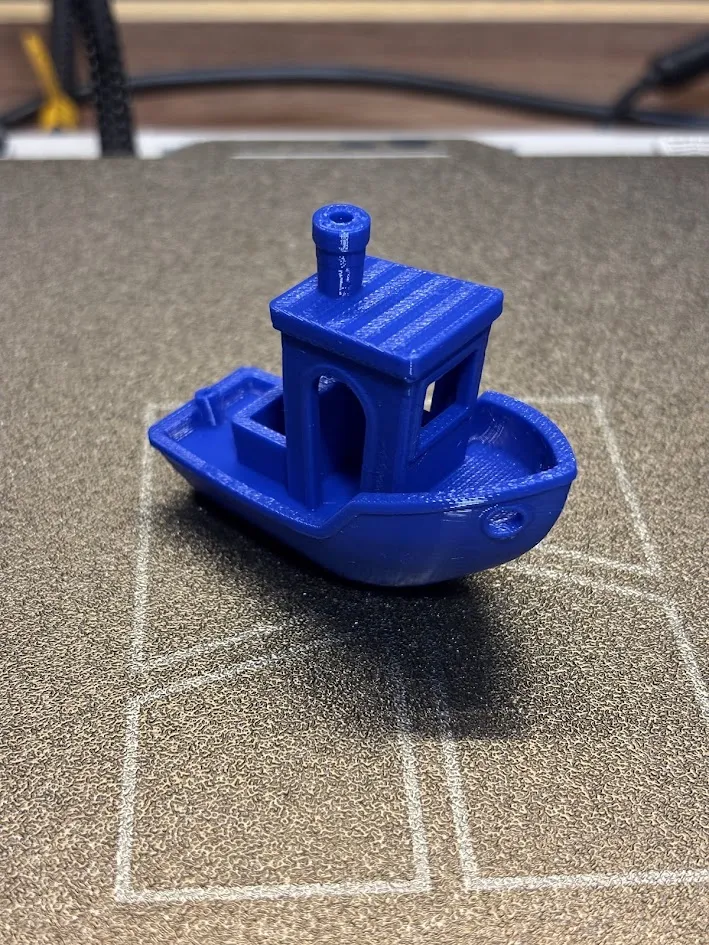
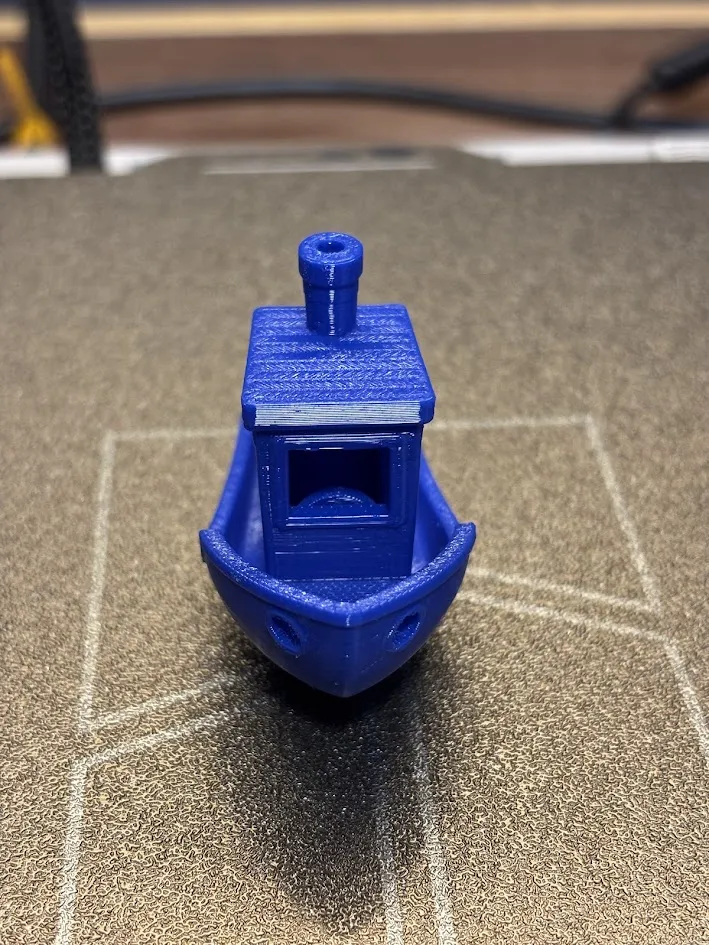
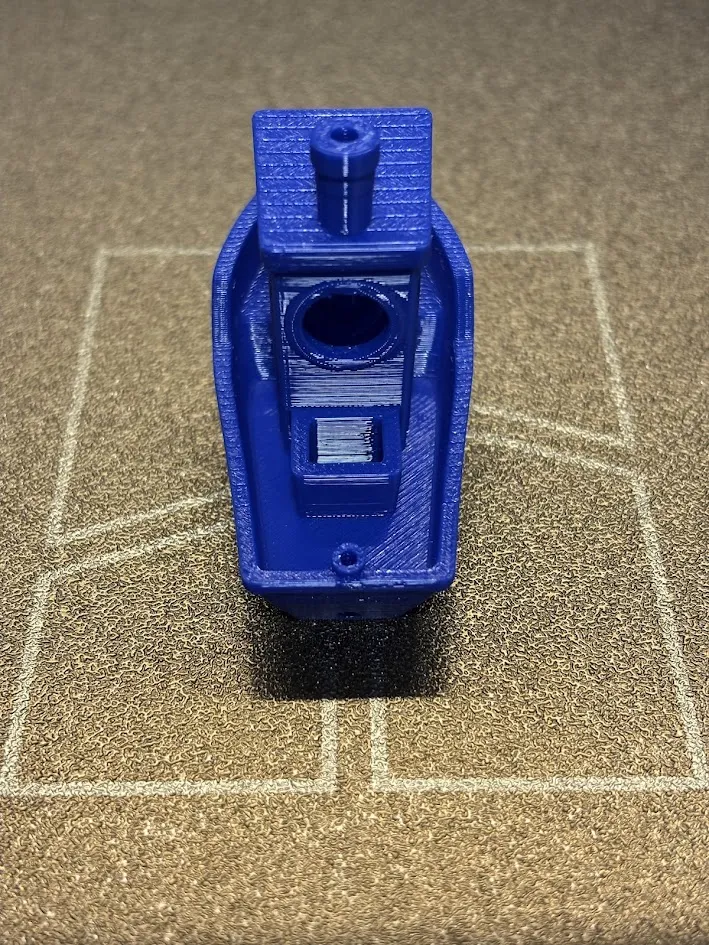
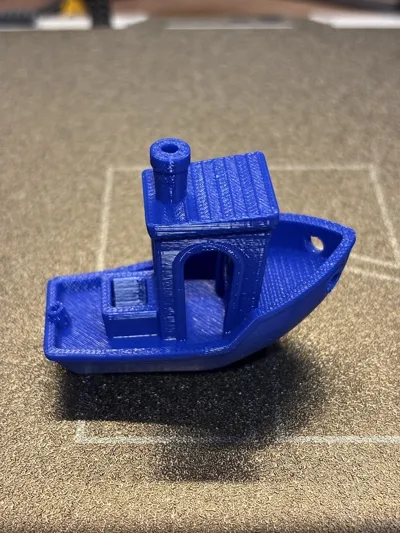
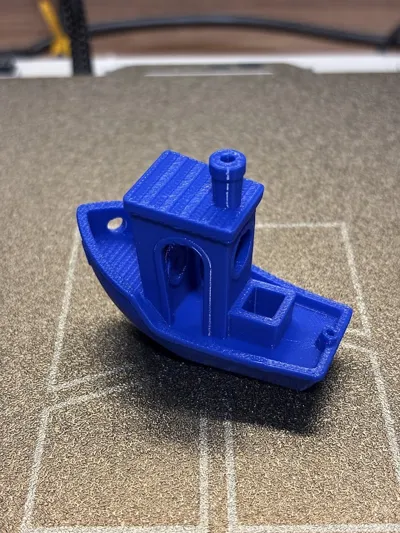
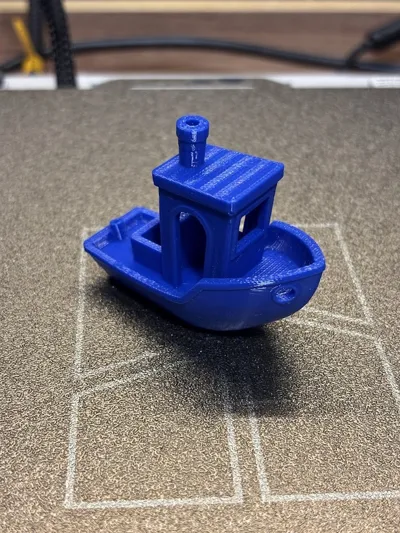
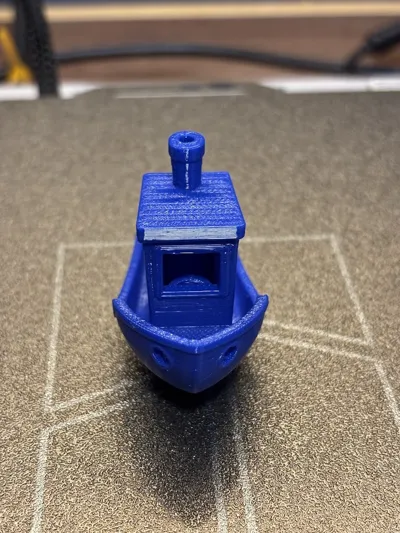
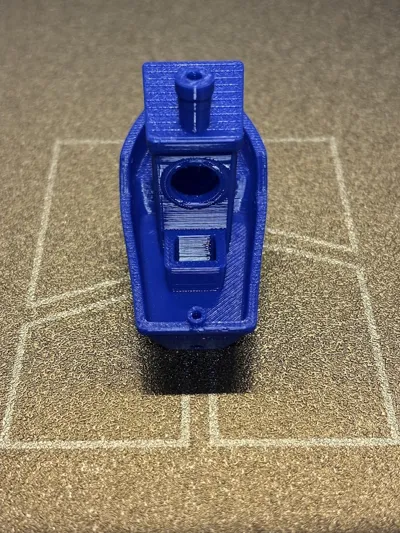
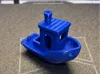
As part of my "Master Profile Series", this "Universal Flex" profile was designed to solve the two biggest headaches with TPU: clogs and surface vibration marks (VFA). After extensive testing with various Shore hardness levels (from soft 85A to rigid 65D) on bed-slinger printers like the A1, I’ve fine-tuned the speeds and accelerations to ensure stable, "injection-mold" quality results. This profile focuses on aesthetic perfection without sacrificing functional strength.
⚠️ THE GOLDEN RULE FOR TPU SUCCESS
TPU is extremely hygroscopic. Even if your roll is brand new and vacuum-sealed, it MUST be dried before use for professional results.
- Dry your filament at 70°C for at least 12 hours before printing.
- Keep it in a hermetic dry box or heated AMS during the print.
- Printing wet TPU will cause bubbles, poor surface finish, and extreme stringing.
KEEP YOUR FILAMENT DRY!
Technical Highlights
- Anti-VFA Finish: Specifically reduced outer wall speed (25mm/s) and acceleration (1000mm/s²) to eliminate mechanical vibration marks common on the A1.
- Clog Prevention: Strictly limited Max Volumetric Speed to prevent filament buckling in the extruder gears.
- Optimized Retraction: Fine-tuned (0.4mm Length / 30mm/s Speed) and Zero Z-Hop to minimize "spider webs" between parts.
- Tested Brands: Successfully validated with Bambu, Elegoo, Overture, and Sunlu TPU.
How to use
- Download the .3mf file and open it in Bambu Studio.
- Import Geometry Only: Delete the sample model, import your STL, and select "Import Geometry Only" to keep these custom settings.
- Pro Tip: For very soft grades (85A or lower), using the external spool holder is highly recommended to reduce friction.
Explore the Master Profile Series! 📂
If you enjoyed this calibration, check out my [Profile Page] for more high-end settings, including my VFA-Free PLA-CF Profile. Don't forget to Follow to stay updated on my latest technical releases!
License



Comment & Rating (4)