
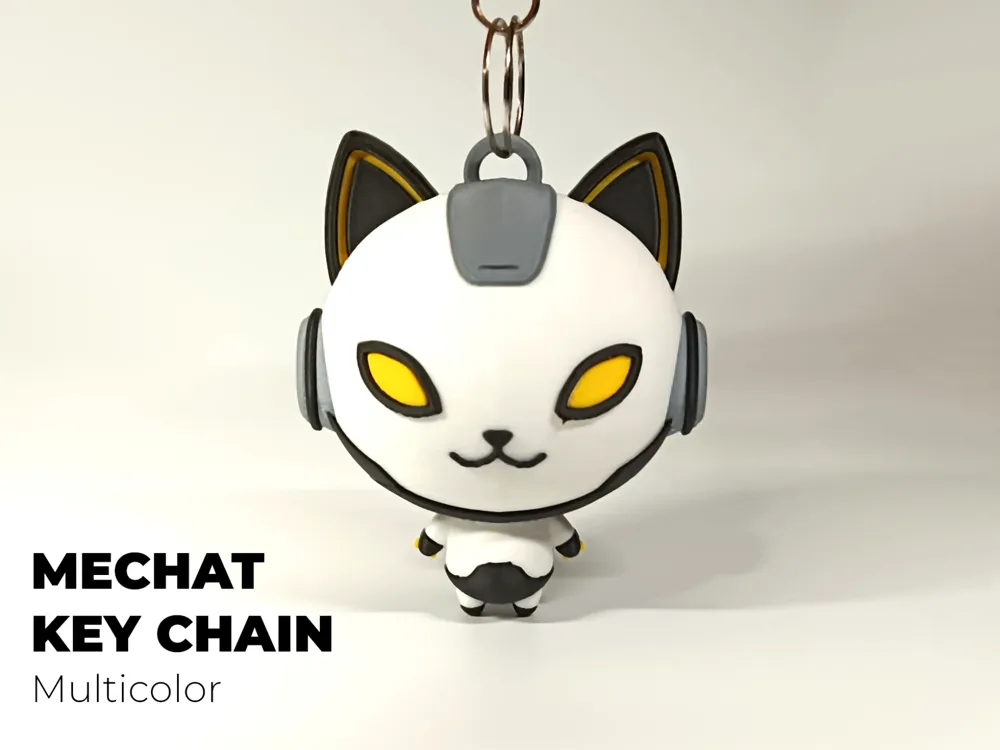
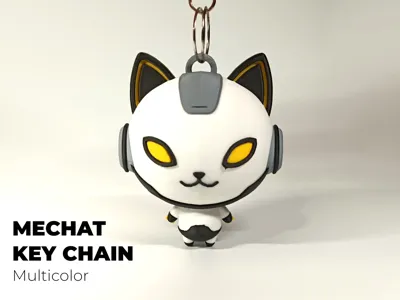
Mechat | Mecha Cat Key Chain | Multicolor
Print Profile(1)




Description
Remember to read the model's license! The Standard Digital File file forbids SELLING, REMIXING and REDISTRIBUTING models!

Want to sell this model? The only legal and safe waya to obtain a commercial license are through my Patreon or via Makerworld Commercial License. Please join to know more. You can also support me, join our Patreon chat and learn more about what I am doing. With a Patreon membership, you'll also be able to participate in giveaways and send me private customisation requests!
🔍 Please read the model description fully before printing!
Membership
If you don't want to join Patreon, a commercial license with similar benefits is available here on makerworld!

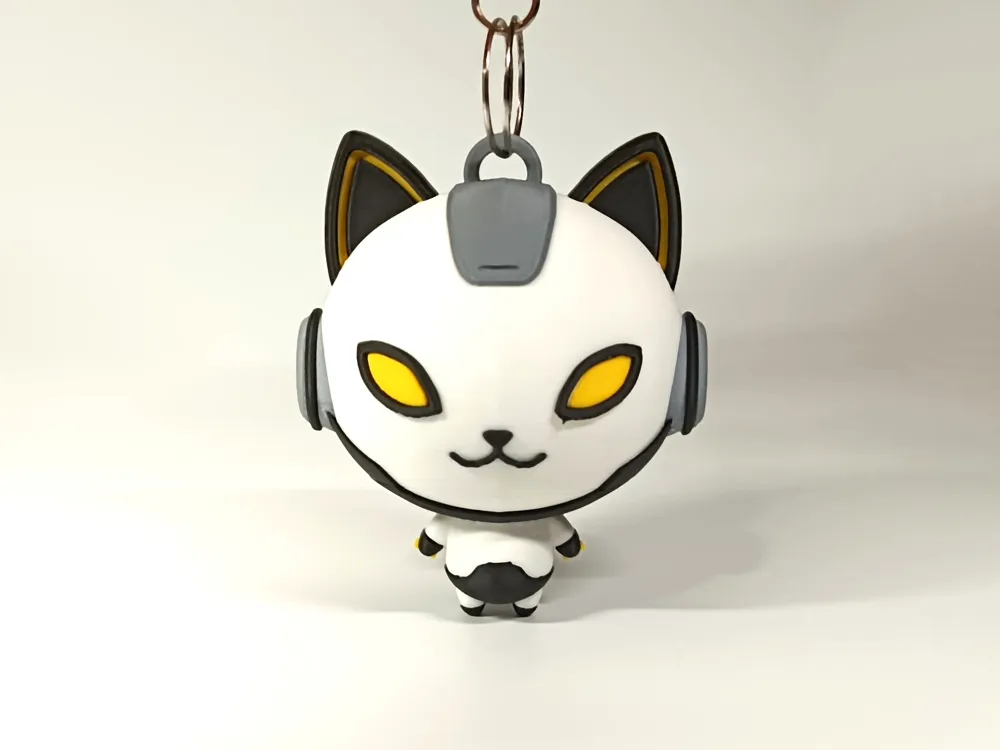
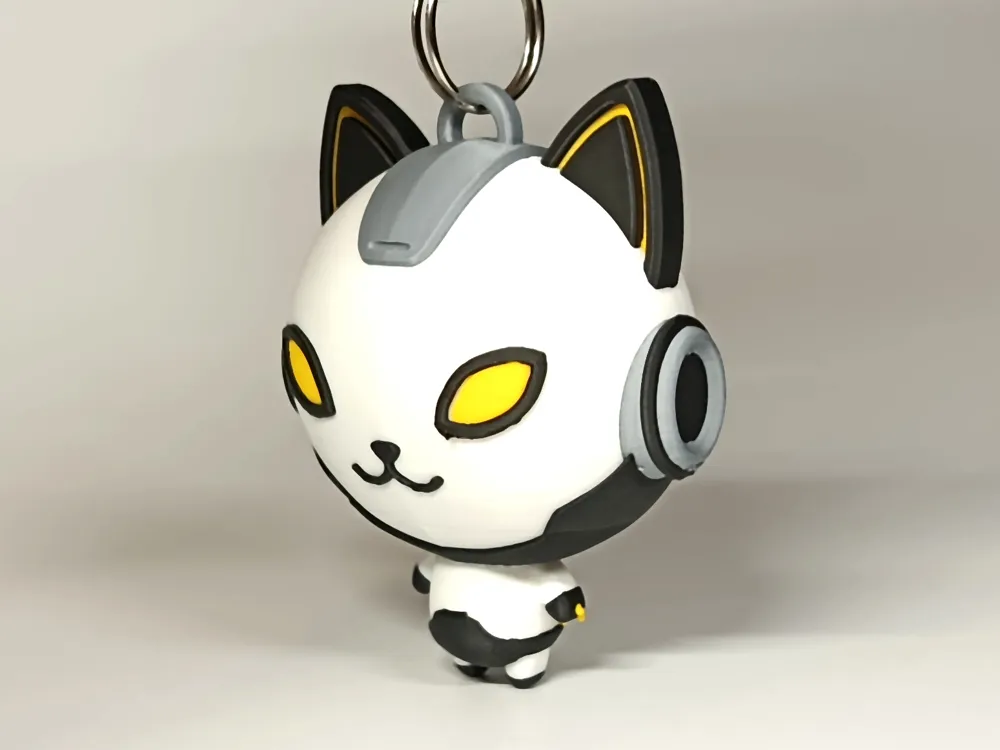
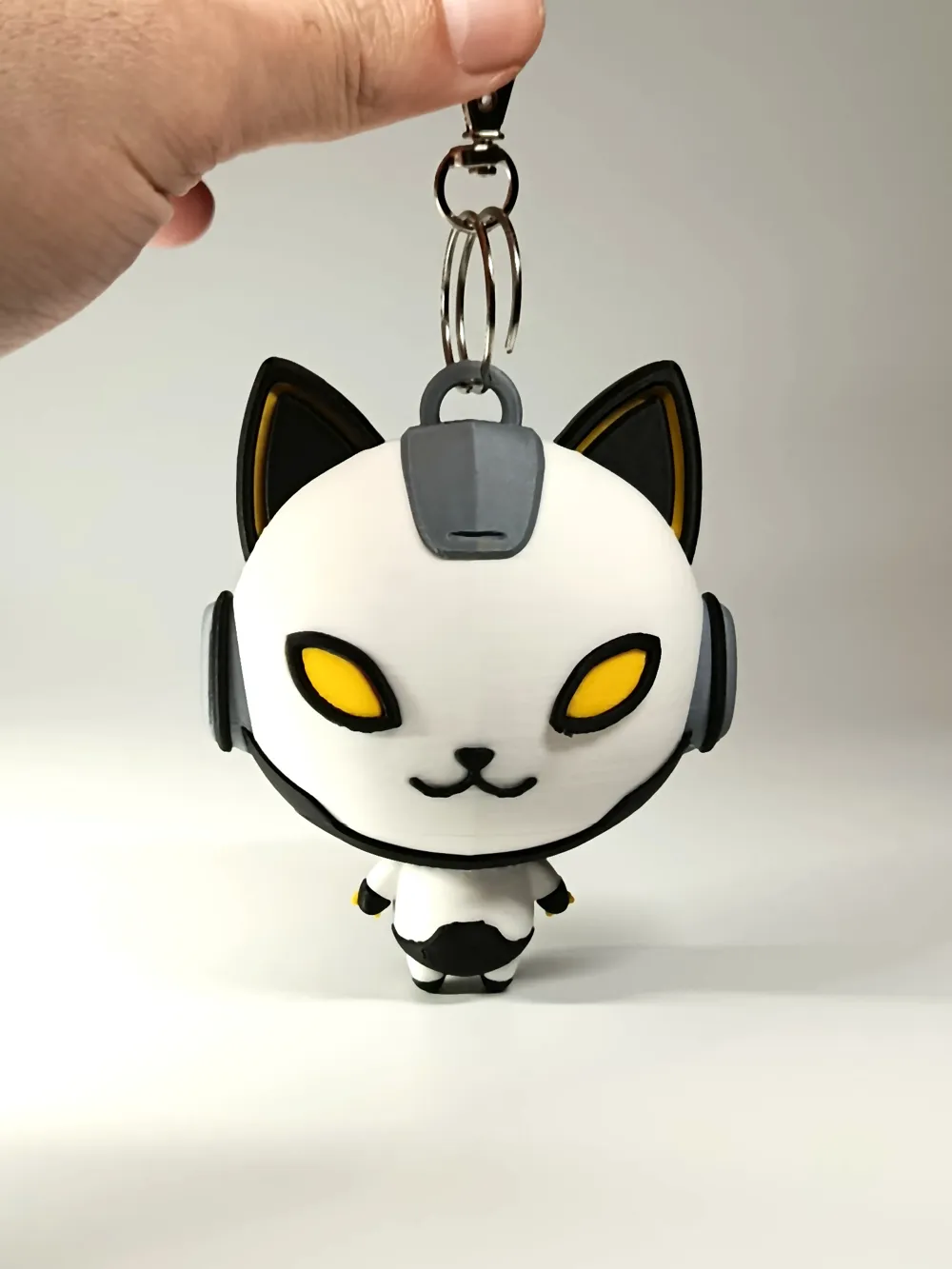
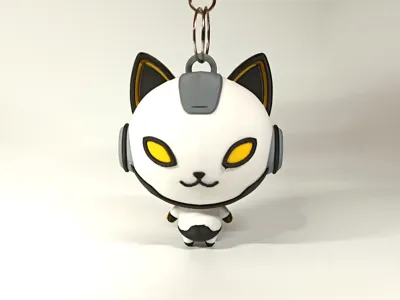
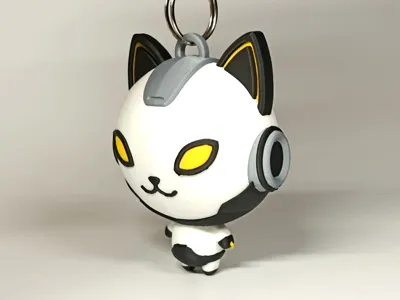
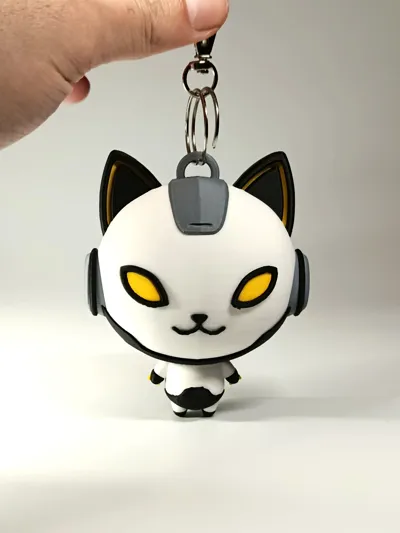
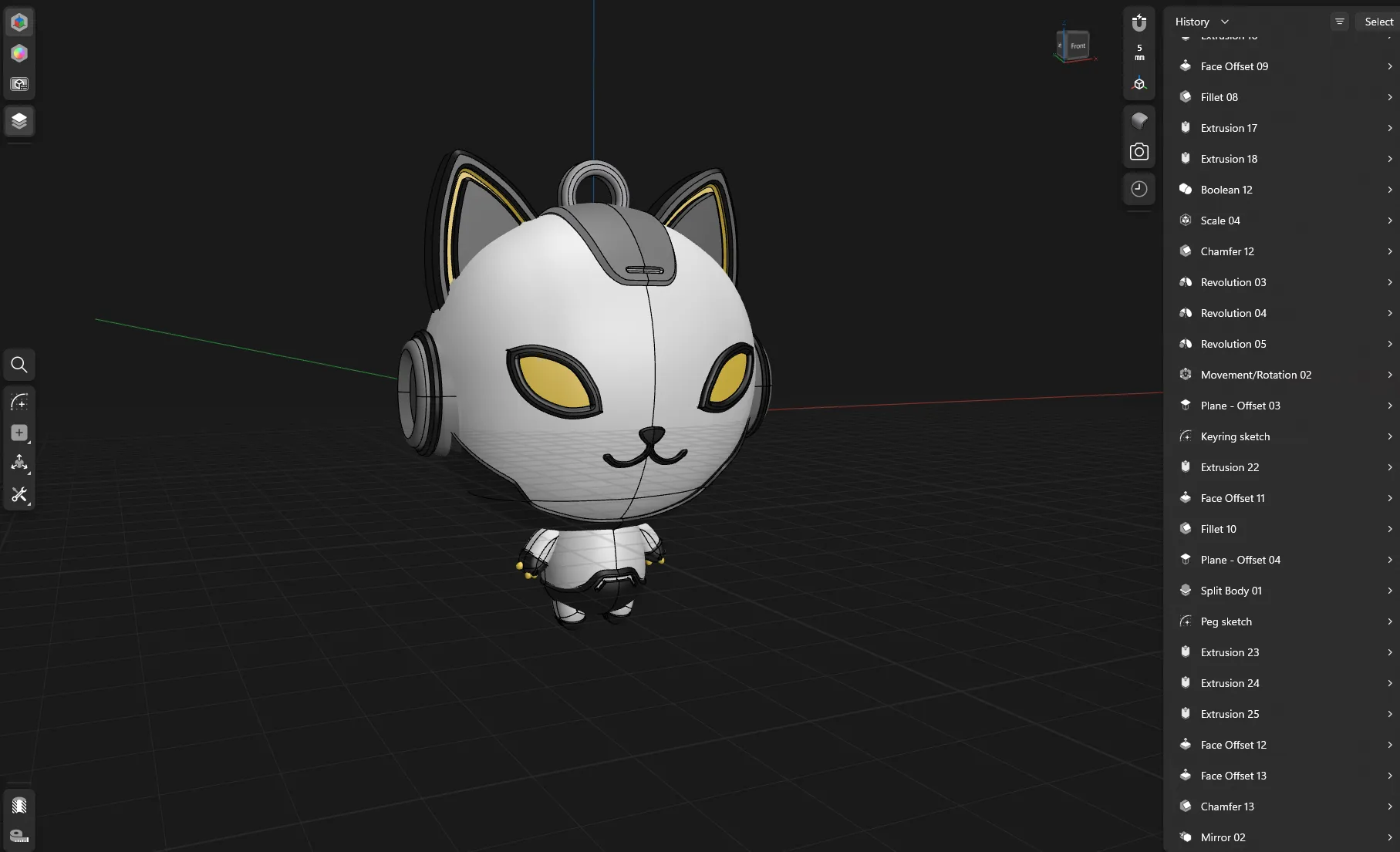
Here's the mechanical cat key chain, or MECHAT!
So this is my first attempt at creating a “character”. Initially I wanted to try organic sculpting but this character in particular was well suited for cad, as it is very symmetrical and its mechanical/cyber features are geometric in nature.
This is a MULTICOLOR MODEL! Be advised! Only recommended for owners of multi-toolhead or multi-toolchanger printers.
Assembly instructions
Because of the tiny body and large head, this model cannot be printed reliably in one piece, so I split it into two. Use the provided hexagonal peg and super-glue to obtain the finished item!
Optional. You can remove the key-ring from the model using Bambu Studio object view and print the Mechat as a standalone miniature.
Boost Me (for free)
A boost is free to you and helps me a lot! Hit the happy blue button :p

Tolerances and clearances
- It is impossible to design for all filament types
- My models are designed and printed using Bambu Lab printers and Bambu Lab filaments
- If you use other filament types (different materials) or vendors (different brand), the result may differ. Before posting issues about tolerances / model tightness / loseness, please consider the filament you used for the print.
- Even with the same filament, results may vary (different settings, humidity, ventilation, etc…)
Common print troubleshooting
- Adhesion. Ensure you clean your print bed regularly with quality dish soap and water. Use of a releasing agent like Magigoo is advised. This advice is only applicable to PEI plates. Please consult your build plate manufacturer for detailed cleaning instructions! If you still have adhesion issues, try using a Super Tack or a BIQU cool plate; or add an extra brim to the model.
- Material. My prints are all PLA. Use other materials at your own risk. You will likely need to tune the printing profile.
- Temperature. Cold air and drafts can lower the quality of the print. Ensure your printer is located in an environment with stable temperature.
- Drying. Drying PLA is not a requirement, but be aware that over-drying can cause layer detachment.
License

You shall not share, sub-license, sell, rent, host, transfer, or distribute in any way the digital or 3D printed versions of this object, nor any other derivative work of this object in its digital or physical format (including - but not limited to - remixes of this object, and hosting on other digital platforms). The objects may not be used without permission in any way whatsoever in which you charge money, or collect fees.


Comment & Rating (0)