
Parametric Stencil Template Maker
Print Profile(10)
Description
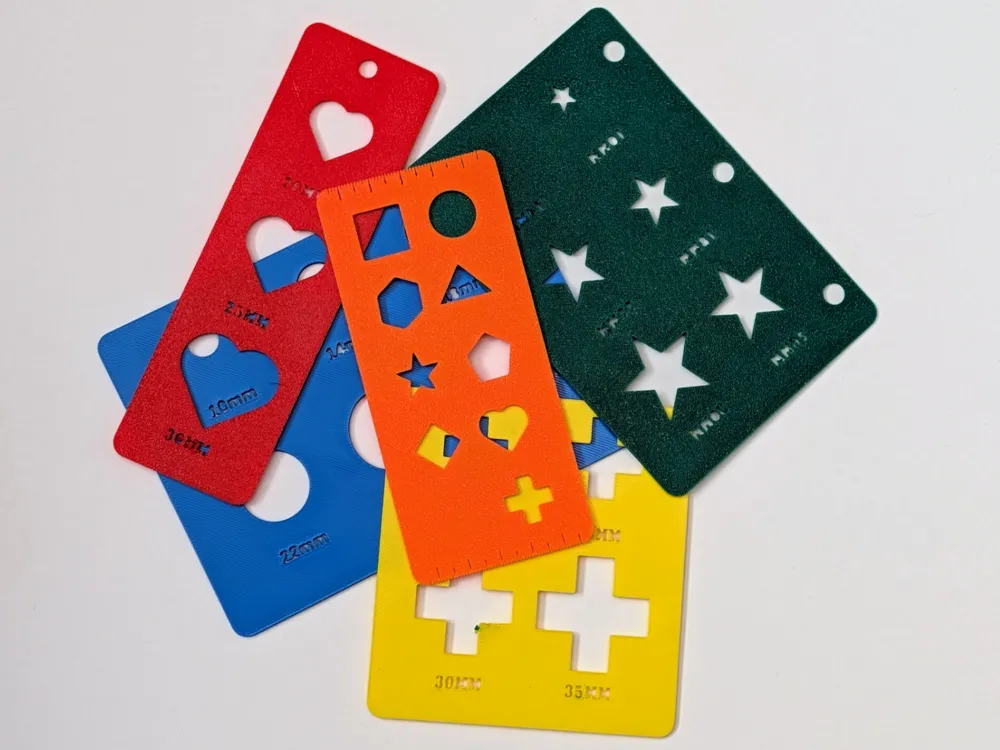
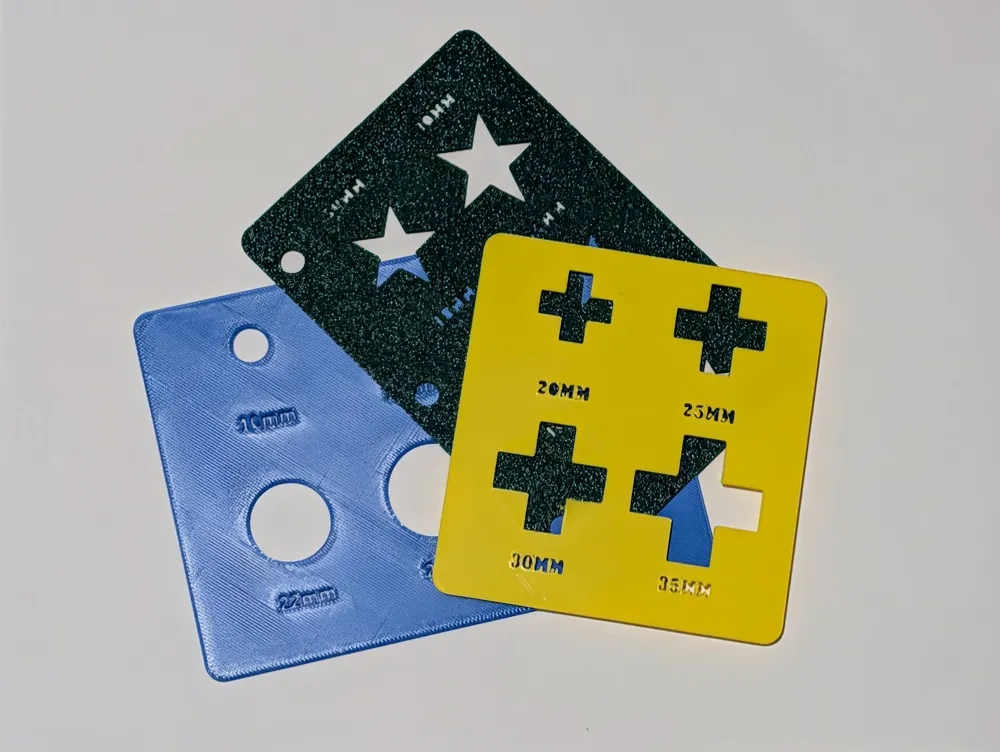
The Ultimate Parametric Stencil & Drafting Template Maker
Stop downloading static stencils that don't quite fit your needs! The Ultimate Parametric Stencil Maker is a fully customizable OpenSCAD engine that lets you generate drafting templates, painting stencils, and planner tools exactly how you want them.
Whether you need a simple grid of 10mm circles for bullet journaling, or a heavy-duty, staggered assortment of shapes for shop work, this generator handles all the math. It features built-in metric rulers, pegboard/binder holes, and intelligent edge margins.
📖 Full Feature & Settings Guide
To customize this model, click Customize and use the following parameters:
🟢 1. Shape Settings
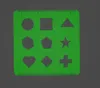
- Selected Shape: Choose from 9 standard shapes (Circle, Square, Hexagon, Triangle, Pentagon, Star, Heart, Diamond, Cross) or select Assortment to automatically cycle through all of them in a single grid!
- Number of Shapes: The total number of punch-outs on your stencil.
- Size Mode:
- Gradient: Scales the shapes incrementally from your Min_Size to your Max_Size.
- Uniform - Max Size: Makes every shape identical using your Max_Size setting.
📐 2. Layout Settings
- Layout Type: Choose Grid for standard aligned rows, or Staggered for offset.
- Mirror For Face Down Printing: Flips the whole plate backward. When your printer finishes, flip the plastic over—your text will read perfectly, and the surface will match your build plate texture! (Recommended)
- Stencil Thickness: Easily adjust the thickness (Default: 1.5mm). 1 is thin and flexible, 2 is very sturdy with little flex.
- Columns & Spacing: Dial in exactly how many columns wide your grid is and how much plastic sits between each shape.
🔤 3. Label Settings
- Font Family & Style: Choose from several different stencil fonts.
Show Labels & Size: Toggle the labels on or off and set their size.
📏 4. Ruler Settings
- Edge Rulers: Turn any of the 4 edges (Top, Bottom, Left, Right) into a functional metric ruler. The script dynamically calculates 1mm, 5mm, and 10mm tick marks that respect your rounded corners.
🧰 5. Utility Cutouts
- Add Hang Hole: Automatically punches a 6mm hole at the top for pegboard storage.
- Add Binder Rings: Punches 3 standard holes along the left edge so you can snap the stencil into a notebook or planner. (Note: The script will automatically increase your margins to make room for these holes)
🔲 6. Plate & Margin Settings
- Plate Size Mode:
- Automatic: The script calculates the absolute smallest plate needed to fit your shapes and margins. (Default)
- Manual: You type in the exact Width and Height of the plastic you want, and the script centers your design inside it.
- Edge Margins: Define the "Safe Zone" around your shapes. Need a wide left edge to hold onto while spray painting? Set Margin_Left to 30mm
Boost Me (for free)
A Boost is greatly appreciated (and costs you nothing)! Happy printing!
License

You shall not share, sub-license, sell, rent, host, transfer, or distribute in any way the digital or 3D printed versions of this object, nor any other derivative work of this object in its digital or physical format (including - but not limited to - remixes of this object, and hosting on other digital platforms). The objects may not be used without permission in any way whatsoever in which you charge money, or collect fees.


Comment & Rating (0)