Search models, users, collections, and posts

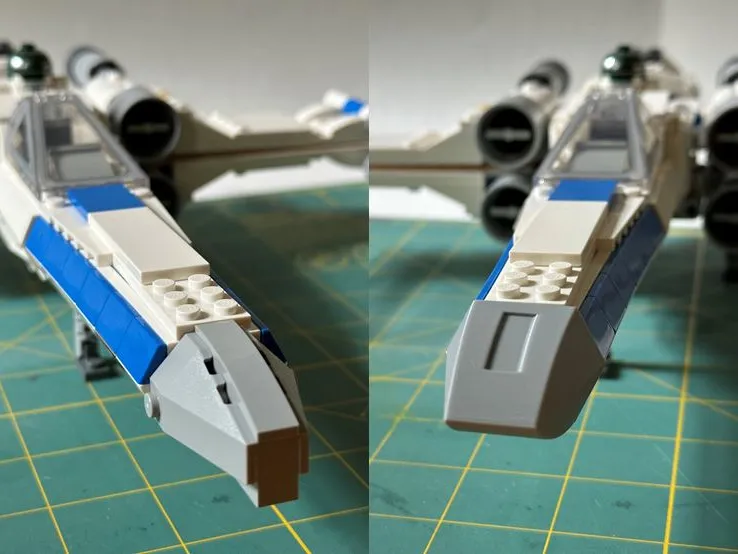
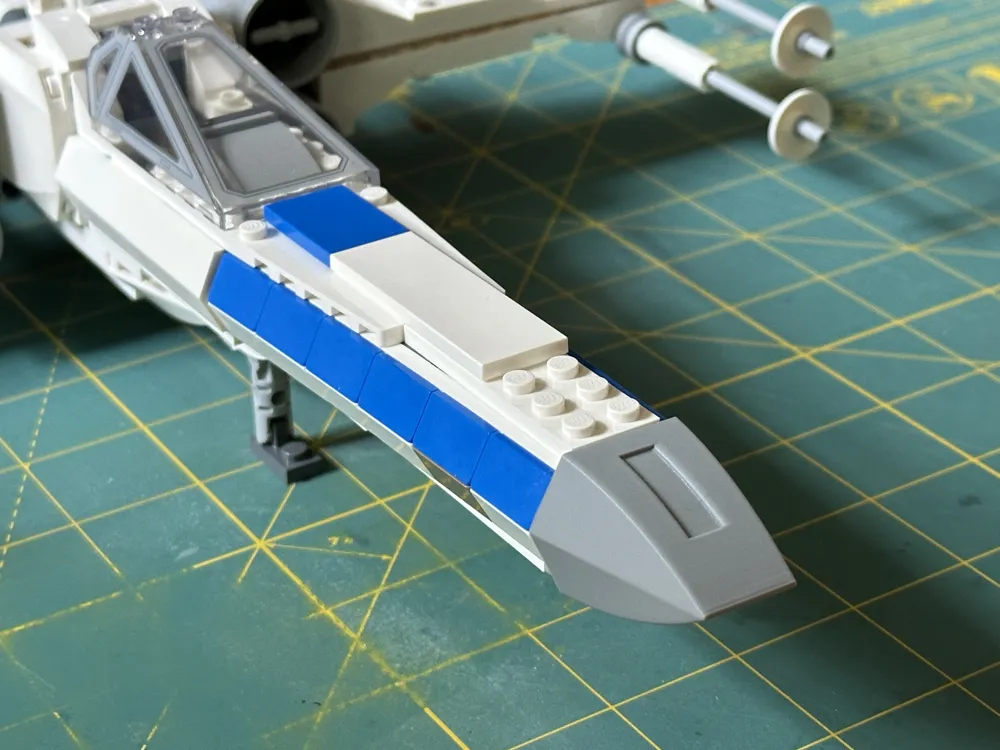
Brick Toy X-wing Nose Cone
IP Report
Print Profile(3)
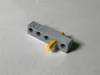
Test Fit Block - Start Here
Designer
15 min
1 plate
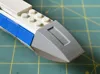
Nose Cone - Single Material Support
Designer
37 min
1 plate
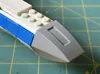
Nose Cone - Multimaterial Support
Designer
44 min
1 plate
Open in Bambu Studio
Boost
6
8
3
1
4
3
Released
Description
A more screen-accurate nose for New Republic X-wing 75460 (2026). Simply remove the original nose sub-assembly and replace it with this printed part.
Instructions
It is recommended to first print the test block to dial in the XY hole compensation. Because this requires a friction fit, precision is very important. The holes go from smallest on the left to largest on the right. Insert a technic axle into each hole of the block to gauge which one fits best. Note: different colored axles may fit differently.
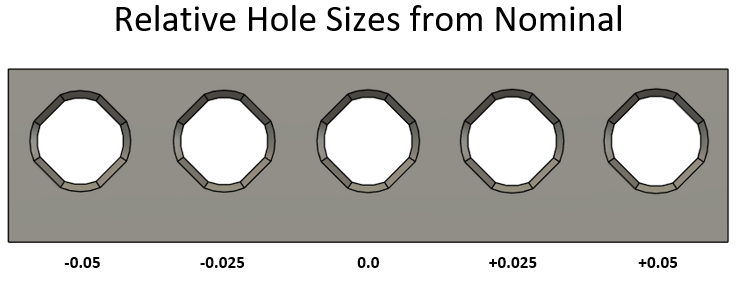
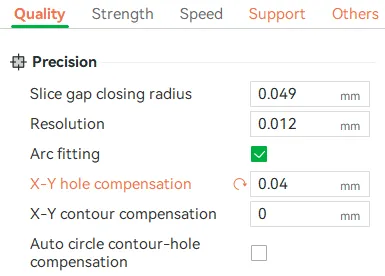
Select the hole with the ideal fit, and copy the XY hole compensation value into Bambu Studio, under the “Quality” tab (Advanced mode must be enabled).
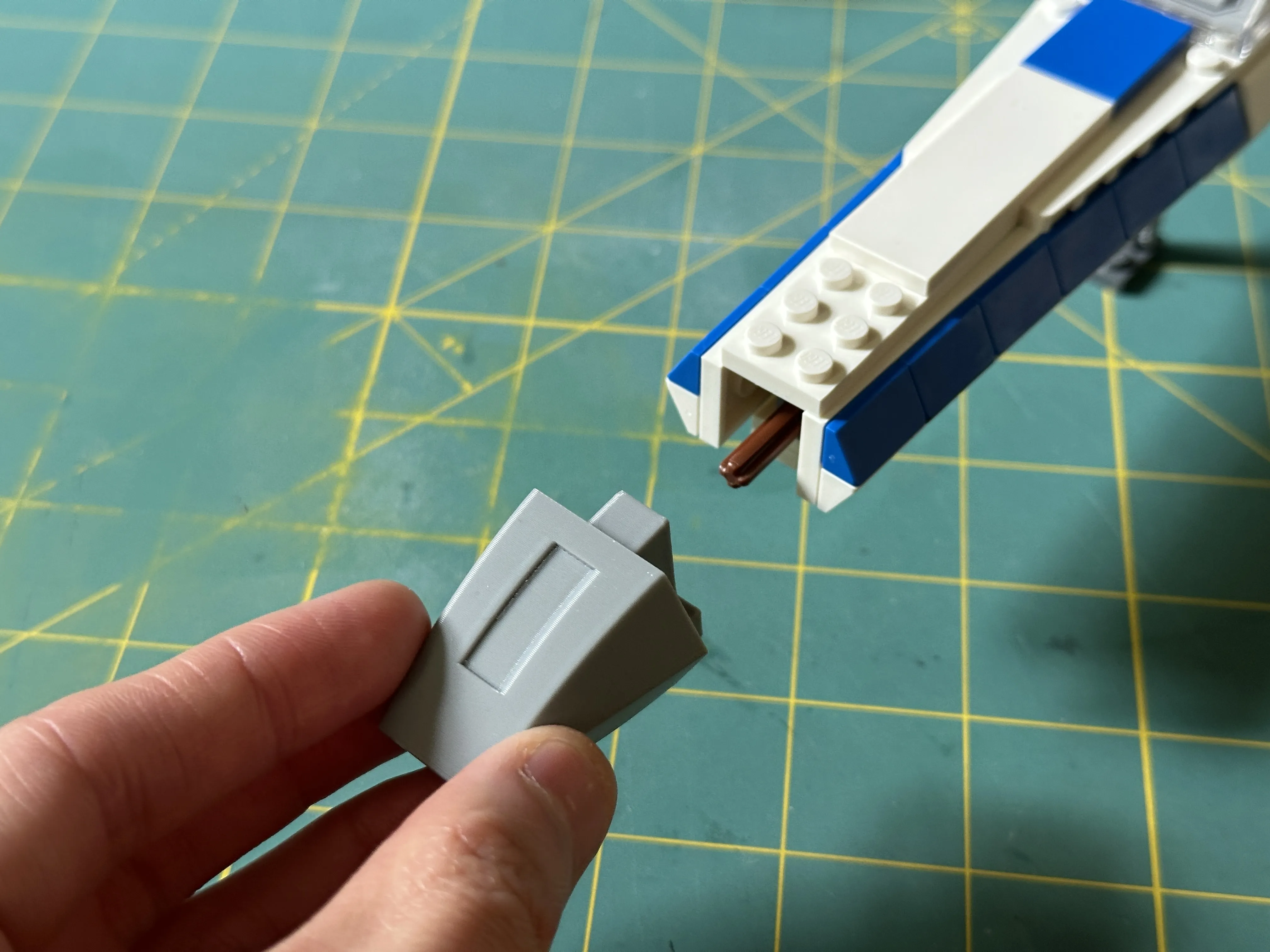
Once printed, simply remove the original nose sub-assembly and replace it with the printed part
Troubleshooting
- None of the test holes fit: Add an XY compensation to the test block, and add that value to the final compensation value
- I can't find XY Hole Compensation in my slicer: In Bambu Studio, enable advanced mode, then navigate to Quality -> Precision
- The nose cone sits crooked once installed: This may be due to seam placement/shape. Try painting the seams onto the flat faces inside the hole, away from the round faces and corners. This will likely affect the hole fit
License

This user content is licensed under a
Creative Commons Attribution-Noncommercial-Share Alike


Comment & Rating (3)