
Parametric Box Customizer: YoRadio, ESP32 DIY
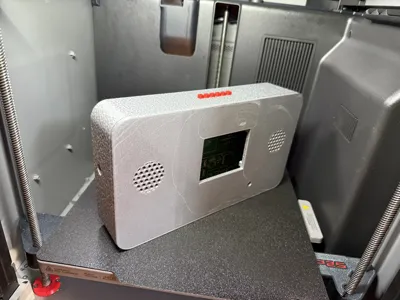
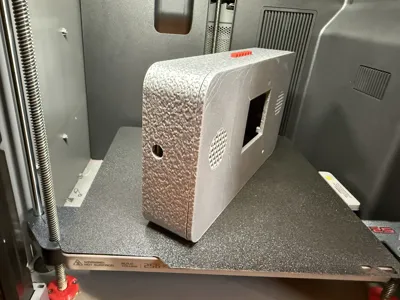
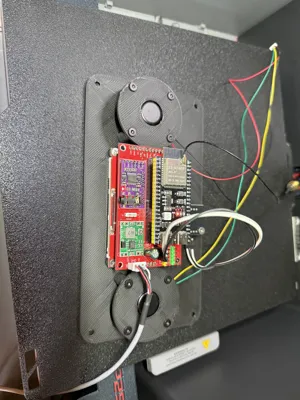
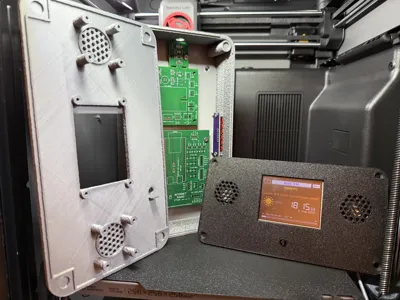
Print Profile(1)
Bill of Materials


Description
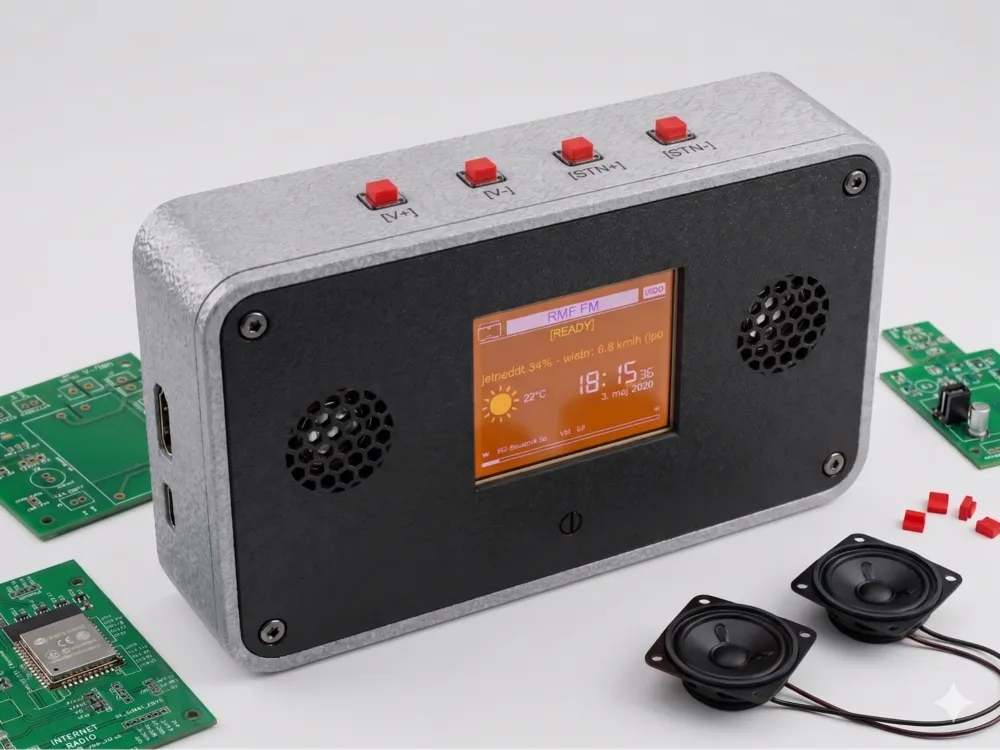
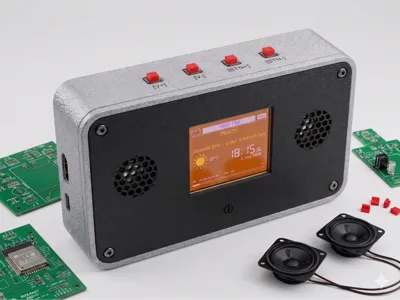
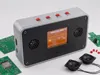
OMNI-FRAME PRO V1.0 🛠️ The Ultimate Parametric DIY Enclosure (Perfect for YoRadio!)
🇬🇧 ENGLISH VERSION (Polish below / Polska wersja poniżej)
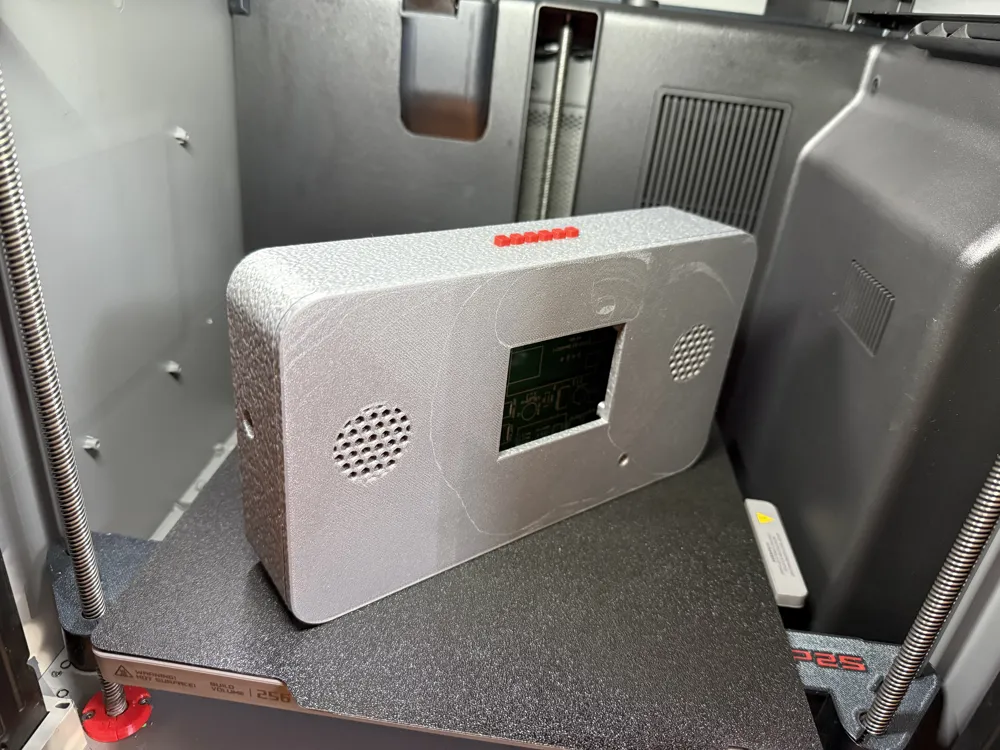
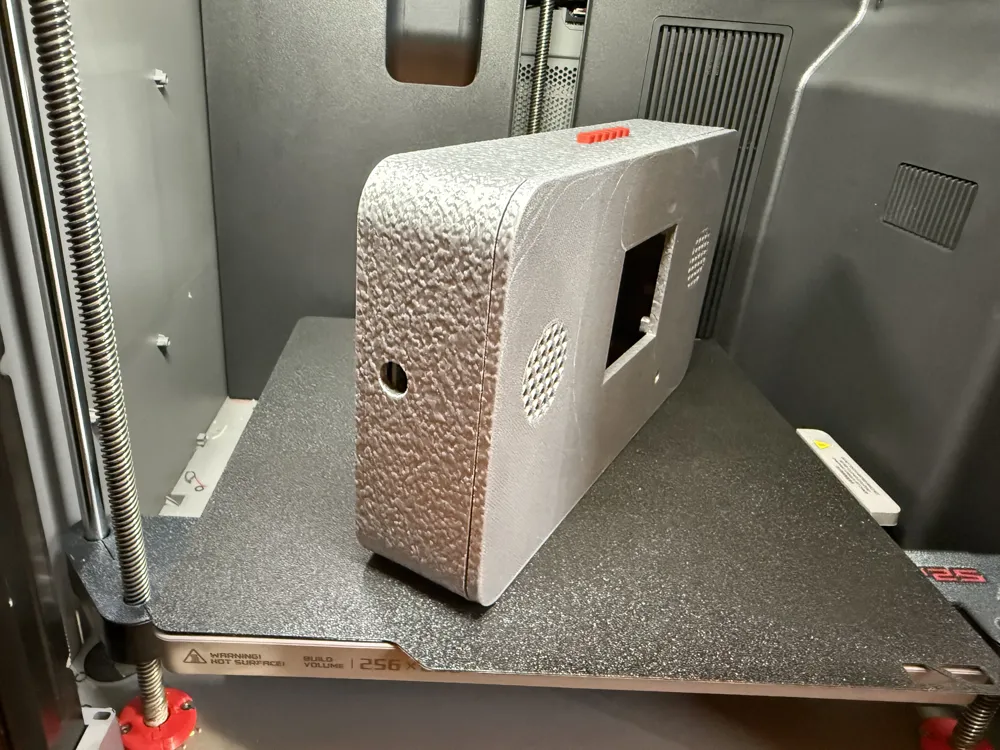
Tired of redesigning boxes from scratch for every new electronics project? Meet OMNI-FRAME PRO V2.0 – the ultimate, fully parametric, 3D-printable enclosure generator. While it's heavily optimized and engineered as the perfect custom case for your DIY YoRadio build, this OpenSCAD script adapts to almost any need: Smart Home hubs, custom ESP32/Raspberry Pi projects, or heavy-duty Bluetooth speakers.
Zero CAD skills required. Just use the Customizer sliders, and the math does the rest!
🌟 Key Features
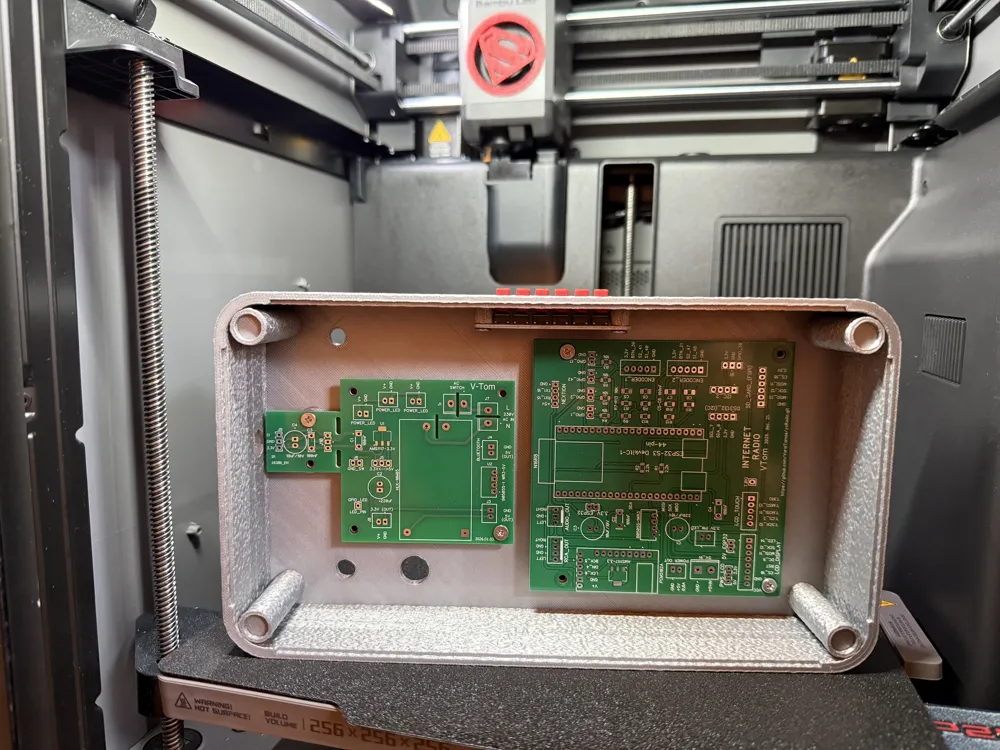
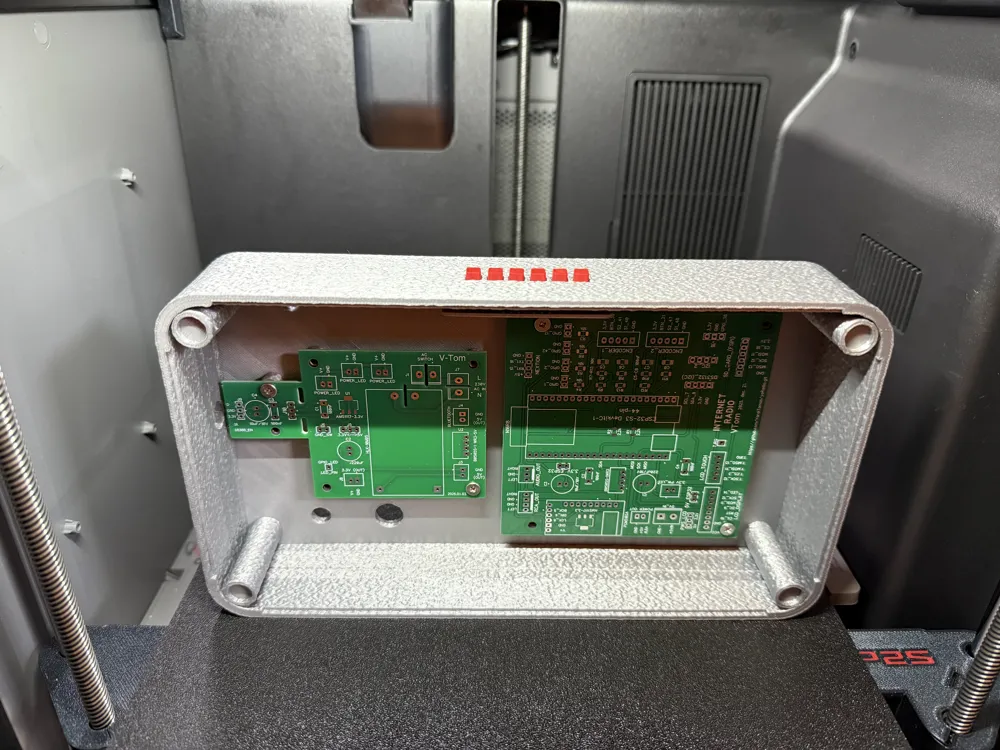
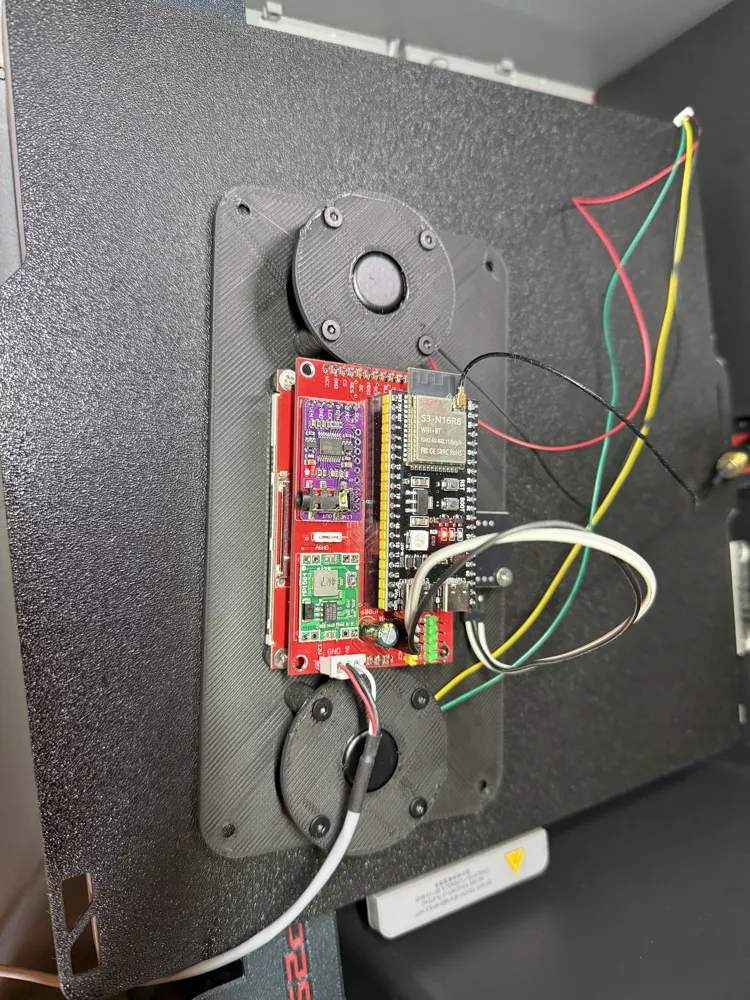
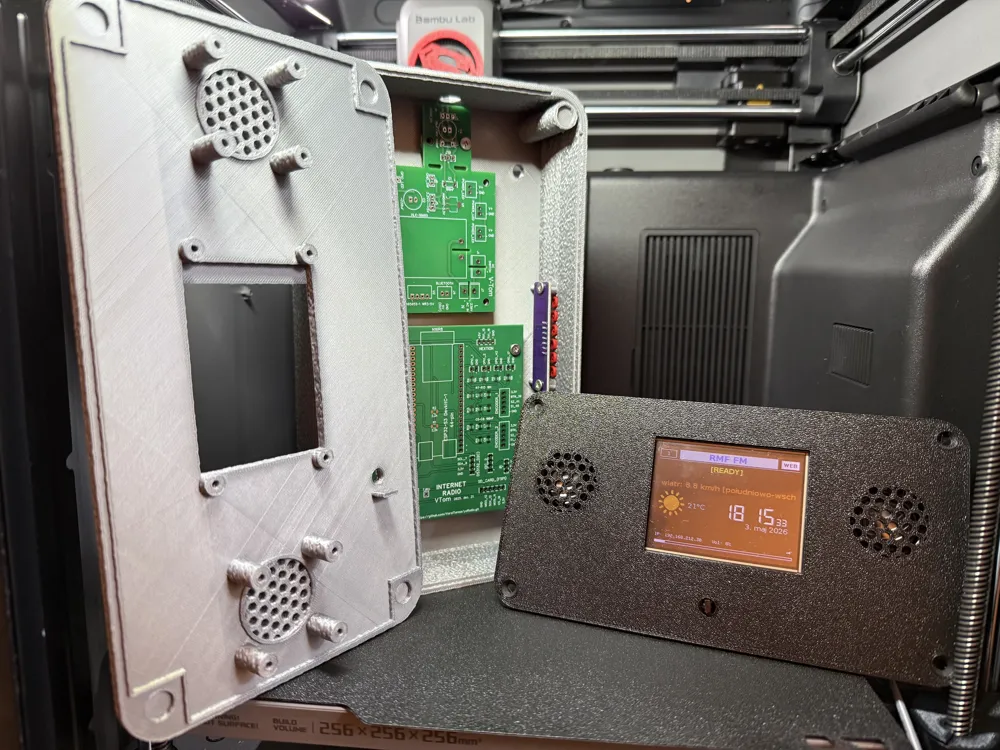
- 📻 Designed for YoRadio: Built-in exact mounting patterns and spacing for YoRadio mainboards, V-TOM power boards, multiple LCD/TFT/Nextion screens, and encoders.
- 🧠 Smart-Fit Technology: Select your components and the script will automatically arrange them and scale the box perfectly. No more guessing dimensions!
- 🔊 Advanced Speaker Grills: Choose from 5 grill patterns (Honeycomb, Vertical Slits, Horizontal Louvers, Dot Matrix, or Open for real speaker fabric) and 3 external 3D bezel styles.
- 🔩 Pro Assembly (Heat-Set & TPU): Choose between standard self-tapping screws or robust M3 brass heat-set inserts (with auto-generated guiding cones!). Includes an optional printable TPU gasket channel for an IP65-style weather seal!
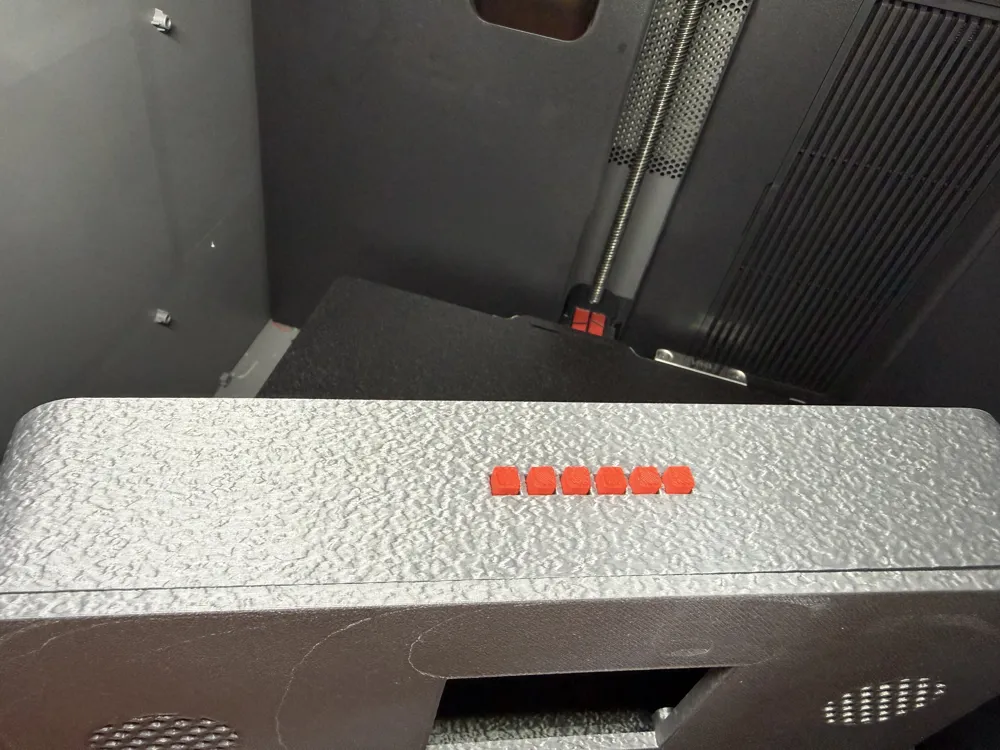
- 🎛️ Custom I/O Cutouts: Easily add custom-sized tactile buttons, heavy-duty rocker switches, rotary encoders, USB ports, DC jacks, and SMA antennas.
- ✨ 6 Visual Styles: Change the entire look with one click! Choose from Classic, Edgy, Chamfered (Cyberpunk), Heavy Duty, Asymmetric, or Retro CRT TV.
- 🧲 Tool-less Snap-Fit or Magnets: Close the case using our reinforced Snap-Fit joints, hidden neodymium magnets, or standard screws.
⚙️ How to use the Customizer
- Open the file using MakerWorld's built-in Parametric Model Maker (or OpenSCAD).
- Menu 01 & 02: Select what part to print (Front, Back, Gasket) and your visual style.
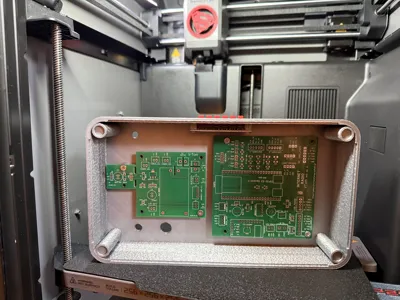
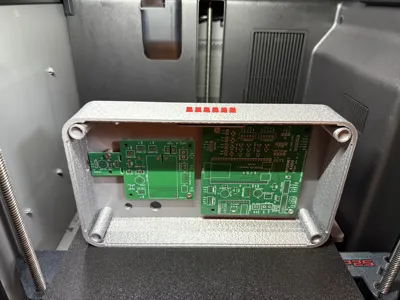
- Menus (03 to 14): Enable your components (Screens, PCBs, Speakers). Use the X/Y sliders to position them.
- Pro Tip: Check "Show colored PCBs in preview" to see a virtual 3D mockup of your electronics inside the case! (Turn it off before exporting).
- Generate your unique case and Export to STL!
🖨️ Printing Guidelines
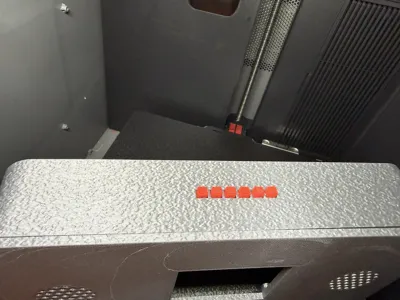
- Orientation: Both Front and Back panels are designed to be printed face down on the build plate.
- Supports: NO SUPPORTS NEEDED! (Exception: "Protruding" or "Deep Chamfer" speaker bezels require standard supports under the front overhangs).
- Walls/Perimeters: Use 3 to 4 perimeters (walls) for maximum strength.
🇵🇱 POLSKA WERSJA
Masz dość projektowania obudów od zera dla każdego nowego projektu? Poznaj OMNI-FRAME PRO V2.0 – ostateczny, w pełni parametryczny generator obudów do druku 3D. Skrypt został zaprojektowany i zoptymalizowany jako idealna, dedykowana obudowa do projektów YoRadio! Genialnie sprawdzi się również jako baza pod centralki Smart Home, własne projekty na ESP32/Raspberry Pi czy pancerne głośniki Bluetooth.
Nie potrzebujesz żadnych umiejętności CAD. Po prostu przesuwaj suwaki w Customizerze, a matematyka zrobi resztę!
🌟 Główne Funkcje
- 📻 Dedykowane pod YoRadio: Wbudowane idealne wymiary i rozstawy śrub dla płyt głównych YoRadio, modułów zasilania V-TOM, wielu ekranów LCD/TFT/Nextion oraz enkoderów.
- 🧠 Technologia Smart-Fit: Wybierz swoje podzespoły, a skrypt automatycznie je rozstawi i idealnie zeskaluje całą obudowę!
- 🔊 Zaawansowane Maskownice: 5 wzorów siatek głośnika (Plaster miodu, Szczeliny, Żaluzje, Kropki lub Puste otwory na prawdziwą siatkę akustyczną) oraz głębokie, trójwymiarowe ramki.
- 🔩 Profesjonalny Montaż: Wybieraj między zwykłymi wkrętami do plastiku a wtopieniami pod mosiężne gwinty (Heat-set M3). Zintegrowany kanał na elastyczną uszczelkę z TPU (IP65)!
- 🎛️ Niestandardowe Porty: Dodawaj własne wycięcia na przyciski zasilania, przełączniki, enkodery, porty USB, złącza DC czy anteny SMA.
- ✨ 6 Stylów Wizualnych: Zmień całkowicie wygląd jednym kliknięciem (np. Cyberpunk, Pancerz, Retro TV).
- 🧲 Montaż Bez Śrub: Zamykaj obudowę na zintegrowane zatrzaski (Snap-Fit) lub ukryte magnesy neodymowe.
⚙️ Jak używać Customizera?
- Otwórz plik w Parametric Model Maker na MakerWorld (lub w OpenSCAD).
- W Menu 01 i 02 wybierz, co chcesz drukować (Przód, Tył, Uszczelka) i dobierz styl.
- W kolejnych zakładkach uaktywnij swoje moduły (Ekran, Płytki, Głośniki) i przesuń je suwakami X/Y na odpowiednie miejsce.
- Pro Tip: Zaznacz opcję "Pokaż kolorowe płytki", aby zobaczyć wirtualny podgląd elektroniki 3D w środku! (Wyłącz przed eksportem).
- Wygeneruj swoją unikalną obudowę i pobierz plik STL!
🖨️ Wskazówki do Druku 3D
- Orientacja: Zarówno panel przedni, jak i tylny, należy drukować płasko na stole (stroną zewnętrzną do dołu).
- Podpory: BRAK PODPÓR! (Wyjątek: jeśli wybierzesz wystające trójwymiarowe ramki głośników "Wystająca" lub "Głęboka faza", wygeneruj podpory pod nawisami z przodu).
- Ścianki/Obrysy: Zalecamy 3 do 4 obrysów (perimeters/walls), co zagwarantuje pancerną wytrzymałość.
Jeśli zbudujesz coś świetnego (szczególnie swoje YoRadio!), koniecznie pochwal się zdjęciami w sekcji Makes. Miłego majsterkowania!
Documentation (1)
License
You shall not share, sub-license, sell, rent, host, transfer, or distribute in any way the digital or 3D printed versions of this object, nor any other derivative work of this object in its digital or physical format (including, but not limited to, publishing derivative works outside the Makerworld platform or hosting on other digital platforms). The objects may not be used without permission in any way whatsoever in which you charge money or collect fees. Subject to the above restrictions, derivative works may be published only within the Makerworld platform, and all such derivative works must be licensed under the same SDFL‑C license, without modification or additional terms. You may download the digital versions of this object, 3D print it, and display images, videos, or usage demonstrations of 3D printed versions of the object on personal social media platforms or Makerworld official channels, provided that no digital versions of the object are shared or distributed.


Comment & Rating (0)