
Tyre Location Markings
Print Profile(1)

Description
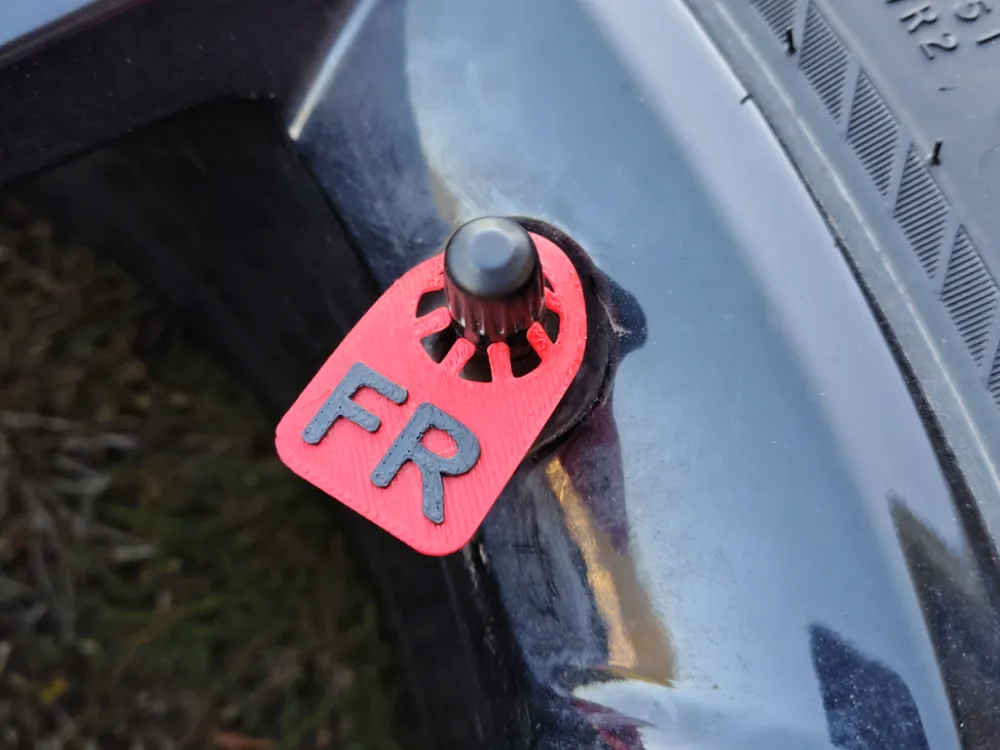
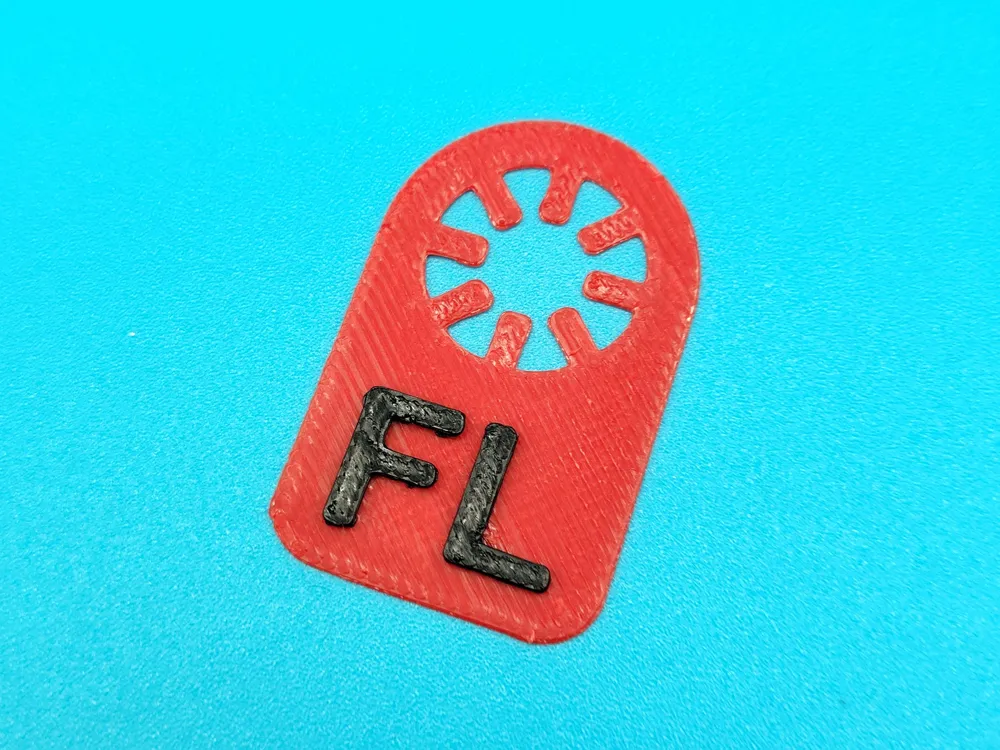
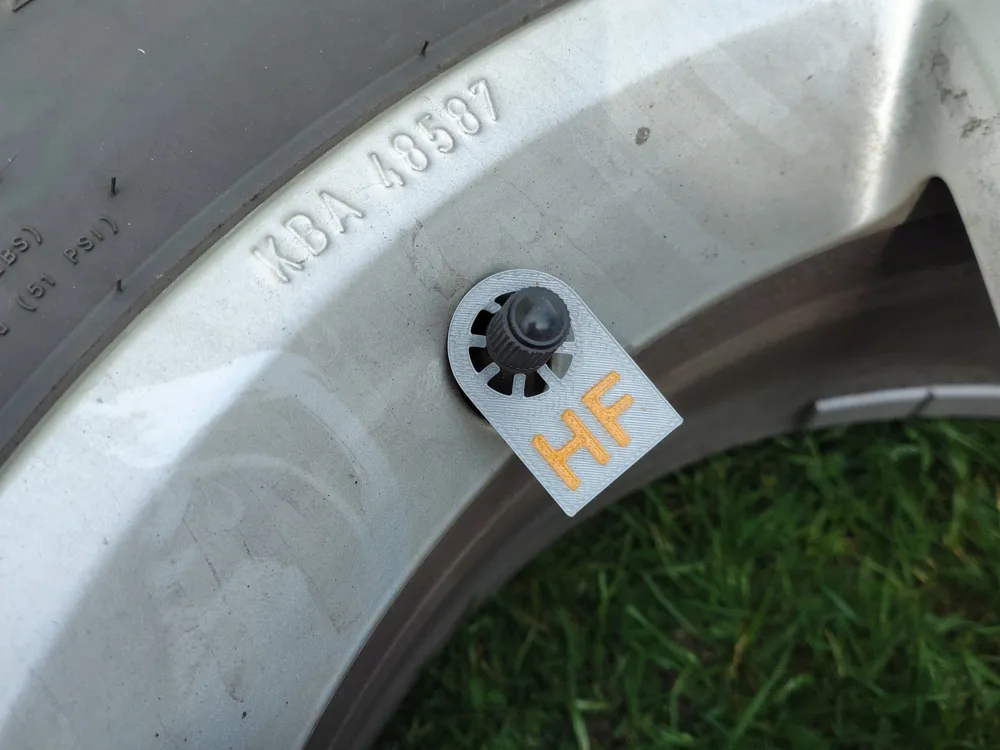
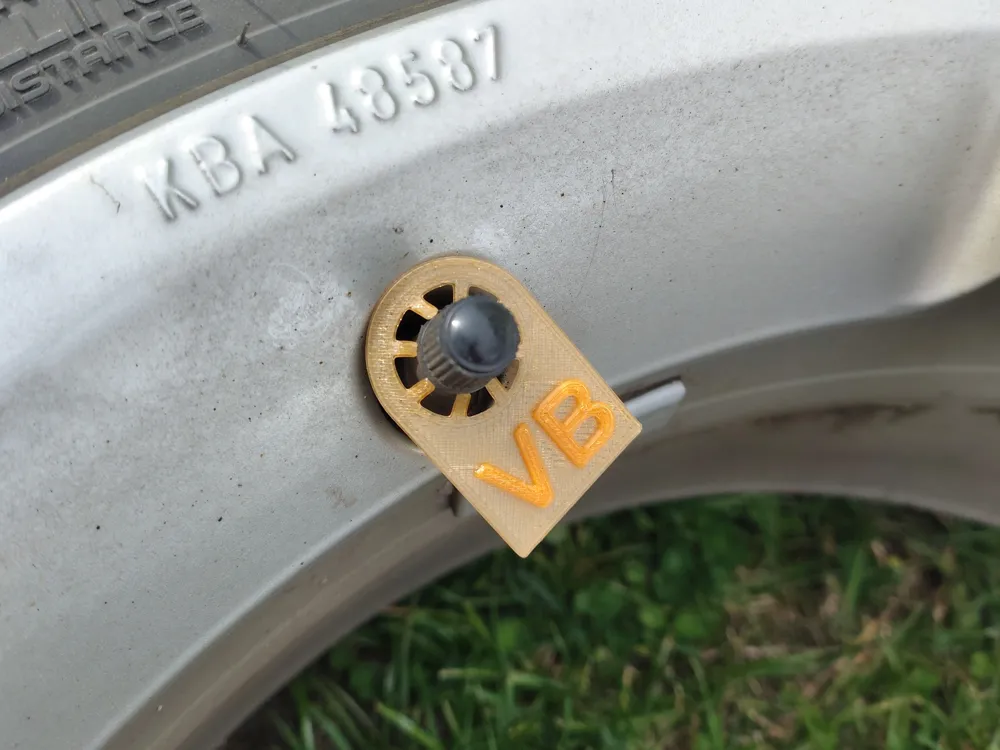
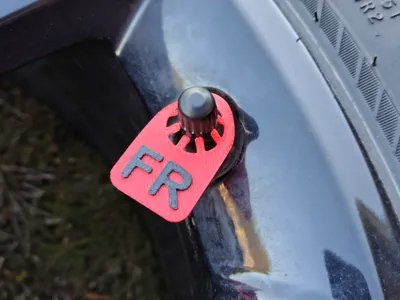
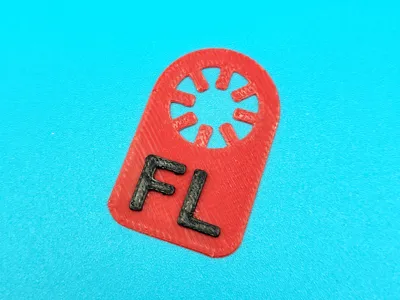
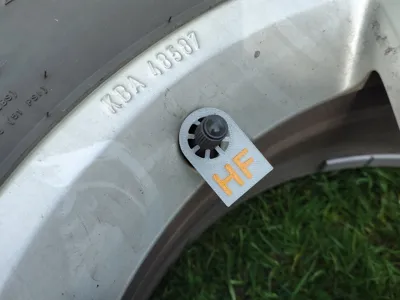
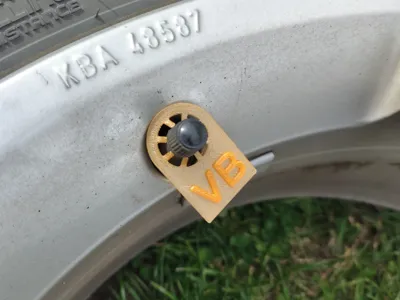
These markings show the location of each wheel during storage.
I have tried to cover as many languages as possible with these. See below:
- FL, FR, RL, RR
- VL, VR, HL, HR
- AS, AD, PS, PD
- VF, HF, VB, HB
- LF, RF, LR, RR
- LP, PP, LT, PT
- ЛП, ПП, ЛЗ, ПЗ
To get the colored text no AMS is required. Read below for instructions:
Go into the Preview tab.
Pull down the Layer Slider to layer 3.
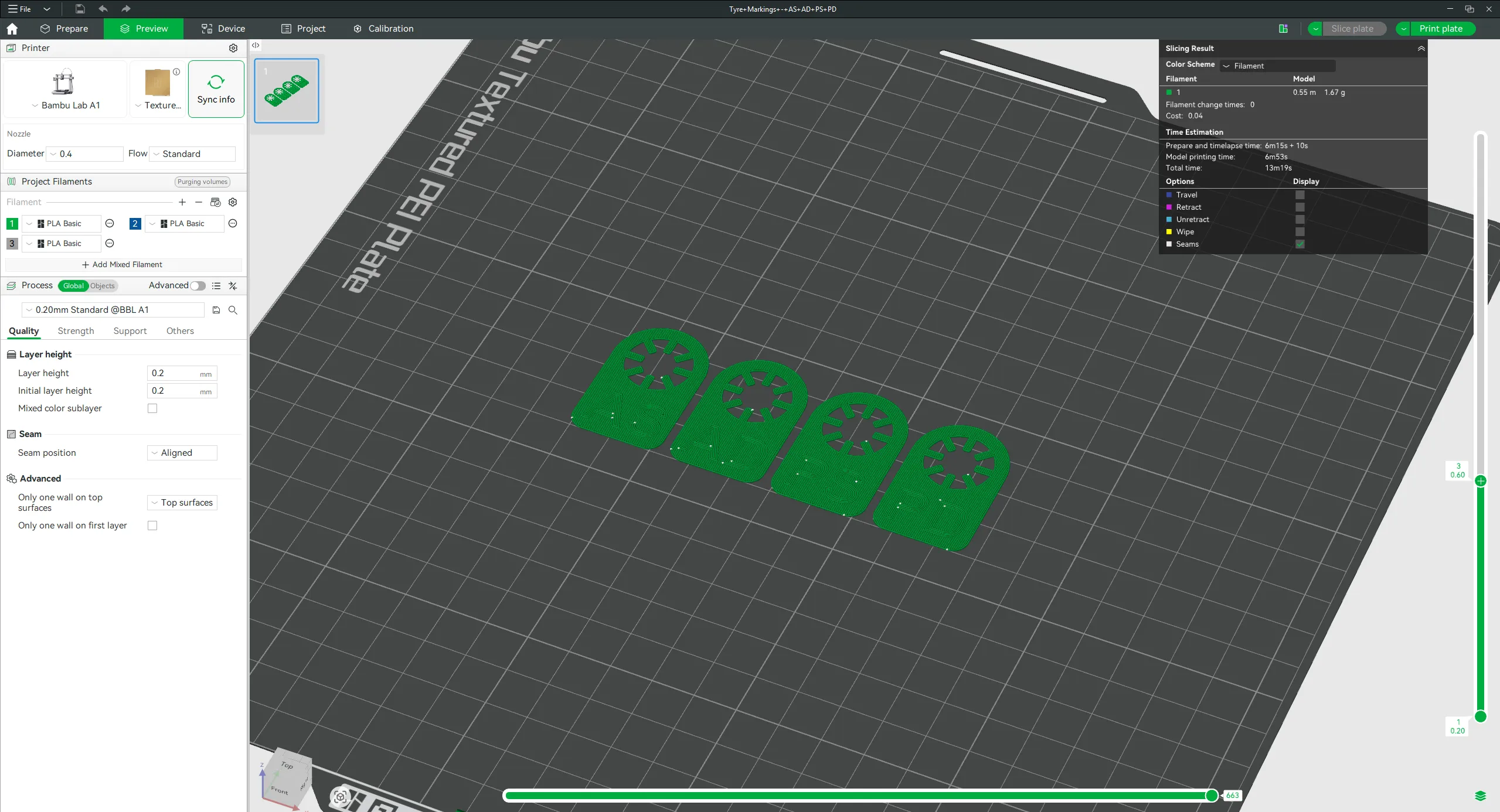
Right-click and select “Add Pause”.
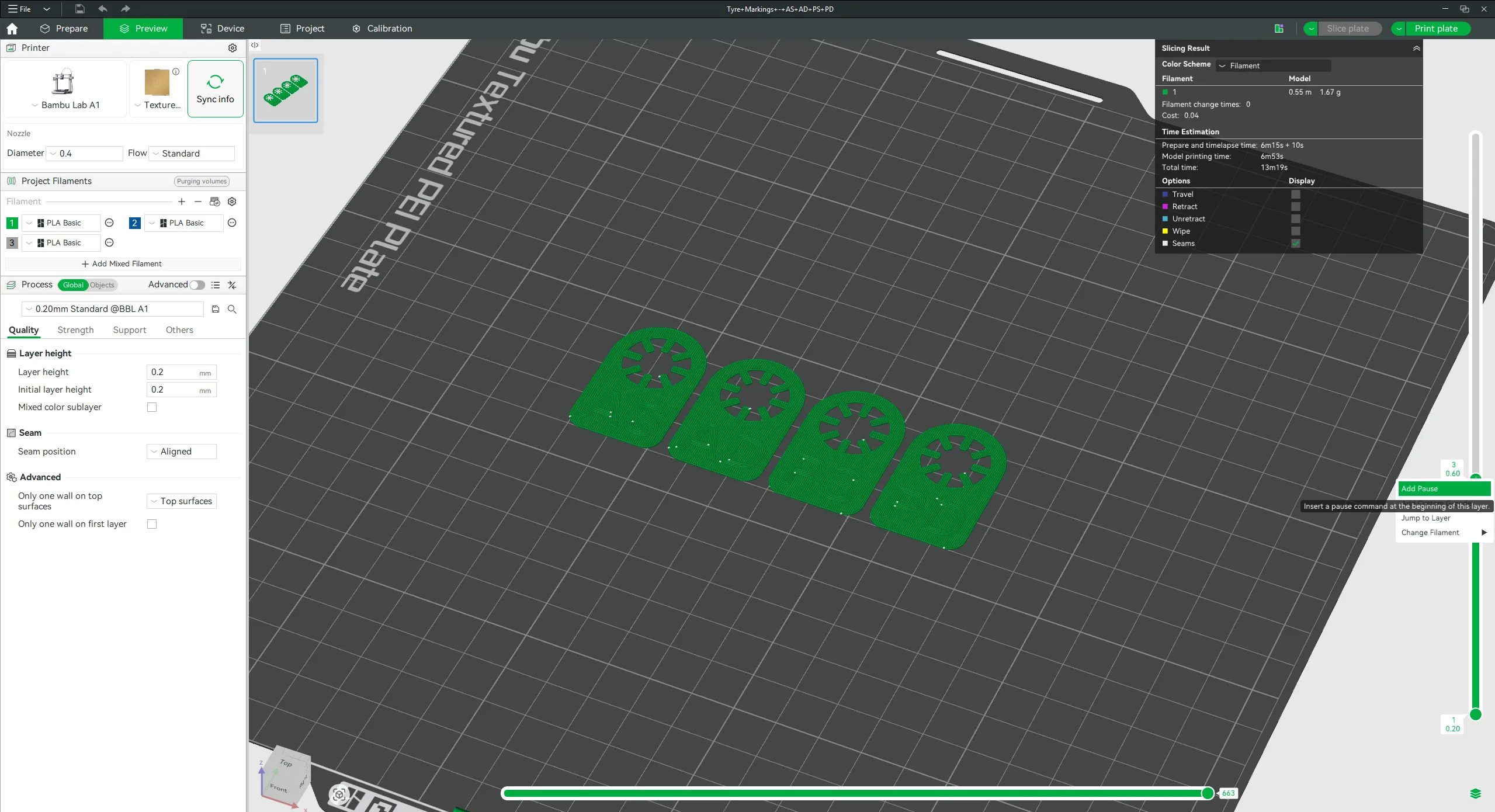
Just start print as normal and when it pauses, change the filament and continue.
License

You shall not share, sub-license, sell, rent, host, transfer, or distribute in any way the digital or 3D printed versions of this object, nor any other derivative work of this object in its digital or physical format (including - but not limited to - remixes of this object, and hosting on other digital platforms). The objects may not be used without permission in any way whatsoever in which you charge money, or collect fees.


Comment & Rating (0)