
Clip-on Filament Shelf (Clip System)
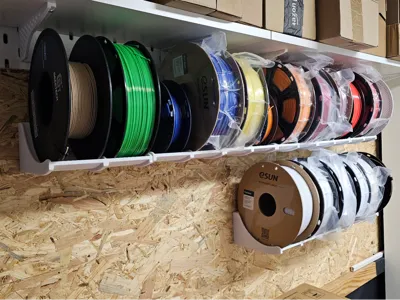
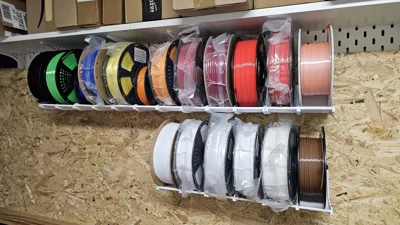
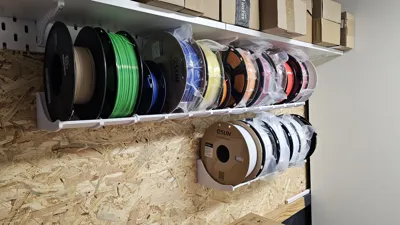
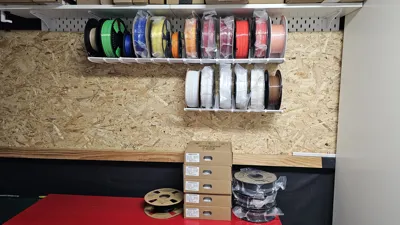
Print Profile(2)
Description
Clip-on Filament Shelf (Clip System)
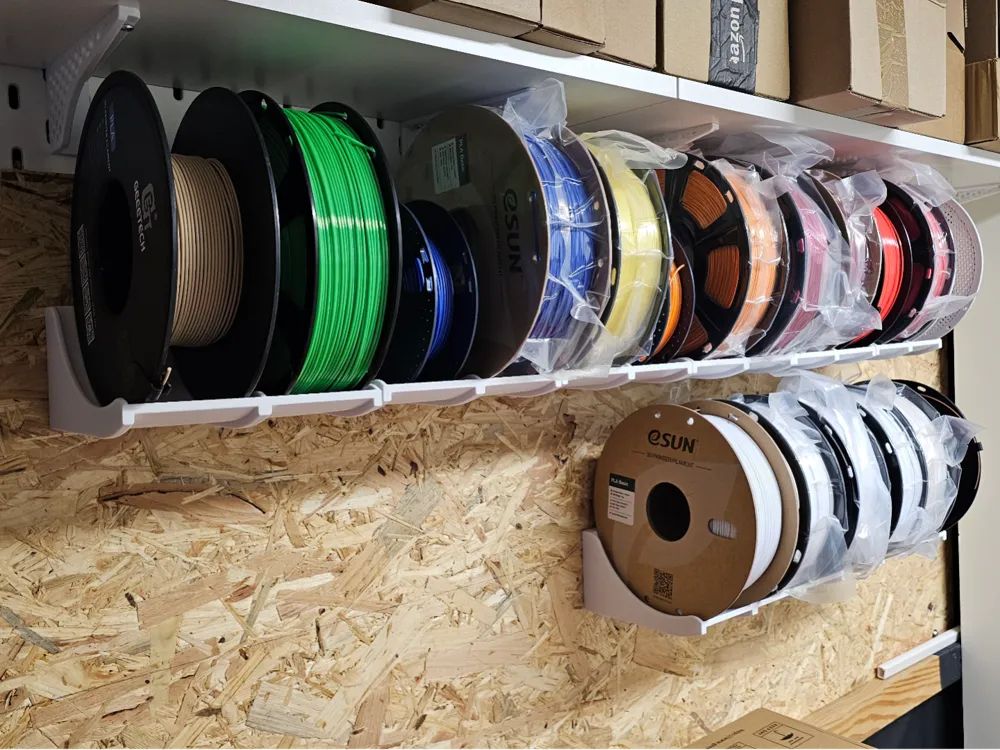
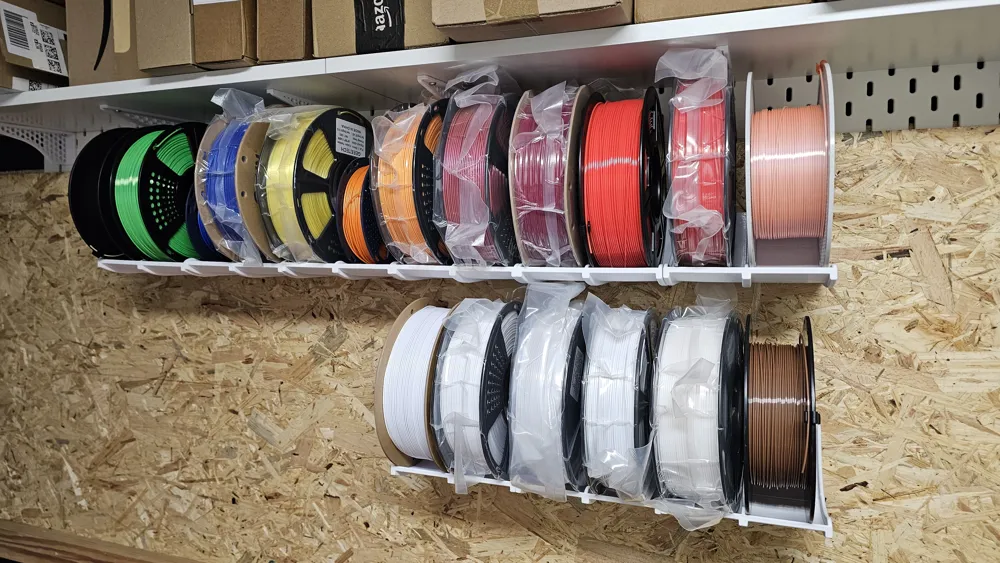
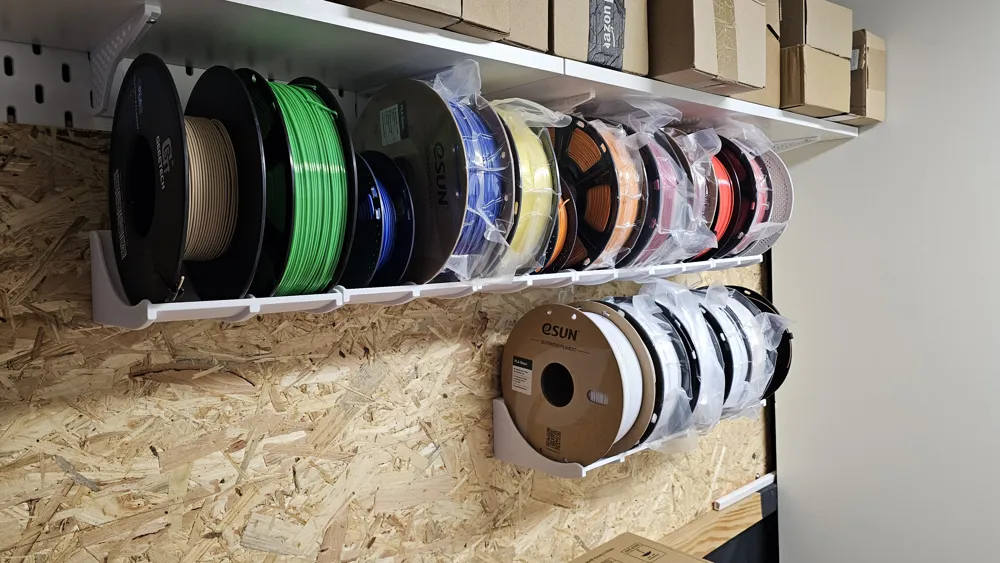
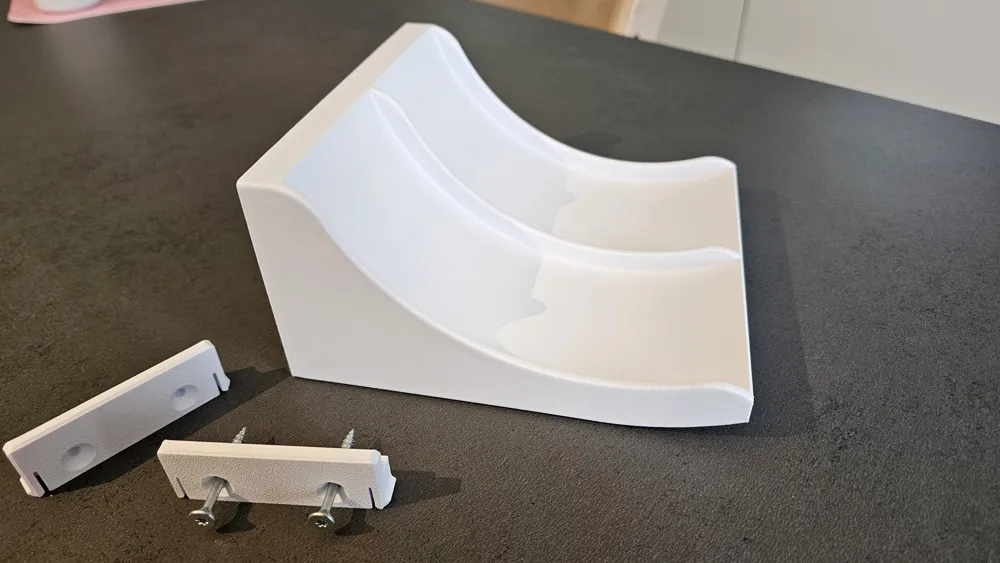
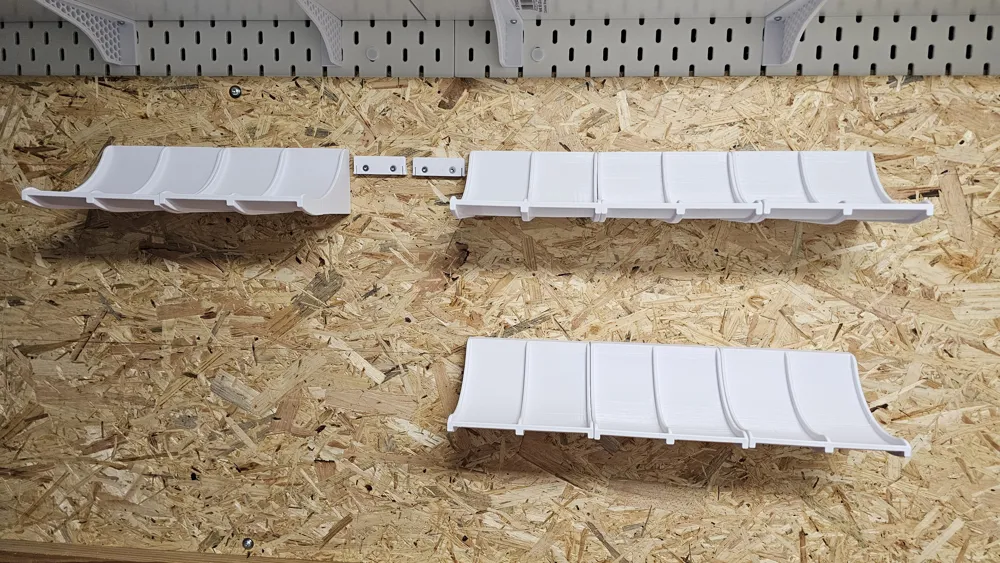
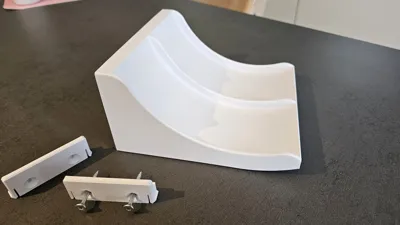
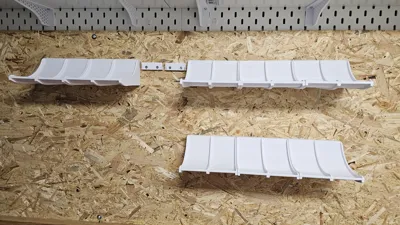
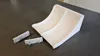
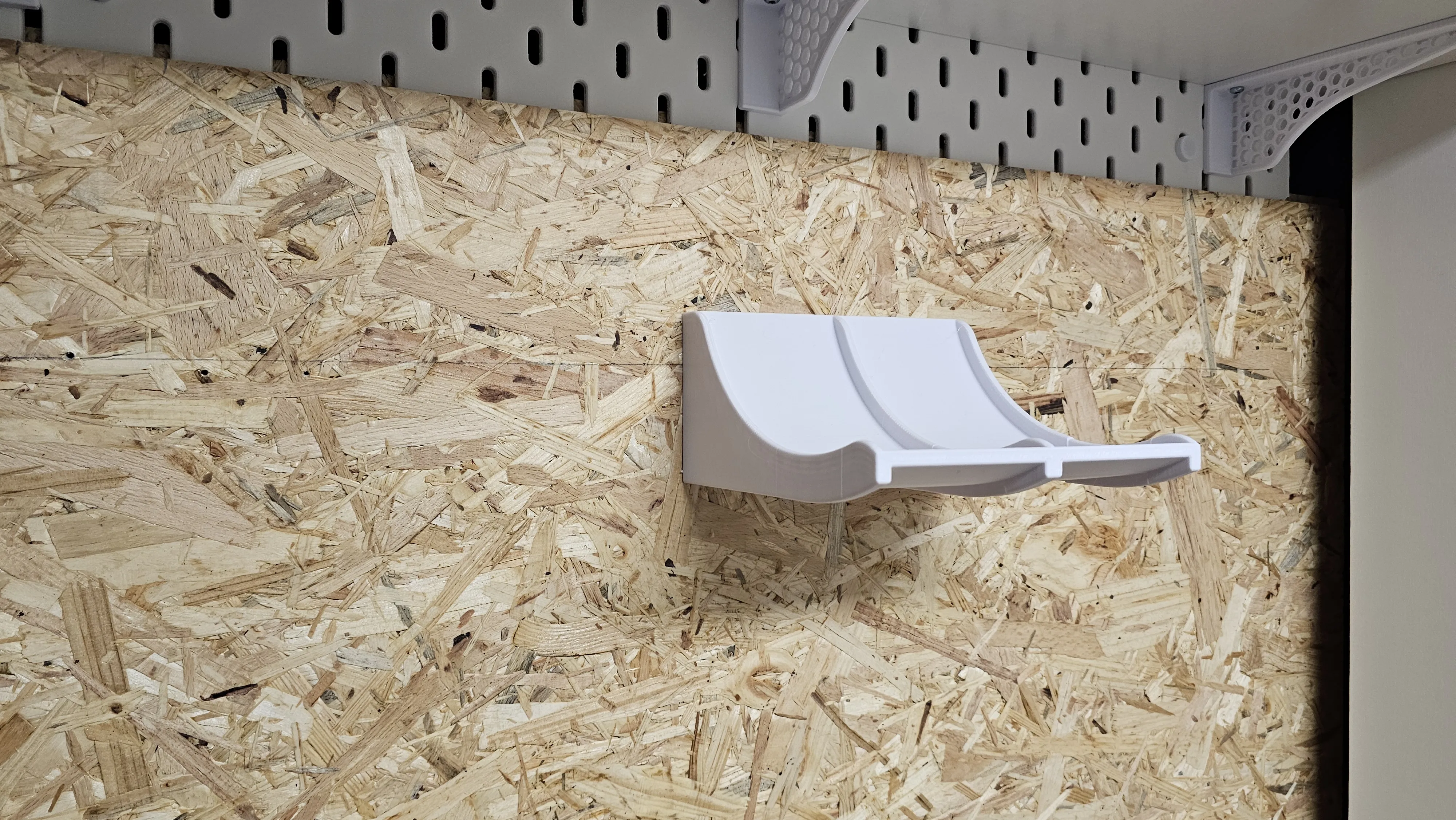
This filament shelf was specially developed for easy and flexible mounting.
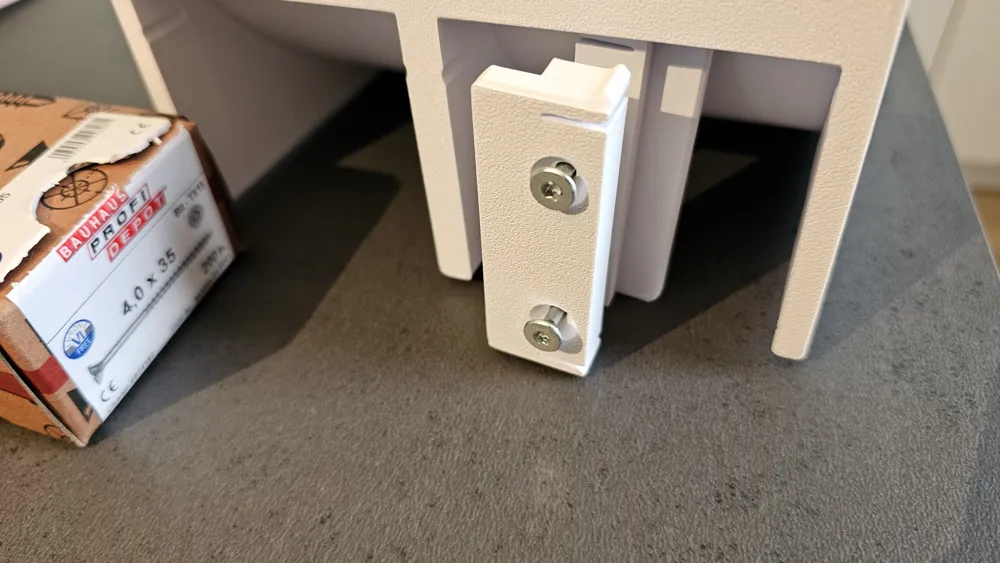
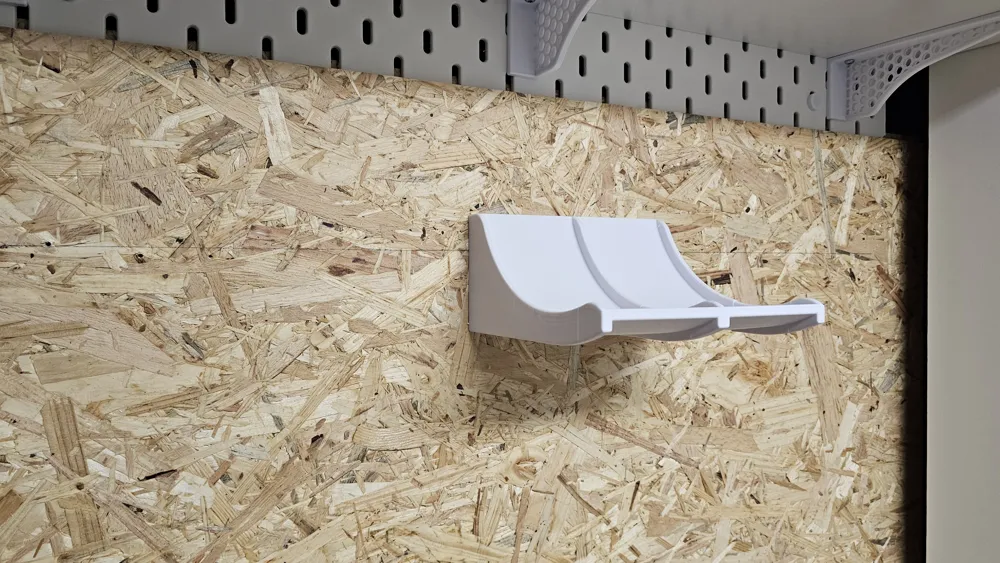
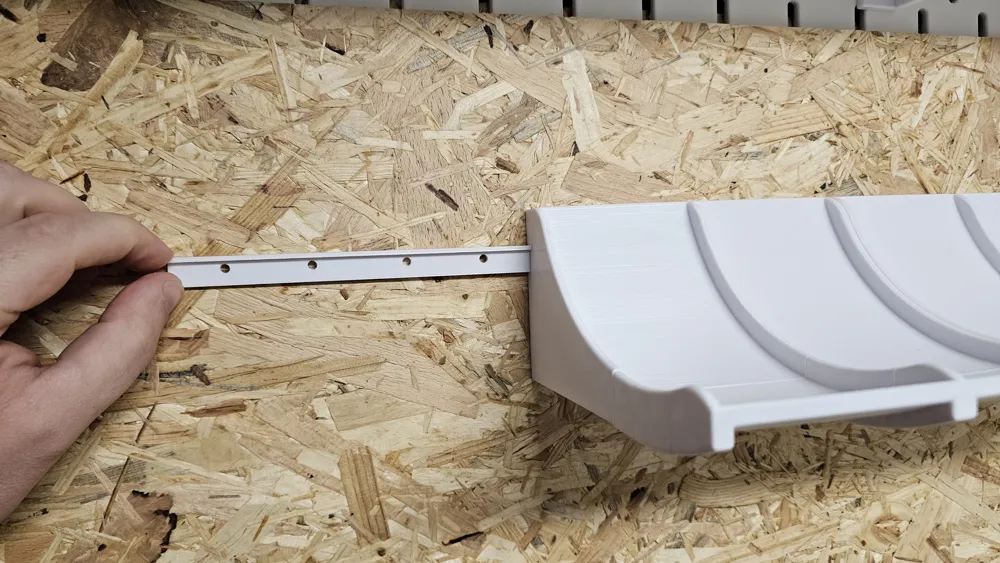
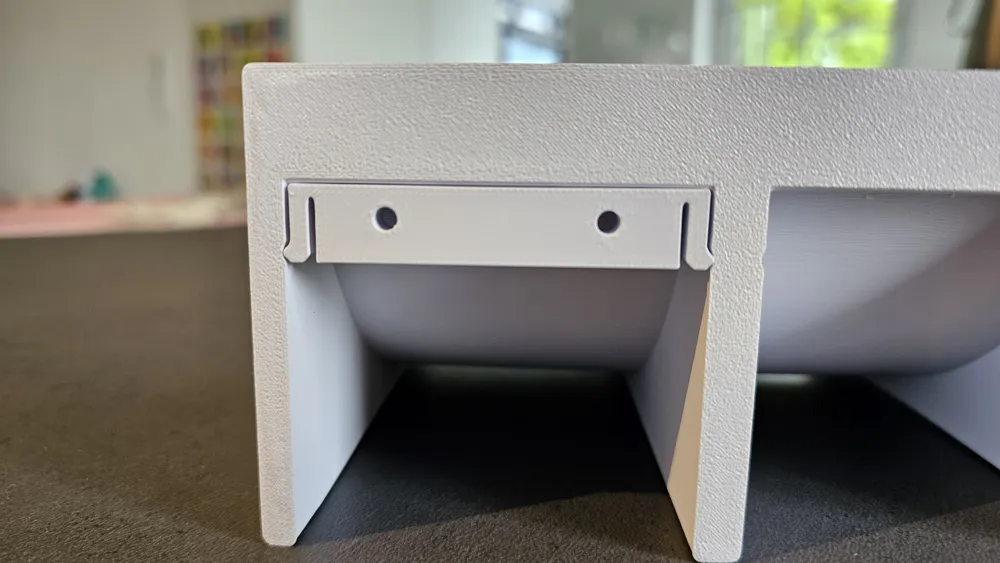
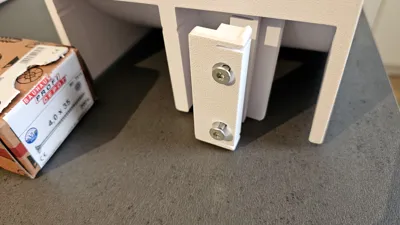
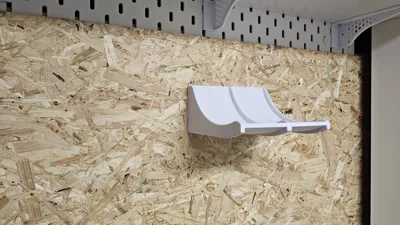
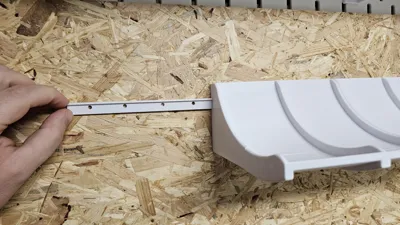
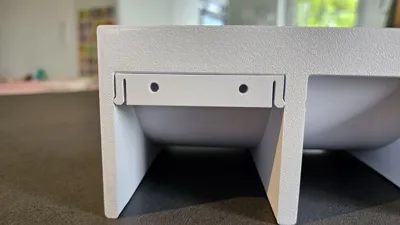

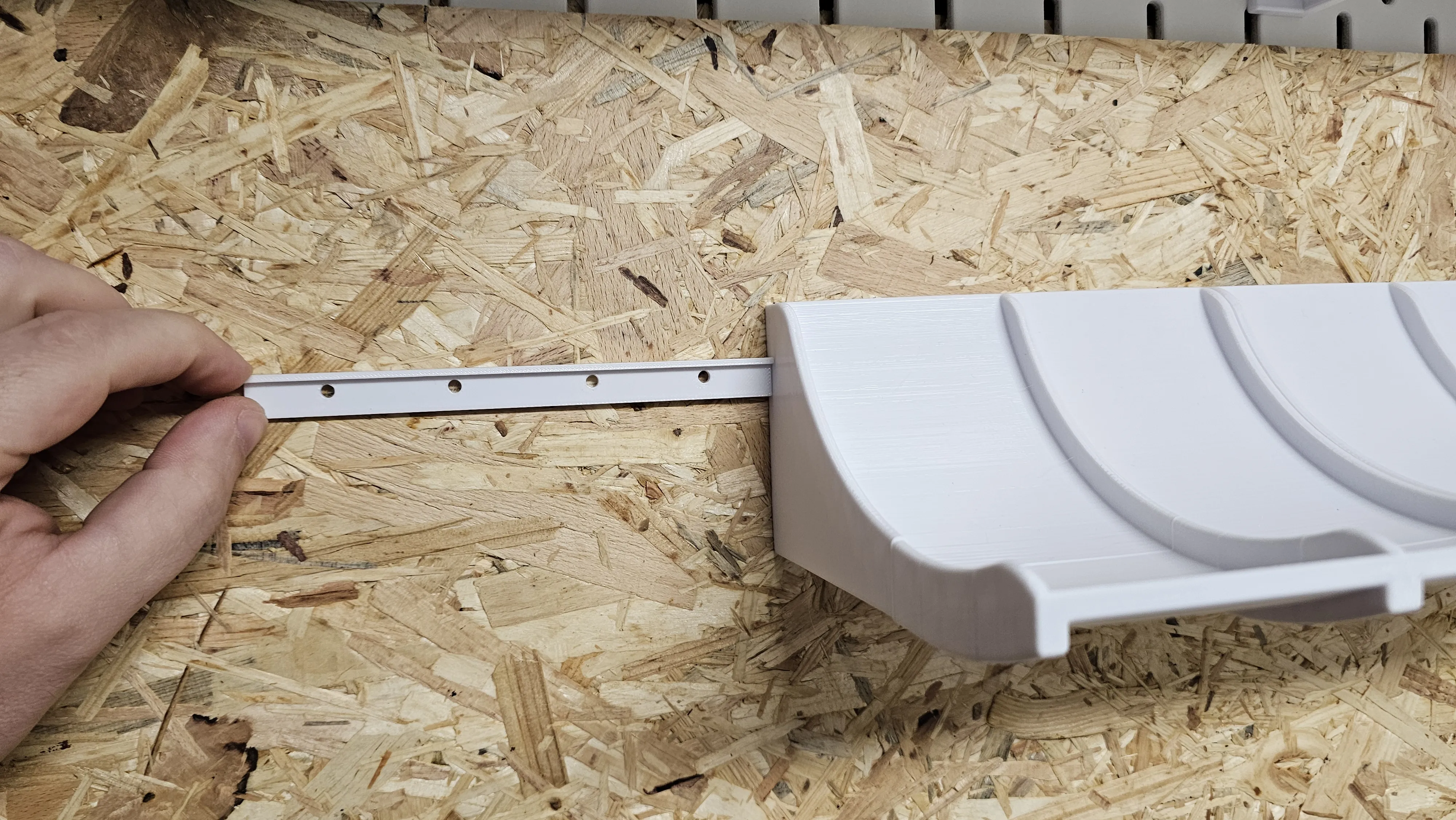
Instead of being permanently screwed, the system is attached to the wall using a clip/hanging system.
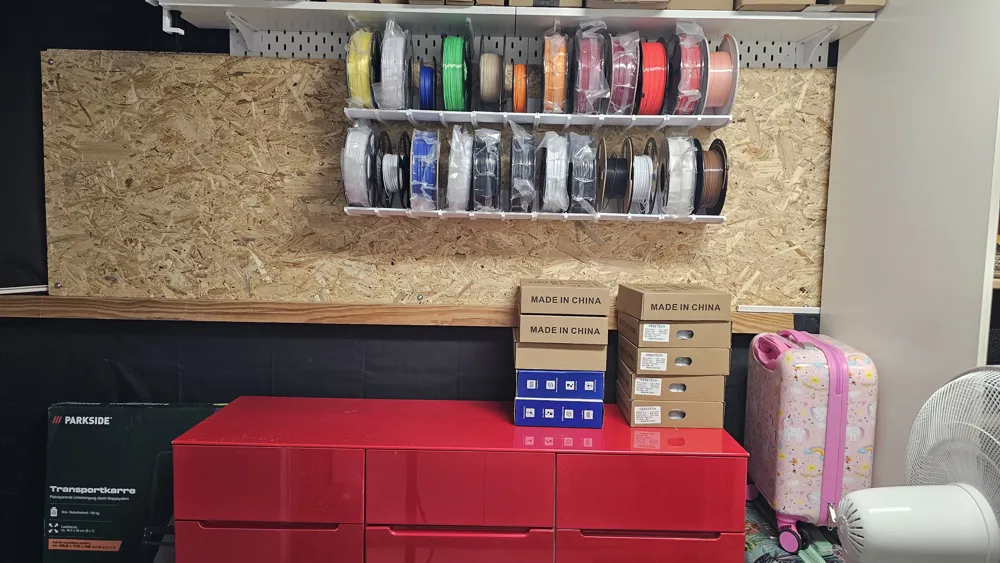
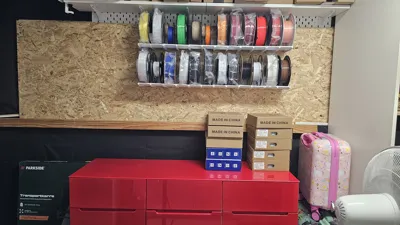
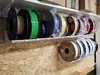
The round shape with integrated guides ensures that filament spools are stored safely and neatly and are quickly accessible at all times.
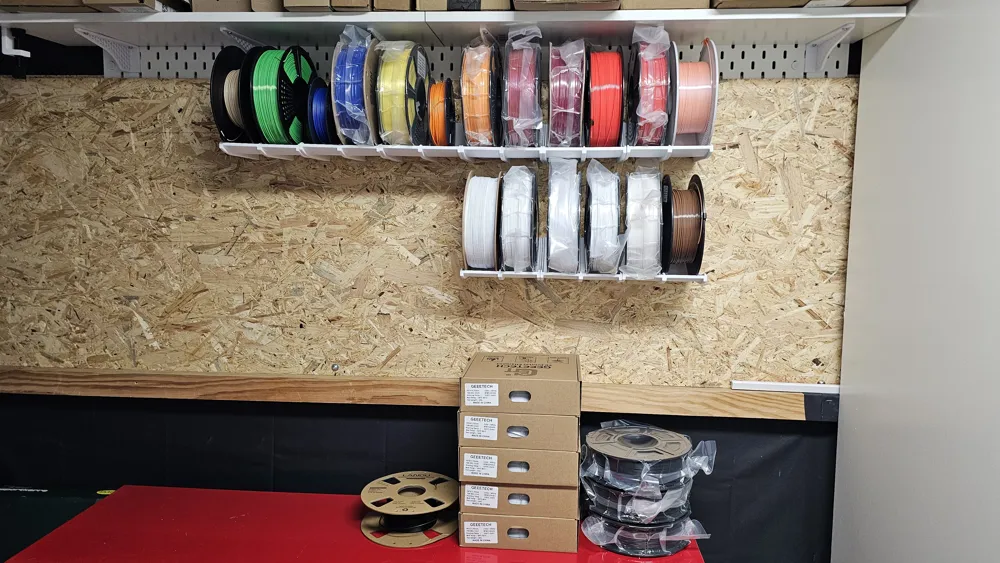
Thanks to the modular design, the shelf can be expanded as desired and adapted to the available space.
Perfect for growing filament collections.
🔧 Features
- 🔹 Clip-on system, making it fully variable at all times
- 🔹 Modular design – infinitely expandable
- 🔹 Slightly inclined tray for secure spool retention
- 🔹 Integrated guide to prevent slipping

📦 Compatibility
Suitable for standard 3D printer filament spools up to 70mm wide and 200mm in diameter.
🧱 Assembly
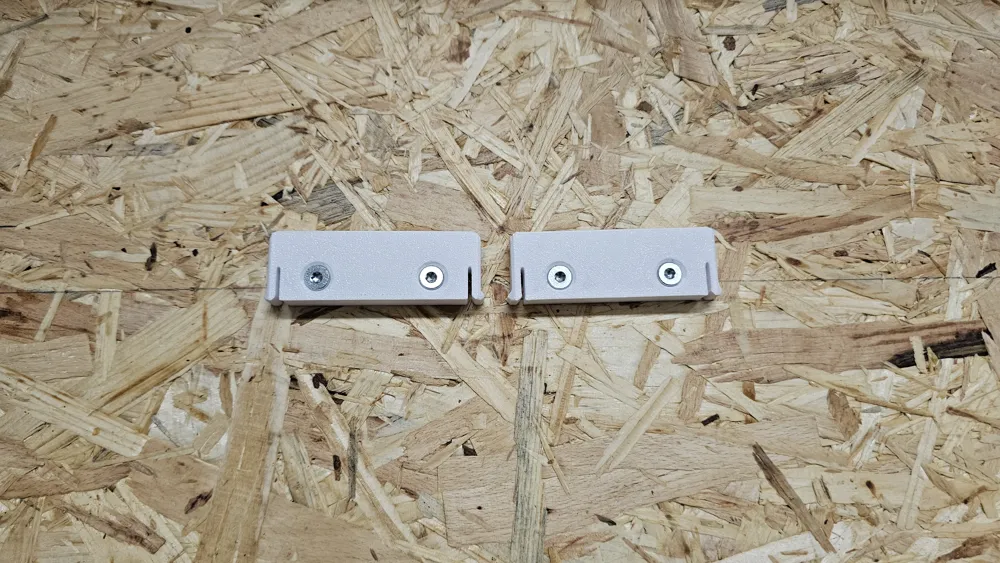
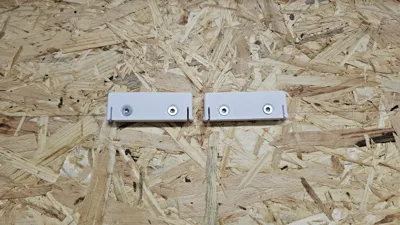
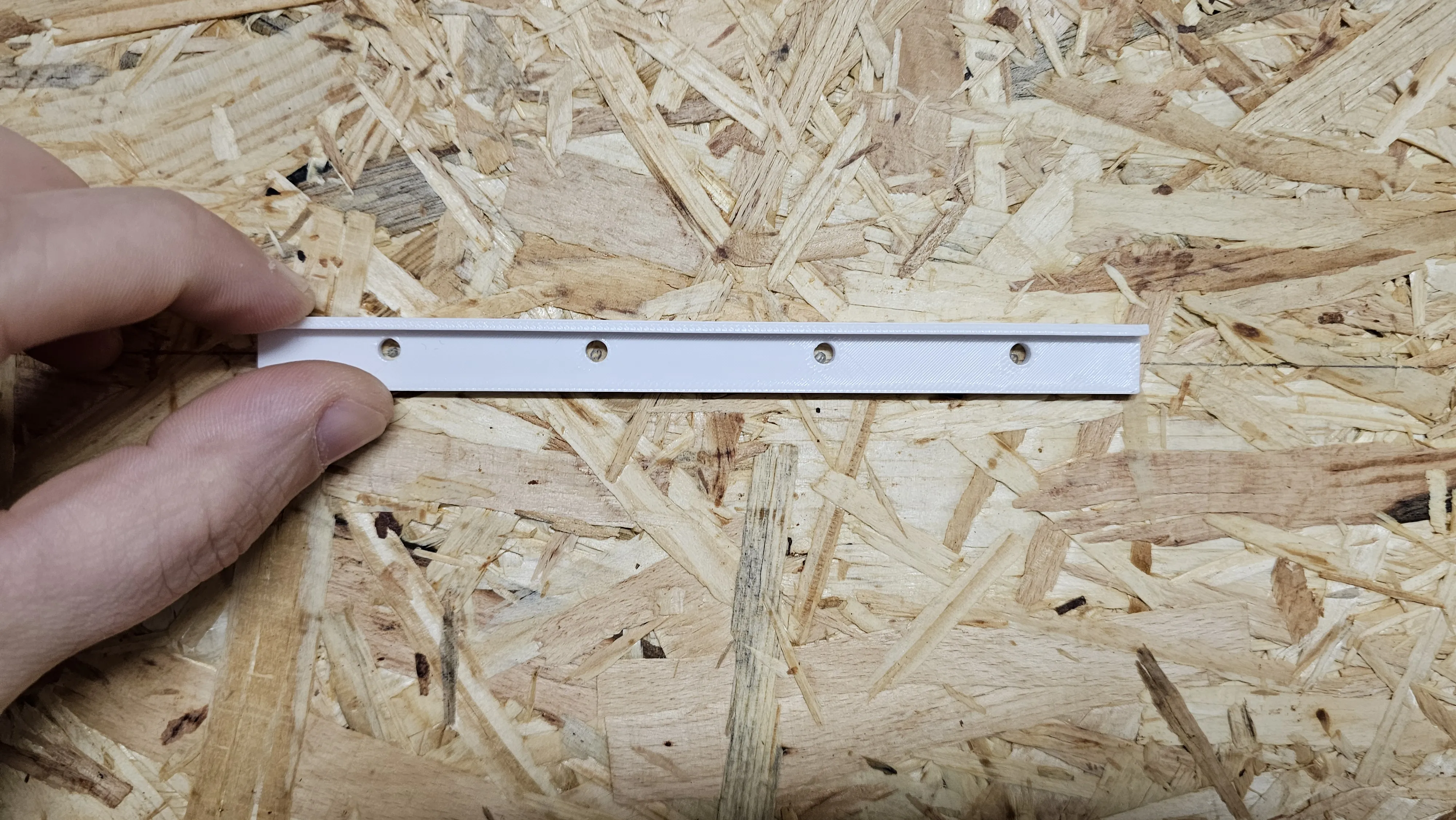
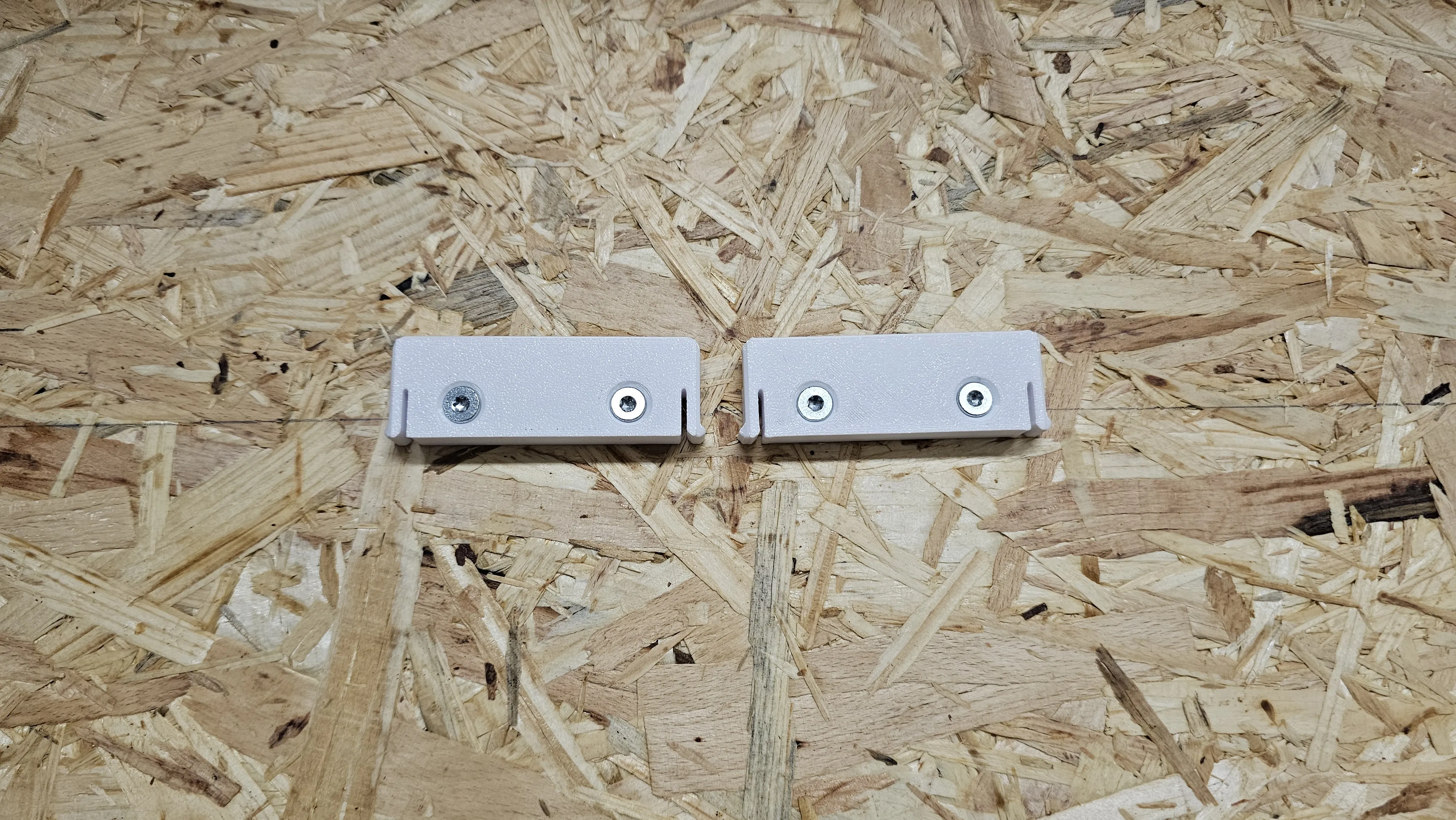
Mount clips with 4mm countersunk screws. The shelf boards themselves are simply hung over the clips and can be removed at any time.
No permanent fastening required. So you always have the choice between lots of wall storage space for filaments, or you can clip out a few
shelves again and use the space for something else.
Boost Me (for free)
If you like the model, I would be very happy about a boost!
It greatly helps make my designs more visible and motivates for new projects 🙌
License

You shall not share, sub-license, sell, rent, host, transfer, or distribute in any way the digital or 3D printed versions of this object, nor any other derivative work of this object in its digital or physical format (including - but not limited to - remixes of this object, and hosting on other digital platforms). The objects may not be used without permission in any way whatsoever in which you charge money, or collect fees.


Comment & Rating (2)