
Print Profile(3)
Description
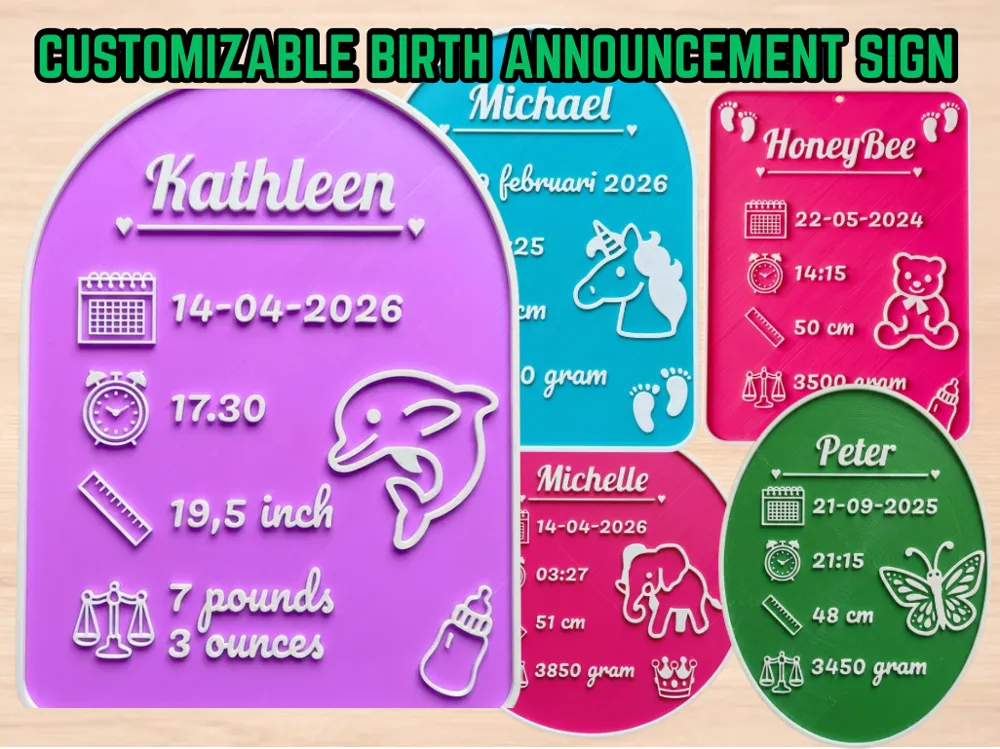
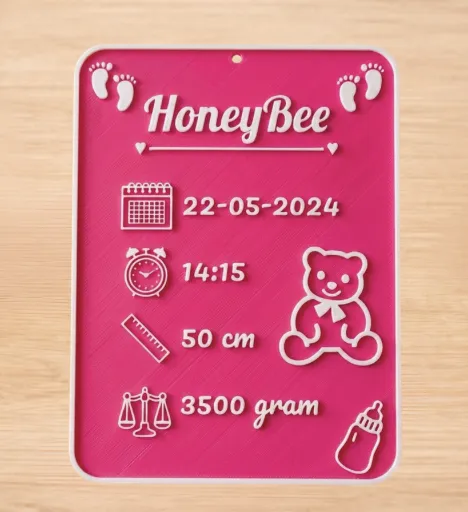
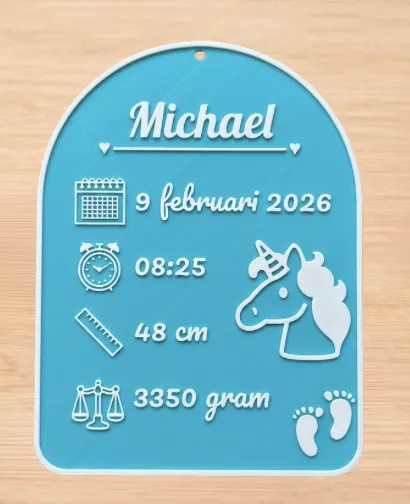
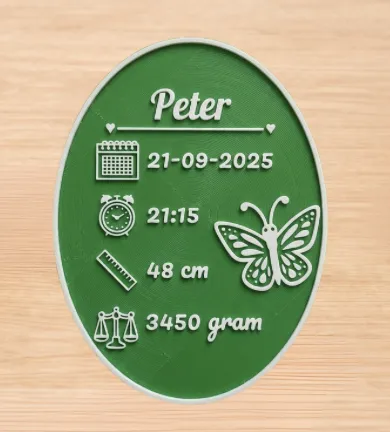
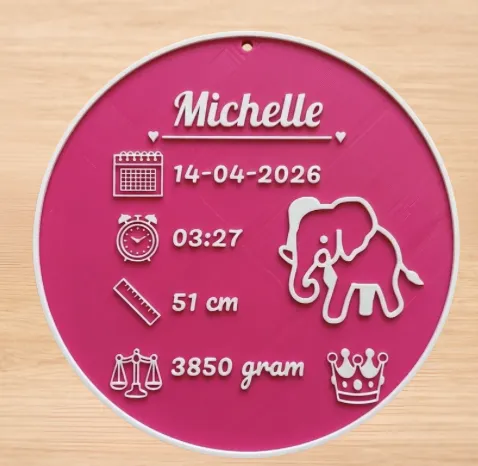
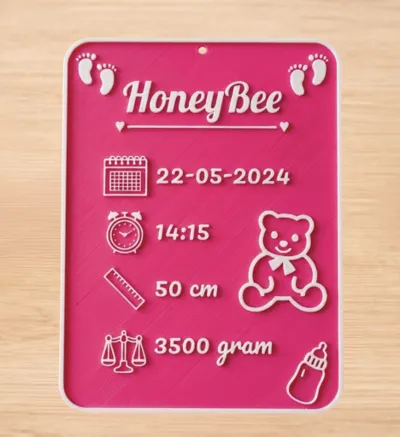
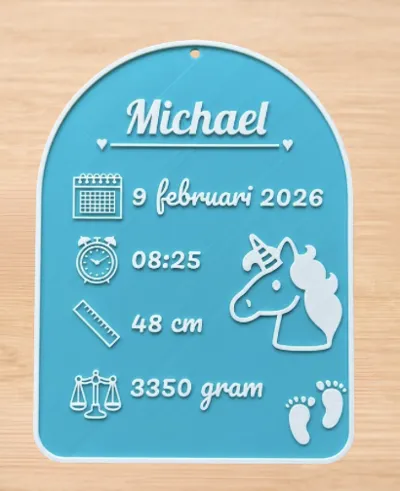
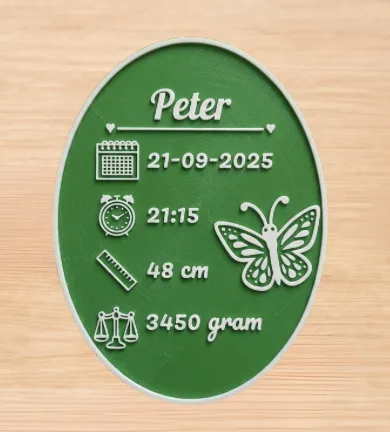
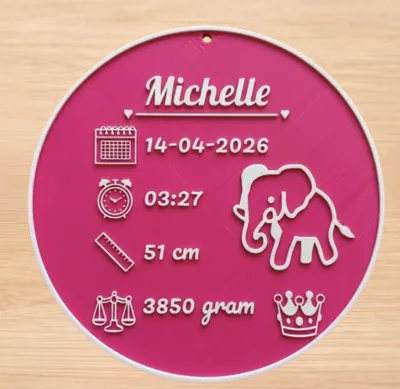
Create a unique and personal birth announcement with this customizable model!
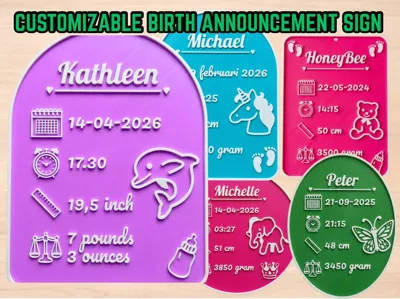
Whether you prefer a rectangle, arch, an oval shape, or circle you can adjust the name, date, and icons in seconds using the Customizer.
How to use the Customizer
- Click the Customizer button.
- Select your preferred Shape.
- Fill in the name and birth details.
- Tip: If using grams, leave the second weight field empty. Use both fields if you prefer Pounds & Ounces.
- Choose your decorations (animals, icons, and optional hanging hole).
- Feel free to experiment with the settings to see what looks best!
I have tested this model with two different layer heights:
- 0.16 mm Layer Height: Recommended for the finest details and smoothest finish.
- 0.2 mm Layer Height: Also great results and saves time!
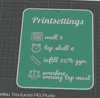
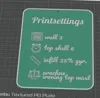
- make sure to enable Arachne wall generator and Ironing (Top-most surface only) to ensure the text and icons look crisp and smooth.
Important: Color Change (Manual Filament Swap)
If you download the STL from the Customizer, remember to add a manual color change in your slicer at the correct layer.
My settings:
Customizer:
Base thickness: 3 mm | Text height: 1.2 mm.
Slicer:
Layerheight: 0.2 mm layer height: Add color change at layer 16.
Always check your own slicer preview to ensure the color swap occurs exactly where the text begins!
- Wall Generator: Arachne.
- Wall loops: 3
- Infill: 25% gyroid (for preventing the base color from bleeding through the white/light text).
- Top shell layers: 6 (for preventing the base color from bleeding through the white/light text).
- Top Surface: Enable Ironing (Top-most surface only) for a professional, smooth finish.
- Size: Standard size is approx. 150 x 200 mm. If you want a different size, simply scale it in your slicer.
- Optionally use a brim or mouse ears since it has a large flat surface and may warp.
Extras
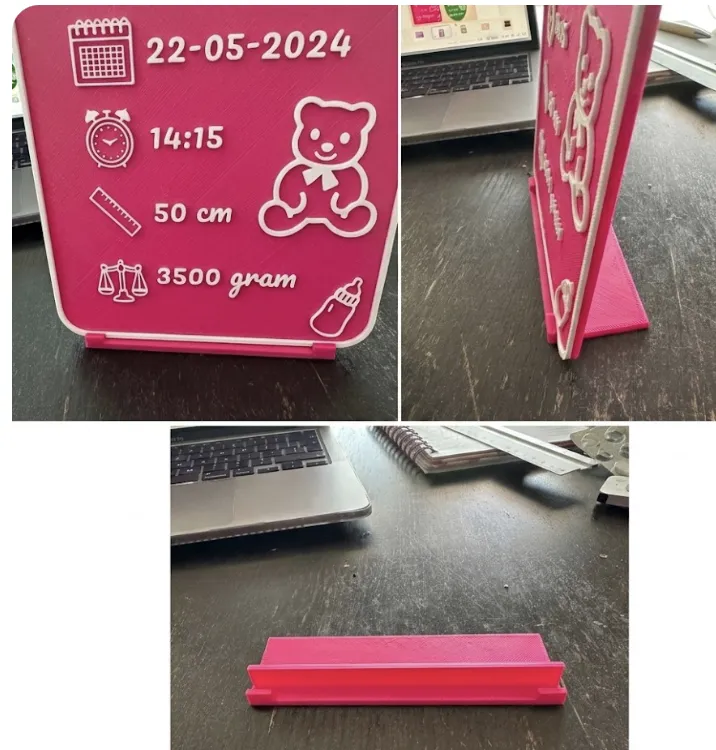
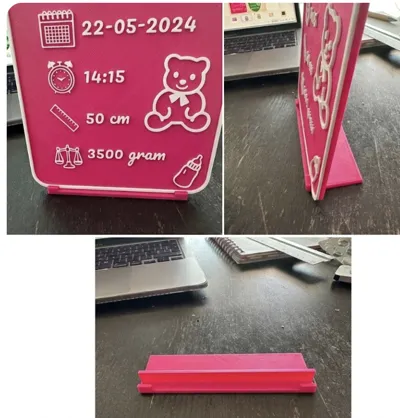
Includes a matching stand/holder to display the rectangle and arc-shape on a shelf.
If you still want to make a stand/display yourself, take a look at my my parametric display stand
Questions or Feedback? Please let me know if something isn't working correctly.
If you love the result, a review or a photo of your print would be greatly appreciated!
License

You shall not share, sub-license, sell, rent, host, transfer, or distribute in any way the digital or 3D printed versions of this object, nor any other derivative work of this object in its digital or physical format (including - but not limited to - remixes of this object, and hosting on other digital platforms). The objects may not be used without permission in any way whatsoever in which you charge money, or collect fees.


Comment & Rating (1)