
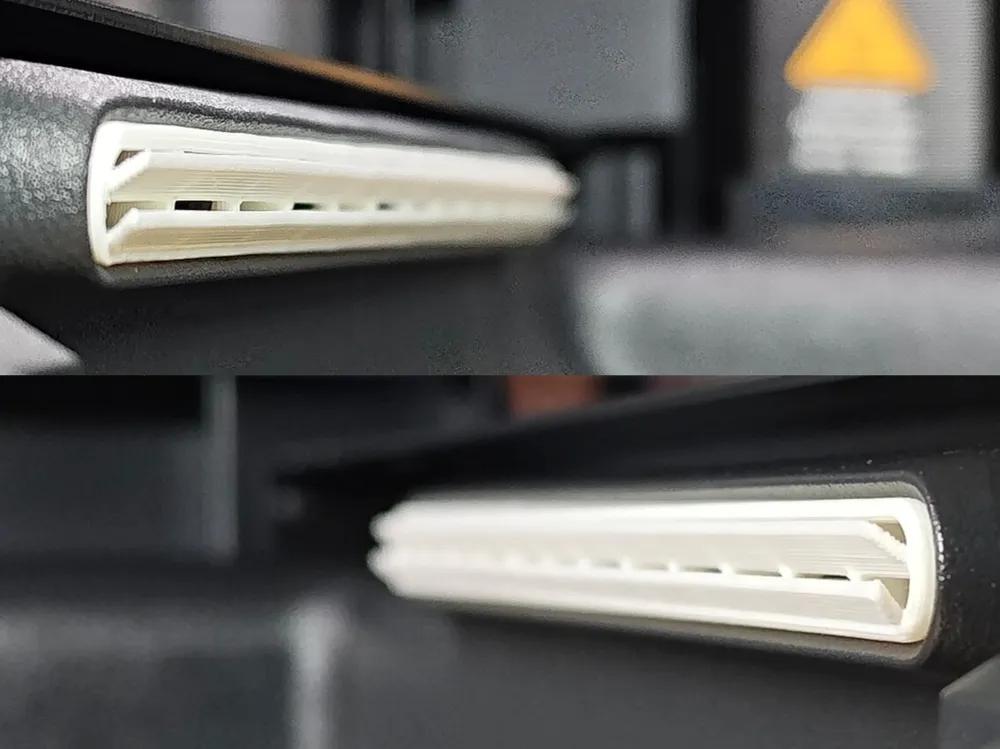
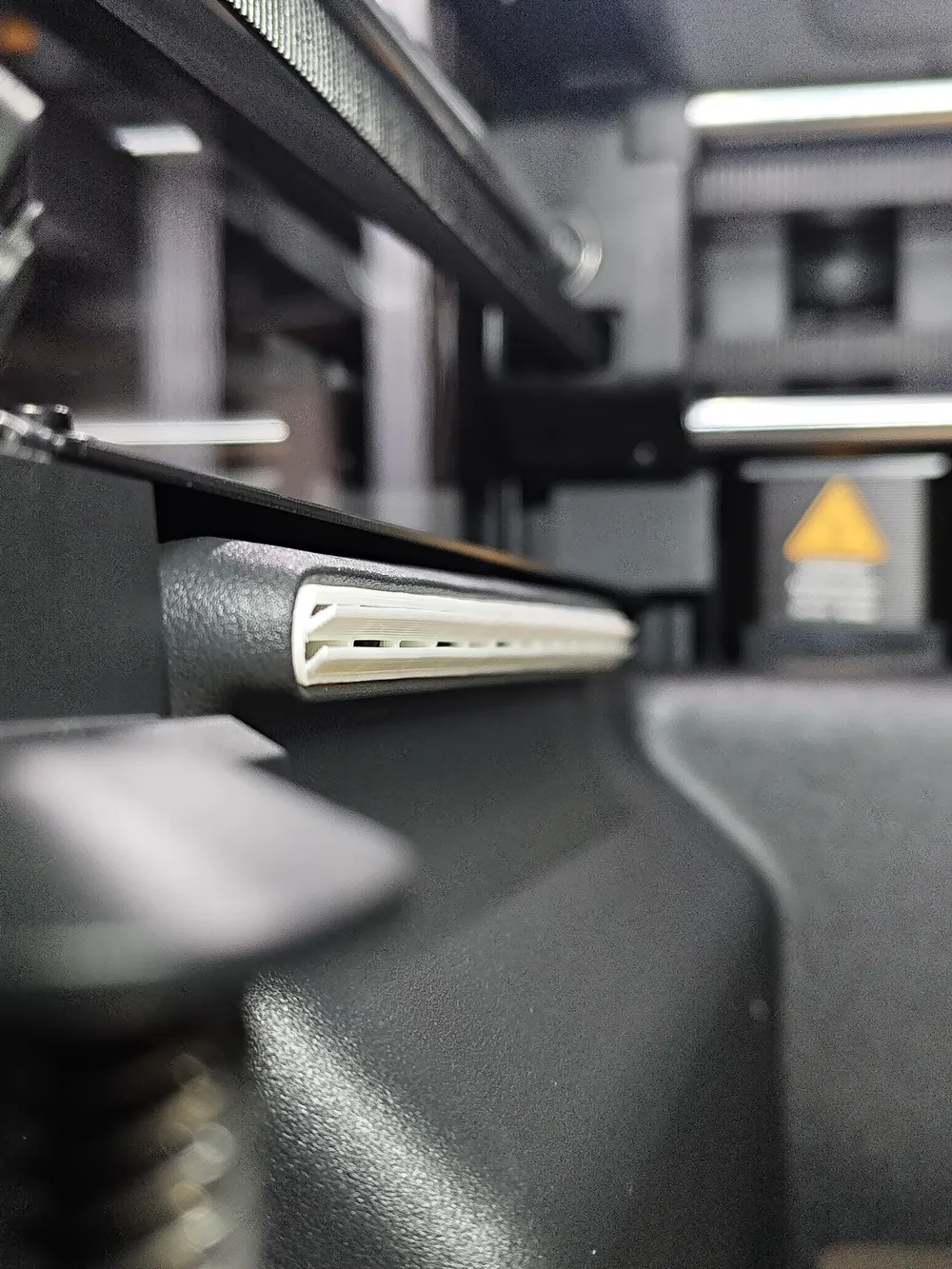
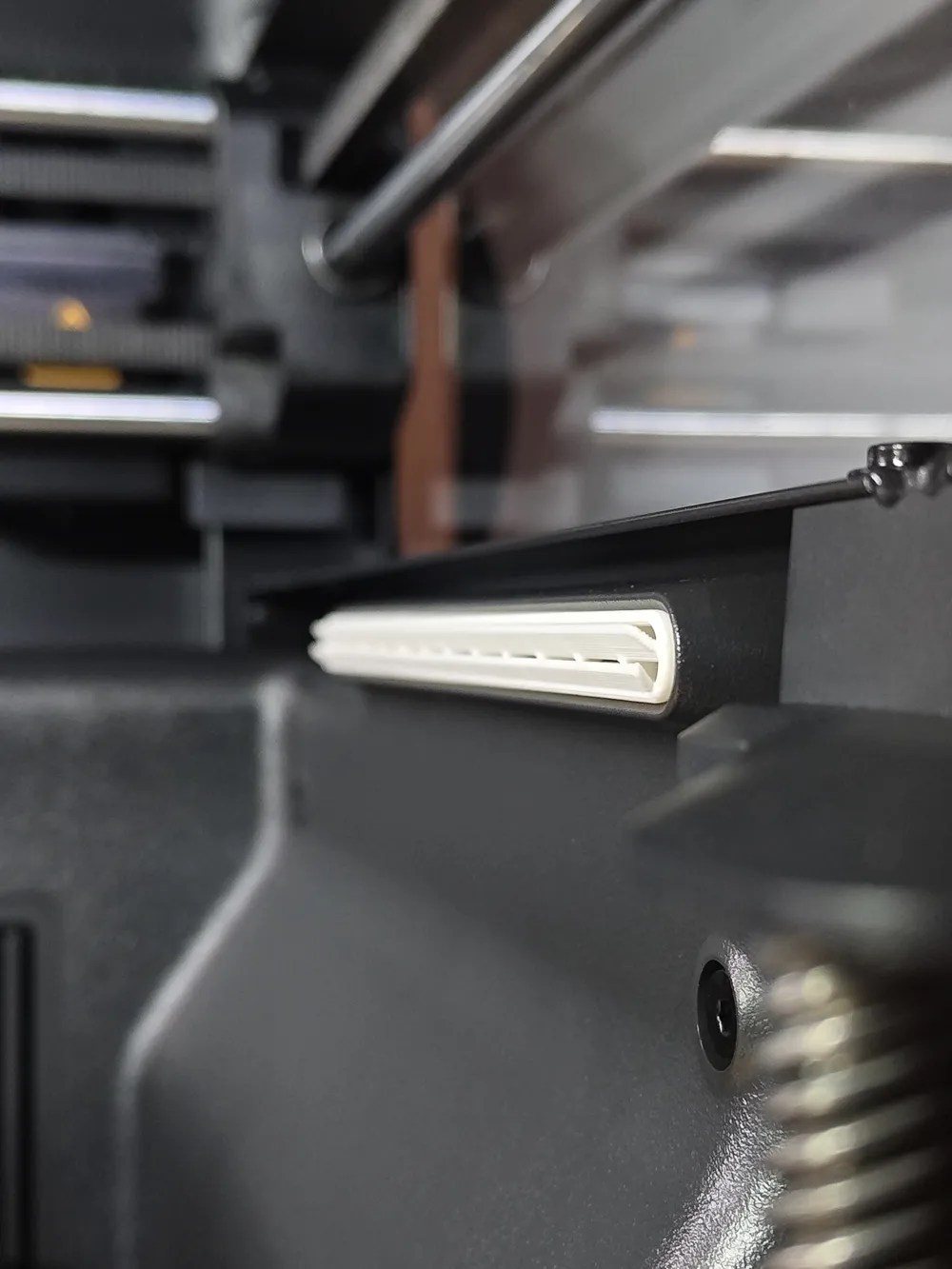
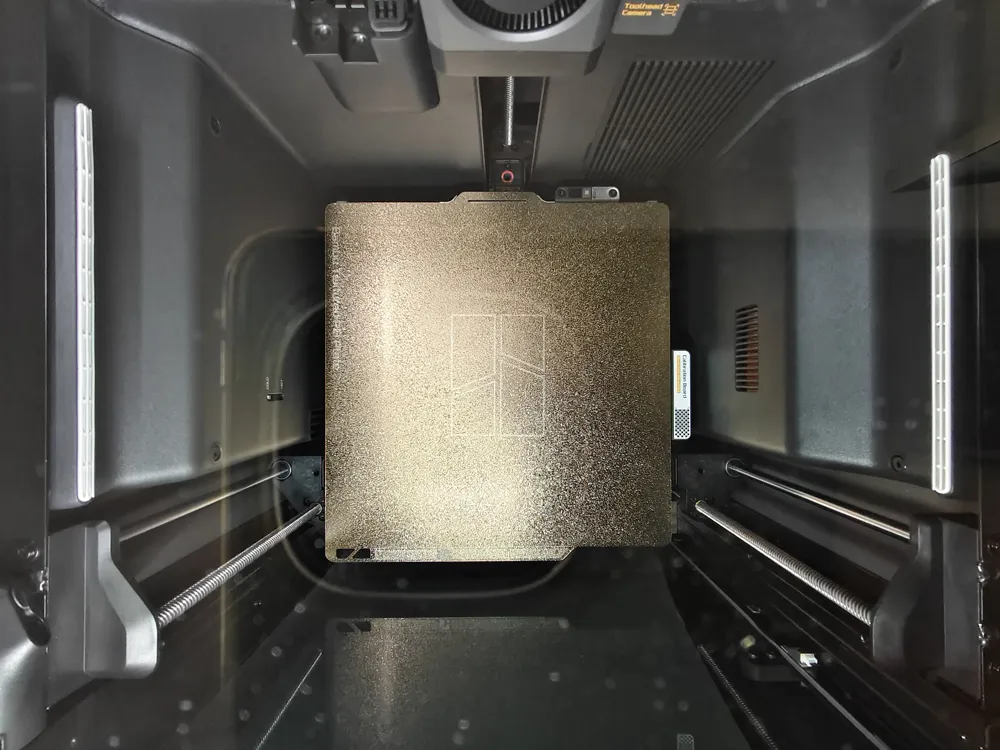
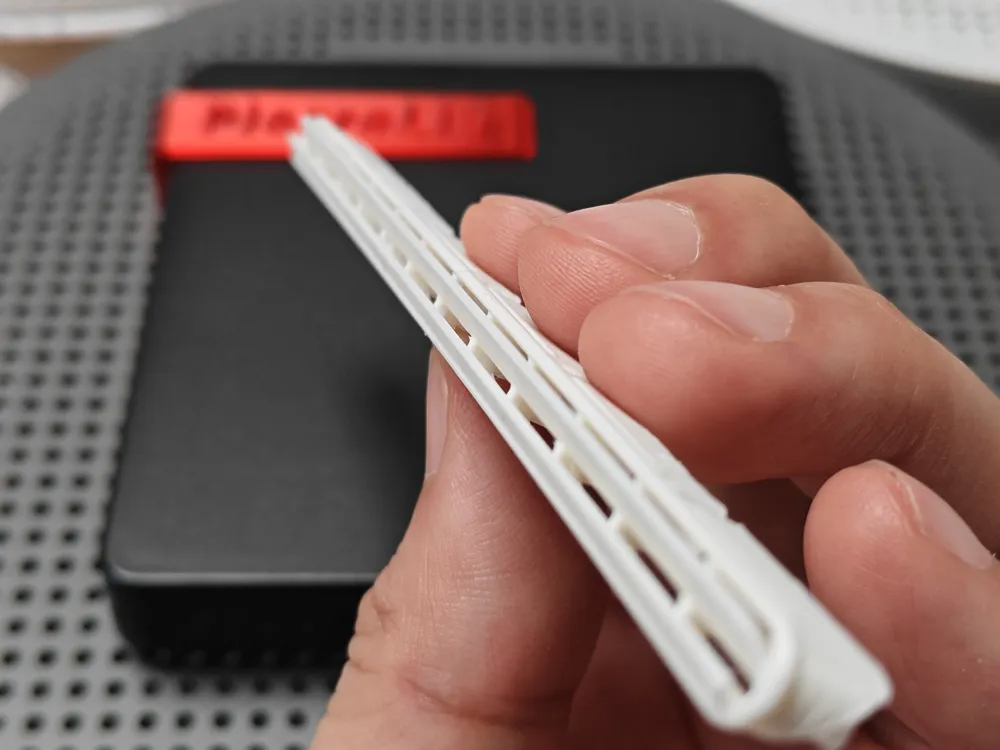
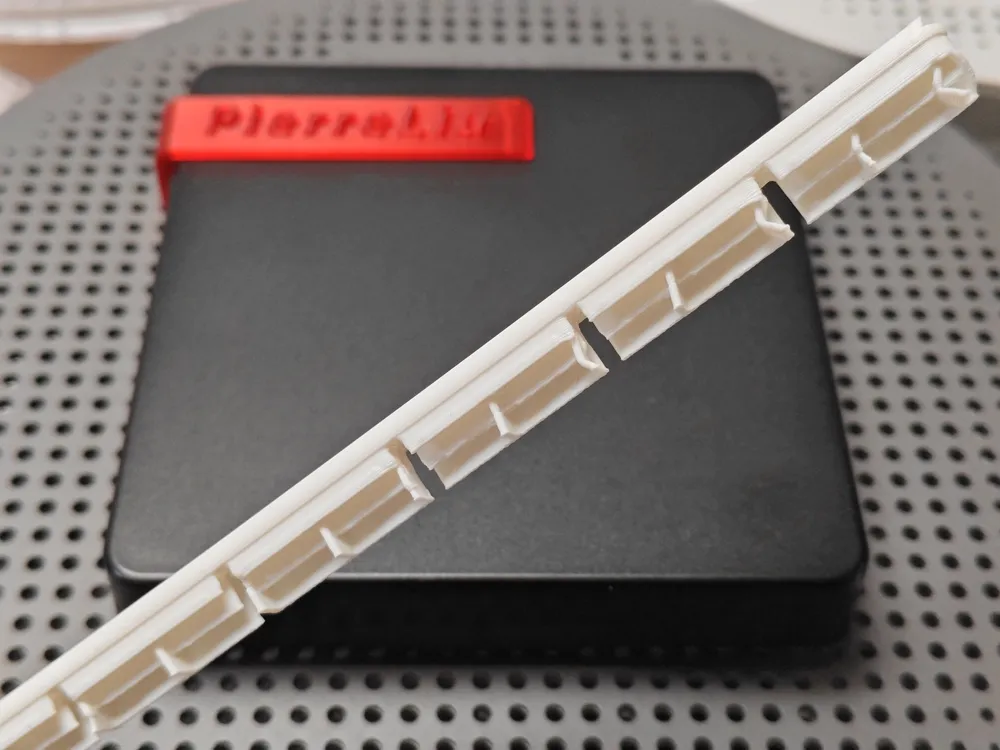
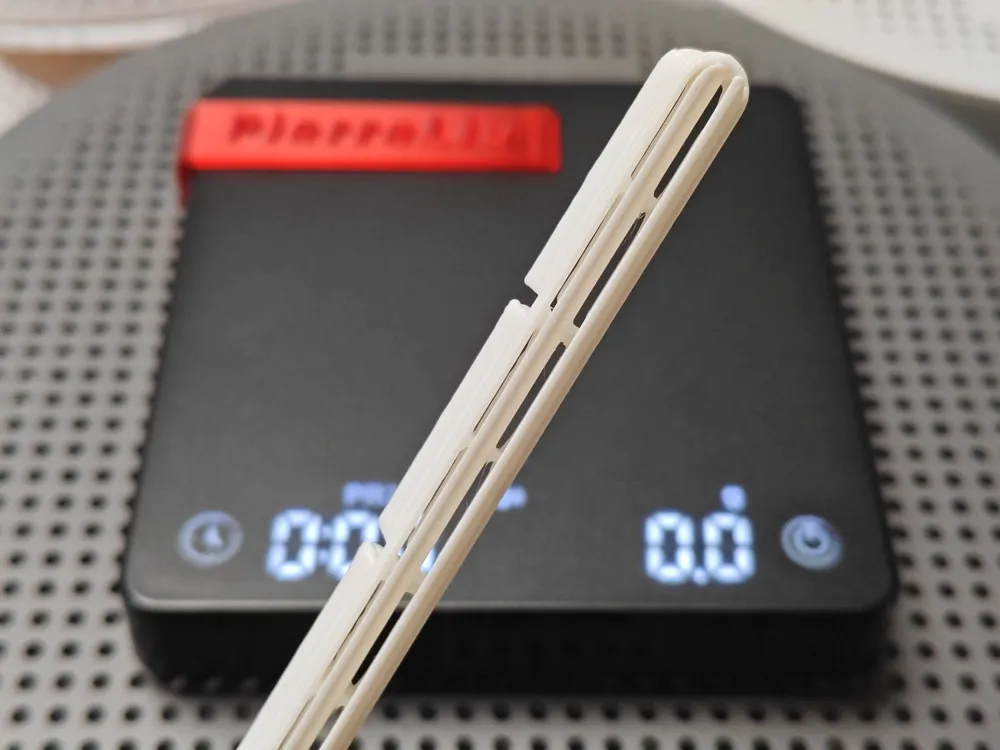
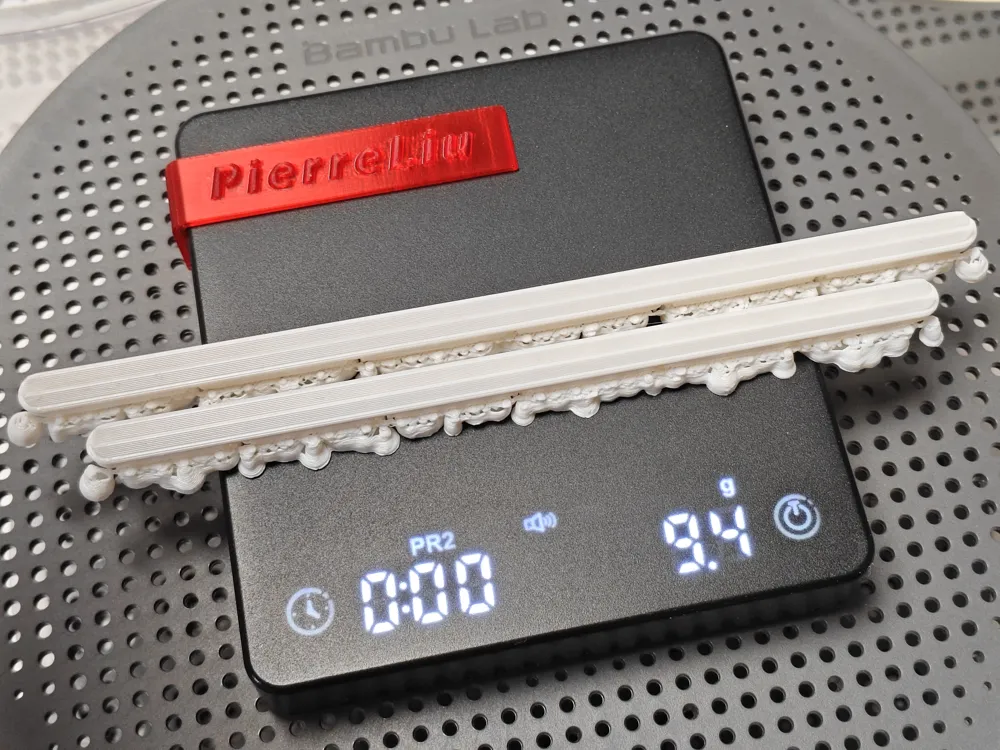
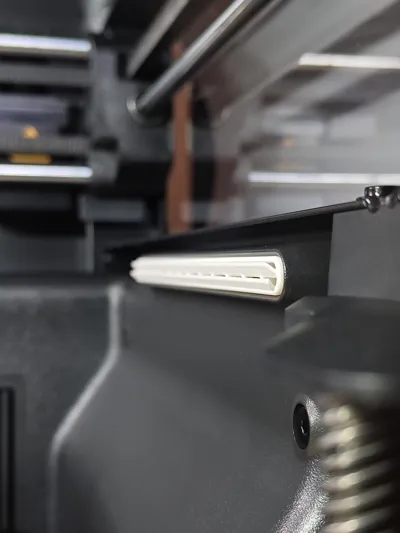
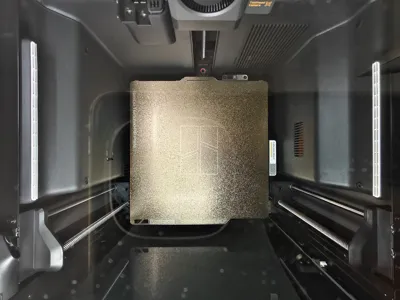
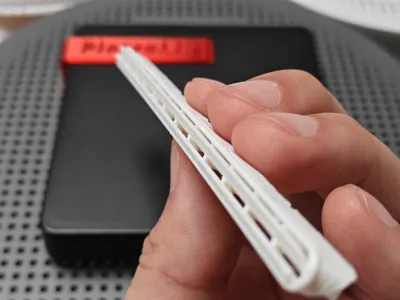
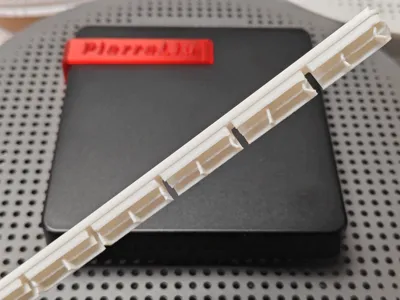
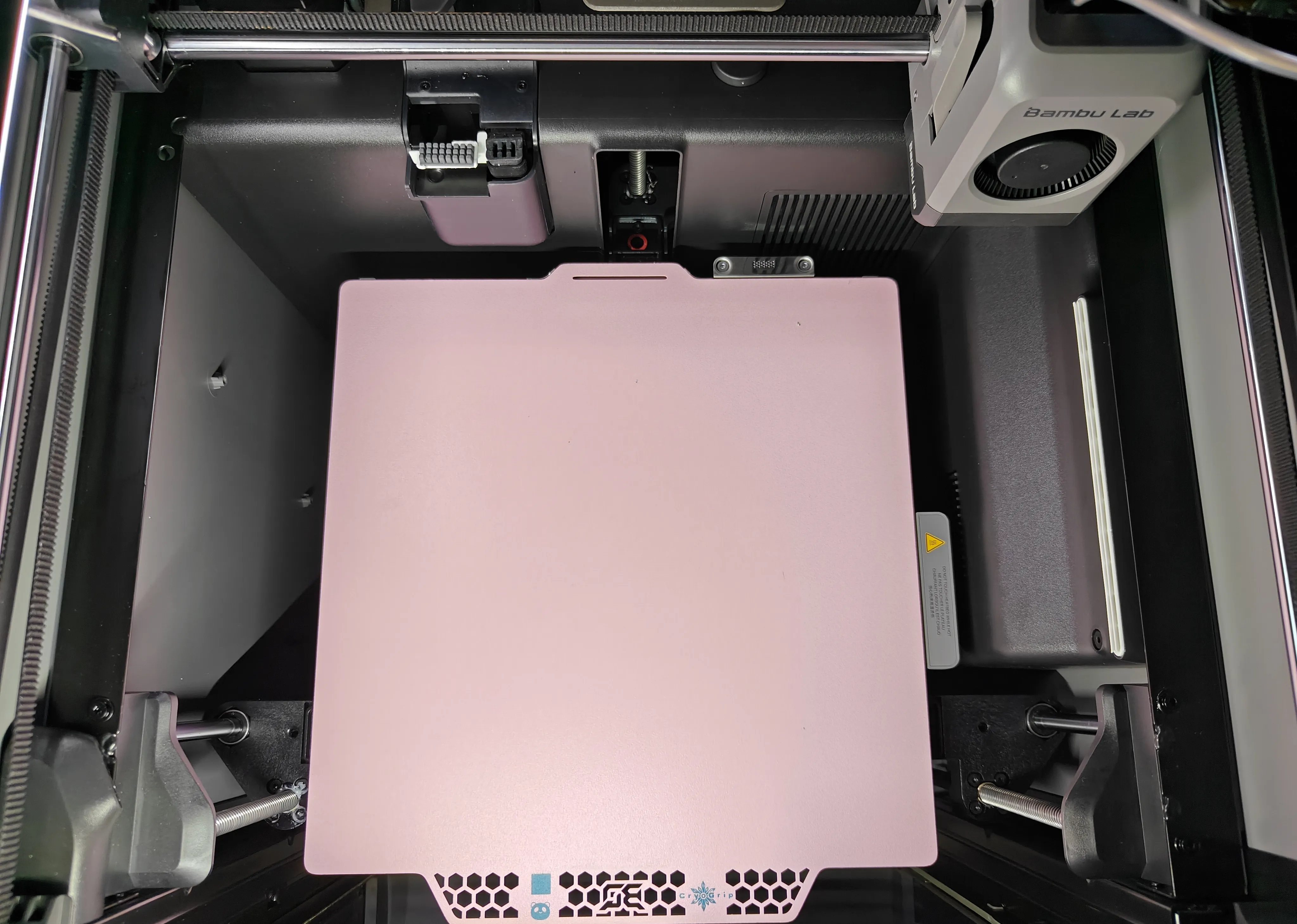
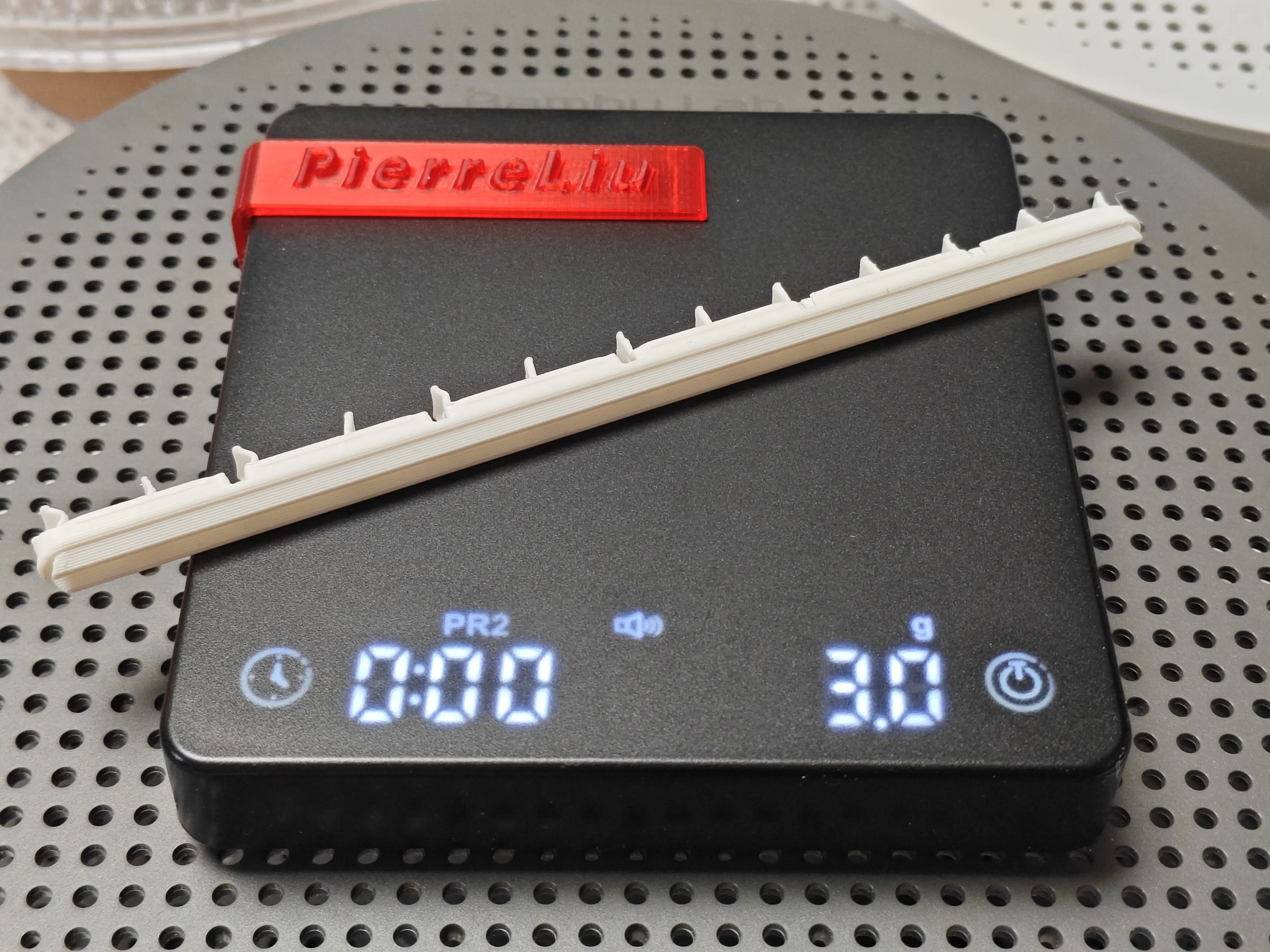
X2d P2s Auxiliary Fan Diffuser Ultra-thin Recessed Large Area 45-Degree Upward Diffusion Dual-Sided Left and Right Brand New Original Design
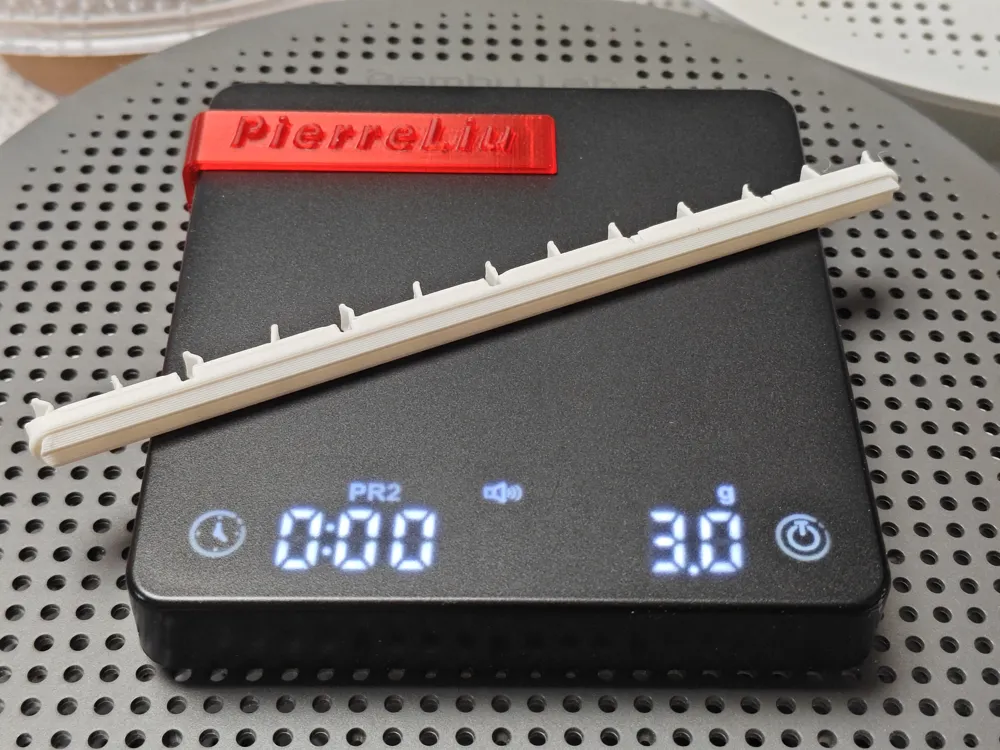
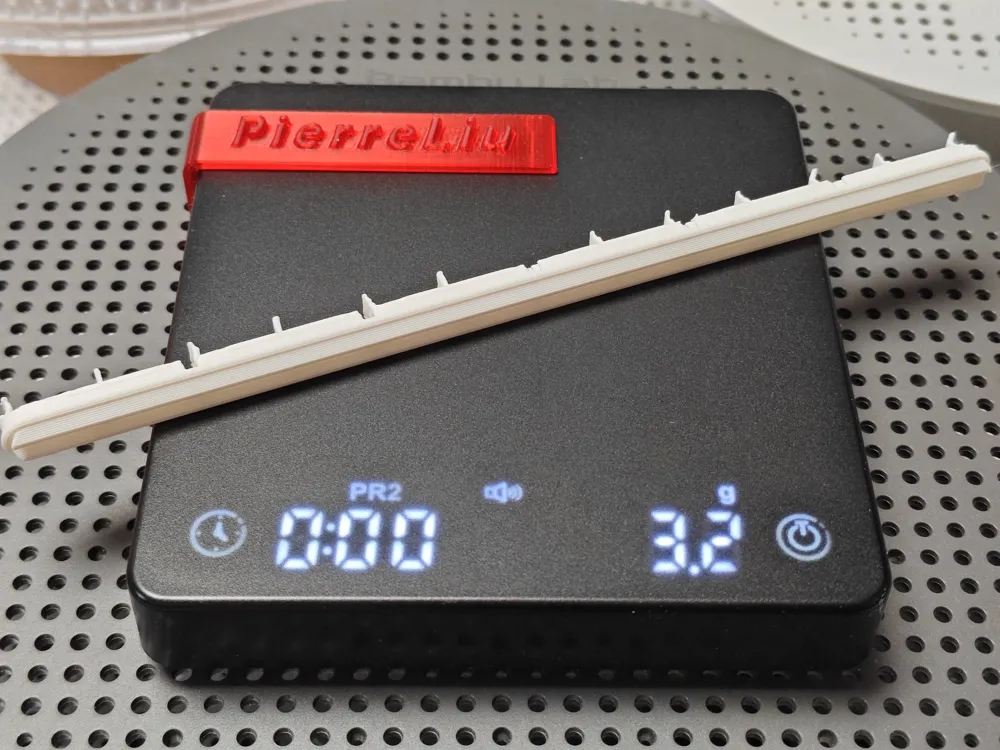
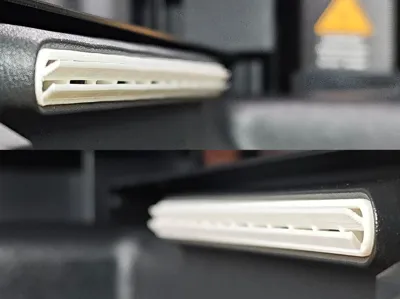
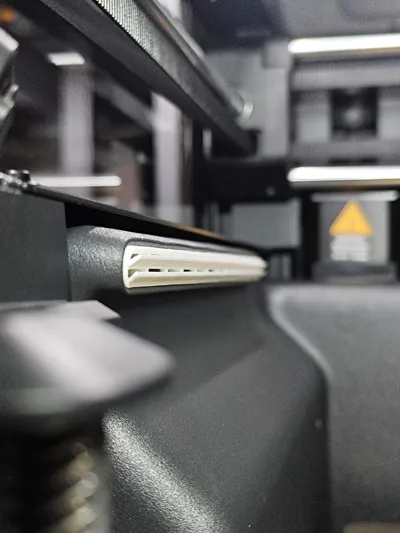
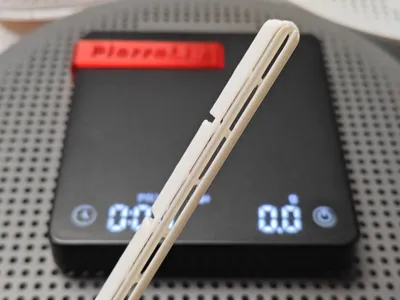
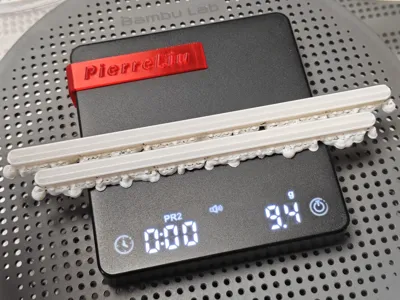
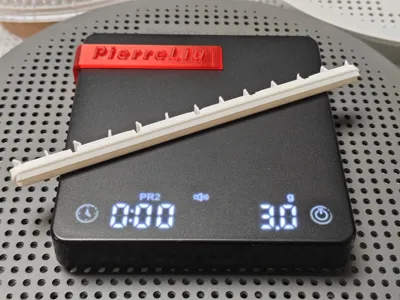
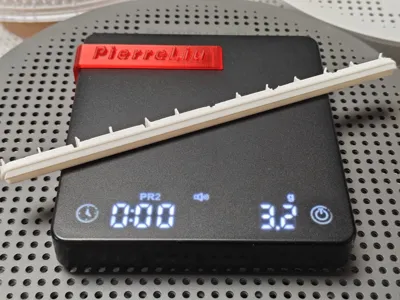
Print Profile(4)
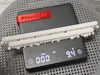
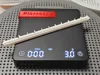
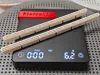
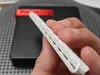
Description
Boost Me (for free)
Keep going! Keep going! Keep going!
Original model! No splicing! No derivative works! No plagiarism!
Thanks to 鍵山雛 and Zhangjiagang Film and Television Industry Research Institute for their great help in design and debugging!!!
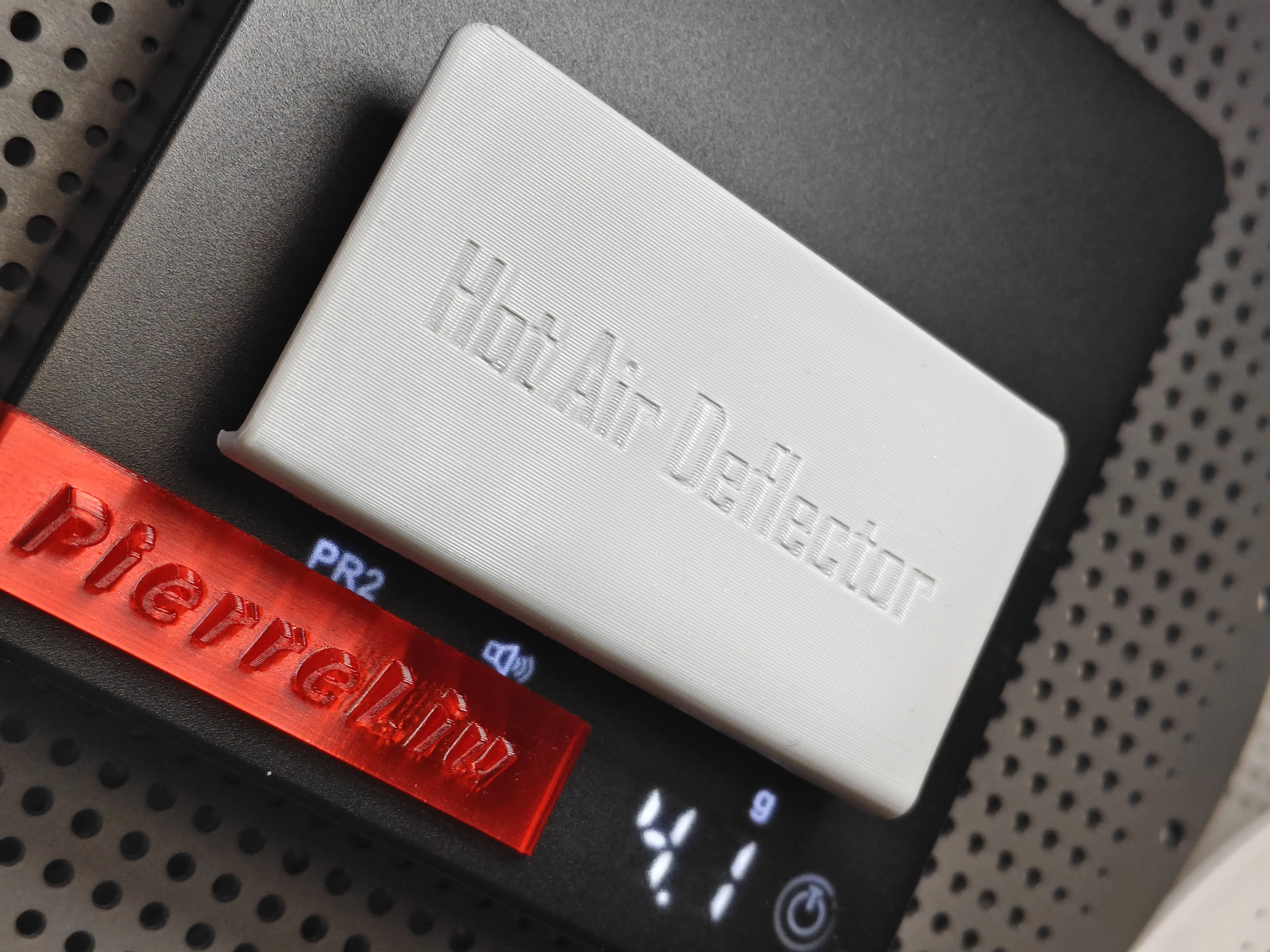
Design Philosophy:
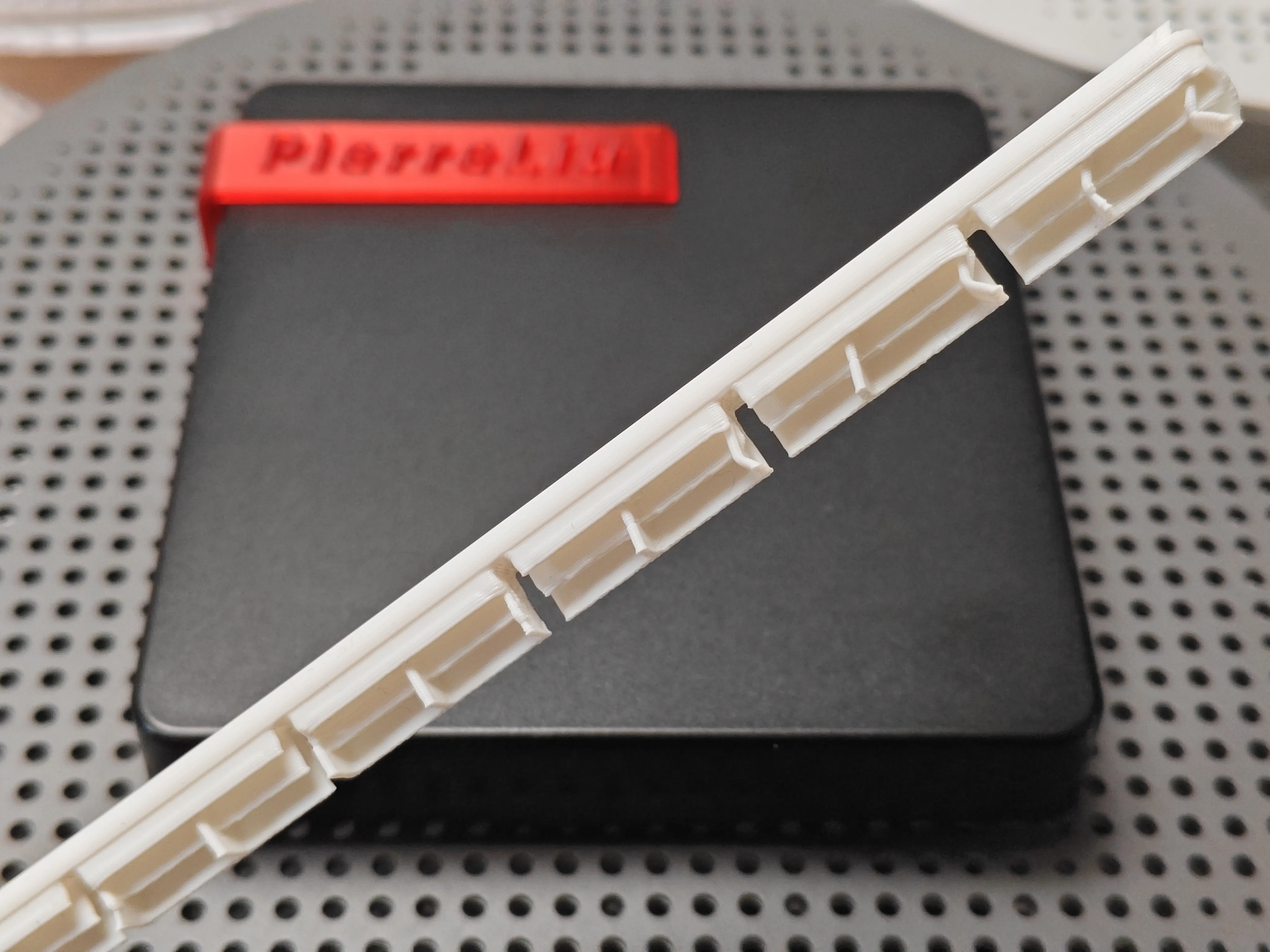
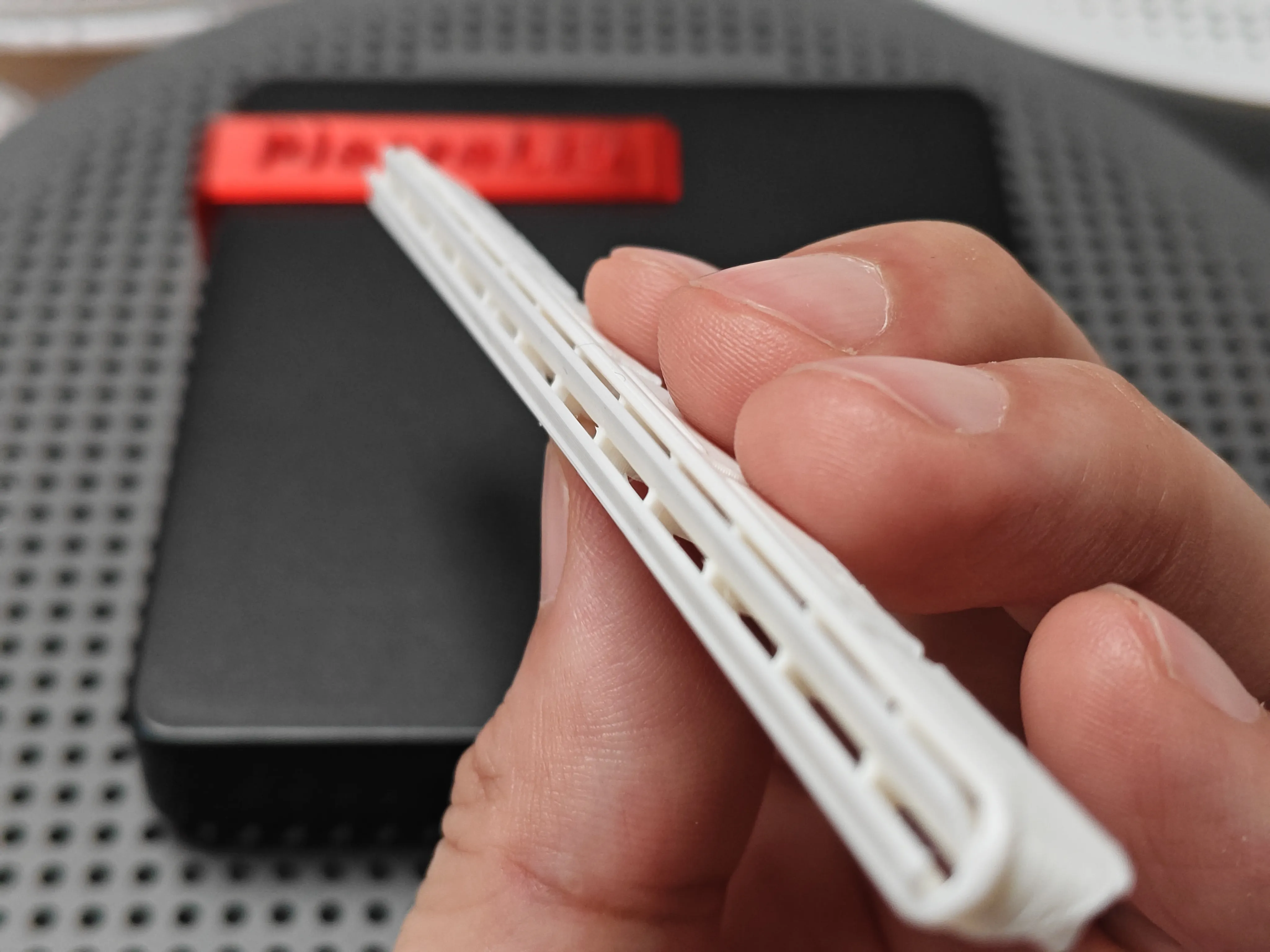
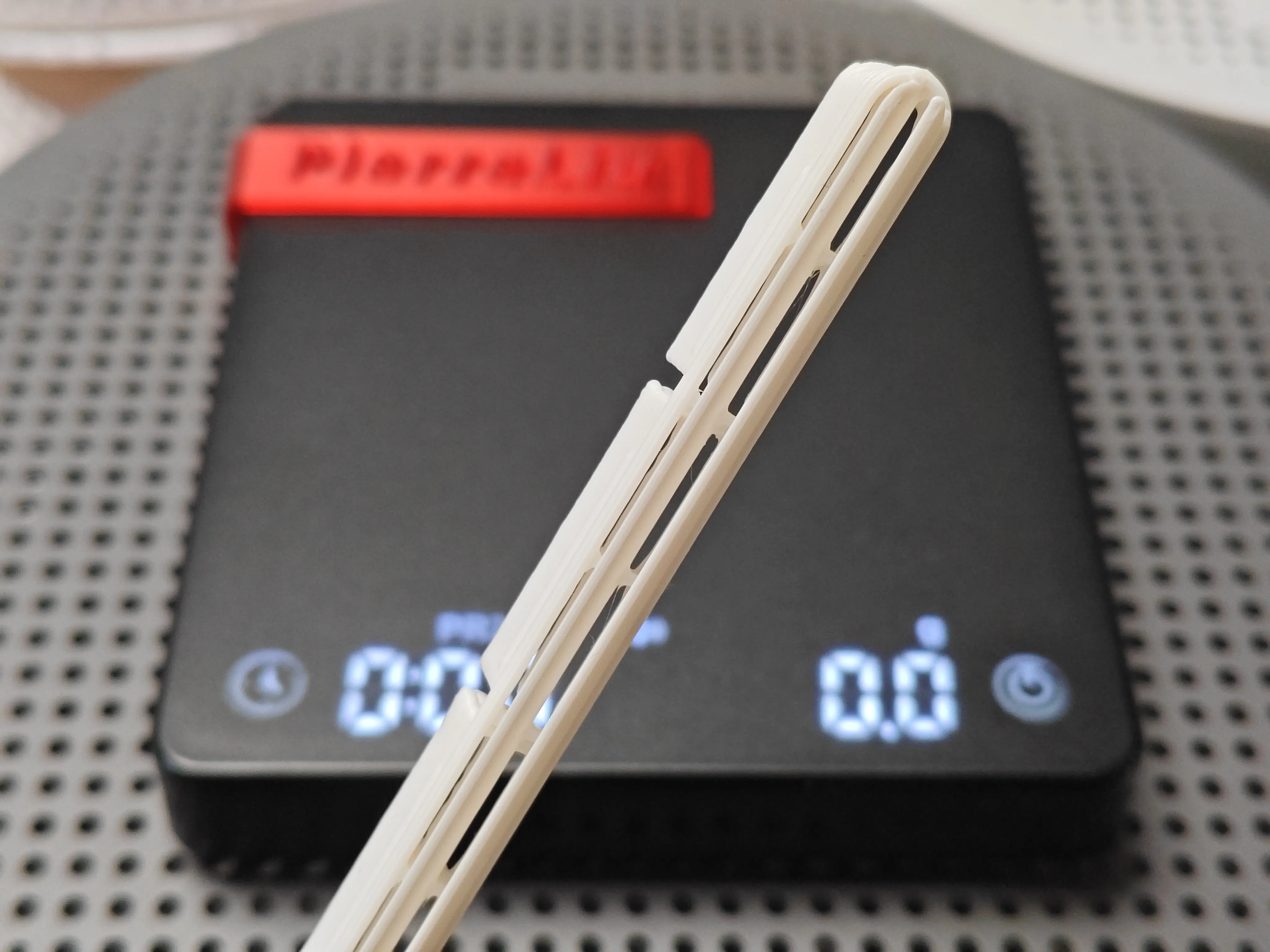
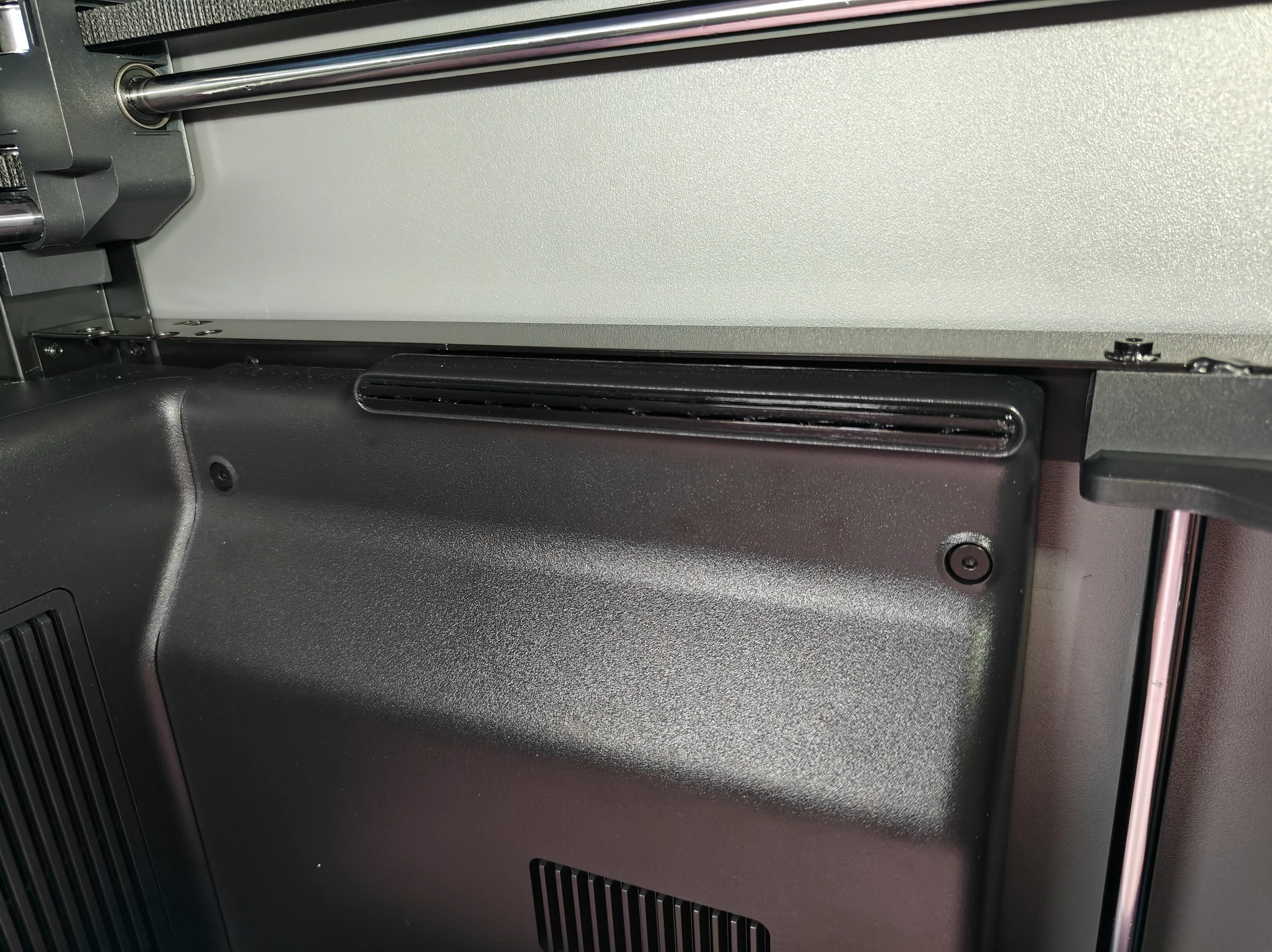
- Built-in guide vanes prevent nozzle crashes
- Y-axis direction built-in guide vanes for even diffusion
- Z-axis direction 45° external guide vanes for even cooling away from the model
- Increase wind pressure
- Streamline airflow and reduce noise
Printing Essentials:
Material:
Recommended to use high-temperature filament
build plate:
Be sure to thoroughly clean oil stains from the build plate with dish soap, this is crucial!
If the build plate, after prolonged use, is no longer adhesive, it is recommended to apply glue to increase model adhesion.
If the build plate is too adhesive, you can try lowering the bed temperature.
Model:
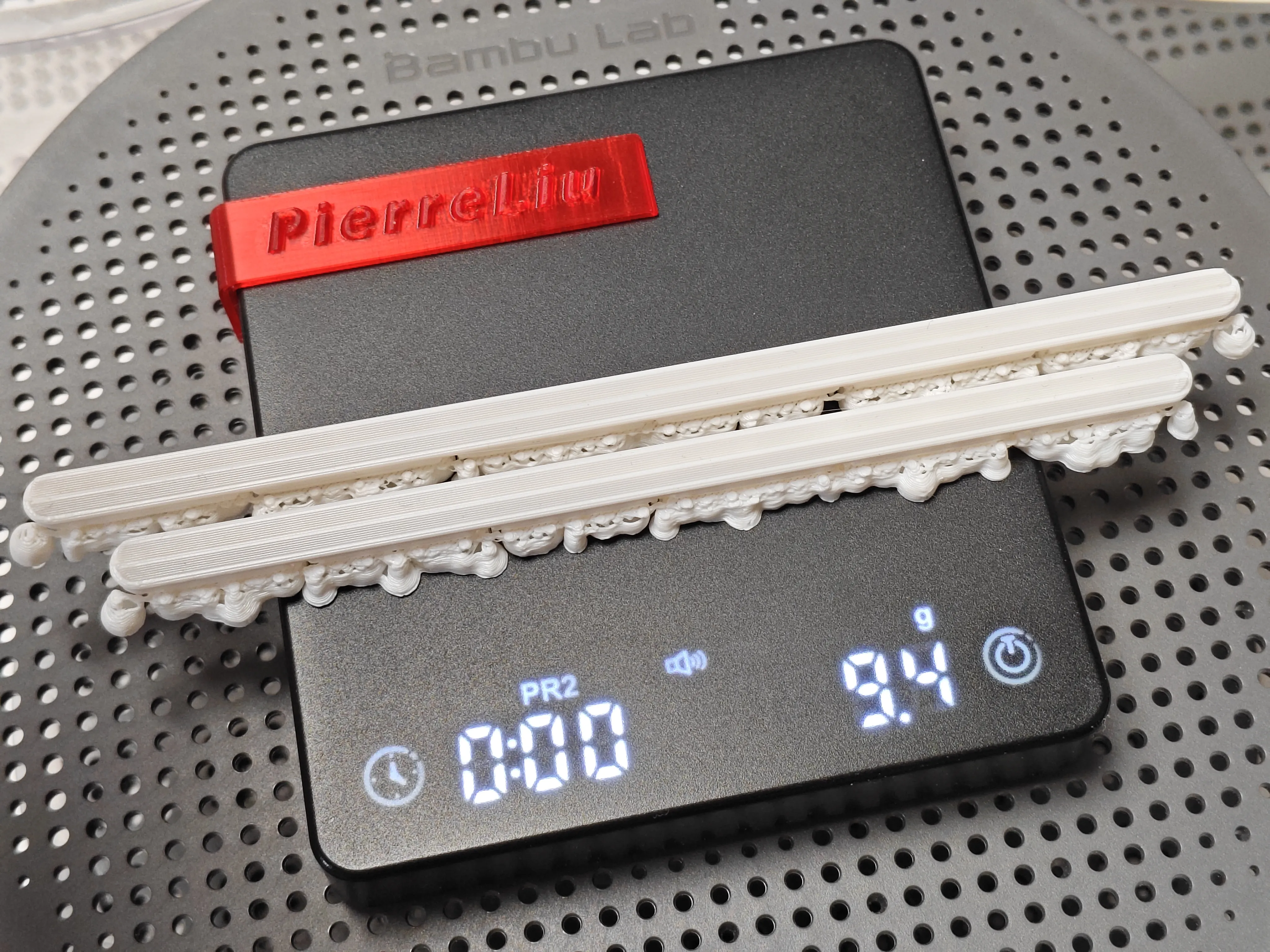
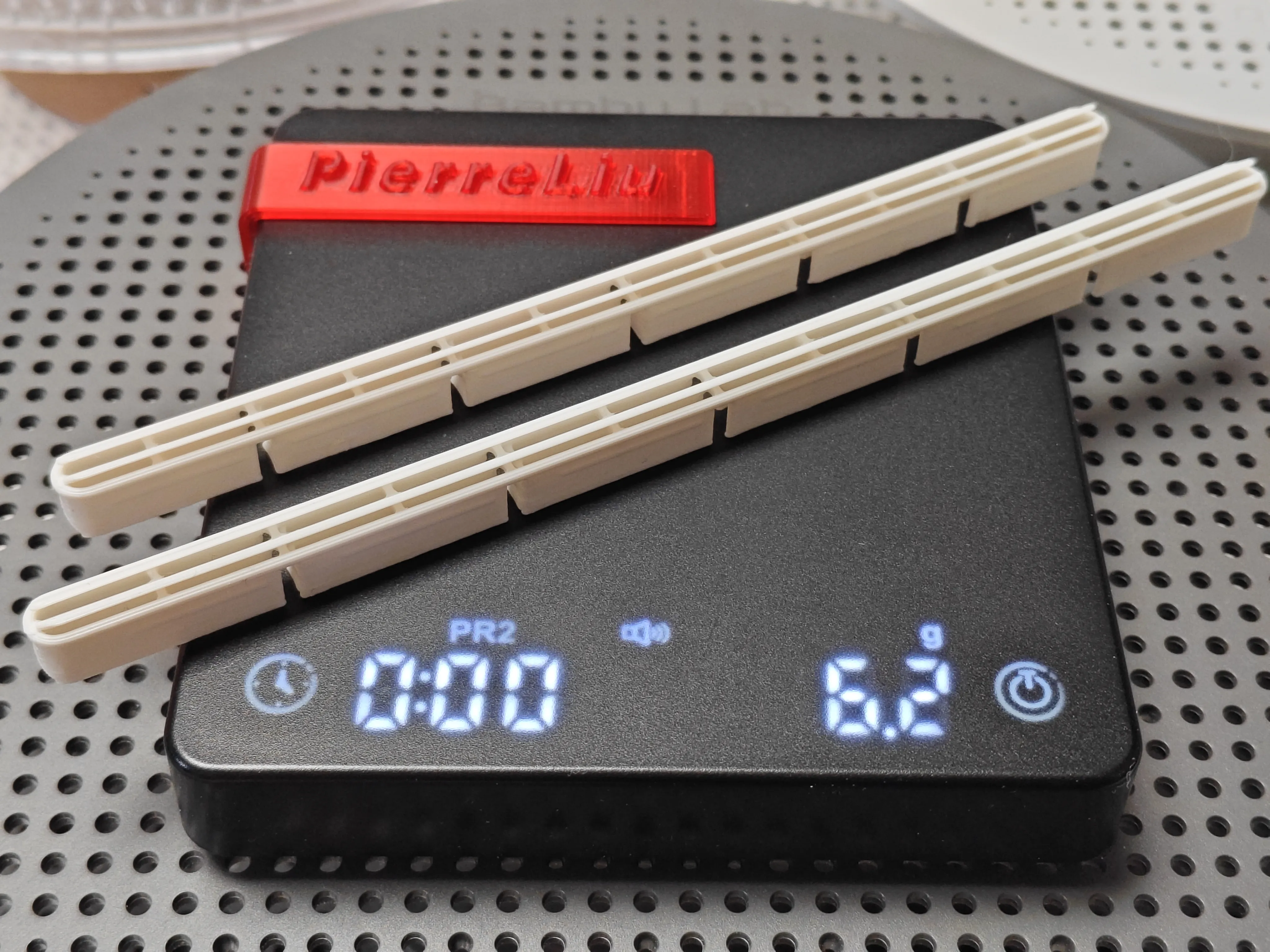
Do not change the model orientation or support settings. The model itself disperses a significant amount of stress from a design perspective. If the filament tends to warp, you can enable the skirt option.
Calibration:
Before printing, please perform the official hardware and software calibrations (dynamic flow calibration, flow rate calibration).
To ensure easy model removal, it is highly recommended to performfilament shrinkage calibration before printing
Model Removal:
After printing, make sure to wait for natural cooling before removing the model (removing it prematurely can lead to model deformation).
Wishing everyone no more spaghetti~ and no more clogs~
Boost Me (for free)
Push for updates! Push for updates! Push for updates!
License

You shall not share, sub-license, sell, rent, host, transfer, or distribute in any way the digital or 3D printed versions of this object, nor any other derivative work of this object in its digital or physical format (including - but not limited to - remixes of this object, and hosting on other digital platforms). The objects may not be used without permission in any way whatsoever in which you charge money, or collect fees.


Comment & Rating (6)