
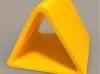
Triangle Leather Bending Tool 5,15,20 radius
Print Profile(1)
Description
Boost Me (for free)
🌷🌹🥀🌺🌸
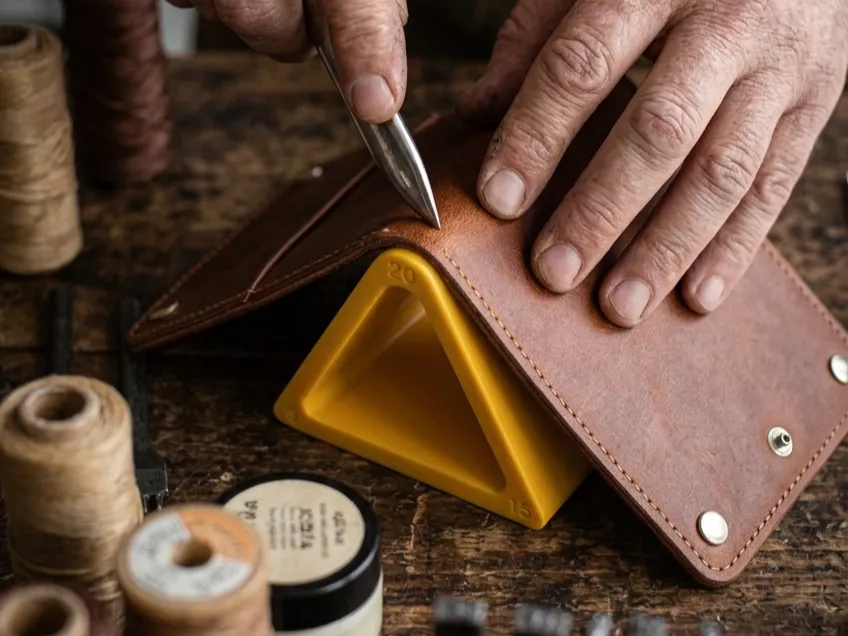
When gluing leather, the inner surface often bulges and peels away when folded, especially in bifold wallets—this spoils the appearance and strength of the product.
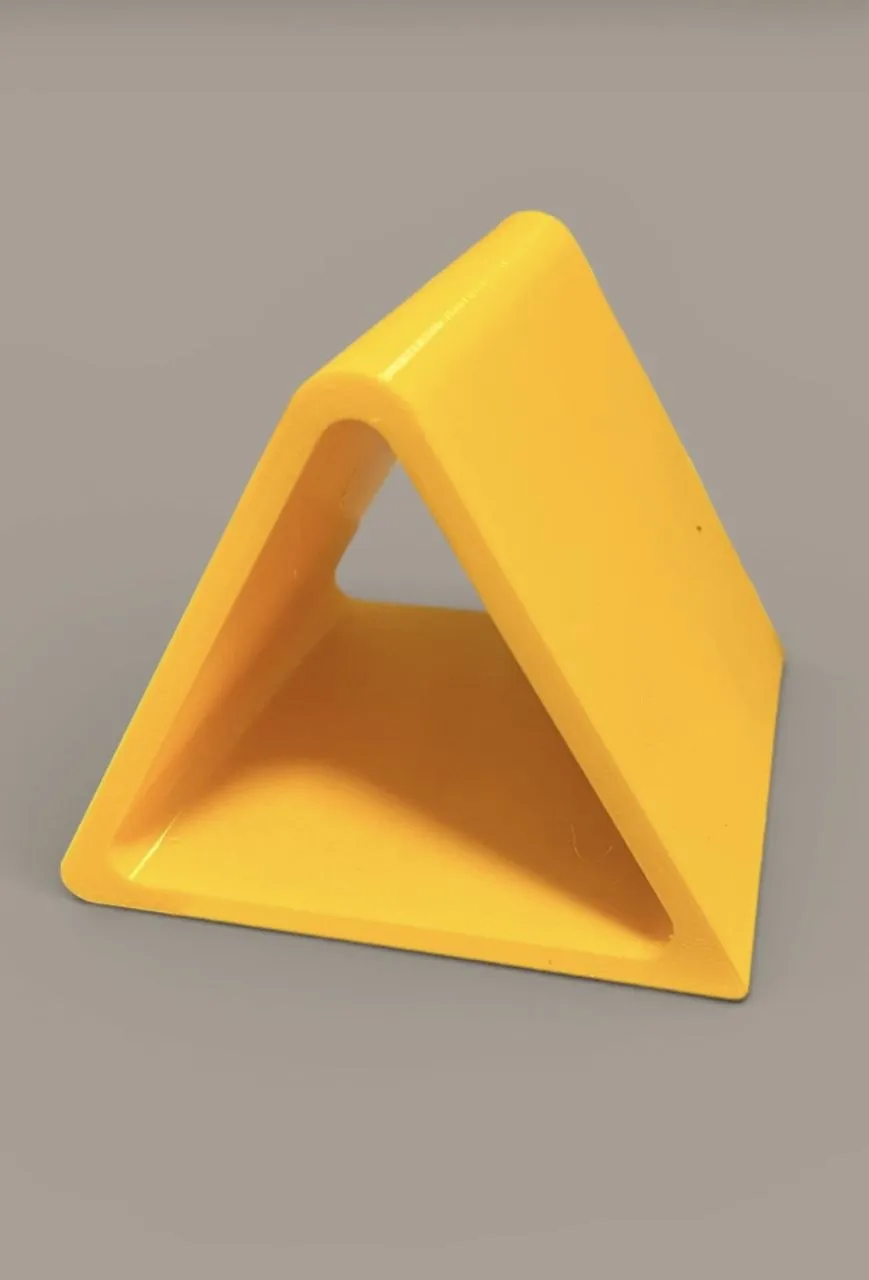
The solution is to use a bending template. These are usually made of wood, but can be 3D printed. For example, a triangular leather bending template creates a uniform radius, reduces the stress on the glue joint, and ensures a neat, strong bend.
Available bend widths: 5, 15, and 20 mm.
How to use:
Apply glue to the flanks of the two pieces
Select the desired width on the template
Place the leather along the markings
Press evenly and bend through the template
You can increase the height of the model in one axis to work with larger pieces.
License

You may create derivative works based on this object, provided that all such derivative works are published exclusively on the MakerWorld platform and include proper attribution to the original creator. You may not share, upload, host, distribute, or publish this object—or any derivative work of this object—on any other digital platform, marketplace, or distribution channel. Commercial use of this object and any derivative works is strictly prohibited. This includes, but is not limited to, selling, renting, sublicensing, or using the object in any context in which you receive monetary compensation or other financial benefits.


Comment & Rating (0)