
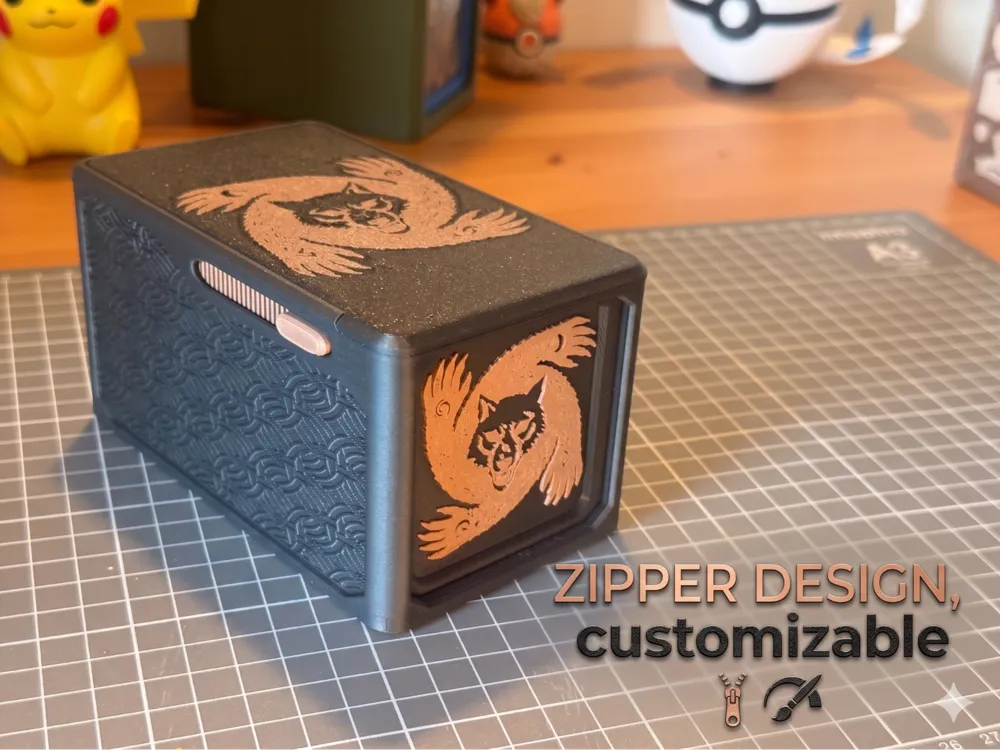
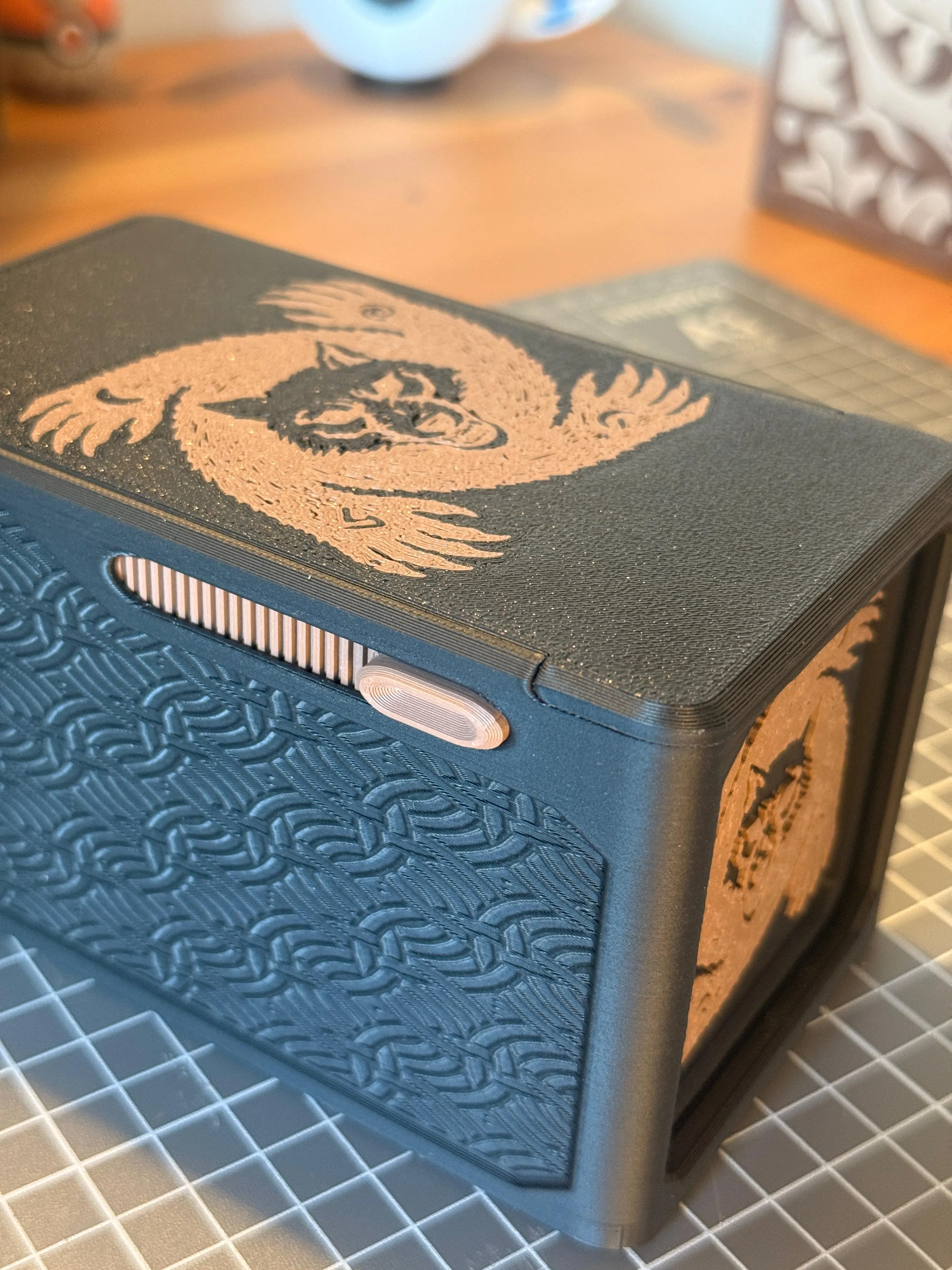
Werewolf box, secure closure. Customizable
Print Profile(1)


Description
Boost Me (for free)
If this box successfully protects your tokens and survives the night in your village, consider leaving a Boost! 🐺🌕 Your support fuels my 3D printer and helps me share more premium, glue-free designs with the community. Happy gaming! 🎲

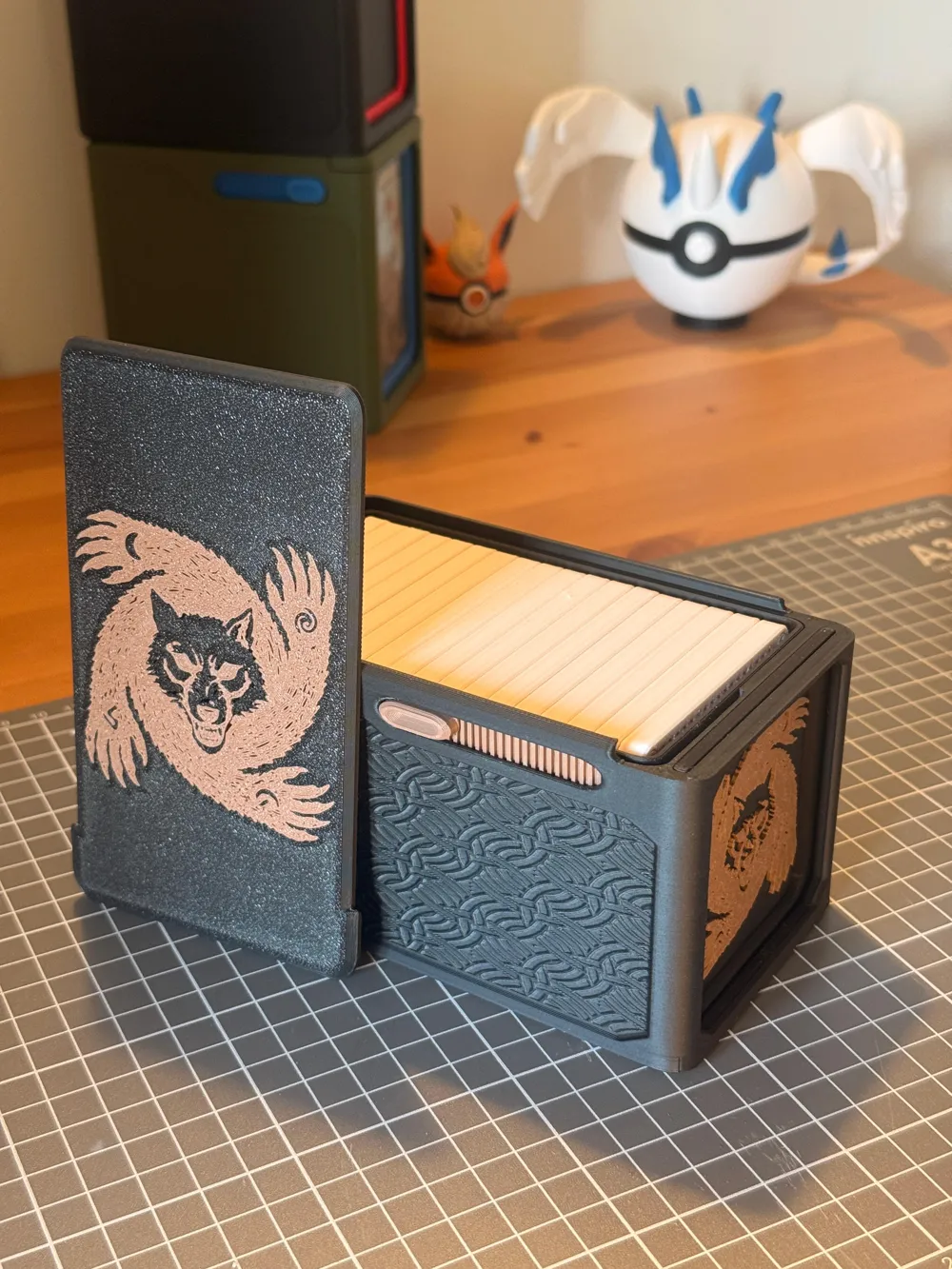
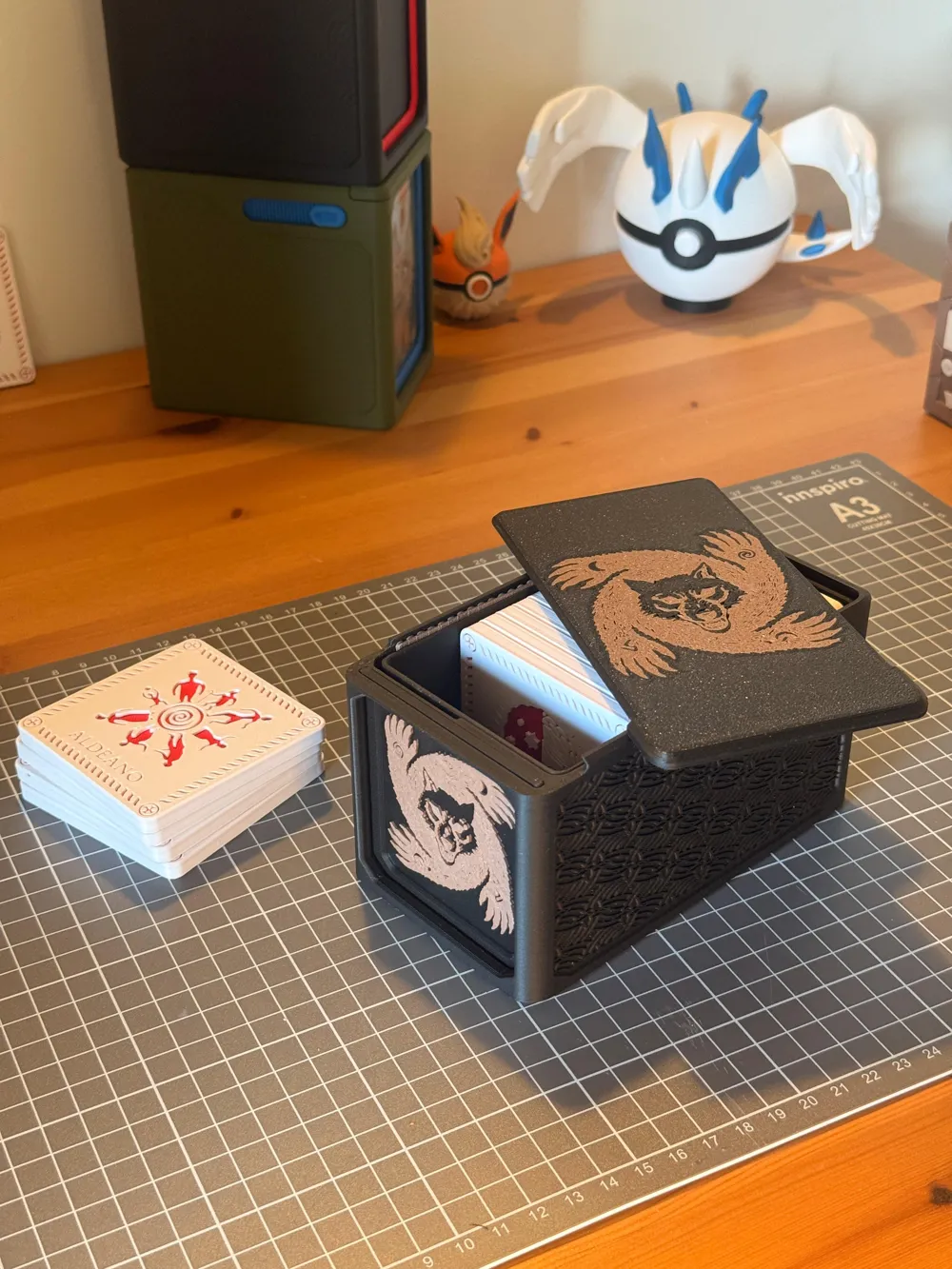
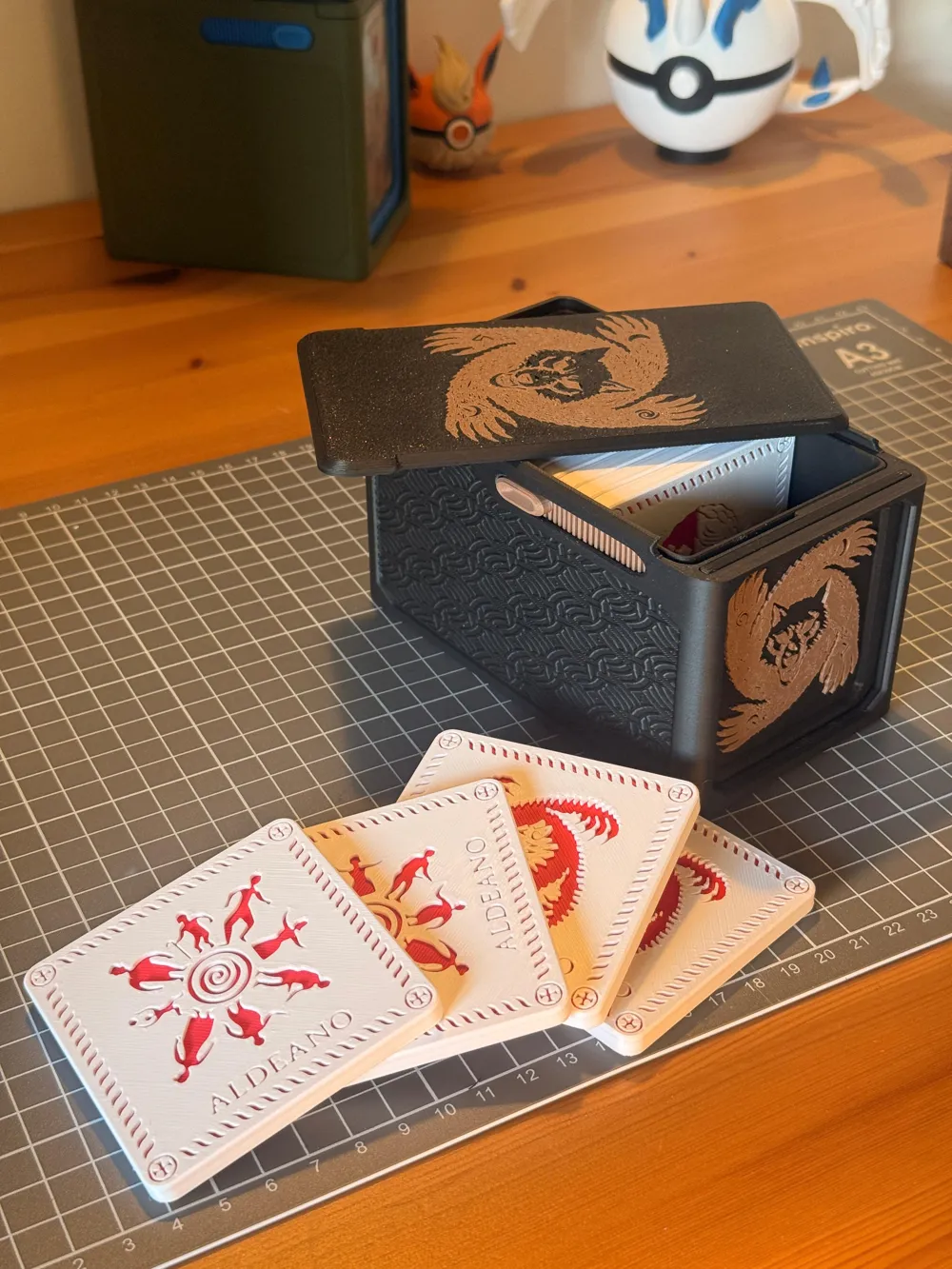
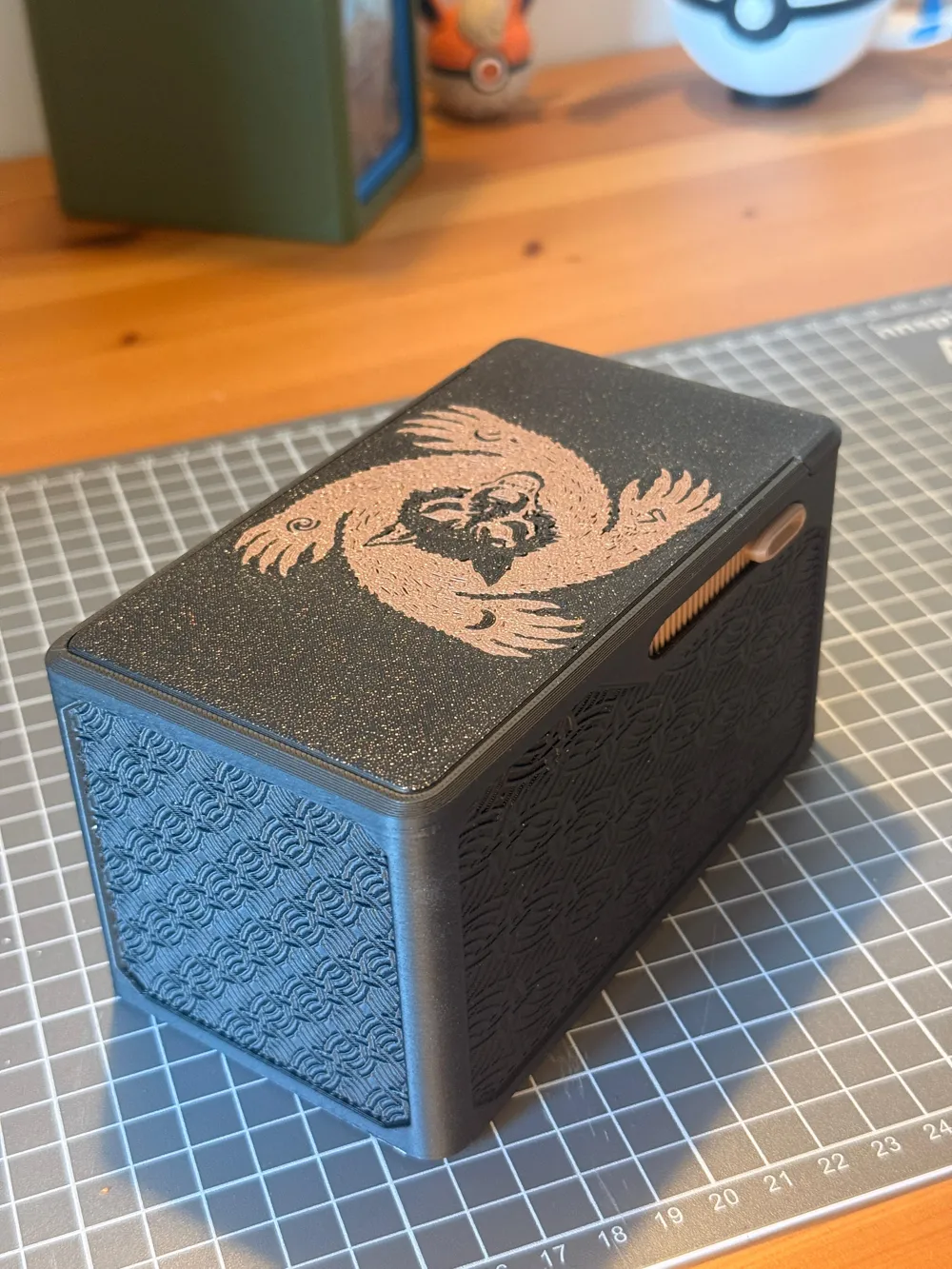
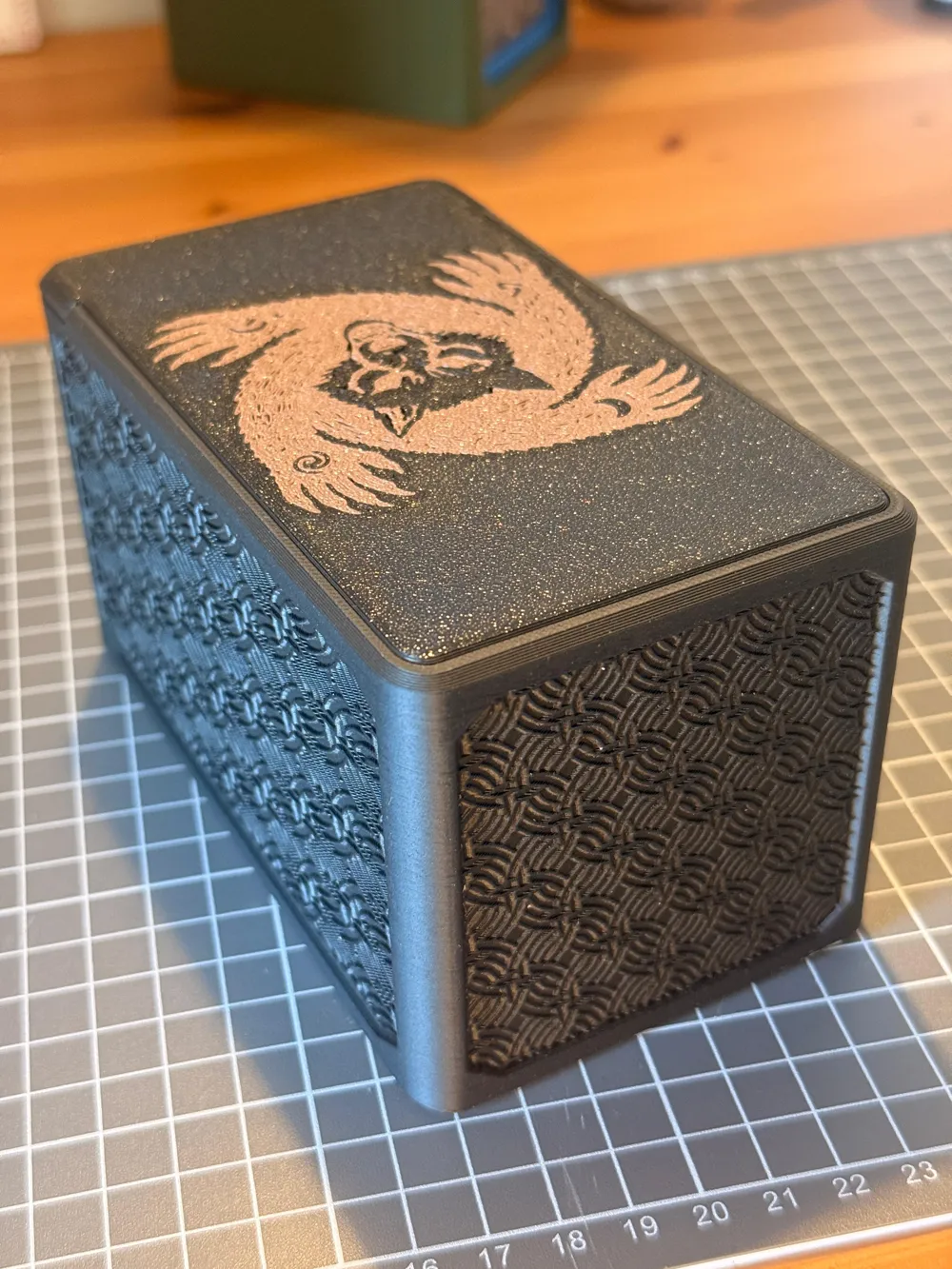
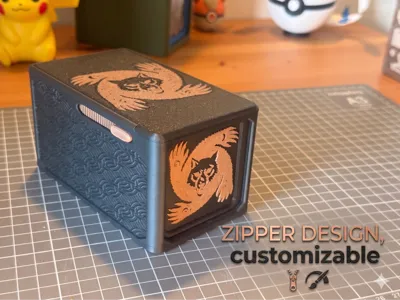
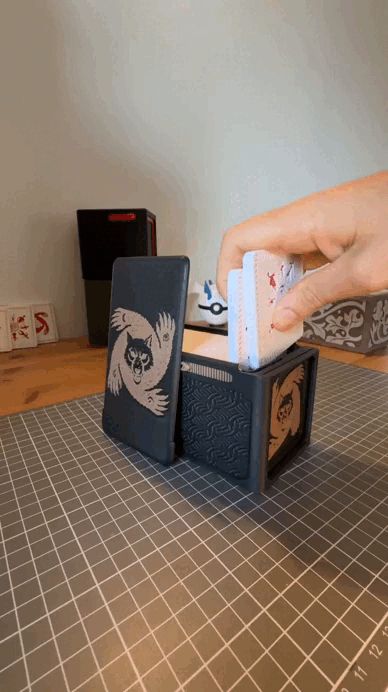
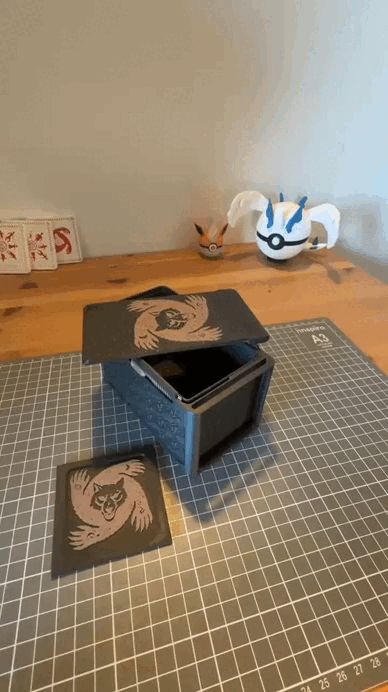
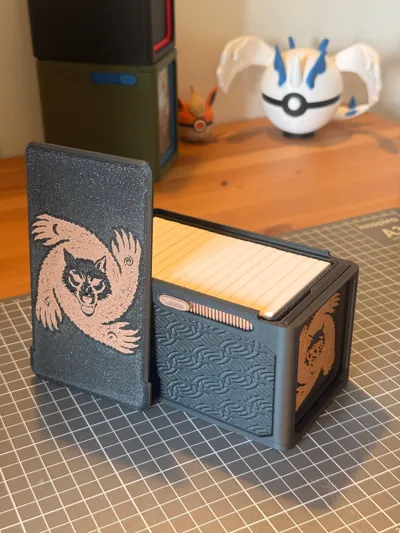
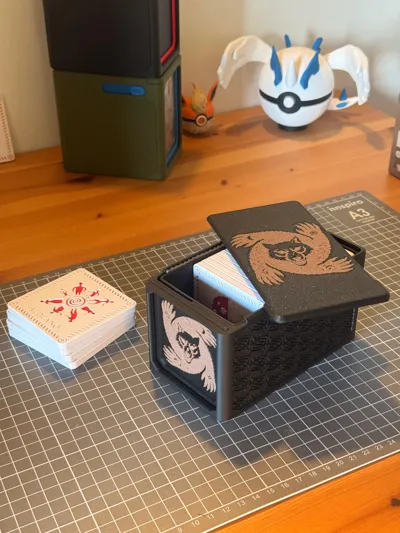
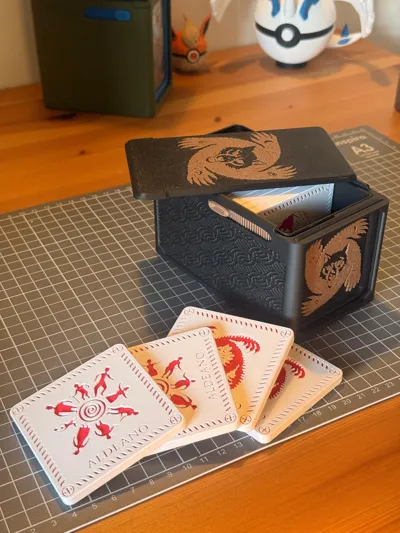
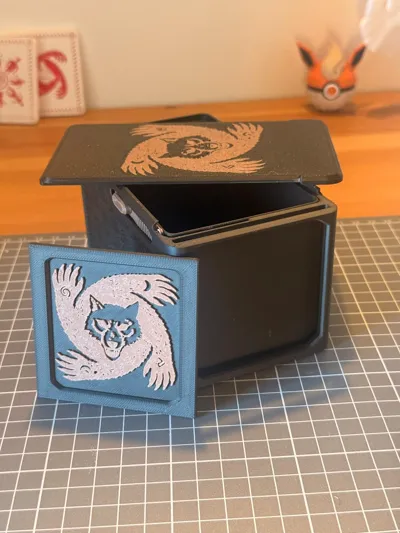
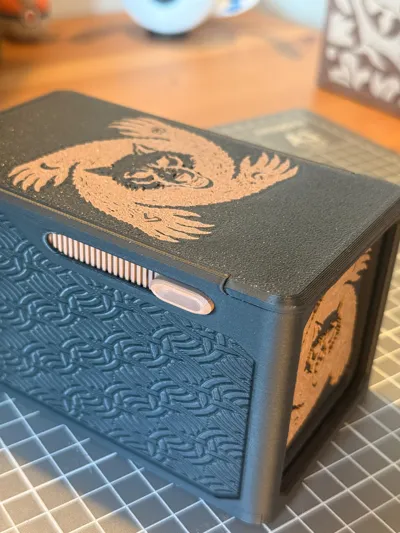
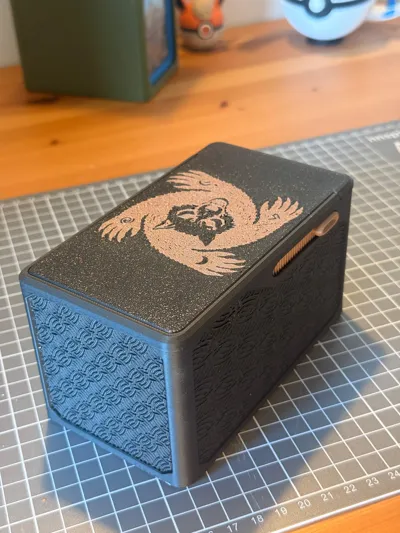
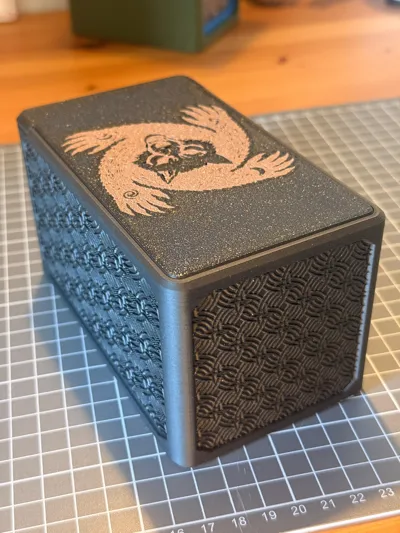

Protect your village (or devour it) in style! This sliding-lock box is specially designed to store these awesome Werewolves of Millers Hollow tokens, scaled up by 30% (130% total size) for a better feel and presence on the table. The design is heavily inspired by the structure and functionality of popular MTG Commander deck boxes.
✨ Main Features:
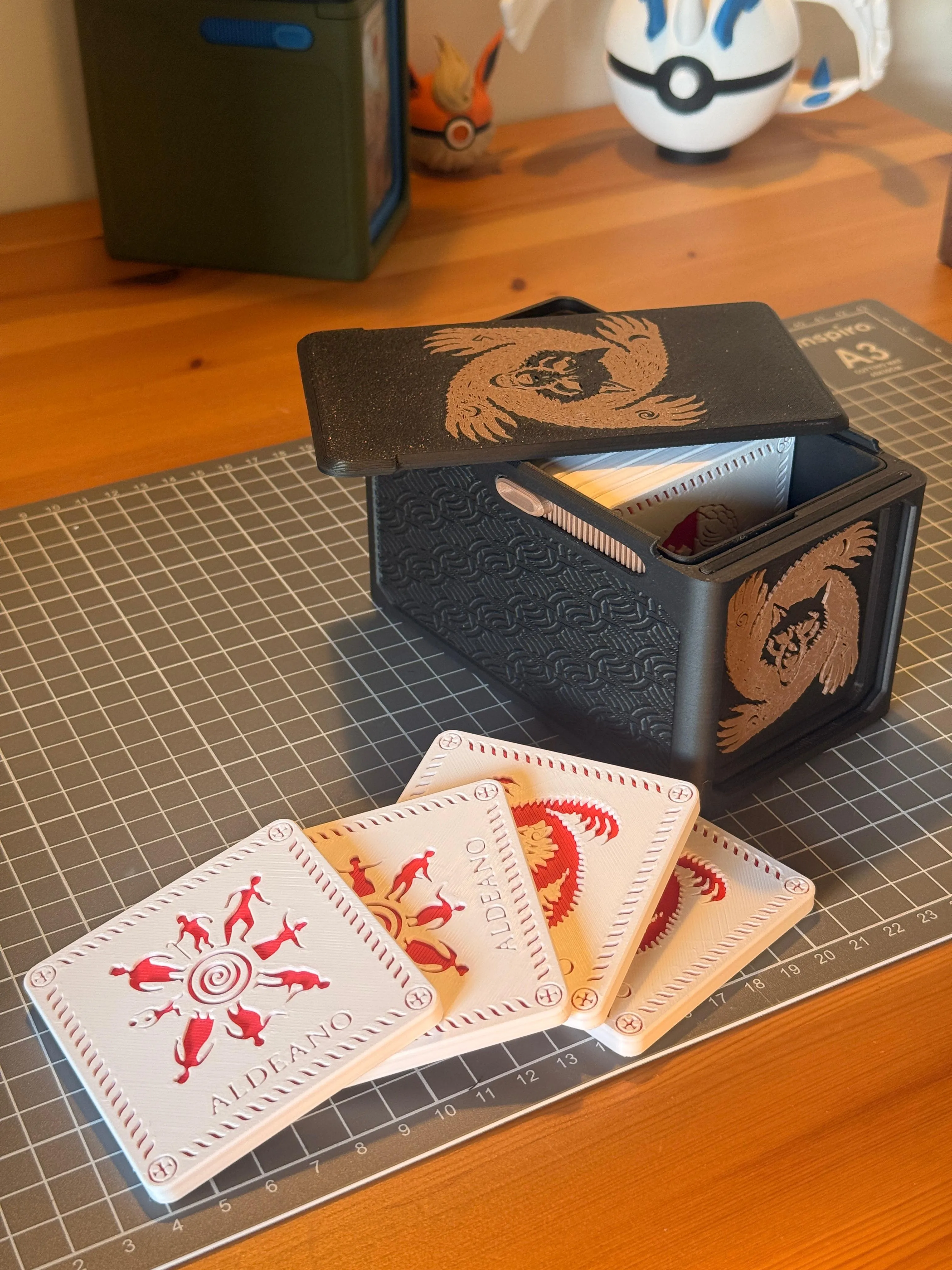
- Perfect Capacity: Exactly holds the 18 base game tokens: 4 Werewolves, 1 Seer, 1 Little Girl, 1 Hunter, 1 Witch, 1 Cupid, 1 Thief, and 8 Villagers.
- 100% Mechanical Design: Snap-fit assembly with absolutely NO SCREWS OR GLUE NEEDED.
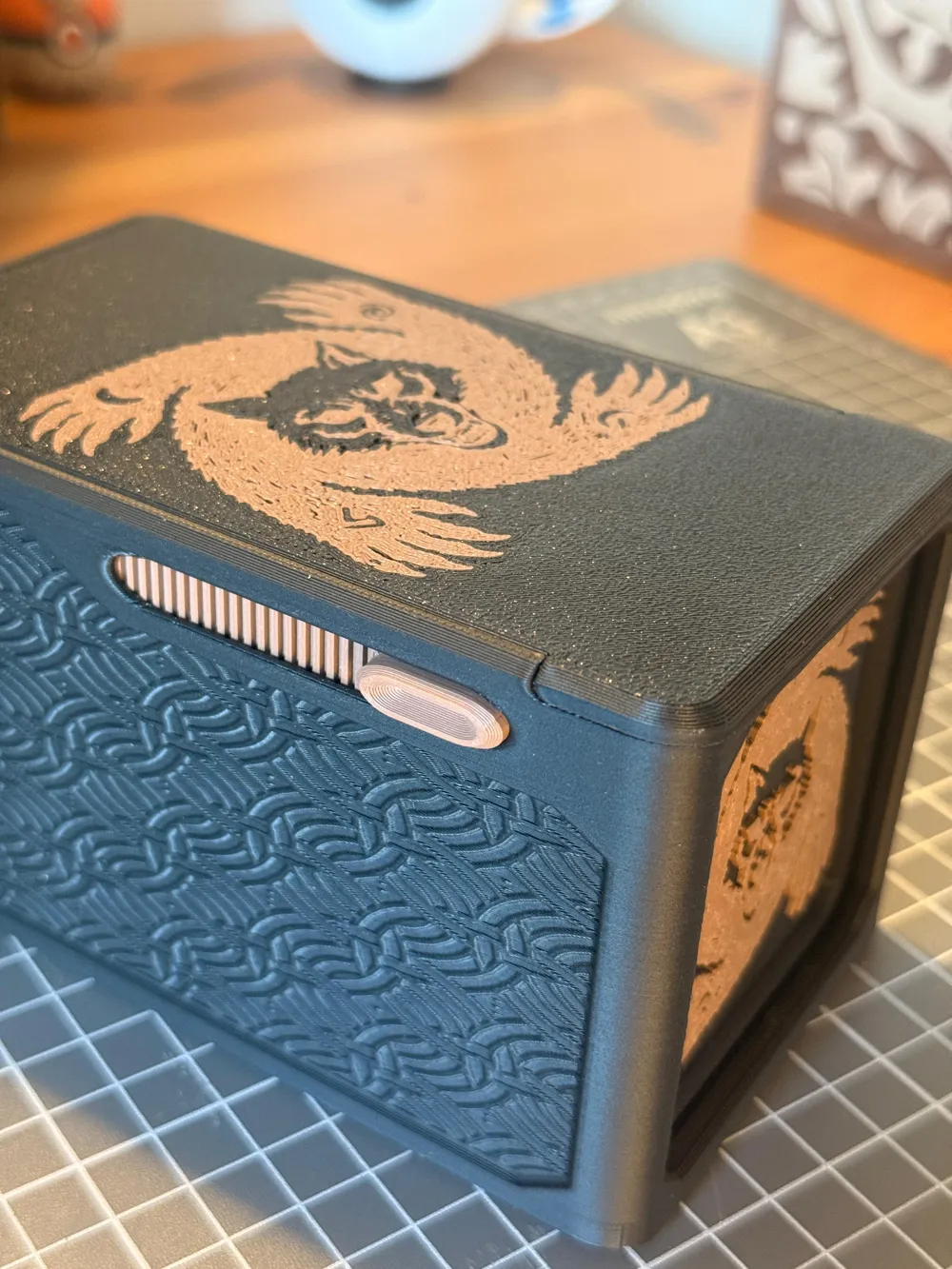
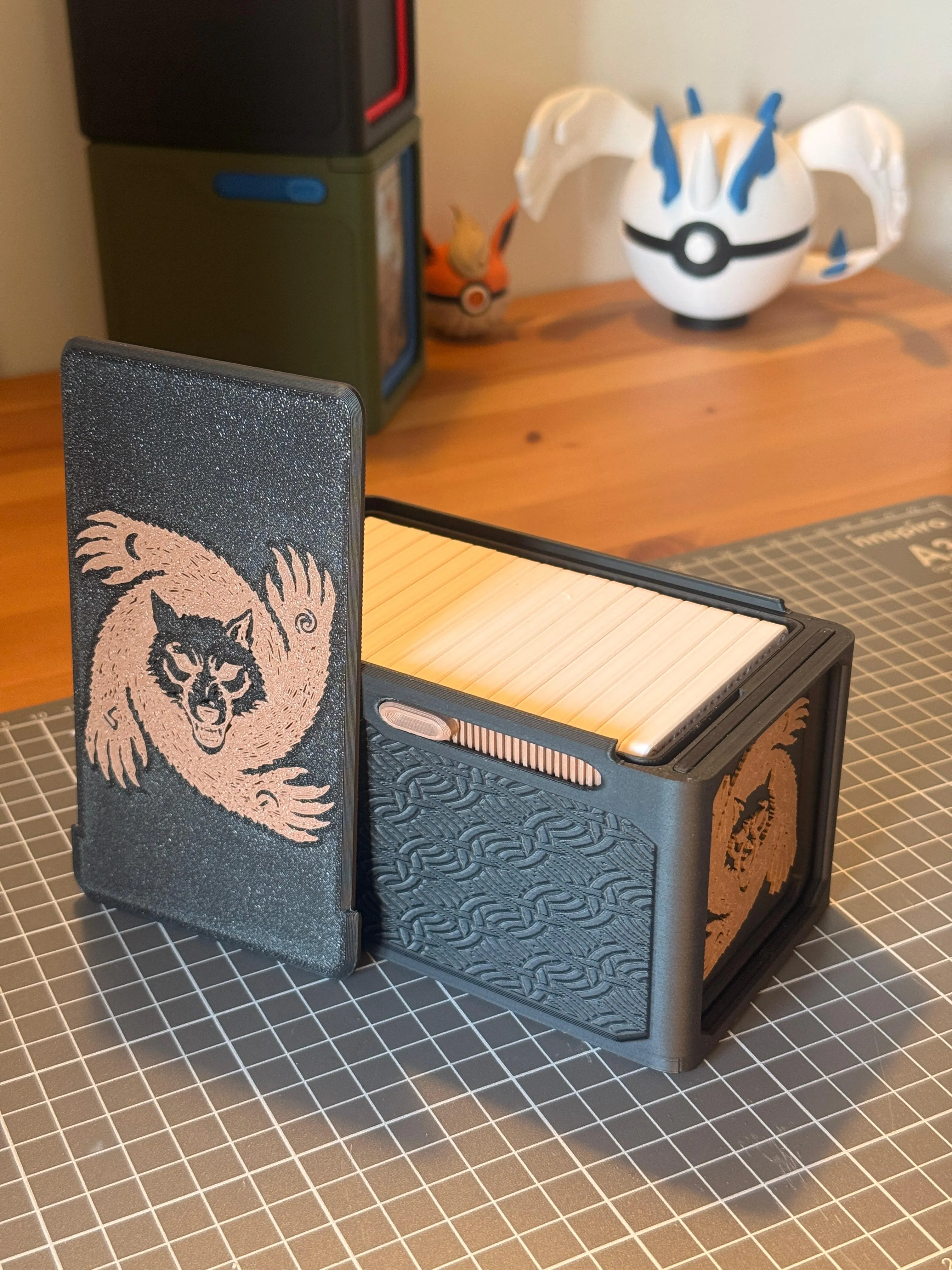
- Fully Customizable: Both the wolf logo and the outer relief pattern are optional and editable. Make it your own!
📦 Included Parts:

- Outer shell
- Inner shell
- Lock slider (Latch mechanism)
- Top lid
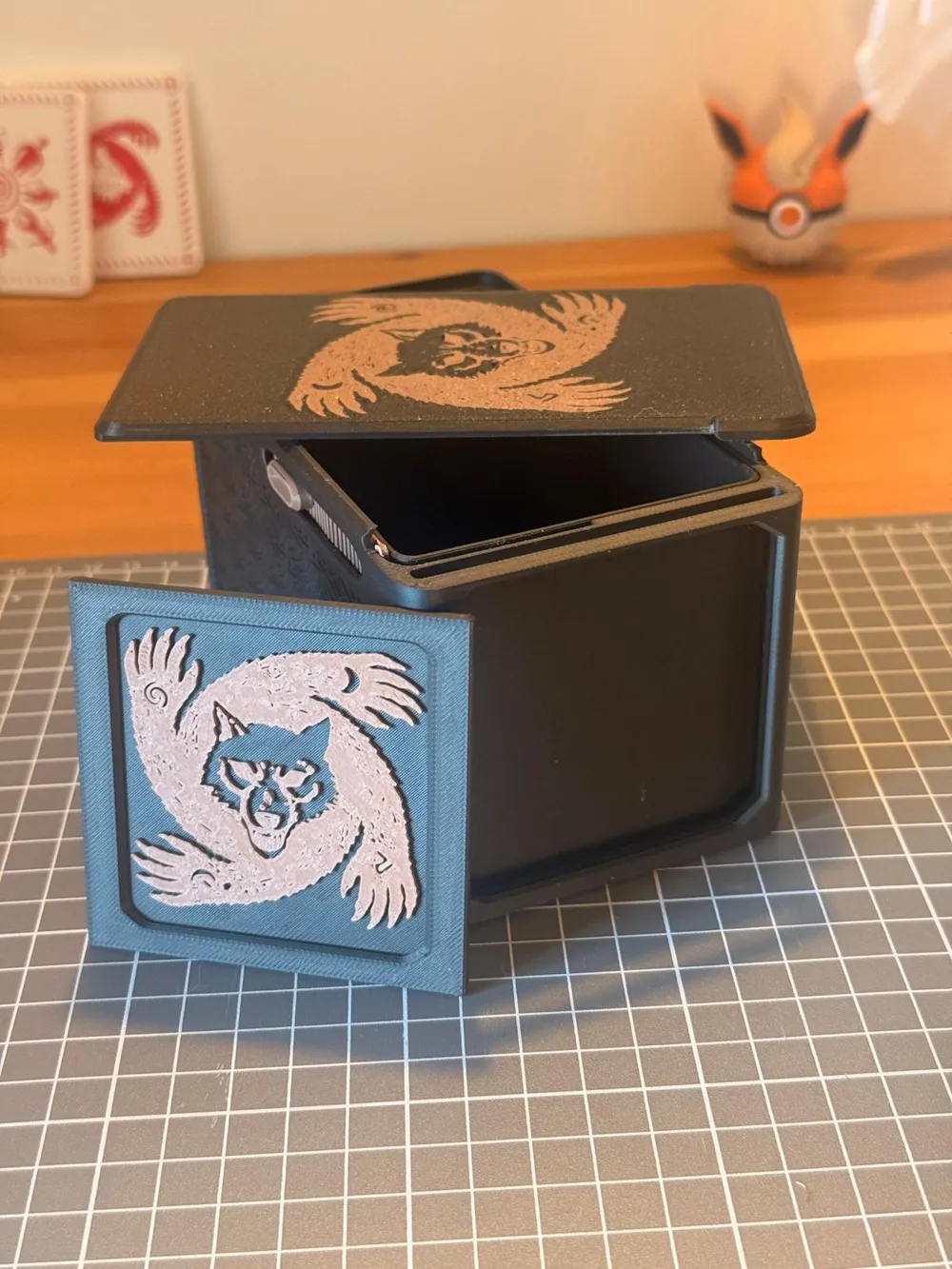
- Front display frame
⚙️ Recommended Print Settings:
- Material: PLA
- Layer Height: 0.2 mm
- Wall Loops (Perimeters): 3
- Infill: 10% Gyroid
⚠️ IMPORTANT! - Tips for the Lock Slider: Print orientation matters! Print the lock slider flat with a 45-degree rotation on the build plate, ensuring it prints sideways. This maximizes layer strength and prevents the lock mechanism from snapping under pressure.
🛠️ Assembly Instructions:
- Start by printing the outer shell, the inner shell, and the lock slider.
- Place the lock slider into position inside the outer shell. It is designed to only fit and work in one specific direction.
- Test the locking mechanism to ensure it slides smoothly.
- Insert the front display frame into place.
Slide the top lid on and test the overall fit. Your box is now ready for the full moon!
| 
| 
|
License

You shall not share, sub-license, sell, rent, host, transfer, or distribute in any way the digital or 3D printed versions of this object, nor any other derivative work of this object in its digital or physical format (including, but not limited to, publishing derivative works outside the Makerworld platform or hosting on other digital platforms). The objects may not be used without permission in any way whatsoever in which you charge money or collect fees. Subject to the above restrictions, derivative works may be published only within the Makerworld platform, and all such derivative works must be licensed under the same SDFL‑C license, without modification or additional terms. You may download the digital versions of this object, 3D print it, and display images, videos, or usage demonstrations of 3D printed versions of the object on personal social media platforms or Makerworld official channels, provided that no digital versions of the object are shared or distributed.


Comment & Rating (1)