
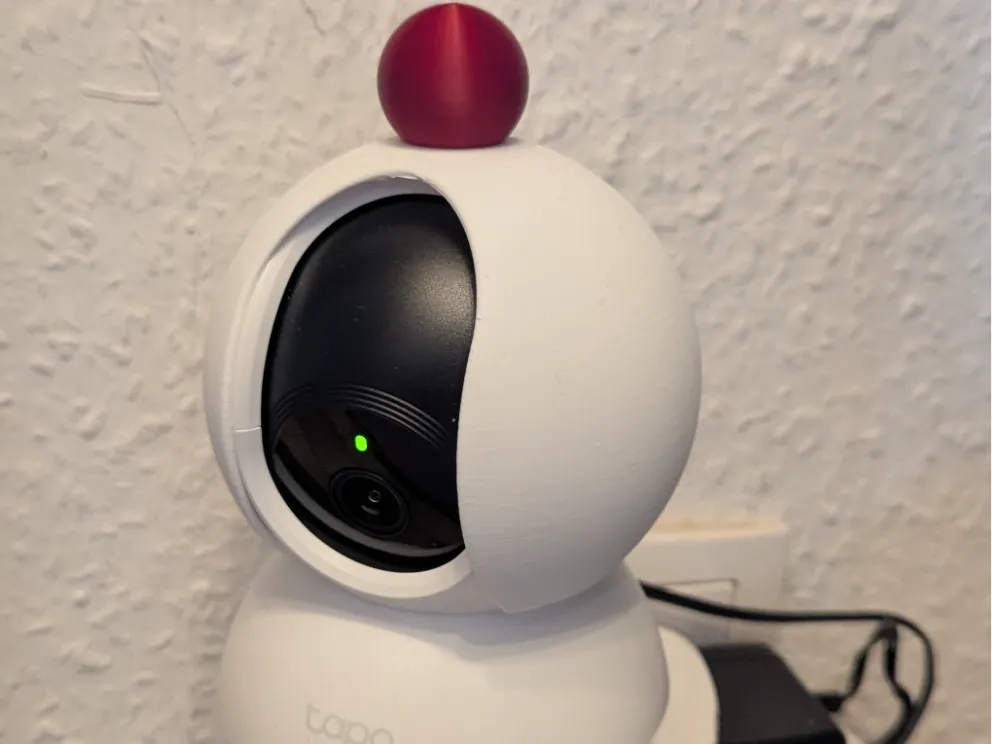
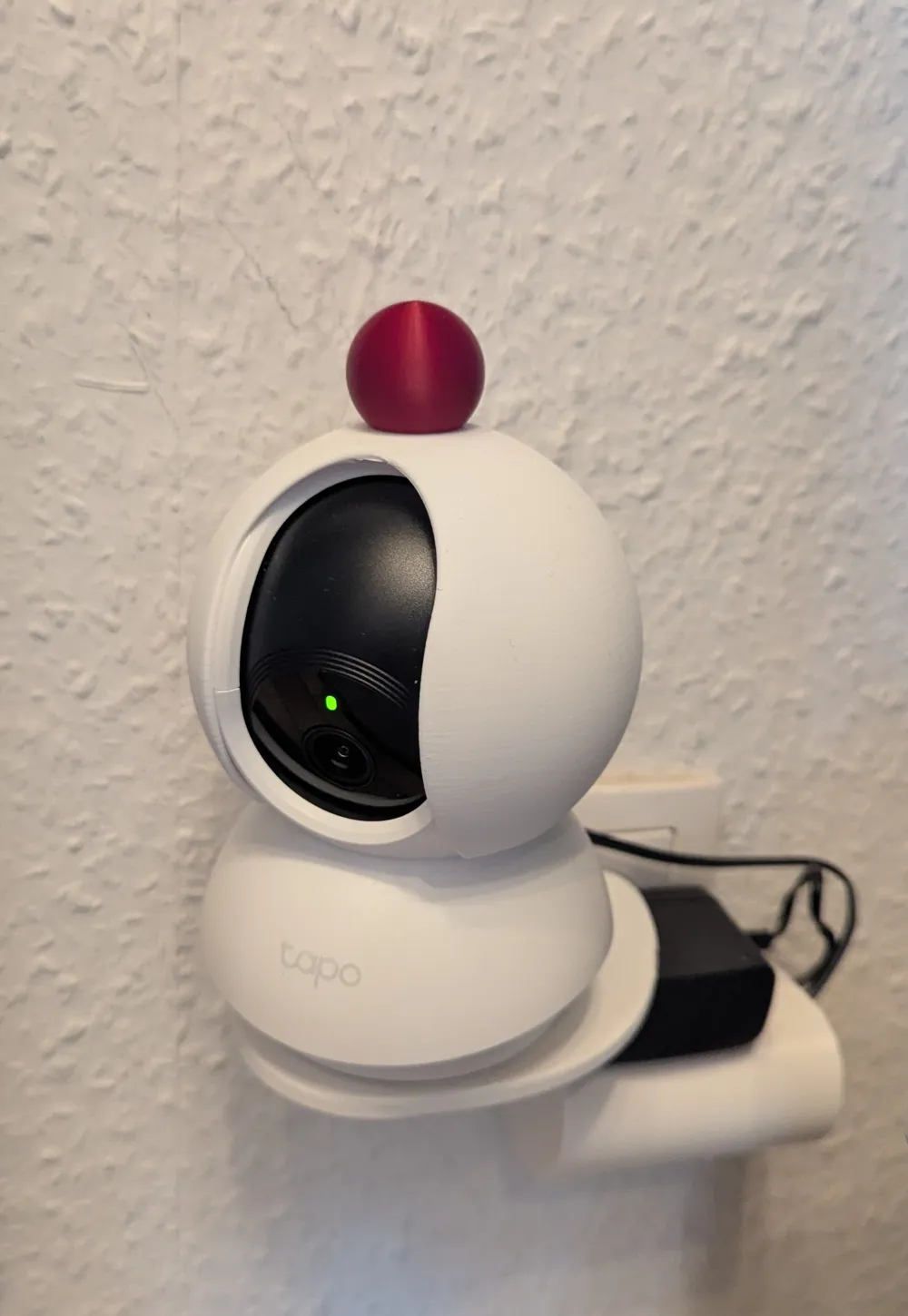
Camera cover suitable for Tapo TP-Link C210


Print Profile(1)

Description
Boost Me (for free)
If you like the model, I appreciate a boost.
Thank you

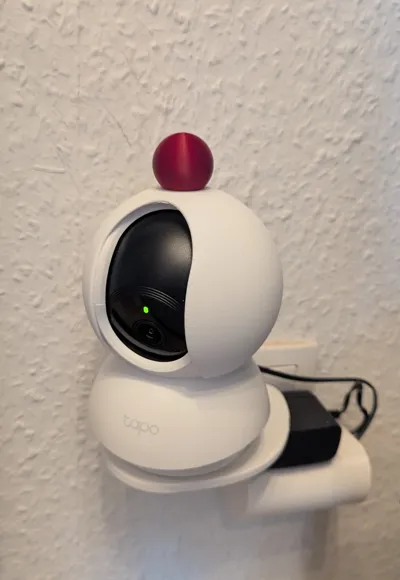
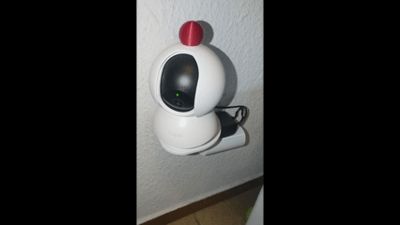
I was looking for a quick and easy way to put the security camera into “private mode” without using the app or unplugging the camera
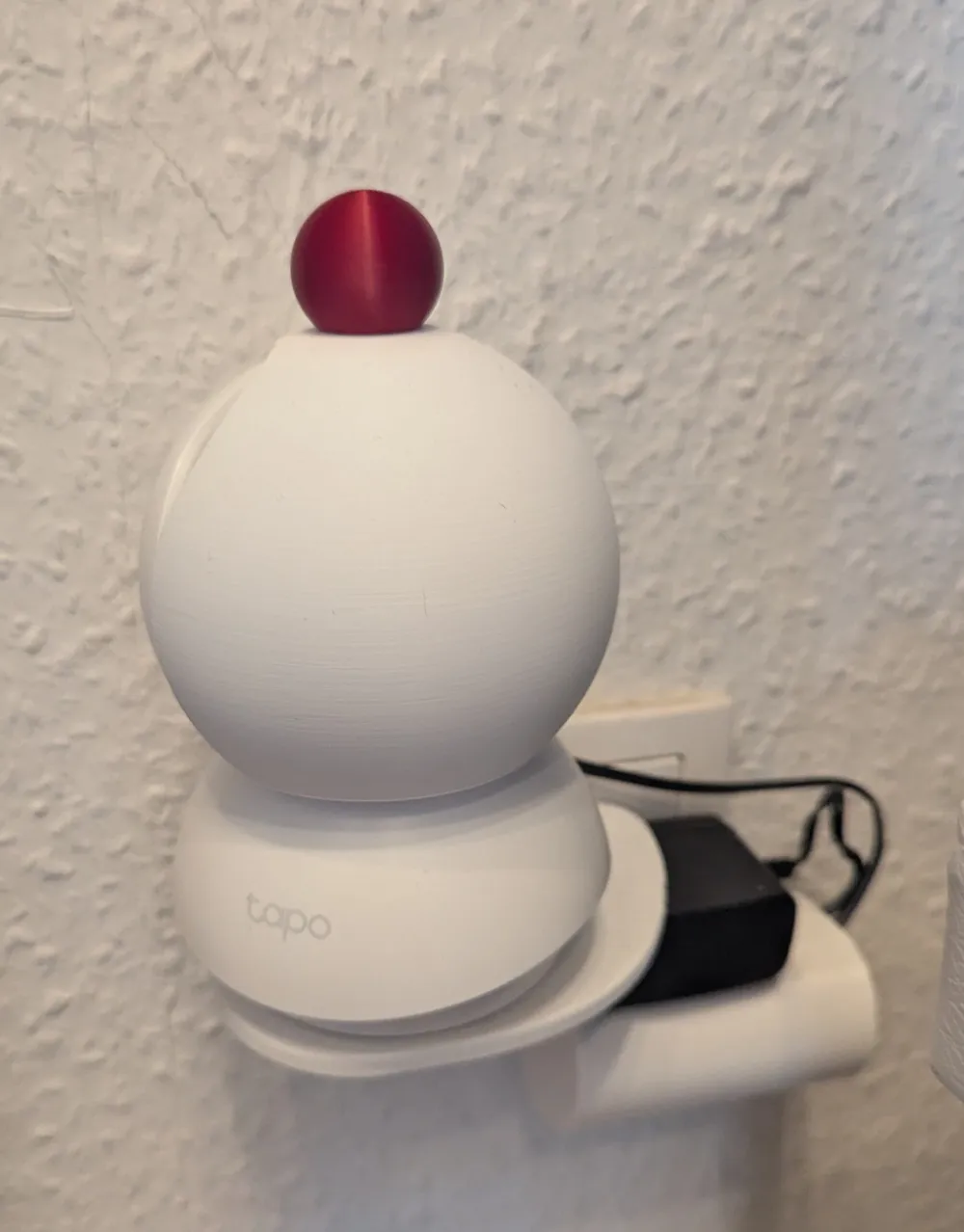
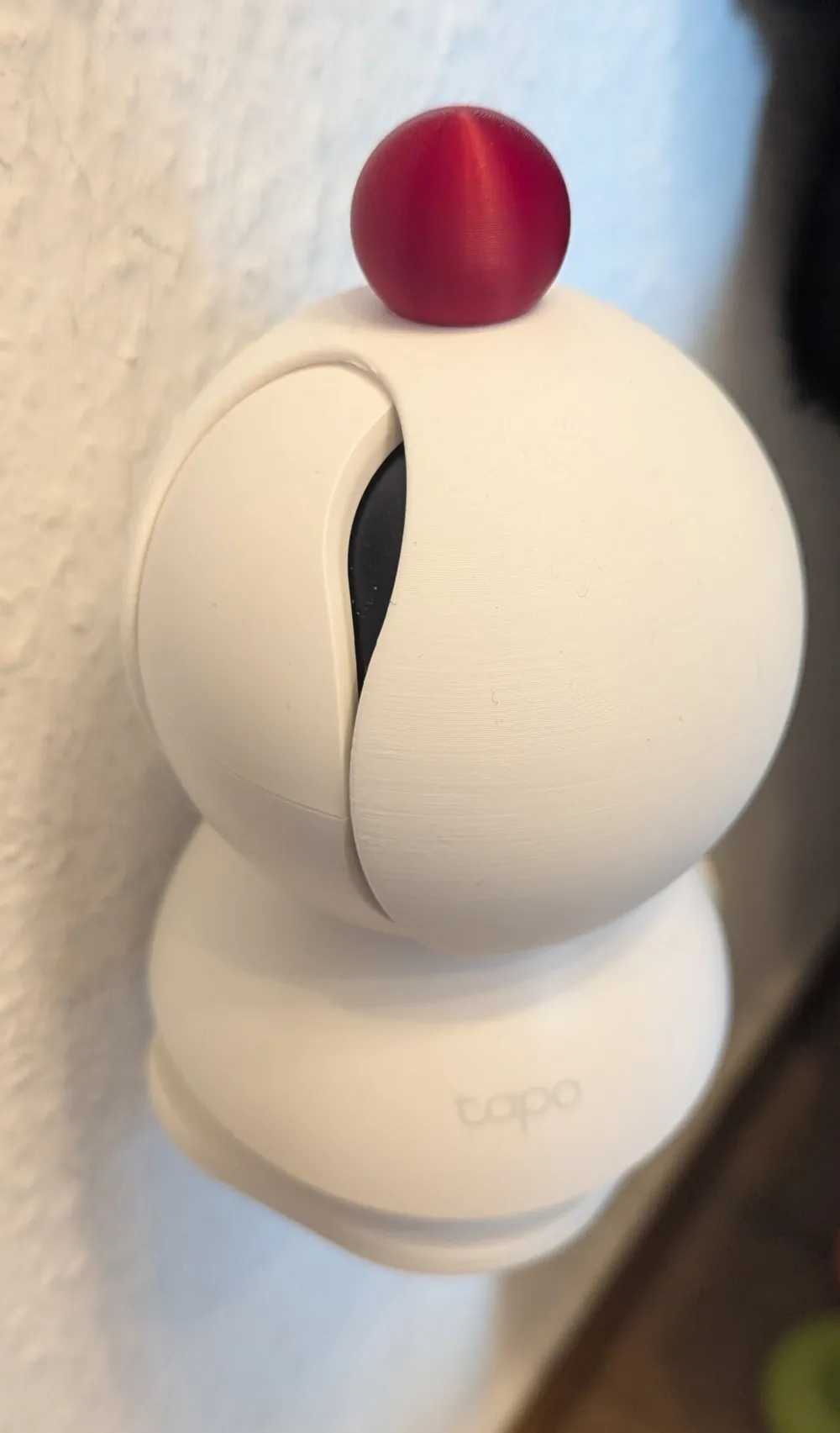
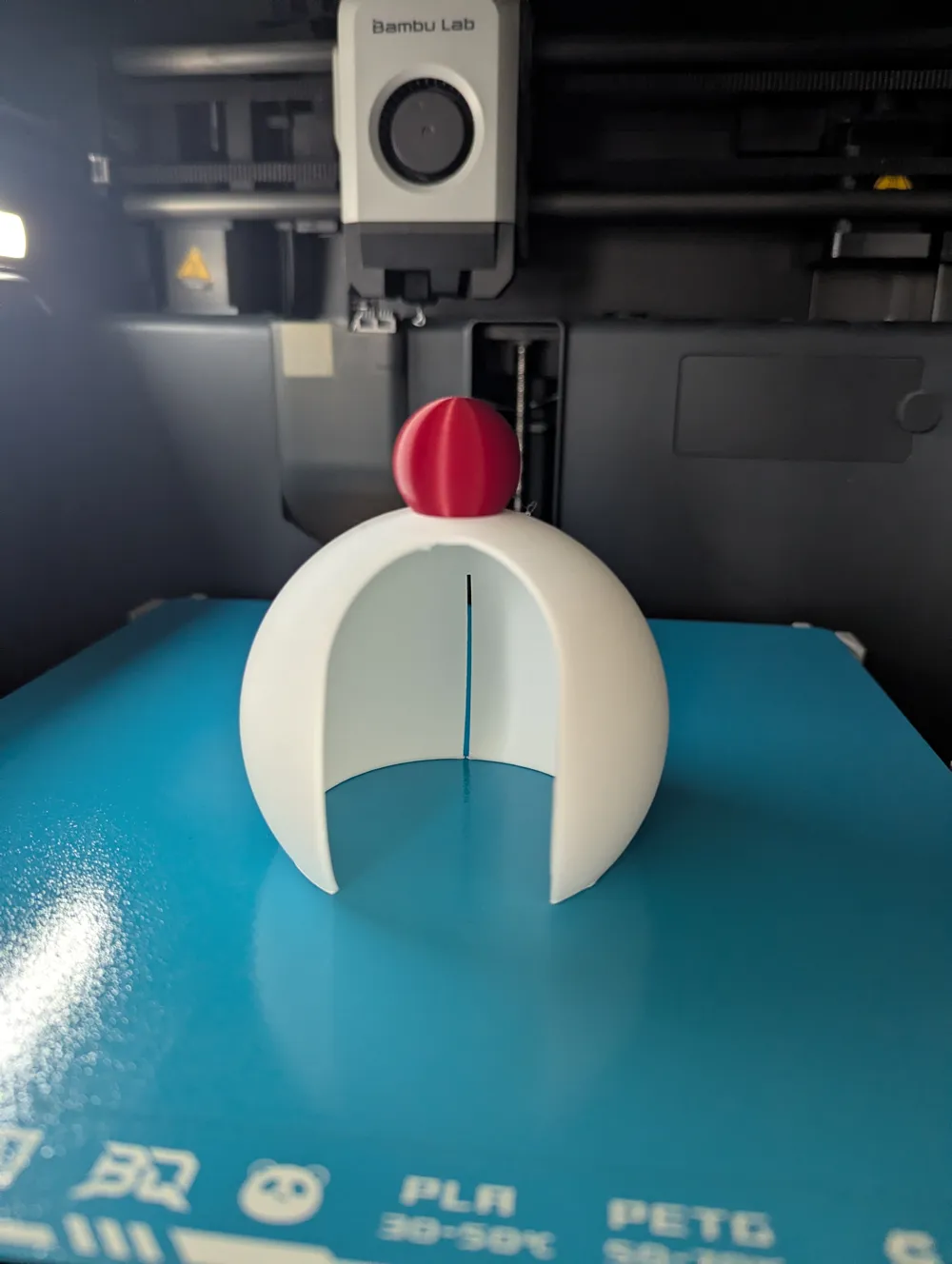
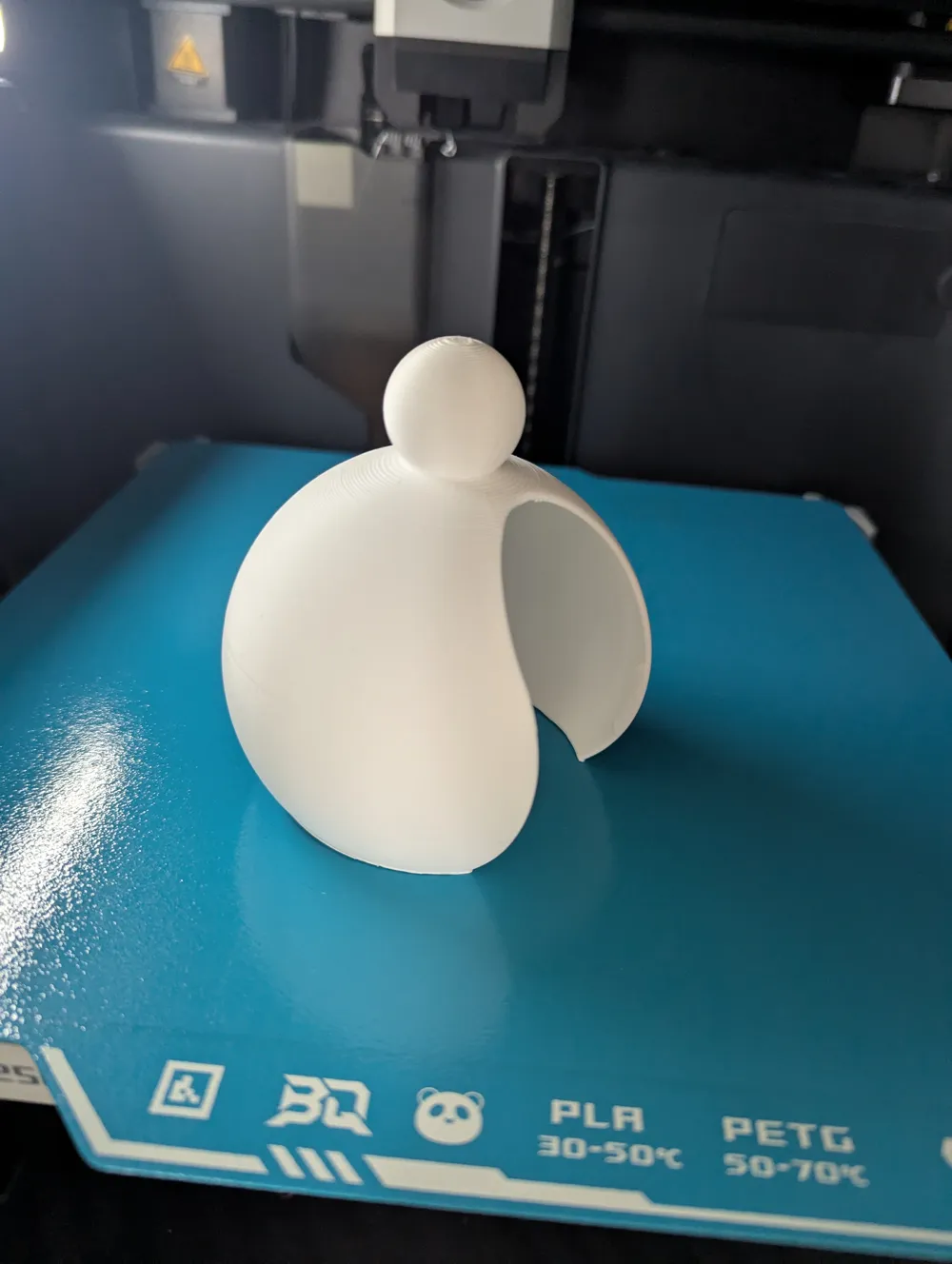
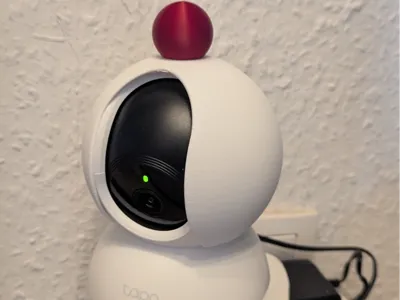
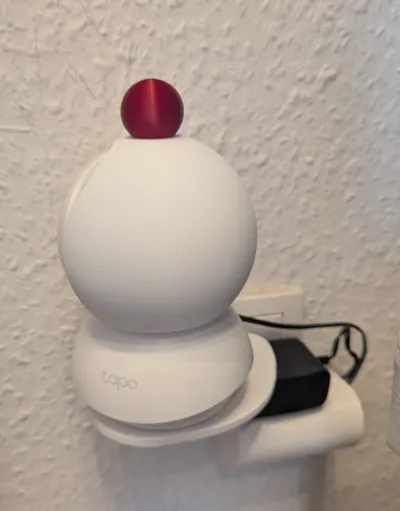
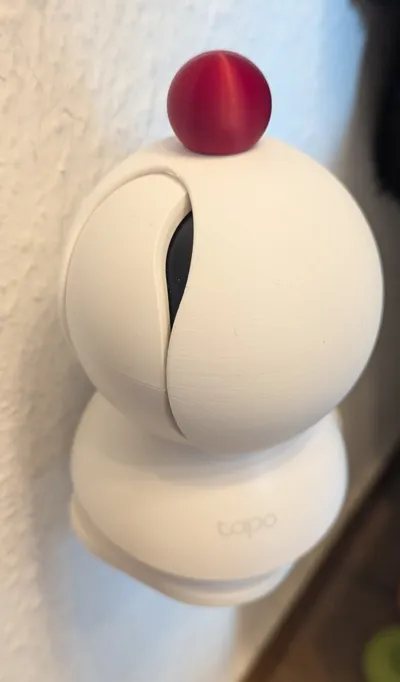
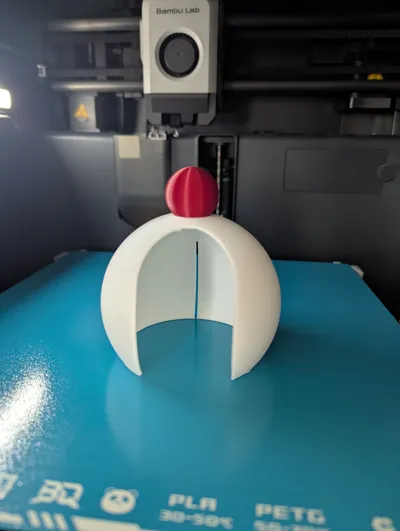
This model allows you to place the cover over the camera and to close or open the lens as needed
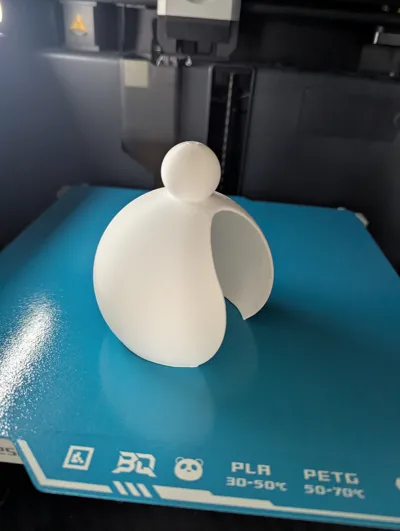
The red knob is purely decorative and for easily turning the cover. You can, of course, recolor the knob in the slicer to suit your own needs
I recommend enabling the brim as the contact surface is quite small and the print might detach
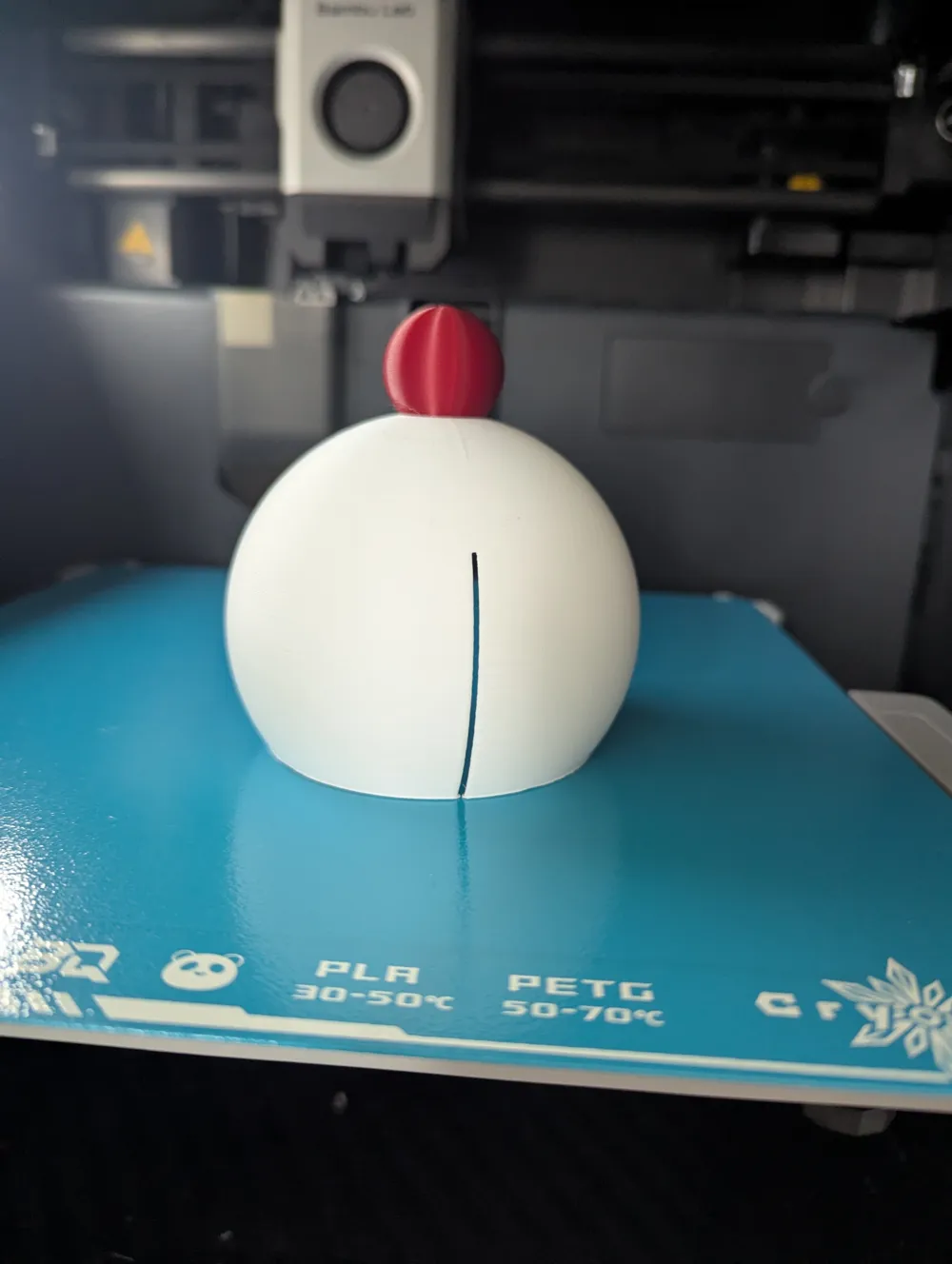
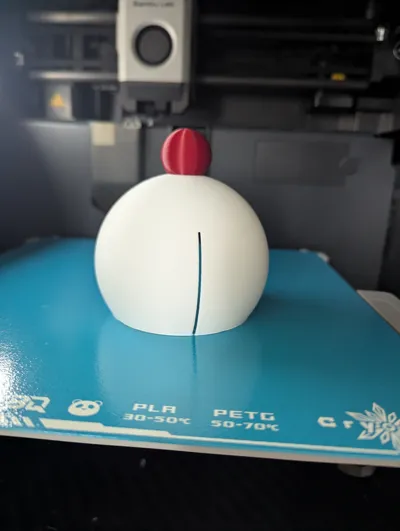
There is a slot on the back of the cover to get it over the camera. This is a bit tight, but afterward, the cover fits very well and can still be turned easily
In the model, there is a “stop” object. This is located inside the cover and can be removed if not needed. The stop ensures that you can turn it open or closed all the way without having to adjust it yourself. However, this creates a small gap at the top when closed. The camera cannot see through it, however. When placing the cover with the stop, make sure that the stop is also placed over the lens opening
License

You may create derivative works based on this object, provided that all such derivative works are published exclusively on the MakerWorld platform and include proper attribution to the original creator. You may not share, upload, host, distribute, or publish this object—or any derivative work of this object—on any other digital platform, marketplace, or distribution channel. Commercial use of this object and any derivative works is strictly prohibited. This includes, but is not limited to, selling, renting, sublicensing, or using the object in any context in which you receive monetary compensation or other financial benefits.


Comment & Rating (2)