
Parametric Brick Pencil Box, Print In Place
Print Profile(3)
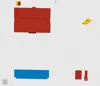
Bill of Materials








Description
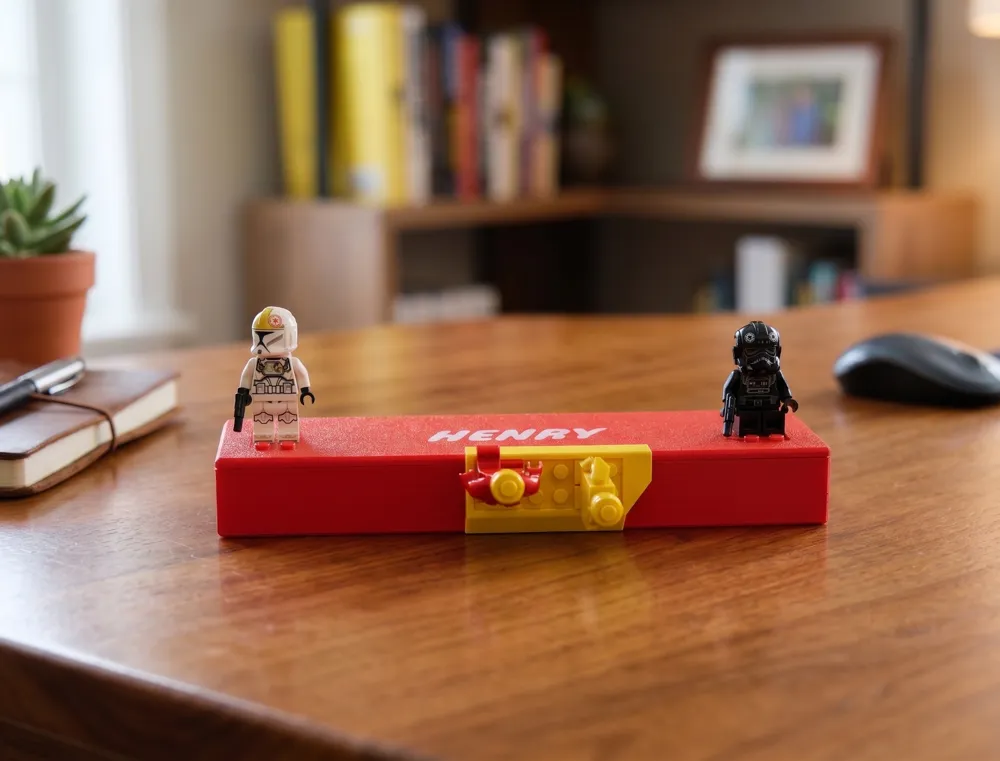
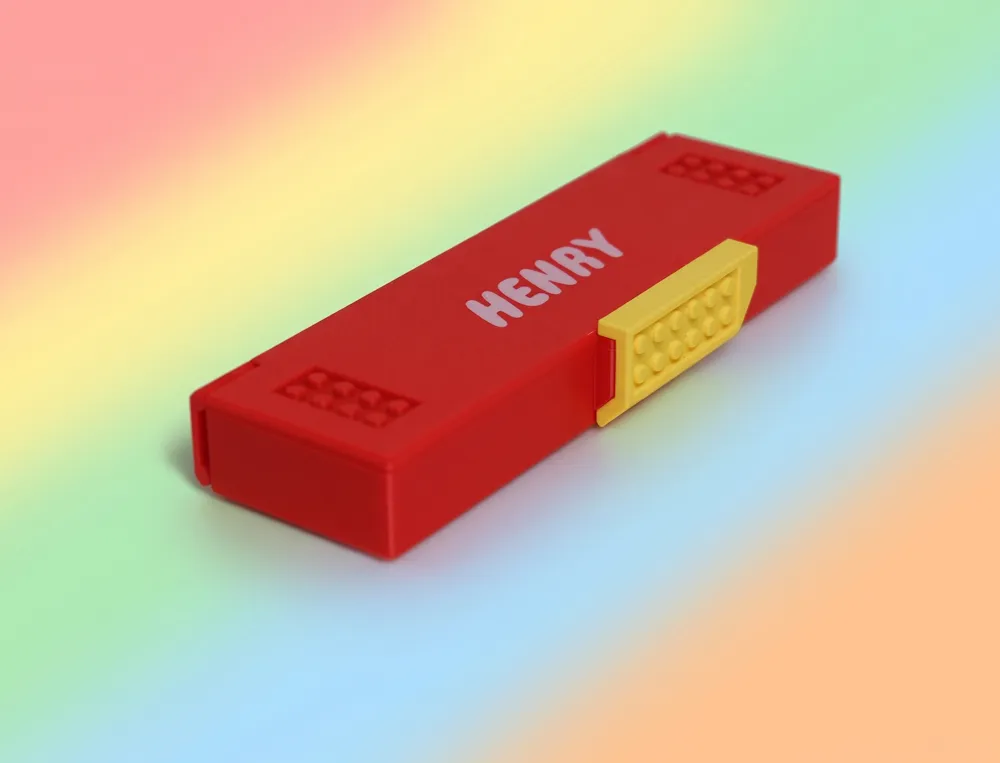
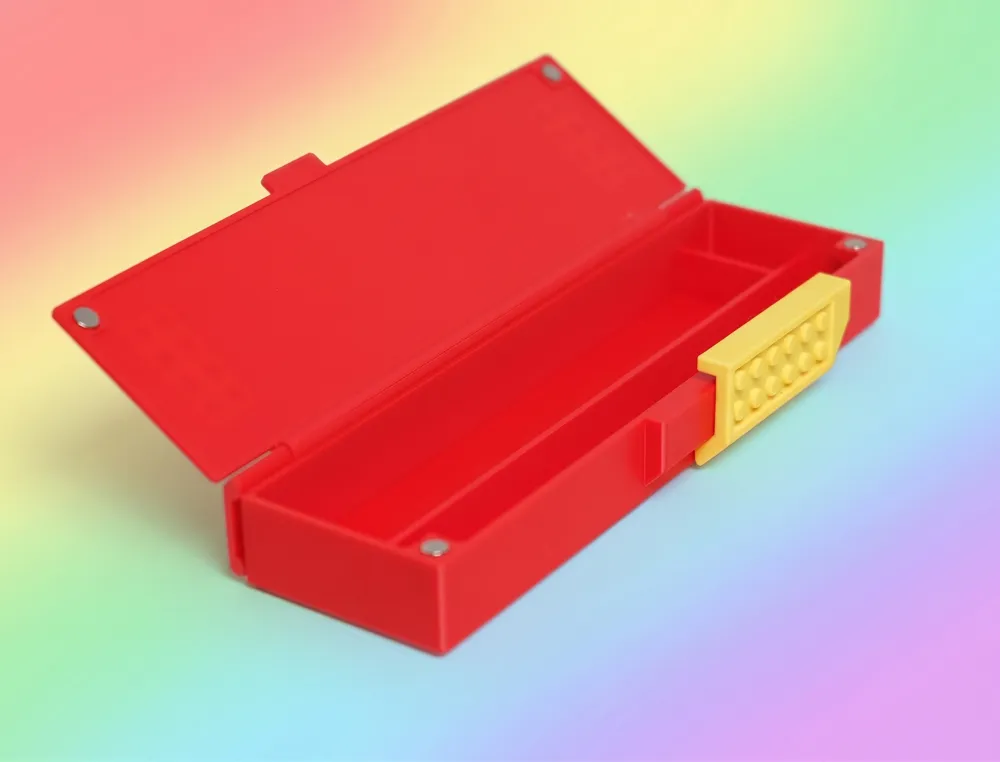
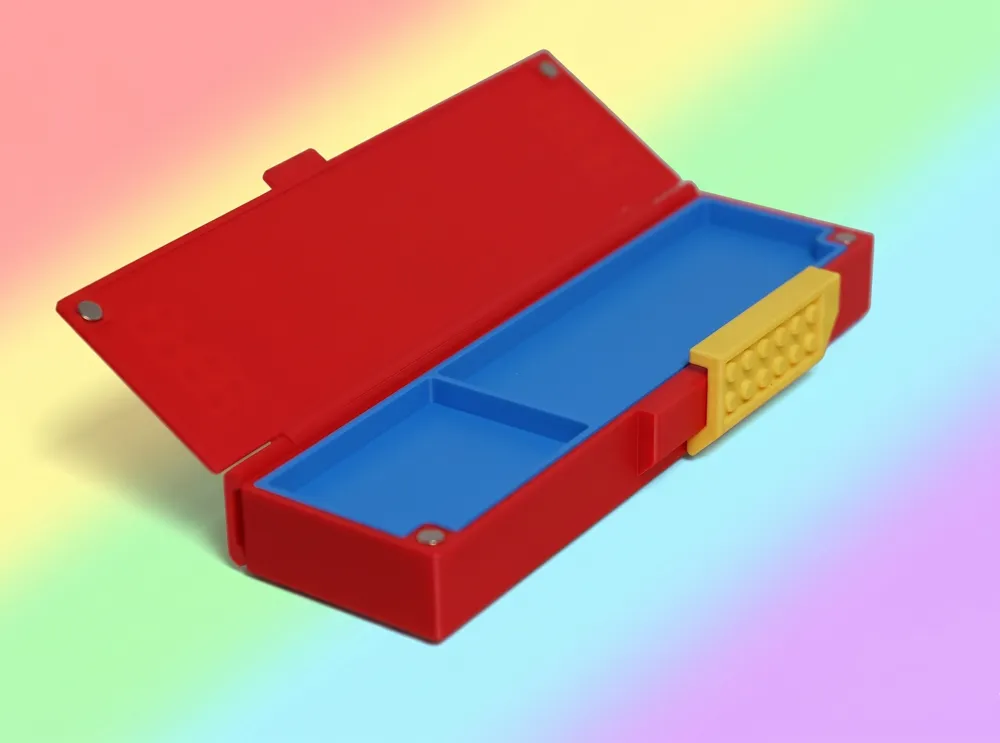
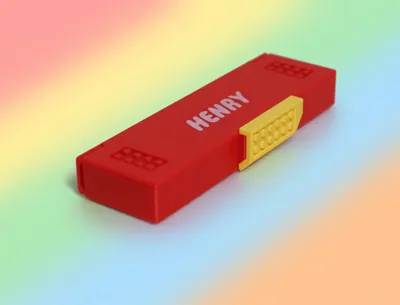
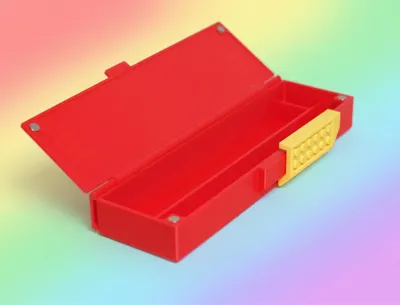
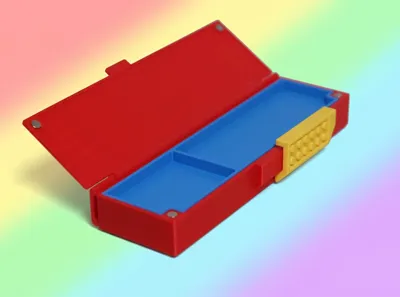
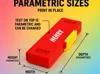
A fully parametric Brick-inspired pencil box designed for easy and reliable Print In Place printing.
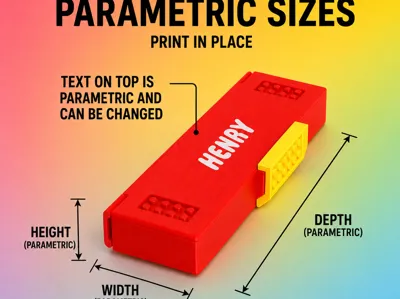
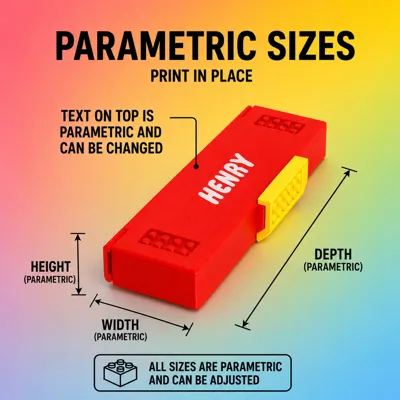
The entire model is customisable directly by Parametric Model Maker, making it easy to adapt for different storage needs, sizes, or personalisation.
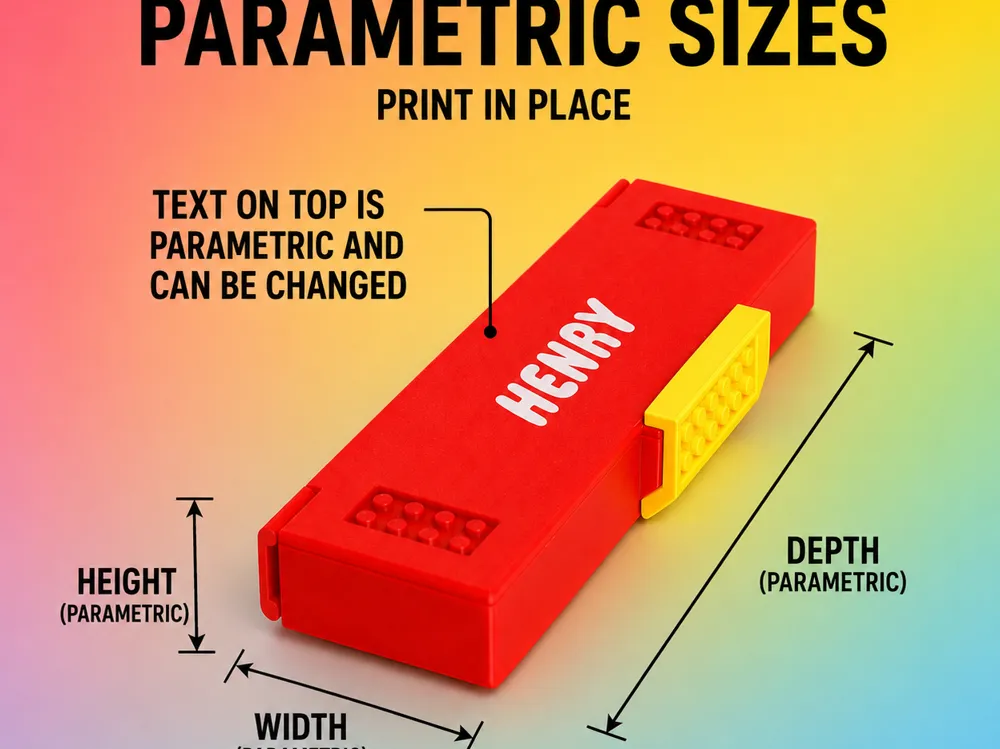
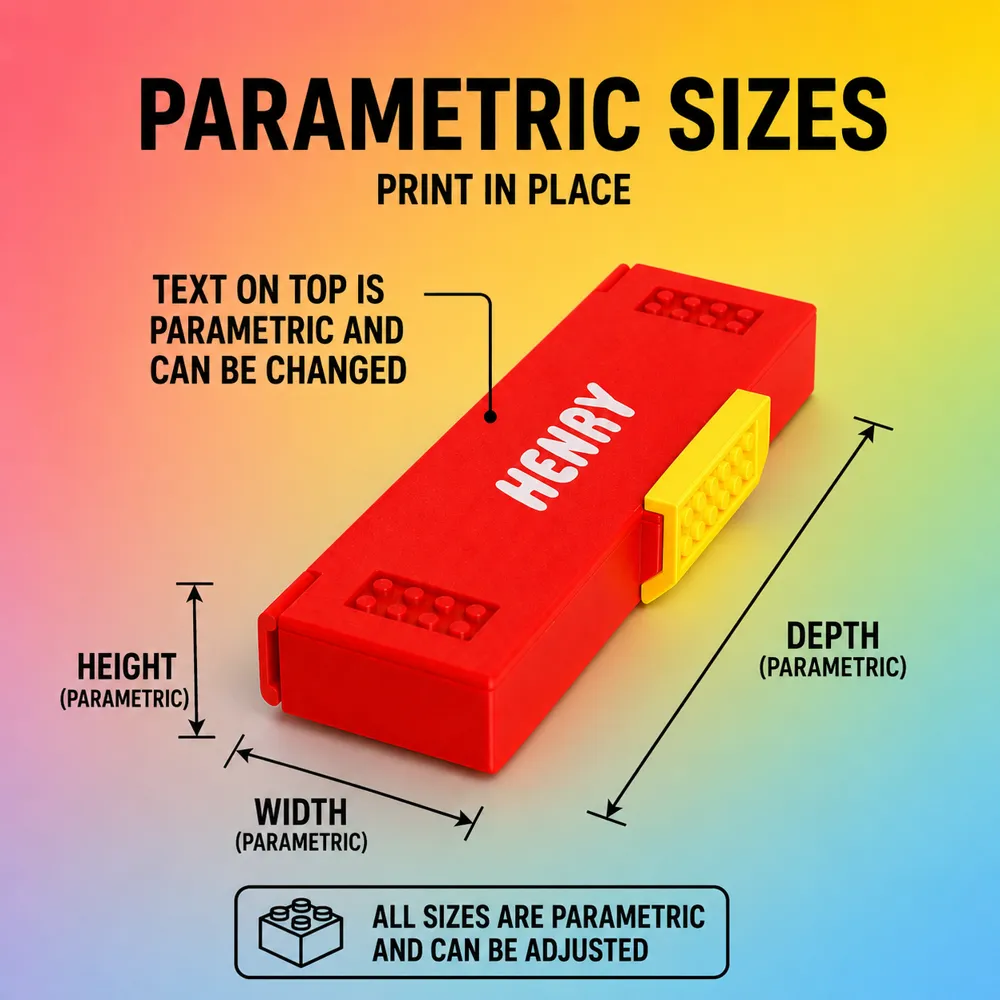
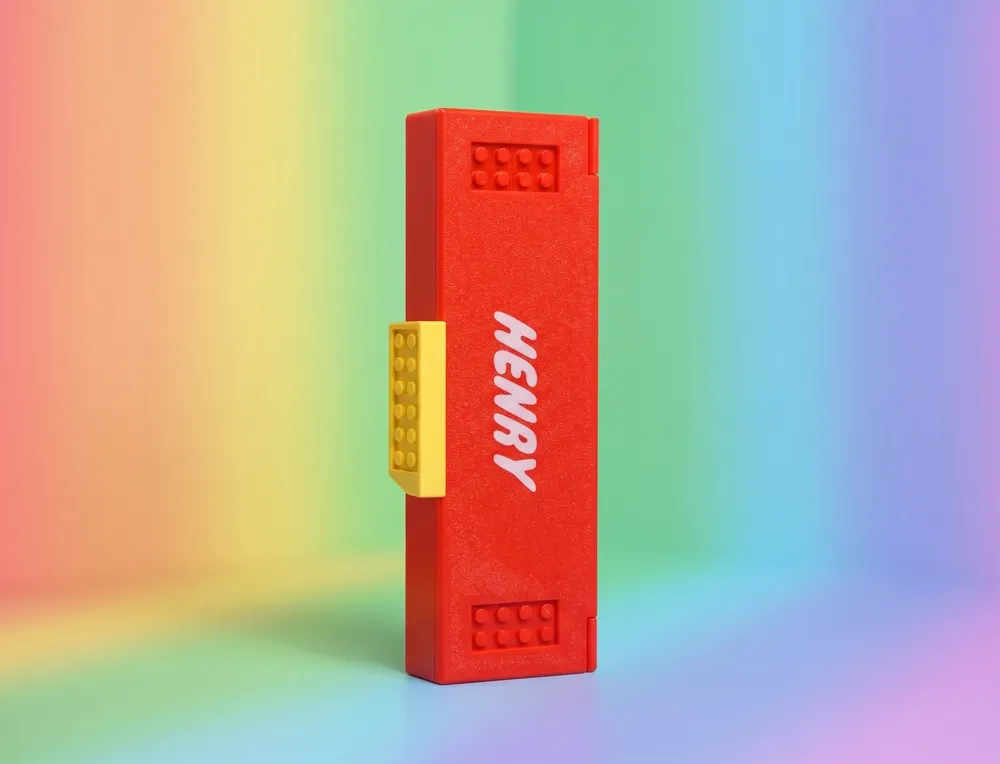
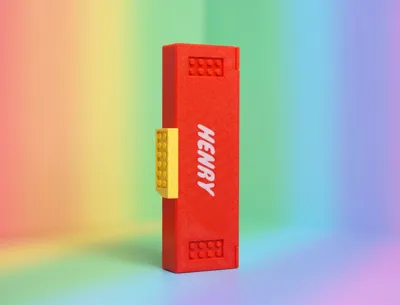
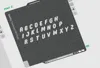
The text on the top lid is parametric and can be easily changed for custom names or labels.
Fully Parametric Features
You can adjust:
- Top text / name
- Width
- Depth
- Height
- Internal compartment size
- Internal compartment height
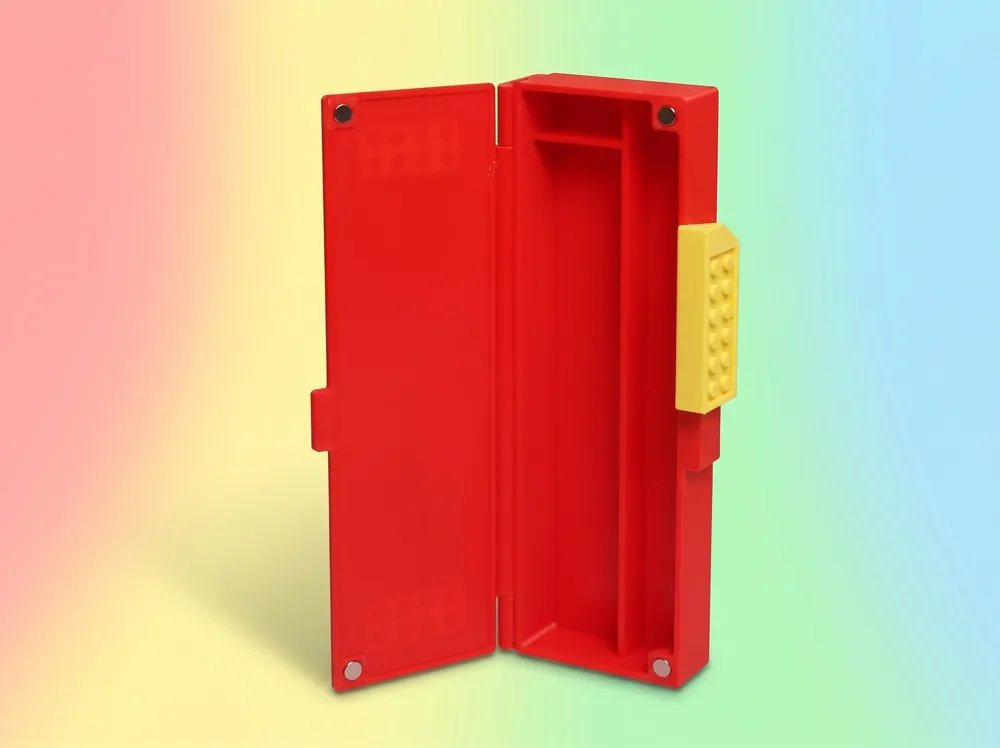
- Magnet hole sizes offsets (to fit your magnets perfectly)
- Pin diameters ()
Print In Place Design

The model is designed to print assembled with moving parts already functional after printing.
- The lock mechanism prints with no supports
- Only one very small support is needed below the top lid overhang
- Smooth magnetic locking movement
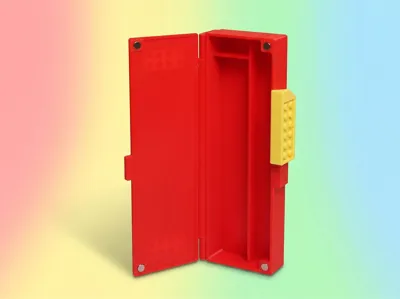
- Two stable LOCK positions (Magnetic Lock System):
- Locked
- Unlocked
‼️Important Before Printing ‼️
Before printing the main model, I strongly recommend printing the included calibration tools first.
1. Pin Diameter Test Sample
The project includes a small test sample used to check how your filament and printer tolerances affect the Pin fitment and shrinkage.
Use this test to determine the best pin diameter for smooth movement without excessive looseness or friction.
2. Magnet Offset Calibration Tool
A dedicated calibration tool is also included to help determine the correct:
- Vertical magnet offset
- Horizontal magnet offset
These values may vary depending on:
- Printer tolerances
- Filament type
- Shrinkage
- Magnet manufacturing tolerances
Recommended Workflow
- Print the pin test sample
- Print the magnet calibration tool
- Adjust parameters in the Parametric Model Maker
- Download the model
- Reprint test tools (7g and 20mins), check params
- Repeat if needed
- Print the final pencil box
Recommended Materials
- PETG recommended for the lock
- Better durability and flexibility
- PLA works perfectly for:
- Main body
- Internal compartment
Notes
Unfortunately, at the moment, MakerWorld Parametric Studio does not fully support parametric TEXT generation.
As a temp solution, I added a LЕGО-style text. And all LЕGО letters that can be used as a modifier.
Assembling
By using the included tool, insert magnets into the Lock element
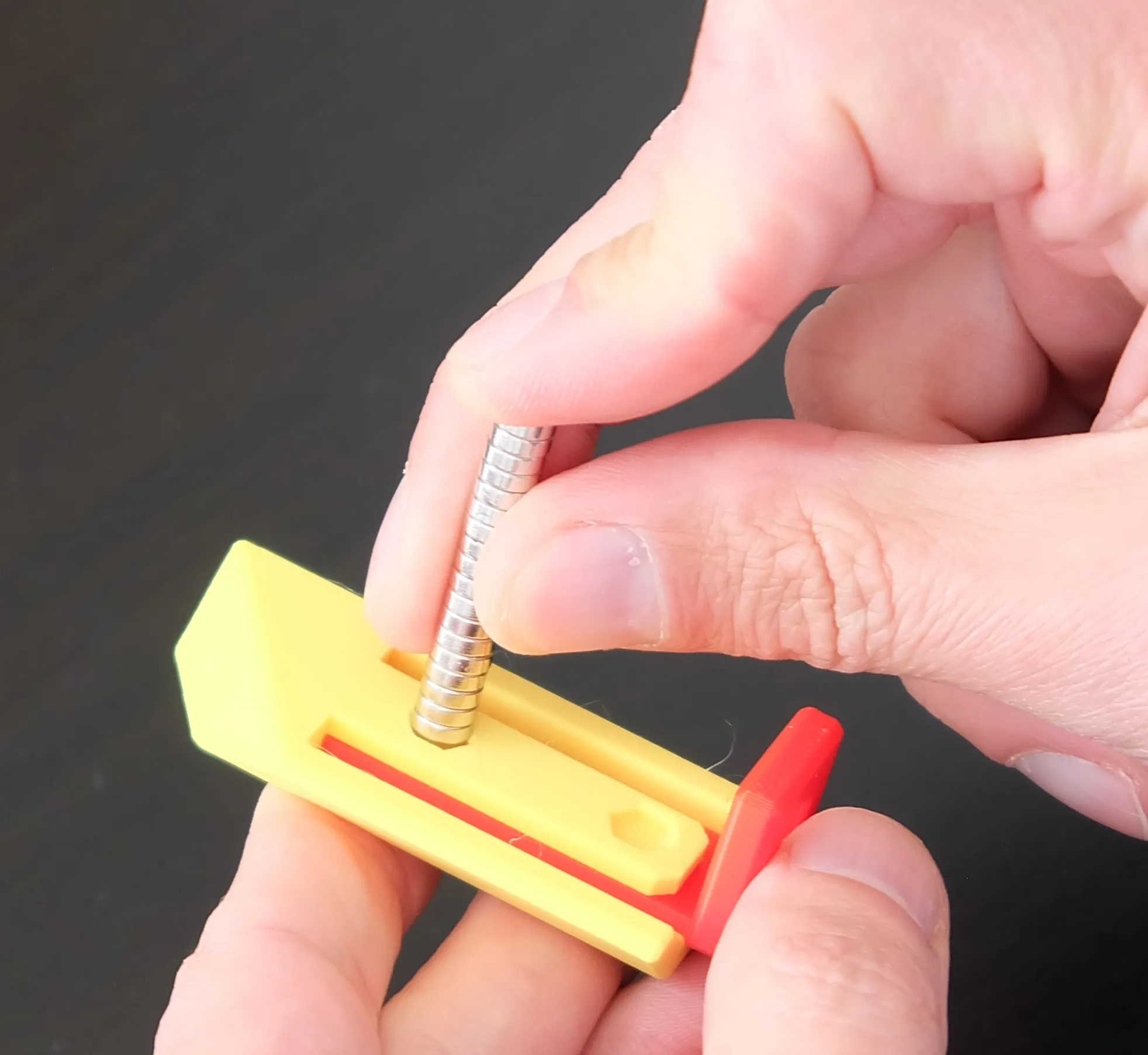
Insert the lock into the organiser and place the magnets (the polarity will be defined by the already placed magnets in the lock)
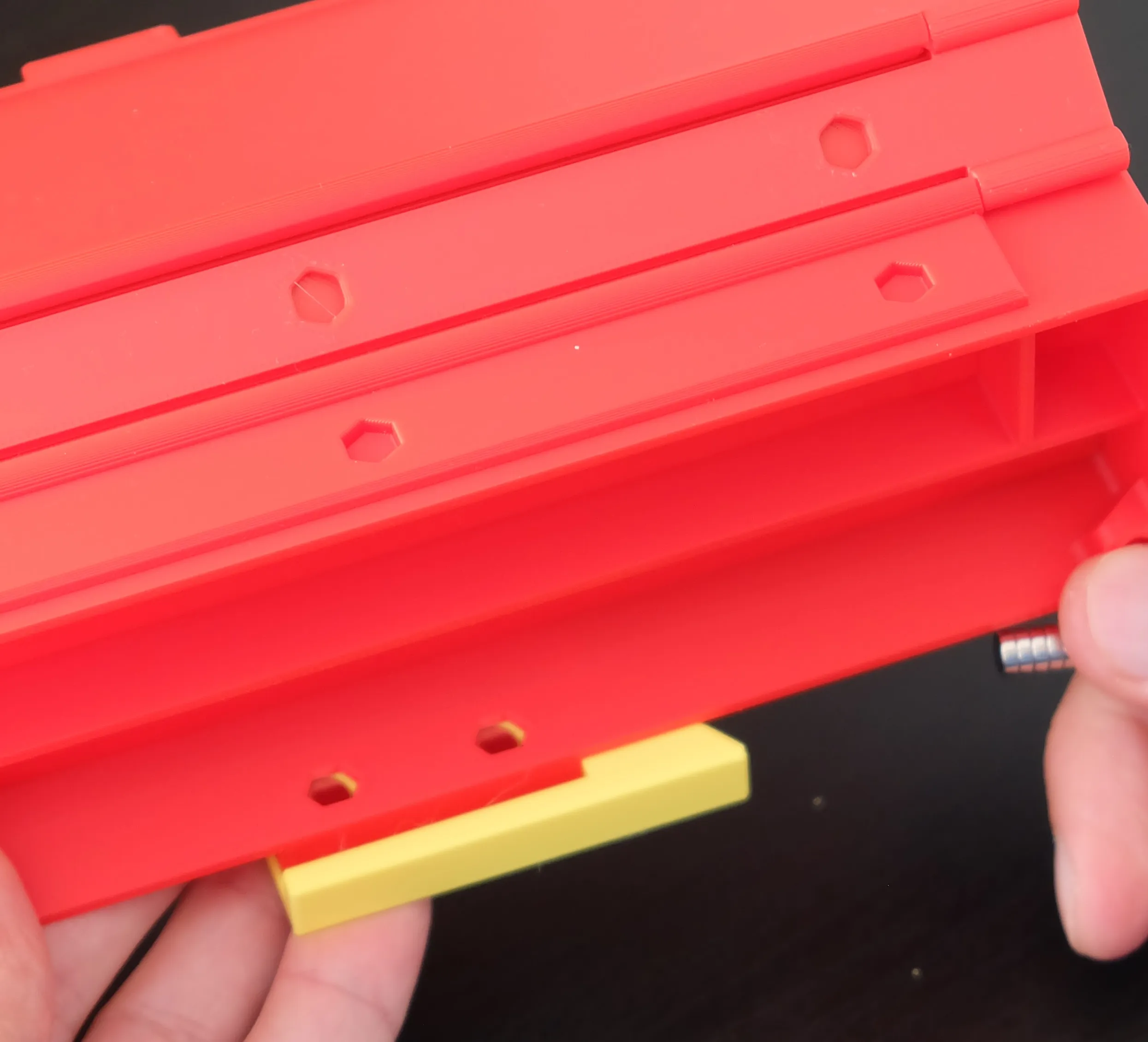
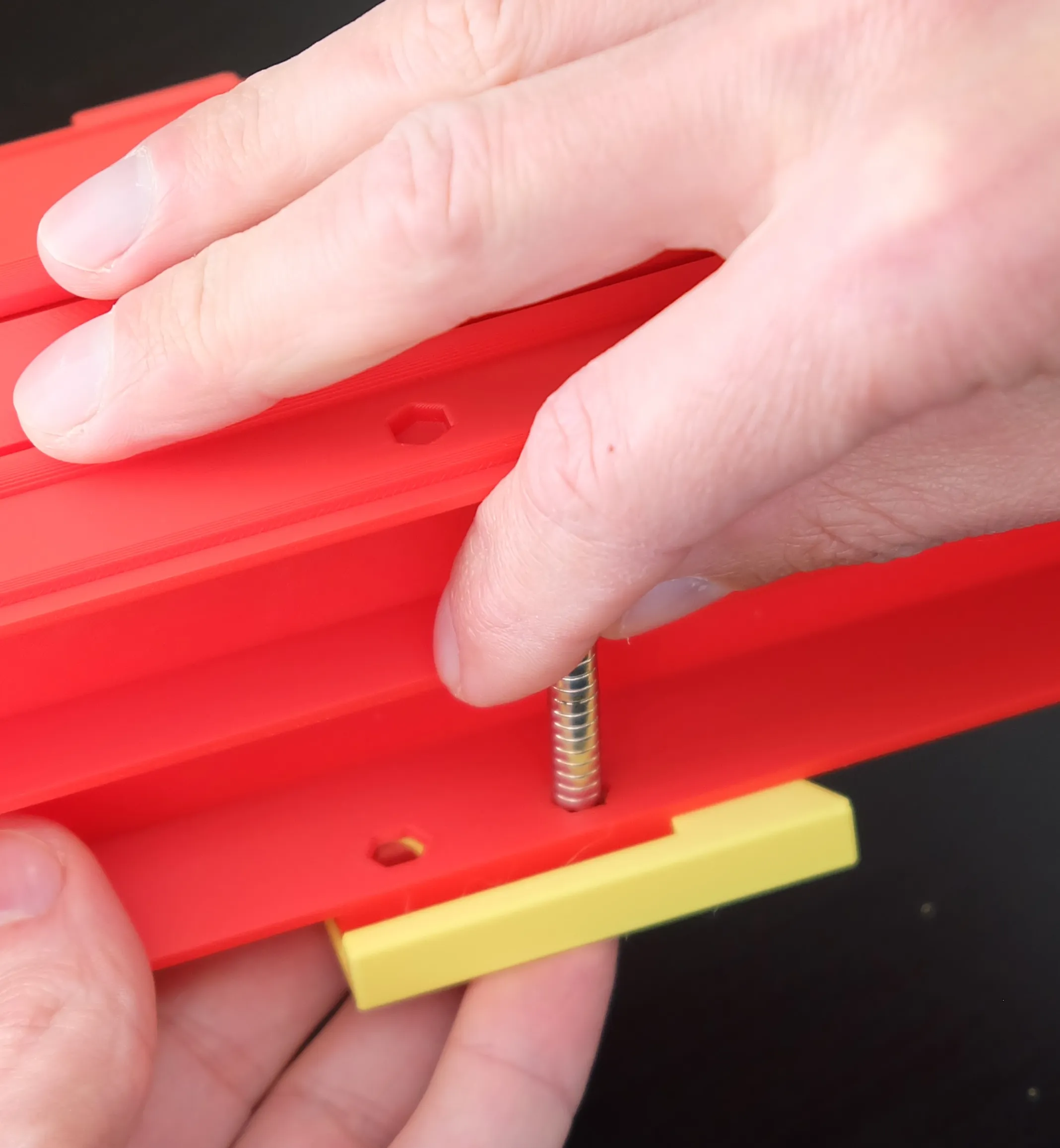
By using any plastic flat object push magnets into the holes
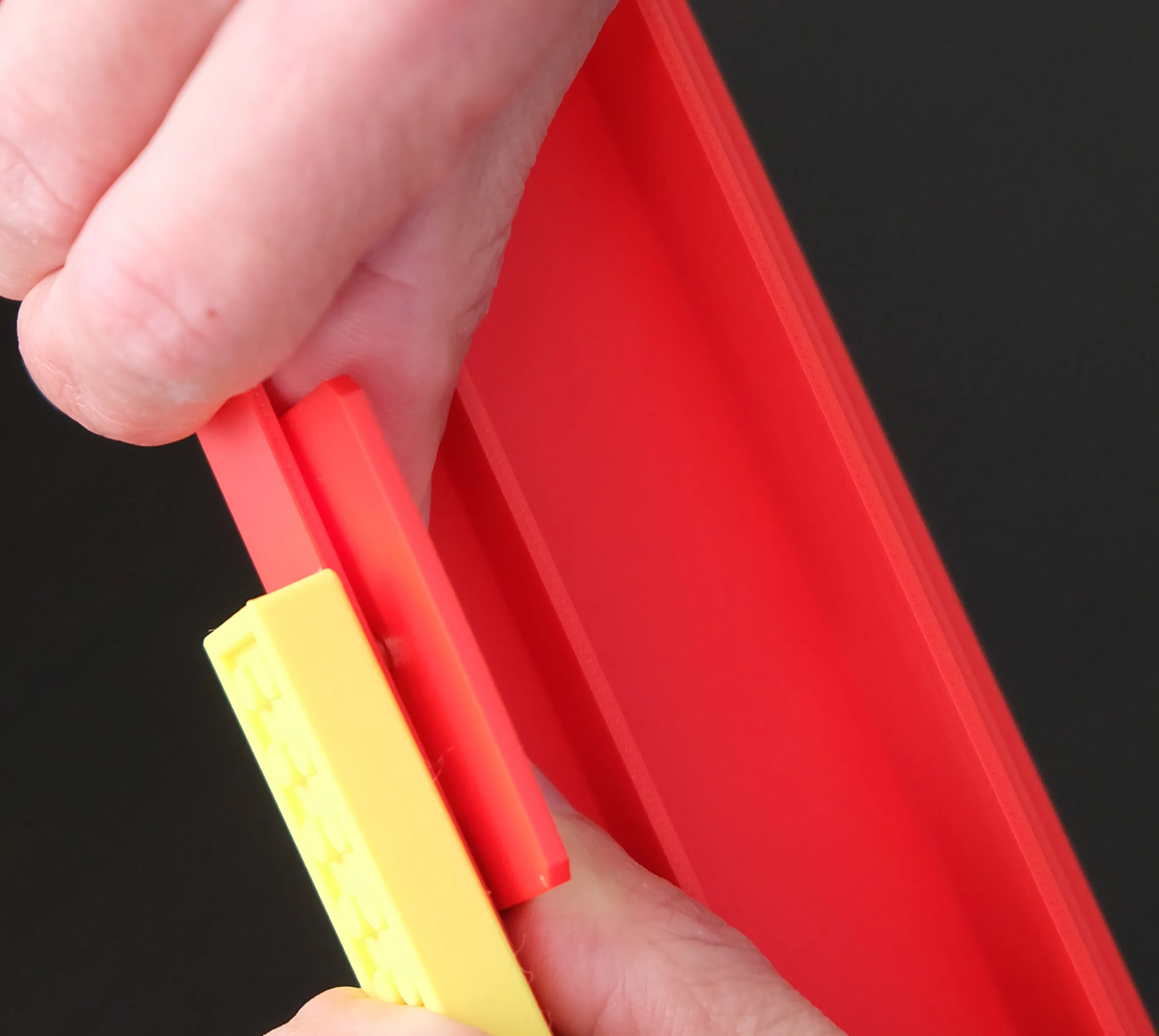

Insert magnets into the rest organiser's holes
License

You shall not share, sub-license, sell, rent, host, transfer, or distribute in any way the digital or 3D printed versions of this object, nor any other derivative work of this object in its digital or physical format (including - but not limited to - remixes of this object, and hosting on other digital platforms). The objects may not be used without permission in any way whatsoever in which you charge money, or collect fees.


Comment & Rating (6)