
Secret Drawer Generator
Print Profile(1)
Description
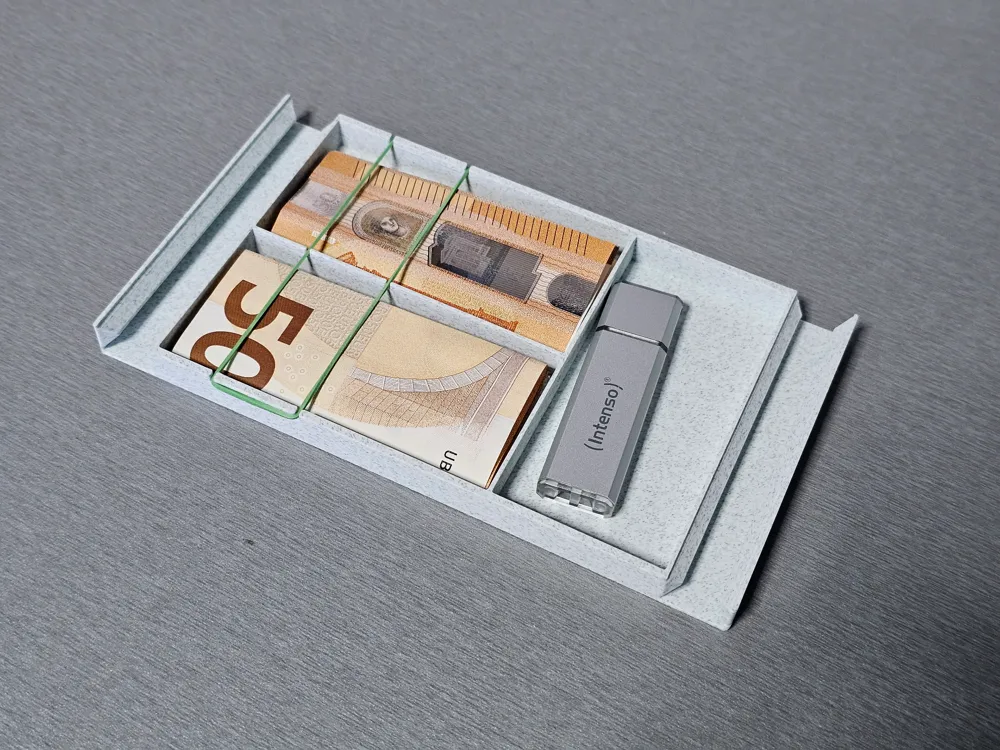
Hidden Drawer - Generator
There are already prepared models Secret Drawer,
or as a mechanical version.
Boost Me (for free)
If you like this project, support it with a Boost – that helps enormously! A click for you, even more motivation for me.
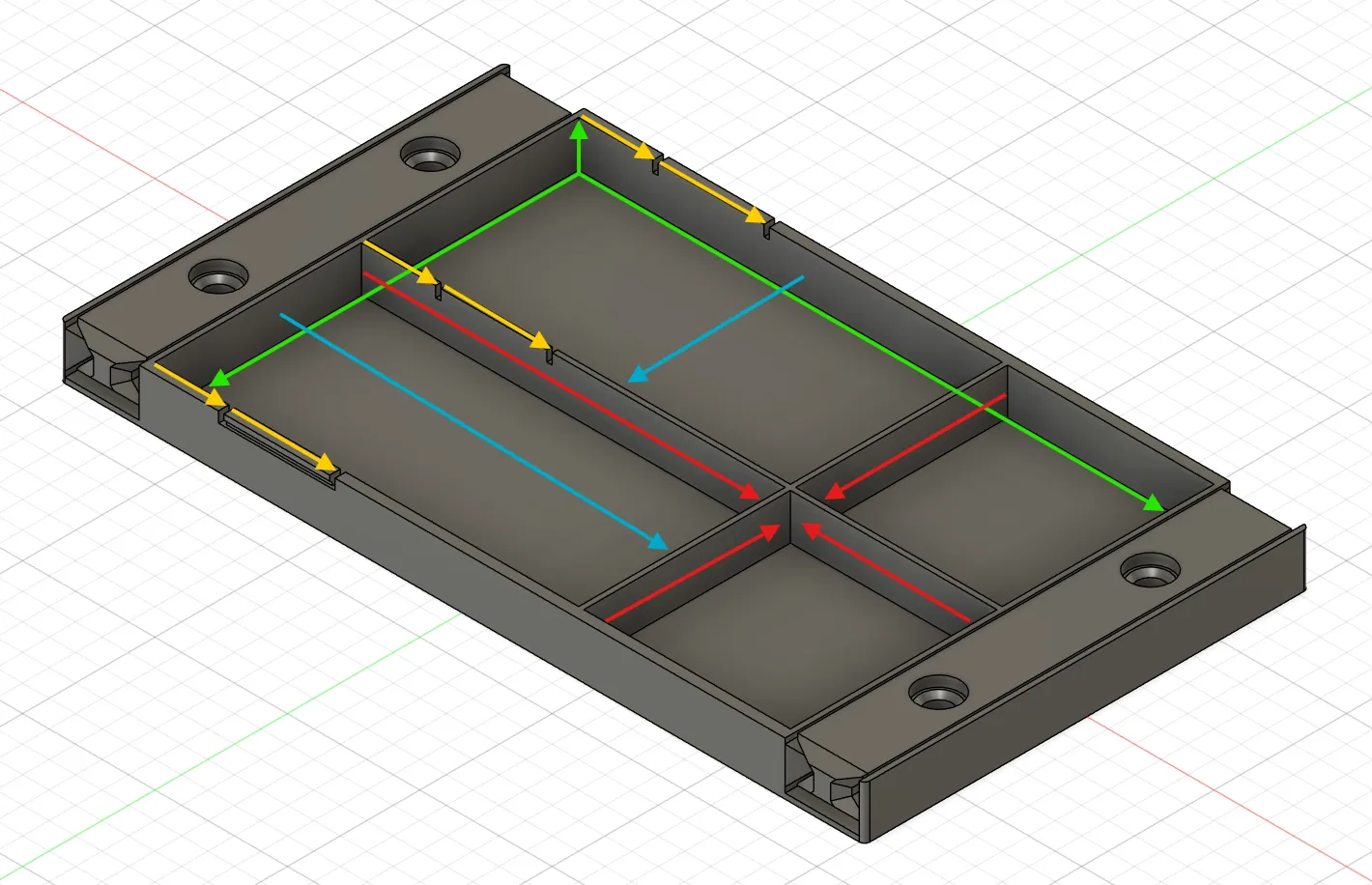
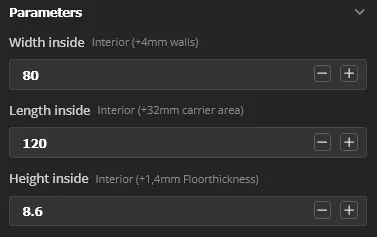

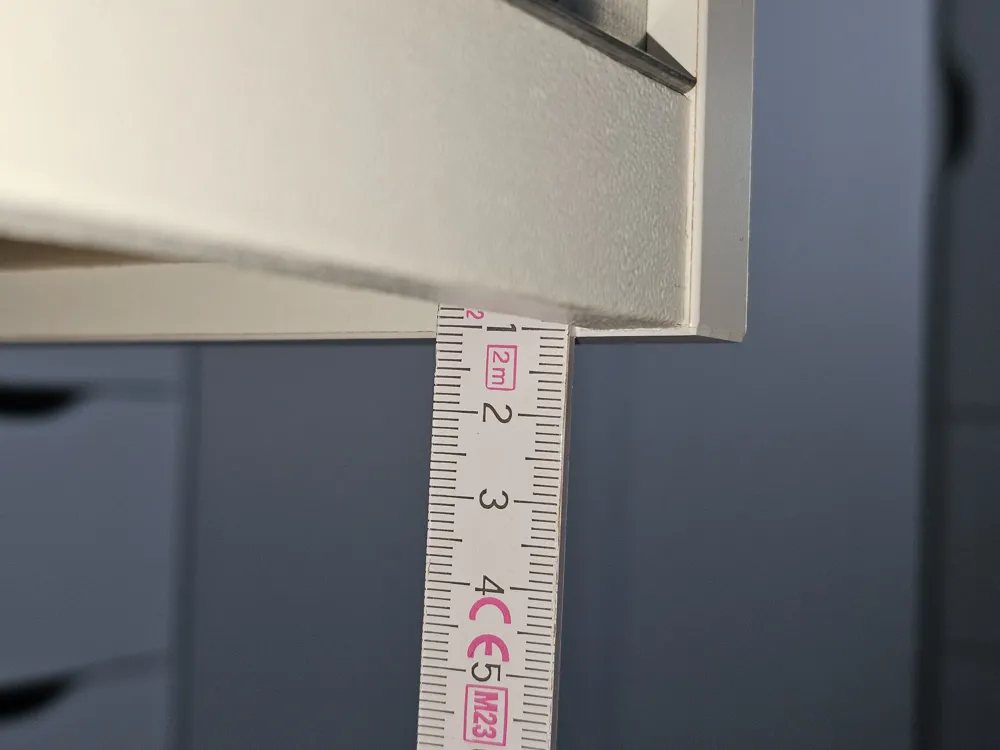
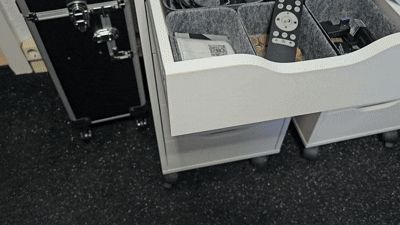
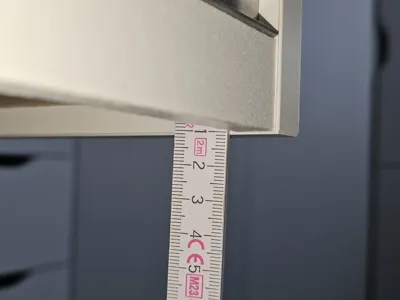
Measure how much space you need for your valuables and create a compartment of the required size.
All specifications are in mm and only concern the interior space.
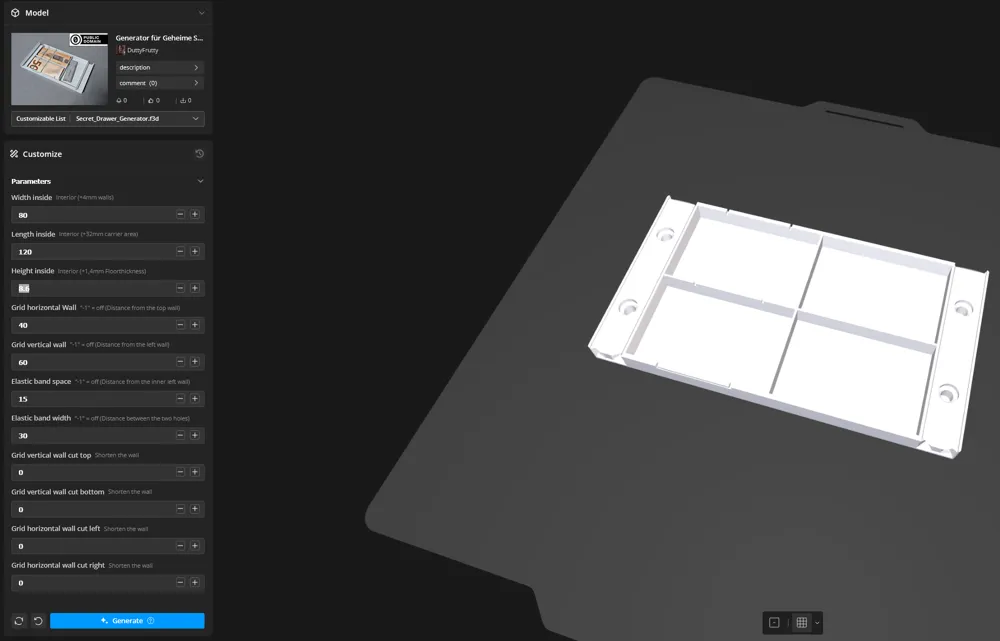
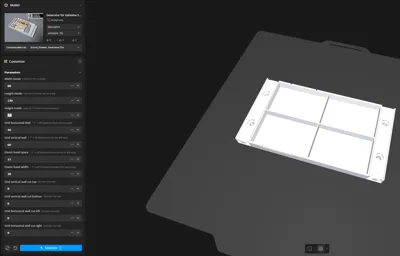
You can easily enter length, width, and height in the first 3 parameter fields.
However, pay attention to the space on your print bed. The frame and supports also require a bit more space. I have written in parentheses what else is added.
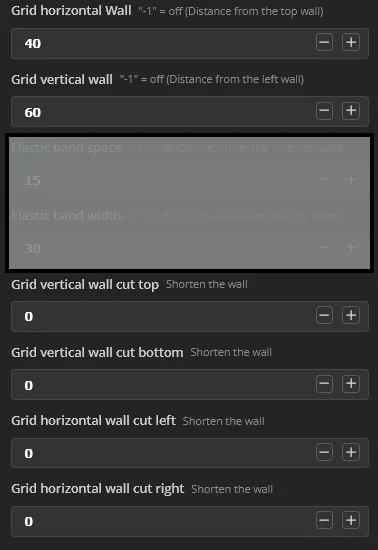
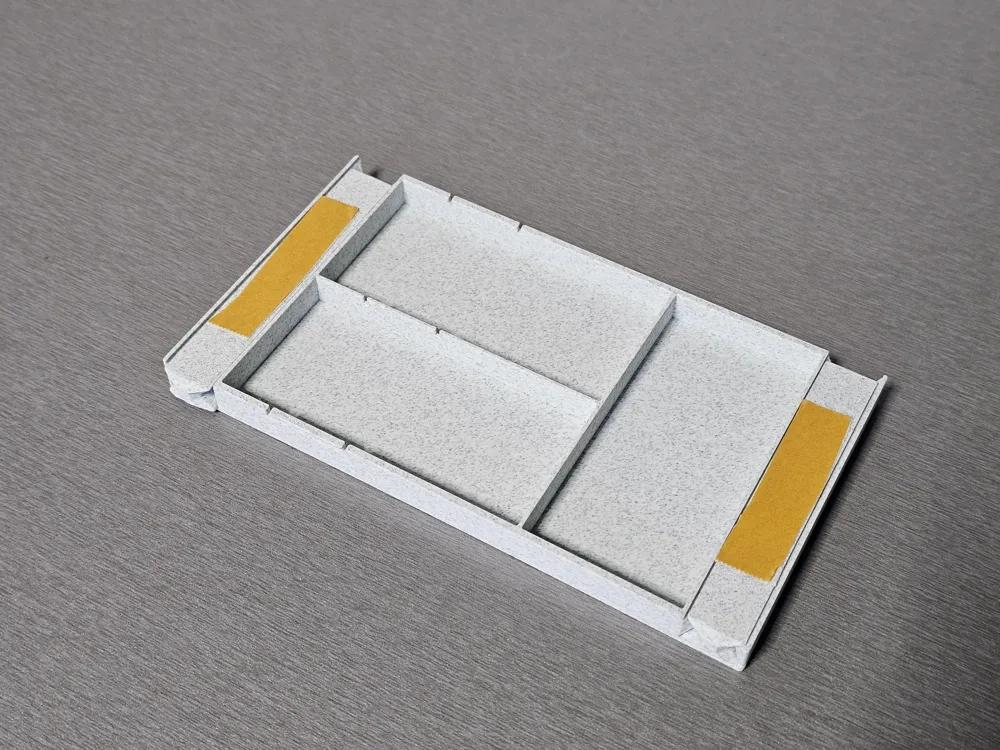
In addition, a grid can be added with a horizontal and a vertical wall.
With the value: -1, the walls are hidden if they are not needed.
The values are to be understood as follows:
[Grid horizontal Wall] The horizontal wall is created with the entered value in mm
away from the top wall.
[Grid vertical Wall] The vertical wall is created with the desired value in mm
away from the left wall.
It is also possible to shorten the walls partially.
The value 0 here means that the wall is shortened by 0mm, i.e., not shortened.
This is how the wall is shortened:
[Grid vertical wall cut top] Here, the distance in mm is shortened from the top wall towards the center.
[Grid vertical wall cut bottom] Here, the distance in mm is shortened from the bottom wall towards the center.
[Grid vertical wall cut left] Here, the distance in mm is shortened from the left wall towards the center.
- [Grid vertical wall cut right] Here, the distance in mm is shortened from the right wall towards the center.
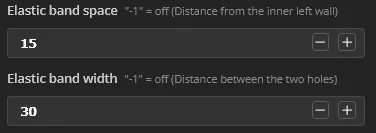
In addition, it is now also possible to secure the content with an elastic band.
For this, you only need to determine where the first gap begins and
what the distance to the next gap should be.
This function can also be hidden with the value -1.

Finally, let the model generate and wait a moment until the model has been created and is displayed with the new values.
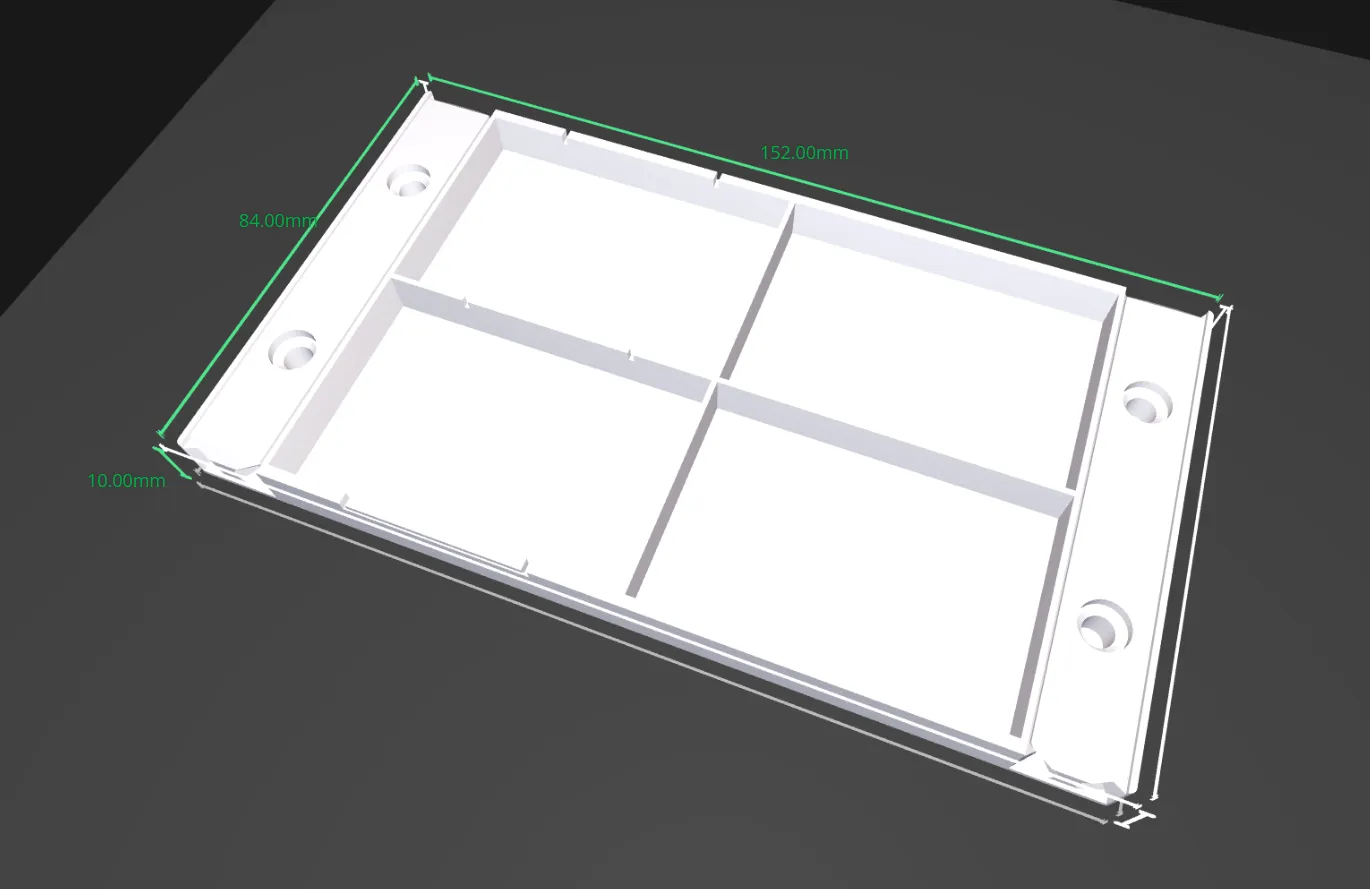
If you click on the generated model, you can clearly see the dimensions and check if there is enough space on the print bed.

If you are satisfied with the result, you will find the download button in the top right corner.

In the slicer, ungroup all objects and arrange them next to each other.
Good luck!
License

You may create derivative works based on this object, provided that all such derivative works are published exclusively on the MakerWorld platform and include proper attribution to the original creator. You may not share, upload, host, distribute, or publish this object—or any derivative work of this object—on any other digital platform, marketplace, or distribution channel. Commercial use of this object and any derivative works is strictly prohibited. This includes, but is not limited to, selling, renting, sublicensing, or using the object in any context in which you receive monetary compensation or other financial benefits.


Comment & Rating (24)