
Print Profile(2)
Bill of Materials

Description
Boost Me (for free)
Every model takes hours of designing, testing and tweaking. If you like what you see, a boost costs nothing but helps more than you think
The story behind the design
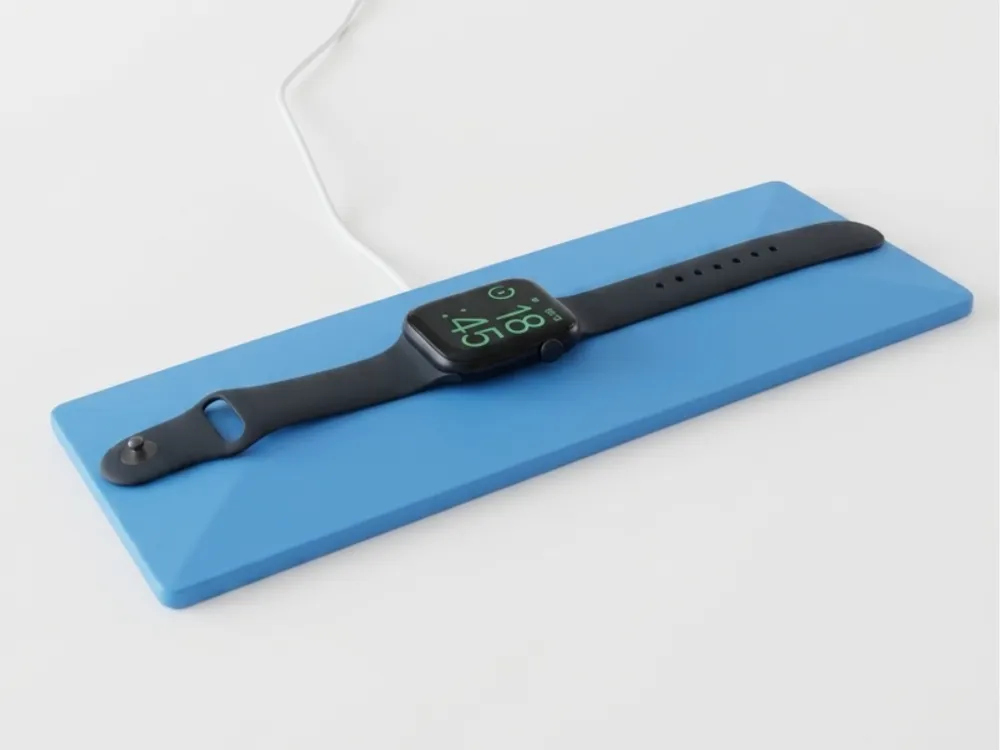
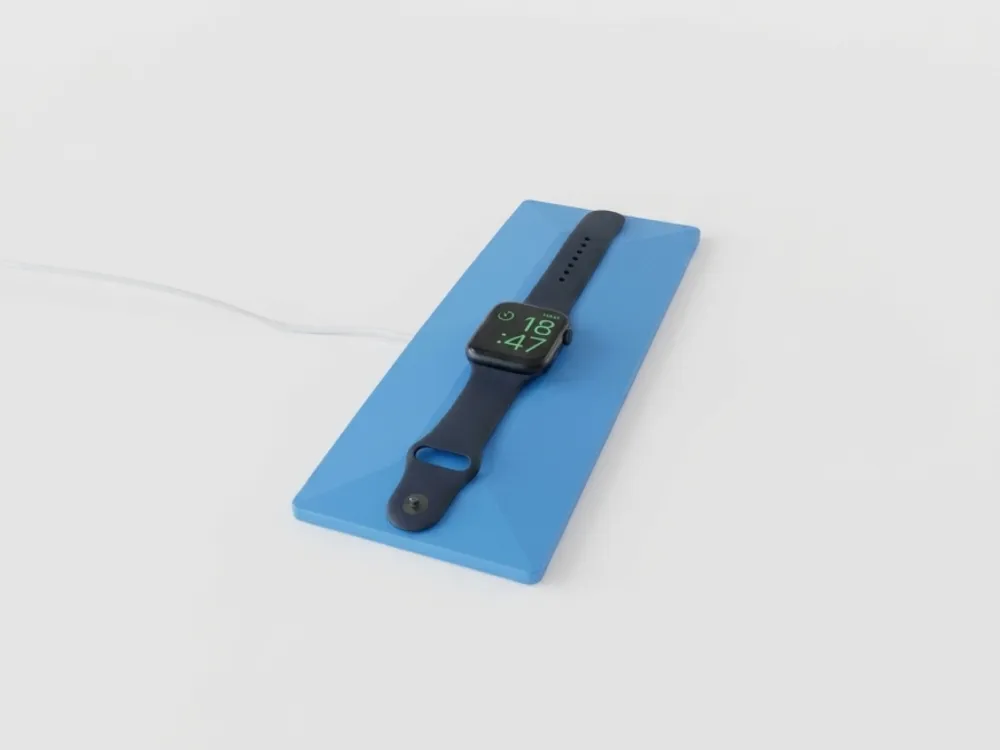
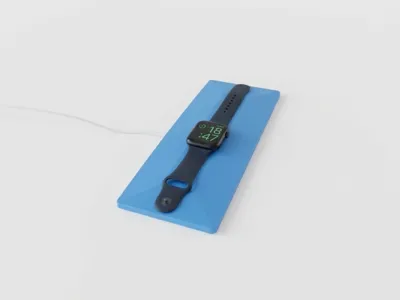
After designing the original Apple Watch Charging Pad to stop my charger from constantly flipping over, I wanted a bigger version – something with more presence on the nightstand or desk, and even better stability. That's how the Maxi Charging Pad was born: same proven design, scaled up for those who prefer a larger, more substantial base.
Features
- Compatible with all Apple Watch models and the original charging cable
- Larger footprint for extra stability and a more premium look
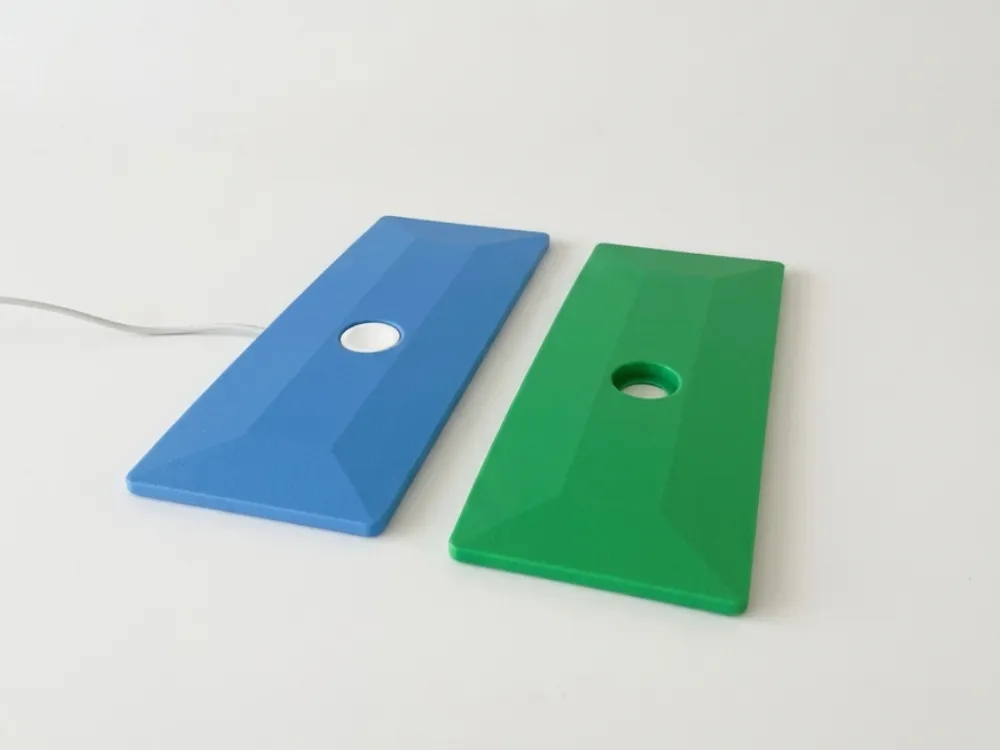
- Tight-fit recess keeps the charger from rotating
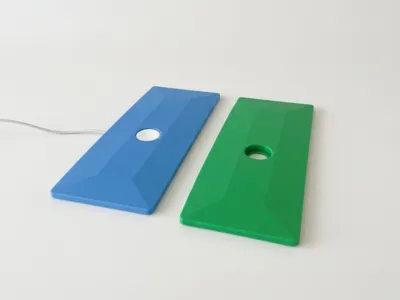
- Integrated cable channel for a clean finish
- Two designated spots for 8 cm adhesive foam strips to keep it firmly planted
- Minimalist design that fits any interior
Assembly Tutorial
What you'll need:
- The printed Apple Watch Maxi Charging Pad
- Your original Apple Watch charging cable
- Optional: 2 strips of Adhesive Foam Sponge (8 cm / ~3.15 inch each) – available from the Bambu EU store
Steps:
- Feed the cable through – Push the charging cable all the way through the pad until it comes out on the correct side.
- Position the charger head – Line up the round charging head with its designated opening. Start by inserting the wire side of the round head into the slot first.
- Press down – Firmly press the round charging head into the recess. It's a tight fit, so apply steady pressure until it sits flush.
- Tuck in the cable – Push the remaining cable fully into the cable channel along the pad so it stays in place.
- (Optional) Add the foam strips – Take the Adhesive Foam Sponge Strip Roll from the Bambu EU store, cut two strips at exactly 8 cm (~3.15 inch) each, and stick them onto the two designated spots on the bottom of the pad for extra grip.
Want to print and sell my designs for profit?
Grab a commercial license on Patreon and get full rights to all my models.

Just want to support my work?
Join as a Supporter and help me keep creating new designs. Every bit counts!

License

You shall not share, sub-license, sell, rent, host, transfer, or distribute in any way the digital or 3D printed versions of this object, nor any other derivative work of this object in its digital or physical format (including - but not limited to - remixes of this object, and hosting on other digital platforms). The objects may not be used without permission in any way whatsoever in which you charge money, or collect fees.


Comment & Rating (0)