
A Ruler Worth Printing — No AMS, tapered, 3 Sizes
Print Profile(2)
Description
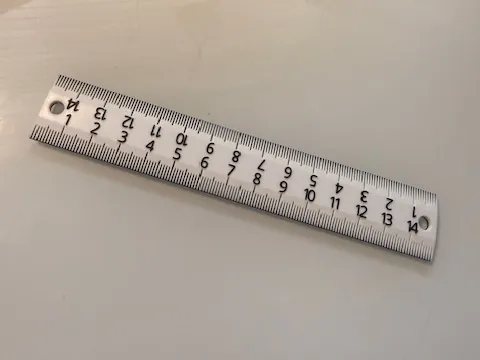
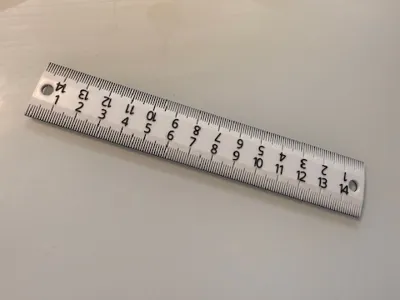
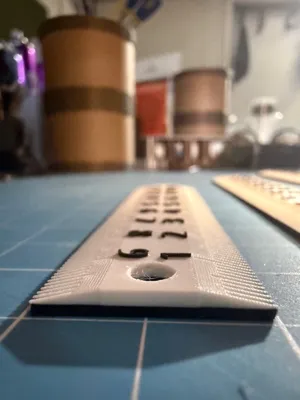
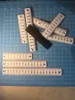
A real ruler for your bench. Tapered drafting edge, flush zero-ends, and multi-color without an AMS — works on every Bambu printer including the A1 Mini.
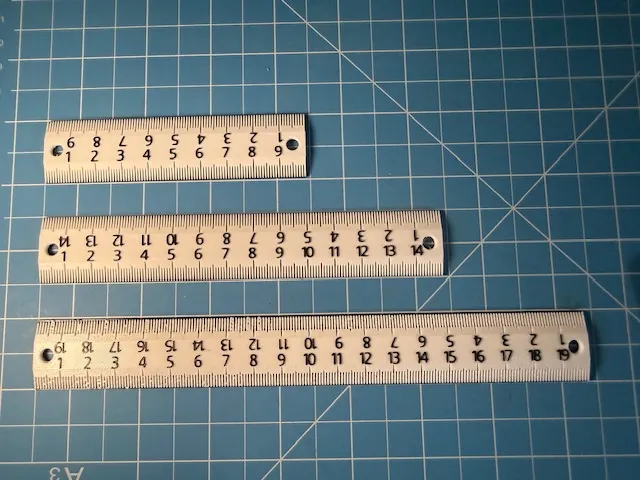
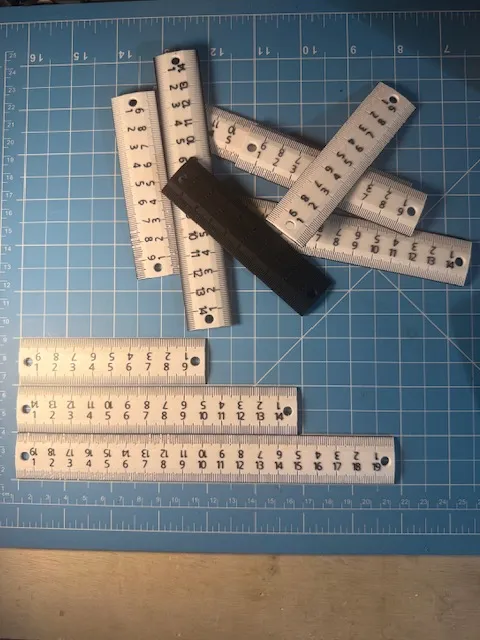
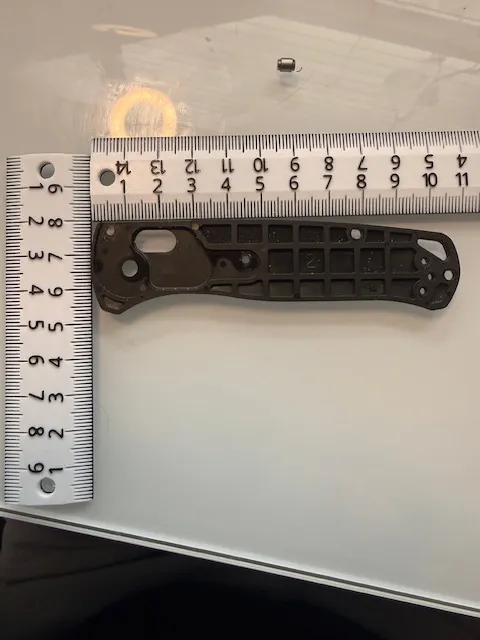
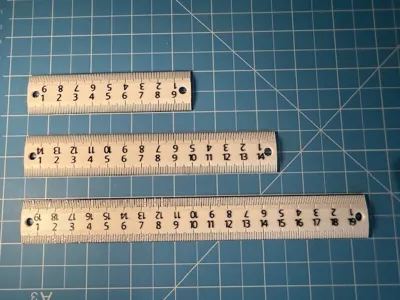
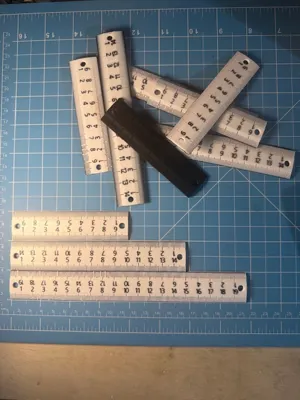
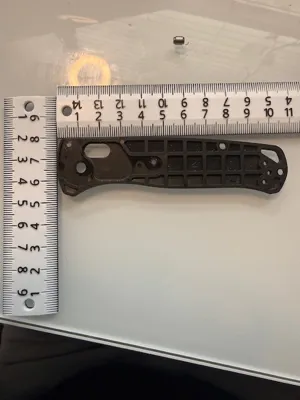
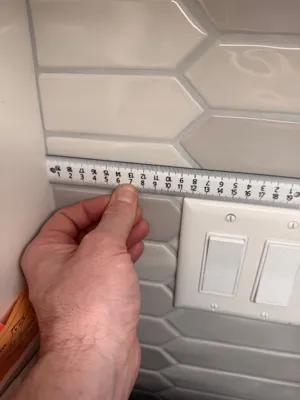
Three sizes in one project: 10 cm, 15 cm, 20 cm. Print one or the set. The 10cm ruler found its way into my EDC,
What makes this metric ruler different:
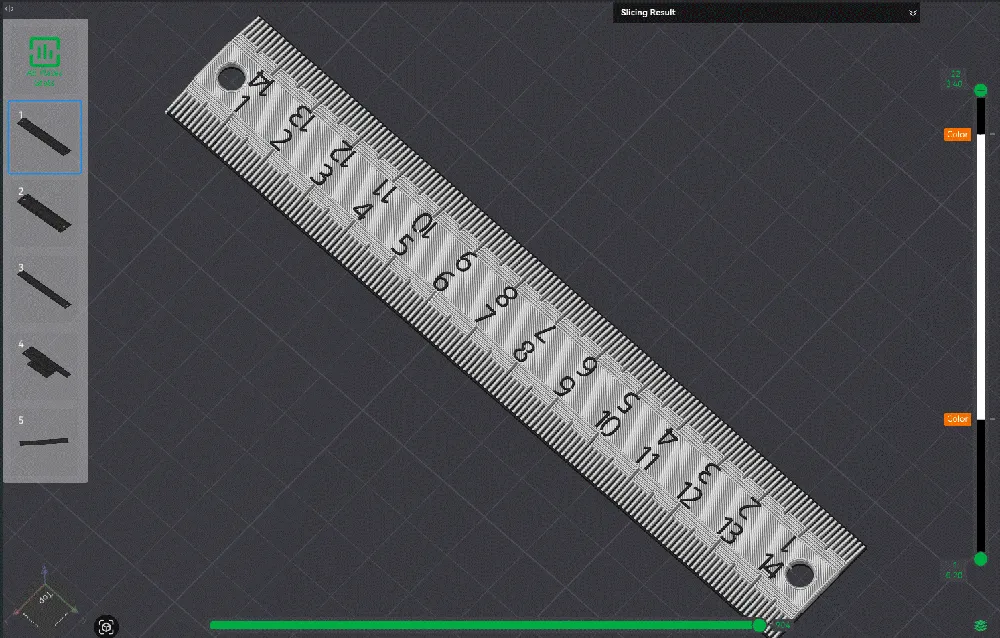
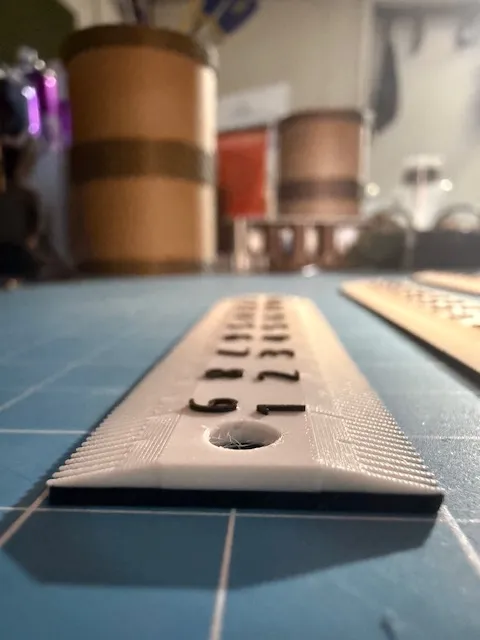
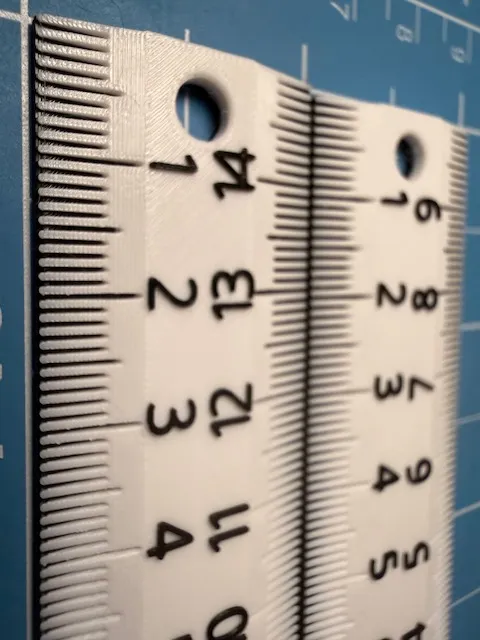
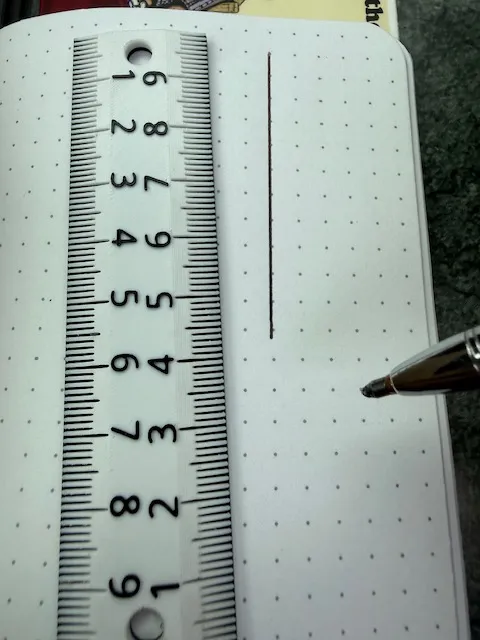
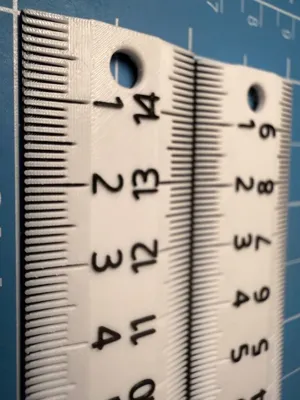
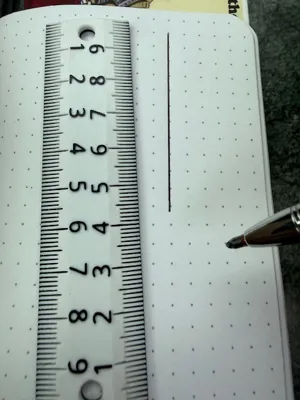
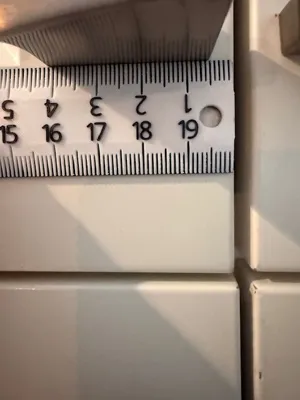
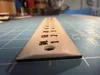
- Tapered drafting edge — the comb structure on the underside thins the working edge for pencil work while the body stays 3mm thick for rigidity. No fat plastic edge fighting your pencil tip.
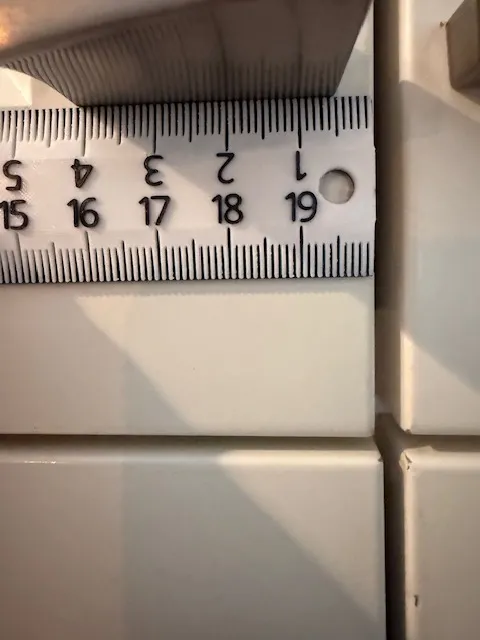
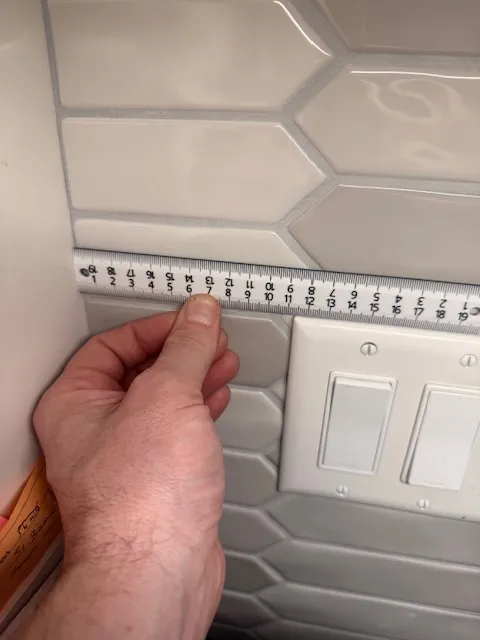
- Flush zero-ends — butt the ruler against the feature you're measuring from. Zero is at the contact point.
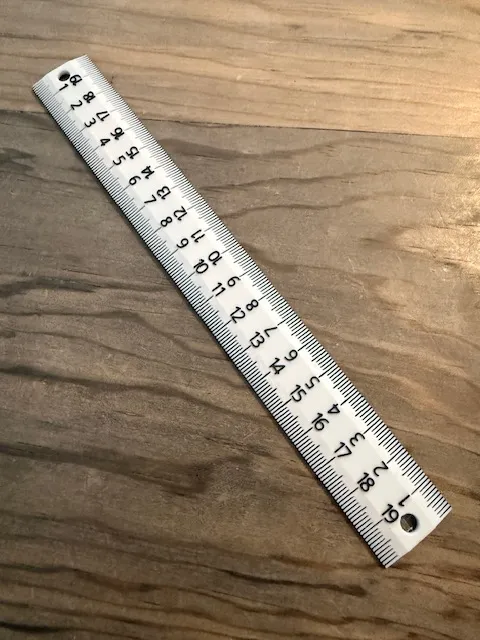
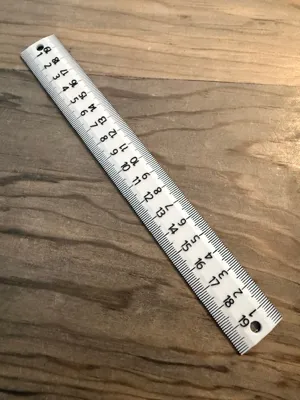
- Double-sided numbering — readable in either orientation.
- 5mm hanging holes on both ends for pegboard storage.
- Single- or multi-color — both look good. Multi-color adds contrast for legibility.
- No AMS required — color comes from a manual filament swap at one layer change.
Print settings:
PLA (easiest, recommended for first prints):
- 0.4 mm or 0.2 mm nozzle both work
- Standard Bambu Studio PLA profile
- Any Bambu printer including A1 Mini
PETG (heat- and UV-resistant — better for a workshop or outdoor bench):
- 0.2 mm nozzle required. The comb features are too fine for a 0.4 mm nozzle to resolve in PETG and the small movements clump. PLA tolerates the 0.4 mm; PETG does not.
Multi-color without AMS — important:
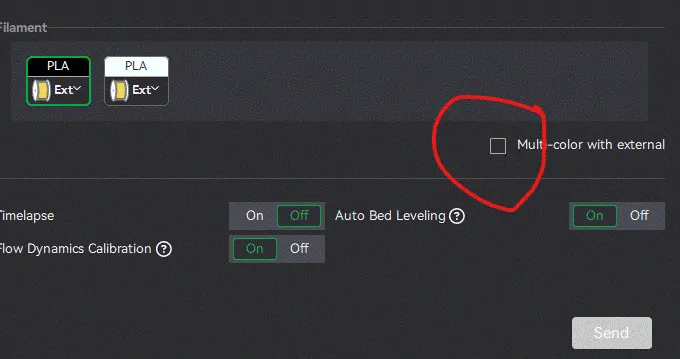
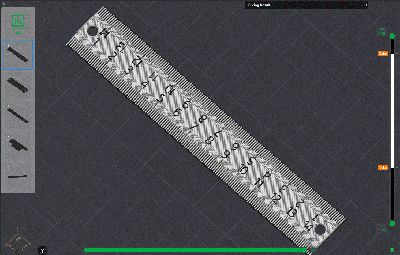
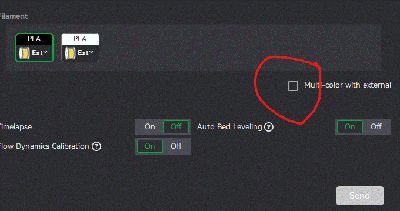
In Bambu Studio's send-to-printer dialog, check the "Multi-color with external" box. This enables the filament-change pauses at color-swap layers. If you skip this, the printer ignores the M600 commands and prints single-color. Verify before sending: the filament-usage panel in the send dialog should show separate weights per color.
When the printer pauses, swap to the second color, purge, resume. The whole pause/swap cycle is about 60 seconds.
Filament suggestions:
- High-contrast: any matte white with matte black numerals
- Workshop-durable: PETG body, PLA numerals (different temps — swap accordingly)
- Premium look: Nardo Gray with Ivory White numerals
Note: Numbers are added via Bambu Studio's text feature, so the model is best used by importing the project into Bambu Studio rather than downloading the raw STL. This also means you can customize the numerals if you want a different font, language, etc.
From the shop:
Designed in our father-son maker lab in Carlsbad, CA. We build functional gear, games, and bright objects. More at mtnlabs.carrd.co and on Etsy at the MTN Labs shop.
License

You may create derivative works based on this object, provided that all such derivative works are published exclusively on the MakerWorld platform and include proper attribution to the original creator. You may not share, upload, host, distribute, or publish this object—or any derivative work of this object—on any other digital platform, marketplace, or distribution channel. Commercial use of this object and any derivative works is strictly prohibited. This includes, but is not limited to, selling, renting, sublicensing, or using the object in any context in which you receive monetary compensation or other financial benefits.


Comment & Rating (2)