
Printer Fan Speed Calibration Tower (0–100%)
Print Profile(3)

Description
Boost Me (for free)
If you like my models and want to support future uploads, a quick Boost means a ton! Every Boost helps me keep designing and improving useful prints for the community. Thanks for the support, and happy printing! 🚀
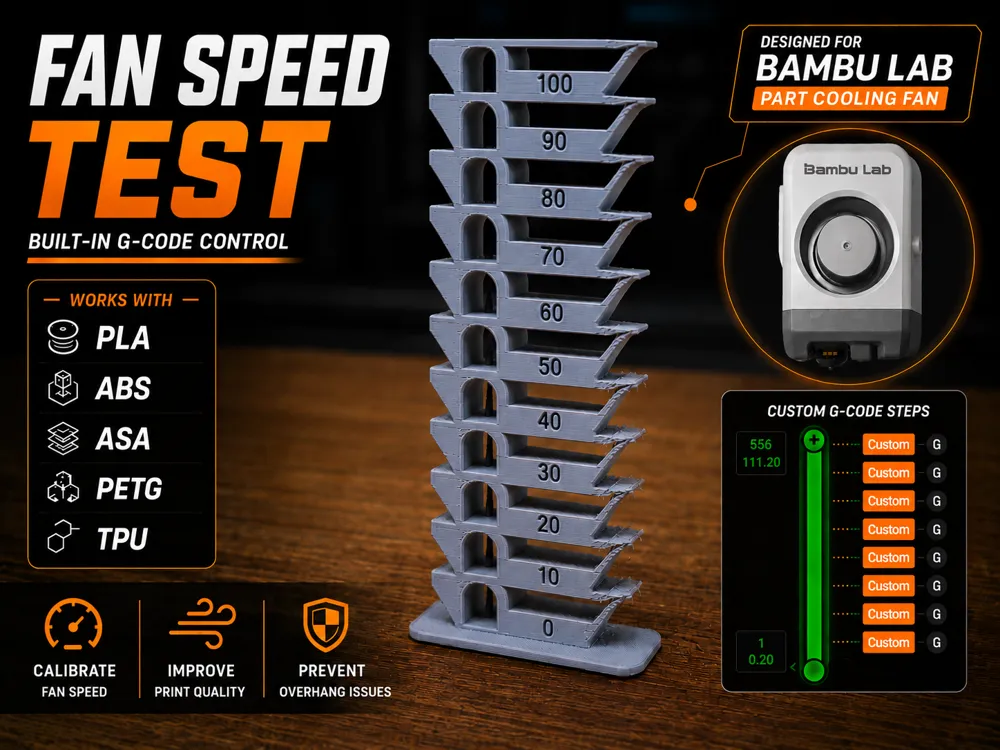
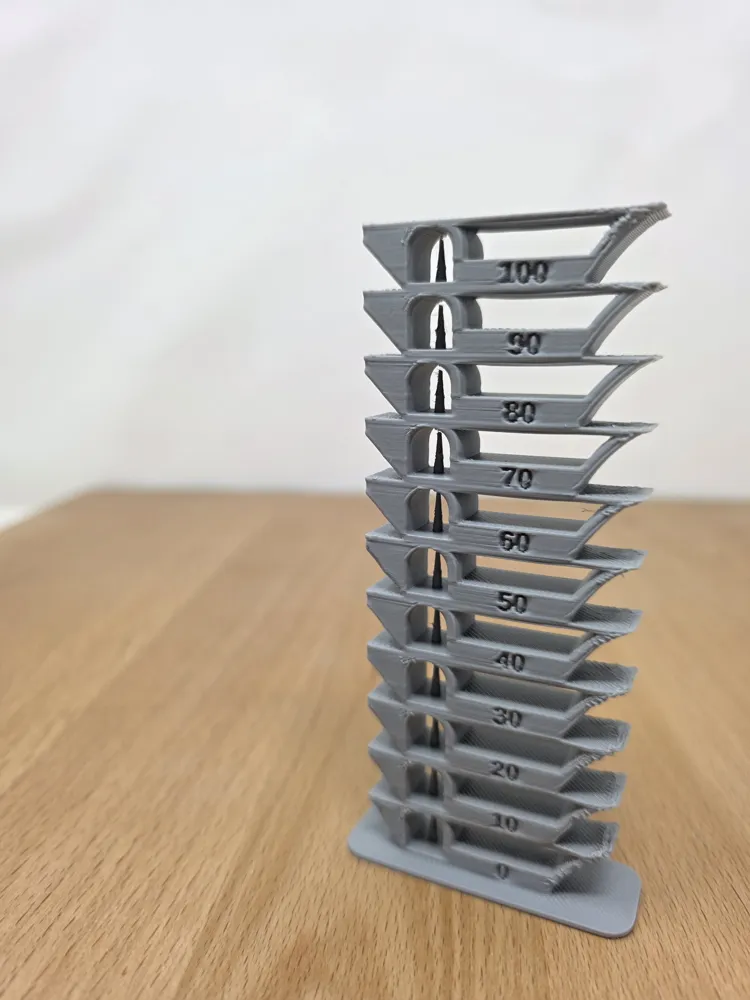
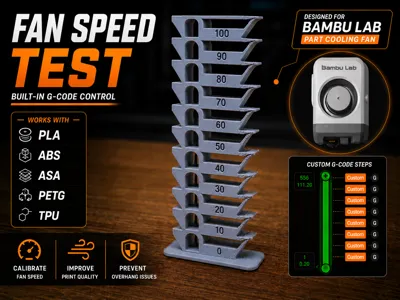
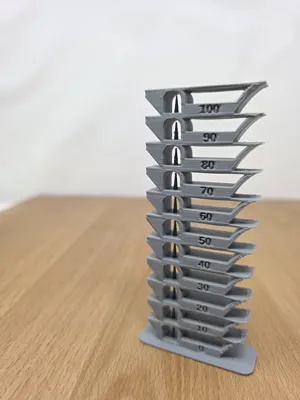
This model is designed to help diagnose and calibrate cooling performance across a full range of fan speeds from 0% to 100%.
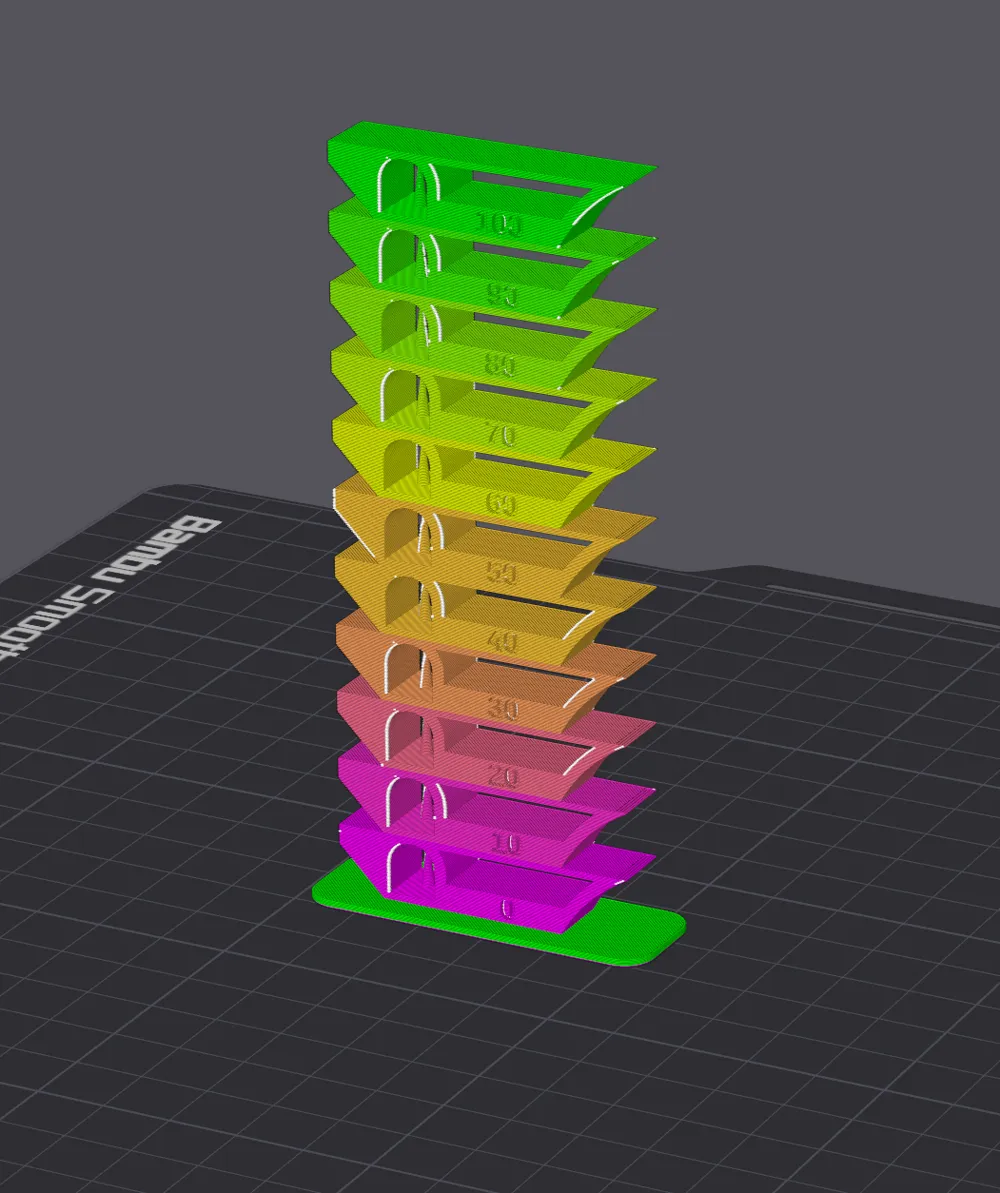
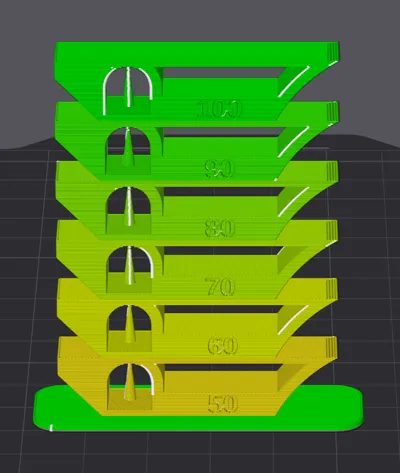
Unlike a traditional temperature tower, this benchmark changes cooling levels of the part cooling fan for each level of the tower (Not Temperature)
Important note!
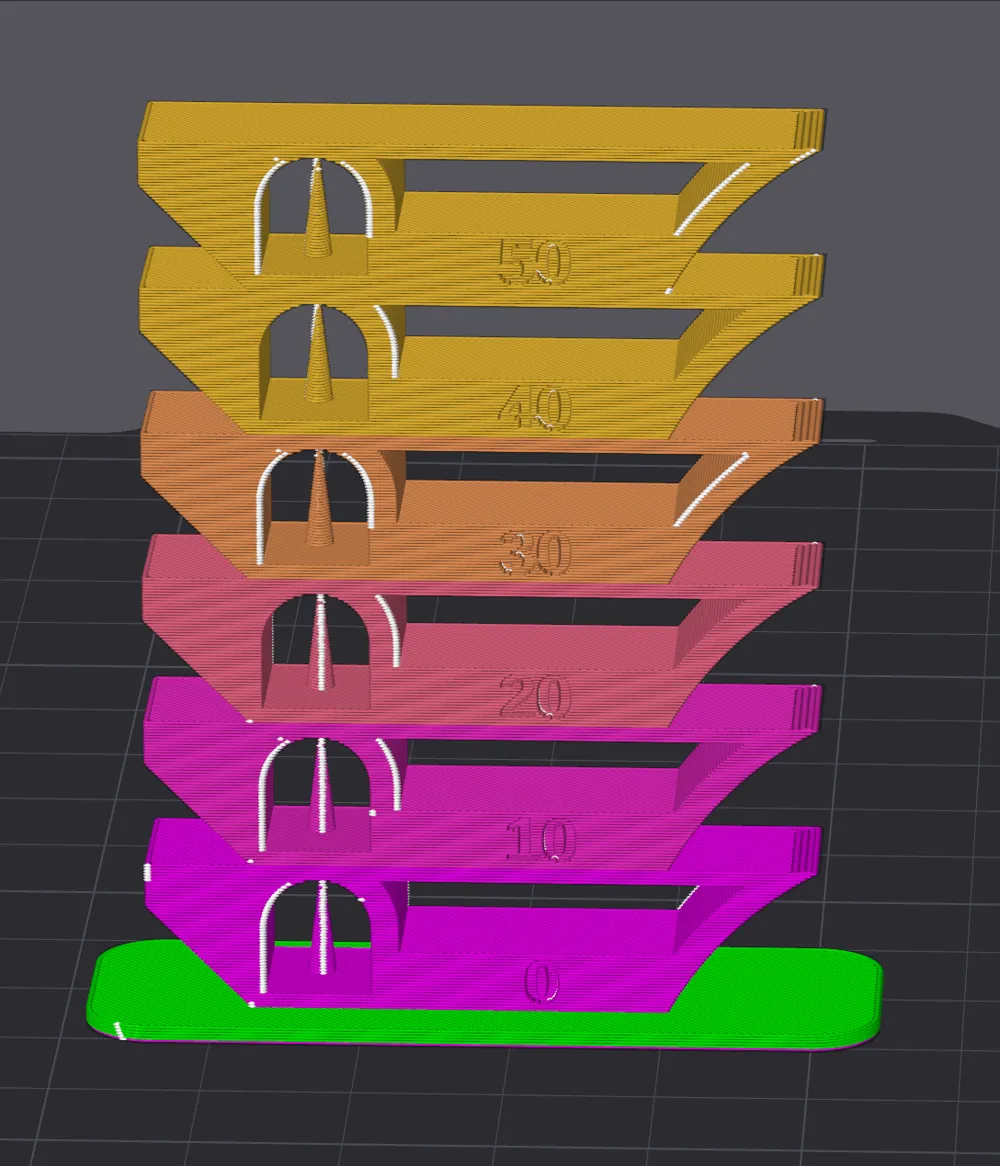
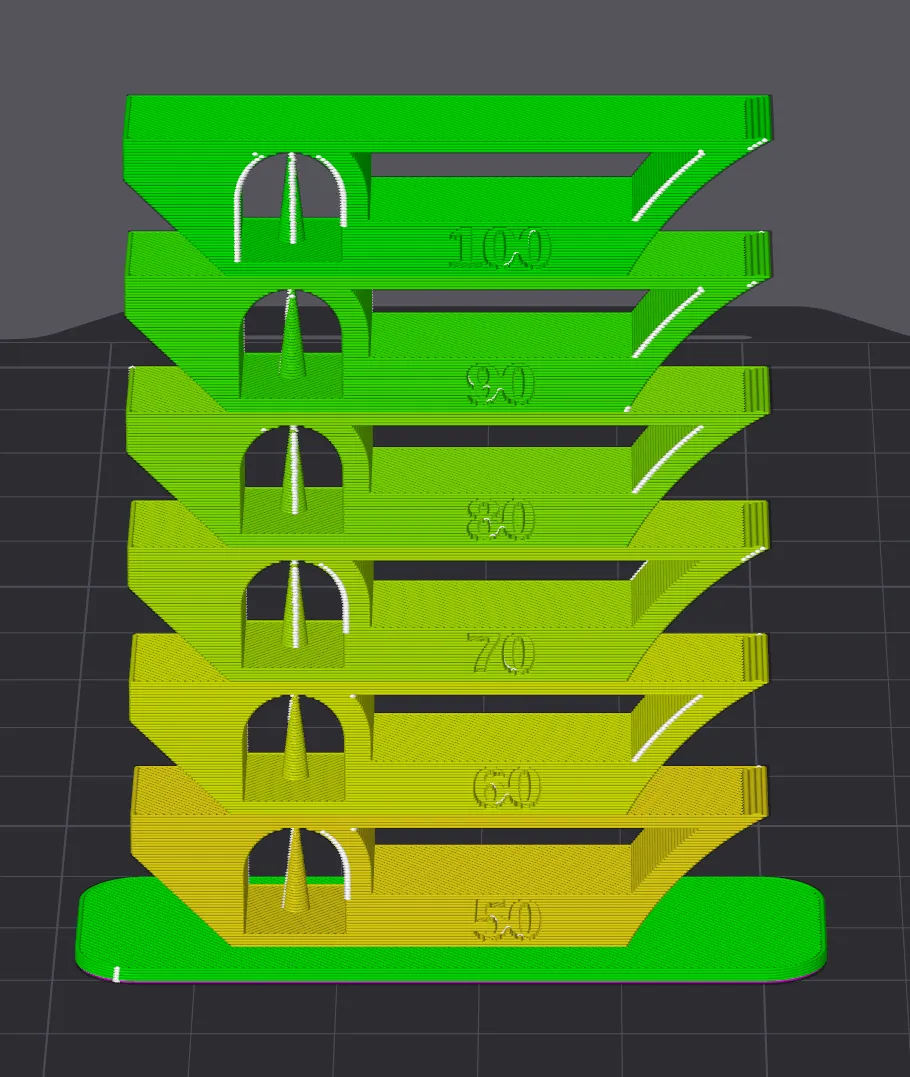
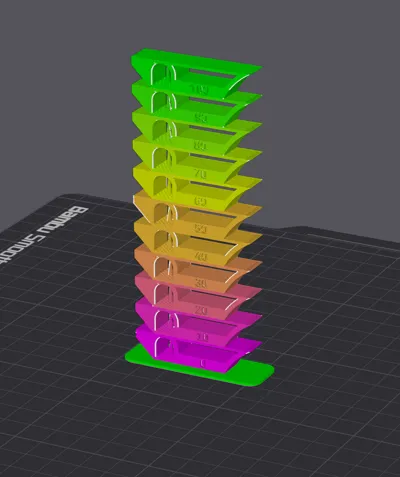
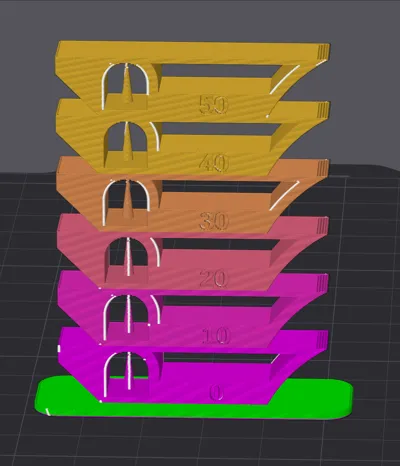
Make sure that after slicing you check the “Fan speed” drop down from the right hand side. You should see a consistent change in color from one section to the next. If not please watch the video I have included.
Enjoyed this model? ⭐ ⭐ ⭐ ⭐ ⭐
Please consider leaving a review and uploading a photo of your print! Your feedback and photos help others see how the model performs and help support future designs.
Thanks for downloading!
License

You shall not share, sub-license, sell, rent, host, transfer, or distribute in any way the digital or 3D printed versions of this object, nor any other derivative work of this object in its digital or physical format (including - but not limited to - remixes of this object, and hosting on other digital platforms). The objects may not be used without permission in any way whatsoever in which you charge money, or collect fees.


Comment & Rating (9)