
Print Profile(0)
Description
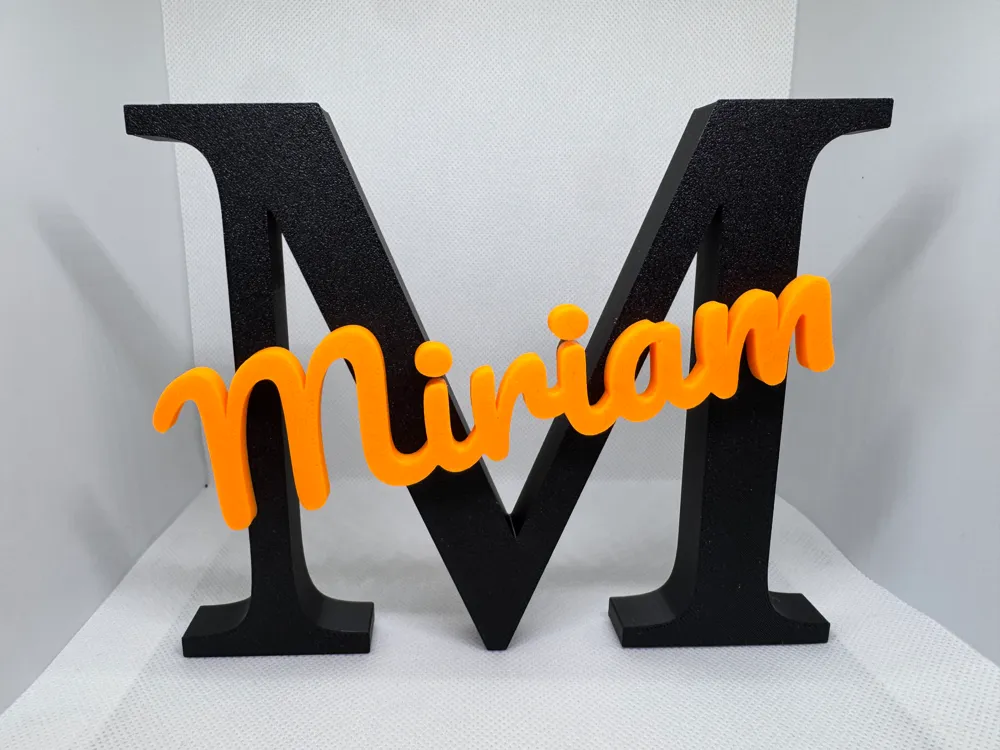
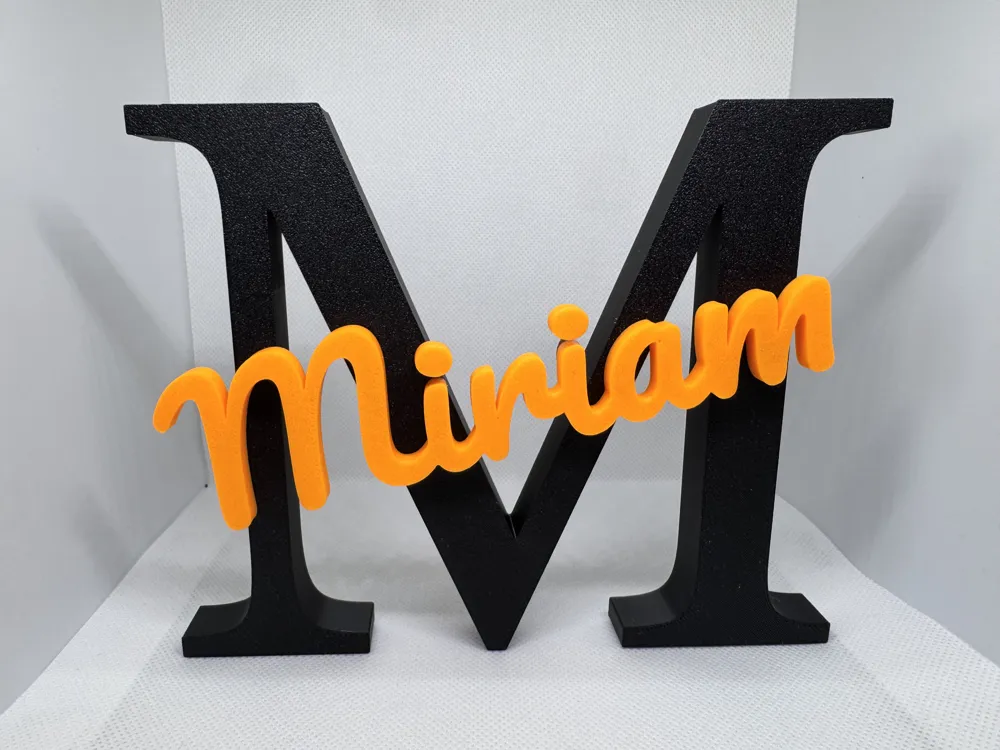
Parametric Name Model with Fit Guarantee (OpenSCAD)
Create beautiful, two-color decorative name displays with your desired name!
This model is fully parametric and perfectly optimized to print the name separately and then precisely glue it into the large initial letter.
Highlights of this model:
* True Inlay: If you move the name downwards, it automatically punches an exact groove into the large background letter.
* Integrated Tolerance (Clearance): No tedious sanding after printing! The groove in the large letter is automatically calculated to be slightly larger, so that the printed parts fit together perfectly without jamming.
* Full Flexibility: Move, rotate, and scale the name on all axes (X, Y and Z) until the design perfectly matches your vision.
* Separate Printing: You can export the components individually as STL using the checkboxes. Perfect for printers without a multi-color system, to simply glue the parts together later.
🛠 Customizer Instructions
1. Enter Text: Enter the large background letter (e.g., "M") for Anfangsbuchstabe and the full word (e.g., "Miriam") for Name.
2. Positioning: Use the sliders for Verschiebung_X and Verschiebung_Y to optimally place the name. With Rotation_Z, you can angle the lettering coolly.
3. Set Embossment: If you set Verschiebung_Z to a value below the base thickness (e.g., 7 mm), the name sinks into the letter and punches the glue groove into it.
4. Choose Tolerance: The default value of 0.18 mm ensures a perfect fit for most well-calibrated printers. If it is too loose or too tight, you can freely adjust the Spaltmaß.
5. Resolution ($fn): Leave the preview value at 30. When you finally calculate the model, you can switch to 50 (Extremely smooth) for maximum edge smoothness.
Printing & Export Tips for Separate Printing:
1. Export the Large Letter with Groove:
* Check the box for Hintergrund_anzeigen (On).
* Uncheck the box for Schriftzug_anzeigen (Off).
* Render the model and export as STL.
2. Export the Name Separately:
* Uncheck the box for Hintergrund_anzeigen (Off).
* Check the box for Schriftzug_anzeigen (On).
* Render the model again and export as a separate STL.
Parametric Name Model with Toleranced Inlay (OpenSCAD)
Create beautiful, two-color decorative nameplates! This model is fully parametric and perfectly optimized to print the name separately and glue it precisely into the large background letter.
Features:
* True Inlay: Lowering the name automatically cuts an exact groove into the large background letter.
* Built-in Tolerance (Clearance): No tedious sanding after printing! The groove is calculated slightly larger so parts fit together perfectly without jamming.
* Full Flexibility: Move, rotate, and scale the name on all axes (X, Y, and Z).
* Separate Printing: Use the checkboxes to export parts individually – ideal for single-extruder printers to glue together later.
Customizer Guide:
1. Enter Text: Type the big background letter into Anfangsbuchstabe (e.g., "M") and the full name into Name (e.g., "Miriam").
2. Positioning: Use Verschiebung_X and Verschiebung_Y to center the name. Use Rotation_Z to rotate it.
3. Set the Groove: Set Verschiebung_Z below the background thickness (e.g., 7 mm) to sink the name into the letter and create the glue-groove.
4. Tolerance: The default 0.18 mm works perfectly for most calibrated printers. Adjust if it feels too loose or tight.
How to Export for Separate Printing:
1. Export the Big Letter with Groove:
* Check the box for Hintergrund_anzeigen (On).
* Uncheck the box for Schriftzug_anzeigen (Off).
* Render the model and export as STL.
2. Export the Name Only:
* Uncheck the box for Hintergrund_anzeigen (Off).
* Check the box for Schriftzug_anzeigen (On).
* Render again and export the separate name STL.
License



Comment & Rating (0)