
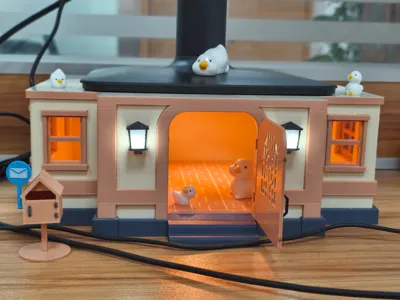
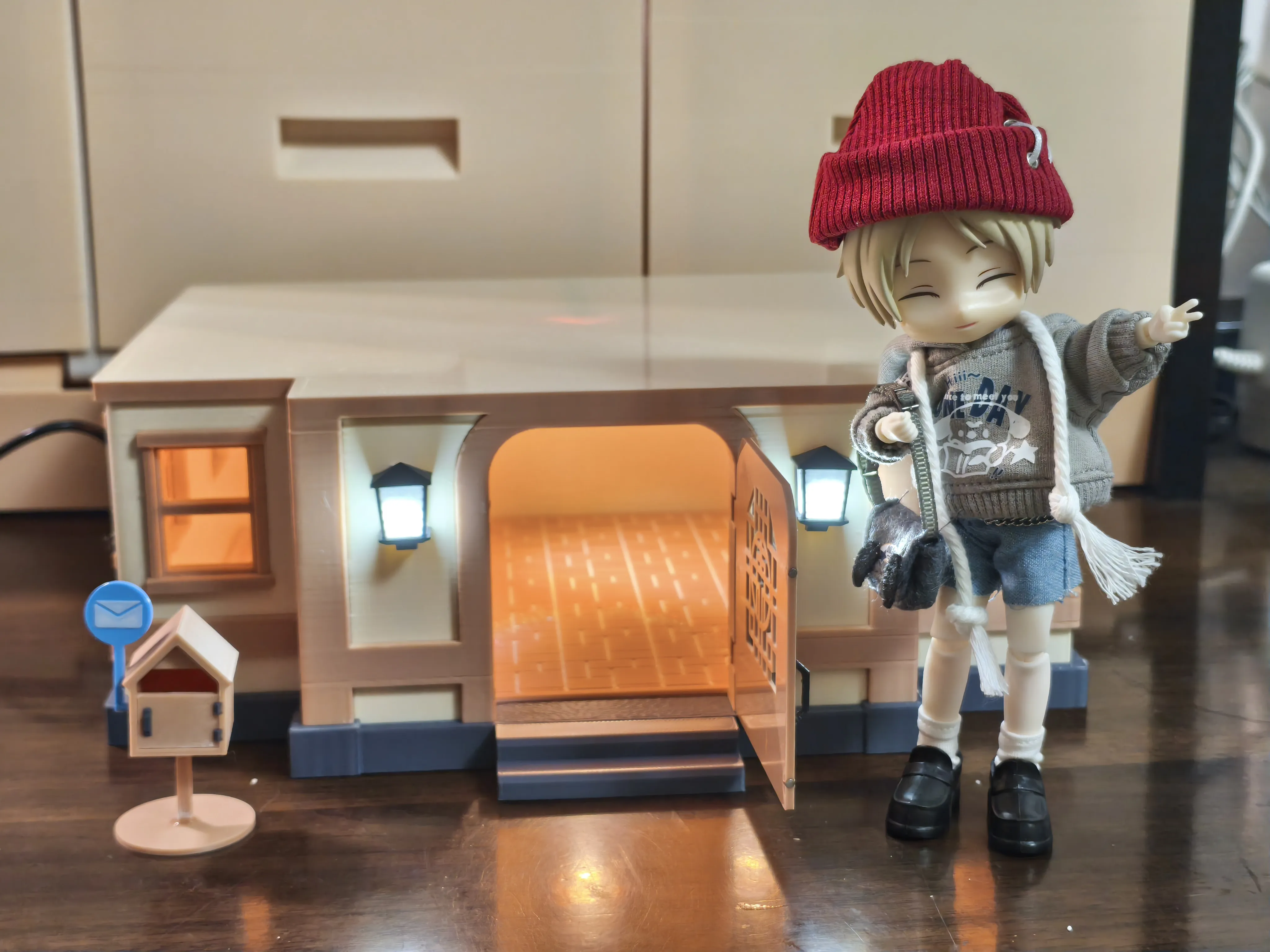
9CM Monitor Riser (Animal Crossing House Edition)
Print Profile(2)
Description
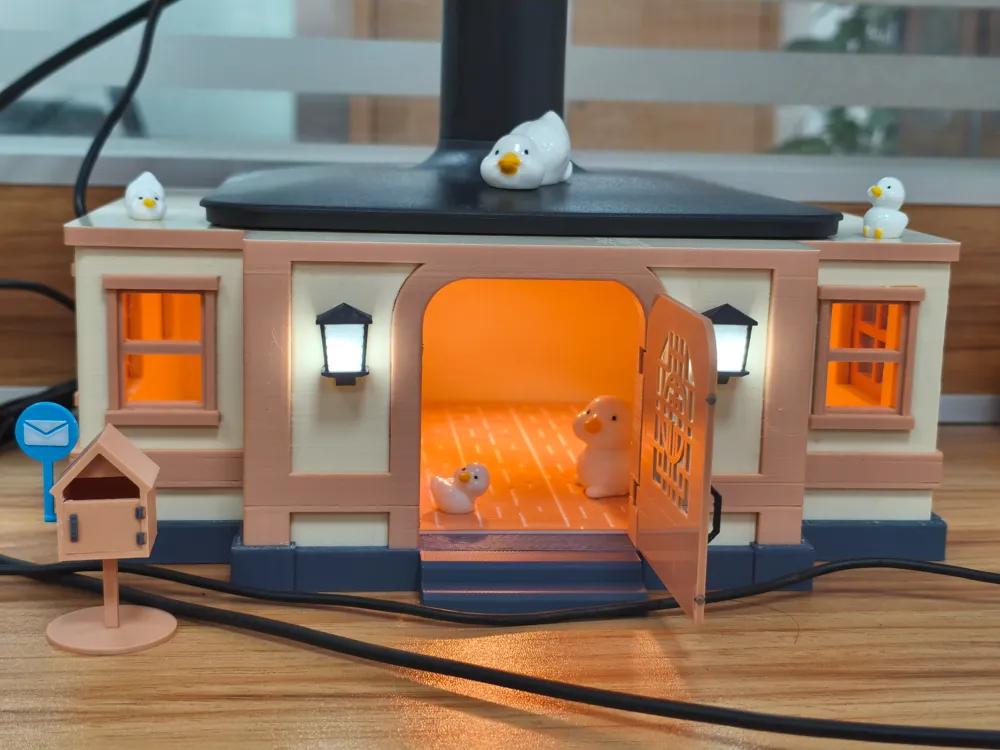
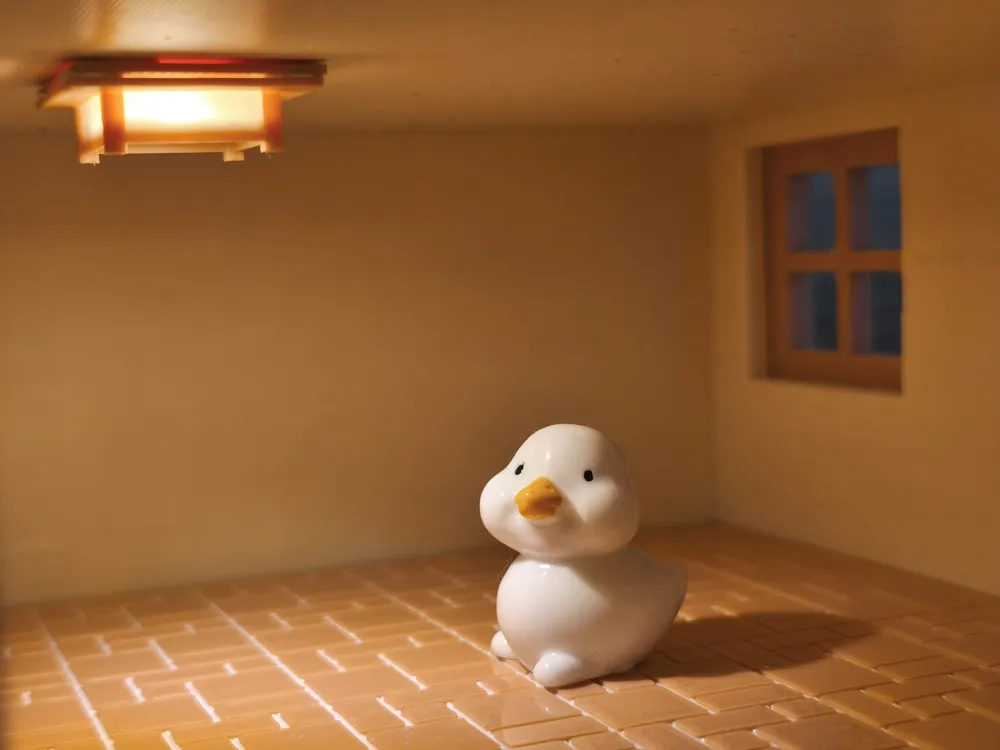
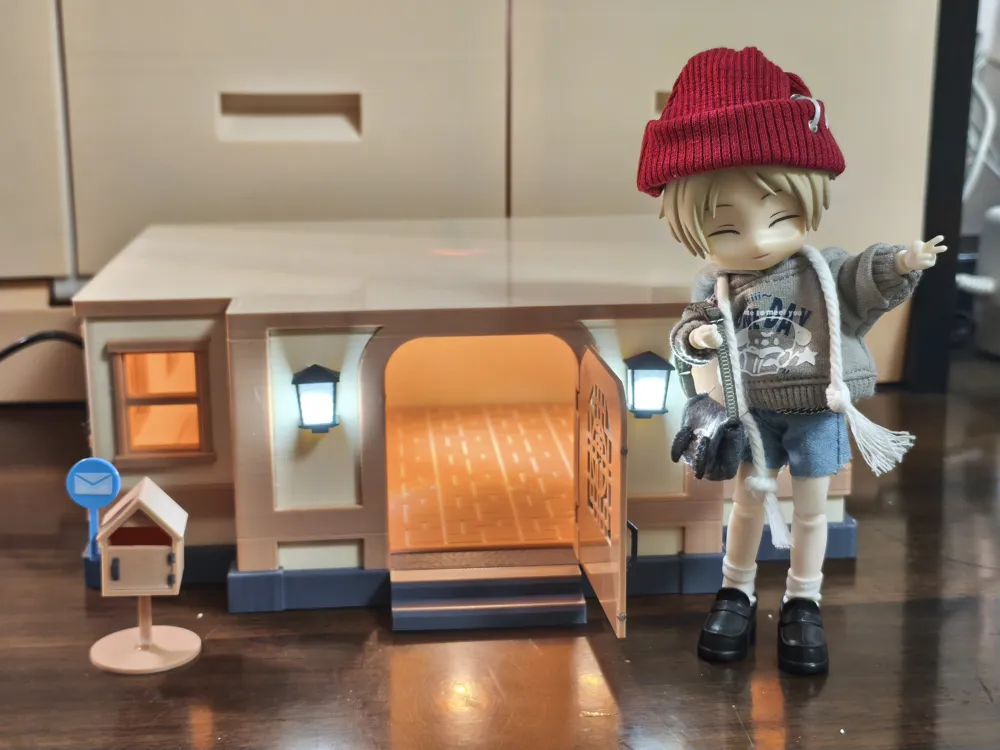
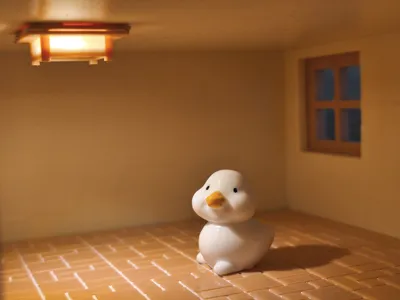
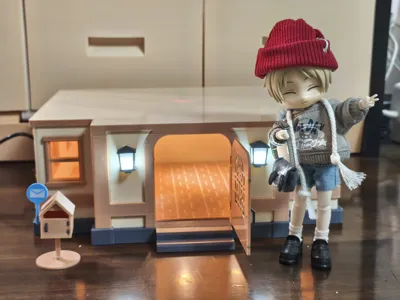
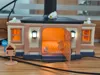
While working on the 20CM monitor riser cabinet (see my previously published model), I happened to be using Animal Crossing to display the cabinet, and a sudden inspiration led me to turn my Animal Crossing house into a monitor riser cabinet as well.
Printing Tips:
1. Clean the build plate thoroughly before printing to prevent part detachment.
2. Remember to dry the filament to prevent stringing.
3. Plates 2, 3, 6, 7, 8, 9 are recommended to be printed with a 0.2mm nozzle, and the remaining plates with a 0.4mm nozzle.
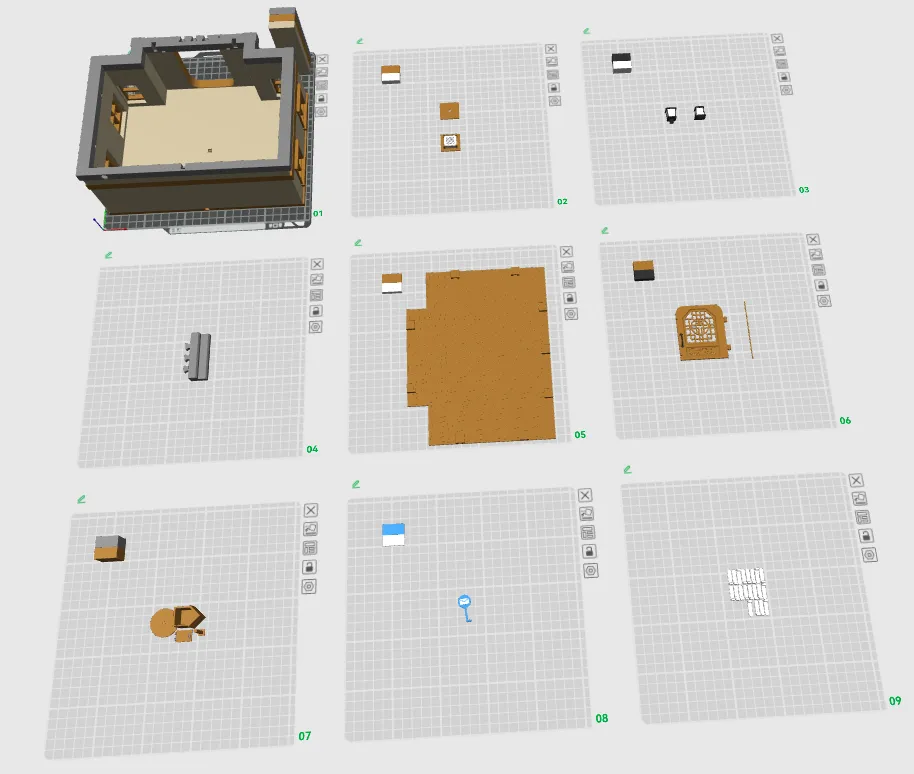
The required materials/tools list can be found in the attachment.
Assembly Guide:
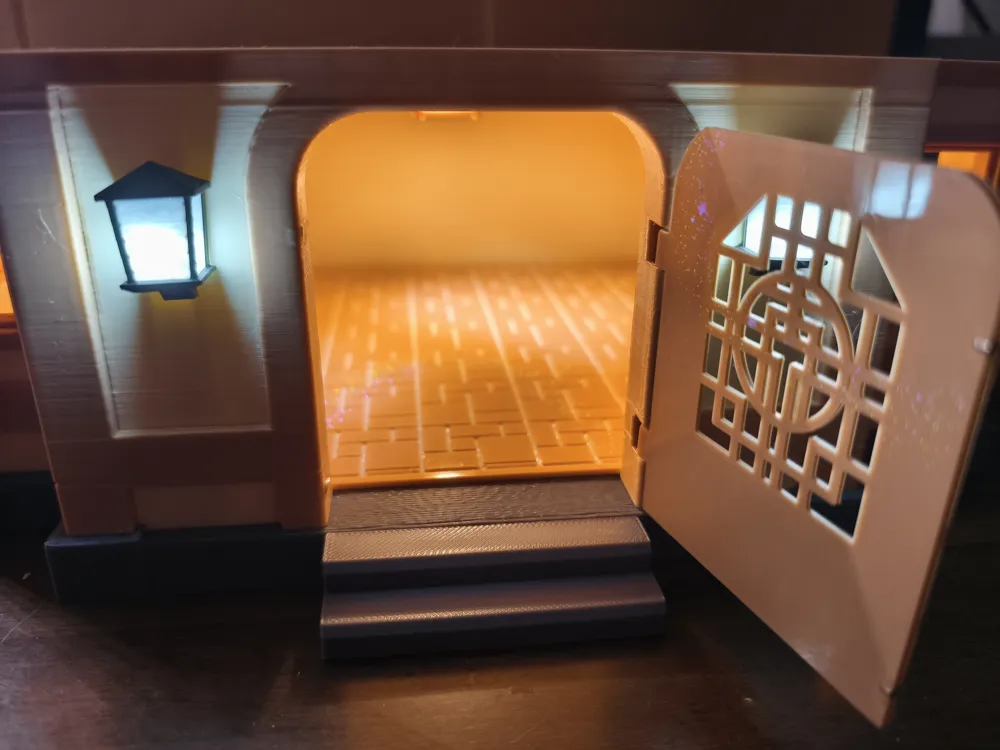
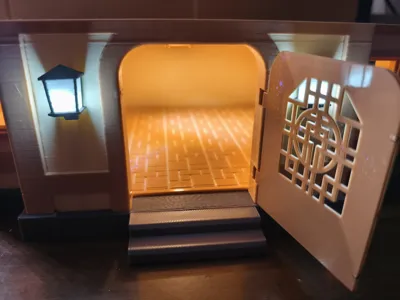
1. Insert magnets into the door frame and door, paying attention to their direction, and secure them with 502 glue. This will create a magnetic door (if you don't have magnets, you can skip this step).
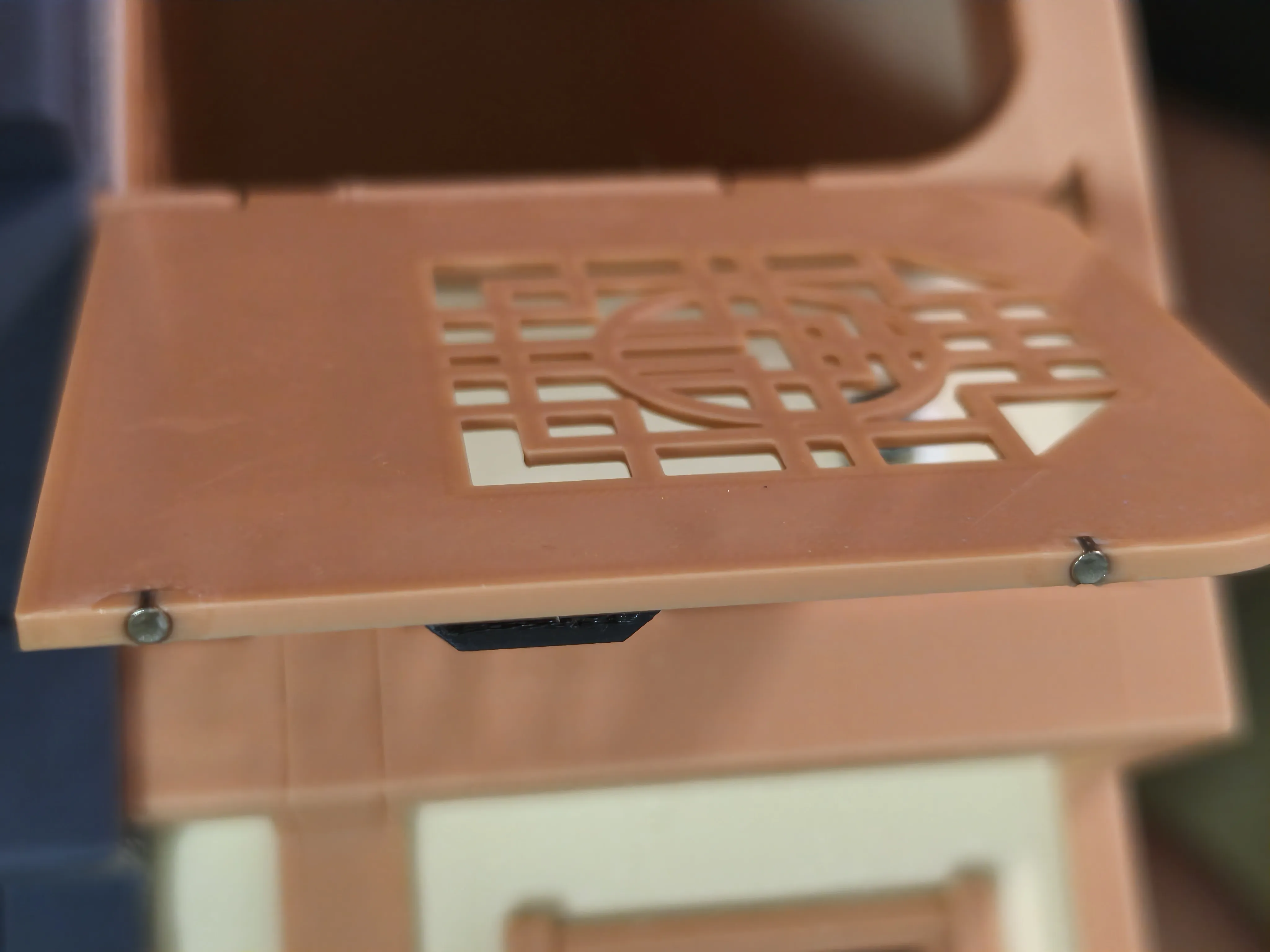
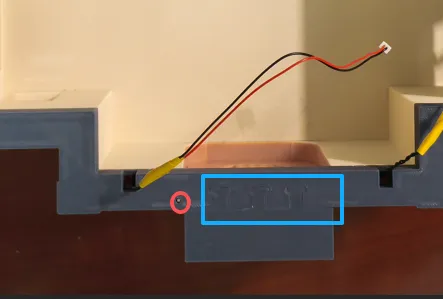
2. Secure the door and insert the door hinge from the bottom (red circle). Tap the stairs into the main body with a hammer or heavy object (blue box; it's very sturdy and doesn't require 502 glue).
3. After soldering the wires to the LED light board, secure it lightly with Blu Tack.
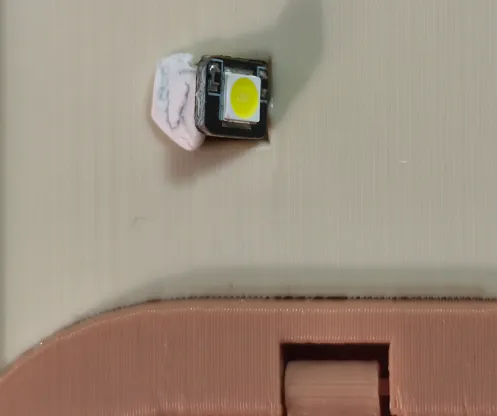
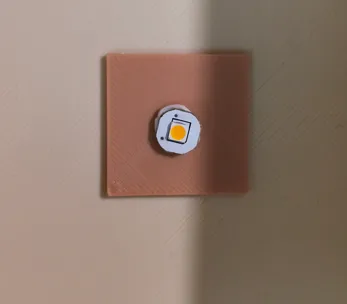
4. Route the wires to the bottom; extend any wires that are not long enough.
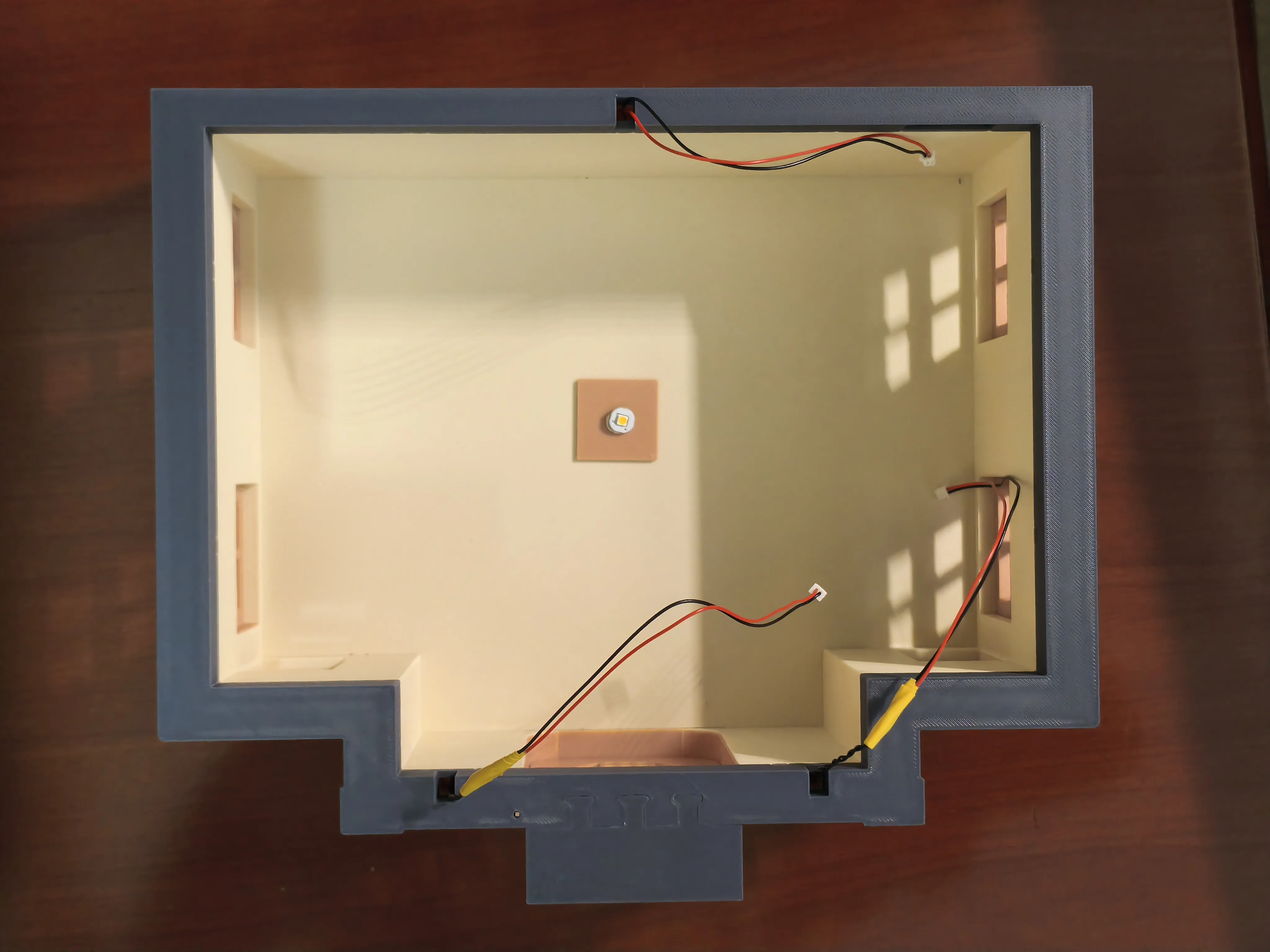
5. Secure the floor with clips.
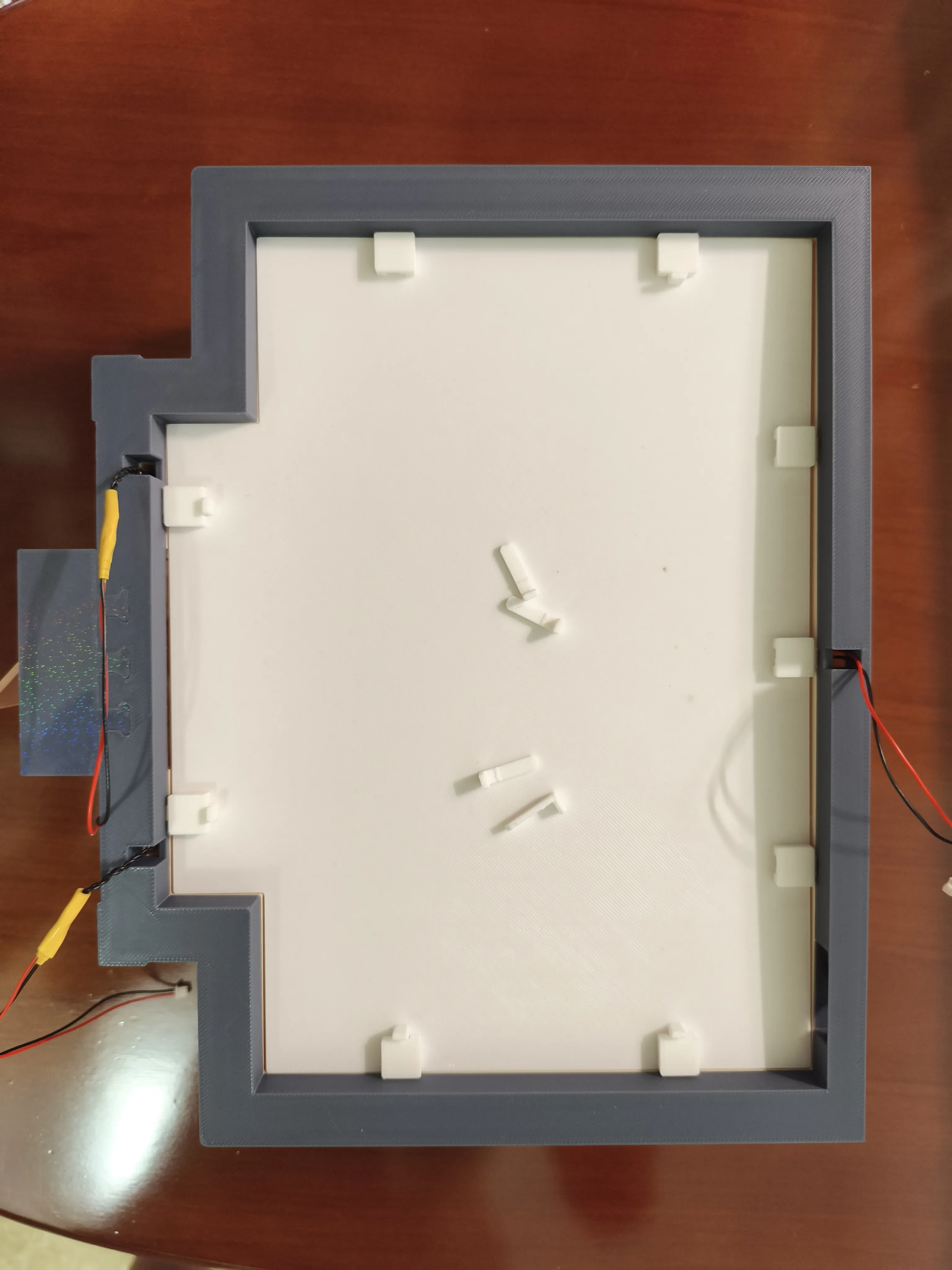
6. After soldering the 3 sets of light wires to the power socket, you can wrap a bit of Blu Tack around them.
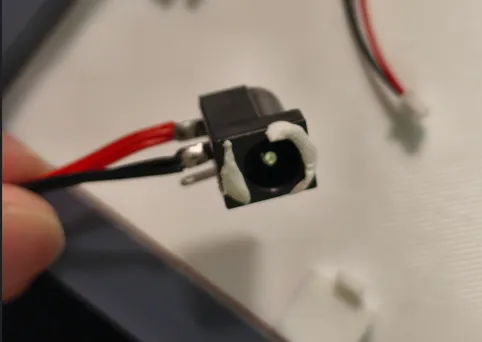
7. After connecting the wiring, use electrical tape to tidy up the cables and power it on for testing.
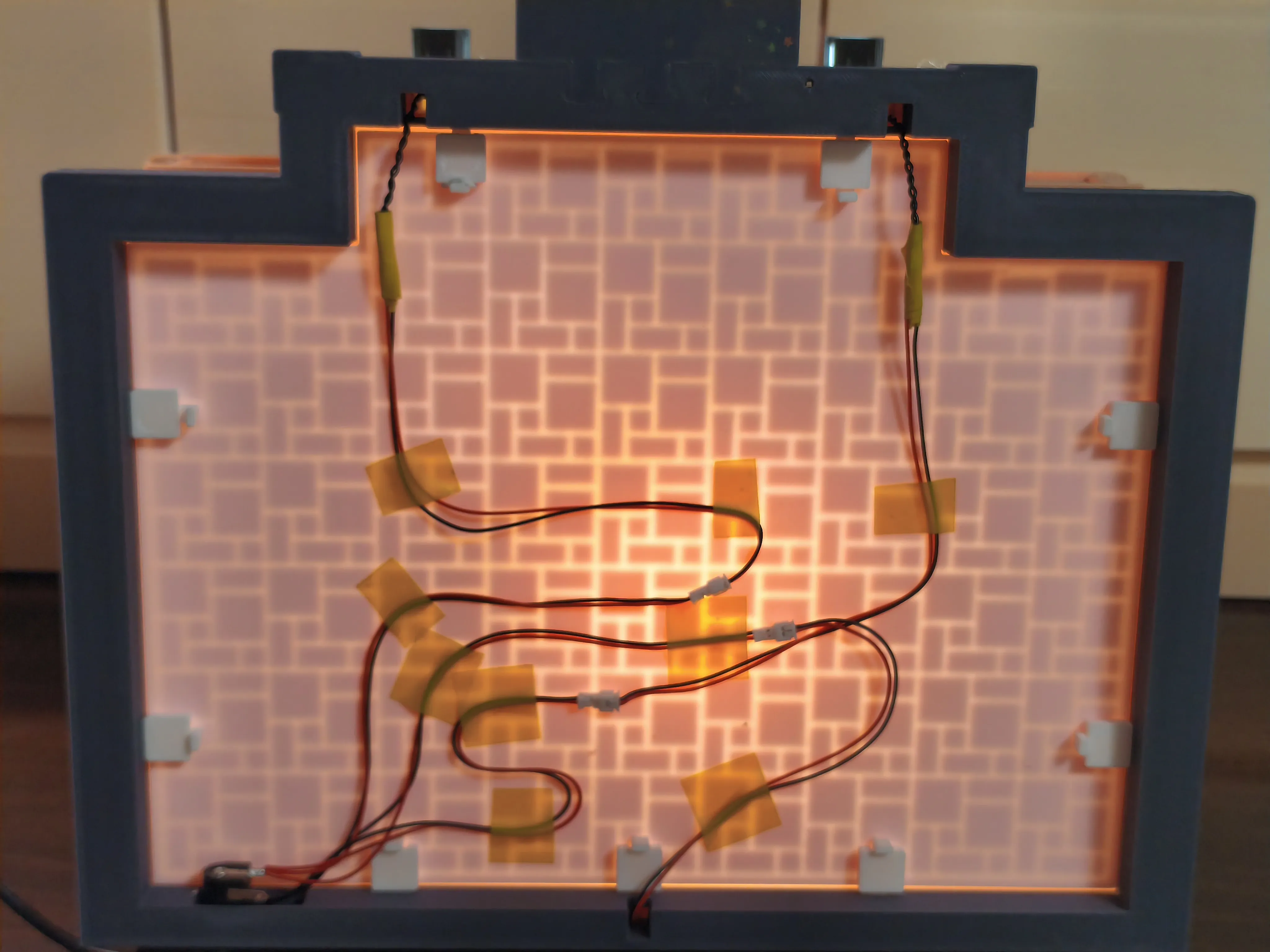
8. The mailbox by the door, as shown in the figure, needs to be adhered with 502 glue. You can use an F-clamp to hold it in place while gluing to free your hands.
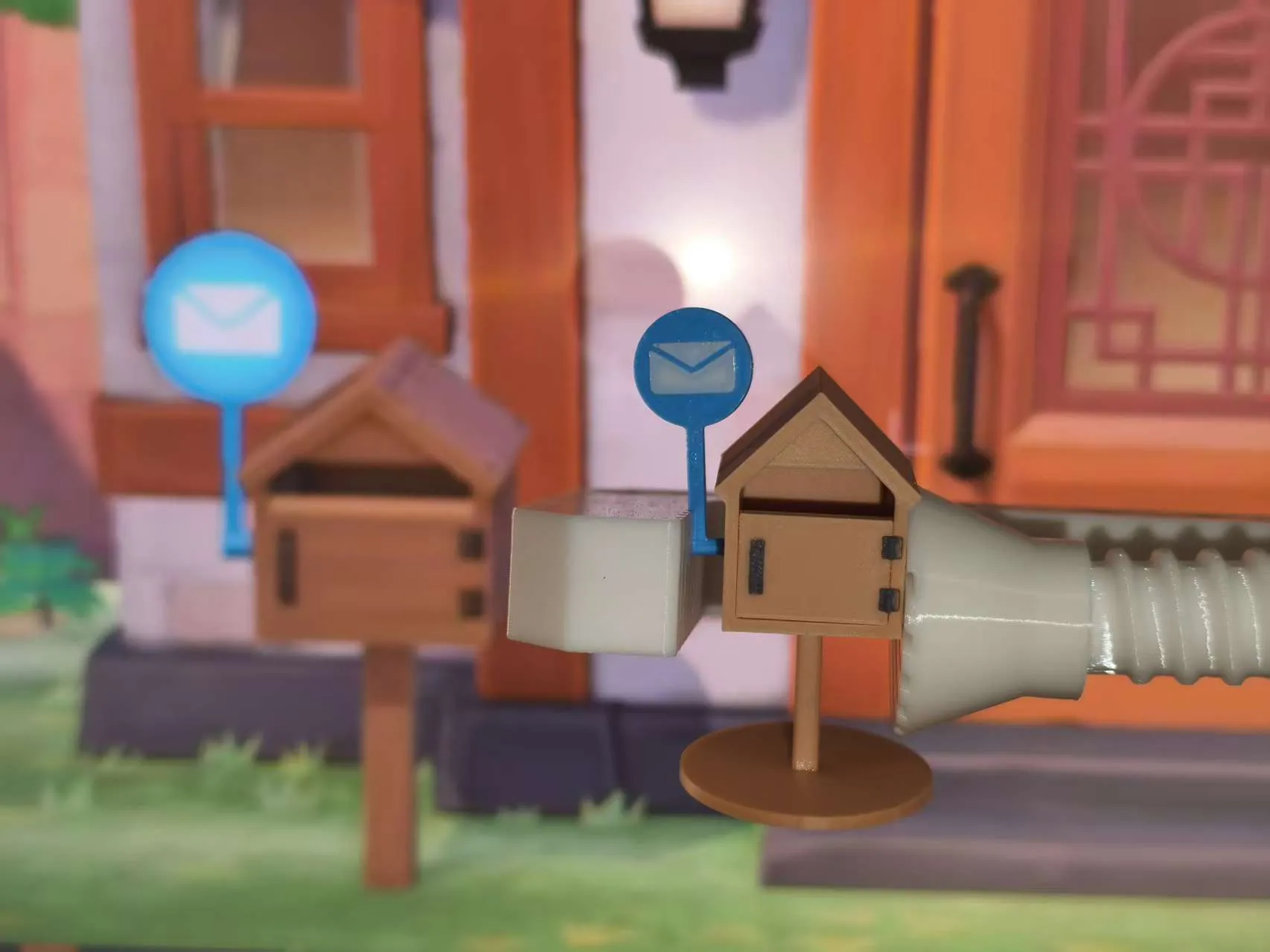
Boost Me (for free)
Your support is the greatest motivation for me to design more models
Documentation (1)
License

You shall not share, sub-license, sell, rent, host, transfer, or distribute in any way the digital or 3D printed versions of this object, nor any other derivative work of this object in its digital or physical format (including - but not limited to - remixes of this object, and hosting on other digital platforms). The objects may not be used without permission in any way whatsoever in which you charge money, or collect fees.


Comment & Rating (0)