
PrepReady - Emergence Phone Number Wallet Card
Print Profile(1)




Description
Membership
Practical survival and EDC designs built for real-world use. All models are created to be 3D printed and sold as physical products—perfect for Etsy, markets, and small businesses. Join the Commercial License to legally sell prints and access ongoing design releases.
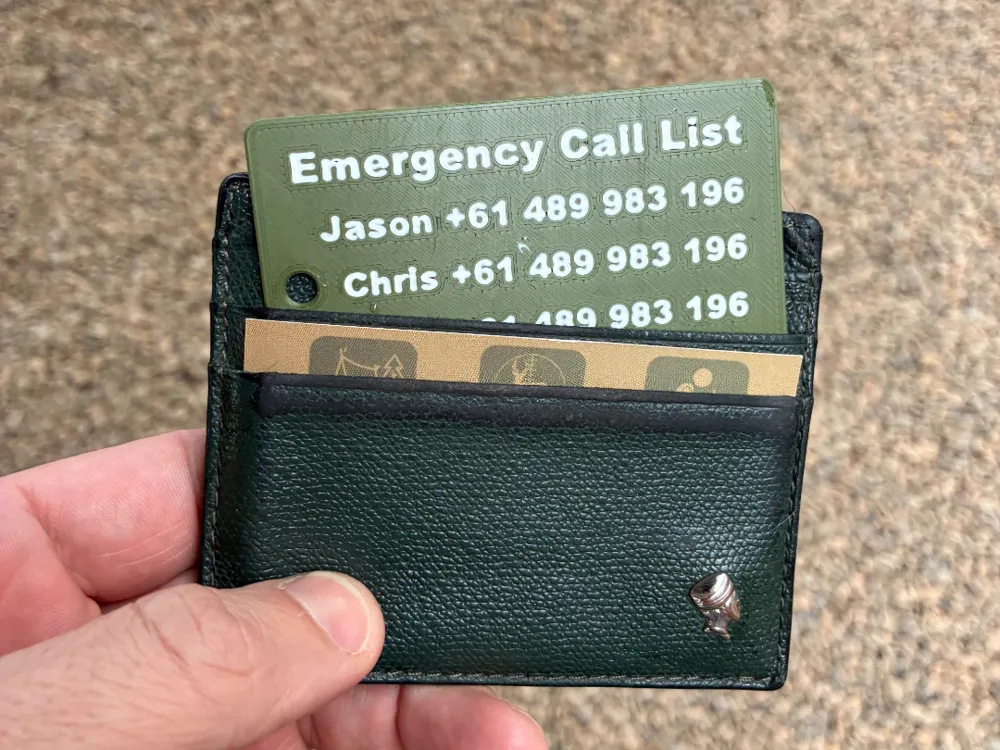
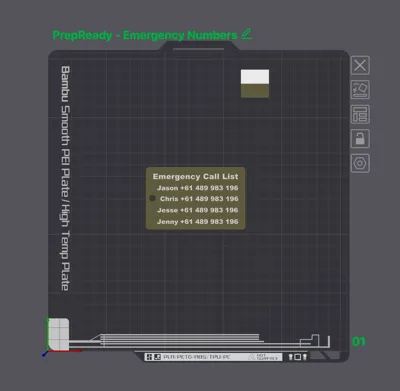
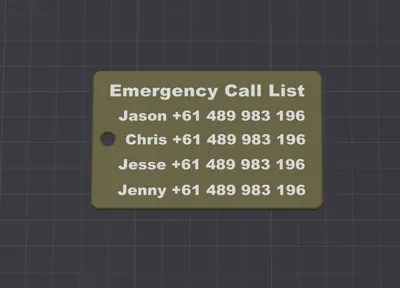
PrepReady is happy to share our designed for this emergency phone card for your wallet. If you phone goes flat or is lost this emergency card in your wallet could get you out of trouble. It is recommended to print using PLA/PETG with the phone numbers facing down (flat on build plate)
FOLLOW THE BELOW STEPS TO CHANGE THE DEFULT NAME & NUMBERS ON THE CARD BEFORE PRINTING.
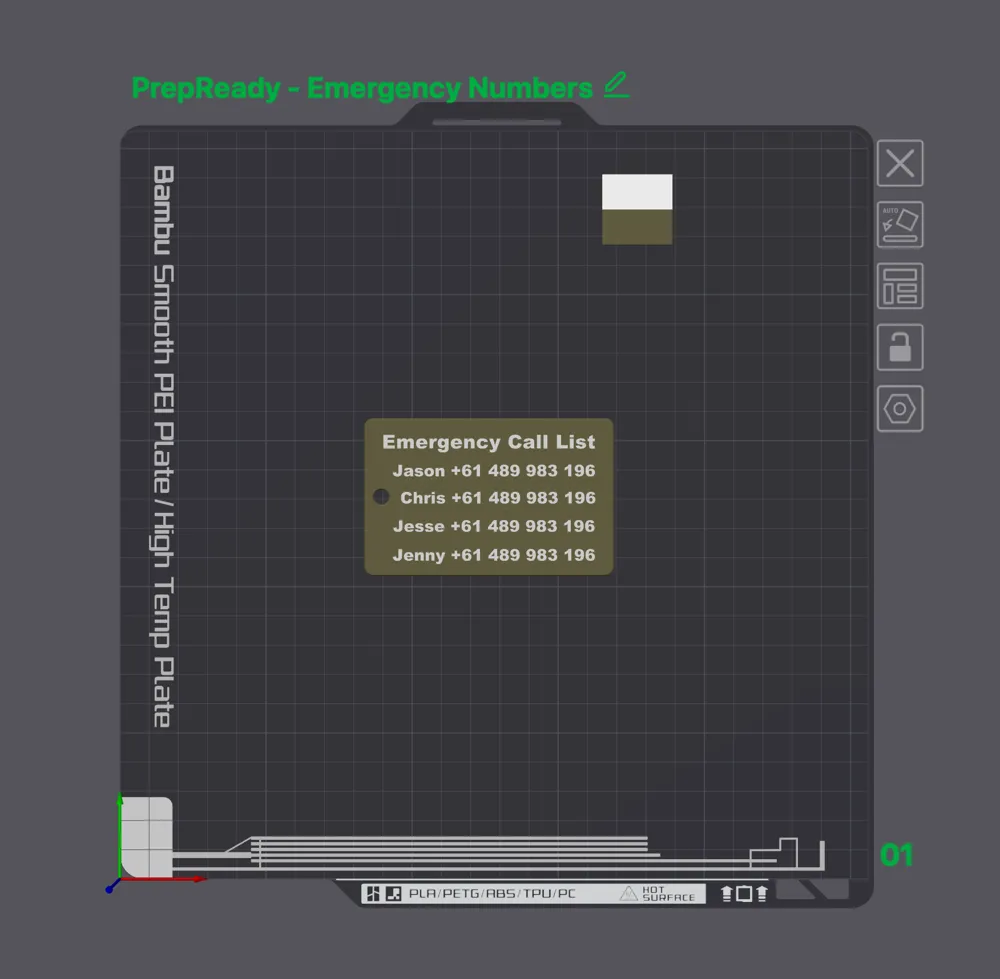
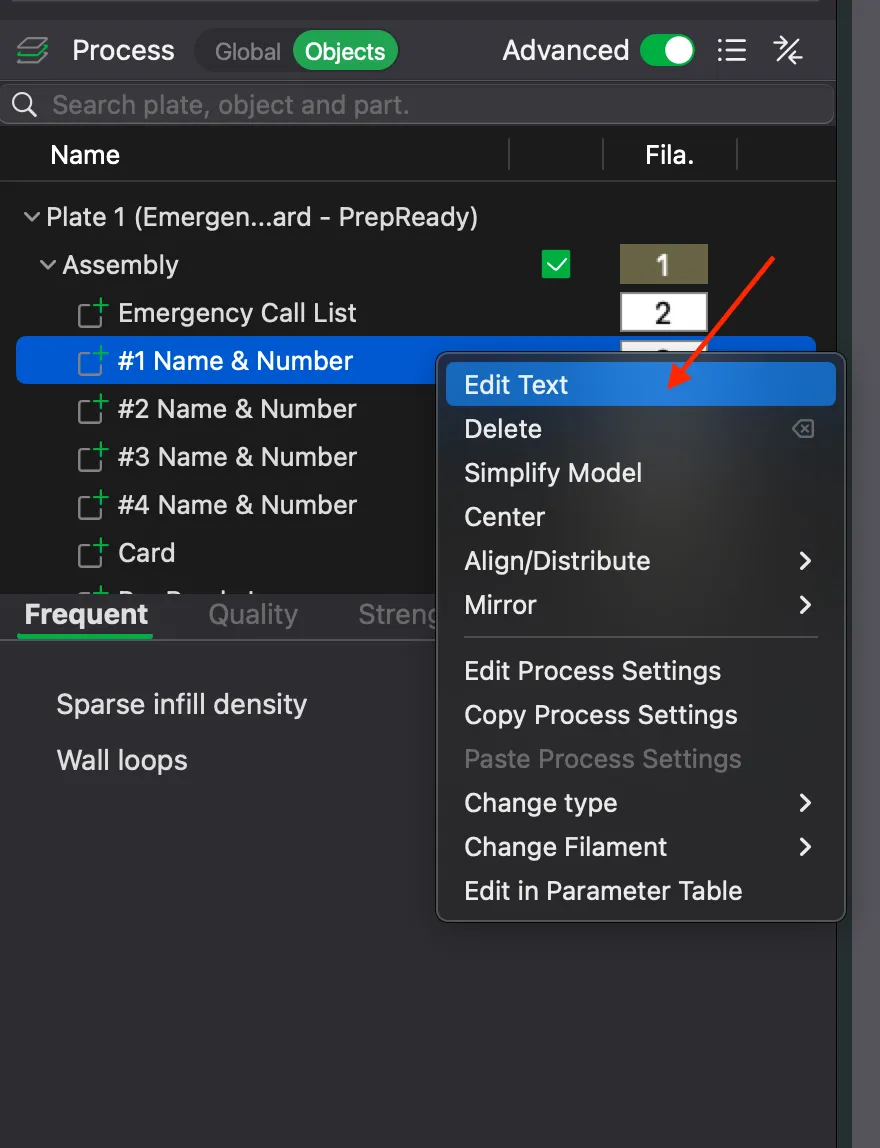
- Switch from Global to Object view and expand Plate 1 and Assembly to reveal each item. Click on #1 Name & Number.
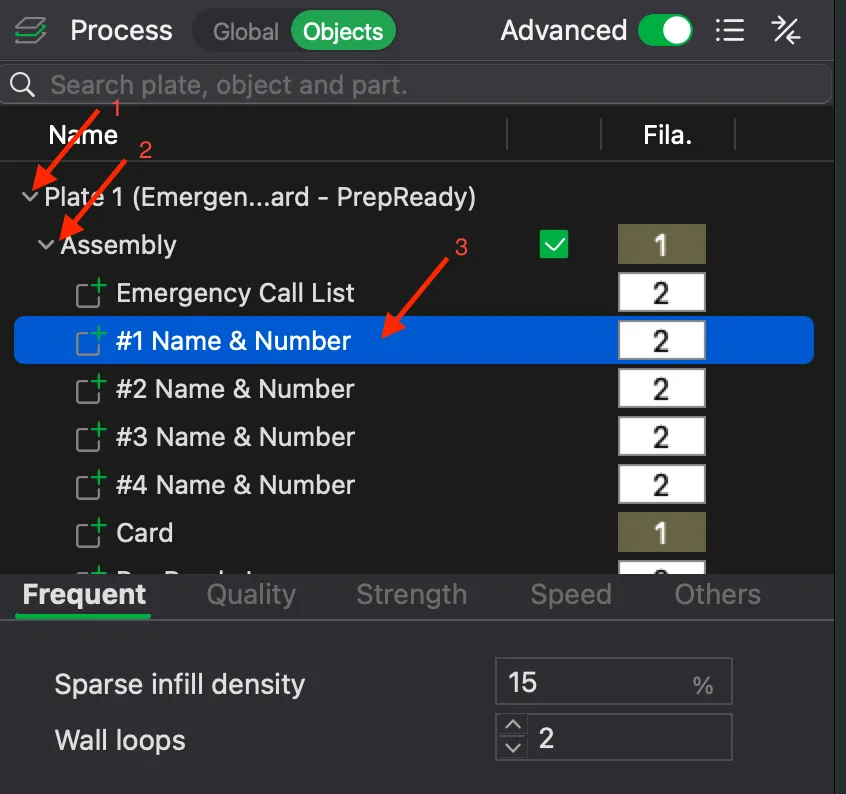
- When highlighted in blue right click to reveal the menu and click Edit Text. This will reveal the text editor window.
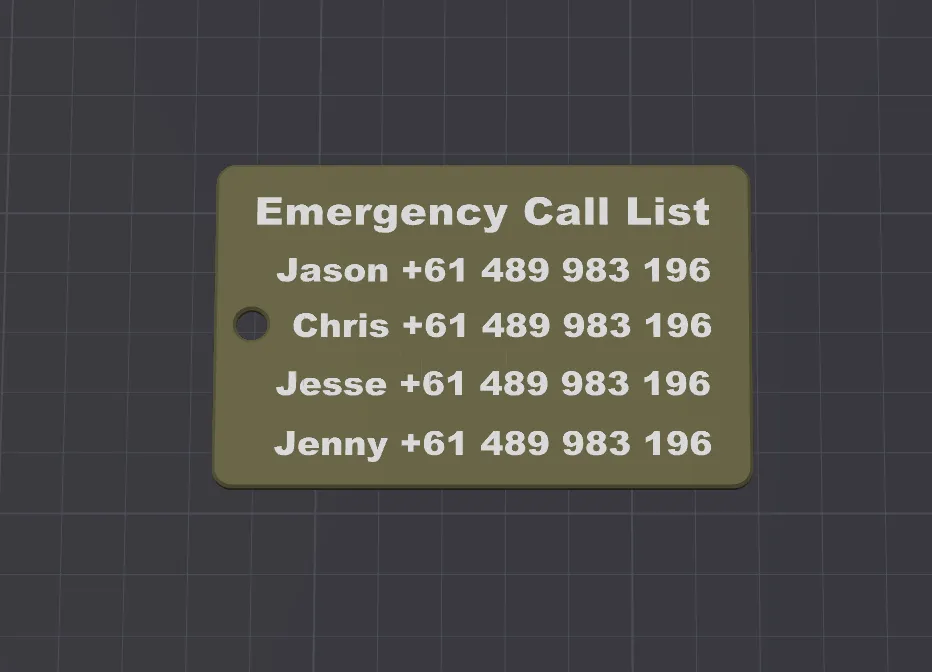
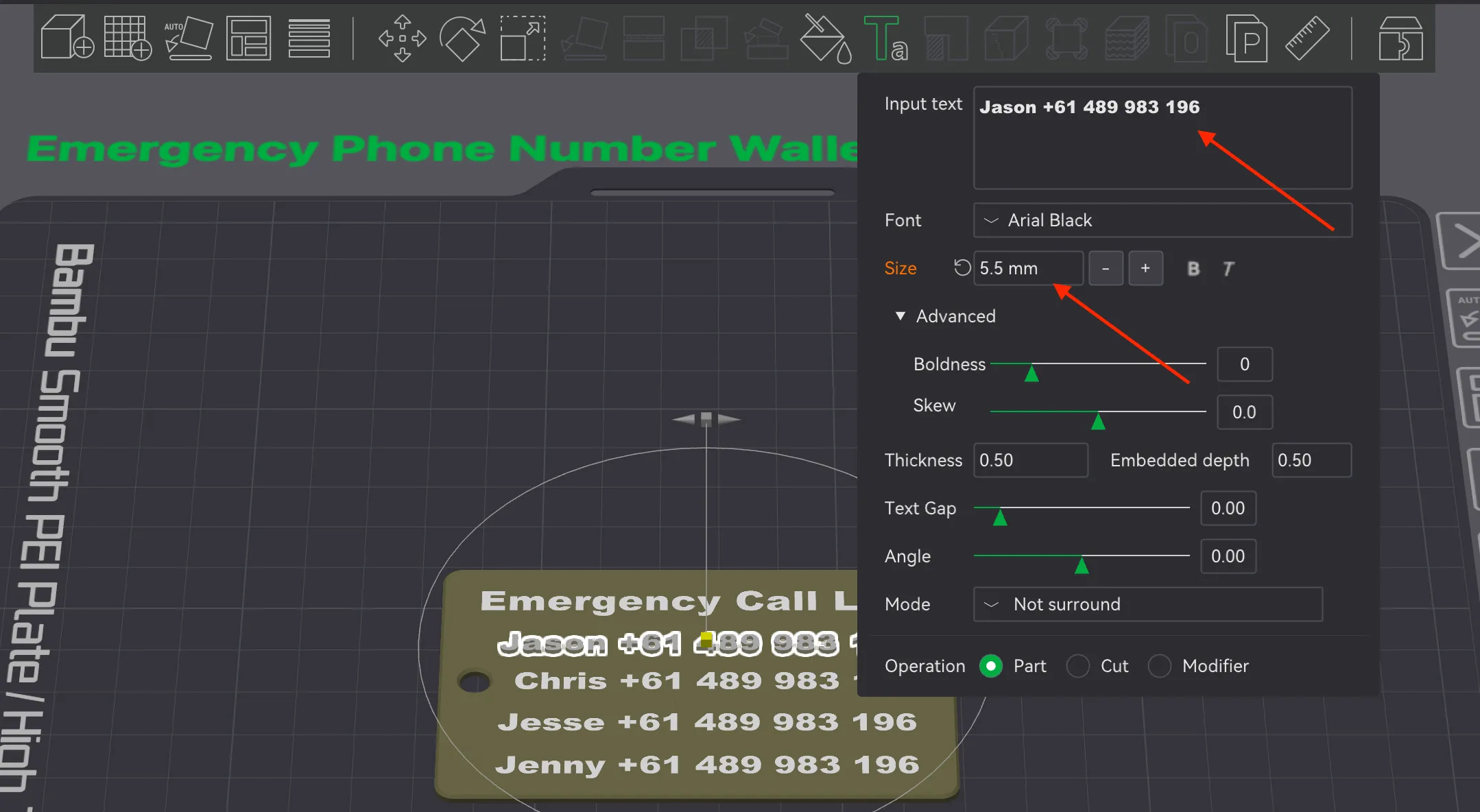
- Change the text as required to your own emergency names and numbers. Change the text size to ensure all text fits on the card. It is recommended to use 5.5mm to 6mm or higher. Repeat for all four names and numbers. If less them four names and number are used you can delete unused fields by clicking on them in the assembly list and deleting them.
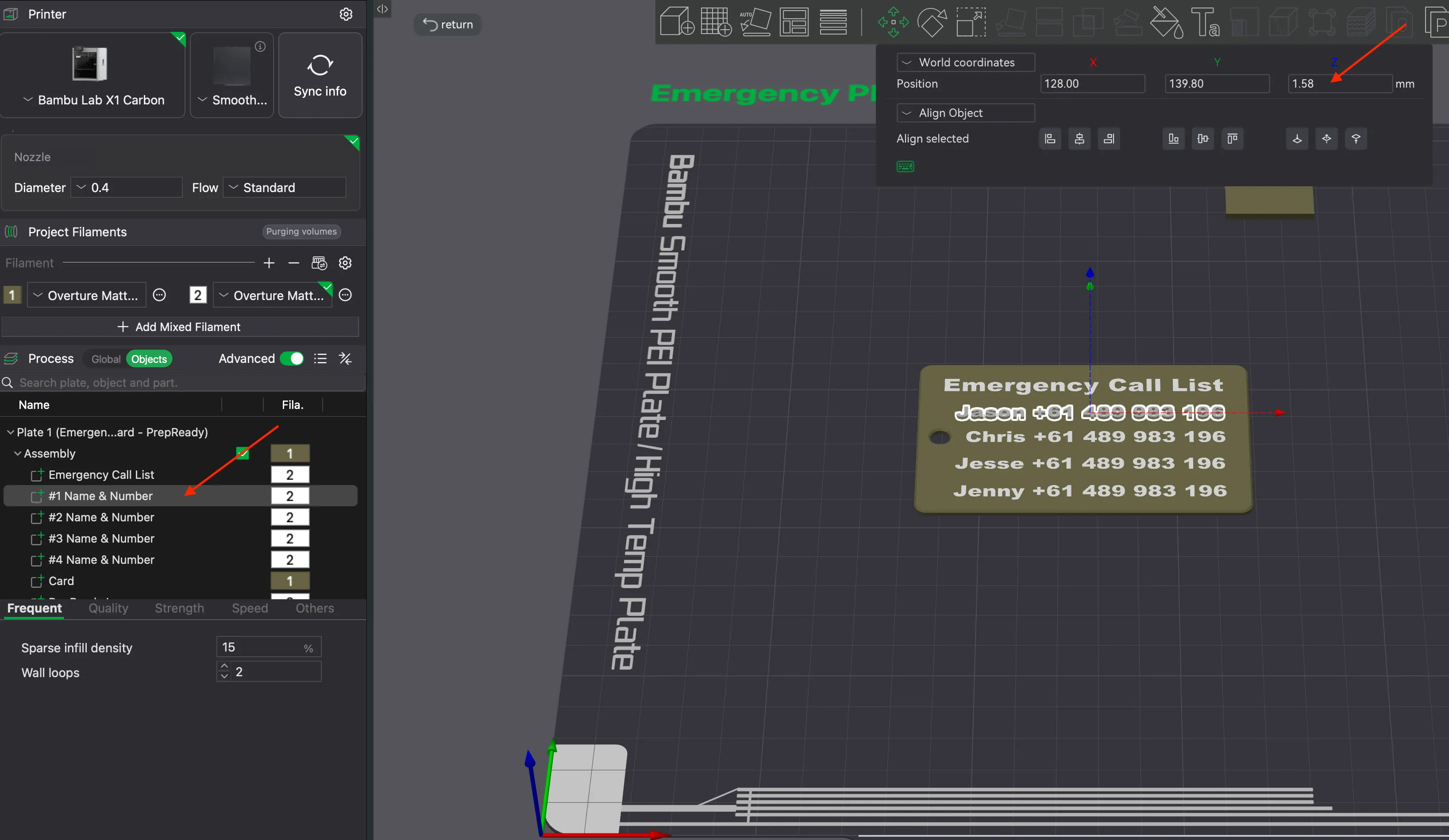
- To ensure a smooth flat finish after entering your names and numbers. Click on each field one at a time from the assembly list and using the move tool option ensure that Z position is set to 1.58 on all text lines.
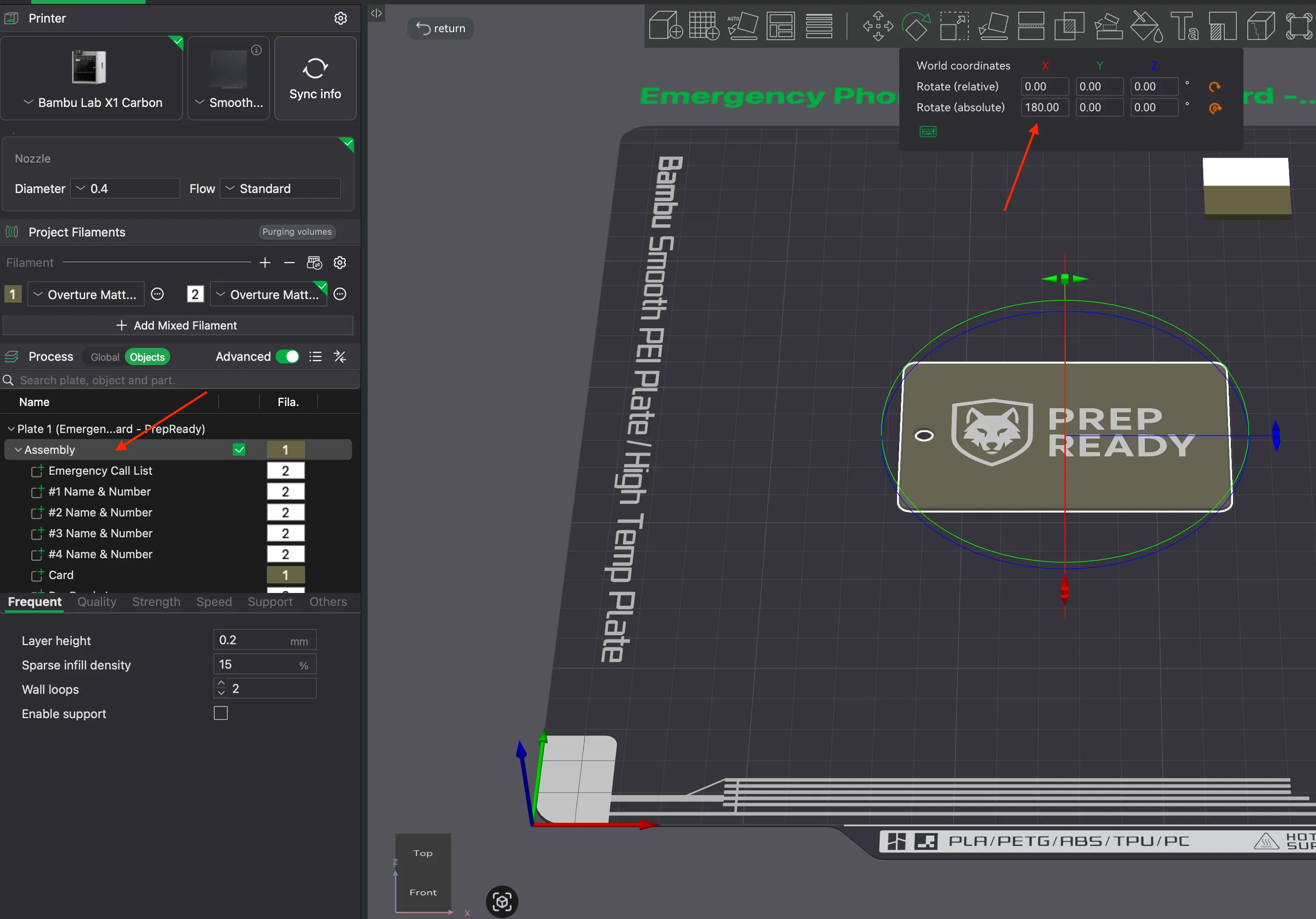
- Lastly for best printing it is recommended to flip the card so the names and numbers are facing down flat onto the print bed. To do this click on the assembly menu items and this will highlight the entire card. Then using the rotate tool rotate absolute 180. If successful you should see the PrepReady logo facing up at you. Happy Printing.
Any questions feel free to drop us a line.
Want to sell this?
Get a PrepReady Commercial License to legally 3D print and sell physical copies of this model.
New designs and system expansions are added regularly, giving you ongoing products to sell and grow your business.
License

You shall not share, sub-license, sell, rent, host, transfer, or distribute in any way the digital or 3D printed versions of this object, nor any other derivative work of this object in its digital or physical format (including - but not limited to - remixes of this object, and hosting on other digital platforms). The objects may not be used without permission in any way whatsoever in which you charge money, or collect fees.


Comment & Rating (0)