Search models, users, collections, and posts

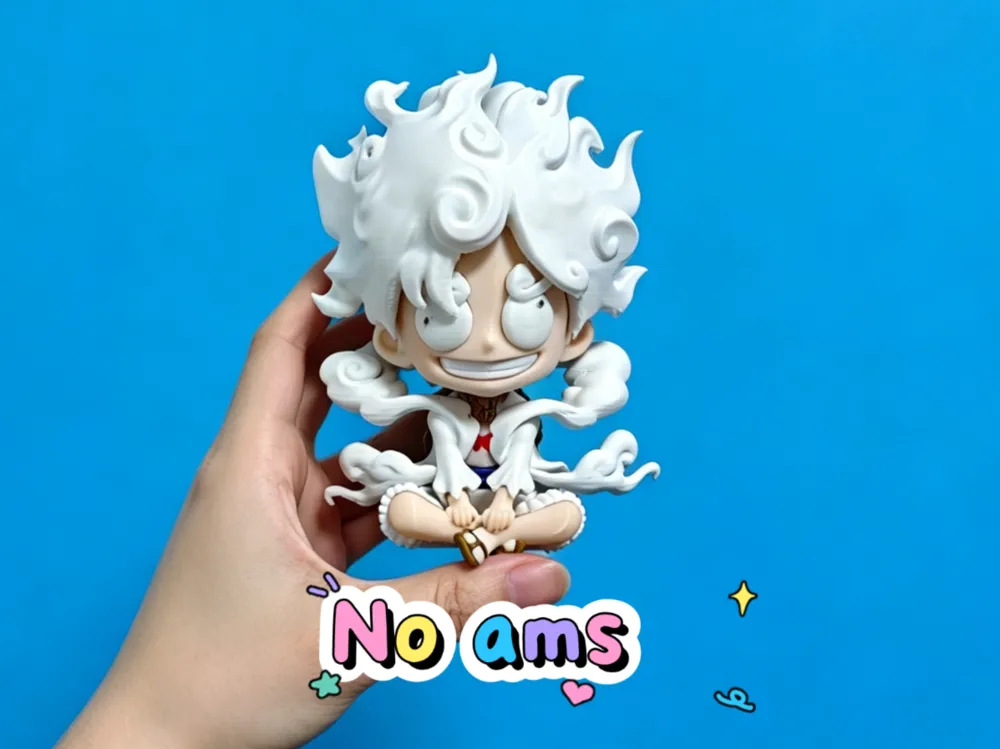
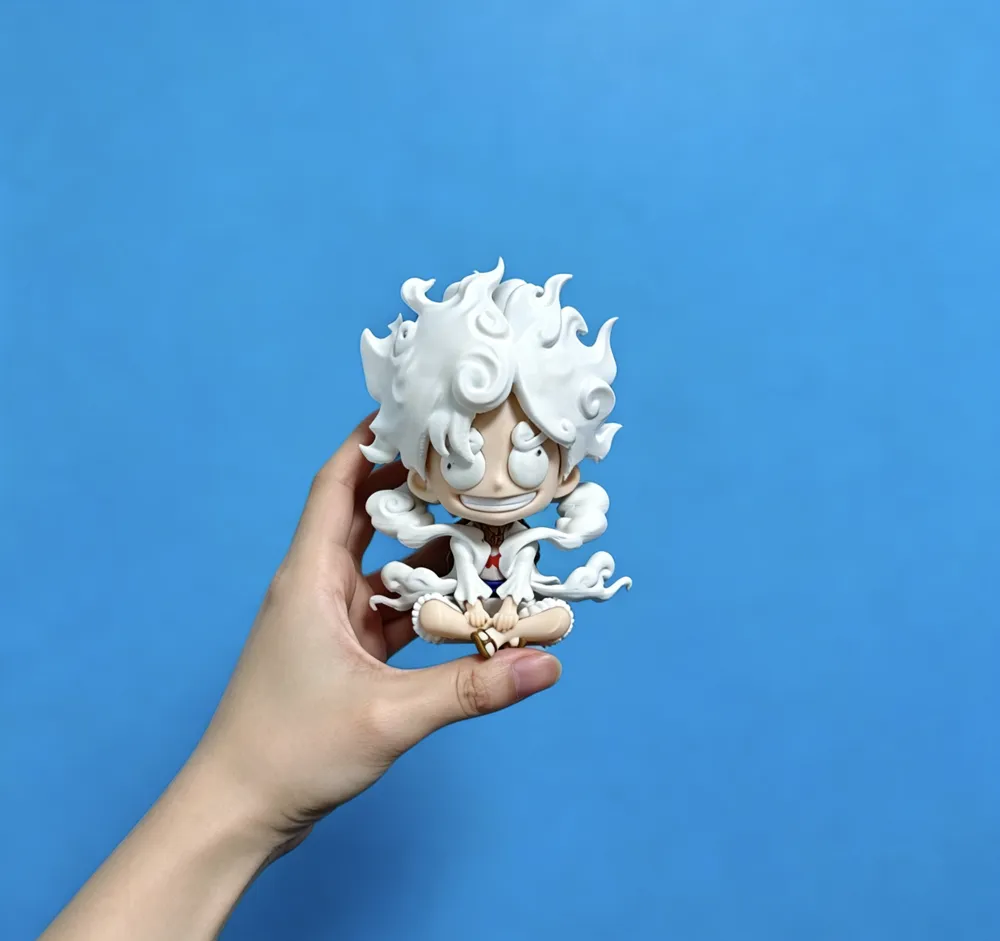
Luffy One Piece Wise Pirate King Nika Form Multicolor Fully Separated Parts Multiple Print Versions
IP Report
Print Profile(3)
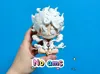
14cm multi-color fully separated parts printing (NO AMS)
Designer
13.4 h
6 plates
10cm multi-color Print in Place (for AMS)
Designer
16.3 h
1 plate
10cm single color Print in Place (single color)
Designer
3.6 h
1 plate
Open in Bambu Studio
Boost
404
914
8
7
190
61
Released
Description
Content has been automatically translated.
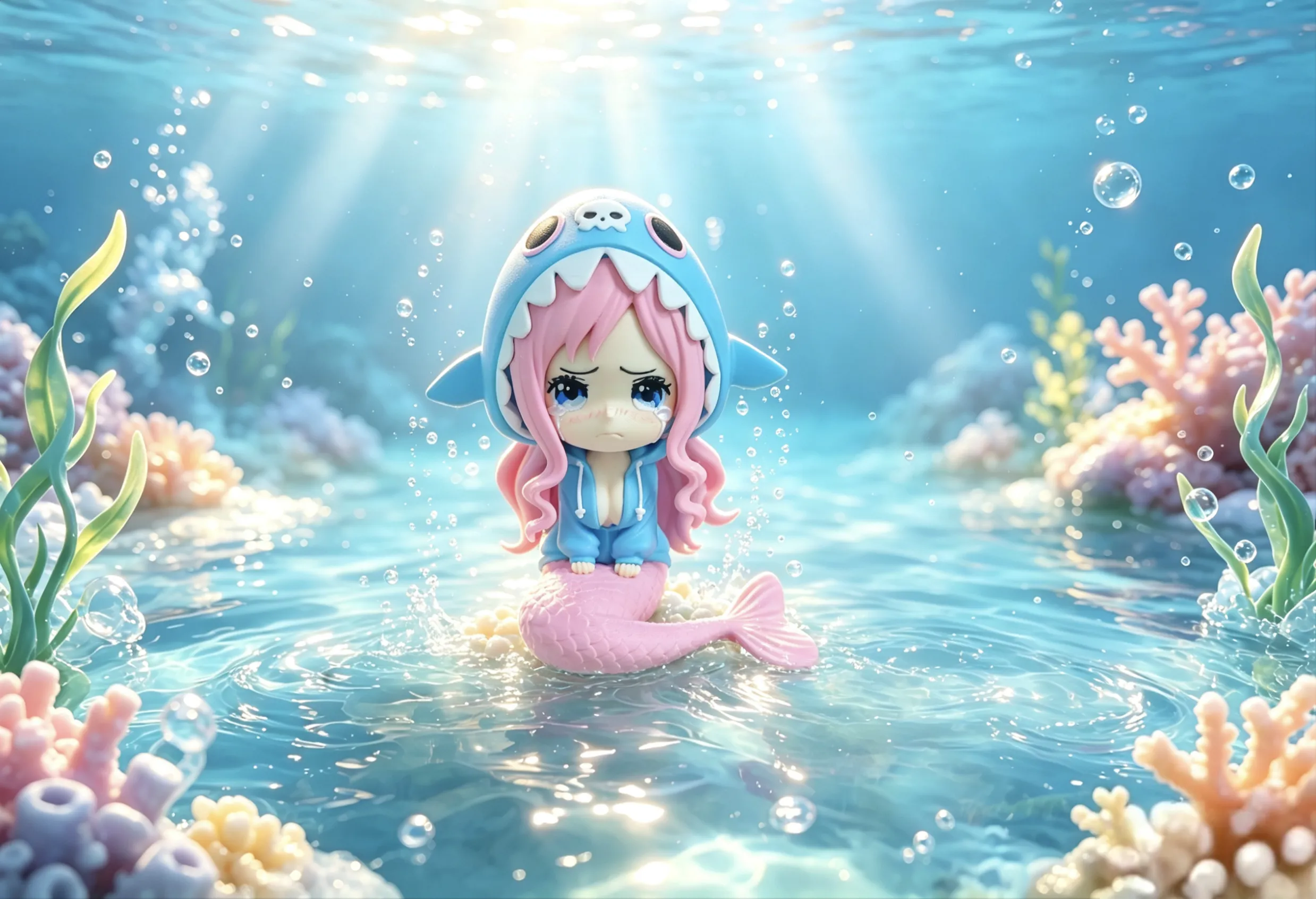
2026/6/29 New model update:
One Piece Series Volume 2, Princess Shirahoshi debuts!! (Click image to jump and download)
2026/5/27 Update:
Normal face DLC uploaded, click the image below to jump and download for printing
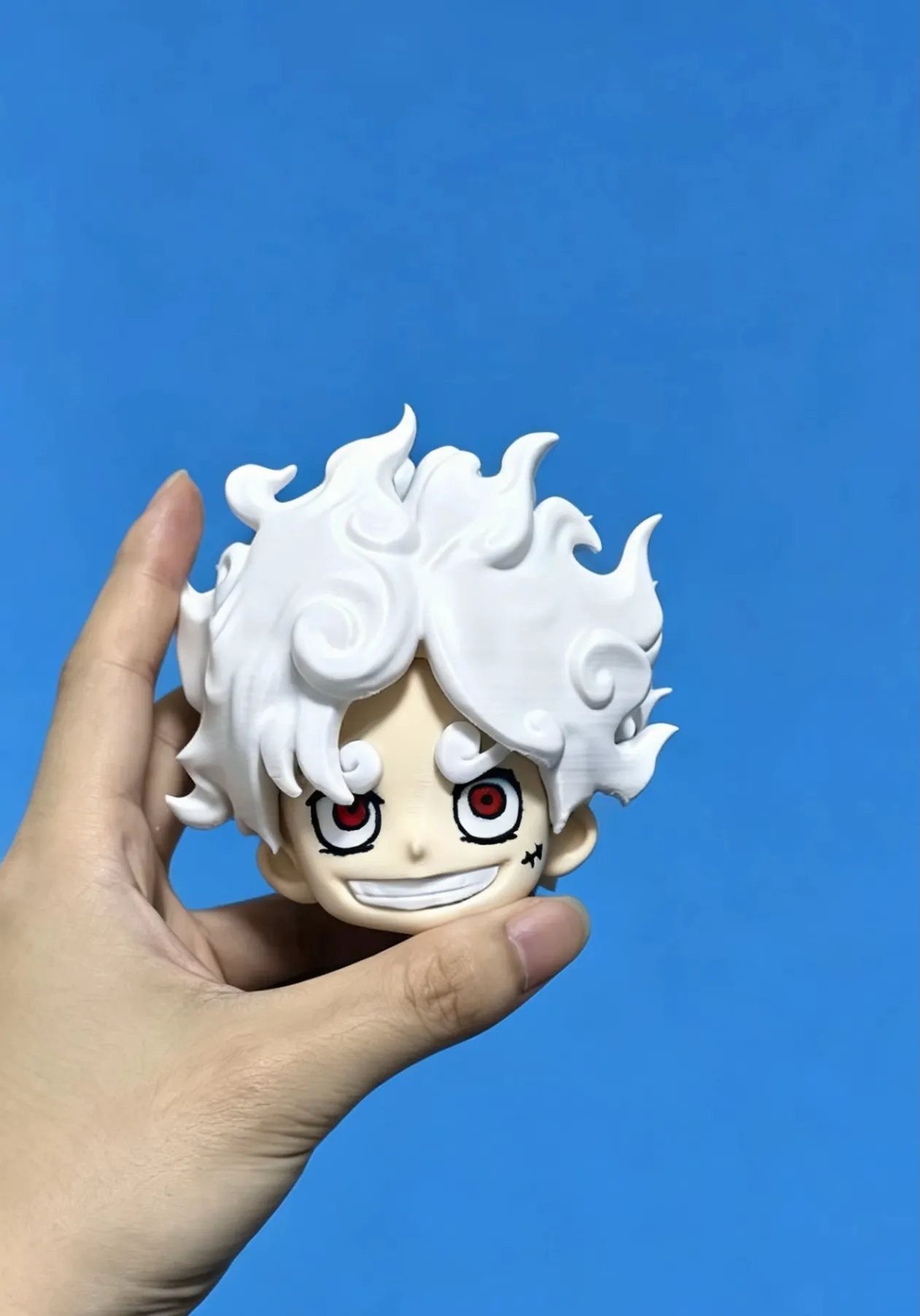
Foreword:
Recently, I wanted to try creating other anime characters for the Wisdom series, and that's how this model came to be! If you like it, please give it more support, and if the response is good, I will make more One Piece series! (Of course, the previous Pokémon series will continue to be updated! Don't worry :)
I personally like this model very much, and I might redo the eyes later to make a normal Q-version (non-Wisdom series)
Installation instructions:
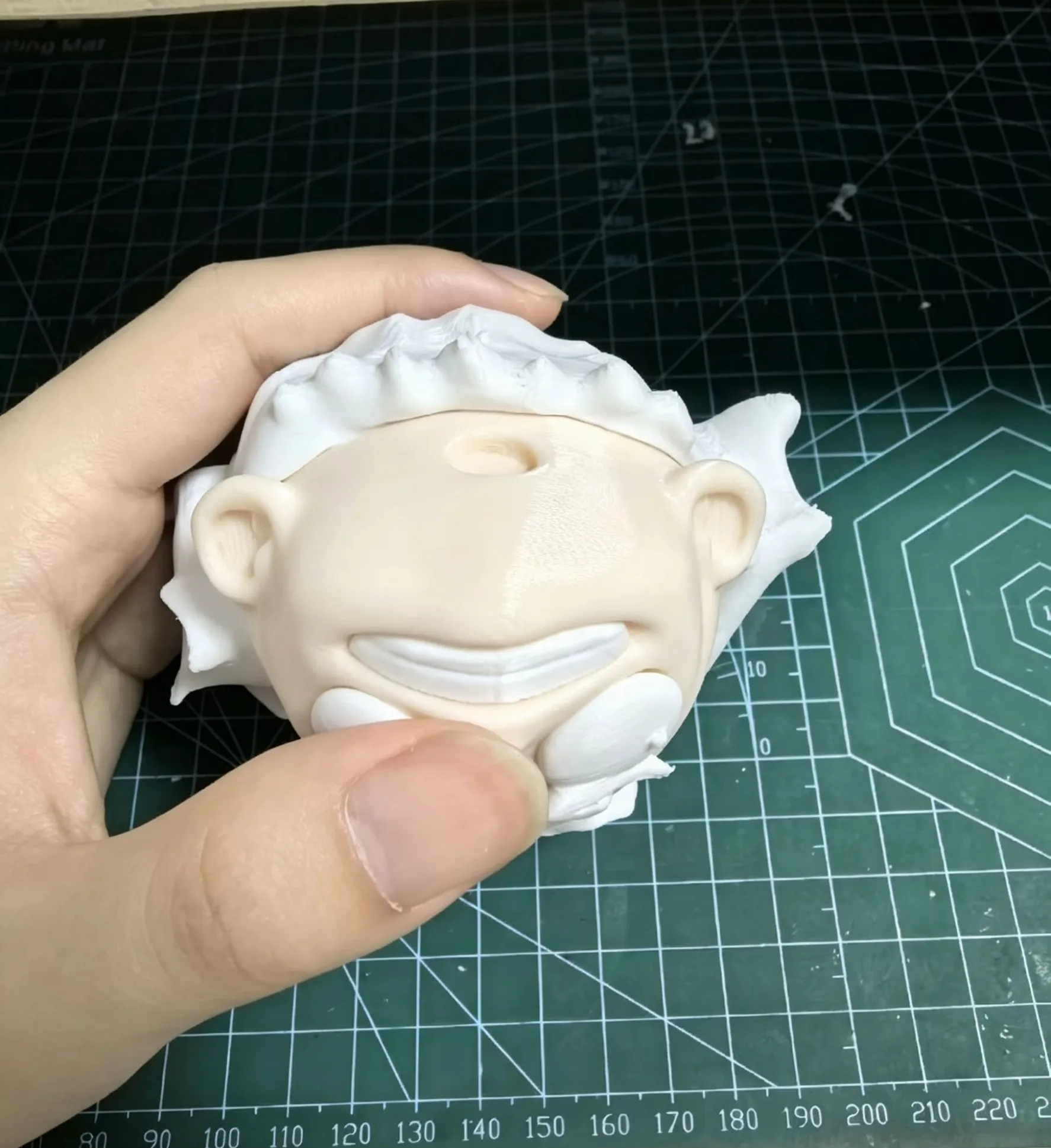
When installing the head, first attach the face to the back part of the hair
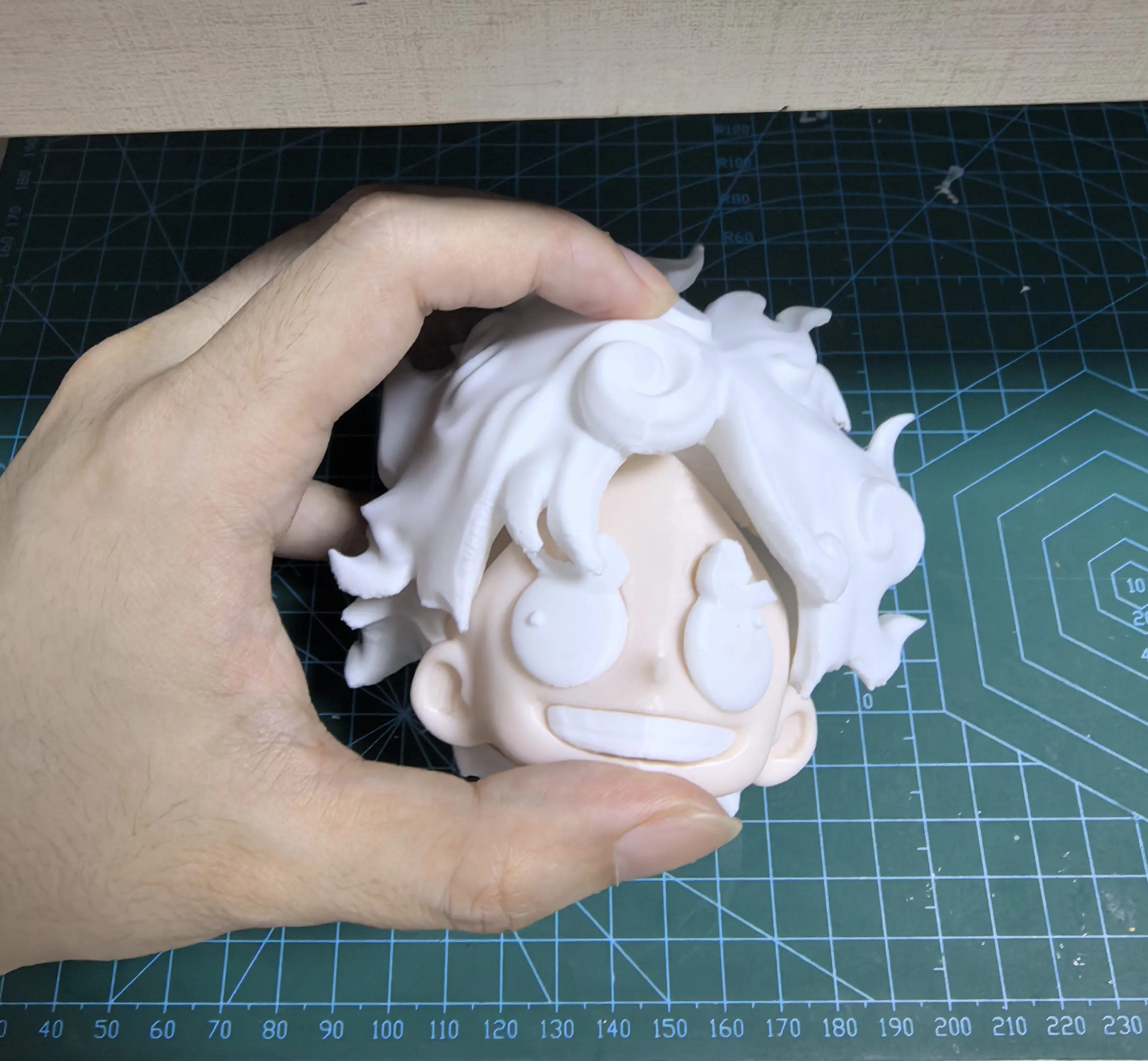
Then slide the front part of the hair (bangs) between the head and the back part of the hair, then press firmly with a little force
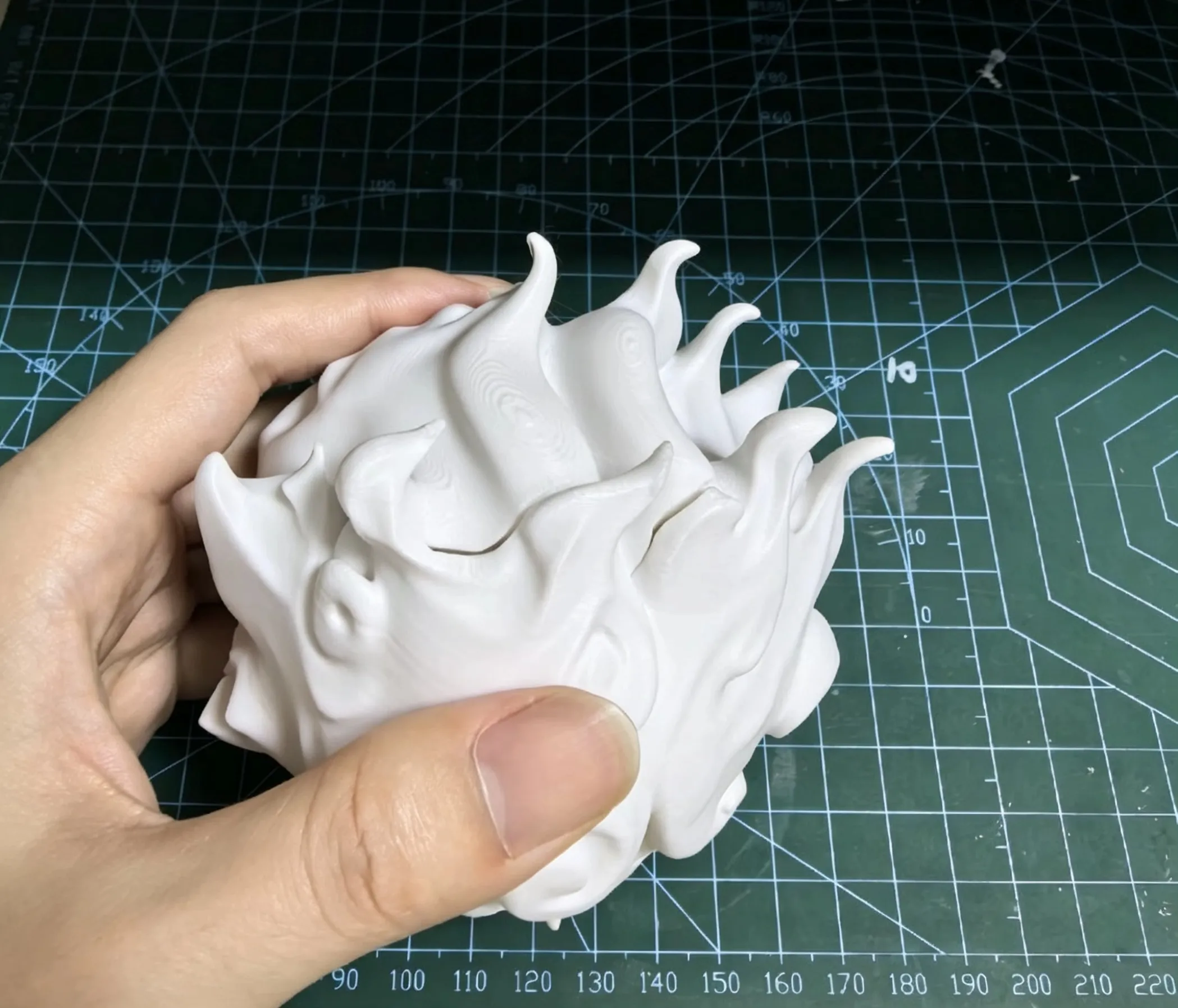
Press firmly to minimize the gaps between the hair; once snapped in place, it will be quite secure even without super glue (though it's best to apply a little glue)
Other points to note:
1: Since the entire model is relatively small, be especially patient when attaching the slippers. It is recommended to use tweezers to attach the thong strap of the slipper between the toes!
2: There's a slight tightness between the body and clothes, so a little force is needed during installation. You can also tap it with a small hammer. If it really doesn't fit, you can increase the X-Y contour compensation in the printing settings (mine is set to -0.1, adjust as needed)
3: At the end of the model plate, there are two small dual-color version parts, namely the hat and the body. You can choose to print either the dual-color version or the single-color version.
If you print the single-color version, both the hat and body need to be colored with a red pen (of course, not coloring them won't have a big impact).
If you choose the multi-color version, remember to click 'skip part' when printing the body and hat from the single-color version, you don't need to print them!
4: The hat needs to be glued to the hair and clothes to prevent it from falling off
5: That's all for now! If you have any other questions about installation, feel free to discuss them friendly in the comment section!
License

This user content is licensed under a Standard Digital File License.
You shall not share, sub-license, sell, rent, host, transfer, or distribute in any way the digital or 3D printed versions of this object, nor any other derivative work of this object in its digital or physical format (including - but not limited to - remixes of this object, and hosting on other digital platforms). The objects may not be used without permission in any way whatsoever in which you charge money, or collect fees.


Comment & Rating (8)