Search models, users, collections, and posts

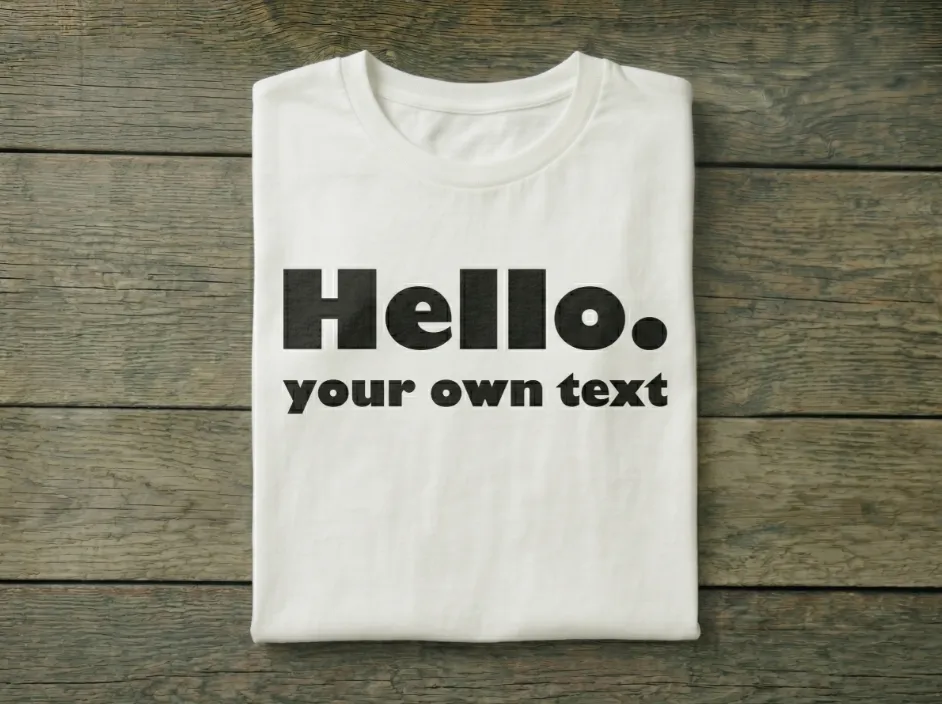
Design your own T-shirt print
IP Report
Print Profile(0)
Add the first print profile to earn points
Boost
28
67
0
0
132
24
Released
Description
Content has been automatically translated.
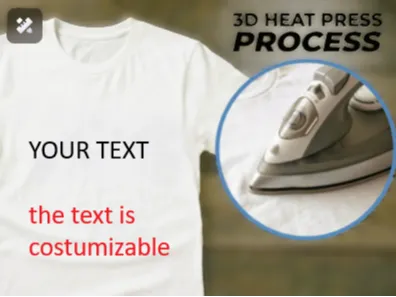
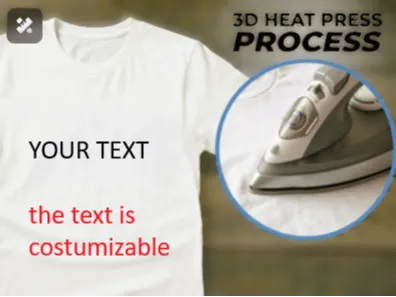
Instructions 🛠️👕
Download the model and open it in Bambu Studio 💻
- After printing, carefully remove the model from the build plate
⚠️ Avoid sudden movements – the model is only 0.3 mm thick and can be easily damaged or torn - Prepare your ironing area: set up an ironing board and an iron, then preheat the iron 🔥
- Place the T-shirt on the ironing board, position the printed model on the desired area, and cover it with heat-resistant paper (e.g., baking or parchment paper) 📄
- Press the preheated iron onto the model (or move the iron evenly, depending on the size of the model) for 15–20 seconds ⏱️
- Wait a moment, then remove the paper. The model should easily detach and remain on the T-shirt ✅
- (Optional) Turn the T-shirt inside out and iron the area where the model is attached for another 5–10 seconds 👕✨
Important: ⚠️ - T-shirts with prints should be washed at a maximum temperature of 50°C (122°F)
Washing at higher temperatures can cause the model to detach from the fabric 🧼🌡️
PLEASE CHECK OUT @ArtEleria FOR MANY OTHER GREAT PRINTS AND PLEASE BOOST AND DON'T FORGET TO FOLLOW ME AND @ArtEleria SO YOU DON'T MISS ANYTHING NEW
PLA
pla basic
pla matte
galaxy pla
hoddie
t shirt
shirt
print
costum gift
costum
costumizable
costumizable myprinterworld
costumizable t-shirt print
wear
accesoir
PETG
pteg bacis
petg matt
TPU
filament
Fast
summer
must have
test
first
first print
test print
trend
viral
t shirt print
mode
'modern
2026
gift
Fidget
Flexi
cup
nice
WOW
only 1 gram
print 8min
myprinterworld
paunundneda
myprinterworld kooperation
kooperation
BMW
Mercedes
AUDI
Car
chines car
License

This user content is licensed under a
Creative Commons Attribution-Noncommercial-NoDerivatives


Comment & Rating (0)