
Print Profile(21)
Description
🚀 Multicolor Toy Story Style Letter (With Name Tag) / Toy Story Style Letter
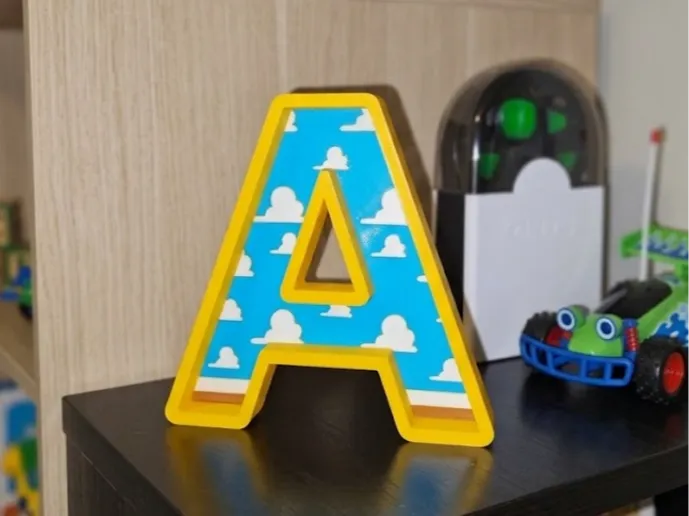
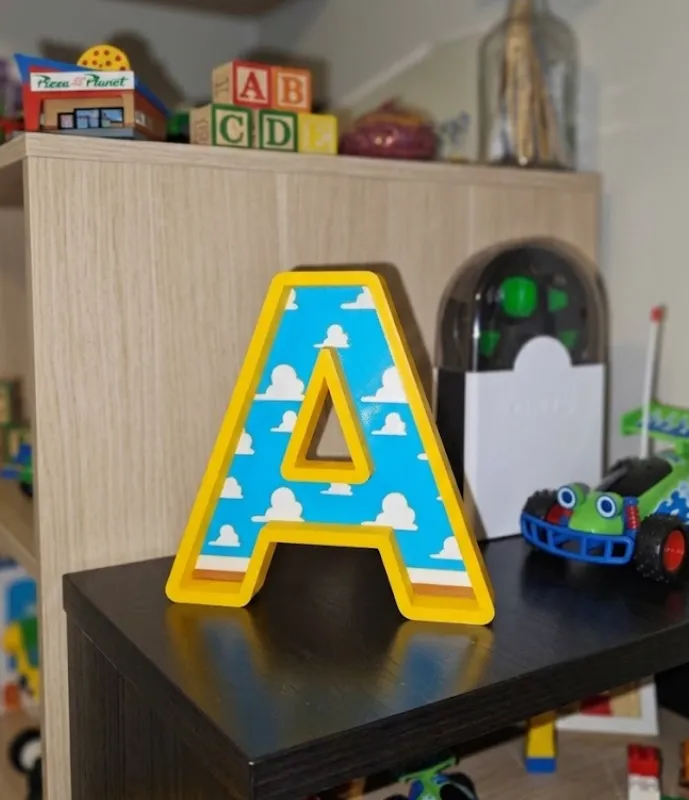
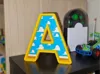
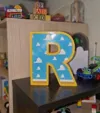
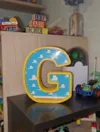
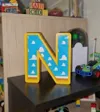
Add a magical and nostalgic touch to any corner with this decorative letter inspired by the Toy Story universe! The design recreates the iconic blue sky background with white clouds, brown ground, and the dividing line, all framed in the classic yellow relief of the movie's letters.
📌 COLLECTION NOTE: I'll be uploading the complete alphabet letter by letter gradually! Follow me on my profile so you don't miss any initial and can assemble any full name you want.
🛠️ How to customize it in Bambu Studio / How to customize it
The .3mf file is prepared and colored by parts for AMS systems. To add a small tag with your child's (or your own) name from the slicer itself, follow these simple steps:
- Open the .3mf file in Bambu Studio or OrcaSlicer.
- Right-click on an empty area of the print bed and select Add Primitive (Add Primitive) -> Cube (Cube) or your preferred tag design.
- Resize the cube to be a thin plate and use the Text (Text Shape) tool in Bambu Studio to write the name on top of the plate.
- Place the name tag on the letter in your preferred position, and it's ready to slice!
🎨 AMS Configuration / Filament Settings
Assign the filaments in your AMS as follows to get the identical result to the photos:
- Slot 1: Yellow (Outer border and back base) / Yellow for borders
- Slot 2: Sky Blue (Landscape background) / Light Blue for background
- Slot 3: White (Clouds and dividing line) / White for clouds & separator
- Slot 4: Brown (Ground block) / Saddle Brown for ground
📐 Print Settings / Print Settings
- Layer Height (Layer Height): 0.20 mm - 0.24 mm.
- Walls (Walls): 2 or 3 perimeters.
- Infill (Infill): 5% - 10% (Gyroid or Grid).
- Supports: No supports needed (No supports needed).
If you like the design and want to support this project to continue uploading the rest of the alphabet, I greatly appreciate your "Like" and sharing a photo of your print in the comments! It makes me very excited to see how they turn out for you. 🚀✨
Boost Me (for free)
Help us grow and continue uploading models. Thank you
License

You shall not share, sub-license, sell, rent, host, transfer, or distribute in any way the digital or 3D printed versions of this object, nor any other derivative work of this object in its digital or physical format (including - but not limited to - remixes of this object, and hosting on other digital platforms). The objects may not be used without permission in any way whatsoever in which you charge money, or collect fees.


Comment & Rating (26)