
Clicker fidget toy ¡v2!
Print Profile(2)
Description
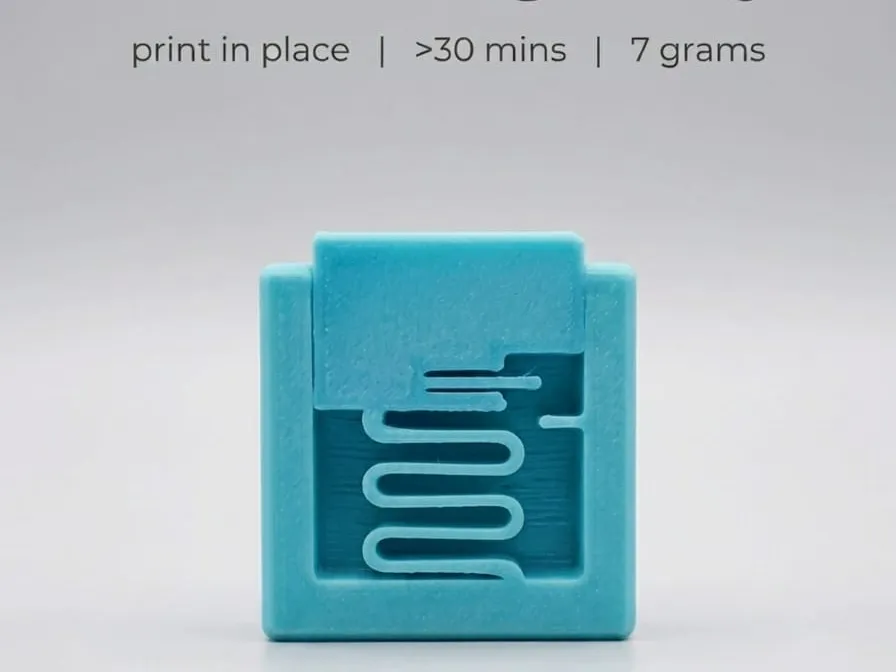
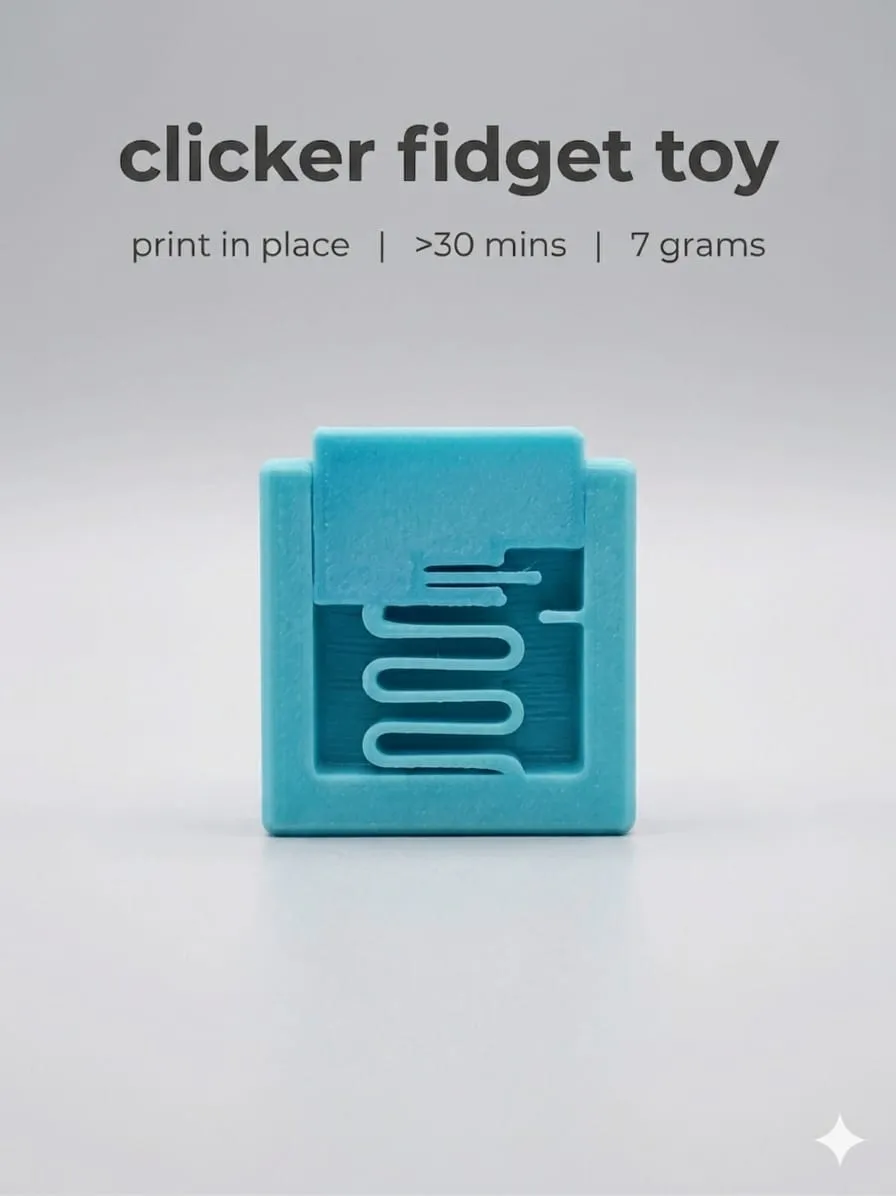
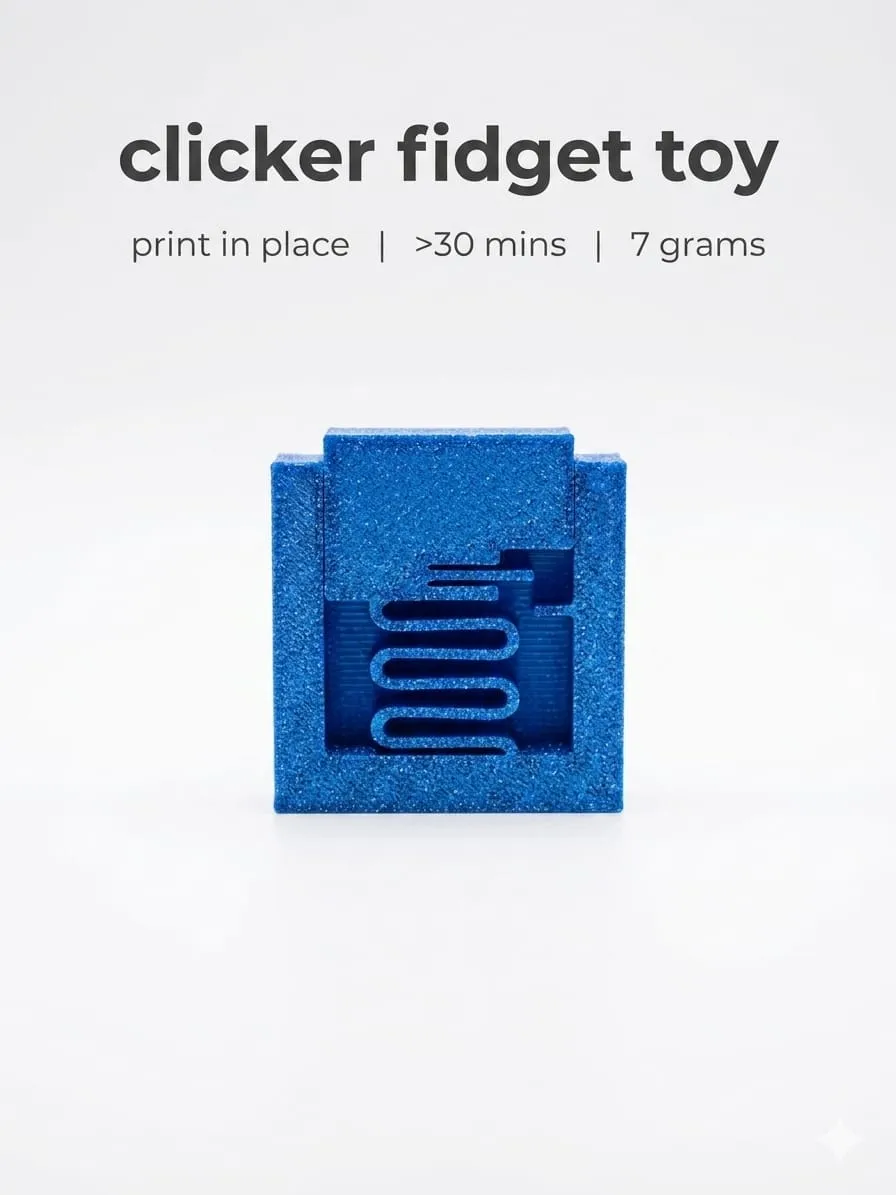
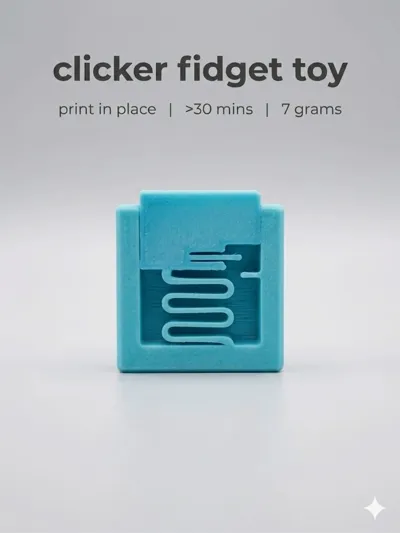
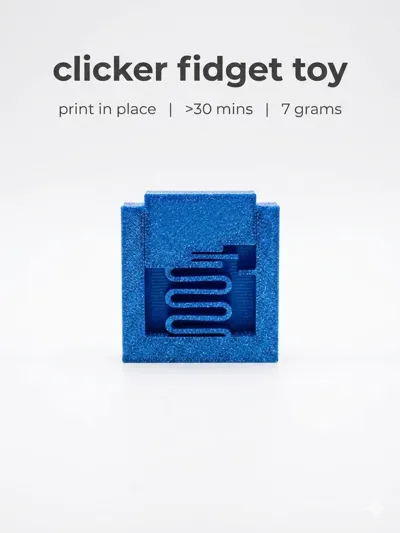
Ergonomic Compact Clicker | 3D Printing
Let it cool before removing it from the bed, about 15 min. You need to give it about 20-30 clicks for it to work smoothly. It stops working after 400-500 clicks
Boost Me (for free)
I have spent a lot of my filament on this project any boost helps me a lot. Thank you very much
You have to do the following when you remove the clicker from the bed:
Pull with a little force the part that sticks out to detach it from the top part
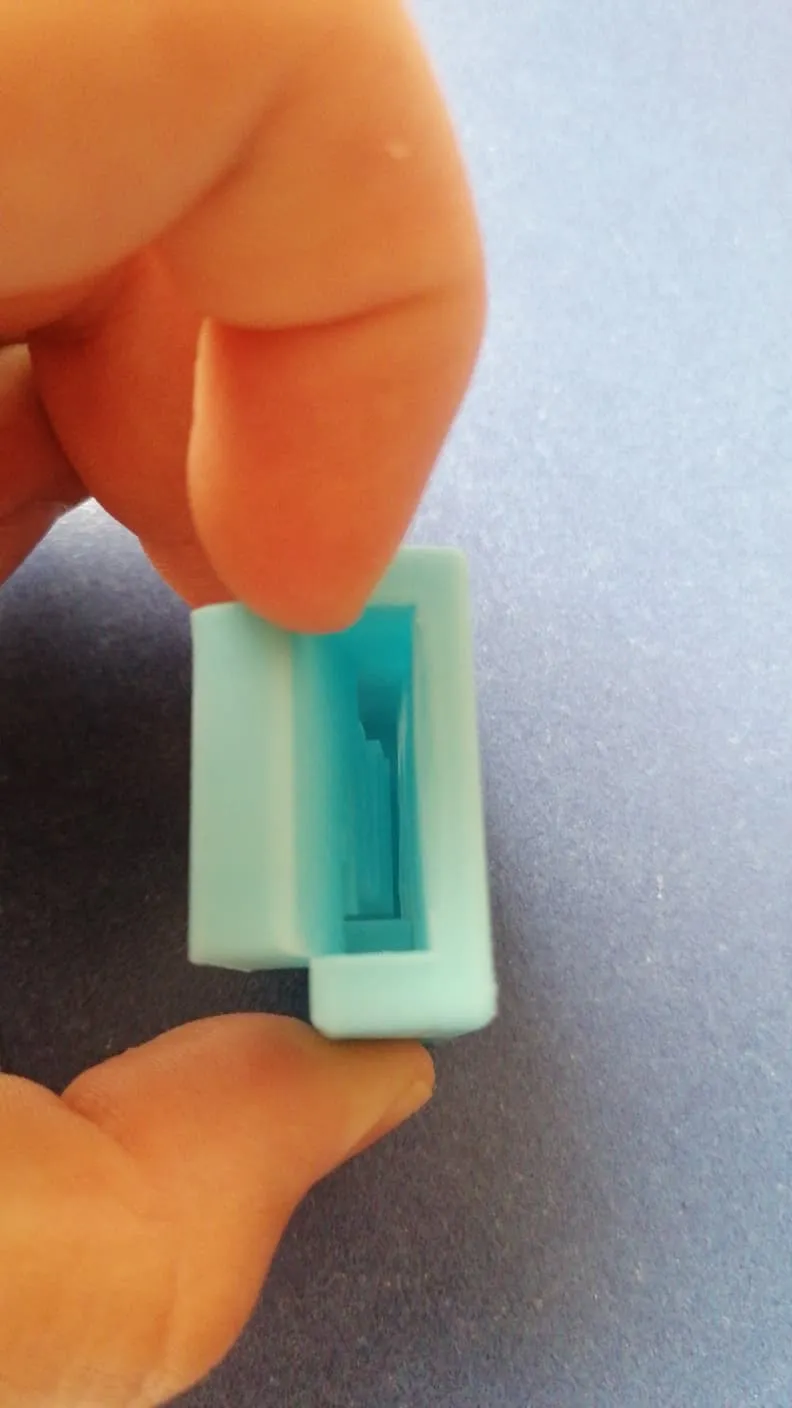
A compact and functional clicker specially designed for 3D printing. Its ergonomic shape offers a comfortable and natural grip, while the top button provides a precise and satisfying click.
The model is optimized to be easily printed without supports, reducing time and material.
Easy to customize with different colors and materials.
Features
- Compact and lightweight design
- Satisfying tactile click
- Fast and easy printing
- No supports required
- Compatible with PLA, PETG, and ABS
Recommended settings
- Layer height: 0.2 mm
- Infill: 15–20%
- Perimeters: 3
- Supports: No
- Brim: Optional
License

You shall not share, sub-license, sell, rent, host, transfer, or distribute in any way the digital or 3D printed versions of this object, nor any other derivative work of this object in its digital or physical format (including - but not limited to - remixes of this object, and hosting on other digital platforms). The objects may not be used without permission in any way whatsoever in which you charge money, or collect fees.


Comment & Rating (0)