
Dahua/Amcrest/EmpireTech POE Camera Wall Mount
Print Profile(4)
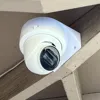
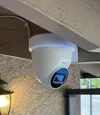
Bill of Materials
- M3.5 x 50 /#6 x 2" screws x 3: Screws to mount to wall
Description
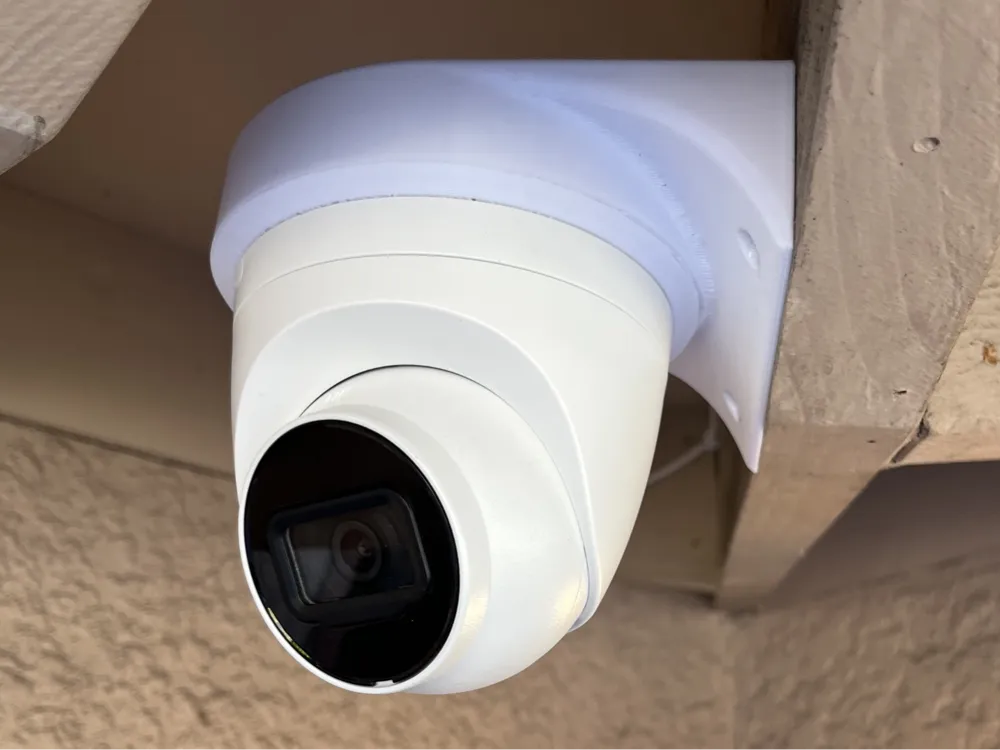
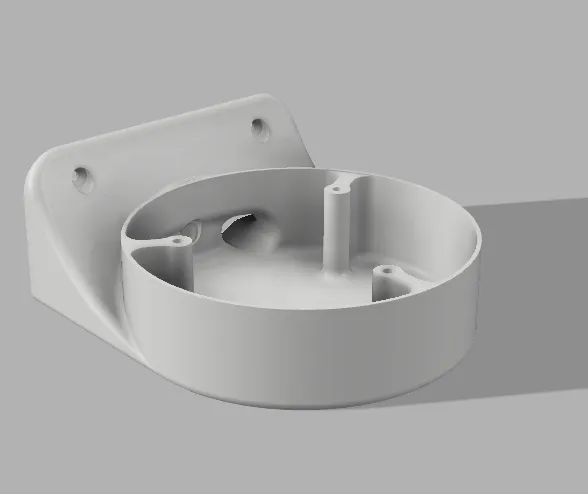
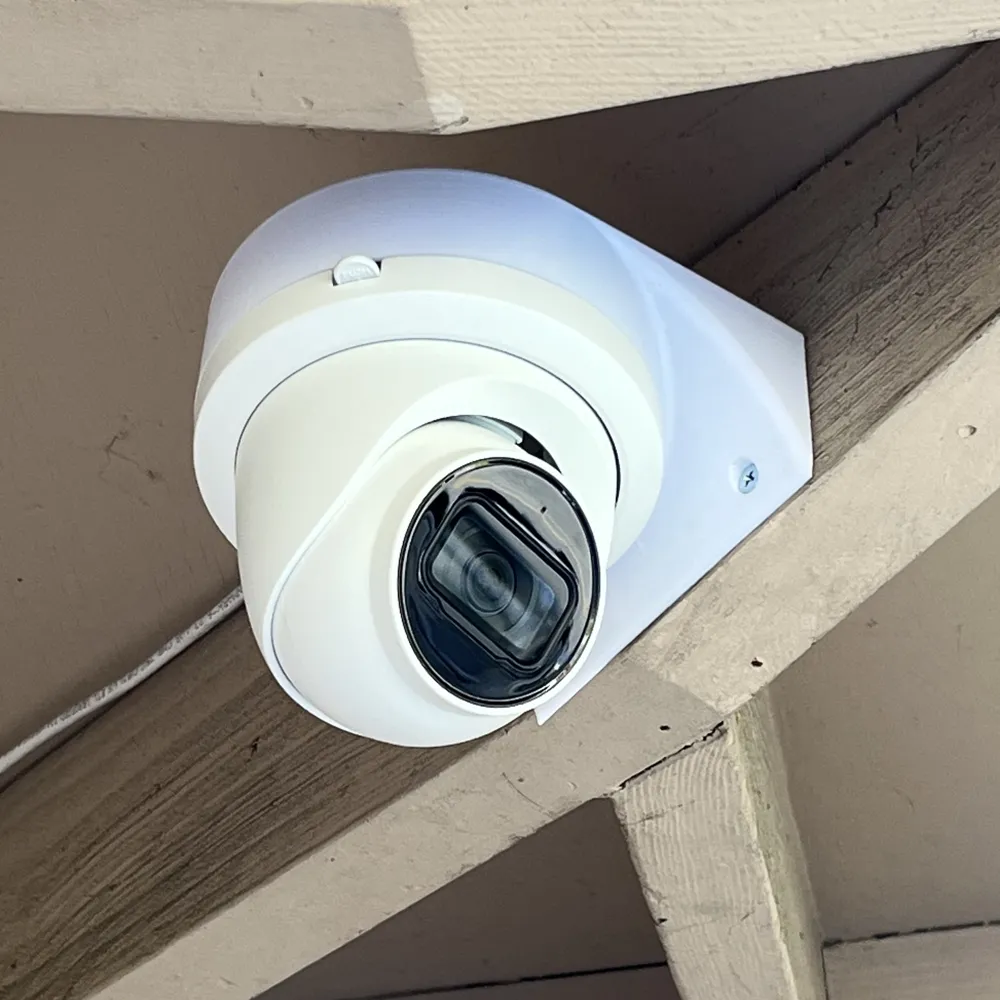
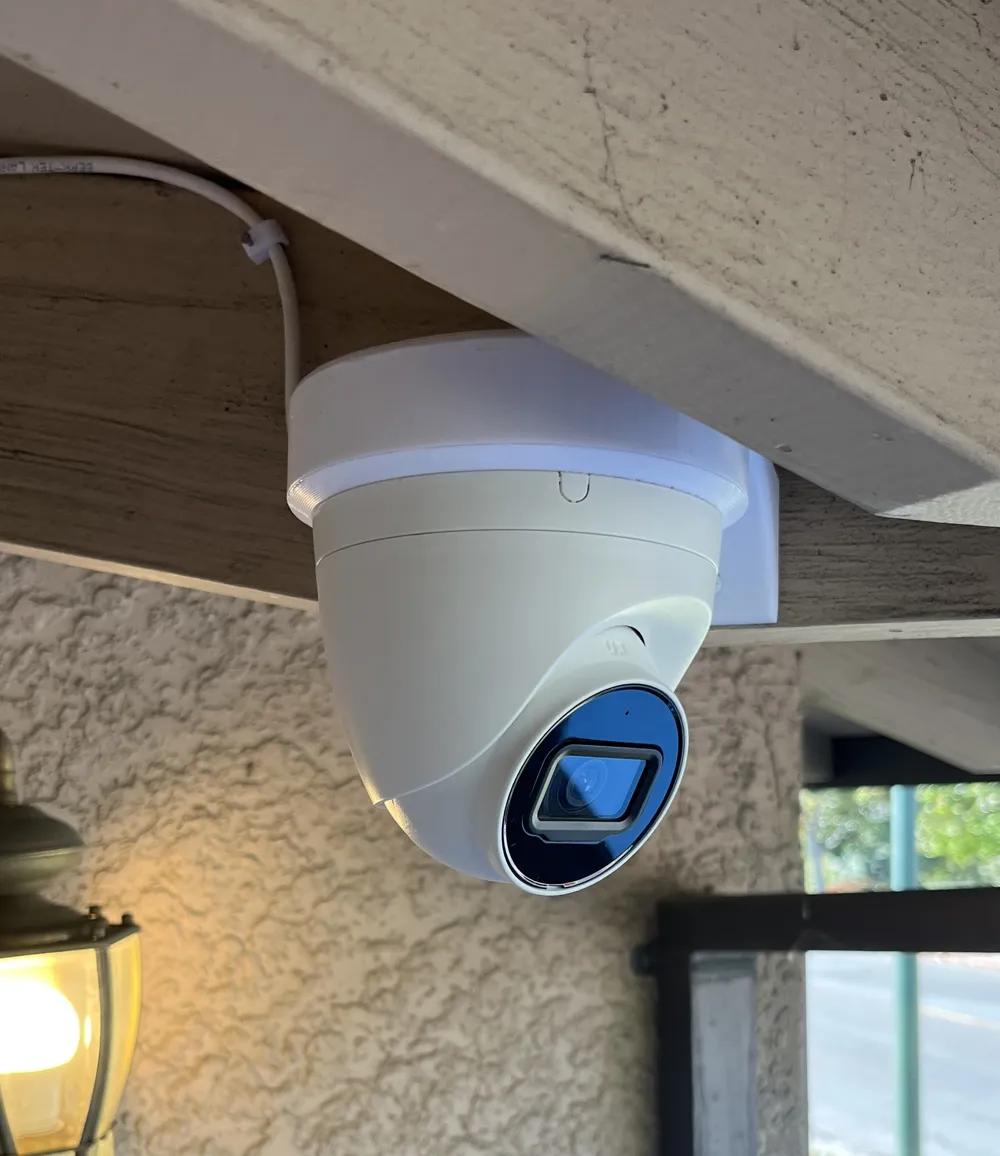
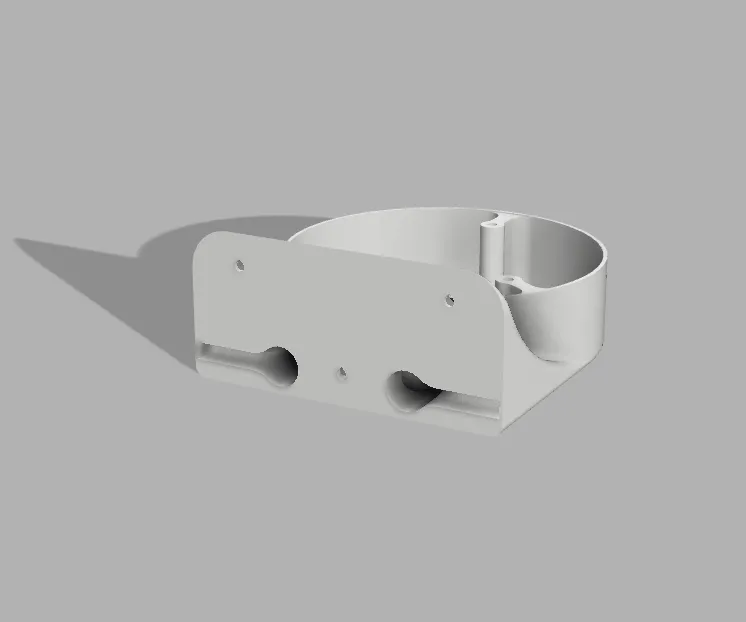
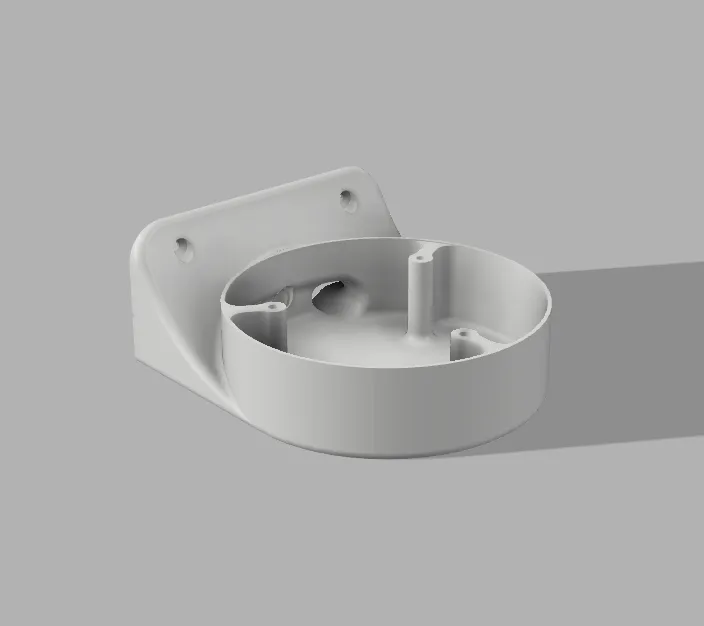
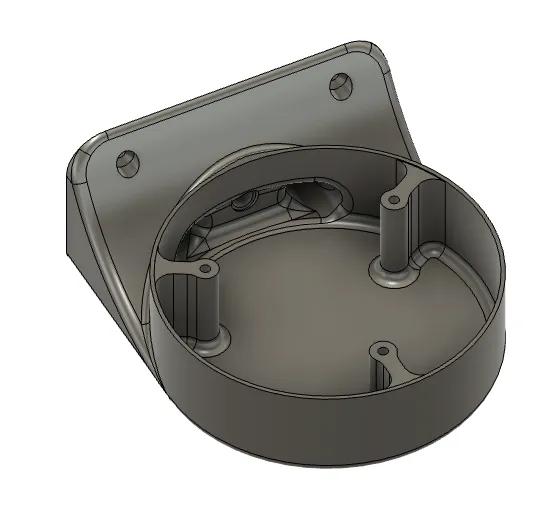
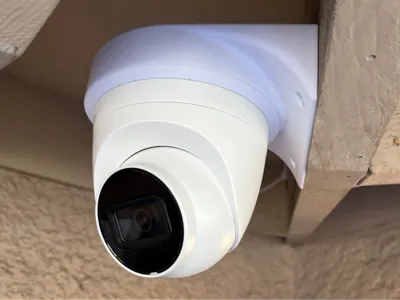
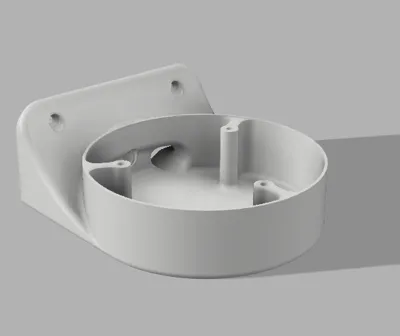
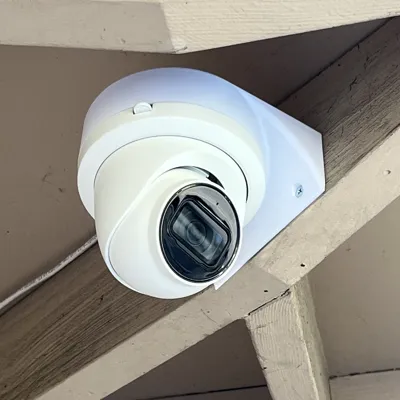
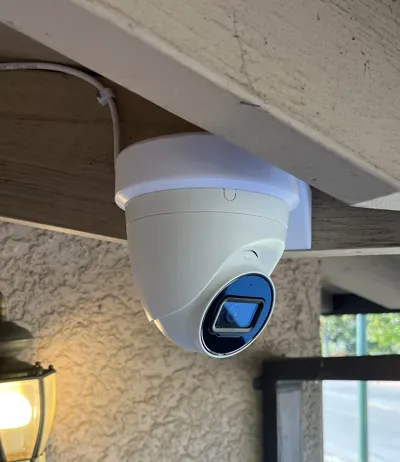
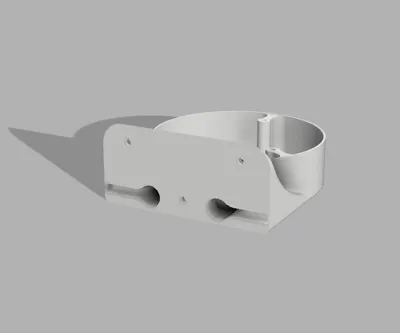
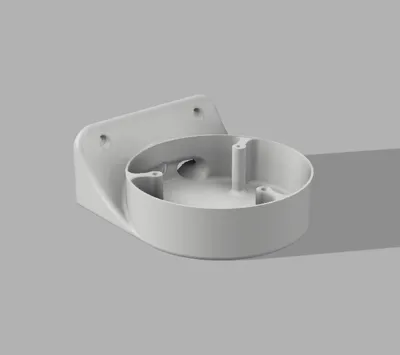
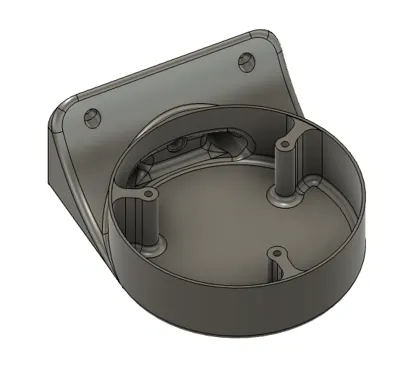
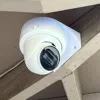
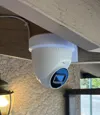
Wall mount for Dahua and Dahua-based cameras; like Amcrest, EmpireTech, Lerex, etc. Cables route through the body, and there are Ethernet entrances on both the left and right sides: break out the tab on whichever side works for your run.
Compatible cameras by body size:
- Lite (110mm, 2/3 series): EmpireTech IPC-T24IR, Dahua IPC-T2431T, DH-IPC-HDW2431T, Amcrest IP5M
- Pro (122mm, 4/5/6 series): EmpireTech IPC-T54IR & IPC-Color4K, Dahua IPC-T5442, Amcrest IP8M
Fits cameras with 3-hole mount ring on an 84mm bolt circle. Confirmed working with EmpireTech and Amcrest turret cameras -- likely compatible with other Dahua OEM brands (IC Realtime, Lorex) as well. If you try it on another model, let me know and I'll add it to the list.
Print in PETG or ASA for UV and weather resistance. Uses #6 / M3.5 screws for mounting. And don't forget to route the ethernet cable in before screwing down.
I would love to see your prints. Let me know if there are any missing features or improvements you would like to see.
License



Comment & Rating (0)